Scroll down to D0vvnl0ad
Install THE END Addon for Minecraft PE/Bedrock and Prepare for Day 7
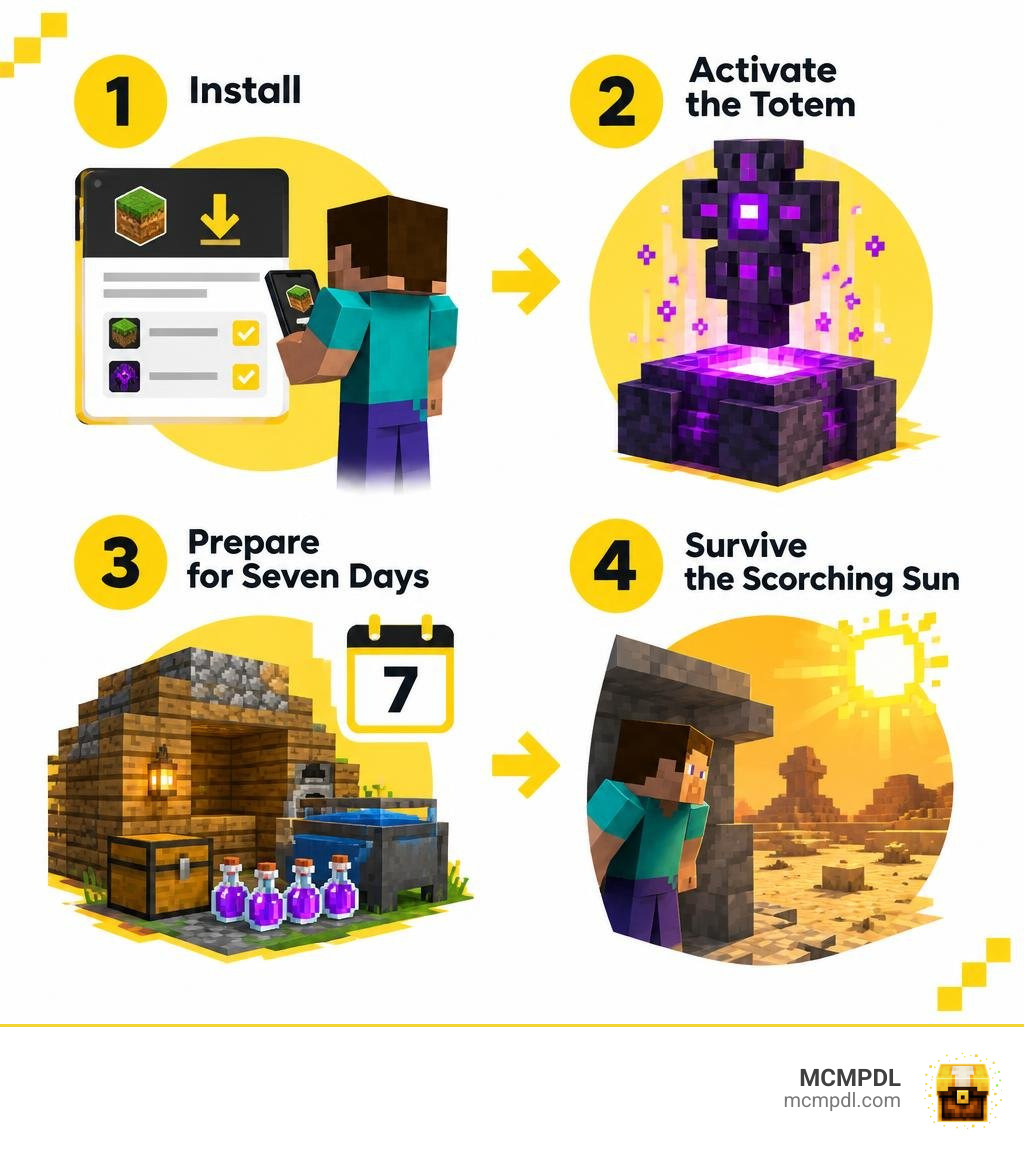
To install THE END Addon for Minecraft PE/Bedrock, download a version that matches your game, open the .mcaddon file with Minecraft, then enable its resource and behavior packs in your world settings. Put both packs at the top of their active pack lists. Back up your world before you begin.
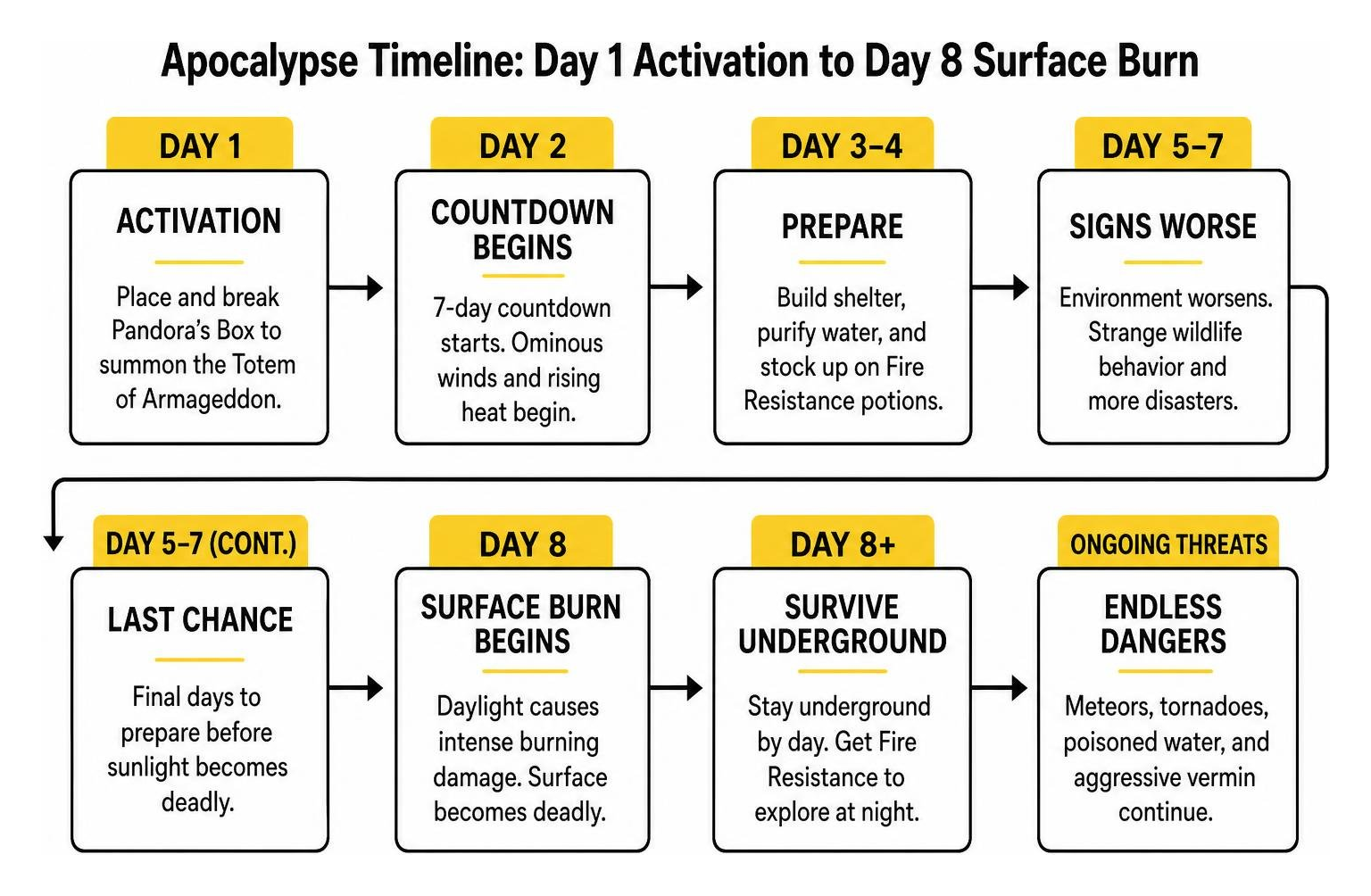
The name The End ! (Solar Apocalypse) can be misleading: this is a survival challenge, not an overhaul of the End dimension. You start the disaster by placing and breaking Pandora’s Box, which summons the Totem of Armageddon. That gives you seven in-game days to build shelter, purify drinking water, and stock up on Fire Resistance potions before daytime sunlight becomes dangerous.
What is THE END Addon for Minecraft PE/Bedrock and Its Solar Apocalypse?
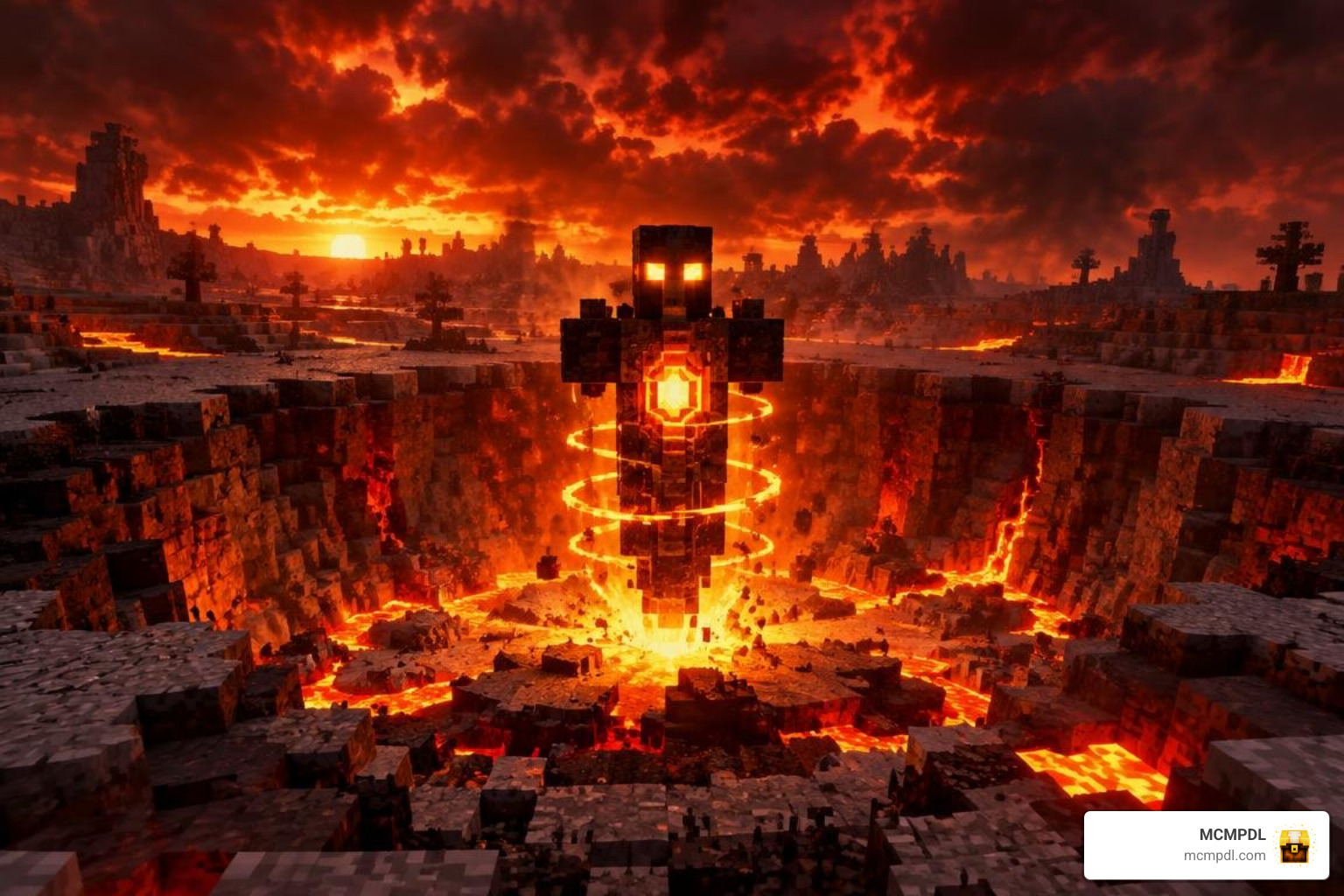
When players search for End-focused expansions across Minecraft Pocket Edition and Bedrock platforms, they often expect simple dimension overhauls. However, The End ! (Solar Apocalypse) takes a completely different path. Rather than sending you through a portal to fight floating bosses, it brings a full cataclysm straight to your Overworld.
The addon has gained massive popularity in the community, logging over 140,000 downloads thanks to its intense, progressive survival premise. It was designed to test whether you can prepare an underground civilization before the surface world becomes an uninhabitable wasteland. If you enjoy cataclysmic event maps or mods that alter core survival rules like custom dimensional mechanics, this project delivers an authentic doomsday clock right inside your game.
The disaster begins entirely on your terms. You craft a special block called Pandora’s Box using standard wood logs. Once you place and break this block, the ominous Totem of Armageddon is summoned into your world. A 7-day countdown immediately starts ticking in the background. During this first week, you will notice subtle changes in the environment: ominous winds, rising heat, and strange wildlife behavior. Once those seven days expire, the solar apocalypse enters its lethal phase, turning direct daylight into deadly radiation that sets living creatures ablaze.
To support this atmosphere, the creator integrated over 100 new sound effects covering wind dynamics, weather anomalies, crumbling debris, and player expressions. Around 10 custom animals and vermin roam the ecosystem, including flies, rats, ants, maggots, fireflies, birds, and terrifying mutated hellrats that devour anything they cross paths with.
Core Survival Mechanics and Disaster Progression
Survival in this apocalypse requires far more than hoarding bread and hiding in a dirt hole. The addon introduces realistic bodily needs and violent environmental hazards that disrupt standard gameplay.
- Thirst Bar and Water Purification: A dedicated hydration meter appears on your screen. You cannot simply drink raw water from rivers or cows without severe consequences; doing so inflicts rapid poisoning. To create safe, drinkable water, you must collect water in glass bottles and boil them inside a furnace.
- Solar Scorching: Starting on Day 8, direct exposure to the sun during daytime hours inflicts intense burning damage. You must become a nocturnal creature or build an expansive subterranean base. Surface exploration during daylight is impossible without active Fire Resistance status effects.
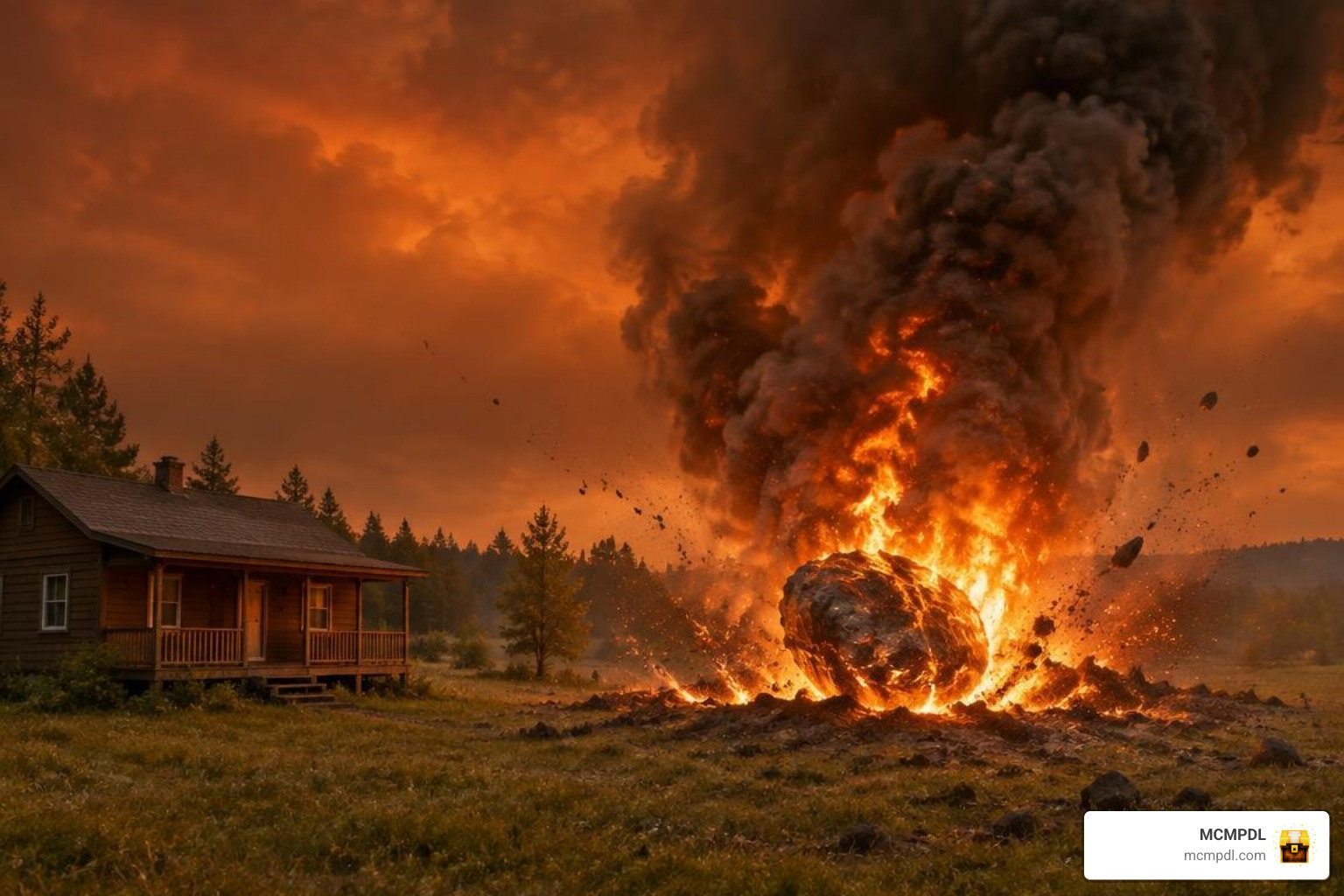
- Meteorite Strikes: Flaming meteors crash from the sky at random intervals, carving massive craters into the terrain. Fresh crash sites are surrounded by hazardous thermal smoke. Approaching a newly formed crater without Fire Resistance will quickly burn you.
- Destructive Tornadoes: Powerful weather vortexes spawn across biomes, tearing through blocks, flinging entities into the sky, and leaving paths of ruined terrain.
- Aggressive Vermin: As the surface decays, standard animals dwindle while rats and hellrats multiply. Hellrats are hostile scavengers that will actively hunt and consume stray items or unprotected livestock.
- Custom Player Audio: Your character gains voice vocalizations that react dynamically to exhaustion, thirst, extreme heat, and pain. You can even toggle your character’s vocal profile in-game using custom potion consumables or debug commands.
Debug Commands and Stage Manipulation for THE END Addon for Minecraft PE/Bedrock
Whether you are testing base defenses, recording a survival series, or setting up a custom multiplayer server, you might want direct control over the apocalypse events. The addon features around 20 functional commands that let you manipulate weather, trigger disasters, or adjust player settings without waiting for natural countdowns.
You can trigger these in chat using standard Bedrock syntax:
/function the_end_start: Forces the immediate activation of the Armageddon countdown./function the_end_day_set_to_7: Skips your world clock straight to the final day of preparation./function the_end_spawn_meteor: Instantly drops a burning meteorite at your target location./function the_end_spawn_tornado: Spawns a destructive tornado nearby to test your shelter’s durability./function the_end_player_voice_set_to_male/_female: Reconfigures your player’s voice audio profile without requiring craftable potions./function the_end_reset: Clears active environmental hazards and resets the apocalypse stages.
Pairing these functions with utility tools like gateway utility add-ons allows server admins to build custom safe zones and emergency transport hubs before triggering events for their communities.
THE END Addon’s Survival and Apocalypse Features
To help you understand how this survival challenge stacks up against traditional dimension expansions and other End-themed mods, here is a breakdown of its features:
| Feature Category | The End ! (Solar Apocalypse) | Typical End Overhauls (e.g., Beyond The End) |
|---|---|---|
| Core Focus | Hardcore Overworld survival & natural disasters | End dimension exploration & biome generation |
| Primary Danger | Lethal solar radiation, tornadoes, meteor strikes | Custom dimension mobs, void hazards, dungeon bosses |
| Survival Needs | Hydration bar, furnace water boiling, Fire Resistance | Standard hunger, fall protection, high-tier armor |
| Activation | Manual (Craft & break Pandora’s Box) | Vanilla End Portal activation with Eyes of Ender |
| Audio & Atmosphere | 100+ custom sounds, voice acting, thick fog | Ambient space music, mystical biome particle effects |
| Ideal Player Type | Base-builders, hardcore survivors, challenge seekers | Adventurers, builders, loot collectors |
Apocalypse Hazards and Survival Progression
Once you break Pandora’s Box, your entire playstyle must pivot from expansion to preservation. The seven preparation days pass quickly. During this grace period, surface temperatures remain normal, giving you time to gather essential resources that will soon become scarce or inaccessible.
When the sun goes super-critical on Day 8, the sky shifts to a burning haze. Stepping into open daylight causes rapid burn ticks that bypass standard armor defense. To venture outside for wood or mineral gathering, you must either wait for nightfall or brew substantial supplies of Fire Resistance potions.
Meanwhile, dynamic natural events ensure that staying in one place is never 100% safe. Destructive tornadoes tear through surface biomes, lifting blocks, mobs, and exposed chests into the air. Meteor strikes shake the ground, leaving flaming craters filled with thermal smoke that burns anyone attempting to scavenge the impact site without heat protection. To make matters worse, swarms of hellrats will burrow into unguarded storage rooms, devouring food stores and stray drops.
Endgame Survival Preparation
Surviving indefinitely beneath the scorched earth requires methodical planning during the initial 7-day preparation window:
- Establish a Deep Underground Farm: Trees, wheat, and livestock cannot survive on the surface once the solar rays peak. Move dirt, saplings, seeds, and animal breeding pairs deep underground before Day 7.
- Build a Water Purification Station: Set up automated furnace arrays near an infinite water source. Stockpile glass bottles and coal so you can boil water constantly to keep your thirst meter full without risking poison debuffs.
- Automate Nether Wart and Magma Cream: Fire Resistance potions are your only ticket to surviving surface daytime emergencies and harvesting meteor craters. Build an enclosed Nether hub early to maintain a steady brewing pipeline.
- Reinforce Shelter Ceilings: Construct your base under natural stone or blast-resistant blocks like deepslate and obsidian to prevent stray meteor fragments or tornado paths from breaching your living quarters.
Step-by-Step Setup Guide: Installing and Optimizing Your Bedrock Addons
Installing custom content on Minecraft Bedrock and Pocket Edition is straightforward, but apocalypse mods require precise load orders to handle custom entities and environment scripts properly.
- Download the Package: Acquire the official
.mcaddonfile for The End ! (Solar Apocalypse). - Import into Minecraft: Tap or double-click the downloaded
.mcaddonfile. Minecraft will launch automatically and display an “Import Started” banner followed by “Successfully Imported”. - Create or Edit a World: Go to your world settings screen. We strongly recommend testing on a new world or creating a full backup of an existing world.
- Activate Resource Packs: Open the Resource Packs tab, locate the addon under “My Packs”, and click Activate.
- Activate Behavior Packs: Open the Behavior Packs tab and activate the matching behavior pack.
- Adjust Load Order Hierarchy: In the “Active” section of both Resource and Behavior packs, select The End ! (Solar Apocalypse) and use the arrow buttons to move it to the very top of your active list. This ensures its weather scripts, thirst UI, and entity audio take precedence over other installed packs.
Video Settings, Load Order, and Troubleshooting for THE END Addon for Minecraft PE/Bedrock
To experience the custom apocalyptic fog, sky shaders, and heavy weather events without lag spikes or crashes, apply these recommended client settings:
- Render Distance: Set your render distance to 16 chunks or higher on Windows and modern consoles. For mobile devices, keep it between 10 and 12 chunks to balance performance.
- Simulation Distance: Configure simulation distance to 12 chunks (or the maximum allowed on your device) so that disaster events, meteor trajectories, and animal behaviors simulate smoothly around your base.
- Enable Volumetric Fog: Ensure your graphics settings have volumetric fog enabled (set to Low or higher) so the red atmospheric apocalypse fog renders correctly.
- Vibrant Visuals: If you are playing on a client version supporting modern visual toggles, enable Vibrant Visuals to see realistic particle lighting from meteor craters.
- Memory & Lag Management: Because this addon introduces over 100 sound triggers and multiple custom entities (such as maggots, ants, and hellrats), clear dropped items frequently or install lightweight optimization packs if playing on lower-end mobile devices.
Frequently Asked Questions About End Addons
How do you start the Solar Apocalypse in The End addon?
You initiate the apocalypse by crafting a custom Pandora’s Box block using standard wood logs on a crafting table. Place the box in your world and break it with your bare hand or any tool. This summons the Totem of Armageddon, which immediately begins the 7-day countdown leading up to the permanent solar cataclysm.
Can you combine End dimension expansions with other gameplay mods?
Yes, but you must manage your pack hierarchy carefully. The End ! (Solar Apocalypse) primarily affects Overworld weather, survival bars, and mob spawns, meaning it can technically run alongside End dimension mods, provided they do not overwrite identical player UI elements or core weather scripts. Always place The End ! at the top of your load order, and test your pack combinations on a backup world first.
How do you survive the scorching daytime sun after Day 7?
Once Day 7 ends, stepping into open daylight causes rapid burning damage. You can survive by staying underground, traveling strictly at night, or drinking Fire Resistance potions, which completely negate the solar burn effect for their duration. Additionally, always carry boiled, purified water bottles to prevent dehydration while working in high-heat environments.
Conclusion
Whether you want to test your emergency bunker designs against falling meteors and tornadoes in The End ! (Solar Apocalypse) or explore mystical outer island biomes in classic dimension expansions, custom Bedrock content can completely reinvent your survival experience.
At MCMPDL, our mission is to provide you with a curated, all-in-one hub where you can discover the latest releases, read transparent guides, and find verified cross-platform installation instructions. If you are ready to expand your world further with magic, new biomes, or intense boss fights, browse top Minecraft Bedrock add-ons to build your ultimate survival pack today!