Scroll down to D0vvnl0ad
Download Perfect Realism x128 x64 for Minecraft PE/Bedrock
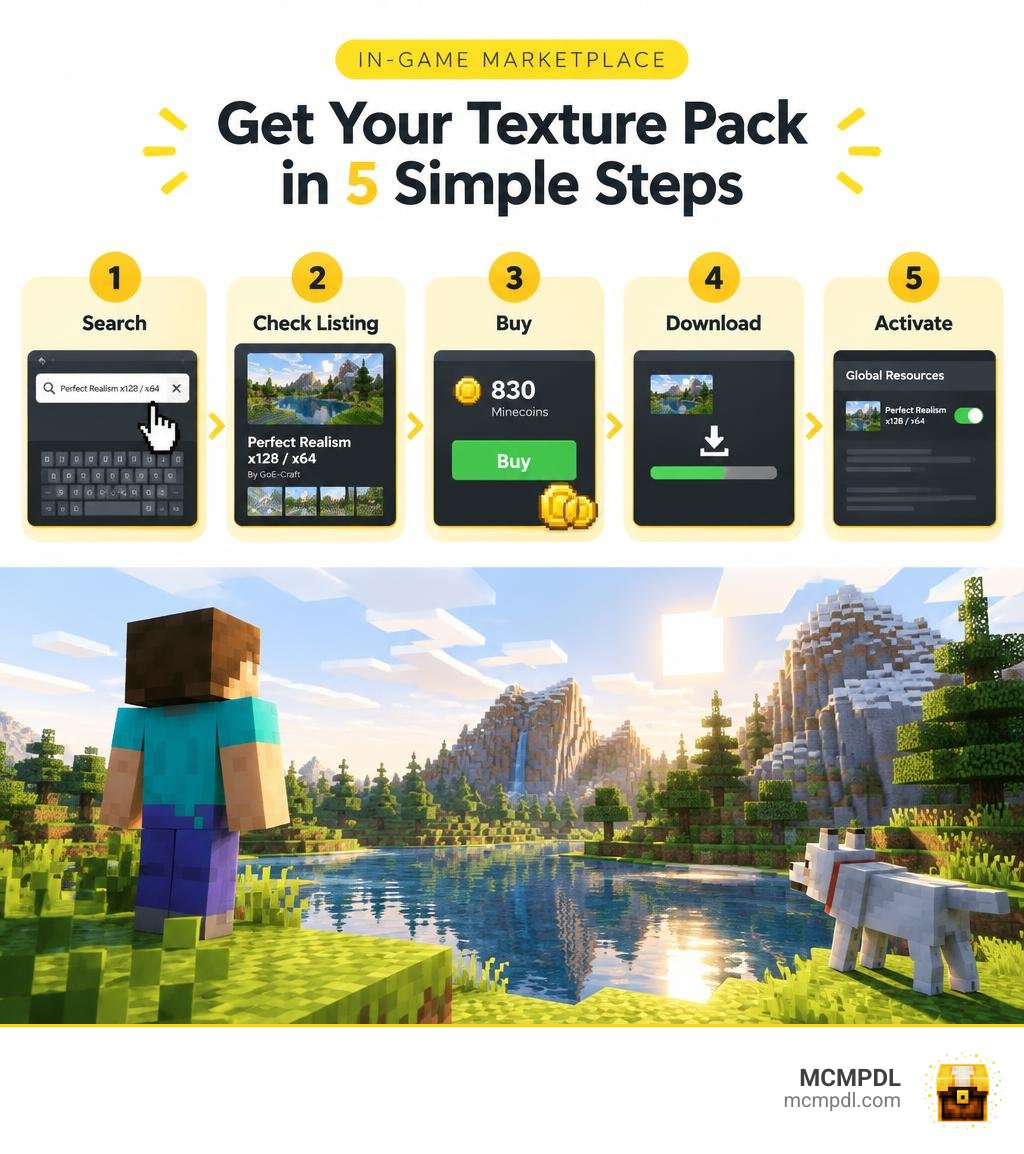
To get the Perfect Realism x128 x64 texture pack for Minecraft PE/Bedrock, open the in-game Marketplace, search for “Perfect Realism x128 / x64,” and check that the listing is by GoE-Craft. Buy it for 830 Minecoins, download it, then activate it in Global Resources or your world settings. It is a paid resource pack; there is no verified free edition.
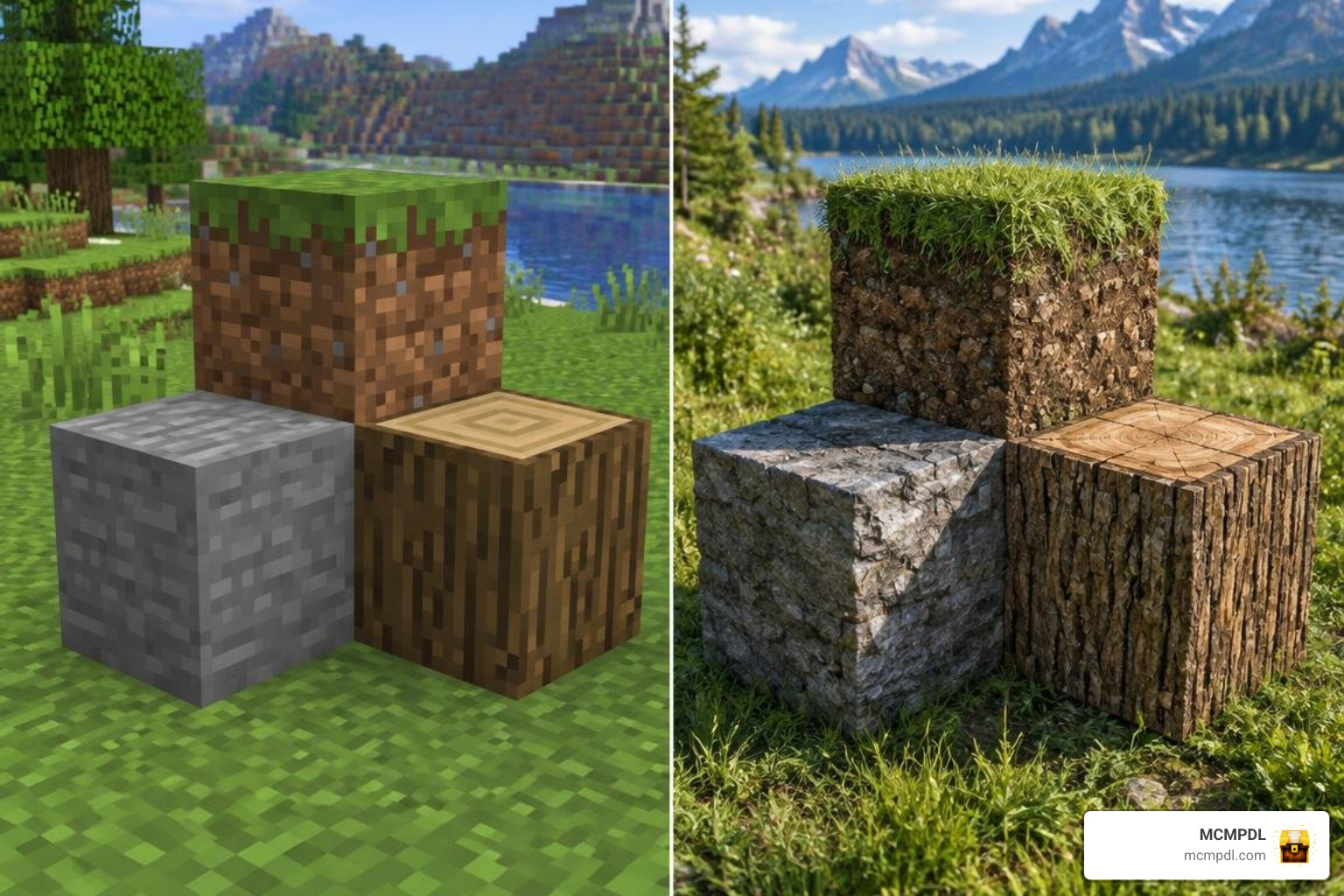
The pack adds sharper, vanilla-inspired textures, animated blocks, realistic mobs, and a custom interface. You do not need a separate shader or mod to use it, but 128x textures may be harder on older devices than 64x textures. Checking the creator name and price before you purchase helps you avoid similarly named packs and ensures you get the correct listing for your device.
Perfect Realism x128 x64 Texture Pack for Minecraft PE/Bedrock: Features, Editions, and Value
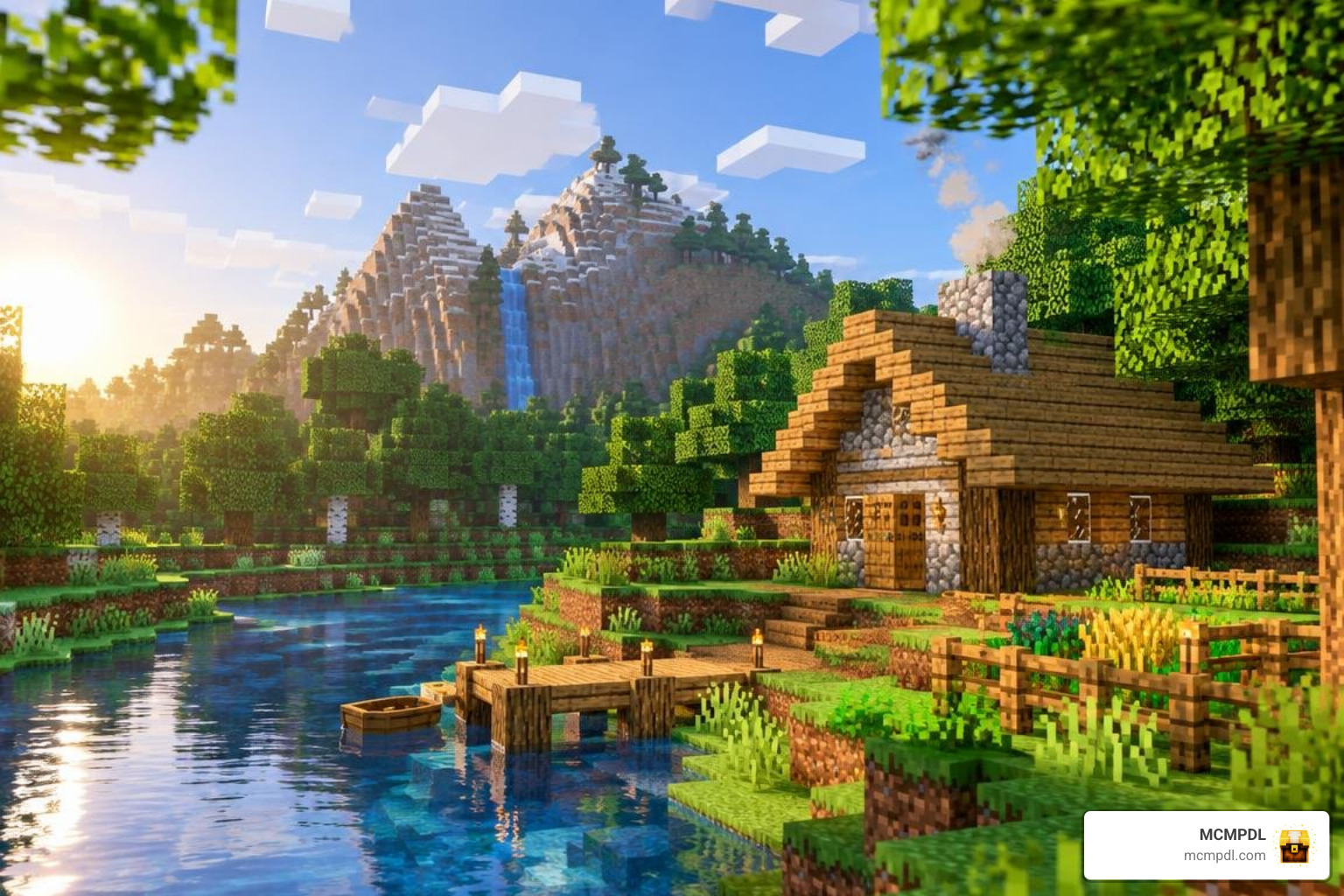
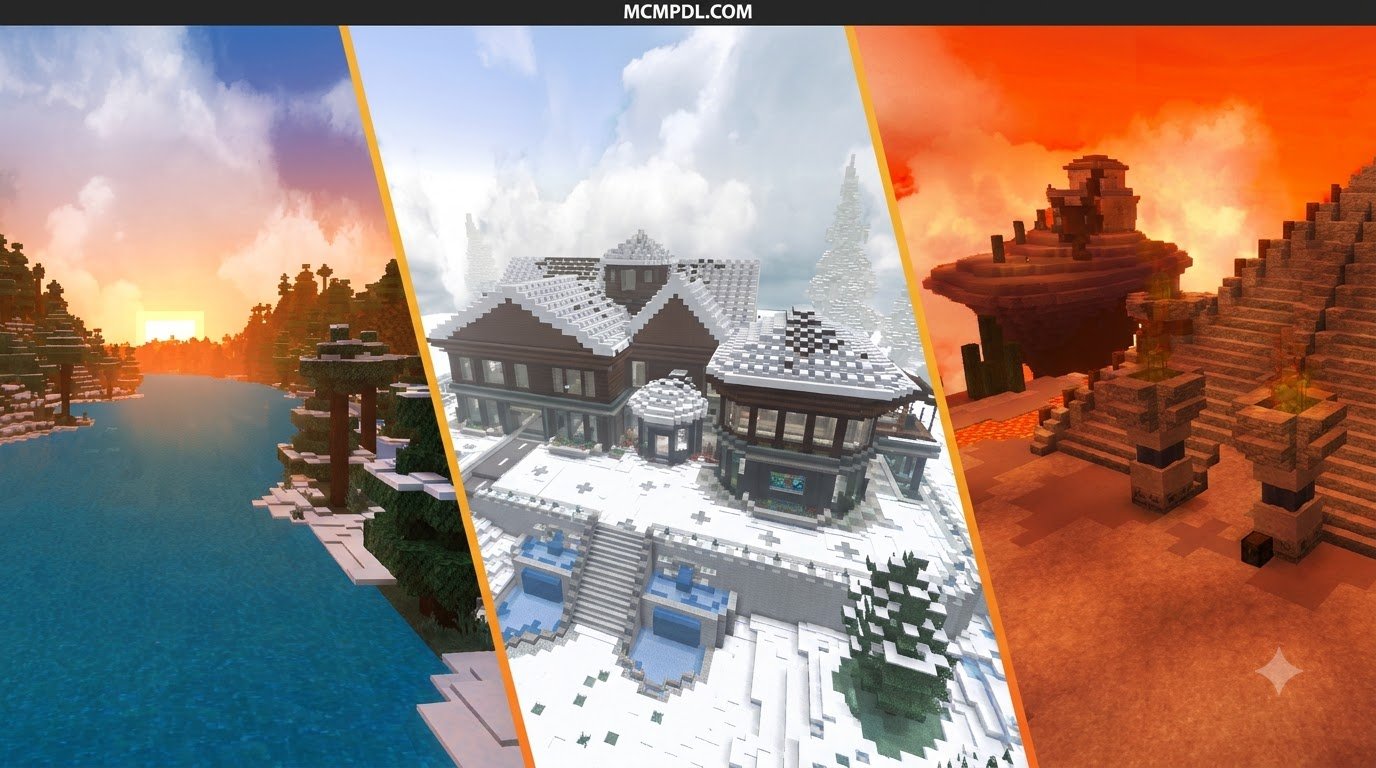
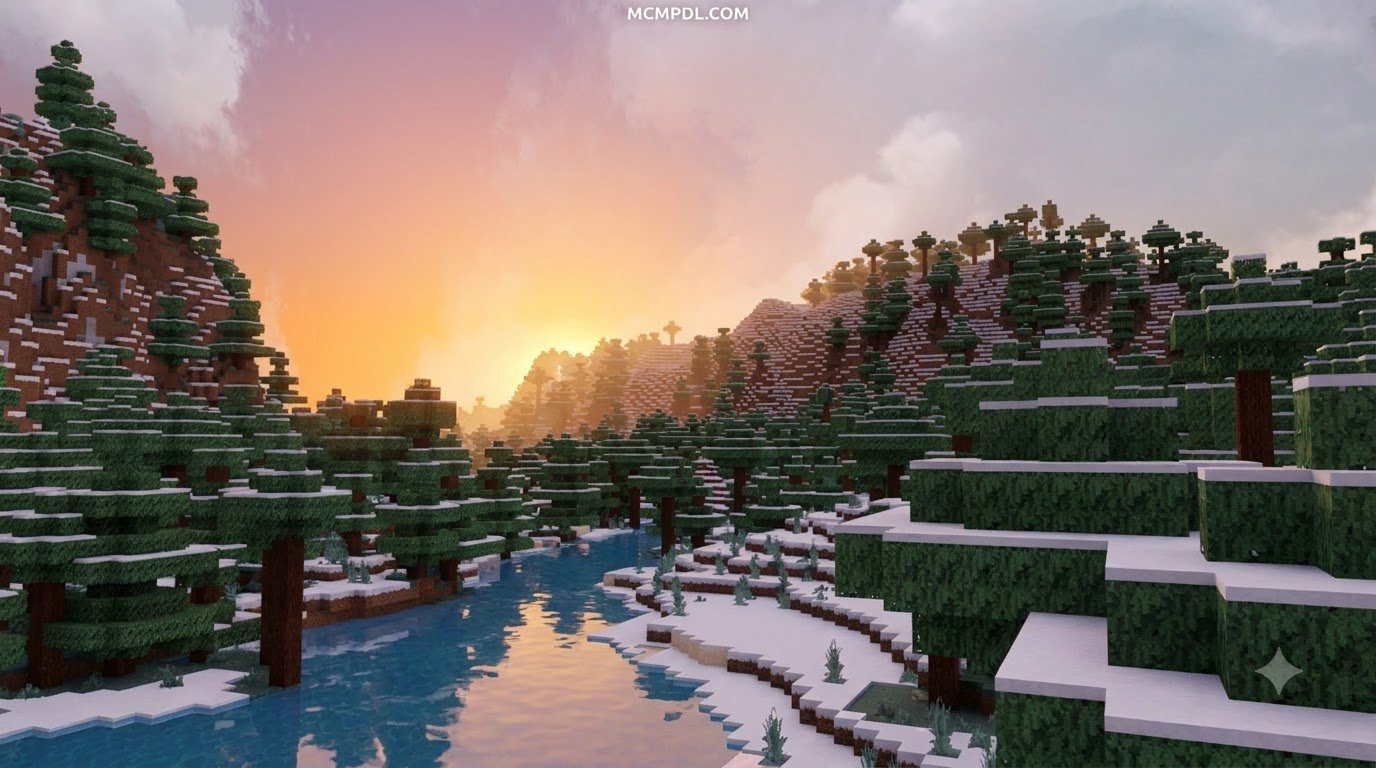
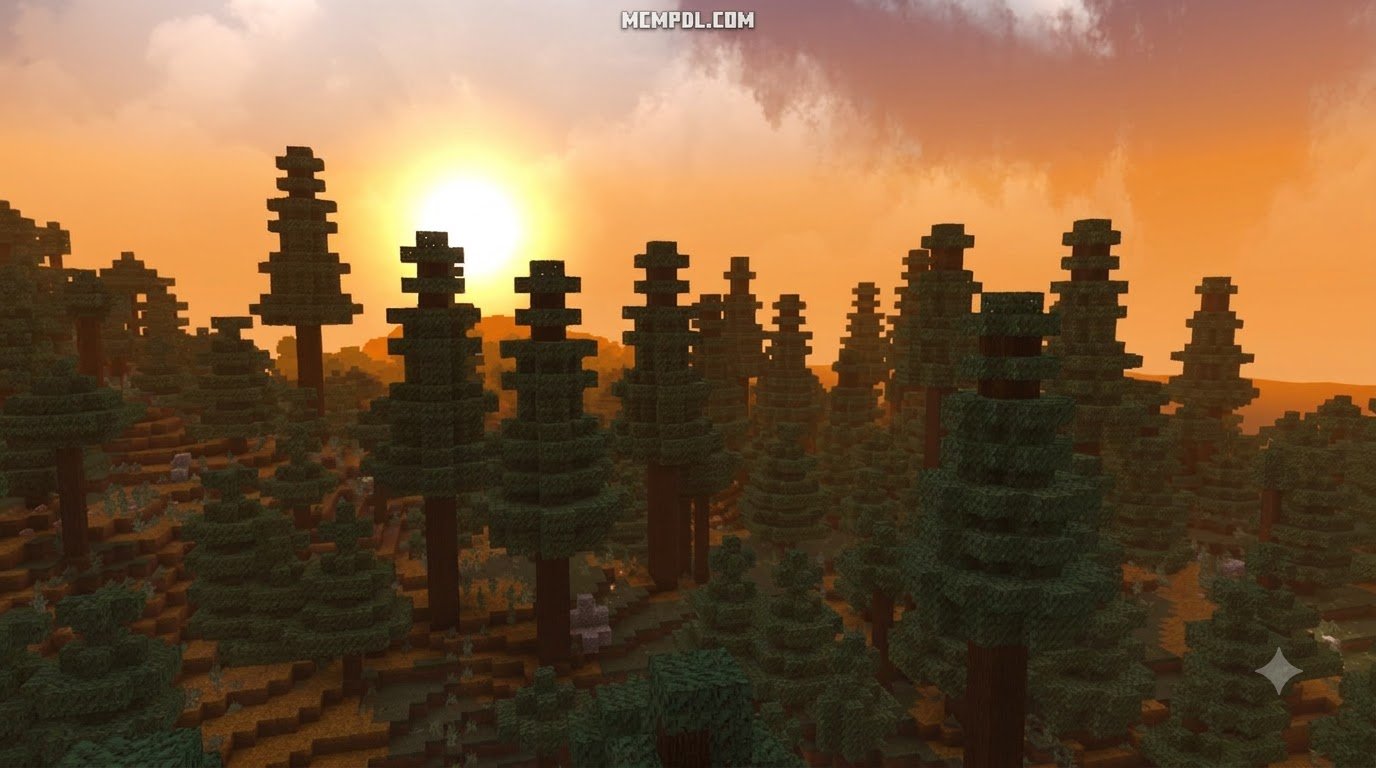
Perfect Realism is a Bedrock resource pack for players who want a more detailed look without straying far from Minecraft’s familiar style. It enhances blocks and equipment, updates mob appearances, and adds visual touches such as waving leaves, animated blocks, fog, and lifelike clouds. For many players, that balance is the main appeal: the world looks richer and more textured, yet the shapes, colours, and overall atmosphere still feel recognisably Minecraft rather than becoming a completely different game.
The Marketplace listing describes the pack as offering x64 and x128 resolutions and 128×128 Ultra HD textures. It costs 830 Minecoins, approximately $4.15 USD, although the cash equivalent can vary by region and Minecoin bundle. The purchase is for a resource pack; it is not listed as a separate behavior pack or gameplay add-on. That distinction matters when you are deciding whether it fits your world, because a resource pack changes how things look and sound in presentation, while a behavior pack would be the type normally associated with changing rules or mechanics.
What does the Perfect Realism x128 x64 texture pack for Minecraft PE/Bedrock include?
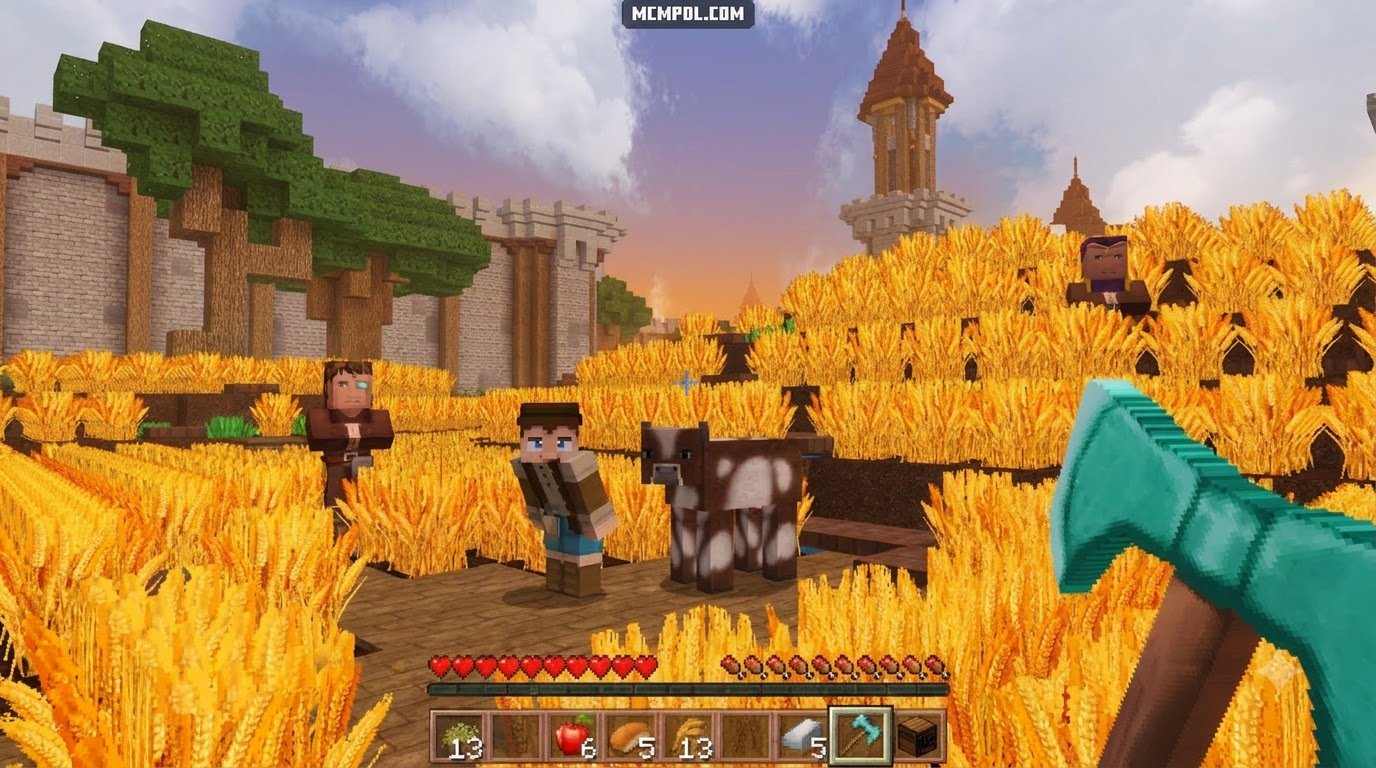
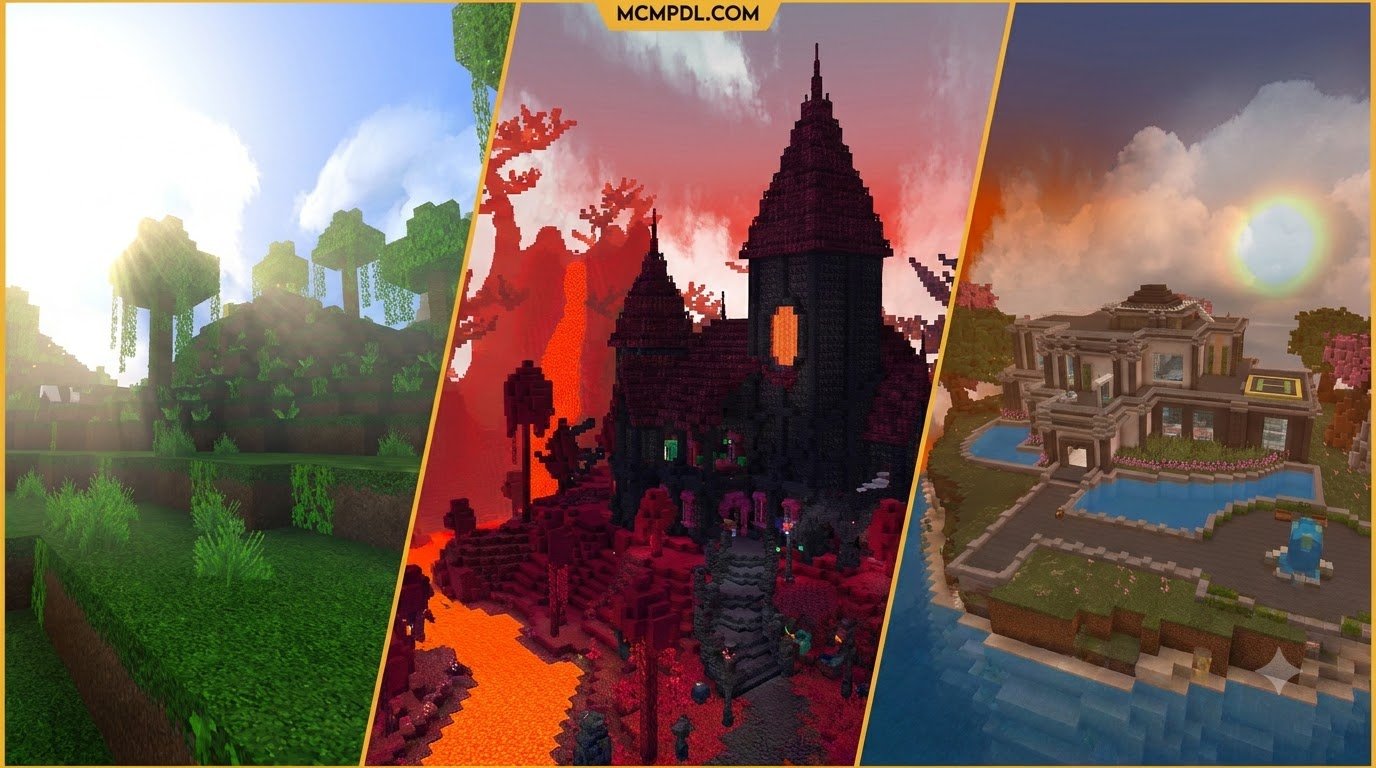
The pack refreshes the look of blocks, tools, weapons, armor, and mobs. It also includes a custom user interface, animated blocks, waving leaves, lighting effects, immersive fog, and a realistic sky with lifelike clouds. These changes aim to make the world feel more textured while keeping the original Minecraft atmosphere recognizable. In practice, that means everyday details such as terrain, foliage, equipment, and the sky receive more visual attention, so familiar places can look noticeably more detailed during normal exploration and building.
Since it is a resource pack, its focus is visual. It does not add new gameplay rules or world-generation features. The advertised effects are part of the pack’s presentation, and the exact result can depend on your game version and device. It is worth remembering that visual effects can look different from one screen or device to another, especially where brightness, display quality, and performance settings vary. Checking how the pack looks in a test world first can help you decide whether the style suits the way you like to play.
How does the Perfect Realism x128 x64 texture pack for Minecraft PE/Bedrock compare by resolution and value?
The main difference between 64x and 128x is texture resolution: higher-resolution textures can show finer detail, but they may also use more device memory. The available listing does not confirm that the two resolutions have different gameplay features, so it is safest to treat them as visual options rather than separate content editions. In other words, the choice is primarily about how much detail you want on screen and how comfortably your device can handle that detail during play.
The listed 830 Minecoin price applies to the Marketplace pack. There is no confirmed separate price for each resolution. That makes the value question straightforward in one sense: you are paying for the pack as listed, and then choosing the resolution that best matches your device. At the same time, it means you should not assume extra content is included simply because a higher resolution is available.
| Resolution | Visual detail | Likely device impact | Price information |
|---|---|---|---|
| 64x | Sharper than standard textures, with less fine detail than 128x | Usually the lighter option | Included in the 830 Minecoin listing |
| 128x | More detailed texture surfaces | May require more memory and graphics resources | Included in the 830 Minecoin listing |
For everyday play or older hardware, 64x is the cautious starting point. Choose 128x if your device handles detailed resource packs comfortably and you prefer the sharper appearance. If the Marketplace does not provide a separate resolution selector on your device, check the pack details before buying rather than assuming you can switch after purchase. A short test in a familiar world can also reveal whether the extra detail is worth any change in smoothness on your particular device.
What do players rate the pack?
A Marketplace data snapshot reports 3.4 out of 5 stars from 2,008 ratings. The rating breakdown is notably divided:
- 986 five-star ratings
- 181 four-star ratings
- 104 three-star ratings
- 83 two-star ratings
- 654 one-star ratings
That mix suggests that player experiences vary: many reviewers rate it highly, while a substantial group gives it the lowest rating. Another listing reports 2,018 ratings, so review totals may differ as listings update or count ratings at different times. We recommend checking the current Marketplace page for the latest score and comments before purchasing. Reading recent comments can also give you a sense of whether concerns relate to appearance, performance, or something else, which may be more useful than the headline score alone.
How to Download and Activate Perfect Realism on Bedrock
The simplest route is to get the pack directly from the in-game Marketplace. This keeps the purchase and download within Minecraft’s supported store flow. Once it is downloaded, you can apply it to all compatible worlds through Global Resources or enable it for one world in that world’s settings. Using the Marketplace also means the pack is tied to your account in the normal way, so you can manage it alongside your other purchased content rather than relying on an outside file.
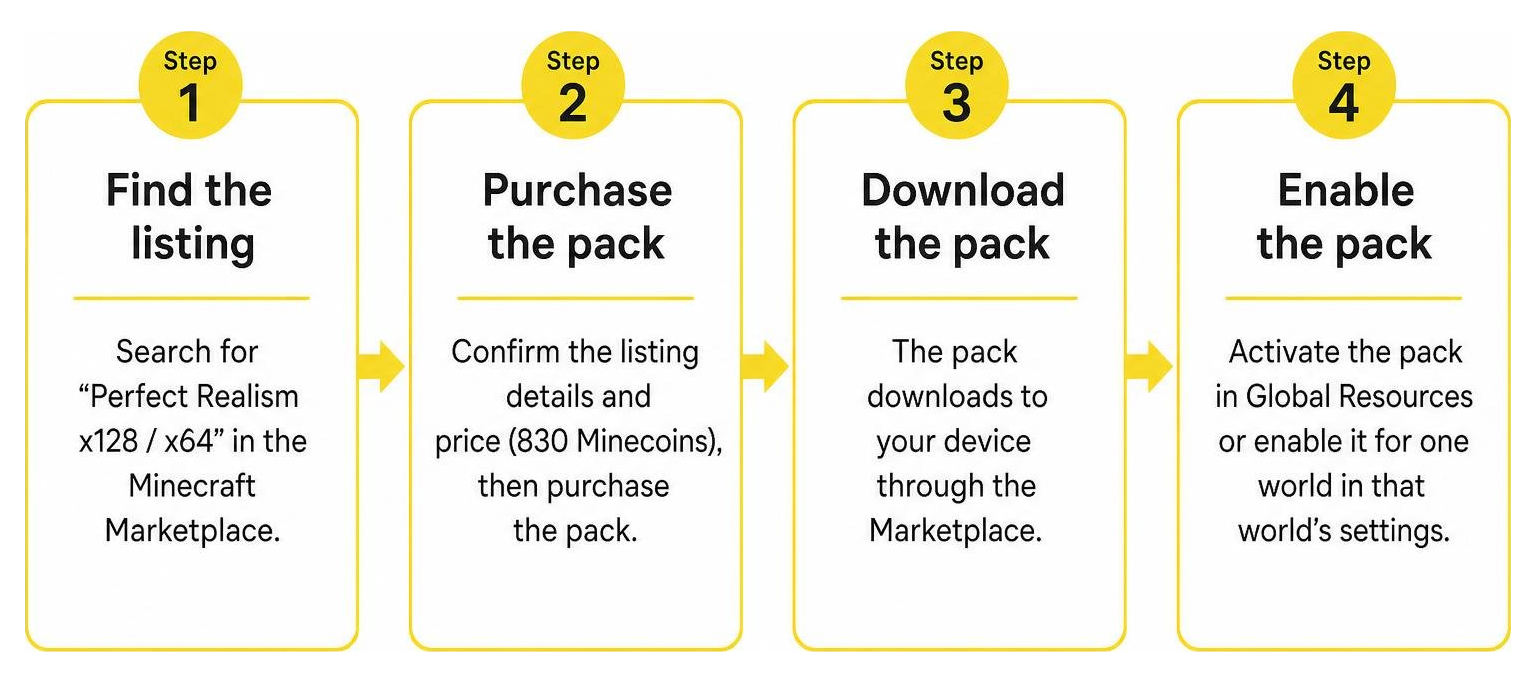
In-game store installation steps
- Open Minecraft Bedrock Edition and go to the Marketplace.
- Search for “Perfect Realism x128 / x64.”
- Check the listing name, creator, and current Minecoin price.
- Purchase the pack using Minecoins and let Minecraft download it.
- Open Settings and select Global Resources to use it across worlds, or open a world’s settings and enable it under the resource packs section.
- Load a world and check that the pack appears as expected.
Minecraft’s Bedrock activation instructions explain the general process for enabling content. If the pack does not appear immediately after downloading, returning to the Marketplace listing or restarting the game can sometimes help the game recognise the new content. It is also worth checking that you are looking in the resource packs section rather than the behavior packs section, since Perfect Realism is a resource pack.
Platform purchases and pack access
You need to be signed in to Minecraft on a supported Bedrock device to access the Marketplace. The pack is listed for 12 platforms, including Android, iOS, Windows 10/11, Xbox One, Nintendo Switch, and PlayStation 5. Store availability and purchase details can vary by platform or region, so check the listing on the device where you plan to play. If you play on more than one device, confirming the listing on each one before you buy can save confusion later.
Use the in-game Marketplace listing to confirm the pack and purchase it. Be cautious of unofficial pages claiming to offer a free copy: the information available identifies it as a paid Marketplace pack, with no verified free edition. Sticking to the official listing is the safest way to make sure you receive the correct pack and that it activates properly in your worlds.
Compatibility, Shaders, and Performance
Perfect Realism is a resource pack for Bedrock Edition, including Minecraft PE. It is listed across 12 platforms, with Android, iOS, Windows 10/11, Xbox One, Nintendo Switch, and PlayStation 5 among the named devices. A Marketplace listing is the best place to confirm that it is currently available for your specific platform. Because Bedrock runs on such a wide range of hardware, from phones and tablets to consoles and Windows PCs, the experience can differ considerably depending on where you play.
Does it need shaders or extra hardware?
The pack does not require a separate shader or additional mod to install and use as a resource pack. Its description advertises visual effects such as animated blocks, waving leaves, lighting, fog, and clouds. Those advertised features should not be confused with a requirement to install a separate shader. In other words, the effects described are part of what the pack itself presents, rather than a reason to look for extra software before you can use it.
No official minimum hardware specification is published in the available pack details. Performance depends on the device, its available memory, the selected resolution, and other active content. Higher-resolution textures can put more demand on a device than lower-resolution ones. On older phones or tablets, try 64x first if that option is available, and test the pack in a world before relying on it for a long session. If you experience slowdowns, reduce other visual demands or disable the pack to compare performance. Testing in a world you already know well can make it easier to notice whether movement, loading, or general smoothness has changed.
Release history and supported devices
The pack was first published on August 11, 2024, and its listed most recent update was June 11, 2026. As of November 2026, that is the latest update date provided in the available product information. Platform support and compatibility can change, so check the current in-game listing before purchasing or troubleshooting. Updates can also affect how a pack behaves with newer game versions, so the listing remains the most reliable source for the current state of the pack.
If you are troubleshooting, it helps to separate compatibility from performance. A pack may be available on your platform but still feel demanding on a particular device, especially at the higher resolution. Conversely, a performance issue does not necessarily mean the pack is incompatible. Checking the listing, confirming your platform, and testing the lower resolution first are practical steps that can clarify which issue you are dealing with.
Frequently Asked Questions
Is Perfect Realism x128 / x64 available for free?
The pack is listed as a paid Marketplace purchase for 830 Minecoins, approximately $4.15 USD. We found no verified free edition. The cash equivalent and store availability may vary by region. If you see a page offering it for free, treat that claim cautiously and compare it with the official Marketplace listing before downloading anything from an unofficial source.
Does it work on Android, iPhone, consoles, and Windows?
It is listed for Bedrock platforms including Android, iOS, Windows 10/11, Xbox One, Nintendo Switch, and PlayStation 5. The broader listing reports availability on 12 platforms. Check the Marketplace on your device to confirm current availability. Availability on one platform does not automatically guarantee the same listing details on another, so it is worth confirming on the exact device you intend to use.
Is x128 better than x64 for every device?
Not necessarily. The 128x option can provide more texture detail, but may use more memory and graphics resources. The 64x option is likely to be a better fit for less powerful devices or players who prefer a lighter visual setup. Choose based on your device’s performance and the level of detail you want. For some players, the smoother experience at 64x will be more enjoyable than extra detail at 128x, while others will happily choose the sharper look if their device handles it well.
Conclusion
Perfect Realism x128 / x64 is a paid Bedrock resource pack with detailed, vanilla-inspired textures and visual additions such as animated blocks, waving leaves, realistic mobs, fog, and clouds. You can install it through the in-game Marketplace, then activate it globally or for a selected world. Before buying, check the current price, rating, platform availability, and resolution options on your device. Those checks take only a moment, but they can help you choose the resolution that suits your hardware and confirm that the pack is right for your worlds.
We also organize Bedrock and PE content in one place, including texture packs, add-ons, shaders, maps, skins, and mash-ups. You can browse Minecraft Bedrock and PE content to find more options for your worlds.