Scroll down to D0vvnl0ad
Get HyperCraft Running in Minecraft Bedrock
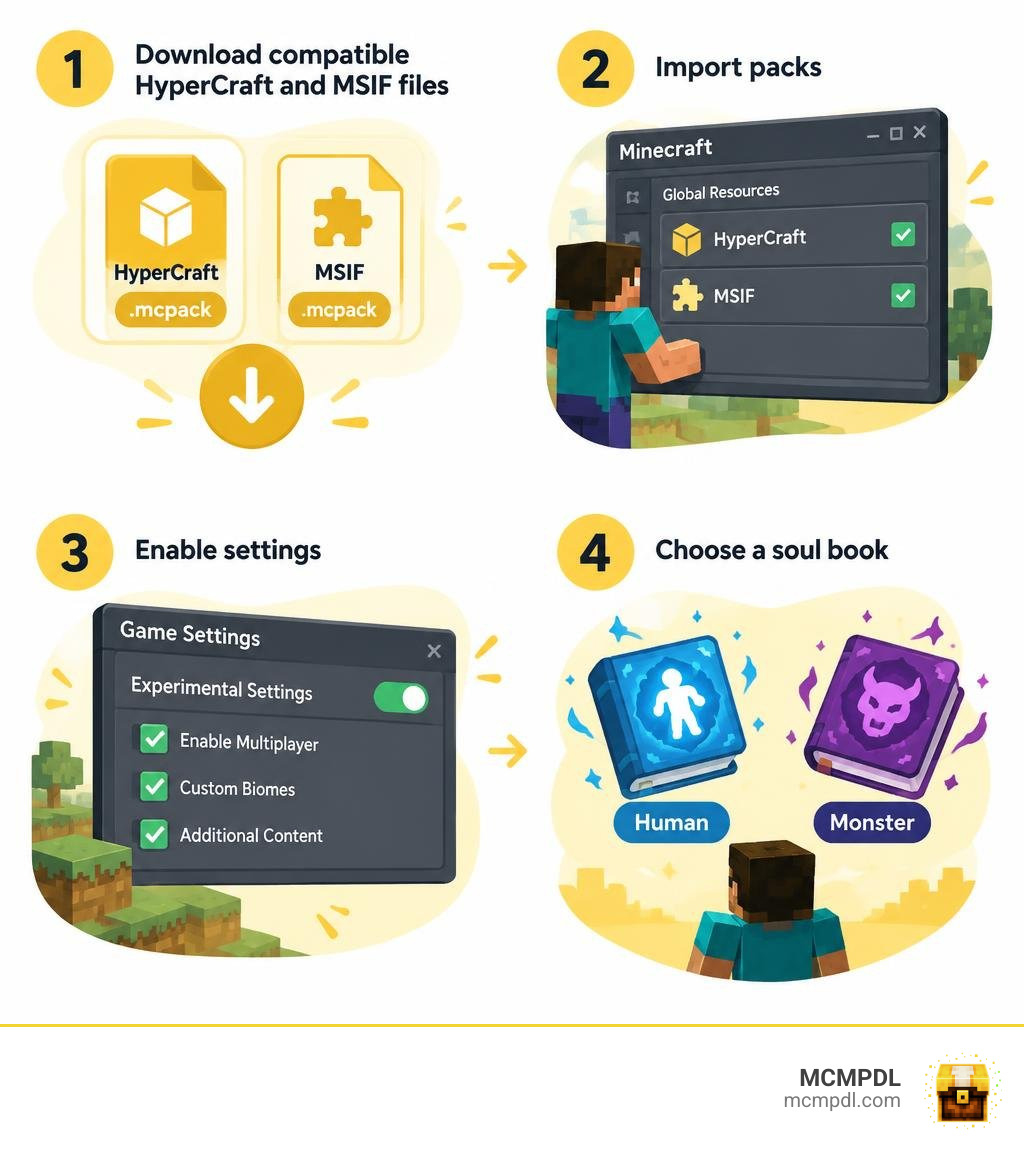
To install the HyperCraft Addon for Minecraft PE/Bedrock, download a release that matches your game version and get the required MSIF dependency. Import the addon files into Minecraft, then activate its behavior and resource packs in your world settings. Turn on the experimental settings required by the release before you play. Back up your world first, and avoid Hardcore mode: the Ghost Necklace can leave you stuck in Spectator mode.
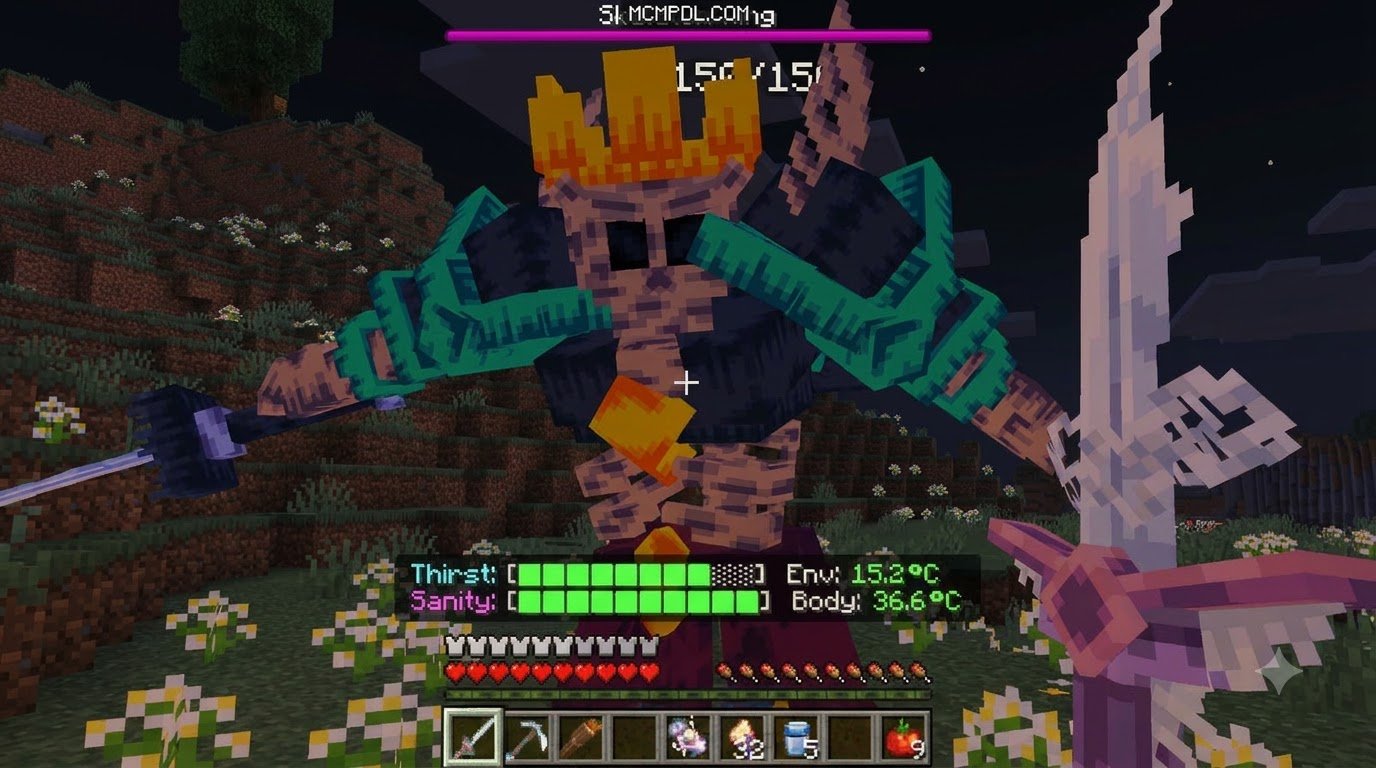
Once you spawn, choose the Human or Monster soul book to begin. HyperCraft adds soul abilities, crossover gear, bosses, and a custom dimension. The guide below walks through setup on Android, iOS, and Windows.
What Is the HyperCraft Addon for Minecraft PE/Bedrock?
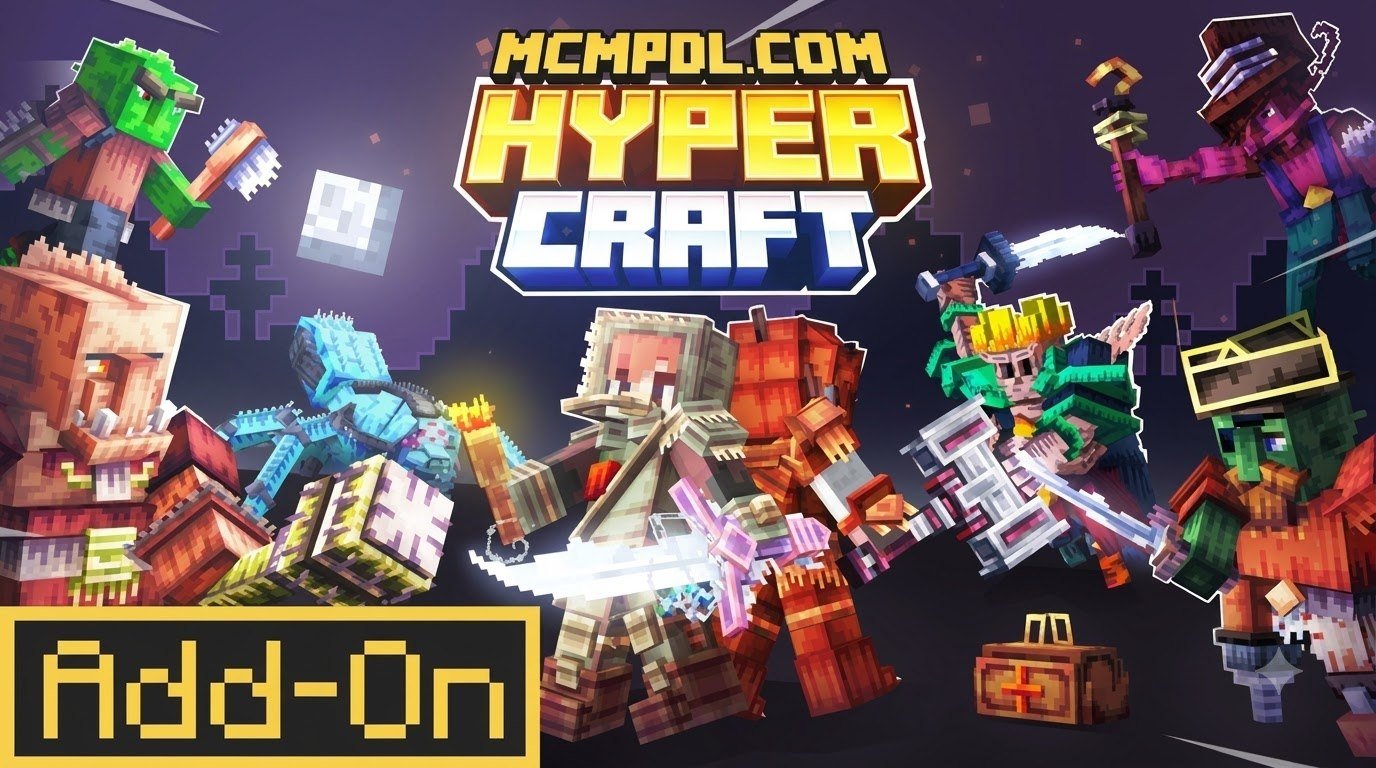
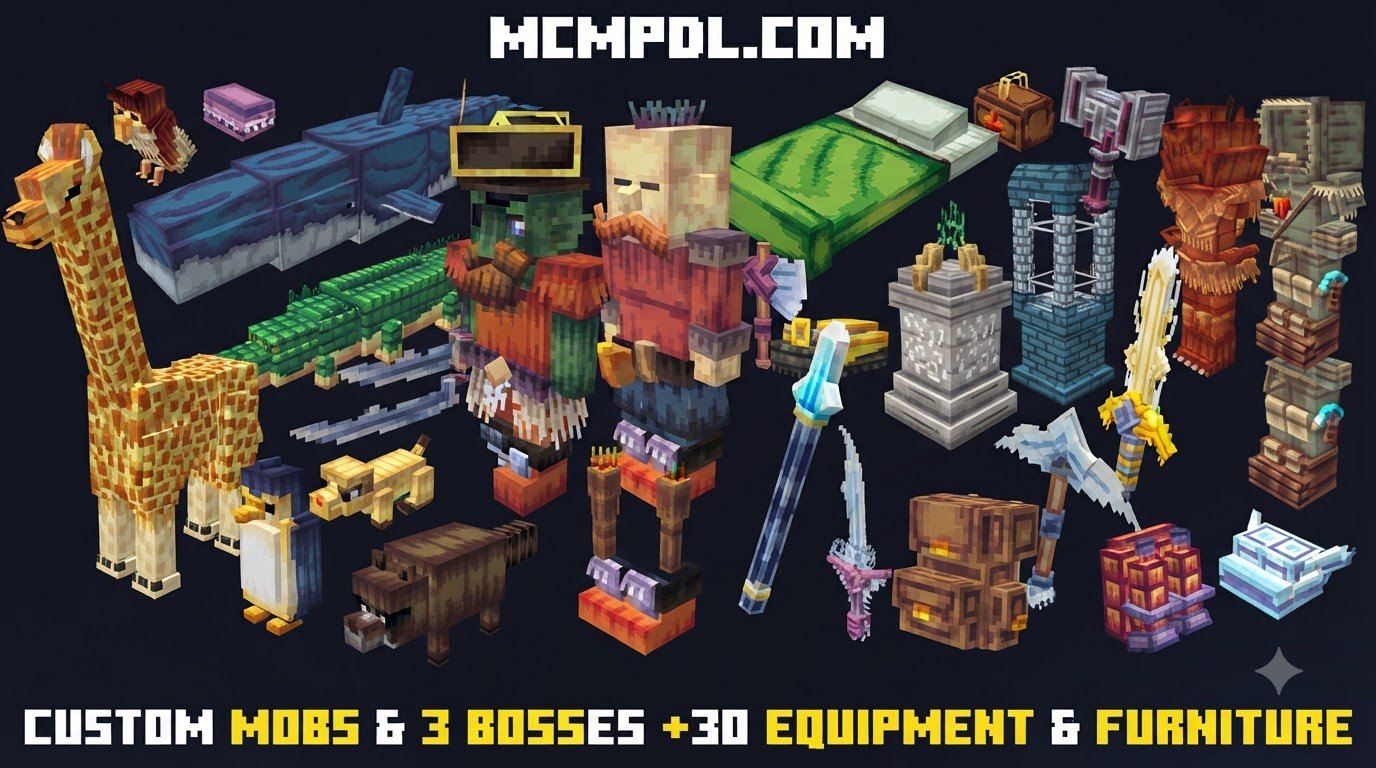
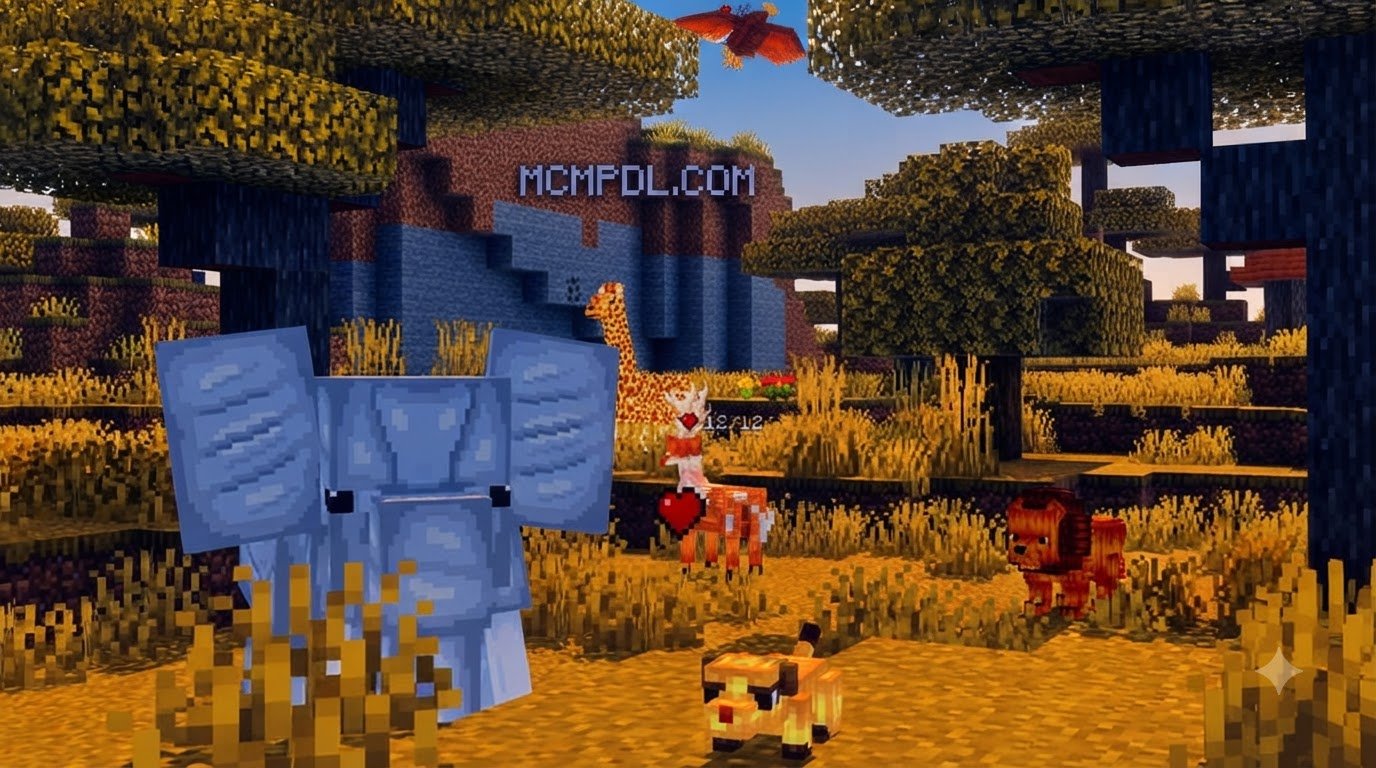
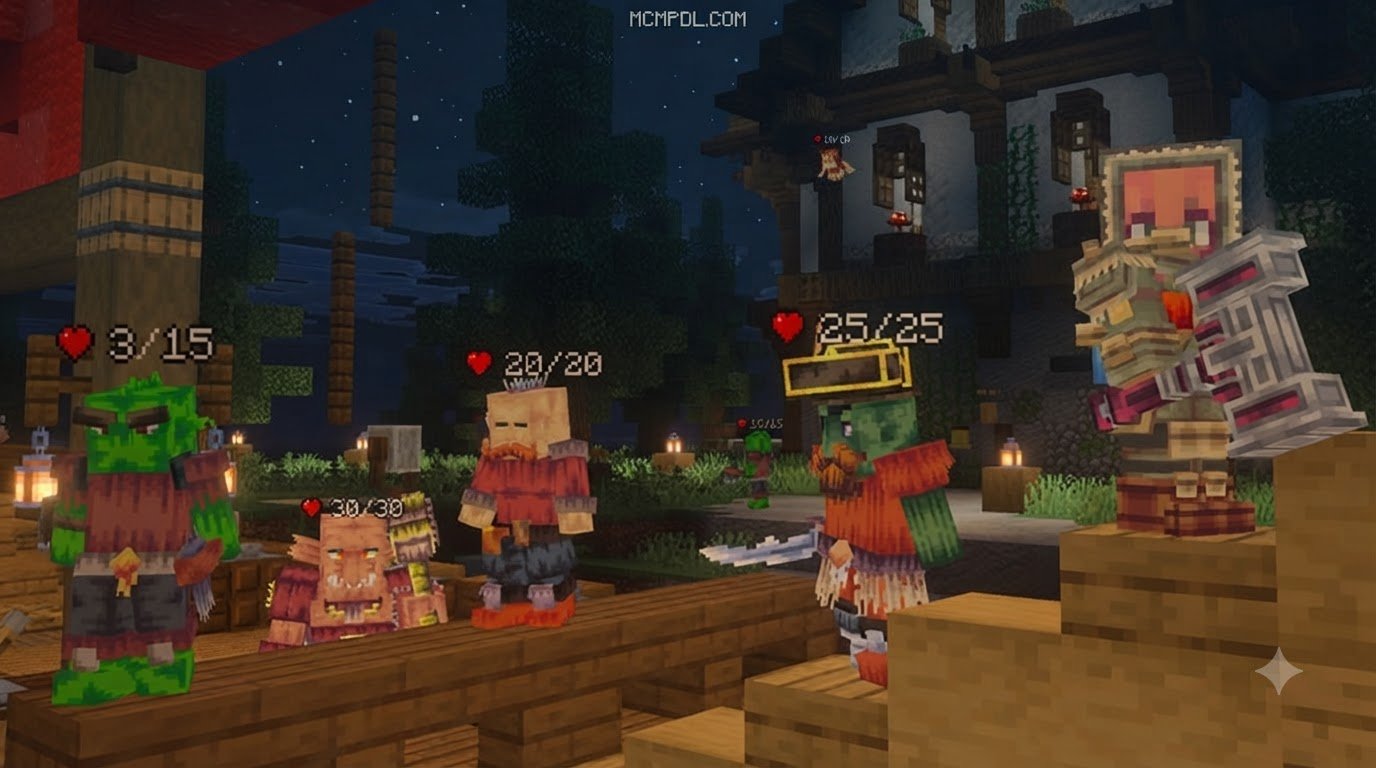
Hypercraft R P G is a Bedrock addon built around combat, choice, and progression. It combines original content with recognizable crossover inspirations, adding special abilities, new bosses, levels of power, and a custom dimension. It is designed to give a world a more RPG-like direction, whether you explore on your own or use it in a boss arena.
The project is credited to creator christ_follower and script contributors. The listing identifies the addon as MIT-licensed and showed 24,402 downloads at the time of the source information. Its latest listed release is version 0.4.998.22, dated October 2, 2026. For general background on how Bedrock add-ons work, see Microsoft’s guide to Minecraft add-ons.
Which Crossovers and Items Are Included?
The addon brings together several inspirations, although not every feature is necessarily complete or available in the same way:
- Undertale: Human and Monster souls are central to the addon’s character progression.
- Jujutsu Kaisen: The project includes techniques inspired by powerful fighters from the present and past.
- Sonic the Hedgehog: Gear includes Sonic Shoes, Shadow’s Inhibitor Rings, a Piko Piko Hammer, and Cream’s Ears. Tails-inspired items include a scarf used to make Twin Tails. Chaos Emeralds and Super Chaos Emeralds are also included.
- Deltarune: Some soul content is still a work in progress.
Sonic-inspired NPCs add a playful touch: many can be tamed with chili dogs. The exact set of working items and abilities may change as the addon develops, so check the release notes and community updates for the build you install.
How Does the HyperCraft Addon for Minecraft PE/Bedrock Soul System Work?
When you spawn, choose either the Human soul book or the Monster soul book. That first choice sets up your soul type, and the addon’s different souls can grant special abilities. The design also draws on the idea of obtaining souls from fallen humans or from monsters themselves.
Treat the books as the starting point for your progression rather than as a complete list of every available skill. The project is being expanded, and the abilities attached to particular souls may depend on the version and content installed. For more RPG-style character progression, you can also explore our guides to an RPG addon and RPG classes.
How to Download and Install the HyperCraft Addon for Minecraft PE/Bedrock
The latest version listed in the supplied project information is 0.4.998.22, released on October 2, 2026. Listed game versions include 26.50, 26.0, 1.21.130, 1.21.111, and 1.21.101+. These labels can change as Minecraft and the addon are updated, so check the current release details before downloading. A file that imports successfully may still not work as expected if it was made for a different game version.
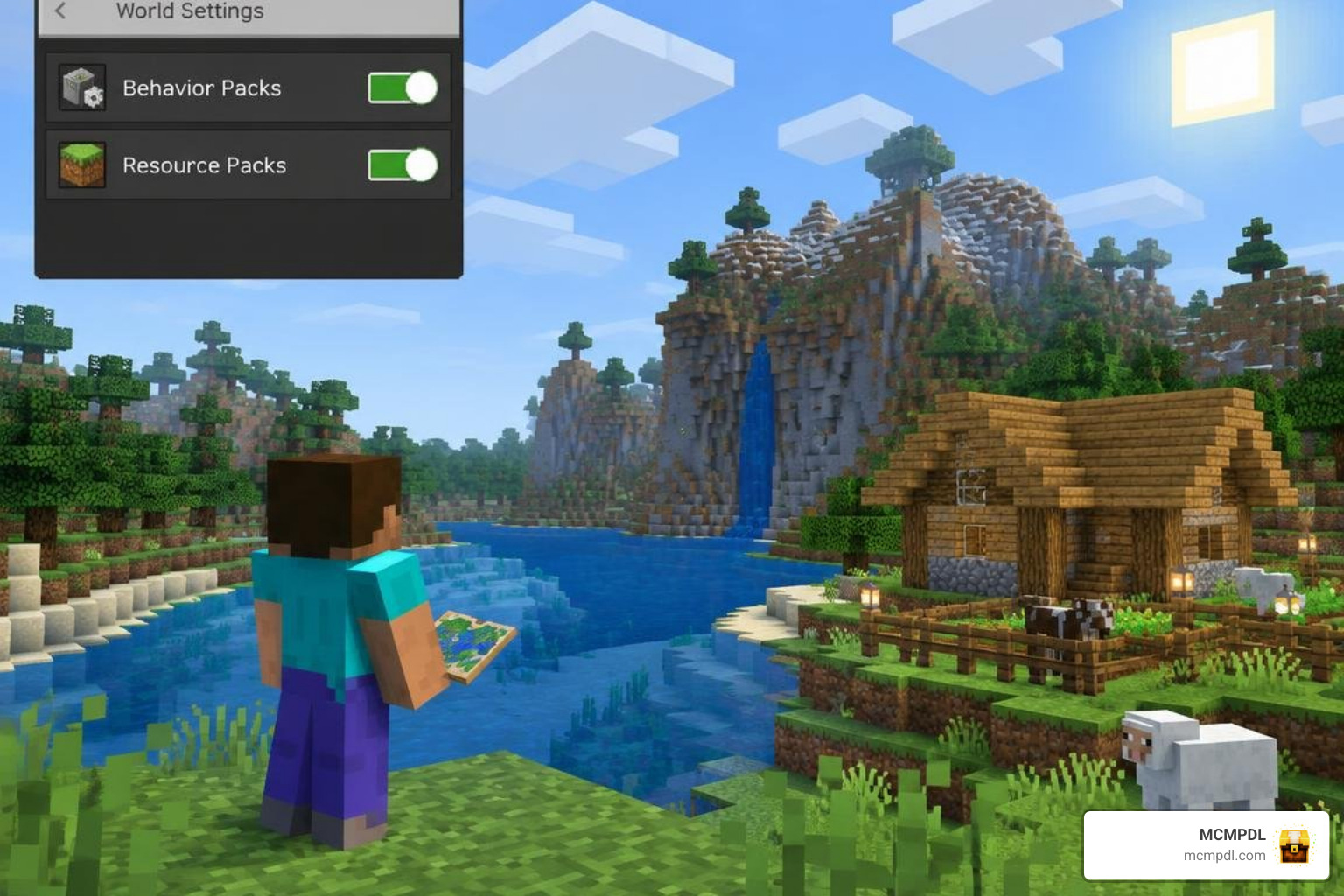
Before installing, back up any world you care about. Then download the addon files and the MSIF dependency specified by the creator. Import the files into Minecraft, create or open a test world, and activate the behavior and resource packs in that world’s settings. Enable the experimental features required by the release before entering the world.
How Do I Install the HyperCraft Addon for Minecraft PE/Bedrock on Android, iOS, or Windows?
The steps vary a little by device, but the basic process is the same: import the addon files, then activate the packs in a world.
- Check compatibility and back up your world. Confirm that the addon release supports your Minecraft version. Make a copy of any existing world before testing it.
- Download the required files. Make sure you have the addon files and the MSIF dependency. The release may provide one combined
.mcaddonfile or separate pack files; follow the creator’s instructions for that release. - Import on your device.
- Android: Open the downloaded
.mcaddonfile with Minecraft. If tapping it does not offer Minecraft, use your file manager to locate the download and choose Minecraft as the app to open it. - iOS: Find the file in the Files app, use the share or open menu, and select Minecraft if it is offered.
- Windows: Open the downloaded
.mcaddonfile to import it into Minecraft Bedrock. If the download contains separate pack files, import each file using Minecraft.
- Android: Open the downloaded
- Set up a test world. Create a new world or use your backup copy. In the world settings, activate the addon’s behavior and resource packs. Enable the experimental options required by the release.
- Check that everything loaded. Enter the world and look for the soul books or other expected starting items. Test the addon in a copy of your world before adding it to a long-running survival save.
Minecraft menus and file-opening options can differ between operating system versions. If a file does not import, first check that it downloaded fully and that your device is opening it with Minecraft rather than treating it as an archive.
What Settings and Dependencies Are Needed?
The creator notes that many features need Minecraft’s experimental settings enabled. The exact toggles can vary by release, so use the instructions supplied with the version you downloaded rather than enabling unrelated options at random.
MSIF is a key dependency: the project says most items and moves need it to work. Install the MSIF mod as directed by the creator before testing those features. Also check that both the behavior and resource packs are imported and active; an incomplete pack setup can make content appear missing or fail to function.
The project information mentions an issue with posting the behavior half of the addon. That makes it especially important to confirm you have the required files and to consult the creator’s community updates if something is unavailable or not working. Players interested in other kinds of ability-focused Bedrock content can browse our Spellcaster Addon guide.
Gameplay, Compatibility, and Known Issues
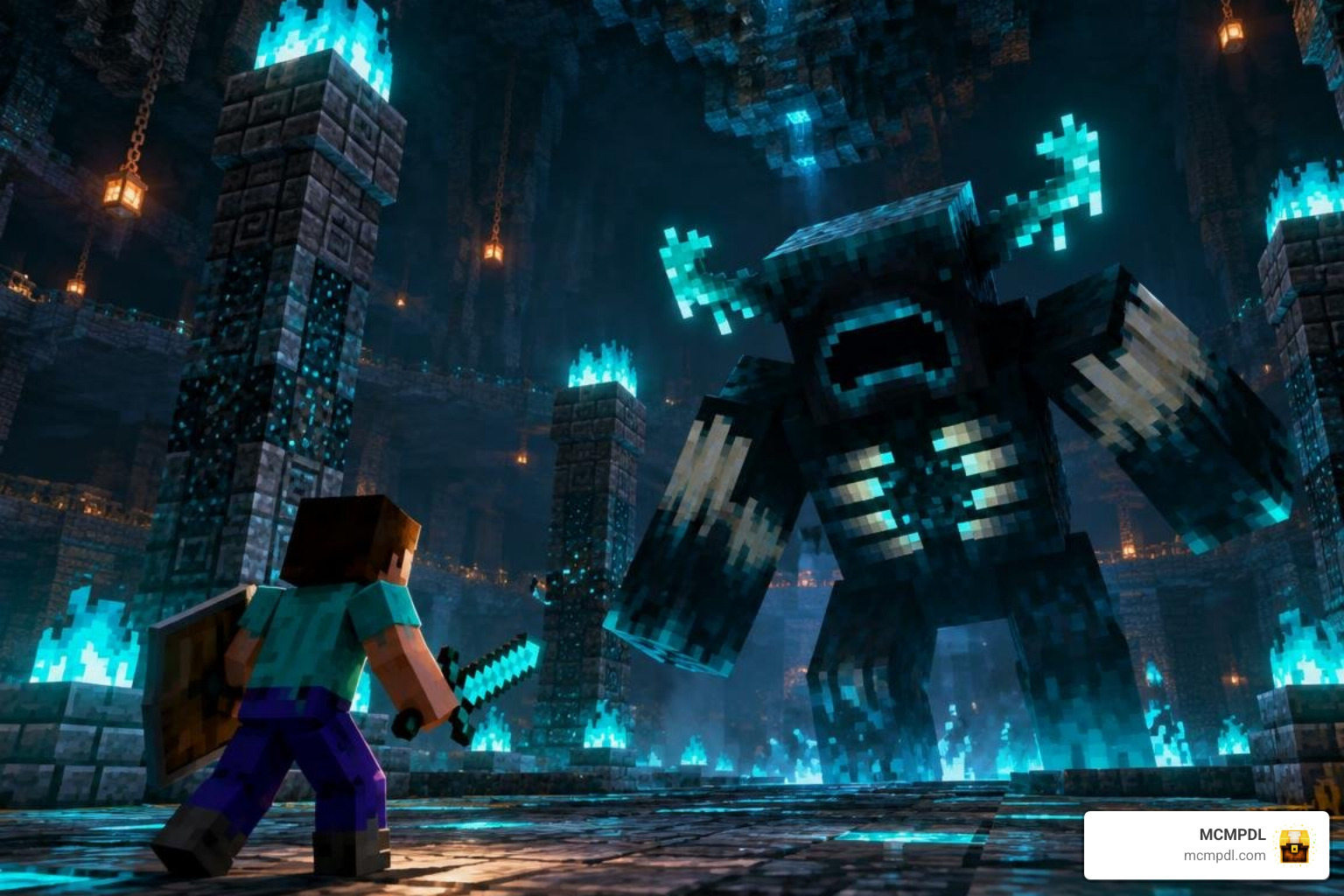
HyperCraft adds combat encounters, bosses, a custom dimension, and a progression system built around souls and power levels. The project says it works with about any map, but boss-fight challenges and arenas are a natural fit: they give you a focused place to try abilities and test gear without putting a well-established survival world at risk.
The available information does not confirm how every feature behaves in multiplayer. If you want to play with others, test the addon in a separate world first and make sure everyone has compatible game and addon versions, required packs, and dependencies. Back up the world before inviting players or progressing far.
Avoid Hardcore mode. The creator does not recommend it. In particular, using the Ghost Necklace in Hardcore can put you into Spectator mode, with no way to switch back to Survival. That can leave your Hardcore run effectively stuck, so do not test the necklace in a world where you care about continuing to play.
Is the HyperCraft Addon for Minecraft PE/Bedrock Still in Development?
The project is presented as actively developing, with more souls, skills, and powers in progress. Some Deltarune-inspired souls are unfinished, and Domain Expansion is described as experimental rather than a feature to rely on as complete. The availability of the behavior pack may also be affected by the creator’s reported posting issue.
For the latest details, follow the creator’s community updates and check the notes that come with each release. Treat unfinished or experimental content as subject to change, and avoid building an important world around a feature until you have tested it in your current version.
Is the HyperCraft Server Part of the Addon?
No connection between the addon and the HyperCraft server is established in the supplied information. The server is a separate project, not an assumed multiplayer mode or required part of the addon.
The server listing describes a crossplay Skyblock server for Java and Bedrock. It gives the address play.hypercraftmc.net for both editions and 19132 as the Bedrock port, with server version 26.1.2. Those details are for joining the server, not installing or using the HyperCraft RPG addon. Do not assume the addon’s souls, items, or bosses are available there.
Frequently Asked Questions
Can I use the addon in Hardcore mode?
It is not recommended. The Ghost Necklace can put you into Spectator mode in Hardcore, and the creator warns that there is no way to switch back to Survival. Use a regular test world instead.
Why do some items or moves not work?
First check that MSIF is installed, since most items and moves depend on it. Then confirm that the behavior and resource packs are active, that you enabled the required experimental settings, and that the addon release matches your Minecraft version. Some features may also be unfinished or experimental.
What is the best way to try the addon?
Use a backed-up test world, preferably with a boss-fight map or arena. Enable the required settings and dependencies, then choose either the Human or Monster soul book after spawning. Test abilities and gear there, and avoid Hardcore mode, especially when trying the Ghost Necklace.
Conclusion
For a smoother start, check the addon’s current version against your Minecraft version, back up your world, import the required files, activate both packs, and enable the release’s experimental settings. Install MSIF before testing most items and moves, and use the creator’s community updates for support or information about missing files and work-in-progress features.
When you are ready to explore more Bedrock content, our Minecraft Bedrock content hub brings together add-ons, maps, texture packs, shaders, skins, and mash-ups for Android, iOS, and Windows.