Scroll down to Download
Snakes Skin Pack for Minecraft PE/Bedrock: Quick Overview
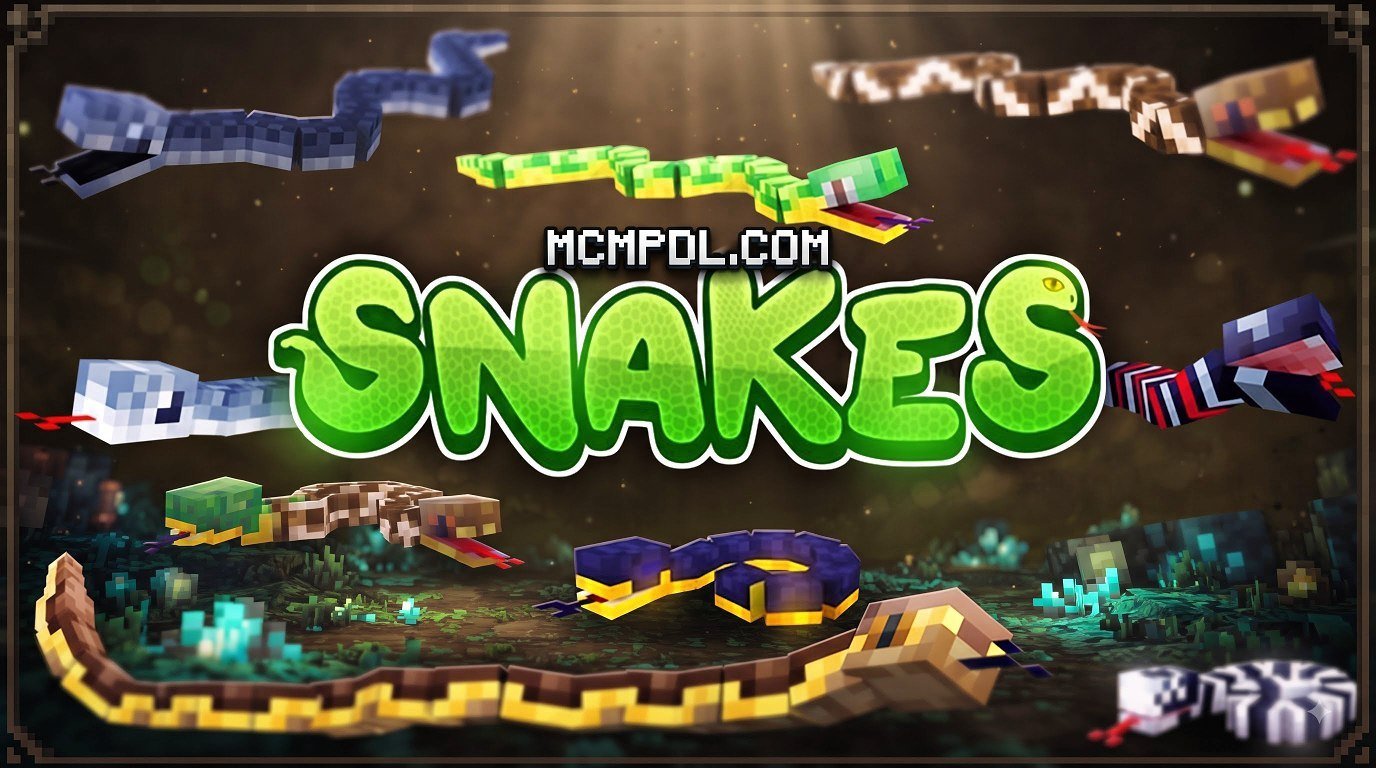
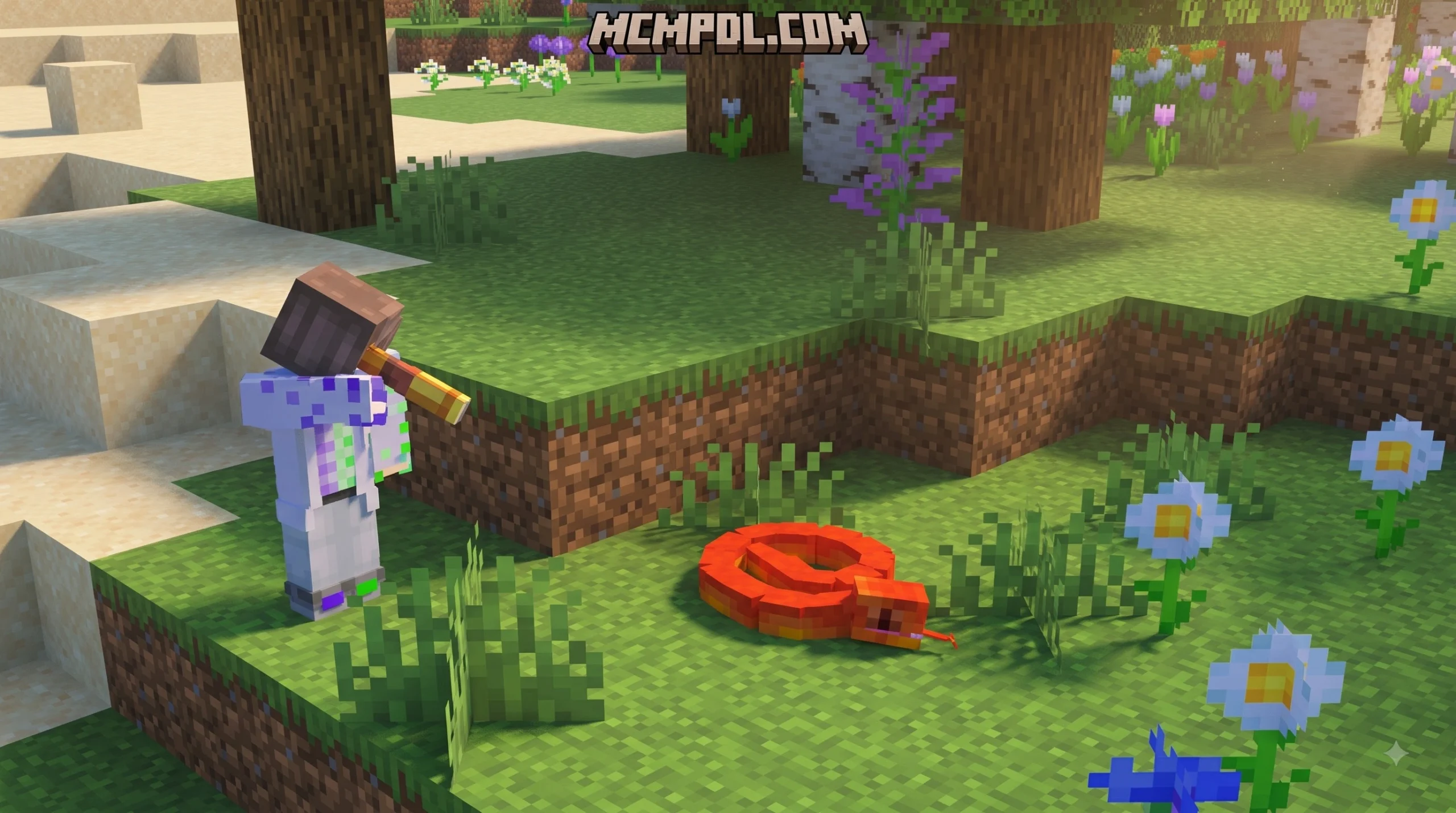
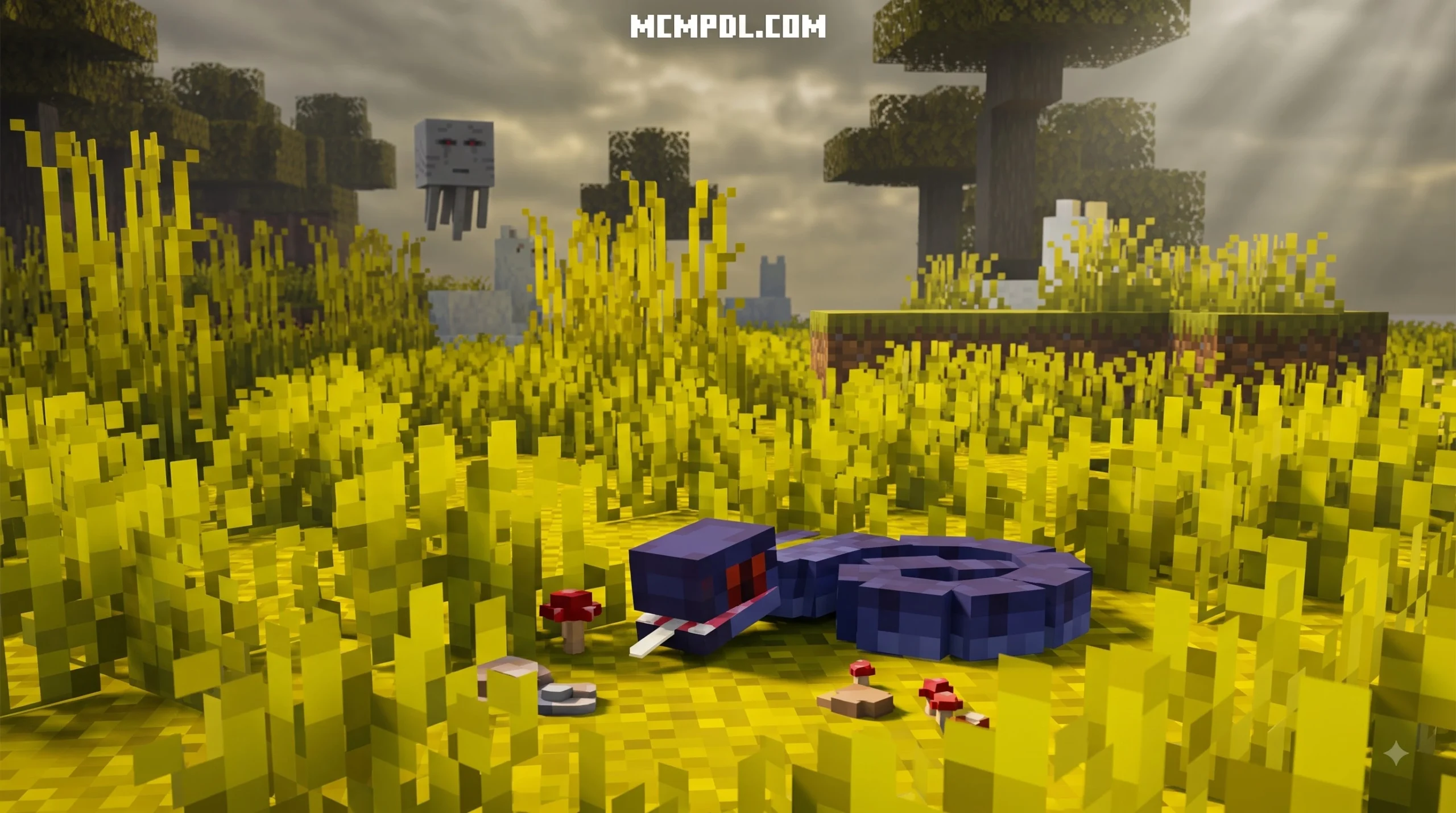
Snakes Skin Pack for Minecraft PE/Bedrock is a Marketplace world pack that combines five snake-themed player skins with a custom survival world filled with 50 snake variations. It is made for Bedrock platforms, including Minecraft PE on Android and iOS.
| Quick fact | Details |
|---|---|
| What it includes | 5 playable character skins and 50 snake mobs |
| Price | 660 Minecoins |
| Required version | Minecraft Bedrock 1.16.0 or newer |
| Where to get it | The in-game Minecraft Marketplace |
| Multiplayer | Supports 1 to 22 players |
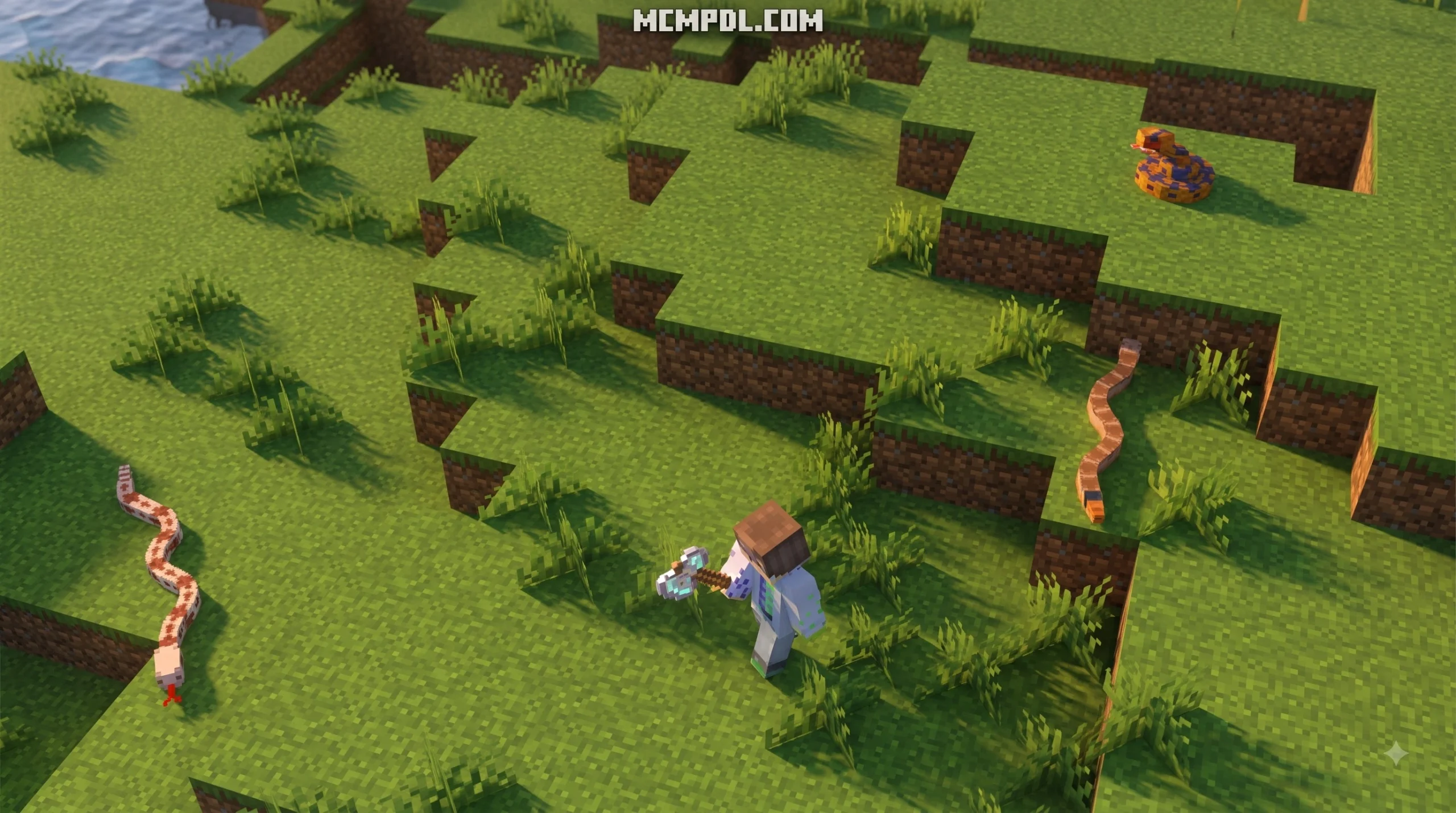
This is more than a cosmetic skin bundle. The included world places snake mobs across different biomes and uses randomized starting areas, giving each new game a slightly different opening. Players who only want a snake look can also find free community-made PNG skins and downloadable Bedrock skin packs, from cobra-inspired characters to pop-culture designs.
What is the Snakes Skin Pack for Minecraft PE/Bedrock?
When players talk about the Snakes Skin Pack for Minecraft PE/Bedrock, they are usually referring to official or community-created cosmetic bundles that let you wrap your player avatar in sleek scales, snake hoodies, or slithering patterns. The primary official release on the Bedrock Store is created by MobBlocks. You can check out the full breakdown on the Snakes by MobBlocks Marketplace Explorer.
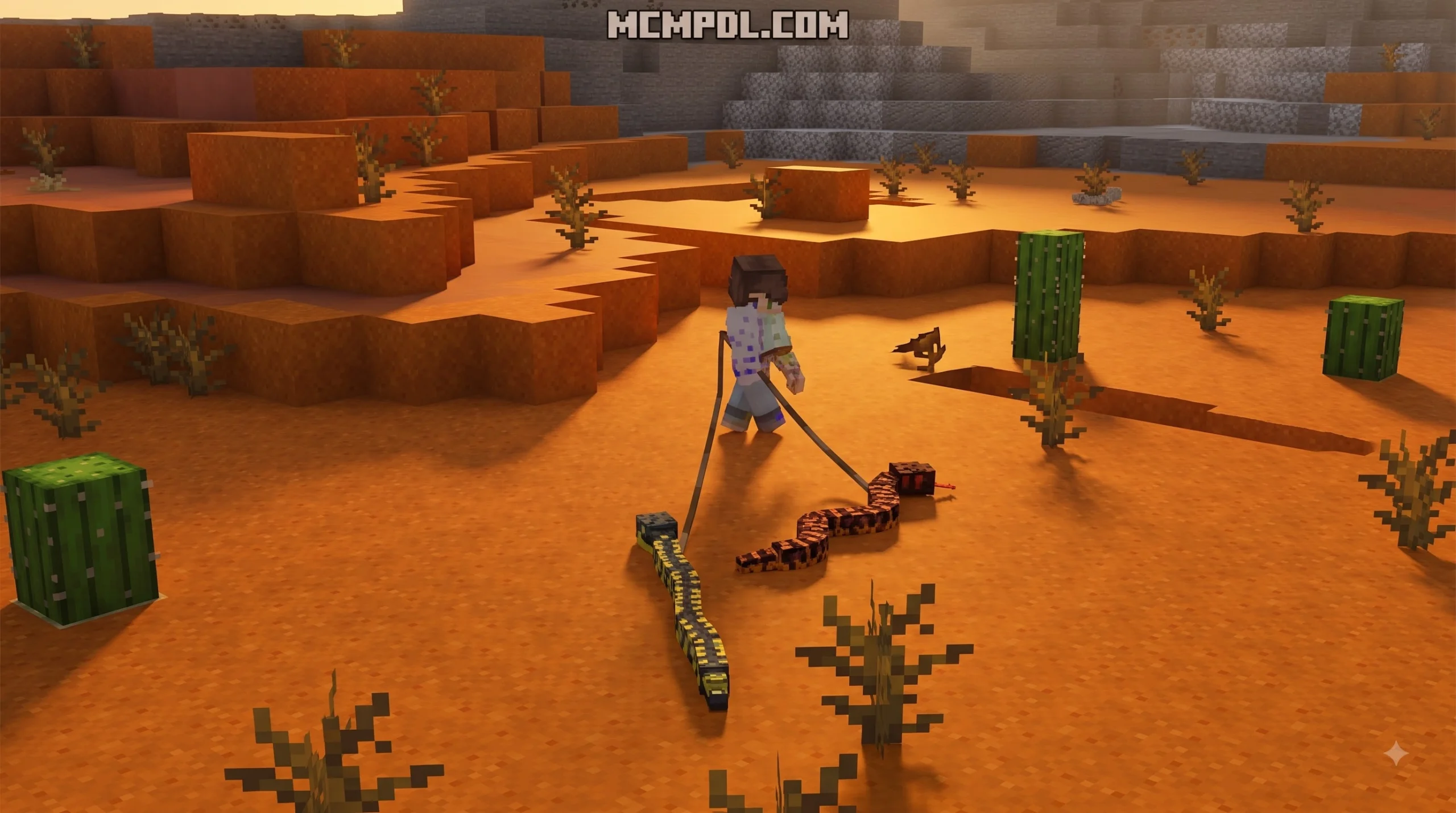
Unlike standard cosmetic skin packs that only alter your character model’s outer PNG texture, this release bundles character skins together with dynamic survival mechanics. When you load into the world, you receive five distinct player skins alongside 50 custom snake mob variations distributed across multiple biomes. Whether you want to roleplay as a snake charmer or survive in a jungle crawling with venomous adders, it offers a complete reptilian overhaul.
Included Character Skins and Pop-Culture Variants
The official pack provides five specialized character designs, but the broader Bedrock community has embraced snake aesthetics across many popular pop-culture crossovers. When searching through player galleries and community skin packs, you will discover several distinct style categories:
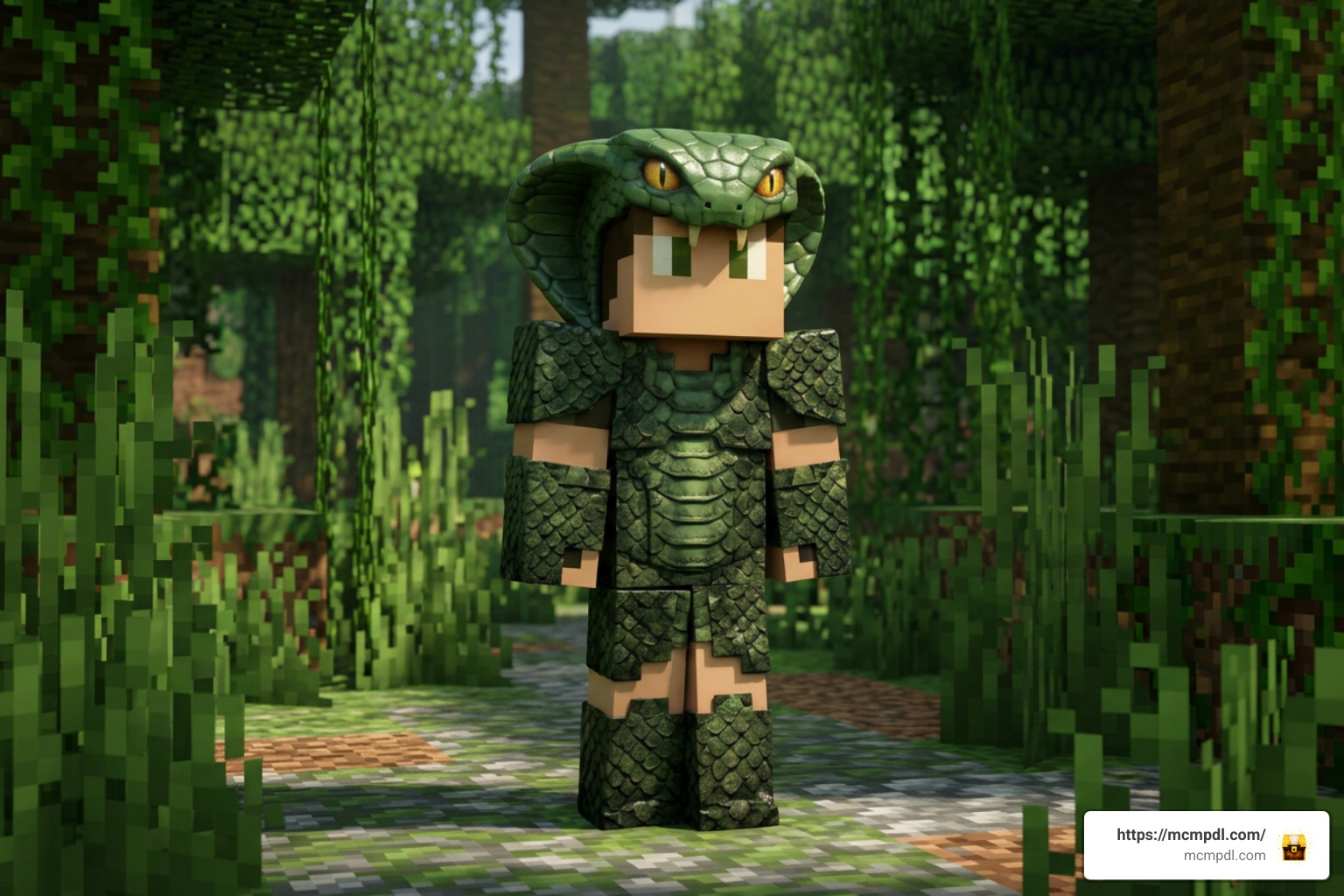
- Reptilian Humanoids & Scaled Suits: Outfits detailed with realistic green, golden, or dark cobra scale patterns, complete with glowing serpent eyes.
- Anime & Gaming Classics: Iconic characters named after or themed around serpents, such as Solid Snake from Metal Gear, Orochimaru (the legendary white snake sannin from Naruto), and Luffy Gear 4 Snake Man from One Piece.
- Snake Charmers & Handlers: Desert and jungle outfits featuring leather armor, traditional robes, and snake motifs, similar to classic circus-themed skins.
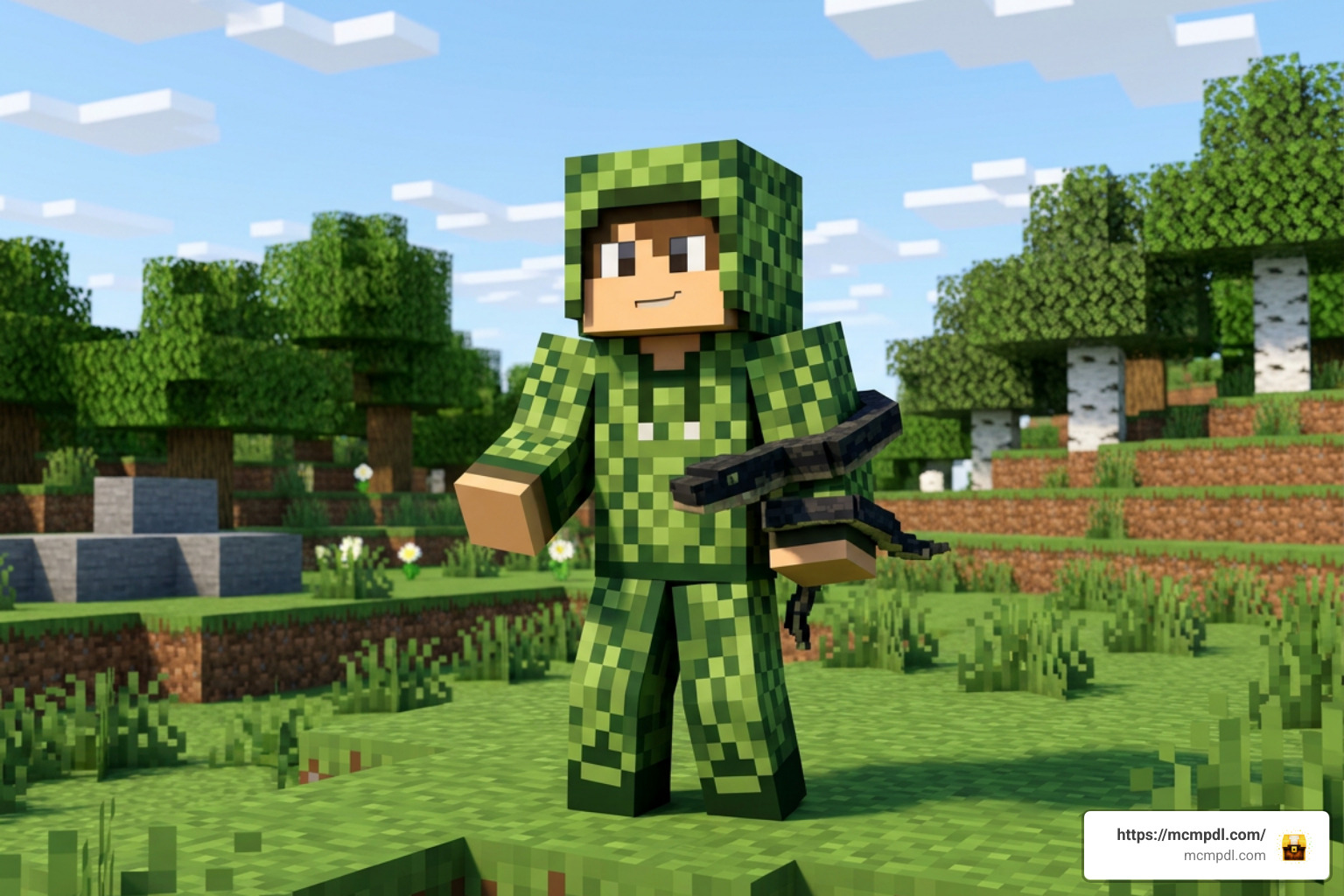
- Camouflage & Trolling Outfits: Skins designed to blend into terrain features, inspired by stealthy ambush predators in nature.
Whether you prefer a full-body serpent disguise or a subtle anime homage, there is a skin available for every style of play.
Pricing, Compatibility, and Supported Versions
The official MobBlocks pack costs 660 Minecoins, which equals roughly $3.30 to $3.46 USD depending on your local currency exchange rate and coin bundle discounts.
Because it is built on the unified Bedrock Engine, it works seamlessly across all 12 supported Bedrock platforms. You can purchase it on one platform and access it everywhere your Microsoft account is signed in:
- Mobile: Android (MCPE) and iOS / iPadOS
- Consoles: Xbox One, Xbox Series X/S, PlayStation 4, PlayStation 5, and Nintendo Switch
- PC: Windows 10 and Windows 11 Bedrock Edition
The pack requires Minecraft Bedrock Edition 1.16.0 or higher, meaning it runs smoothly on modern Bedrock updates including versions 1.20 and 1.21+. Furthermore, the world supports 1 to 22 players, making it a fun pick for multiplayer survival servers and Realm adventures.
How to Download and Install Snake Skins in MCPE
Getting snake skins onto your mobile device or console is straightforward. Depending on whether you choose an official Marketplace pack or a free community file, the process takes just a couple of minutes.
Step-by-Step Installation of Snakes Skin Pack for Minecraft PE/Bedrock
To install the official marketplace pack:
- Launch Minecraft PE / Bedrock on your mobile device, console, or PC.
- Select the Marketplace icon from the main menu.
- Tap the search magnifying glass and type in “Snakes by MobBlocks”.
- Tap on the product page, then select the 660 Minecoins button to finalize your purchase.
- Once purchased, tap Download. The pack will automatically store in your device’s internal game memory.
- Open your Dressing Room / Character Creator, go to Classic Skins, and select your newly unlocked snake skins to equip them.
If you are downloading third-party skin packs or custom texture packs from the web, look for a .mcpack file format:
- Download the
.mcpackfile directly onto your mobile device. - Open your file browser app and tap the file. Choose “Open with Minecraft”.
- Minecraft PE will automatically boot up and import the skin pack.
- Navigate to your Dressing Room to equip your new look.
If you like combining stealthy player looks with utility addons, you can look for block-matching camouflage skin packs, or manage your survival stats during stealth hunts with popular utility addons.
Creating Custom DIY Snake Skins
If you want a totally unique design, you can create your own custom snake skin from scratch using free pixel art tools.
- Use Skin Creator Apps: Mobile apps like Skin Editor 3D for Minecraft or web tools like Nova Skin allow you to paint individual pixels directly onto a standard 64×64 Minecraft player model template.
- Draw Realistic Scales: Use contrasting light and dark green or yellow pixels in a checkered pattern to simulate glossy reptilian scales.
- Add 3D Outer Layers: Take advantage of Bedrock’s jacket/outer layer geometry to build raised snake hoods, 3D fangs, or coiled belts around your avatar’s chest and arms.
- Export as PNG: Save the final image as a transparent 64×64 PNG file directly to your device’s photo gallery.
- Import into Minecraft: Open Minecraft PE, enter the Dressing Room, select Owned Skins > Import, choose your saved PNG file, and pick either the Steve (wide) or Alex (slim) arm model.
Evolution of Snake-Themed Skins and Mobs in Minecraft History
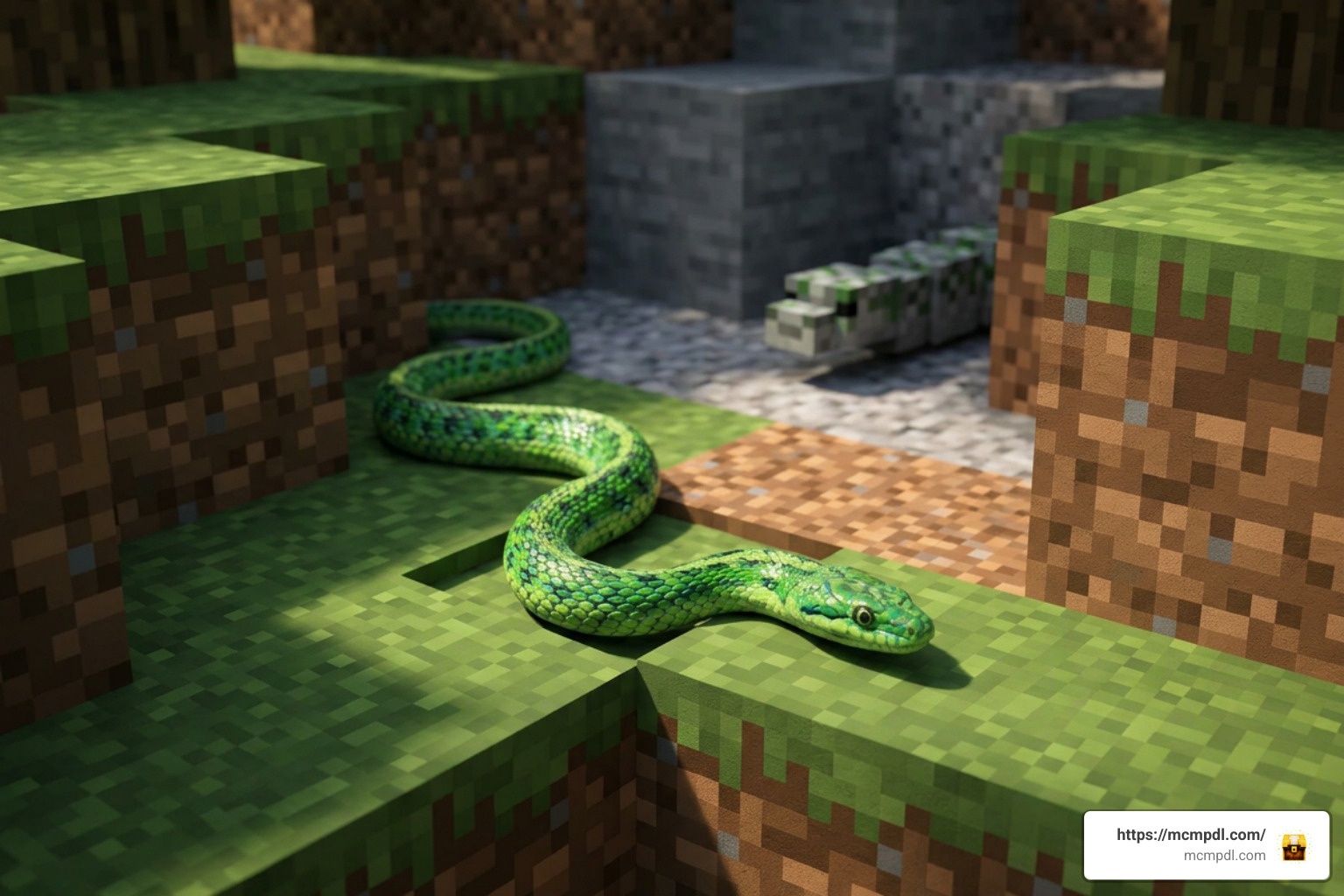
Snake-themed content has a long history in the Minecraft community. Because official vanilla Minecraft does not include a native snake mob in the base game, players and creators have always found creative workarounds.
Early add-on developers quickly realized that the Silverfish mob provided the perfect base code for slithering creatures. By modifying the Silverfish model, movement speed, and attack animations, creators were able to introduce realistic rattlesnakes, pythons, and cobras into Bedrock Edition. Popular examples include the Snake V2 silverfish add-on (which recorded over 200 community downloads in early showcases), the Endangered Animals Addon, and the Mine Zoo Addon.
To explore dedicated mob mods that alter creature behaviors and add jungle boss encounters, you can look for custom snake add-ons in the community. If you are focused on PvP combat rather than survival mobs, weapons and UI textures can also be reskinned with reptilian themes using community-made Snake PvP texture packs.
Comparing Snakes Skin Pack for Minecraft PE/Bedrock with Modded Addons
It is helpful to understand the structural differences between official cosmetic skin packs, world add-ons, and standalone texture modifications.
| Feature / Aspect | Official Snakes Marketplace Pack | Third-Party Snake Behavior Addons | Snake PVP / Texture Packs |
|---|---|---|---|
| Primary Focus | Character cosmetics + dynamic survival world | Tameable mobs, custom bosses & drop items | Weapon, tool, and UI re-textures |
| Player Skins Included | 5 detailed skins | Rarely included | None (items/UI only) |
| Base Mob Used | Custom Bedrock mob entities | Silverfish or customized mob templates | N/A |
| Installation Method | One-click via Marketplace | File import (.mcpack / .mcaddon) | Resource pack loading (.mcpack) |
| Minecoin Cost | 660 Minecoins (~$3.30) | Free (Community downloads) | Free (Community downloads) |
| Experimental Mode Needed? | No | Yes (usually required) | No |
| Performance Impact | Low to Moderate | Varies based on mob spawn density | Extremely Lightweight |
Frequently Asked Questions
How much does the official Snakes skin pack cost on Bedrock?
The official Snakes pack by MobBlocks costs 660 Minecoins on the Minecraft Marketplace. In real-world currency, this translates to approximately $3.30 to $3.46 USD, depending on which Minecoin bundle you purchase in the store.
Can I install free snake skins on mobile devices without Minecoins?
Yes! You do not need Minecoins to change your character’s skin. You can download any free 64×64 PNG snake skin from community skin websites, save it to your Android or iOS device’s photo library, and import it directly into Minecraft PE through the Dressing Room menu under Owned Skins > Import.
Are snake mob addons different from player skin packs?
Yes. A player skin pack only changes the visual appearance of your player avatar (Steve/Alex). A mob addon alters or replaces in-game entities (such as re-texturing Silverfish into rattlesnakes, adding poisoning attacks, or creating jungle boss fights). The official Snakes by MobBlocks pack contains both: 5 player skins and 50 custom snake mobs inside its included survival world.
Conclusion
Whether you want to slither into multiplayer matches wearing a high-definition cobra hood or survive in a dangerous jungle world overpopulated with 50 unique species, the Snakes Skin Pack for Minecraft PE/Bedrock offers fantastic customization options. Mobile and console players have more choices than ever—ranging from official Marketplace bundles to free DIY PNG skin imports.
Looking for more ways to customize your game graphics, visual UI, and environment textures? Browse MCMPDL Texture Packs to find the best resource packs, shaders, and visual tweaks available for Minecraft PE and Bedrock Edition!
1 thought on “Snakes Skin Pack for Minecraft PE/Bedrock”