Scroll down to D0vvnl0ad
Install ULTIMATE SECRET DOORS Addon for Minecraft PE/Bedrock Fast
To install the ULTIMATE SECRET DOORS Addon for Minecraft PE/Bedrock, make sure Minecraft Bedrock is updated to version 1.20.50 or newer, download or purchase the add-on, then enable its Behavior Pack and Resource Pack in your world’s settings. For safety, back up an important world first and test the doors in Creative mode.
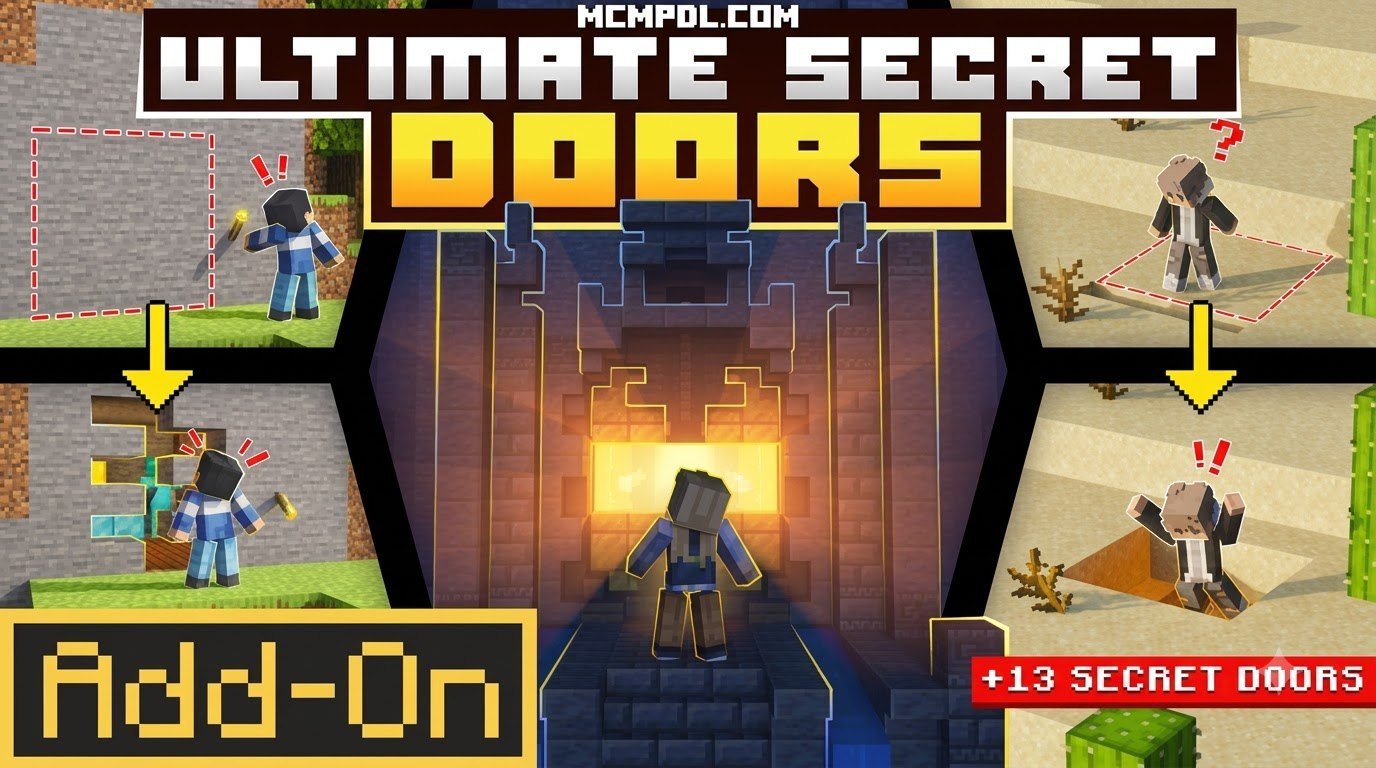
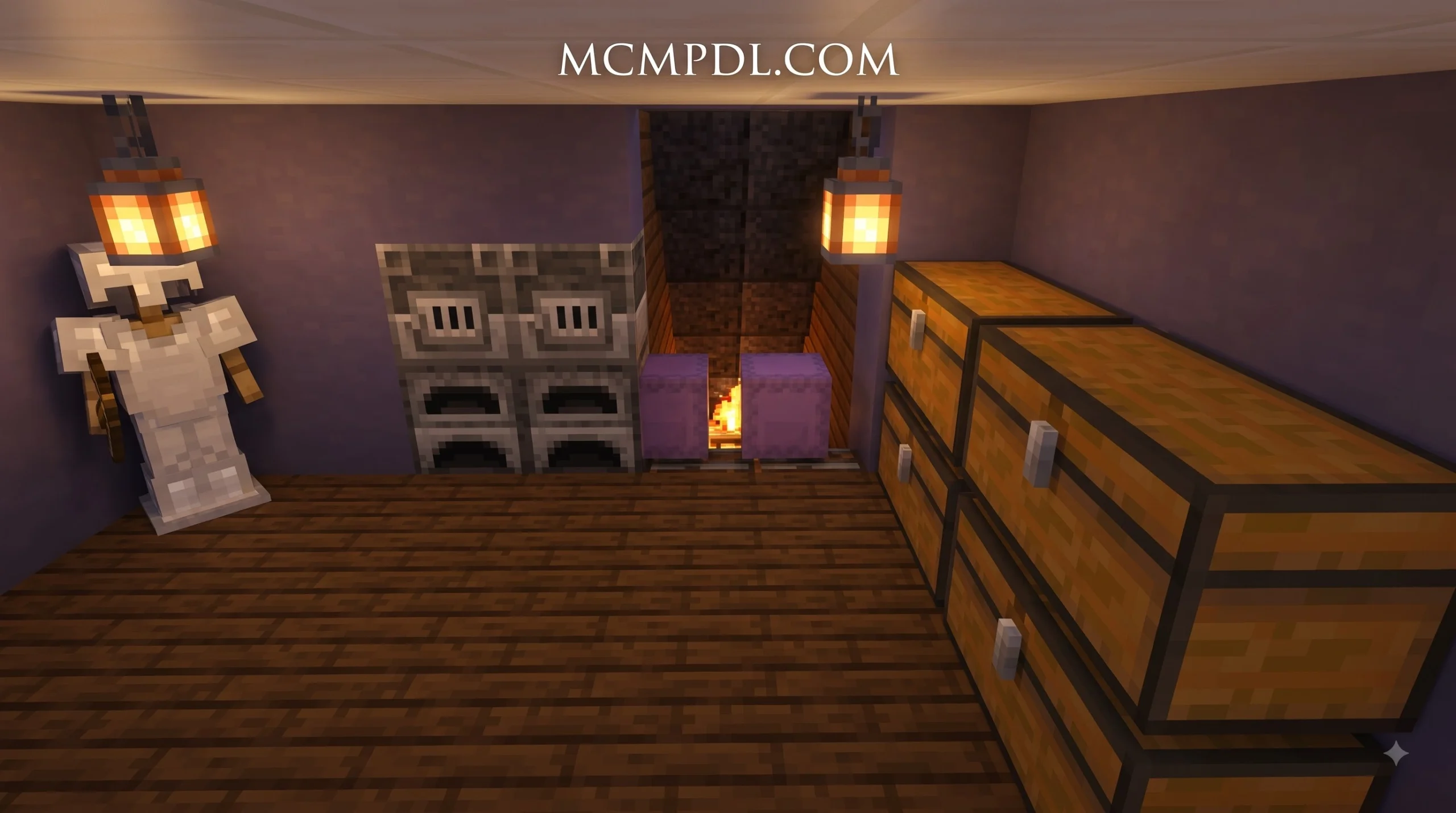
This add-on gives builders far more than a hidden button behind a painting. It includes over 25,000 secret-door combinations, 21 secret levers, Redstone Link connections, a Door Controller for custom designs, and Ghost Blocks for harmless multiplayer tricks.
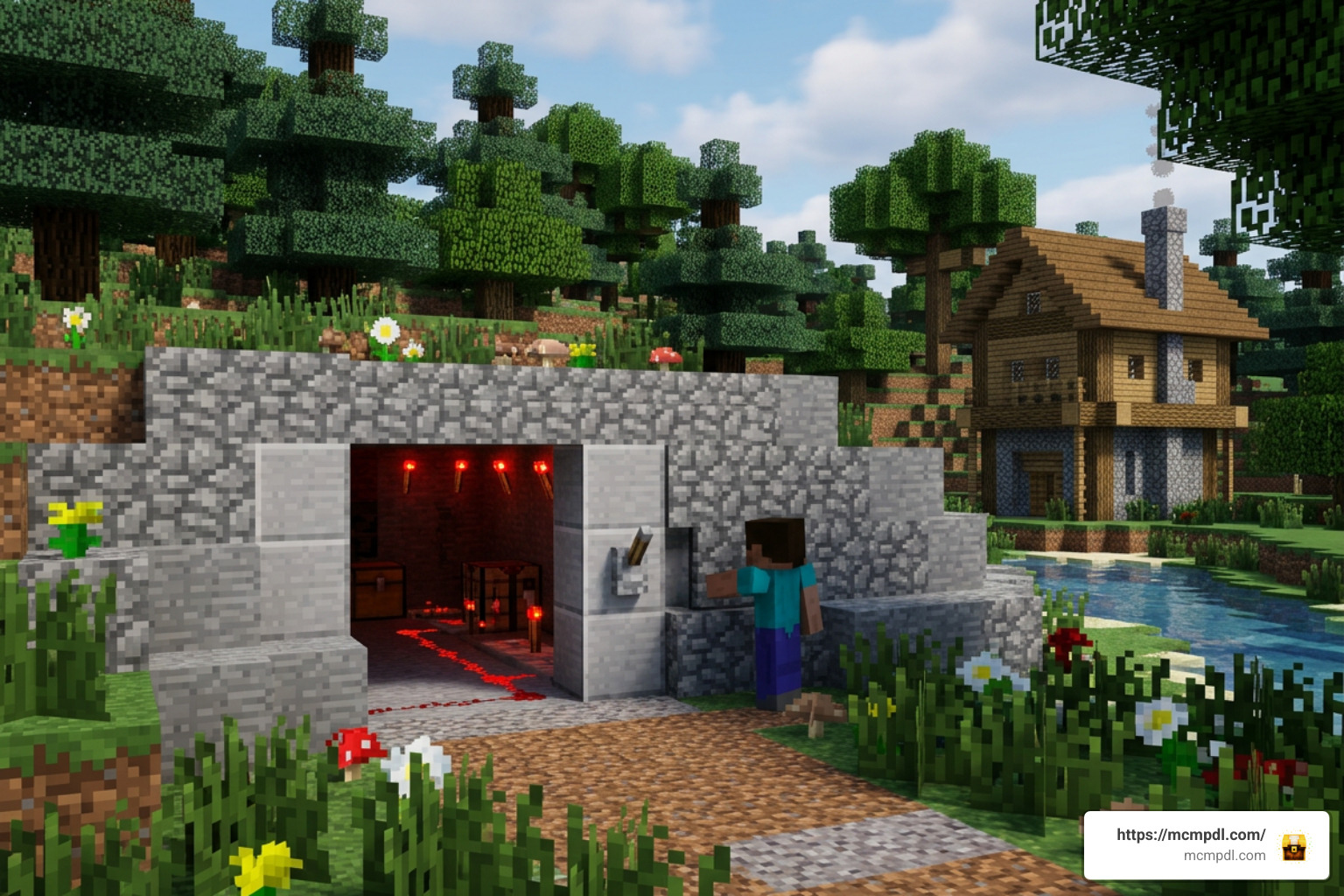
Whether you are protecting a survival vault, making a puzzle map, or building a base nobody can find, this guide explains the quick setup and the key settings that help the add-on work correctly.
Complete Overview of ULTIMATE SECRET DOORS Addon for Minecraft PE/Bedrock
Finding reliable stealth tools on Bedrock can be challenging because standard piston doors often leave visible seams or make loud mechanical noises. Developed by Maca Designs and launched on the official marketplace on March 31, 2026, the ULTIMATE SECRET DOORS Add-On by Maca Designs – Minecraft Bedrock Marketplace Explorer was engineered to solve that problem entirely. It replaces cumbersome redstone wiring with dedicated items and blocks designed specifically for concealed architecture.
Holding an average rating of 3.5 out of 5 stars from 15 marketplace reviews, this pack sits comfortably at a price of 660 Minecoins. Despite its lightweight download size of just 9.2 MB, it delivers extensive mechanical variety, honing in on security, remote automation, and camouflage.
Key Mechanics in ULTIMATE SECRET DOORS Addon for Minecraft PE/Bedrock
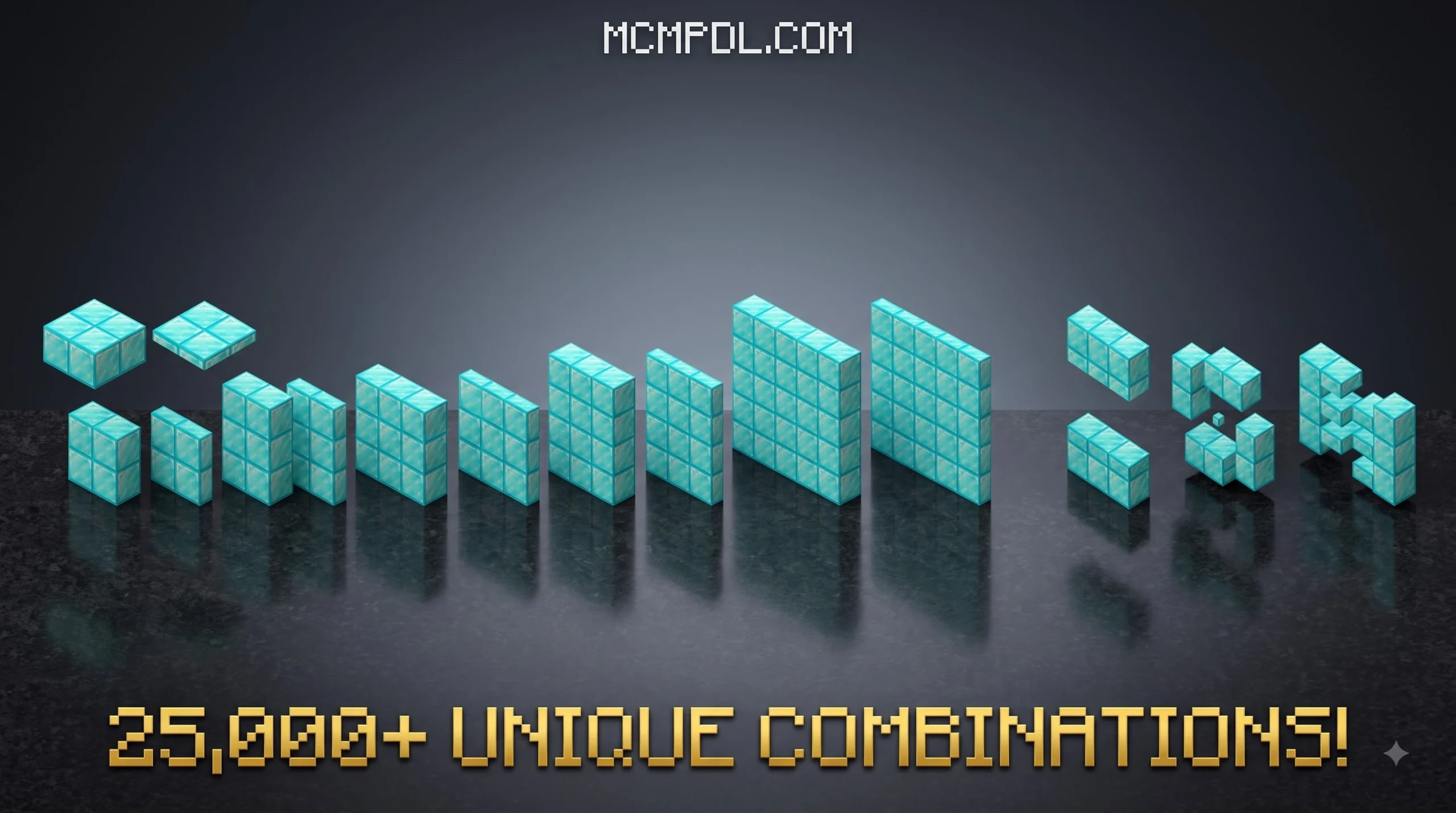
The core strength of this system is its sheer variety. With more than 25,000 unique door combinations, you are no longer limited to matching simple cobblestone or oak planks. You can turn almost any terrain feature—from deepslate and basalt to netherrack and polished granite—into an interactive entryway.
Every door functions seamlessly in both single-player worlds and multiplayer servers. When closed, these blocks adopt the exact collision and visual profile of standard vanilla blocks. When interacted with or triggered by redstone, they shift smoothly along custom animation paths.
| Secret Door & Input Category | Primary Function | Ideal Activation Trigger | Best Use Case |
|---|---|---|---|
| Camouflage Full-Block Doors | Mimics natural blocks (Stone, Deepslate, Dirt) | Direct Click / Sneak Interact | Mountain base entries and vault walls |
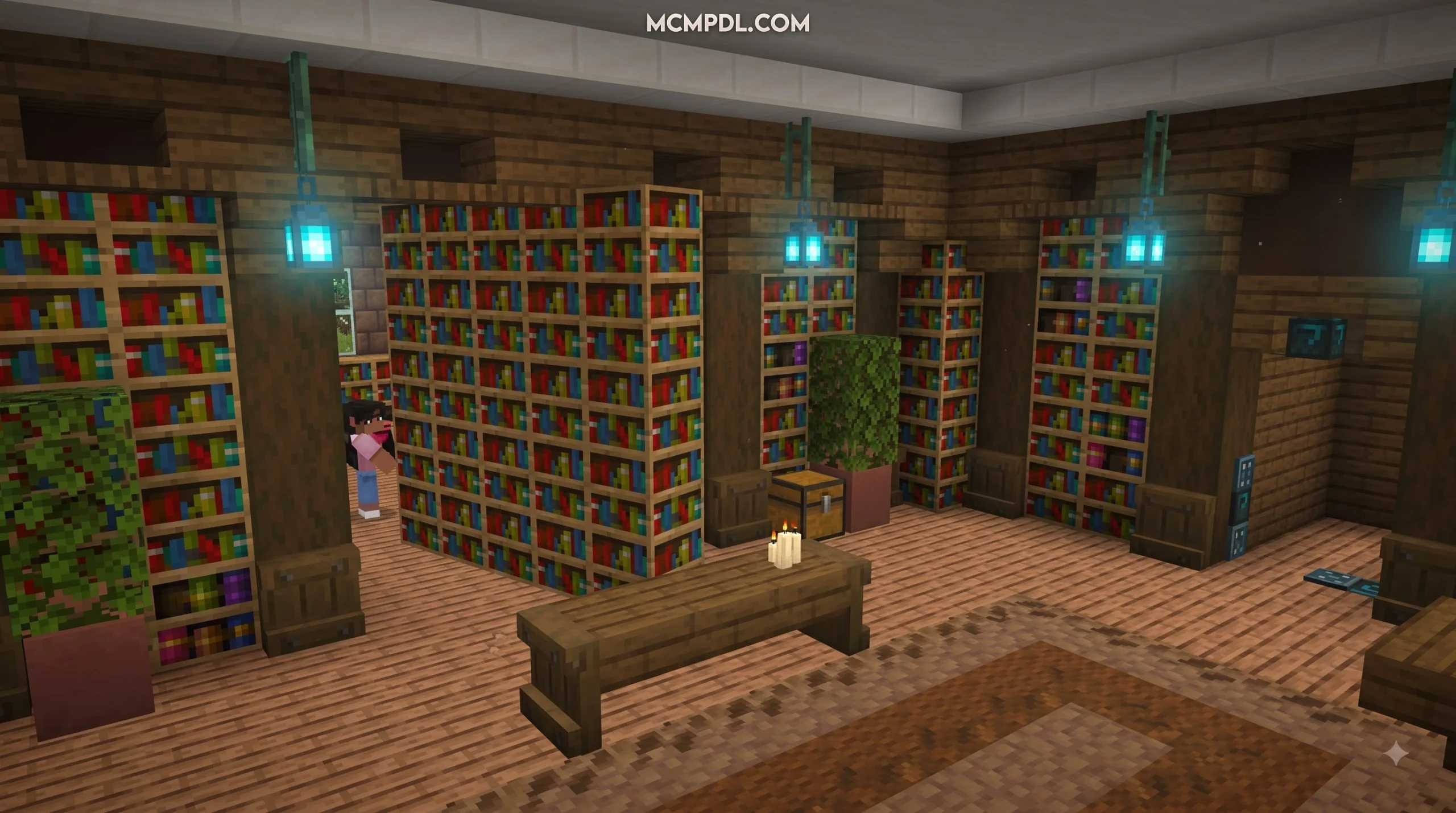
| Secret Levers (21 Variants) | Disguised switches (Books, Bricks, Torches) | Right-click / Tap interaction | Hidden study rooms and library archives |
| Redstone Link Receiver Doors | Opens upon detecting linked remote signals | Wireless Link Controller / Remote Switch | Trapdoor escapes and panic room sealing |
| Custom Controller Doors | User-defined texture pairings | Custom setup via Door Controller UI | High-security multiplayer vaults |
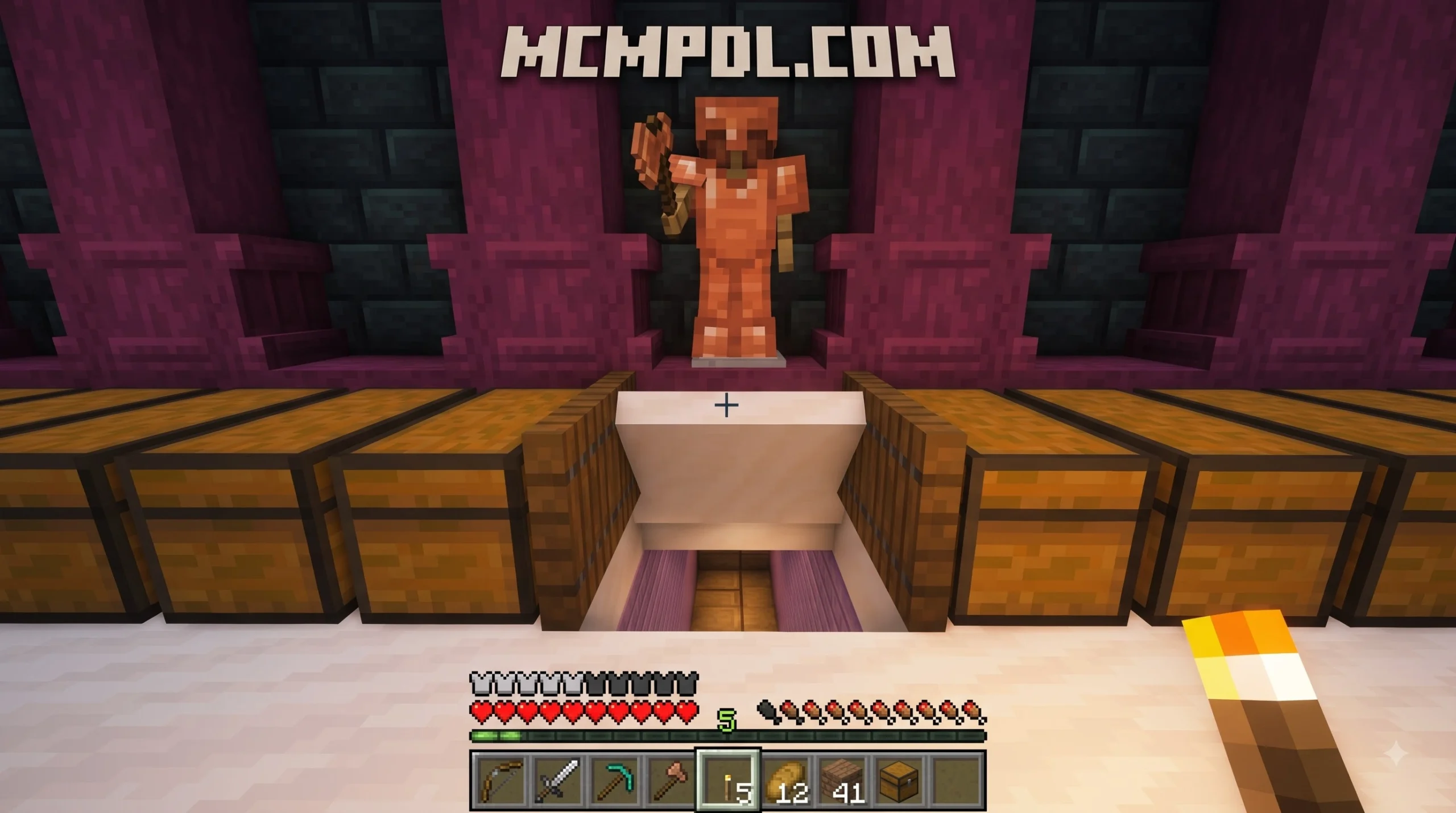
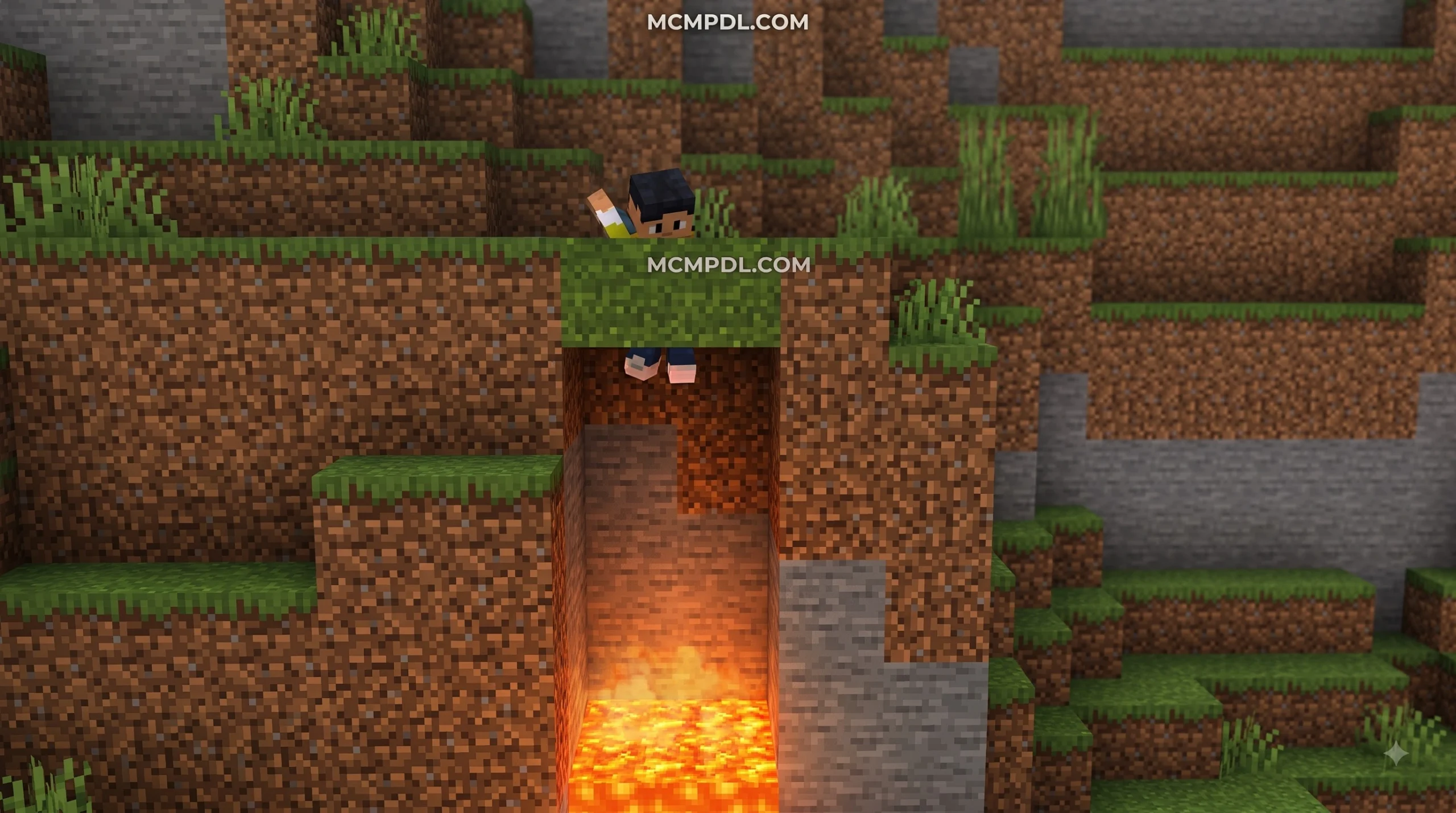
| Ghost Blocks | Solid-looking blocks with zero collision | Walking directly through | False walls, escape routes, and trap pits |
System Requirements and File Specifications
Because this modification utilizes modern Bedrock script and animation systems, your game client must meet specific criteria to avoid crashes or missing textures:
- Target Engine: Minecraft Bedrock Edition (Pocket Edition, Windows, Android, iOS, Consoles)
- Minimum Required Version: 1.20.50 or higher (fully compatible with 1.21+)
- Download Size: ~9.2 MB
- Package Format:
.mcaddon(containing synchronized Behavior and Resource packs) - Multiplayer Requirements: Host must have behavior and resource packs applied; joining players download the resource pack automatically upon connection.
Players downloading the add-on will find the installation package unified into a single streamlined file.
How to Download and Install the Addon Step-by-Step
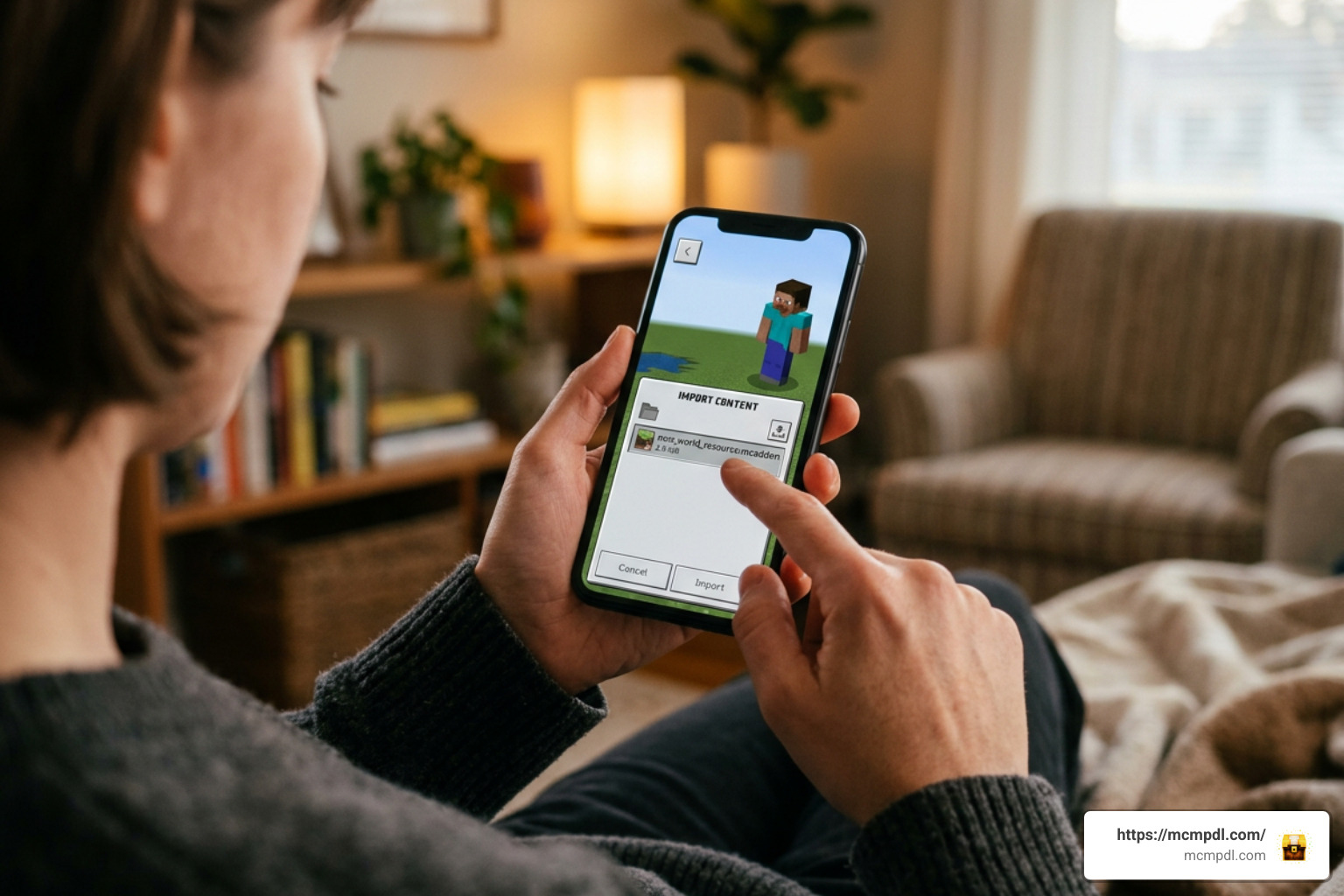
Installing community content on Minecraft Bedrock has never been easier. Because the file uses the .mcaddon archive format, manual folder extraction is unnecessary on modern devices.
Enabling Behavior and Resource Packs
To get the add-on running on your device, follow these sequential steps:
- Obtain the File: Purchase the add-on directly via the in-game Marketplace for 660 Minecoins, or obtain the verified
.mcaddonpackage from an authorized distribution hub. - Launch the Import: Tap or double-click the downloaded file. Minecraft will launch automatically and display “Import Started” followed by “Successfully Imported” at the top of your screen.
- Open World Settings: Navigate to your world list, select the edit pencil icon next to an existing world, or tap “Create New World.”
- Attach Resource Pack: Scroll down the left menu to Resource Packs, click on Available, find the secret doors pack, and click Activate.
- Attach Behavior Pack: Move to Behavior Packs, locate the matching pack under Available, and click Activate. Confirm the pop-up warning regarding achievements if prompted.
Activating Experimental Gameplay Toggles
While modern add-ons require fewer toggles than older scripts, several custom entities, custom block components, and UI elements rely on experimental parameters. To guarantee stability:
- Scroll down to the Experiments tab within your World Settings menu.
- Enable Beta APIs to ensure scripts handling door synchronization and controller interfaces execute correctly.
- Enable Upcoming Creator Features if prompted by the pack manifest.
- Always generate a world backup before applying experimental toggles to an existing survival world you care about.
Advanced Stealth Features: Controllers, Levers, and Ghost Blocks
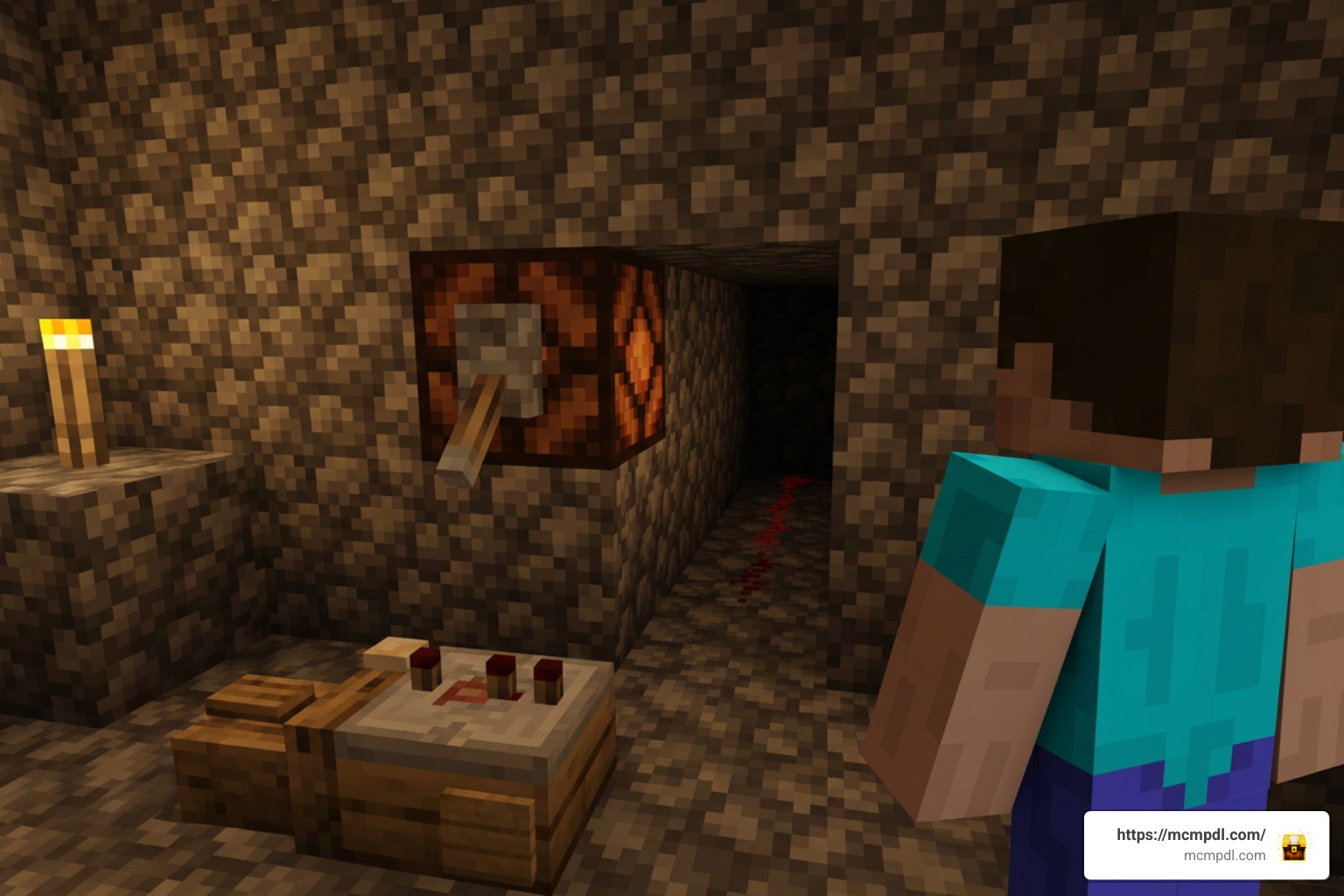
Going beyond basic camouflage blocks, this add-on introduces specialized tools that turn simple entrances into sophisticated security systems.
Remote Triggers and Redstone Link Setup
The Redstone Link component removes the need for exposed wiring or noisy piston contraptions behind your walls.
- Pairing Inputs: Craft or select the Redstone Link tool from your creative inventory or crafting table.
- Setting Channels: Interact with your hidden door using the link tool to set a transmission frequency.
- Connecting Disguised Levers: Apply that same frequency to any of the 21 secret levers included in the pack. These levers can appear as ordinary bookshelf novels, protruding cobblestone stones, wall torches, or utility blocks.
- Wireless Operation: Flipping the disguised lever sends an instant wireless signal to the paired door across distances, opening it smoothly without revealing adjacent redstone dust or repeaters. For players accustomed to classic mechanical builds, this wireless freedom represents a massive leap in base design efficiency.
Ghost Blocks and Base Defense Tactics
Ghost blocks look identical to real blocks but feature entirely disabled collision boxes. They provide several tactical advantages in survival and multiplayer:
- Invisible Passageways: Construct a solid-looking wall out of stone ghost blocks. Walk directly through the wall to access your storage room while pursuers hit a dead end.
- Trap Floors: Line the floor above a deep pit with ghost blocks that match the surrounding tunnel. Unwanted intruders running through your hallway will drop straight into the trap.
- Panic Exits: Place ghost blocks behind large furniture or fireplace builds to create instantaneous escape routes during multiplayer base raids.
Troubleshooting the ULTIMATE SECRET DOORS Addon for Minecraft PE/Bedrock
If you encounter issues while running the add-on, these quick fixes address the most common setup errors:
- Missing Textures (Black and Purple Checkerboards): This occurs when the Behavior Pack is active but the Resource Pack is missing or inactive. Reopen world settings, ensure both packs are active, and verify that the Resource Pack sits at the top of the load hierarchy.
- Doors Place as Normal Blocks: If interacting with a placed door does nothing, check your world settings to confirm Beta APIs is enabled.
- Placement Orientation Errors: Certain multi-block secret doors require specific directional placement. If a door texture appears misaligned, break it, face along the Z-axis, and replace the block while standing upright.
- Multiplayer Sync Delays: If friends on your realm cannot pass through opened doors, make sure your game is updated past the 1.20.50 baseline and that all joining players allow the server resource pack to download prior to joining.
Frequently Asked Questions
Does the ULTIMATE SECRET DOORS Addon work in survival and multiplayer?
Yes, the add-on is fully functional in survival mode, local split-screen, dedicated Bedrock servers, and Minecraft Realms. All secret doors, disguised levers, and ghost blocks include dedicated survival crafting recipes. In multiplayer environments, door opening animations and collision states synchronize across all connected players in real time.
How do I configure custom door textures using the Door Controller?
To assign a custom texture, place the Door Controller block on the ground and interact with it to open its custom interface. Place the secret door framework into the primary input slot, followed by the vanilla block whose texture you wish to replicate (such as deepslate tiles or smooth quartz). The controller fuses the two items, outputting a custom-textured door ready for placement.
Is the ULTIMATE SECRET DOORS Addon available for free?
The official release created by Maca Designs is a premium add-on priced at 660 Minecoins on the Minecraft Marketplace. While various third-party community websites host download mirrors or alternative free security packs, getting the add-on through official channels guarantees verified files, direct updates, and seamless platform support across consoles and mobile devices.
Conclusion
Mastering base defense and hidden architecture adds an entirely new dimension to your Minecraft survival experience. With over 25,000 door variations, 21 secret levers, wireless Redstone Linking, and deceptive ghost blocks, the ULTIMATE SECRET DOORS pack provides everything you need to create truly undetectable underground vaults and panic rooms.
For more guides, texture packs, and the latest Bedrock updates, explore the resources available at MCMPDL to keep expanding your game. Equip your Door Controller, set up your wireless triggers, and start building the ultimate hidden base today!