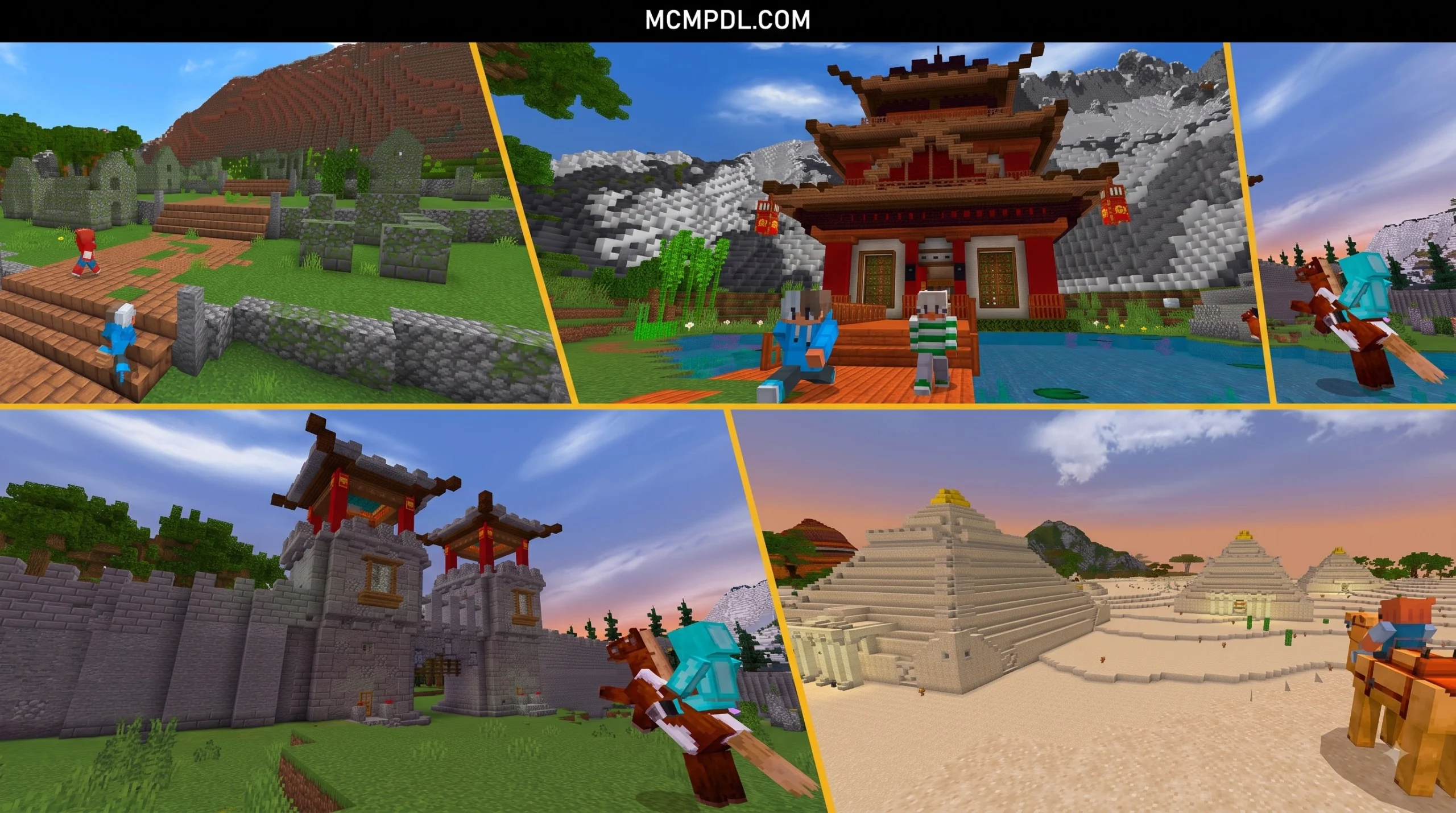
Scroll down to D0vvnl0ad
Why Earth Survival World for Minecraft PE/Bedrock Works
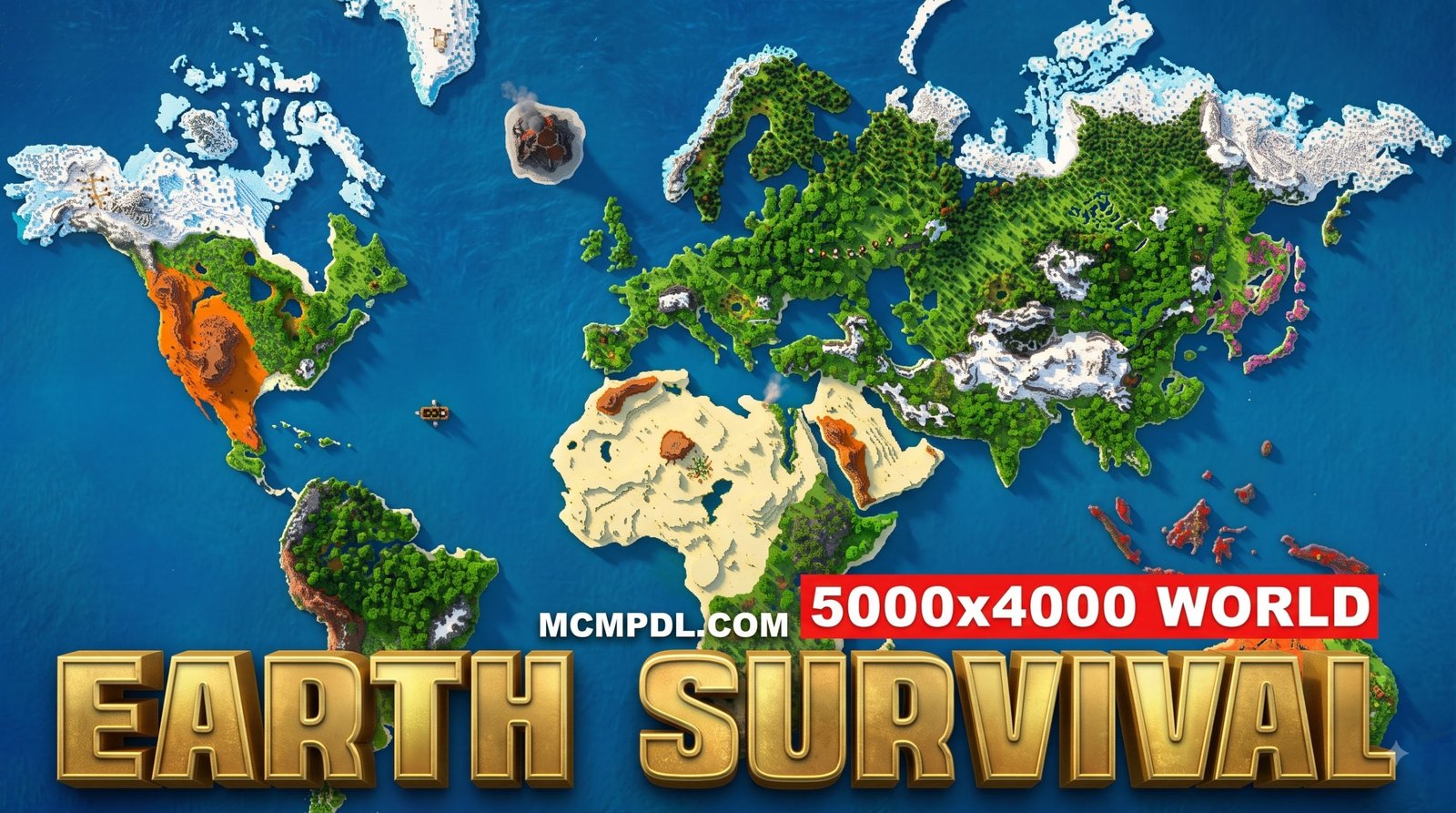
Earth Survival World for Minecraft PE/Bedrock lets you explore real-world-inspired terrain while playing a normal survival game. You can download a free .mcworld Earth map from a community source or buy a Marketplace world, then import it into Bedrock and begin gathering resources, building a base, and traveling across mapped continents.
The best option depends on what you want:
- Marketplace Earth Survival worlds offer polished custom terrain, trees, and adjustable game rules, but may cost Minecoins.
- Free Bedrock Earth maps are often downloadable as
.mcworldfiles and can be ideal for solo survival, creative builds, or geography projects. - Large server maps focus more on multiplayer towns, nations, trade, and roleplay than a private survival experience.
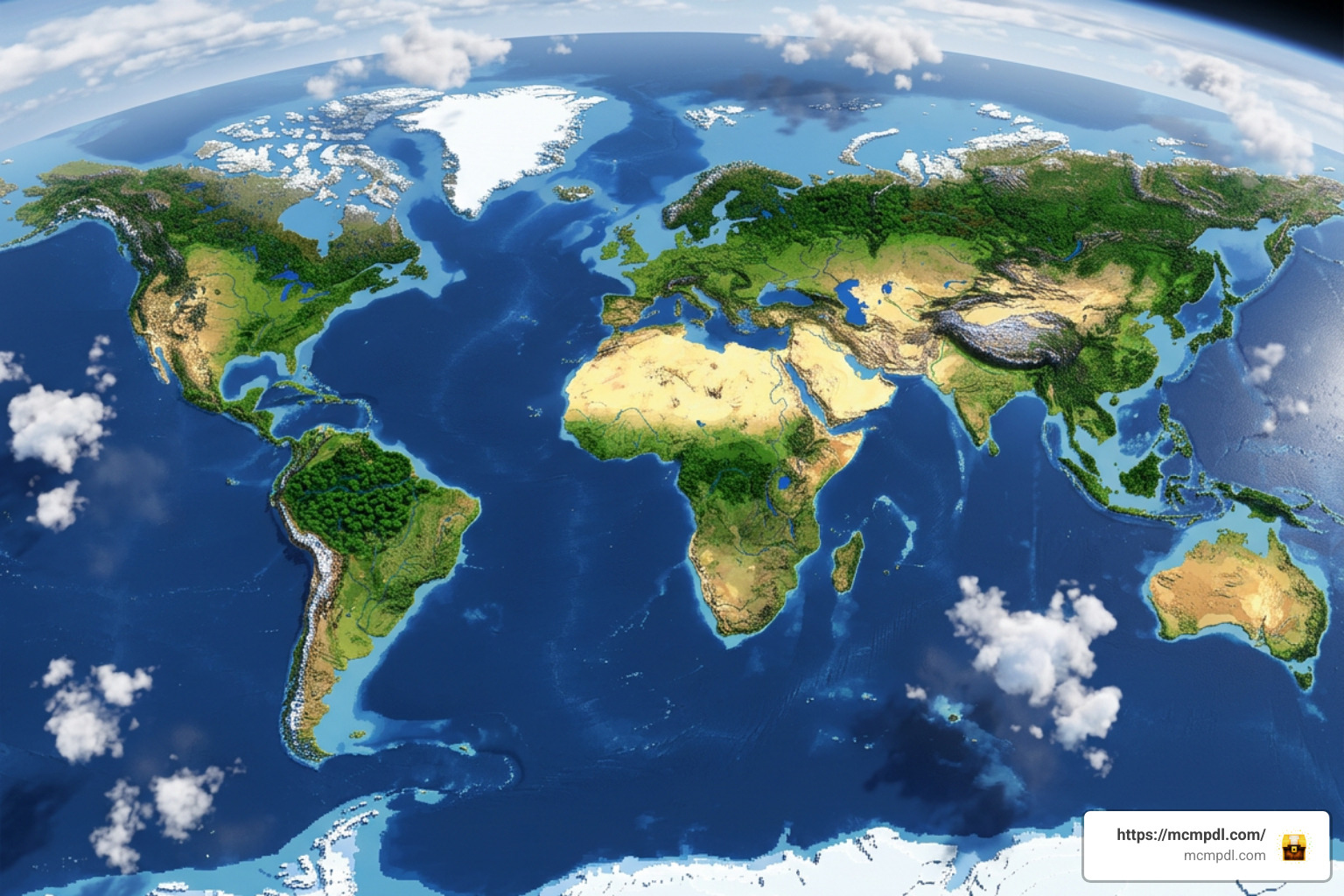
Earth maps make survival feel more purposeful. A desert, mountain range, coastline, or familiar region is not just another biome – it can become the place where your next base, trade route, or multiplayer settlement begins.
10 Compelling Reasons to Choose an Earth Survival Map
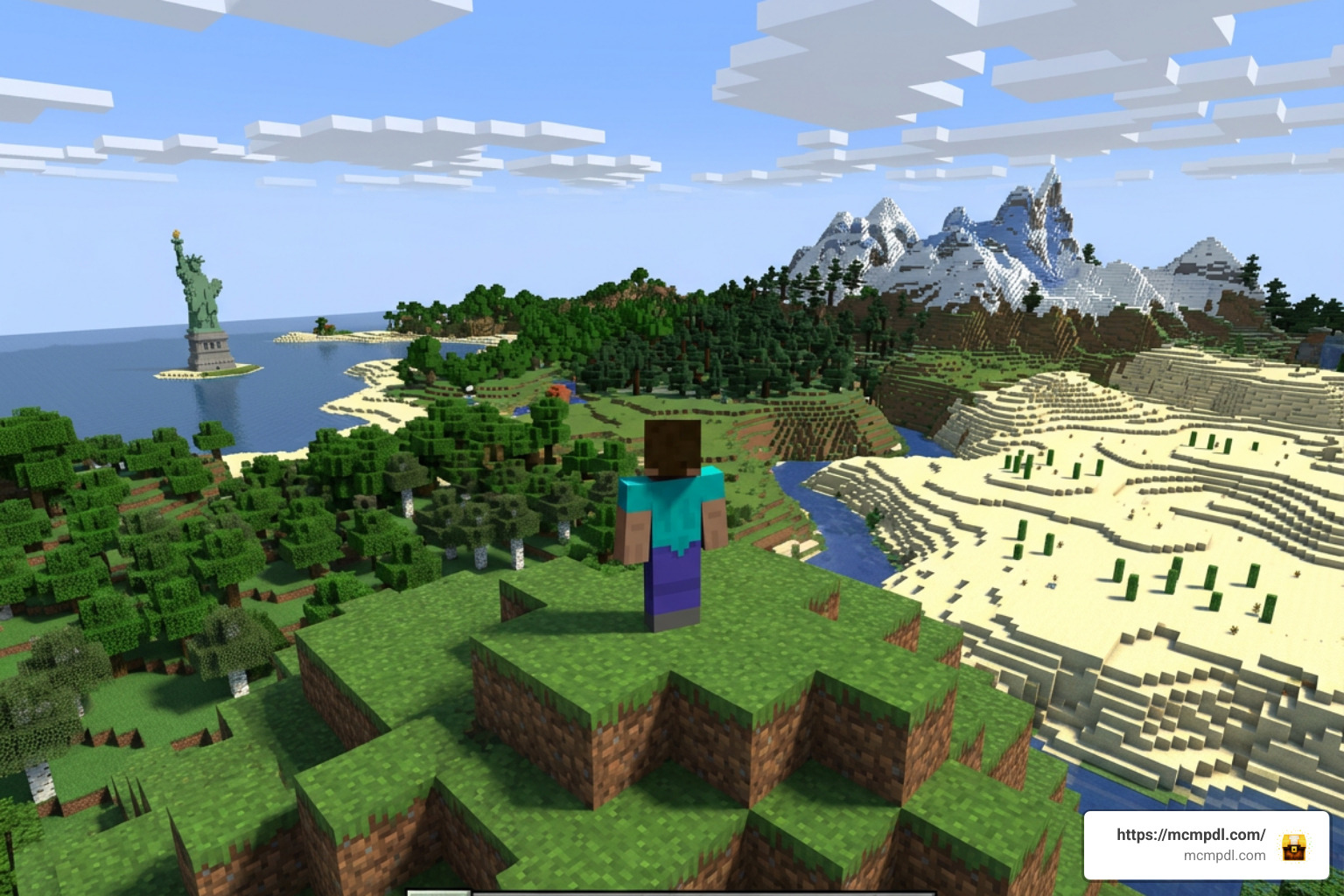
When standard survival seeds begin to feel predictable, playing on a true-to-life globe completely changes your perspective. Here are ten undeniable reasons why an Earth survival map works so brilliantly on mobile devices and consoles:
- Real-Life Geographic Exploration: Navigating a replica of our home planet turns standard exploration into an adventure where you already know the lay of the land. You can hike the Andes, traverse the Sahara, or settle near your actual hometown.
- Built-in Geopolitical Roleplay: Forming factions, drawing borders, and establishing kingdoms feels far more immersive when you are defending the Iberian Peninsula or setting up maritime trade routes across the Mediterranean.
- Natural Exploration Motivation: Instead of wandering endlessly in search of generic biomes, you have tangible destinations. Sailing across the Atlantic Ocean with a boat full of supplies provides a genuine sense of distance and milestone achievement.
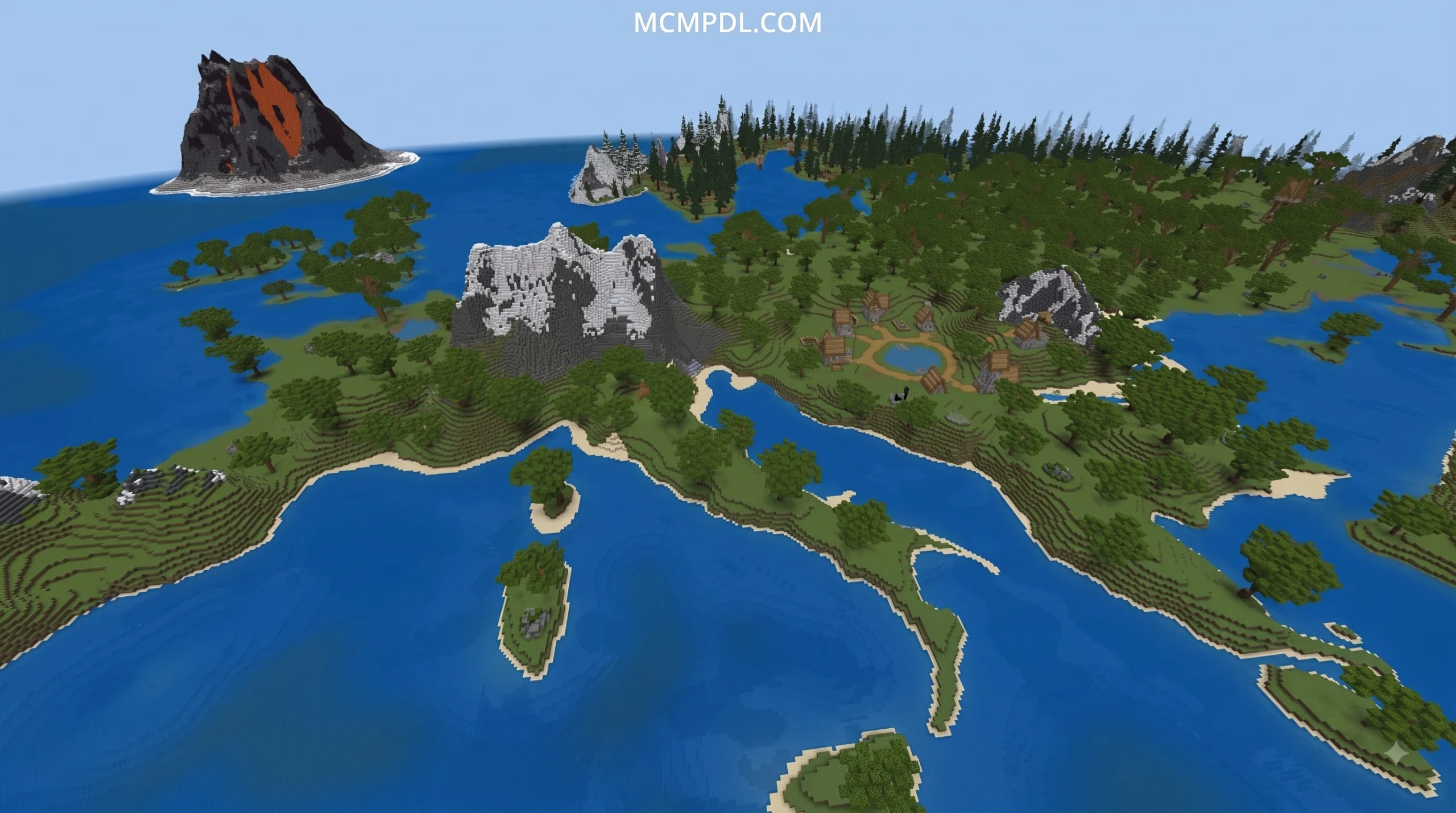
- Custom Terrain Generation: Many Earth maps feature specialized elevation maps, jagged mountain ranges, and realistic coastlines derived from genuine satellite data. If you love breathtaking views, exploring a Realistic Landscapes World for Minecraft PE/Bedrock will show you just how transformative custom topography can be.
- Strategic Resource Distribution: Real-world geography dictates how resources spawn. Ore-rich mountain ranges become prime mining territories, while sprawling river basins like the Amazon or Nile offer fertile ground for massive agricultural empires.
- Multi-Scale Navigation: Earth maps come in various scales—from intimate 1:18000 maps that let you sprint across continents in minutes to massive 1:500 scale builds where every mountain range is a grueling trek.
- Cross-Platform Survival on Bedrock: Whether you are playing on an iPhone, Android tablet, Nintendo Switch, or Windows PC, Bedrock’s lightweight engine allows you to enjoy massive geographic worlds without crippling your frame rate.
- Enhanced Community Immersion: Playing alongside friends on an Earth map establishes an immediate common language. Teammates instantly understand coordinates when you tell them to meet at the Cape of Good Hope or establish an outpost in Scandinavia.
- Educational and Navigational Value: Navigating across oceans, matching coordinates with real-life latitude and longitude, and identifying global biomes makes this format an engaging educational tool for players of all ages.
- A Sense of True Permanence: Surviving on Earth gives your builds lasting historical context. Constructing a fortress at the Strait of Gibraltar or a thriving port city in Tokyo Bay feels vastly more meaningful than building in an arbitrary seed.
Comparing the Best Earth Survival World for Minecraft PE/Bedrock Options
Choosing the right Earth survival experience depends on your device’s hardware, whether you prefer solo or multiplayer survival, and your budget. As of September 2026, the Minecraft Bedrock ecosystem offers several distinct ways to experience real-world geography.
| Map Name / Type | Source & Cost | Scale / Format | File Size | Supported Bedrock Versions | Best Suited For |
|---|---|---|---|---|---|
| Earth Survival by 5 Frame Studios | Bedrock Marketplace (660 Minecoins / ~$3.30 USD) | Standalone Custom World | Lightweight (~25–50 MB) | 1.20 through 1.21+ (Updated June 2026) | Quick single-player setup, custom trees, gamerule modifiers, and starter kits. |
| The Earth by ddediego_d | Community Download (Free) | Standalone .mcworld | 142.04 MB | 1.21.50 – 1.21.70+ | Pure survival or creative projects with full continents, mountains, and caves. |
| Historic EarthMC Archives (Terra Aurora / Nova) | Community Archive / Chunker Conversion (Free) | 1:500 Scale (Converted Java Worlds) | 50.6 GB – 50.8 GB (Full archives) | 1.16 through 1.21+ | Dedicated PC/Bedrock servers, large multiplayer geopolitics, historical exploration. |
| Scalable Community Map Series | Fan-made Bedrock Conversions (Free) | 1:1000 to 1:18000 Scales | 100 MB – 2 GB depending on scale | 1.19 through 1.21+ | Players seeking custom scale balances between travel speed and terrain detail. |
If you enjoy custom-crafted survival layouts that break away from vanilla generation, browsing through our extensive Category: Maps selection will help you discover unique challenges tailored for Pocket Edition.
Key Features of an Earth Survival World for Minecraft PE/Bedrock
A well-crafted Earth survival map provides distinct systems that differentiate it from ordinary procedural seeds:
- Continental Accuracy: Continents, major peninsulas, and islands are accurately shaped to scale, allowing players to navigate by instinct and real-world geographical knowledge.
- Pre-Built Landmark Replicas: Select maps include structural foundations or iconic points of interest—such as miniature monuments or landmark ruins—encouraging global tourism.
- Realistic Ore and Mineral Veining: Natural mountain chains feature concentrated mineral veins, while alluvial plains offer abundant clay, gravel, and surface deposits.
- Custom Vegetation and Trees: High-end worlds include realistic canopies, broadleaf forests, and sprawling root systems that make biomes look visually stunning.
- Coordinate-Based Navigation: Many maps align in-game X and Z coordinates with global latitude and longitude, allowing players to calculate real-world positions using simple arithmetic.
- Integrated Gamerule Changers: Official marketplace maps often provide built-in command panels, allowing you to toggle keep-inventory, mob griefing, day-night cycles, and starter gear packages on the fly.
Addon Compatibility and Hardcore Survival Systems
You can dramatically elevate your Earth map experience by pairing it with custom behavior and resource packs. Installing an enhanced survival pack introduces challenging survival elements that make geographic positioning matter:
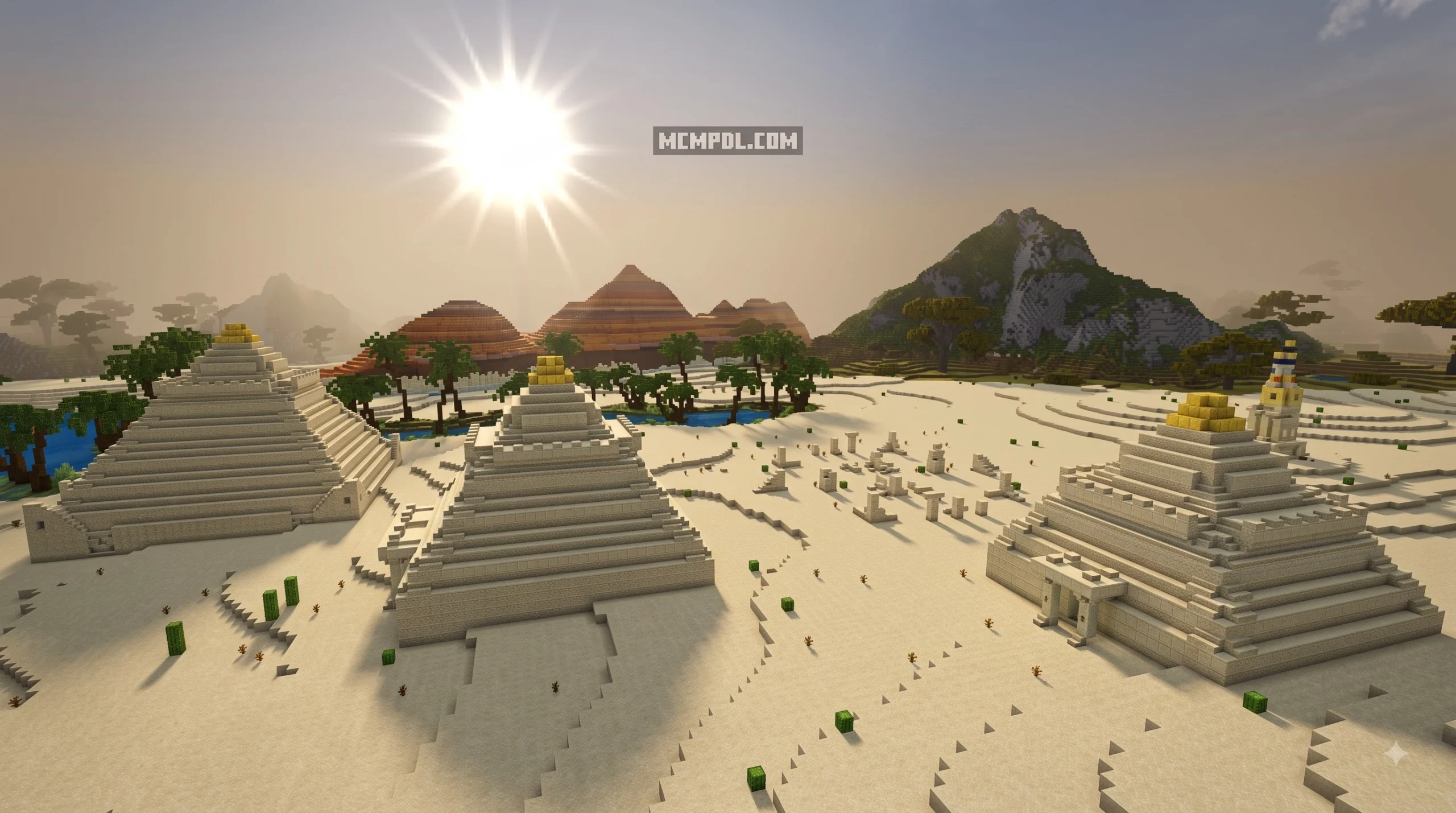
- Dynamic Thirst and Hydration: Crossing the Sahara or Australian Outback requires you to manage canteens and secure clean freshwater sources.
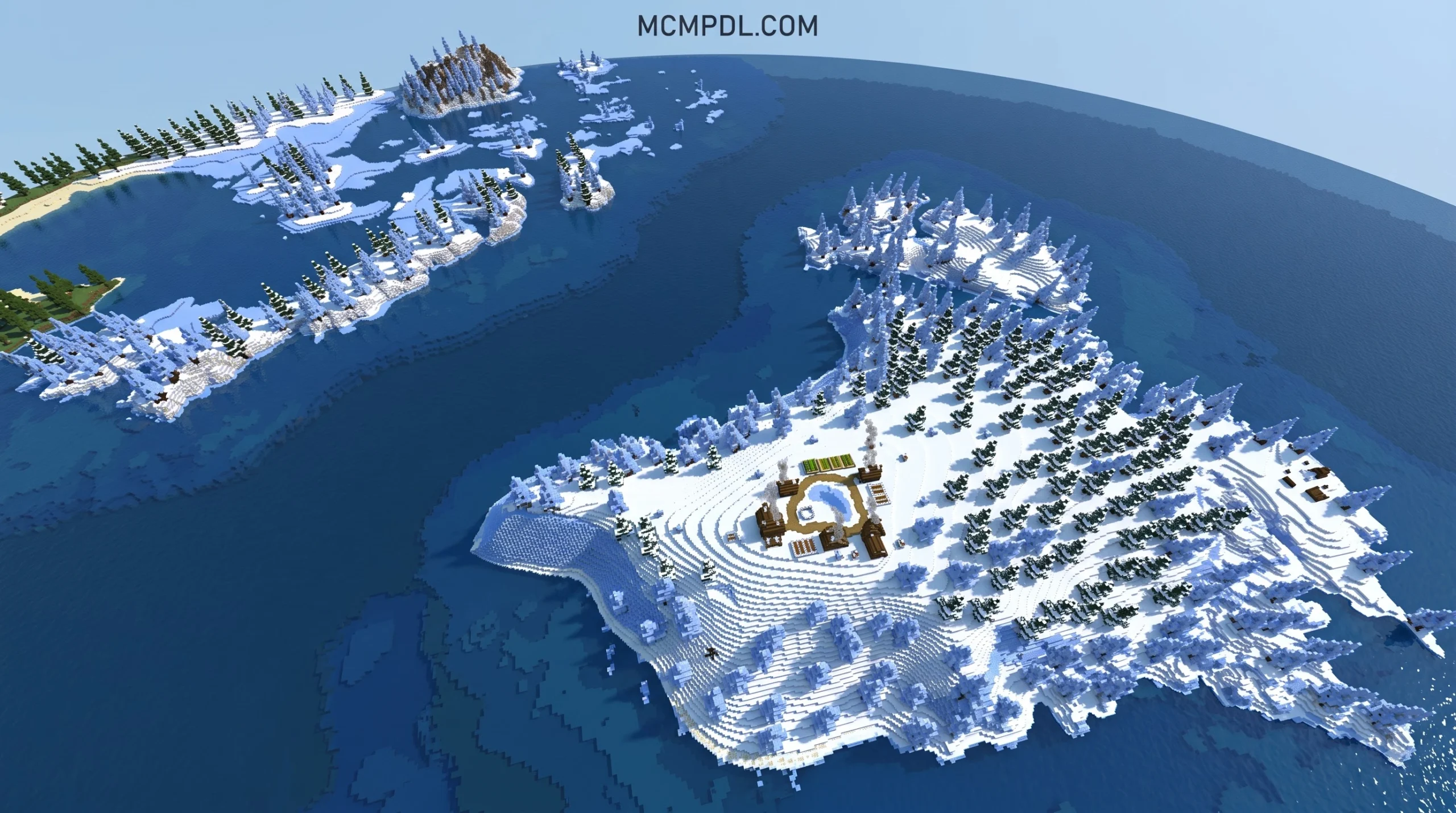
- Biome Temperature Regulation: Freezing tundras and blistering deserts will drain your health unless you craft thermal gear, cooling scarves, or build insulated shelters.
- Stamina and Energy Bars: Sprinting across entire continents demands balanced meals, camping gear, and strategic rest stops.
- Custom HUD Elements: Modern addons feature customizable action bar toggles, compass indicators, and minimap displays to make navigation across vast oceans straightforward.
- In-Game World Editing: Building full-scale cities across continents is made easier by using achievement-friendly world editing tools to shape terrain without disabling your achievements.
- Smarter Mob AI and Apocalyptic Modes: If you want a post-apocalyptic challenge, applying an apocalyptic survival mod turns your familiar global cities into zombie-infested ruins under a blood-red sky.
Step-by-Step Installation and Performance Optimization Guide
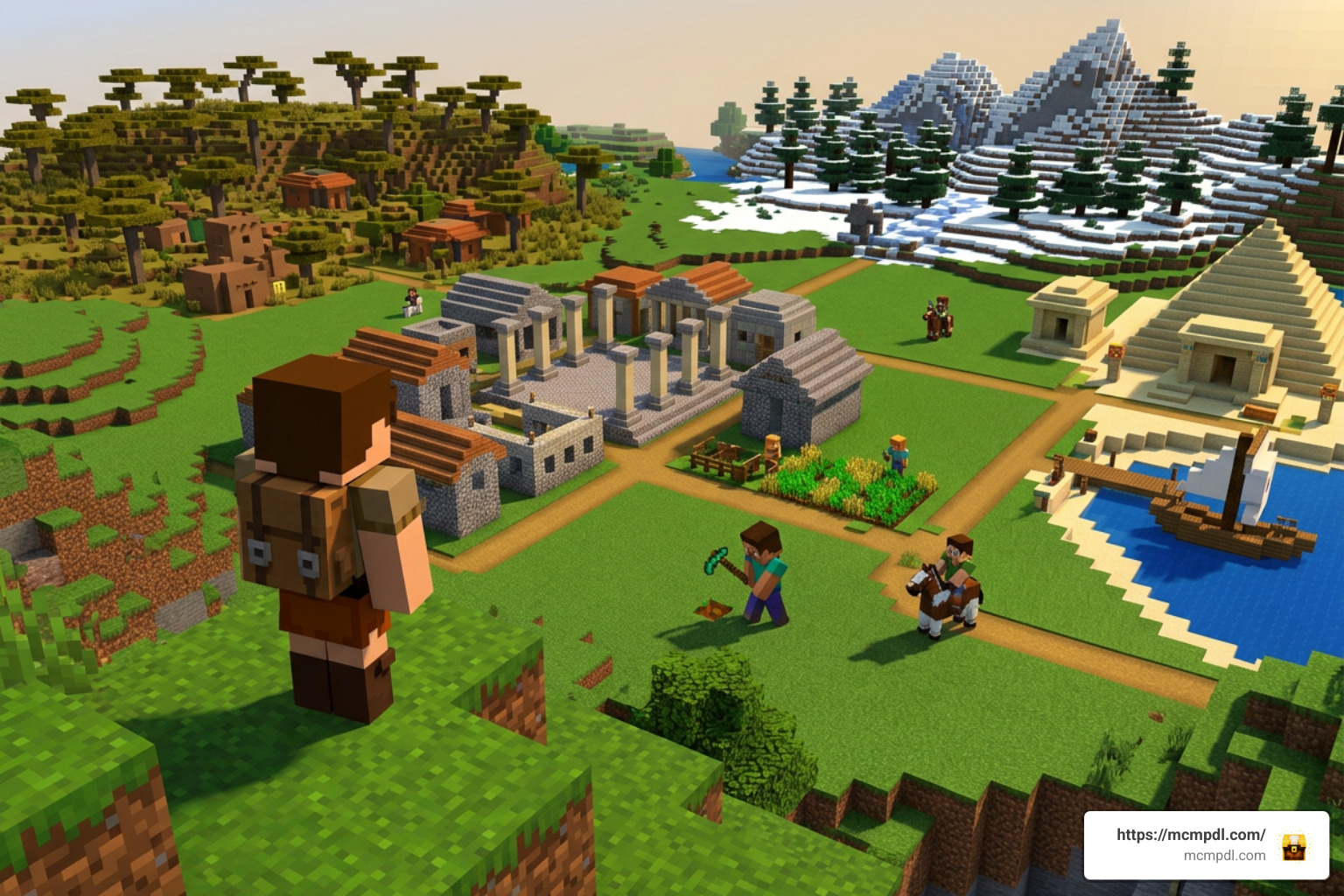
Large-scale custom worlds demand careful file handling and hardware optimization, especially on mobile devices. If you plan to build a massive fortress on a custom landmass, finding a high vantage point like the Ultimate Hill Base Map for Minecraft PE/Bedrock can serve as an architectural template for your global outposts.
How to Install an Earth Survival World for Minecraft PE/Bedrock
Installing an Earth map on Bedrock is straightforward across all major platforms:
- Direct
.mcworldInstallation (Android & iOS):- Download the
.mcworldfile (such as the 142.04 MB map pack) through your mobile browser. - Locate the downloaded file in your device’s file manager and tap it.
- Select Minecraft when prompted. The game will launch automatically and display an “Importing World” notification at the top of your screen.
- Download the
- Windows 10/11 Installation:
- Double-click the
.mcworldfile to trigger an automatic import. - If working with an extracted folder, press
Win + R, enter%LocalAppData%\Packages\Microsoft.MinecraftUWP_8wekyb3d8bbwe\LocalState\games\com.mojang\minecraftWorlds, and place the extracted world folder directly into this directory.
- Double-click the
- Converting Java Earth Maps via Chunker:
- Download a Java Earth map archive and extract it using a tool compatible with
.zstdarchives (like 7-Zip). - Visit the official Chunker web conversion app, upload your Java world folder, select your target Bedrock version (e.g., Bedrock 1.21.x), and export the generated
.mcworldfile. - Import the resulting file directly into your Bedrock client.
- Download a Java Earth map archive and extract it using a tool compatible with
- Enabling Experimental Toggles:
- Open your world settings, navigate to the Experiments tab, and toggle Beta APIs and Holiday Creator Features if using paired survival addons.
Troubleshooting Common Glitches and Missing Regions
- Managing Render Distance on Mobile: Earth maps with custom height data can strain mobile GPUs. Keep your simulation distance at 4 chunks and render distance between 8 to 12 chunks on phones to prevent memory crashes.
- The “Missing Antarctica” Quirk: Many community creators omit Antarctica or shrink polar ice caps to reduce file sizes (keeping maps near the ~140 MB mark). If you spawn in an endless ocean at extreme southern coordinates, travel north toward Africa, Australia, or South America.
- Spawn Point Drift: If you spawn in the ocean far from land, enable coordinates in your world settings (
/gamerule showcoordinates true) and use the/tpcommand to teleport to mainland regions (e.g., coordinates0, 100, 0usually place you in the Atlantic or equatorial Africa depending on the scale). - Chunk Generation Seams: If you explore past the pre-generated borders of an Earth map, Minecraft’s default terrain generator will take over, creating sheer cliff walls. Stay within mapped boundaries or conceal borders by constructing treehouse fortifications similar to an Advanced Tree House Village for Minecraft PE/Bedrock.
Frequently Asked Questions About Earth Maps in Minecraft Bedrock
Can I play on an Earth survival map with friends in multiplayer or Realms?
Yes! Any .mcworld Earth map can be hosted in a local multiplayer session or uploaded to a Minecraft Bedrock Realm. If you are uploading a free standalone map (such as a 142 MB file), it will upload seamlessly to a standard 10-player Realm. However, massive multi-gigabyte server maps (such as historic EarthMC world saves exceeding 50 GB) require a dedicated Bedrock server hosted on a computer with sufficient RAM and storage rather than a mobile Realm.
Is an Earth survival map free or does it require Minecoins?
Both options exist. Official Marketplace releases, like Earth Survival by 5 Frame Studios, cost 660 Minecoins (approximately $3.30 USD) and include verified console compatibility, custom trees, and gamerule menus. On the other hand, extensive community projects (including popular creations with over 1.4 million downloads) are 100% free to download as .mcworld files and can be imported across iOS, Android, and PC.
What is the most balanced map scale for mobile performance?
For solo mobile survival, a 1:4000 or 1:2000 scale map provides the most balanced experience. At these scales, the entire planet fits into a file size of under 200 MB, allowing you to sail between continents in 10 to 20 minutes without overloading your phone’s memory. Massive 1:500 scale maps offer incredible architectural accuracy but require substantial storage space and can cause frame drops on mid-range phones.
Conclusion
Surviving on an Earth replica in Minecraft Bedrock elevates standard sandbox gameplay into an epic, globe-spanning adventure. Whether you are managing hydration across the Sahara Desert with survival addons, setting up bustling maritime trading ports in Europe, or building a solitary mountain refuge in the Himalayas, real-world terrain infuses every block you place with purpose. With robust support across current 2026 Bedrock versions (1.21 and beyond), there has never been a better time to embark on your worldwide journey.
Ready to find your next great world or enhance your survival setup? Be sure to explore our complete catalog for the newest custom worlds, survival modifications, and creative builds!

1 thought on “Earth Survival World for Minecraft PE/Bedrock”