Scroll down to D0vvnl0ad
Key Features of the Portal Chests Addon for Minecraft PE/Bedrock
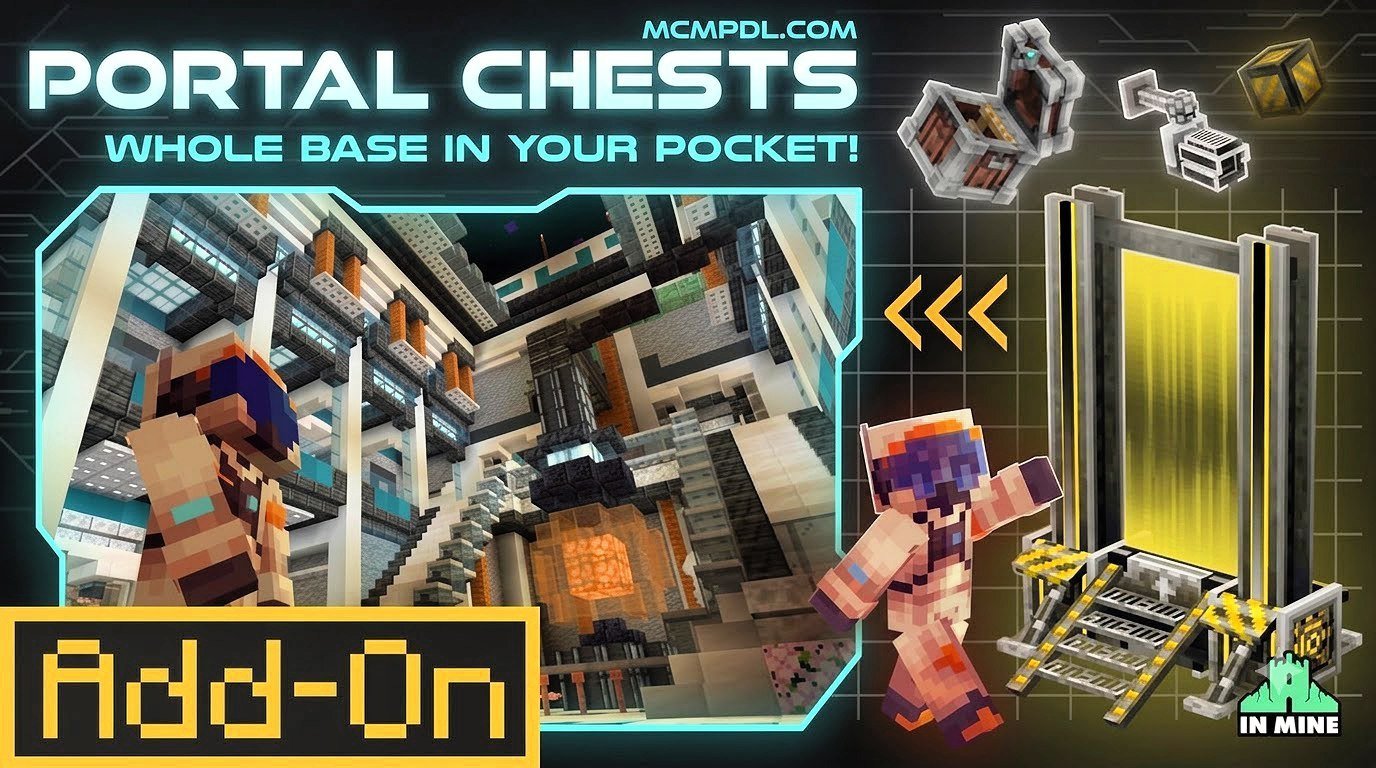
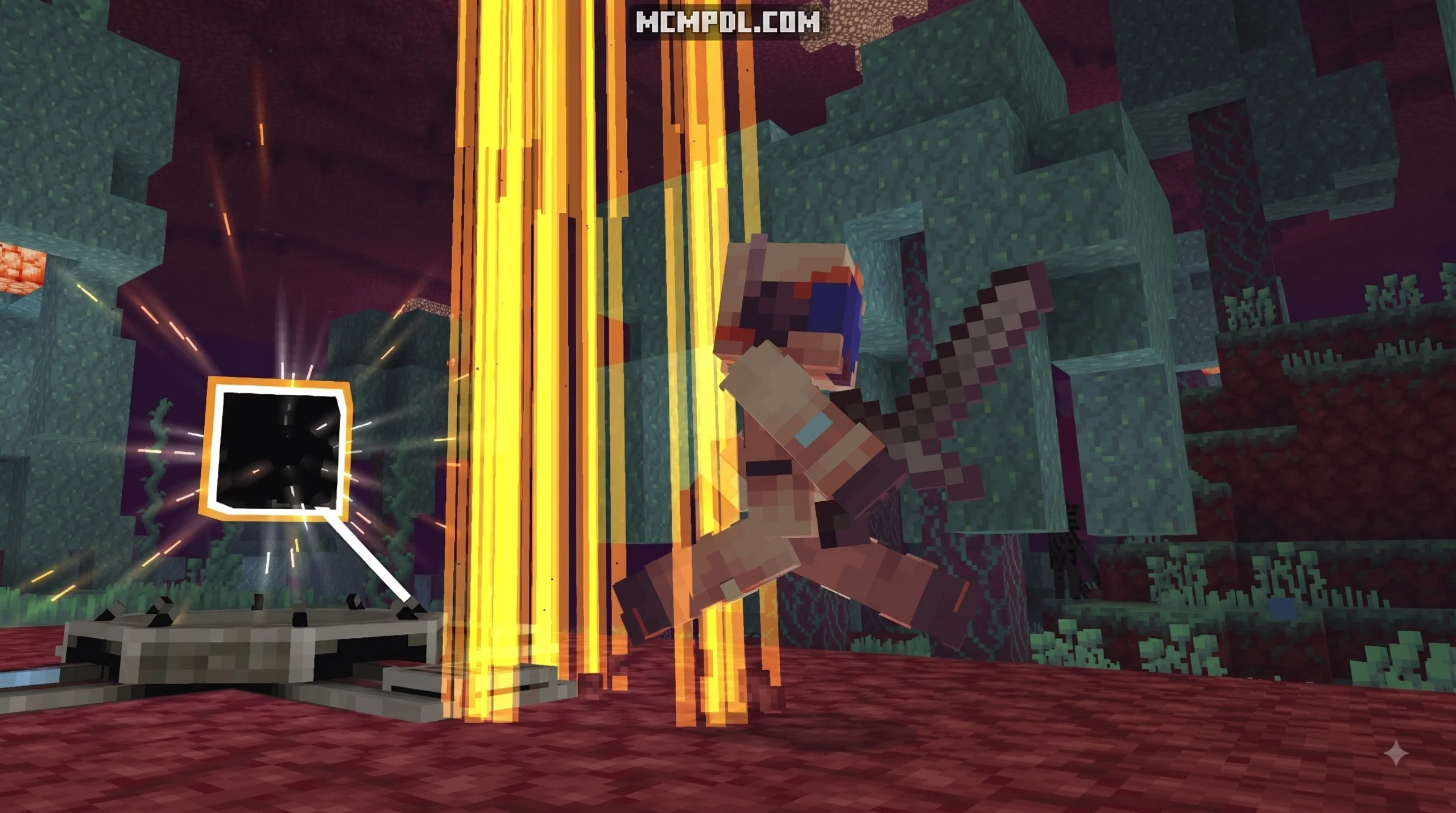
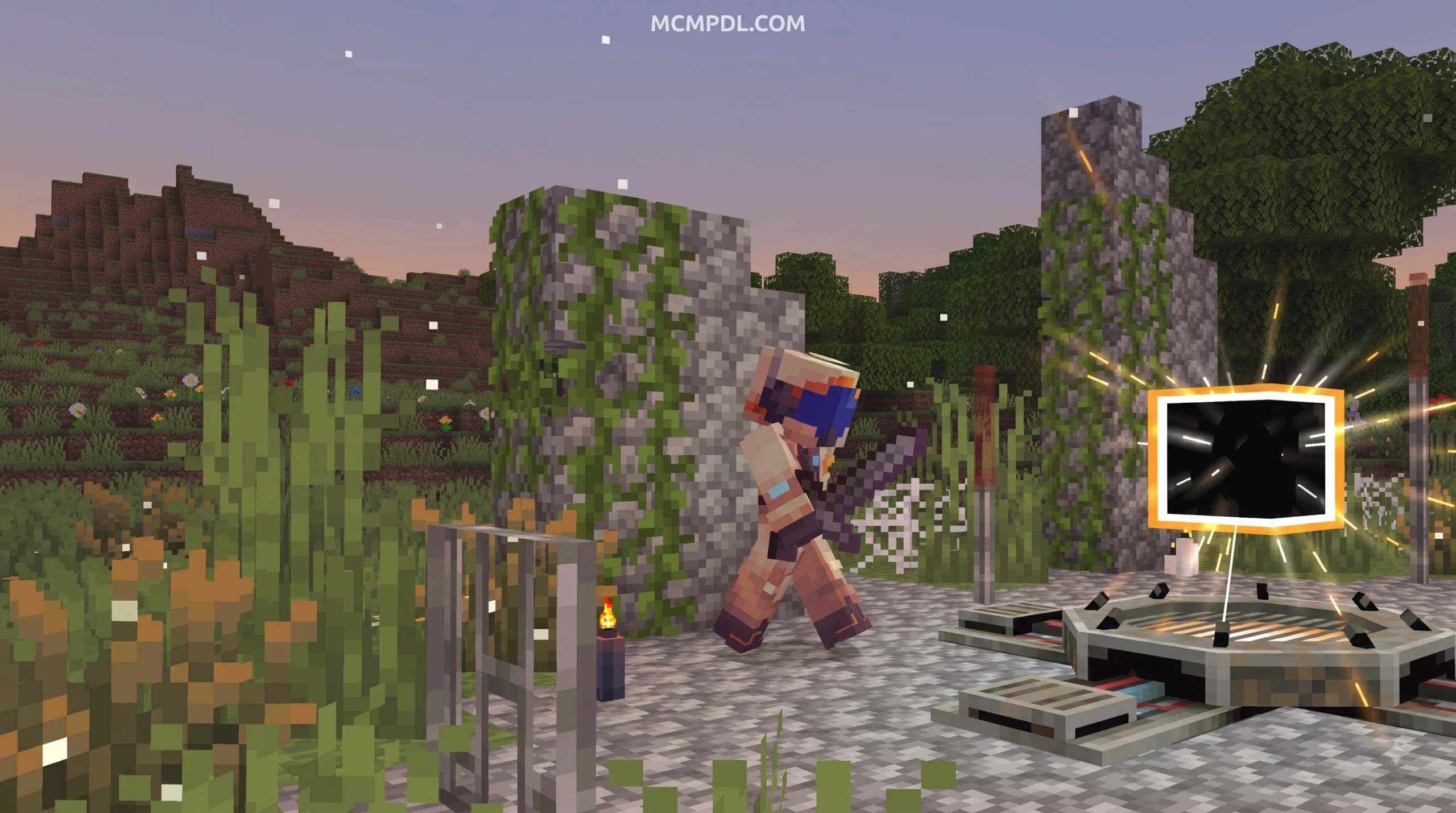
To get more portal chests in Minecraft PE and Bedrock, craft additional units in survival mode using obsidian casings, teleportation pearls, a chest frame, and resonance crystals, or retrieve them instantly from the Creative inventory tabs. Each new chest placed down pairs into your broader pocket dimension network. Using the Portal Chests Addon for Minecraft PE/Bedrock, players can quickly overcome inventory limits through expandable pocket dimensions, boundless capacity, and real-time network connectivity.
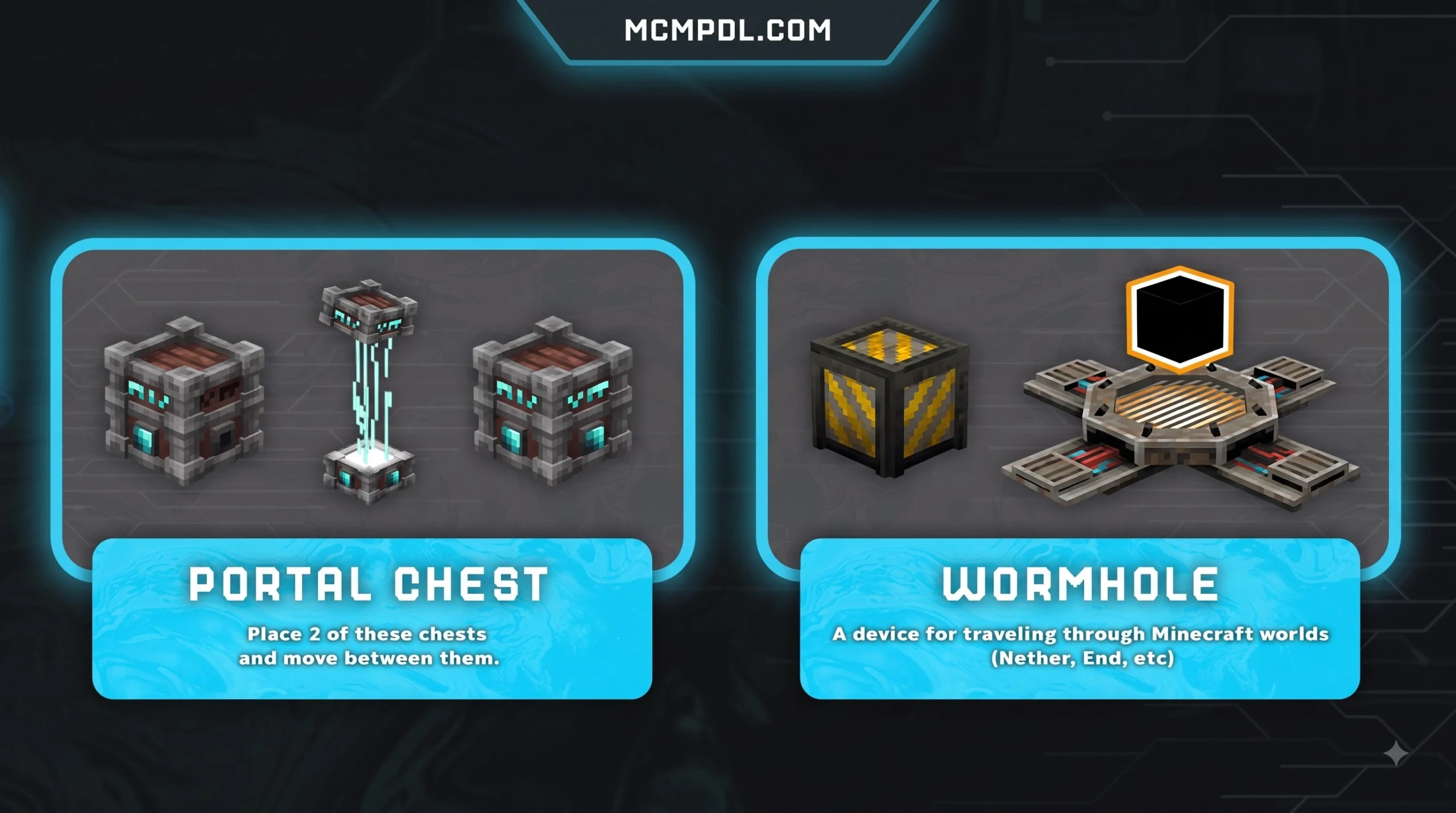
Unlike standard containers or simple wearable containers like those found in the Backpacks Addon for Minecraft PE/Bedrock, a portal chest acts as an anchor point to an entirely separate sub-dimension. Inside, your items are not merely arranged in a fixed 27-slot grid; they connect to an expansive storage framework that can hold immense amounts of items without cluttering your physical base.
| Feature Category | Vanilla Standard Chest | Shulker Box | Portal Chest |
|---|---|---|---|
| Slot Capacity | 27 Slots (Single) / 54 Slots (Double) | 27 Slots (Portable) | Infinite / Expanding Sub-Dimension |
| Portability | Static (Drops items when broken) | Portable (Retains items inside) | Relocatable Pocket Dimension |
| Interdimensional Access | Bound to single dimension placement | Bound to placement location | Real-time cross-dimensional linking |
| Customization | Single default texture (or Trapped) | 16 Dye Colors | 80 Colors and Aesthetic Styles |
| Security Controls | None (Accessible by all players) | None (Accessible by all players) | Integrated Access Control Panel |
| Built-in Utility | Basic container interface | Basic container interface | Optical zoom & direct player teleportation |
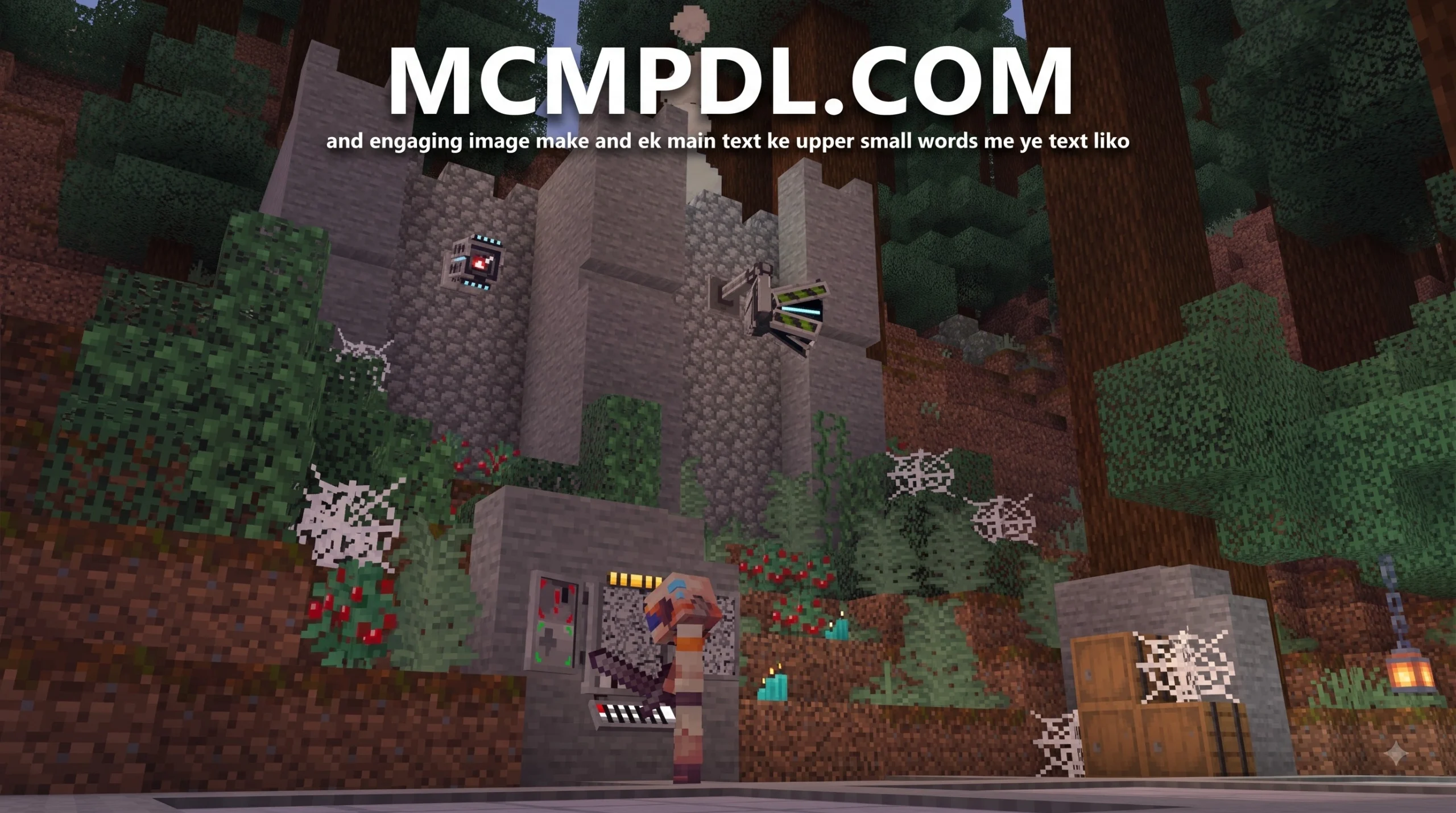
In addition to pure storage, the add-on introduces high-utility survival tools. An integrated optical zoom feature allows you to survey your surroundings before stepping out of your secure container network. Furthermore, the 80 different visual styles make it easy to color-code your logistics pipeline by ore type, biome theme, or security tier.
Portable Bases and Dimension Travel
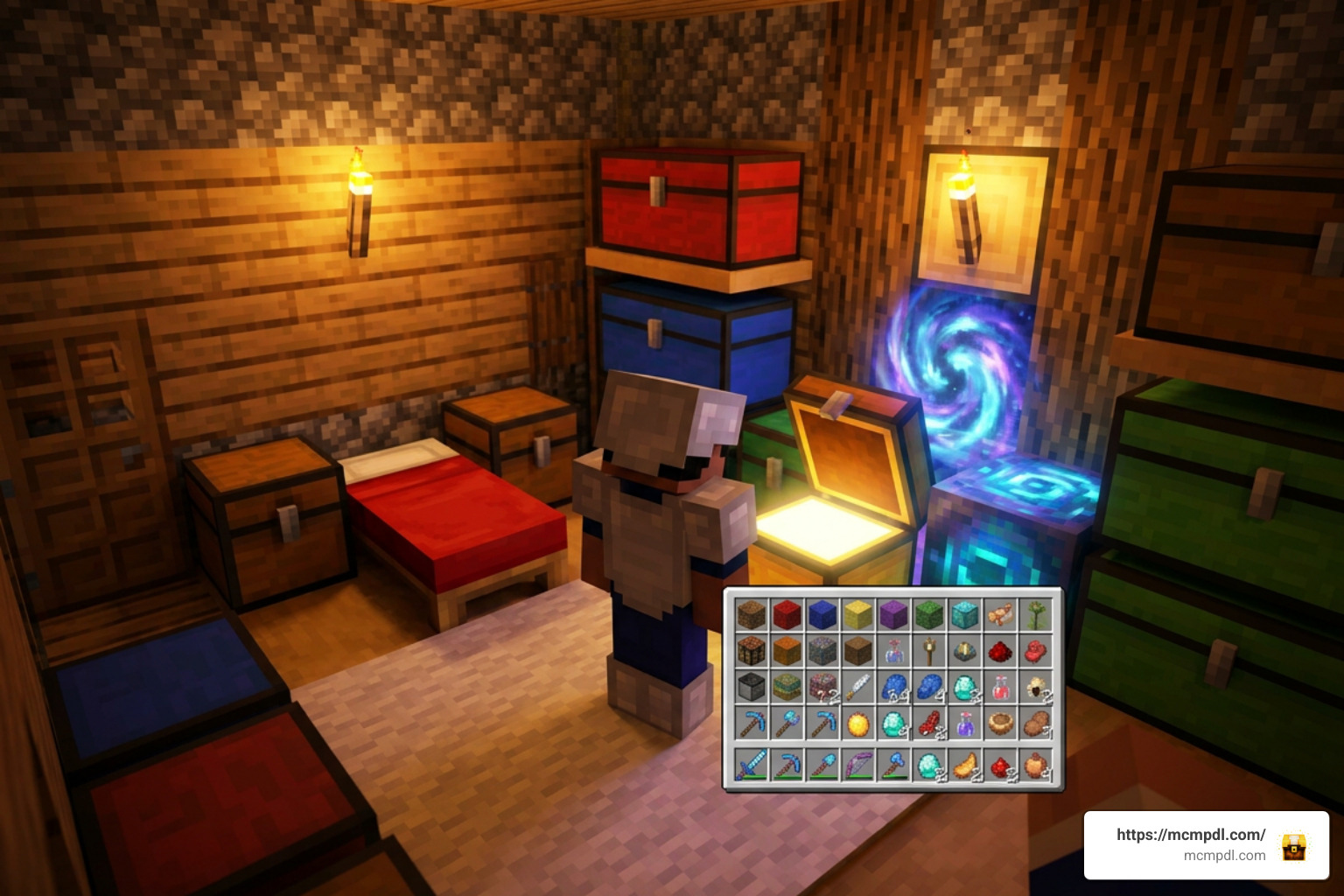
The most remarkable mechanic of this add-on is its ability to turn a simple container into a walk-in pocket base. When entering a portal chest, players are smoothly transported into an interior room built inside the chest’s virtual space. This interior can be fully furnished with crafting benches, furnaces, enchanting tables, and bed setups.
Because this pocket room exists outside standard Overworld coordinate constraints, it acts as a universal hub. You can place down an entry chest in the Overworld, step inside to restock or smelt ores, and exit through a paired portal chest located deep within the Nether or the End. When combined with custom dimension expansions like the Dimensions Addon for Minecraft PE, these portal chests become the backbone of an interconnected multiversal transportation grid. For technical players interested in the programming structure behind these sub-dimensional containers, exploring the open-source logic in the ZLT9/portachest repository provides great context on how coordinate-offset teleportation and container entity linking operate.
Customization and Access Control
In multiplayer environments, shared storage can quickly turn into chaos or lead to unauthorized looting. To combat this, the add-on includes an Access Control Panel accessible directly through the container’s interactive menu.
Using the panel, world hosts and realm admins can configure specific player permissions:
- Public Access: Allows any visiting player on the server to deposit and withdraw items freely.
- Whitelist Mode: Restricts entry and item extraction to specified player gamertags while keeping the chest visible to others.
- Private Locking: Binds the pocket dimension entirely to the owner, preventing other players from accessing either the room or the inventory.
- Style Selection: Allows owners to cycle dynamically through the 80 available textures and palettes to fit modern, medieval, or sci-fi builds.
These permission settings function alongside other mechanical enhancements like the Utility Tools Add-on for Minecraft Bedrock Best Features 2026, giving builders complete structural control over their survival infrastructure.
How to Obtain and Expand Your Portal Chest Network
Expanding your logistics network requires a steady supply of resources to craft, initialize, and pair multiple chest nodes across your world. While getting your very first portal chest up and running requires standard mid-game resources, establishing a sprawling network across outposts turns into an engaging engineering project.
When paired with kinetic automation from the Create Add-on for Minecraft PE/Bedrock Download, your portal chest network can serve as the central input/output terminal for automated crop harvesters, tree farms, and quarry systems, piping items directly into your pocket dimensions from across the map.
Crafting and Unlocking the Addon
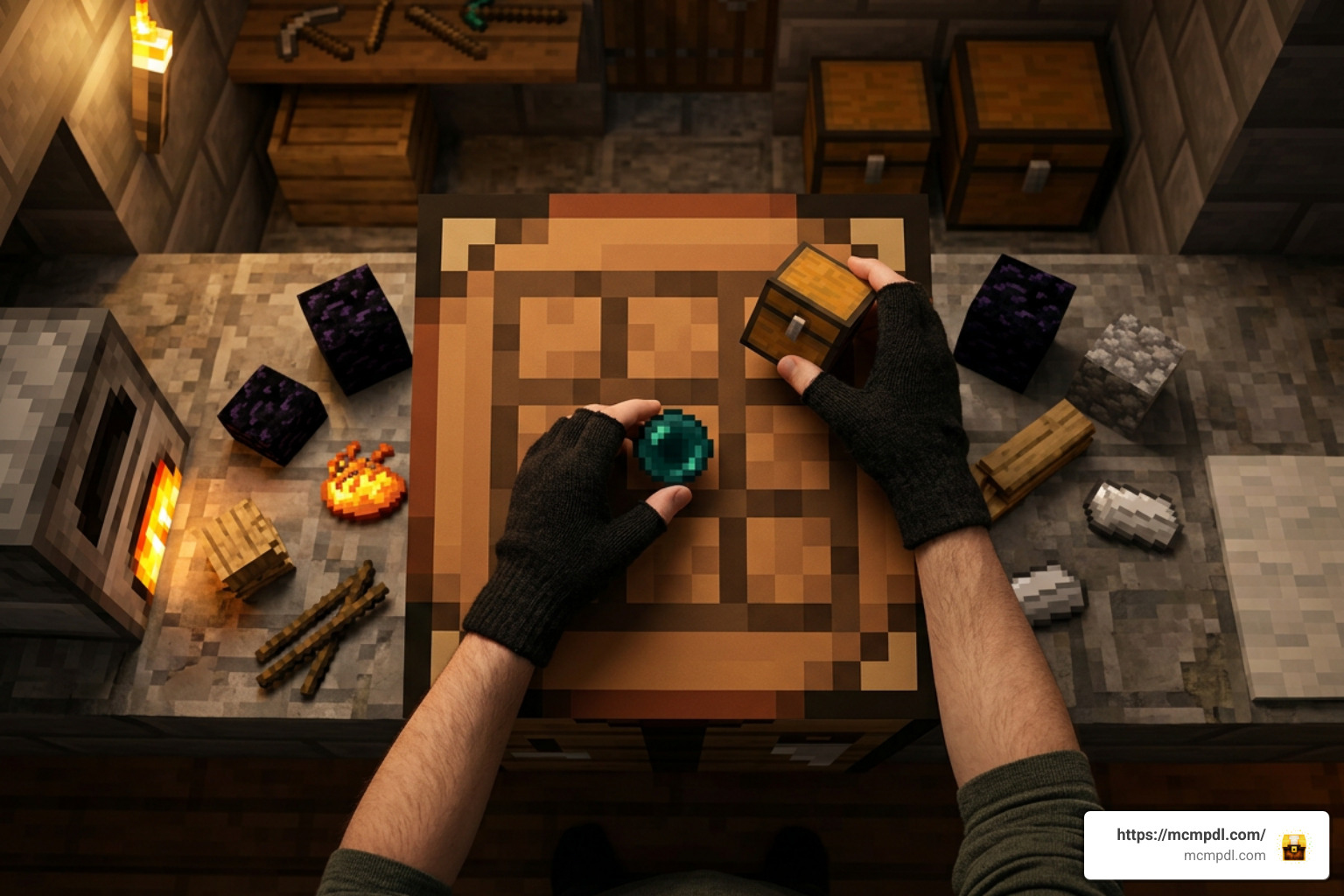
In survival mode, crafting a portal chest requires rare items that reflect its dimensional capabilities. To craft standard units and their activation catalysts, gather the following essential materials:
- Obsidian Outer Casing: Four dense obsidian blocks provide the structural containment required to withstand dimensional tearing.
- Teleportation Pearls: Ender pearls combined with dimensional dust serve as the frequency tuner for the container.
- Core Chest Foundation: A standard wooden chest or iron-reinforced frame placed in the center of the crafting matrix.
- Resonance Crystals: Sourced from deep underground or nether fortresses to power the access panel.
For players building creative showcases, testing automated systems, or setting up adventure maps, all variations, control tools, and pre-configured chest nodes can be obtained immediately from the Creative inventory search bar under the items and spawn tabs.
Marketplace vs Community Addon Versions
Players often wonder about the differences between the various editions of portal-style containers available for Bedrock. The official release on the Minecraft Marketplace, created by the development team In Mine (who has over 41,000 marketplace followers), is available for 660 Minecoins. This premium version (currently at version 1.0.8) maintains a strong 4.6 out of 5-star rating based on over a hundred user reviews, offering dedicated stability patches, cloud saves across multiple devices, and access to all 80 custom models out of the box.
Alternatively, standalone community packages distributed via .mcaddon files offer similar core mechanics for direct installation on mobile, Windows, and local servers. You can explore a wide variety of custom logistics tools and storage mods within our dedicated Add-ons category.
Step-by-Step Installation and World Setup
Installing the add-on correctly ensures that the dimensional ticking areas and custom user interfaces load without corruption.
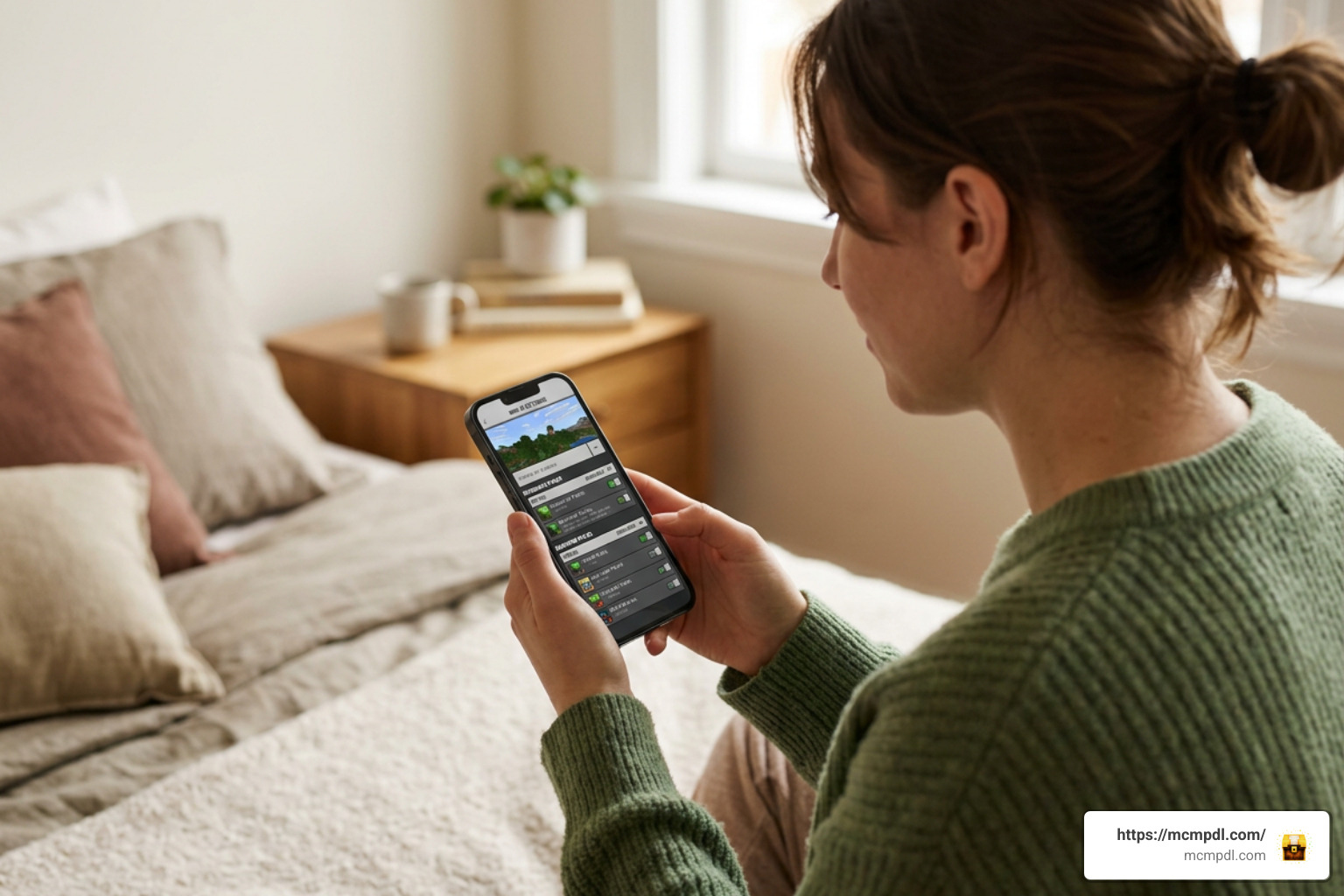
Follow these steps to install the package on your device:
- Download the Package: Obtain the valid
.mcaddonor.mcpackfiles for both the Resource Pack and Behavior Pack. - Import into Minecraft: Double-click or tap the downloaded file. Minecraft Bedrock will launch automatically and display “Import Started” followed by “Successfully Imported”.
- Back Up Your World: Always create a duplicate backup copy of your world before applying new scripts or behavior packs.
- Apply to World Settings: Open your world’s edit menu, navigate to Resource Packs and activate Portal Chests, then navigate to Behavior Packs and activate it there as well.
- Pair with Navigation Systems: For optimal exploration, combine your portal network with visual markers from the Waypoints Addon for Minecraft PE/Bedrock to keep track of where each chest entrance is physically anchored.
Enabling Experimental Settings
Because the add-on introduces custom entities, sub-dimensional teleportation, and unique script-driven user interfaces, you must toggle experimental features on your world edit screen before launching.
Make sure the following toggles are enabled:
- Beta APIs: Required for custom block interactions and reading the Access Control Panel.
- Holiday Creator Features: Necessary for registering non-vanilla item recipes and custom block definitions.
- Molang Features: Allows the client to render the 80 different dynamic visual skins and zoom animations smoothly.
The add-on is maintained for Bedrock versions running from 1.21.0 through 1.26.44, ensuring full compatibility across phones, tablets, consoles, and Windows 10/11 PCs.
Troubleshooting Multiplayer Desync and Loaded Chunks
When running portal chests on dedicated multiplayer servers or local LAN games, you might occasionally notice synchronization delays if two players attempt to access the same pocket room simultaneously from different ends of the world.
To maintain perfect logistics synchronization:
- Set Ticking Areas: Use the
/tickingarea add circle ~ ~ ~ 2command around your main base portal hubs so the game continuously processes item flow even when players are absent. - Manage Pack Hierarchy: Ensure the Behavior Pack is positioned at the top of the active priority list in your world settings to prevent override conflicts with other mods.
- Verify Host Permissions: Confirm that the world host has enabled custom script permissions for all joining clients.
Frequently Asked Questions About Portal Chests
Can I use Portal Chests in multiplayer servers and Bedrock Realms?
Yes, the add-on is fully functional in multiplayer environments, local LAN worlds, and Bedrock Realms. When applied to a Realm or server, all connecting players will automatically download the required resource assets upon joining. As long as the host enables the necessary experimental features and ticking areas, multiple players can utilize the private rooms, transport systems, and permission controls simultaneously.
What should I do if items disappear or portals fail to link?
If a portal chest appears unlinked or fails to open its control interface, check that the Behavior Pack is properly activated alongside the Resource Pack. Unlinking typically happens when a chest is placed directly across chunk boundaries that unload abruptly. To resolve this, break the chest, relocate it fully within a single chunk, and reconfigure its channel using the control panel.
Are Portal Chests compatible with Minecraft Bedrock 1.21 through 1.26?
Yes. The add-on is optimized for the Bedrock codebase spanning updates 1.21.0 through 1.26.44. The development cycle regularly updates script definitions to ensure compatibility with modern Bedrock API changes, maintaining stable performance across Android, iOS, and PC platforms.
Conclusion
The Portal Chests system redefines what storage and mobility look like in Minecraft PE and Bedrock Edition. By combining massive storage capacity, mobile base construction, interdimensional travel, and deep aesthetic customization into a single container, it removes the tedious logistics grind so you can focus on building and exploring.
Whether you are looking to simplify your solo survival world or set up a sprawling transport network on a multiplayer server, you can always explore the best Bedrock mods and updates to find the latest tools, add-ons, and utility enhancements for your game.
2 thoughts on “Portal Chests Addon for Minecraft PE/Bedrock”