Scroll down to D0vvnl0ad
Download Cherry Blossom Teens Skin Pack for Minecraft PE/Bedrock
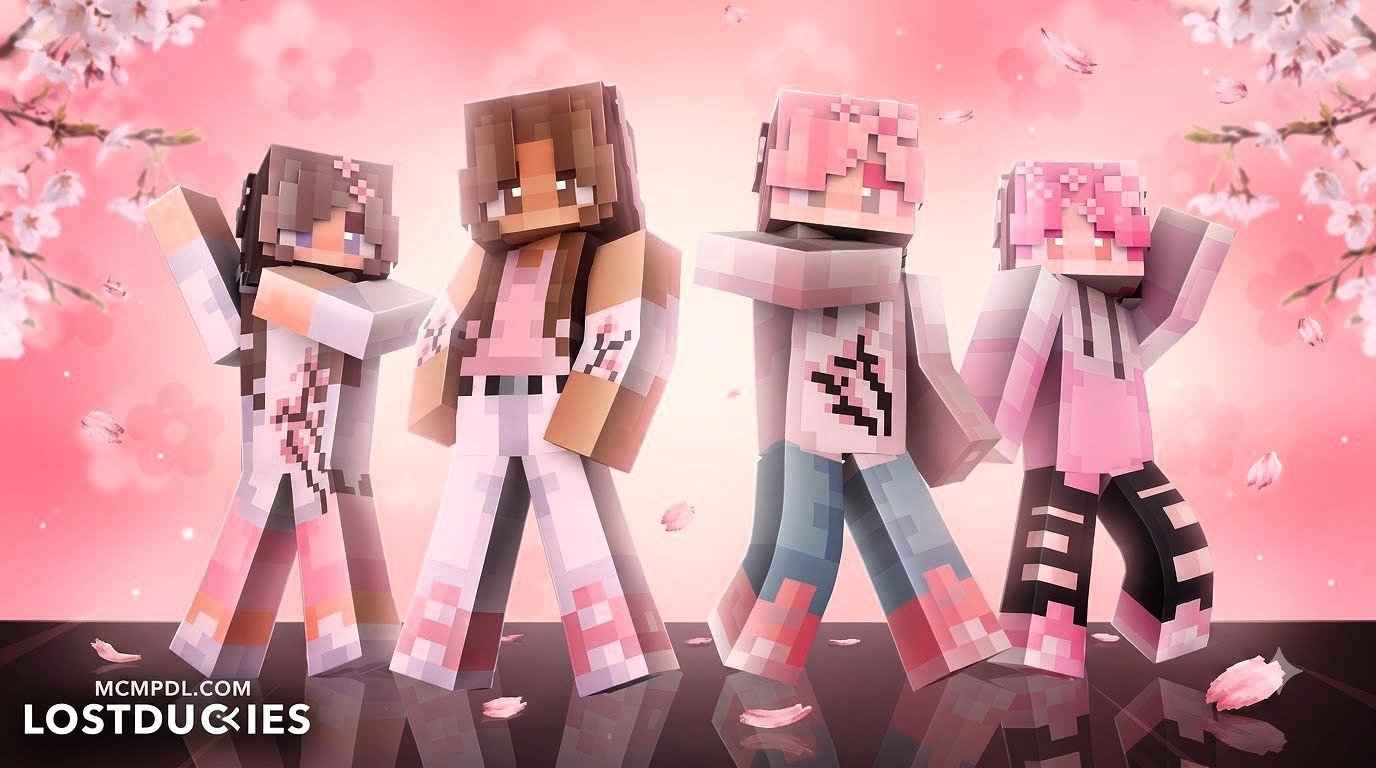
To get the Cherry Blossom Teens Skin Pack for Minecraft PE/Bedrock, open Minecraft on a Bedrock-compatible device, visit the in-game Marketplace, search for Cherry Blossom Teens, purchase it for 310 Minecoins, then choose a skin in the Dressing Room. The pack works with Minecraft PE on Android and iOS, as well as Windows, Nintendo Switch, Xbox, and other Bedrock platforms.
Created for players who want a soft spring look, this skin pack includes 12 cherry blossom-inspired teen outfits, including one free skin. Its cute, colorful fashion style fits especially well in roleplay worlds, multiplayer servers, and cherry grove builds.
This guide covers the quick download steps, what you get, and how this pack compares with other sakura-themed Bedrock skin collections.
Introduction
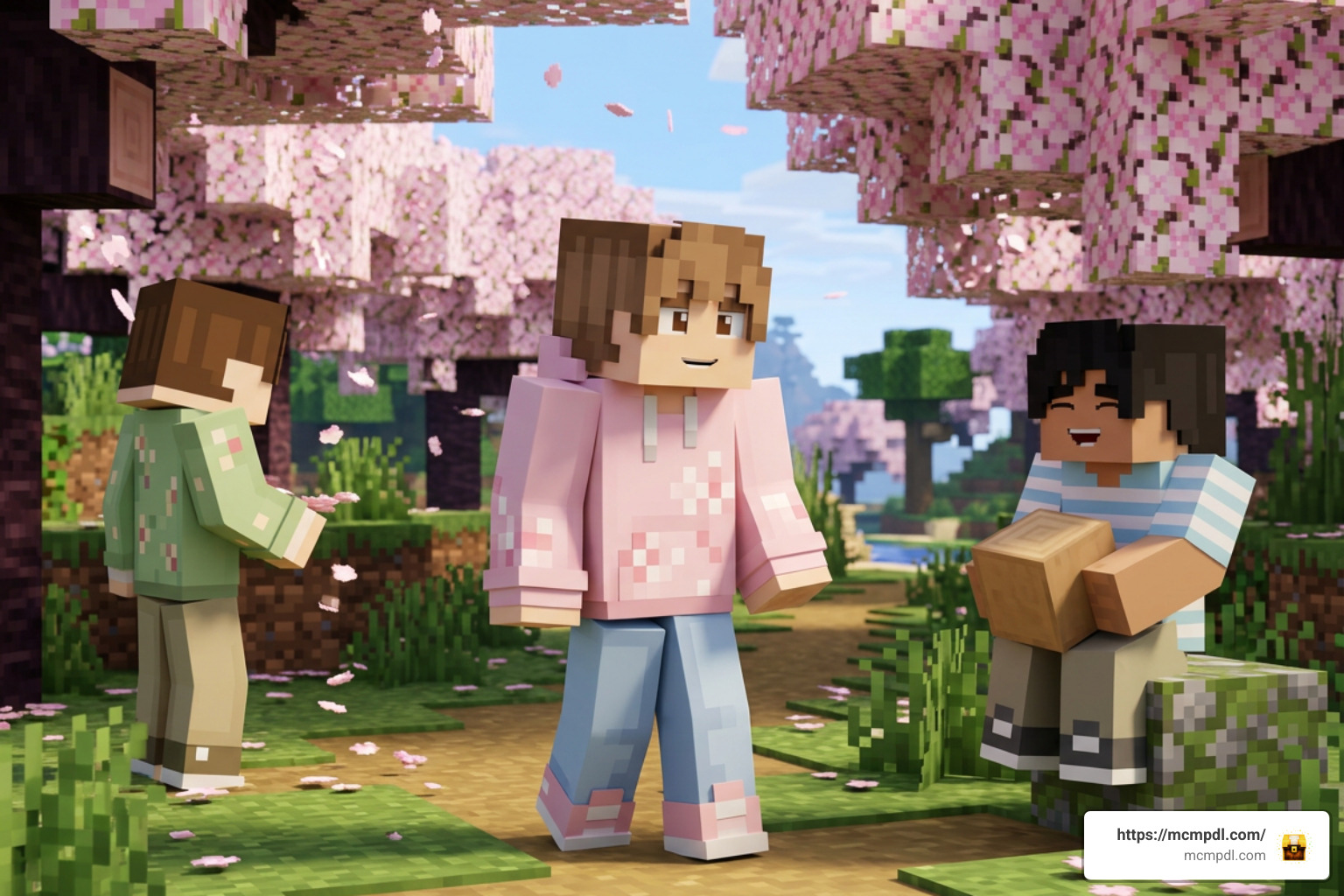
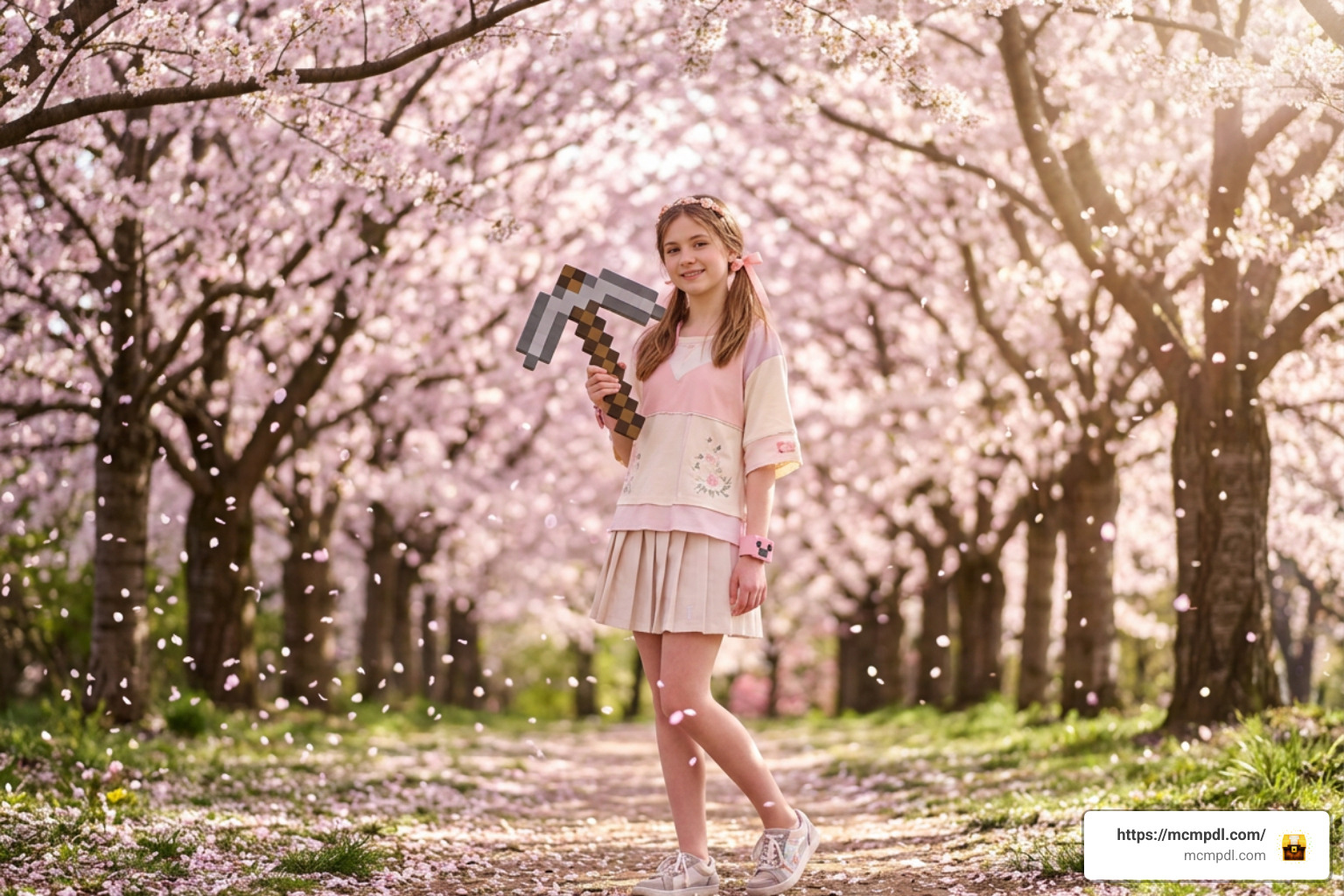
When Mojang introduced the vibrant pink cherry grove biome, building lovely pastel villages became one of our absolute favorite activities across the entire sandbox world. Wandering through sprawling groves of falling pink petals with standard default outfits can feel a bit out of place, which is why styling your character with soft spring streetwear makes your gameplay feel complete and delightfully atmospheric.
Finding the right outfits across custom character skins can transform your presence on multiplayer servers, roleplay lobbies, cooperative mini-game arenas, and survival realms. The cherry blossom aesthetic has become a massive trend among Bedrock Edition players, combining classic Japanese sakura motifs with contemporary, comfortable teen fashion. Whether you are crafting intricate Japanese-inspired pagodas surrounded by blooming trees or simply hanging out at spawn with your squad, matching your avatar to the scenery elevates the overall immersion.
In this complete guide, we dive into what makes this collection special, examine its visual highlights and technical attributes, explore pricing and platform details, and show you how to equip these outfits seamlessly on your favorite mobile devices and consoles.
What is the Cherry Blossom Teens Skin Pack for Minecraft PE/Bedrock?
The Cherry Blossom Teens skin pack is an official collection developed by the creator studio Master Duckies for the official Minecraft Marketplace. It features 12 stylish, sakura-inspired skins, including one complimentary skin that players can claim without paying any extra fees.
Designed specifically around cozy, modern street fashion, the pack blends pastel pinks, creamy whites, soft floral patterns, and playful accessories. These skins are tailor-made for multiplayer roleplay servers, hanging out in survival hubs, taking cinematic group screenshots, or capturing scenic perspectives under pink tree canopies. Master Duckies created these designs to match the relaxed, aesthetic vibe many players love when customizing their Bedrock avatars, giving both casual adventurers and roleplay enthusiasts an accessible collection of matching spring looks.
Key Features of the Cherry Blossom Teens Skin Pack for Minecraft PE/Bedrock
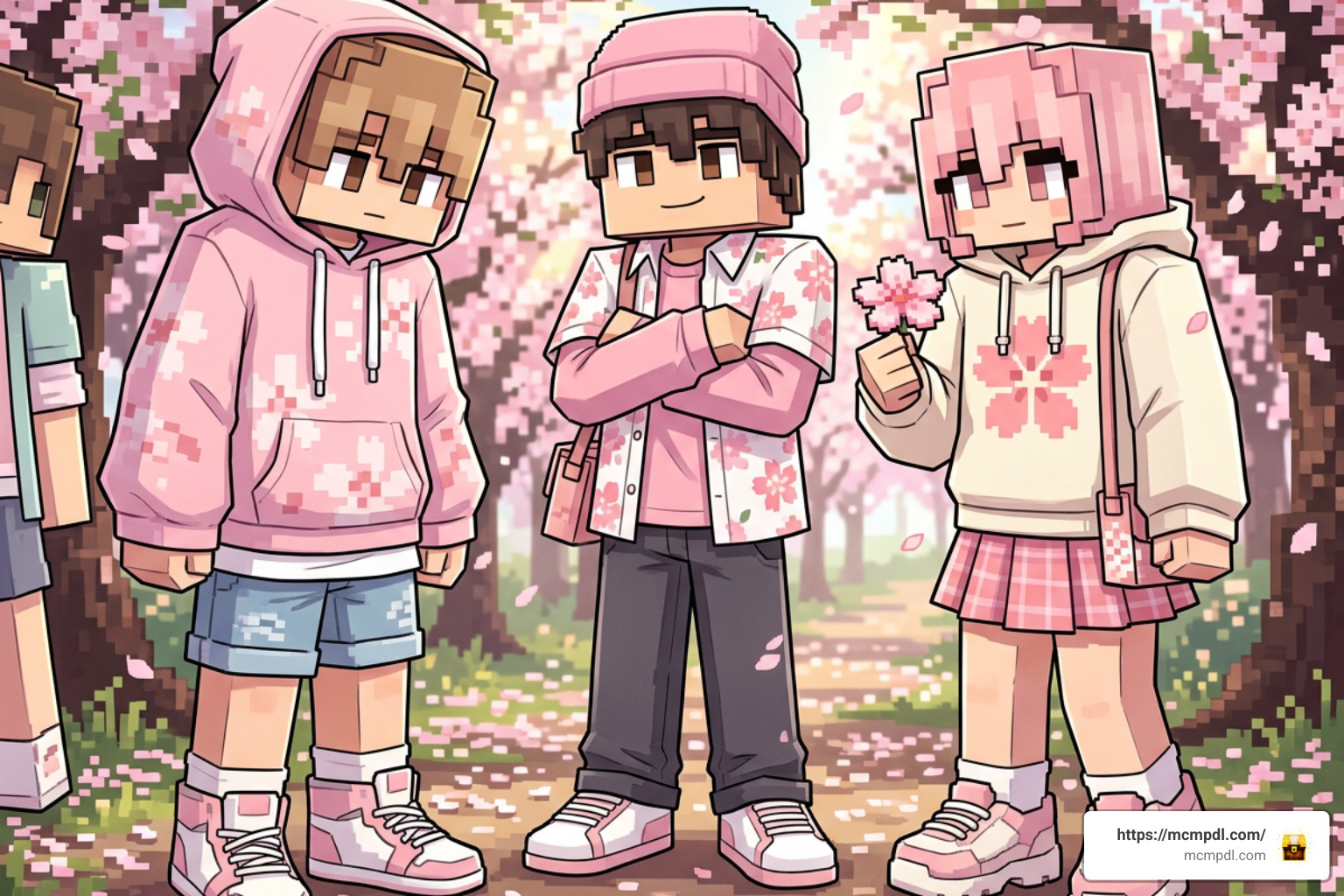
This collection stands out due to several distinct visual features and technical details that make it a favorite among Bedrock Edition creators:
- Sakura Streetwear Aesthetic: Each character model features casual streetwear, such as oversized hoodies, stylish layered shirts, skirts, cargo pants, and sneakers accented with delicate cherry petal designs.
- Balanced Color Palette: Soft blush pinks, gentle magentas, crisp whites, warm creams, and pastel blues give each character a cohesive, cartoony, yet trendy style.
- Anime-Inspired Hairstyles: Outfits come with detailed hair textures, trendy cuts, hairpins, and subtle highlights that give each teen skin an expressive personality.
- Gender-Diverse Roster: The pack contains balanced options for both male and female avatars, ensuring every player in your group finds a flattering style that suits their personal aesthetic.
- High-Contrast Pixel Art: The shading on fabric folds, laces, and accessories ensures your character stands out clearly even in dark caves or brightly lit outdoor settings.
- Product ID & Metadata: Identified in marketplace catalogs under item ID
1746b22f-f43a-4f85-baa6-c6c8953f1642, ensuring quick search indexing on all Bedrock platforms. - Community Tags: The pack is officially indexed with tags like Beautiful, Cartoony, Colorful, Cool, Cute, Fun, Free, and Teens.
Pricing, Platform Support, and Release Details
The pack delivers great value for players looking for premium creator items:
- Price: 310 Minecoins (approximately $1.55 USD), making it an affordable tier for Marketplace DLC.
- Ratings: Holds an impressive 4.7 out of 5 stars based on 132 player reviews, reflecting consistent community satisfaction.
- Release Timeline: Originally released on January 12, 2024, and last updated on June 11, 2026 to ensure seamless compatibility with modern Bedrock engine updates.
- Cross-Platform Compatibility: Fully supported across 12 distinct platforms running Bedrock Edition, including Android (Google Play), iOS (App Store), Amazon Appstore, Windows 10/11, Nintendo Switch, Xbox One, Xbox Series X/S, PlayStation 4/5, and VR devices.
Comparing Popular Sakura and Teen Skin Packs on Bedrock
There are several cherry blossom and teen collections across the Bedrock ecosystem. Below is a comparison of how Cherry Blossom Teens stacks up against other popular releases:
| Skin Pack / Pack Name | Creator | Skin Count | Price (Minecoins / USD) | Player Rating | Primary Style / Aesthetic |
|---|---|---|---|---|---|
| Cherry Blossom Teens | Master Duckies | 12 skins (1 free) | 310 Minecoins (~$1.55) | 4.7 / 5 (132 reviews) | Cute, cartoony teen streetwear with floral accents |
| Cherry Blossom by Asiago Bagels | Asiago Bagels | 12 skins | 310 Minecoins (~$1.55) | 4.8 / 5 (178 reviews) | Pink-focused trendy sakura outfits for roleplay |
| Cherry Blossom Core by FTB | FTB (Feed the Beast) | 10 skins (1 free) | 310 Minecoins (~$1.55) | 4.8 / 5 (1,000+ reviews) | Bright pink, modern casual teen outfits |
| Cherry Blossom by Heropixel Games | Heropixel Games | 10 skins | Standard Marketplace | 4.6 / 5 (52 reviews) | Roleplay-focused seasonal pink outfits |
| Cherry Blossoms 16x | MearPear | Resource Pack (16x) | Free / Community | N/A | Environmental textures & visual biome overhaul |
When evaluating these options, Cherry Blossom Teens by Master Duckies shines because of its modern streetwear balance and the inclusion of a zero-cost skin sample. If you enjoy discovering new add-ons, skins, and worlds without spending virtual currency, you can browse through our catalog of free Bedrock content or check out our complete archive of creations on Category: All to expand your custom skin collection.
How to Download and Install Cherry Blossom Teens on Minecraft PE
Getting your new outfits into your mobile game is simple, whether you play on a phone, tablet, or handheld console. Follow these steps on Minecraft Pocket Edition for iOS or Android:
- Launch Minecraft PE: Open your game on your mobile device and make sure you are signed into your Microsoft account so your purchase syncs across all your linked Bedrock devices.
- Open the In-Game Store: Tap the Marketplace button on the main start screen.
- Search for the Pack: Tap the magnifying glass search icon in the upper corner and type
Cherry Blossom Teensinto the search bar. You can also search by creator name Master Duckies. - Select the Listing: Tap on the Cherry Blossom Teens product card to view the complete skin showcase, creator notes, and user reviews.
- Purchase or Claim Free Content: Tap the 310 Minecoins button to finalize your purchase using your account balance. If you want to sample the pack first without spending coins, claim the included free bonus skin directly from the listing window.
- Download the Skin Pack: Once the transaction completes, tap the green Download button. Minecraft will download the skin models and textures directly into your local application cache.
- Equip in the Dressing Room: Return to the main start screen, tap Dressing Room, select Classic Skins, find the Cherry Blossom Teens pack under your owned items, choose your favorite outfit, and tap Equip.
Troubleshooting Common Download Issues
- Minecoins Deducted but Pack Not Showing: If the transaction registers but the download does not start, restart your Minecraft app and reopen the Marketplace. Your Microsoft account will show the pack as “Owned” and ready for direct download.
- Storage Space Warnings: Ensure your mobile device has at least 50 MB of available storage to download and unpack the skin textures cleanly.
- Dressing Room Loading Delays: If the classic skins menu takes time to render, verify that your internet connection is stable and give the Dressing Room a few moments to sync with the cloud servers.
Frequently Asked Questions
How Many Skins Are in the Cherry Blossom Teens Skin Pack for Minecraft PE/Bedrock?
The skin pack contains 12 total skins, carefully designed by Master Duckies. It includes an assortment of male and female teen avatars wearing pastel and floral streetwear, as well as 1 free bonus skin accessible directly in the dressing room without any additional charge.
Is the Cherry Blossom Teens skin pack free to download?
The complete skin pack is a premium release priced at 310 Minecoins (roughly $1.55 USD). However, it does feature 1 free skin that players can claim without spending Minecoins, allowing you to test out the visual aesthetic in your game before buying the whole pack.
What platforms support the Cherry Blossom Teens pack?
Because the pack is hosted on the official Bedrock Marketplace, it supports all platforms running the Bedrock engine. This includes Android (Google Play), iOS (iPhone/iPad), Amazon Appstore, Windows 10/11, Nintendo Switch, Xbox One, Xbox Series X/S, PlayStation 4/5, and compatible VR headsets.
Can I use these skins in multiplayer and realms?
Yes, all skins purchased or claimed from the official Bedrock Marketplace are fully visible to other players across multiplayer servers, custom Realms, and local LAN sessions, provided your multiplayer settings allow custom skins.
Do I need to buy the pack again on other devices?
No. As long as you log in with the same Microsoft account on all your Bedrock devices (such as Windows, Xbox, or mobile), your skin purchases will synchronize automatically across your entire library.
Conclusion
Customizing your character avatar with the Cherry Blossom Teens pack brings a refreshing, stylish aesthetic to your Minecraft adventures. Whether you are building peaceful sakura gardens, playing on bustling roleplay servers, or exploring with friends across vast survival landscapes, these pastel outfits help you express your creativity and seasonal flair.
Pairing your favorite character outfits with custom world visuals makes the game even more immersive. After dressing up your avatar, you can explore vibrant texture packs to transform your Minecraft biomes into breathtaking landscapes that match your soft pink aesthetic.
1 thought on “Cherry Blossom Teens Skin Pack for Minecraft PE/Bedrock”