Scroll down to D0vvnl0ad
Install Simply Backpacks on Minecraft PE/Bedrock
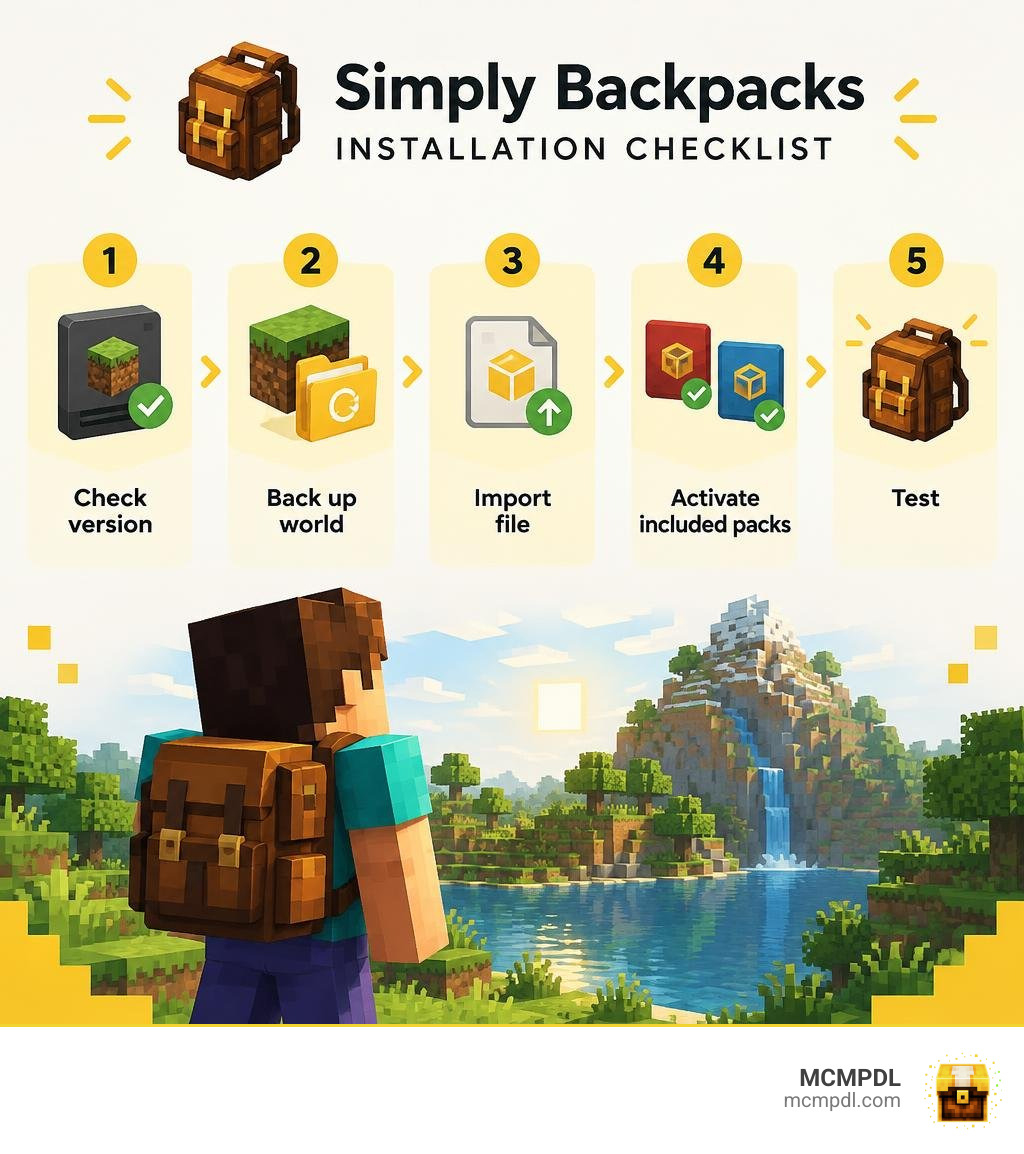
To install the Simply Backpacks Addon for Minecraft PE/Bedrock, download a version that matches your game, then open the add-on file to import it into Minecraft. Before changing an existing world, make a backup. In the world’s settings, activate the behavior pack and resource pack if the download includes both, then enter the world and check that the backpacks appear.
If the add-on does not load, check its listed Bedrock version and installation notes first. This guide covers setup, mobile play, and common fixes so you can spend less time troubleshooting and more time managing your inventory. For broader context on how portable storage systems fit into Bedrock survival, the Minecraft Wiki explains the base inventory mechanics these add-ons build upon.
Core Features of Simply Backpacks Addon for Minecraft PE/Bedrock
Inventory management has always been one of the toughest survival hurdles in Minecraft. Exploring deep cave systems or building massive monuments usually means trekking back and forth to empty chests. With over 584,172 downloads across the community, modular portable bags have transformed how we explore. By turning standard storage into a dynamic portable base, you no longer have to compromise between carrying building blocks, mining resources, and survival gear. For players seeking advanced portable storage, this system provides a massive leap in convenience.
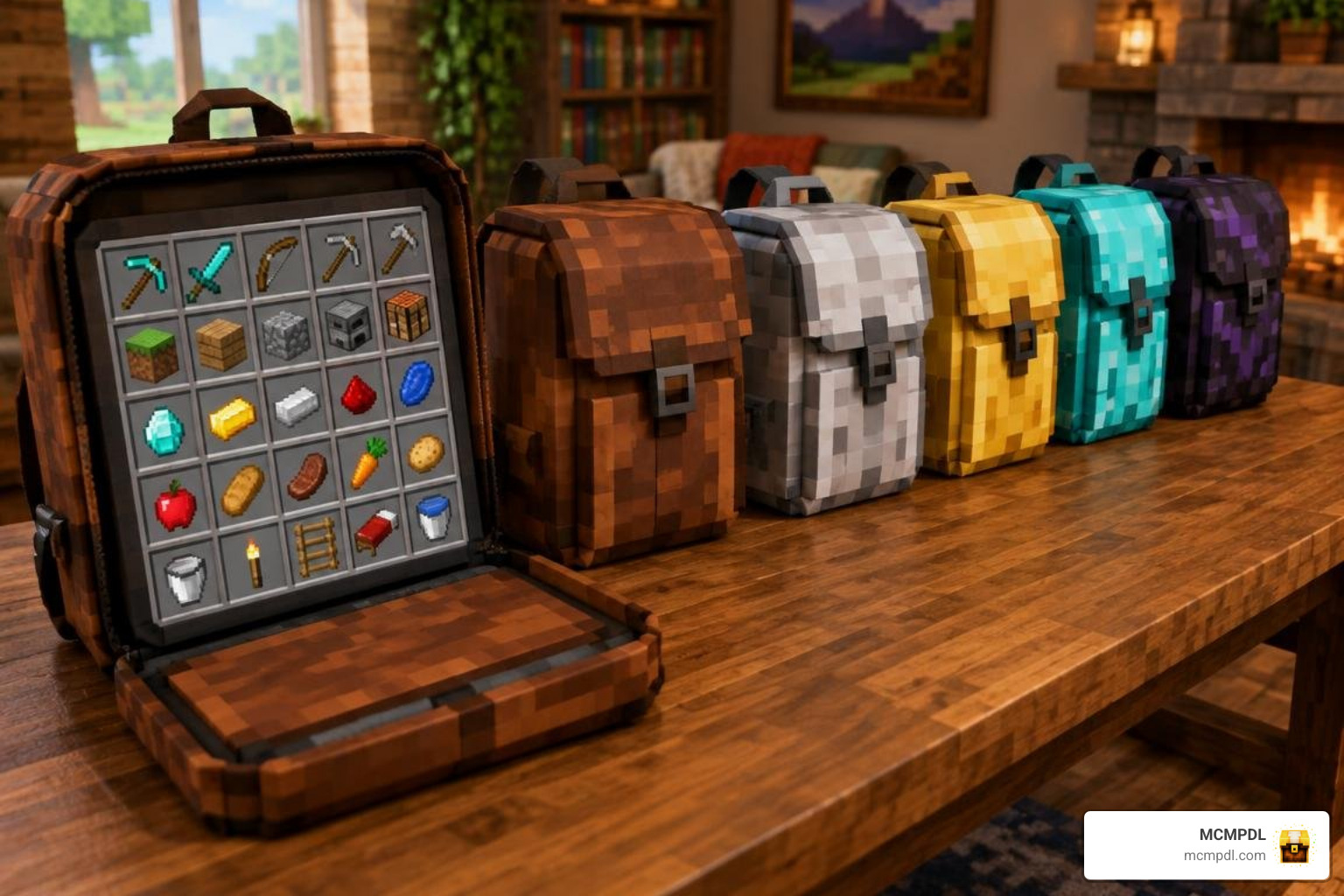
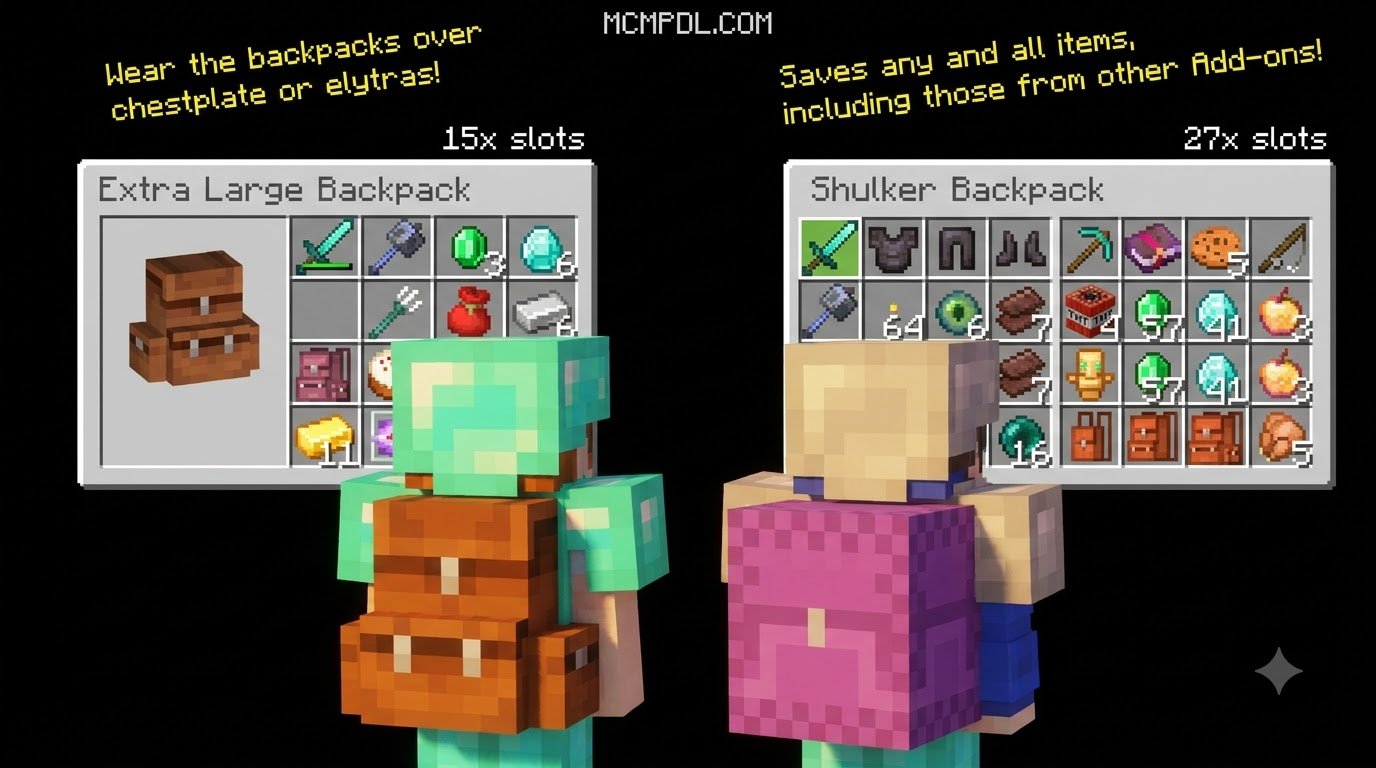
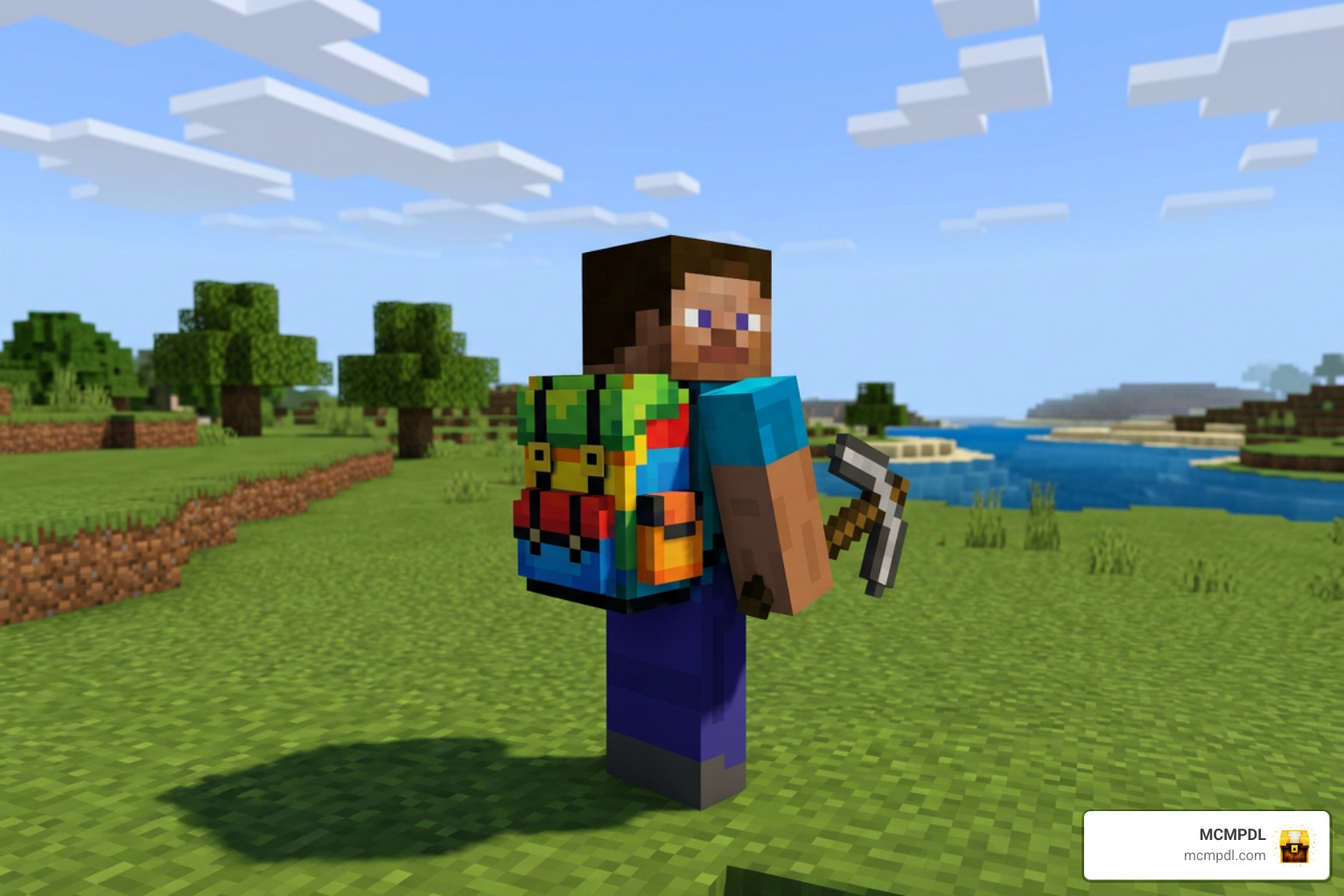
The addon functions through two distinct operational styles: Backpack Mode and Placement Mode. In Backpack Mode, you carry the pack directly on your character, allowing you to access tools, modules, and storage pages through a smooth interface or your offhand display slot. In Placement Mode, you can physically deploy the backpack onto the ground just like a workstation or chest, allowing friends on your realm or server to interact with shared items.
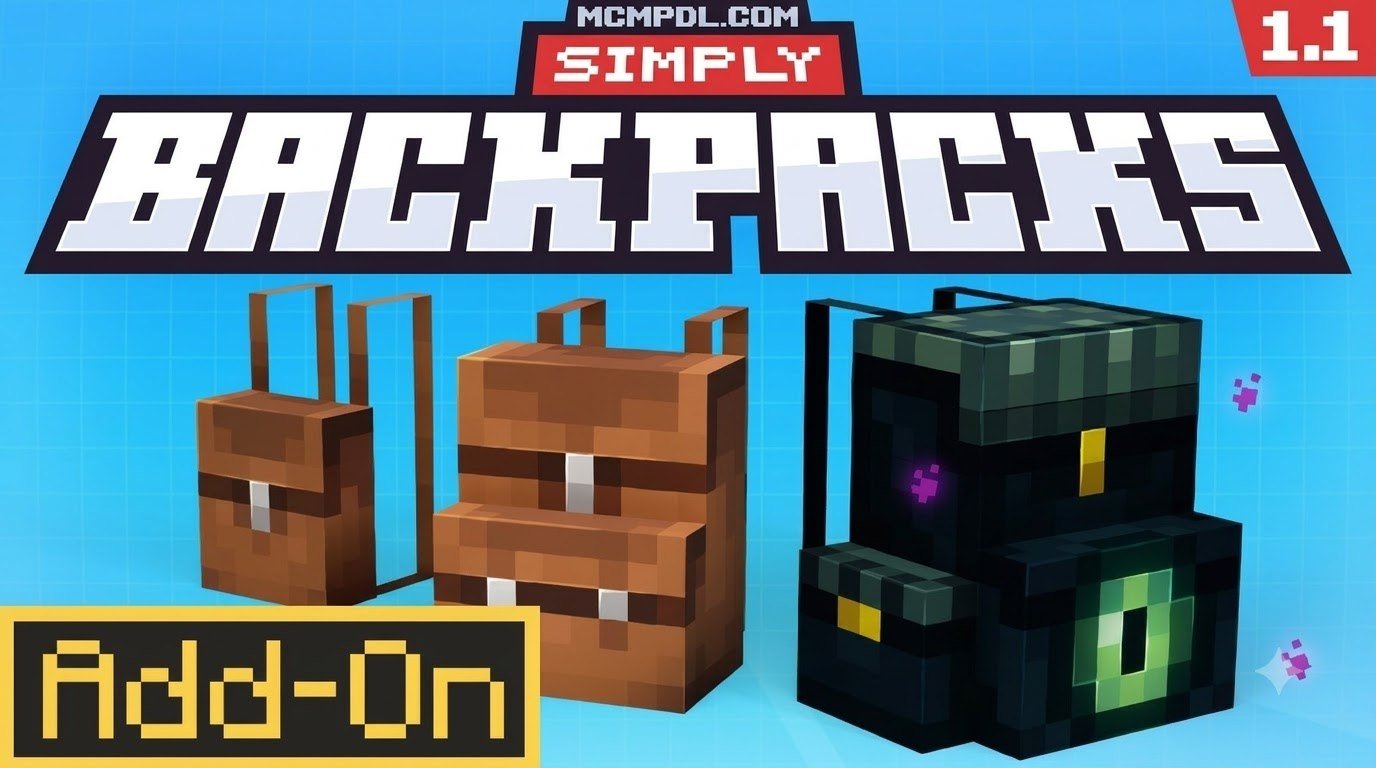
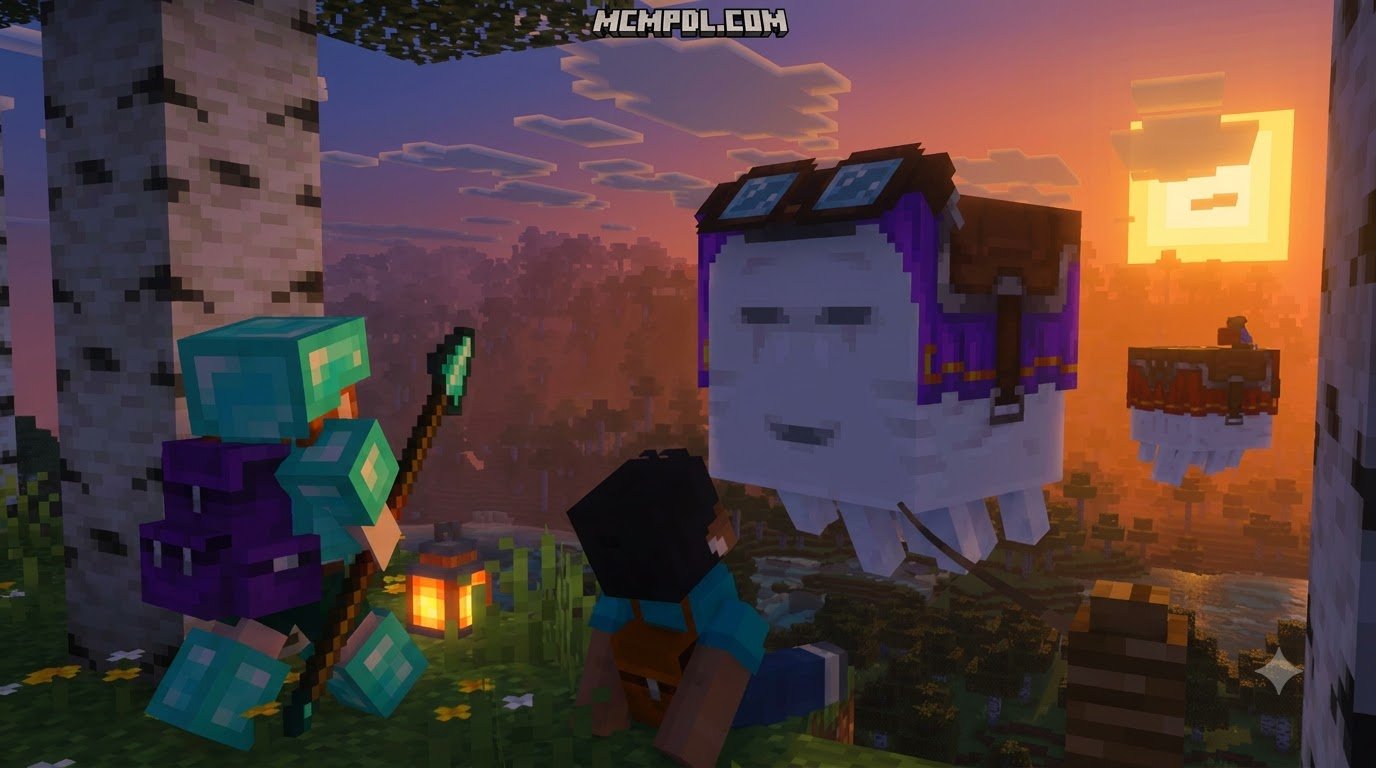
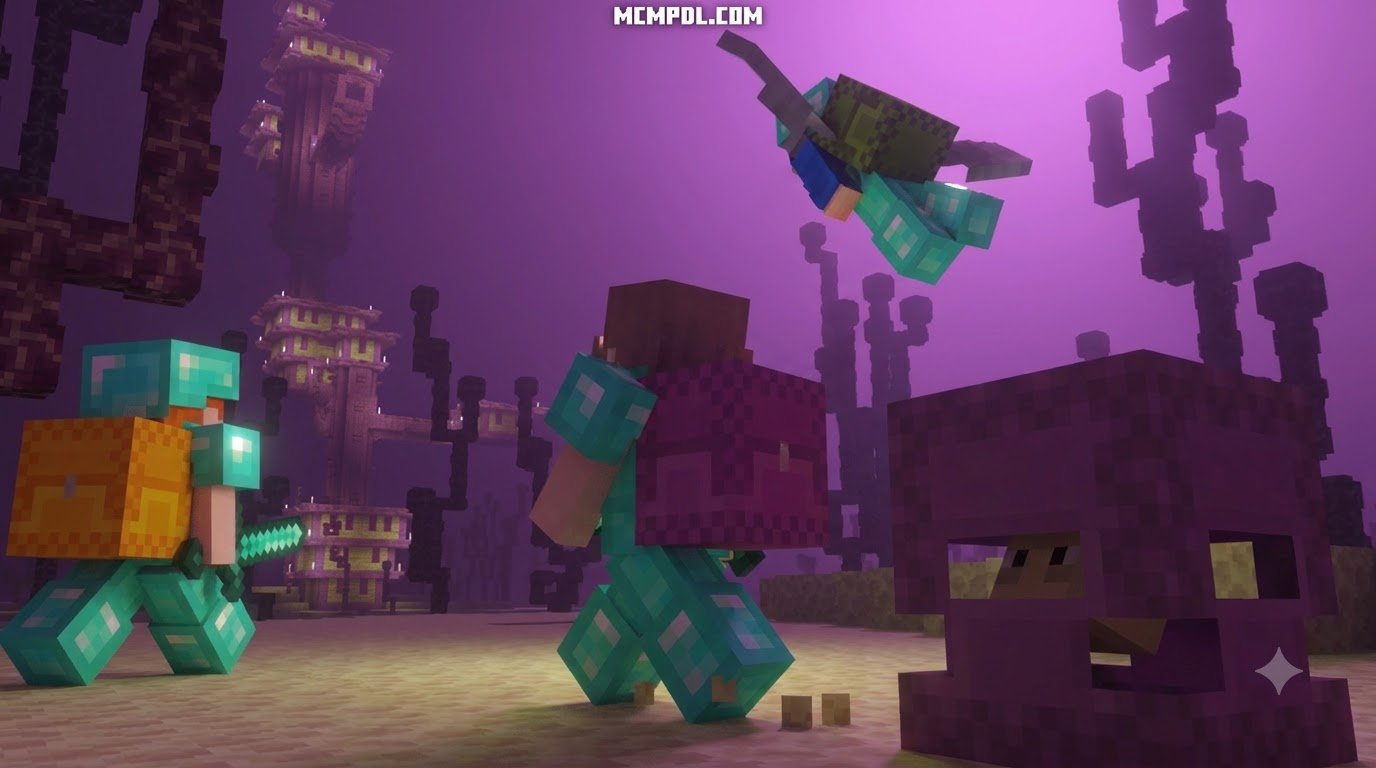
To streamline daily logistics, the built-in Quick Deposit and Auto-Transfer systems let you instantly offload matching items into nearby chests or pull essential supplies without clicking through dozens of individual inventory slots. On top of that, you can customize your gear using 5 fun cosmetic themes, including Creeper, Enderman, Ghast, Snowfox, and Ender Dragon styles.
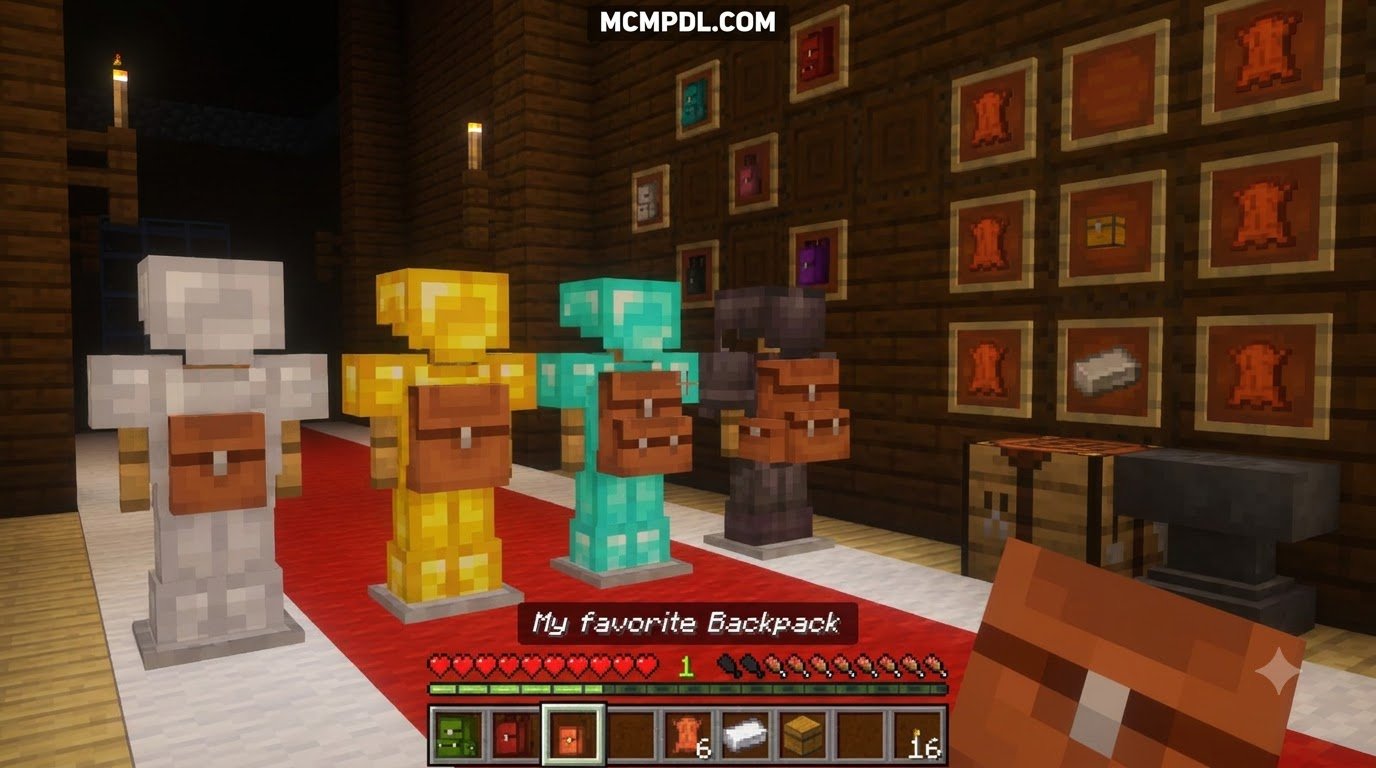
Upgradeable Tiers from Basic to Netherite
Progression is balanced across six core tiers: Basic, Copper, Iron, Gold, Diamond, and Netherite. As you gather rare minerals, you can upgrade your pack step by step to unlock higher slot capacities and dedicated workstation slots. The Netherite tier even provides built-in fire resistance, ensuring your valuable pack will not burn if accidentally dropped into lava.
| Backpack Tier | Slot Capacity | Integrated Workstation Access | Key Material Requirements |
|---|---|---|---|
| Basic | 27 Slots | Crafting Table | Leather, Chest, String |
| Copper | 45 Slots | Crafting Table, Stonecutter | Copper Ingots, Basic Backpack |
| Iron | 63 Slots | Crafting, Stonecutter, Campfire | Iron Ingots, Copper Backpack |
| Gold | 81 Slots | Crafting, Stonecutter, Campfire, Furnace | Gold Ingots, Iron Backpack |
| Diamond | 108 Slots | All Workstations, Basic Tanks | Diamonds, Gold Backpack |
| Netherite | 126 Slots | Complete Workstation Suite & Enchanting | Netherite Ingot, Diamond Backpack |
Portable Workstations and Virtual Utilities
Why clutter your pockets with heavy tables when your backpack houses them all? The internal workstation system provides an integrated Crafting Table, an on-the-go Stonecutter, a portable Anvil, and a portable Brewing Stand. You can also deploy a Rest Campfire directly from your pack to set spawn points or regenerate health during long expeditions.
For high-level gear upgrades, the pack even accommodates a Max Enchanting Setup, providing level 30 enchantment capabilities wherever you travel without needing fifteen separate bookshelves placed around your base. Pairing these tools alongside other essential survival addons will turn any long-distance trek into a breeze.
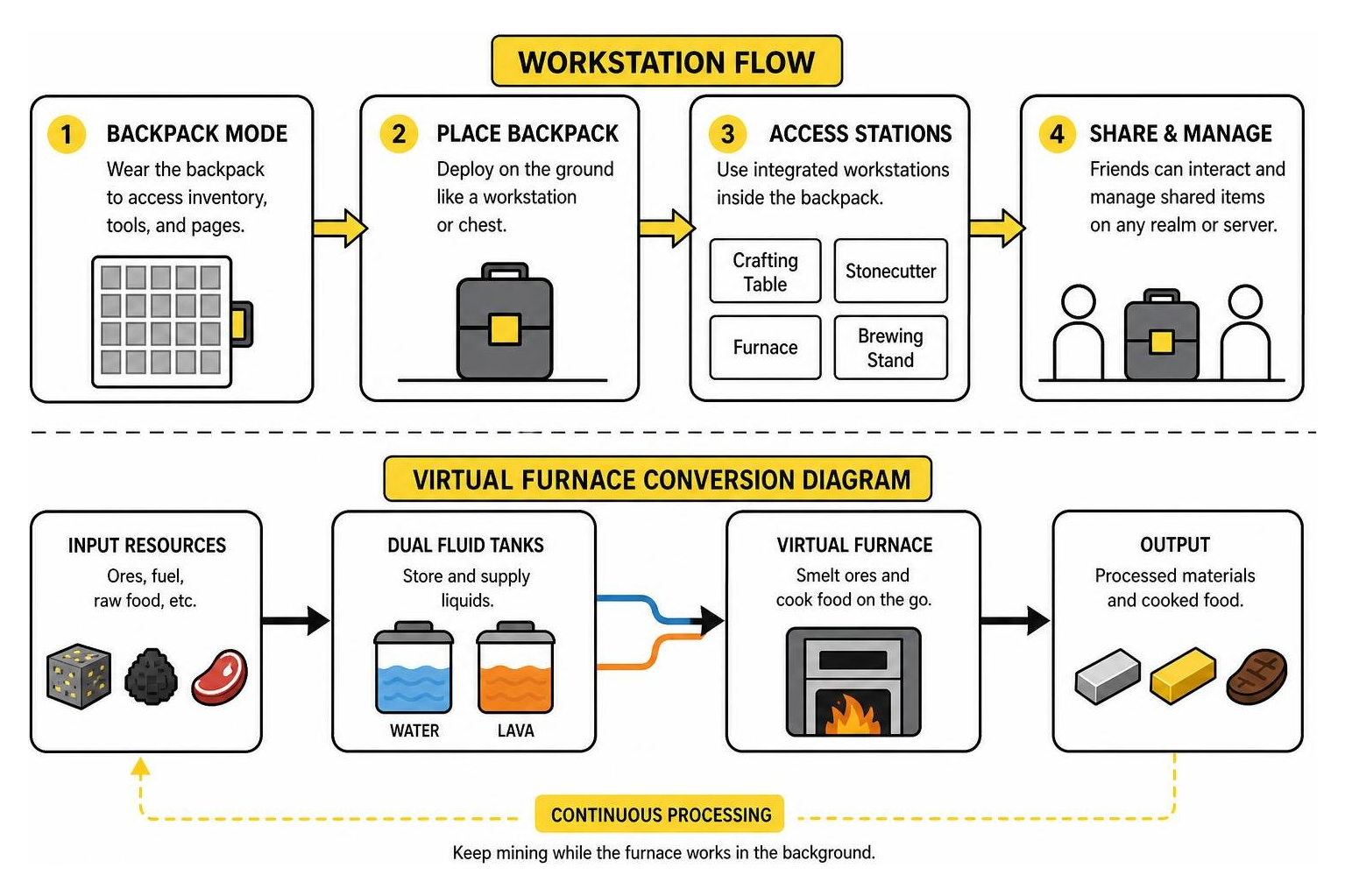
The internal Virtual Furnace and dual Fluid Tanks handle resource processing on the go. The fluid tanks securely store liquid resources like water and lava, which can be fed directly into your virtual furnace to smelt ores and cook food in the background while you continue mining.
Essential Modules and Storage Expansion
Modular customization sets this system apart from conventional inventory mods. By combining your pack with specialized upgrade chips, you can automate item sorting, vacuum nearby drops, or grant character buffs. With 18 modular upgrades available, you can tailor your setup to match specific roles such as mining, builder logistics, or mob hunting. Using these alongside broader utility expansion tools creates an automated inventory ecosystem.
Important utility chips include the Soulbind Module, which prevents your backpack from dropping on death, and Quick Open Priority Slots, which let you access designated tools instantly with custom hotkeys.
Expanding Capacity with Simply Backpacks Addon for Minecraft PE/Bedrock Modules
When raw capacity is your main goal, the Overpack Module doubles your storage. When slotted into a top-tier Netherite pack, it adds a secondary 126-slot inventory tab, giving you a total of 252 slots in a single bag.
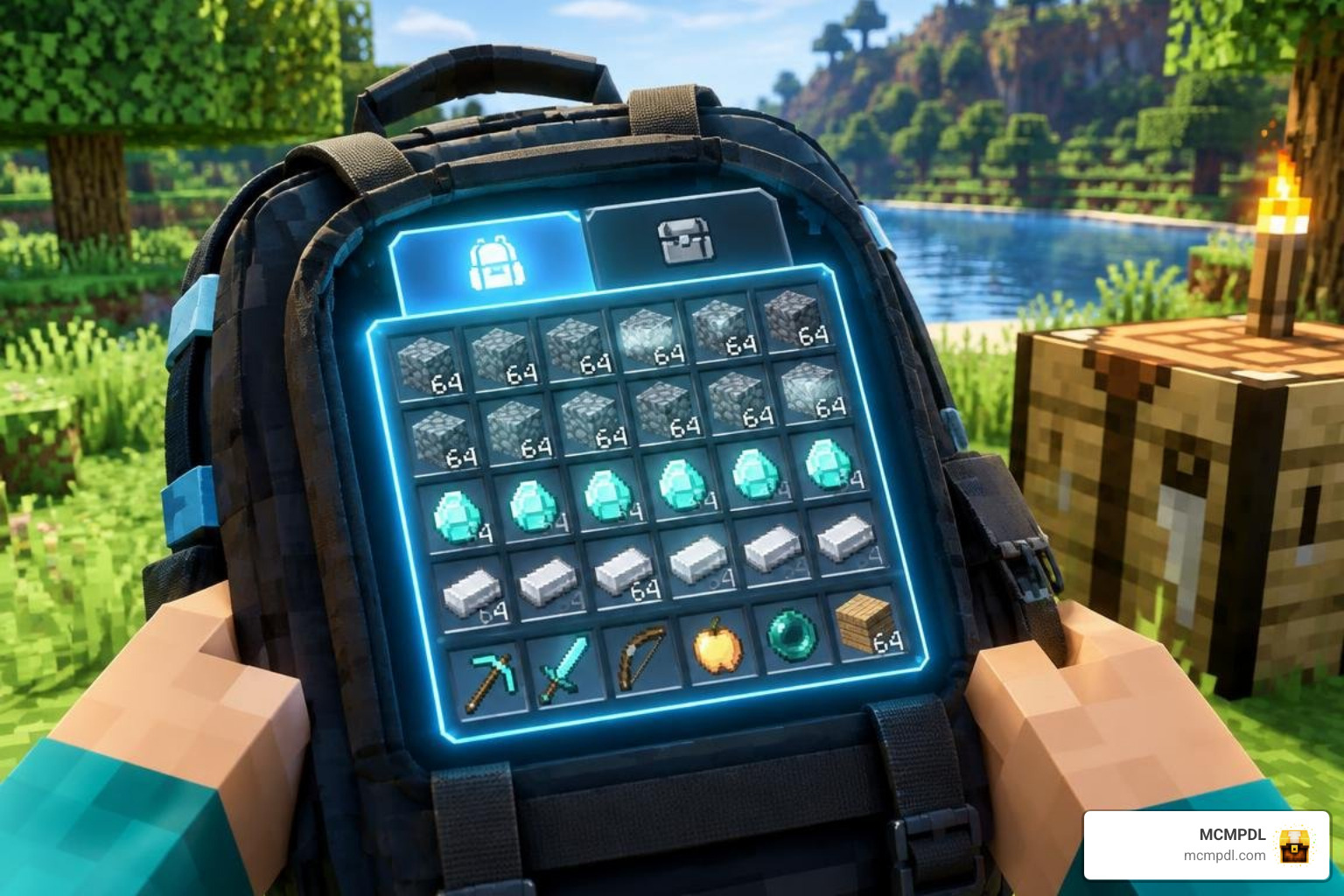
For bulk haulers, the Stockpile Module compresses item handling by allowing single slots to manage massive quantities of raw materials like cobblestone, dirt, or netherrack. If you enjoy experimenting with different setups, comparing this system with alternative backpack options will help you find the best balance for your world.
To maintain game balance and avoid nested data errors, strict container limitations are active: Shulker Boxes, Bundles, and secondary bags cannot be nested inside your active backpack inventory.
Automation and Utility Modules
The addon includes a wide range of utility and mobility chips:
- Magnet Module: Automatically vacuums dropped items directly into designated backpack slots.
- Void Module: Deletes junk items like excess gravel, rotten flesh, or diorite based on your filter rules.
- Auto-Compressor: Automatically crafts raw resources into blocks (such as compacting 9 iron nuggets into ingots, or 9 redstone dust into redstone blocks).
- Dive Module: Grants continuous underwater breathing and improved submerged visibility.
- Movement Speed & Jump Boost Modules: Provide passive mobility enhancements while the pack is equipped.
- Strength & Vitality Modules: Deliver passive combat buffs and additional health during survival encounters.
- Excavation & Forestry Modules: Enable area-of-effect vein mining for ores and rapid tree felling for dense forests.
Installation, Mobile UI Setup, and Troubleshooting
The addon has been tested across Windows PC, Android, iPhone, and iPad devices. It offers full touch-control optimization and supports 5 localization options (English, Simplified Chinese, Traditional Chinese, Spanish/Mexican Spanish, and Brazilian Portuguese). If you want cross-dimensional item logistics for distant bases, pairing your setup with interdimensional item transport creates a comprehensive storage network.
Installing Simply Backpacks Addon for Minecraft PE/Bedrock on Mobile and Realms
- Download the Add-on Files: Acquire both the
.mcpackor.mcaddonfiles for the behavior and resource packs. - Import into Minecraft: Tap or double-click the downloaded file to automatically launch Minecraft and import the pack.
- World Settings Configuration: Navigate to your World Settings, open Resource Packs, and activate the pack. Next, open Behavior Packs and activate the corresponding behavior pack.
- Enable Experiments: Under the game settings tab, enable experimental toggles (such as Holiday Creator Features and Beta APIs) if prompted.
- Admin Controls & Settings: Use in-game admin controls to manage module balance or restrict high-tier modules for server players.
Realm Cache and Sync Troubleshooting
If you encounter missing textures or modules failing to load on dedicated Realms, follow these troubleshooting steps:
- Clear Download Cache: In Minecraft’s main menu, navigate to
Settings > Storage > Cached Dataand clear old pack caches. - Force a Resync: Download the Realm world locally, verify that both behavior and resource packs are activated, and re-upload the world to the Realm slot.
- Create Backups: Always create a local
.mcworldbackup before updating addon versions. - Test for Addon Conflicts: Run the backpack pack in an isolated world to confirm compatibility against other installed script mods.
Frequently Asked Questions about Backpack Addons
How do I fix UI scaling issues on mobile devices?
If the backpack interface appears cut off on mobile screens, open your in-game Video Settings and adjust the GUI Scale Modifier slider to 70%–80% for Classic UI, or 75%–100% if running Pocket UI mode.
Can backpacks hold Shulker Boxes and potions?
To prevent inventory desync issues and exploit loops, nested storage containers like Shulker Boxes cannot be placed inside backpacks. Regular potions and tipped arrows can be stored, though custom potion NBT data may have display limitations in older Bedrock builds.
How does the Overpack Module expand capacity?
The Overpack Module adds an interactive pagination button within your backpack UI. Clicking this button flips your interface over to a secondary 126-slot storage grid, doubling the capacity of a Netherite backpack to 252 slots.
Conclusion
Carrying your entire workshop with you changes how survival mode feels. With customizable modules, massive storage upgrades, virtual smelting, and mobile UI support, this addon is an essential upgrade for any Minecraft Bedrock world.
To further enhance your visual experience while exploring, browse our curated collection of Texture Packs to customize your interface, blocks, and gear.