Scroll down to D0vvnl0ad
Understanding the Essentials Addon for Minecraft PE/Bedrock
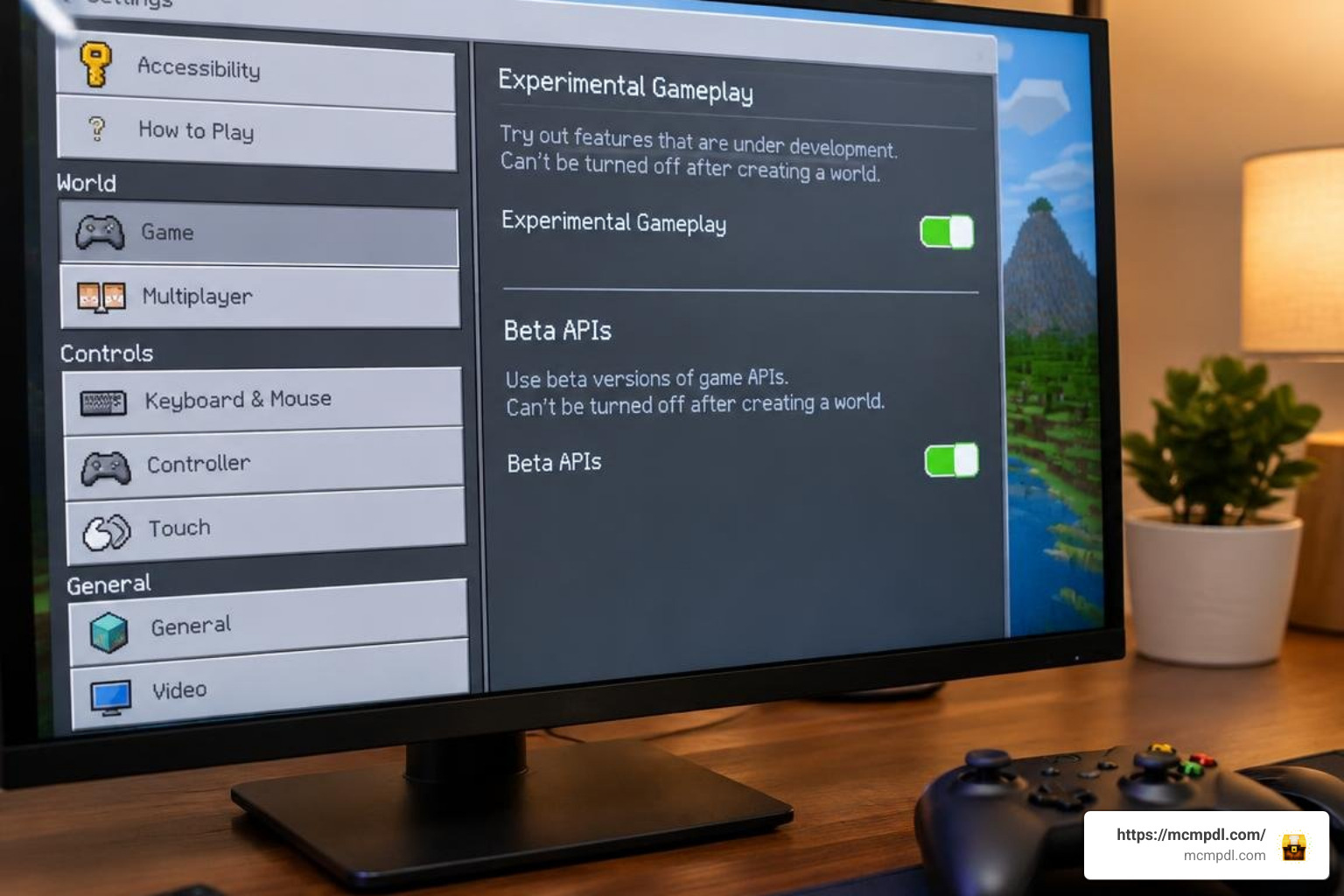
To find and install the Essentials Addon for Minecraft PE/Bedrock, download a free .mcaddon or .mcpack file from a trusted community addon hub. Open the downloaded file with Minecraft Bedrock to import it, then activate both the Behavior Pack and Resource Pack under World Settings. For most modern releases, enable Beta APIs in the Experiments menu before loading the world.
Bedrock Edition has evolved significantly, but routine survival chores can still become tedious. Whether you are spending forty minutes stripping oak logs or mining down single iron blocks one by one, repetitive manual tasks take time away from creative building and grand exploration.
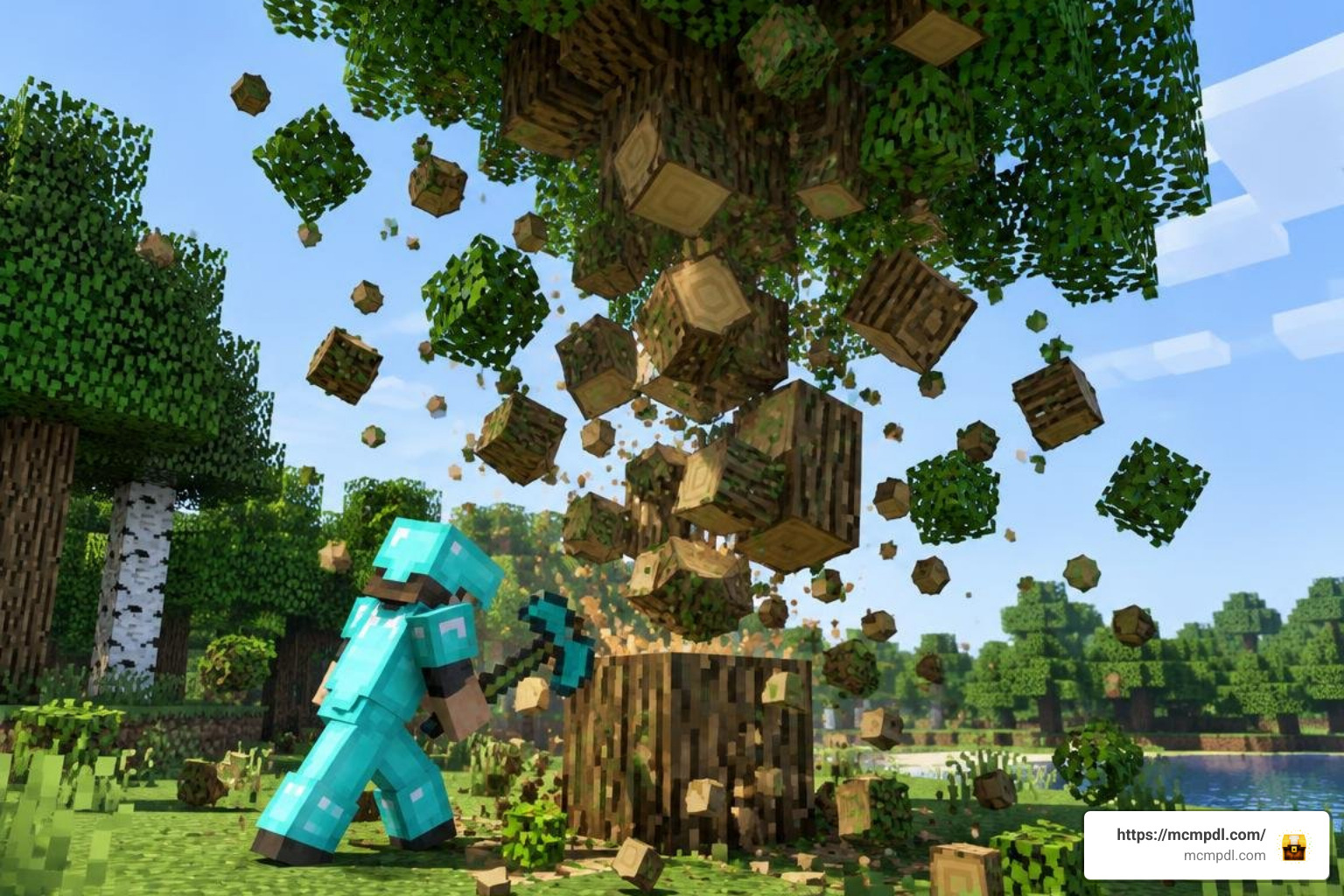
An Essentials pack bridges the gap between classic survival progression and smart convenience. Rather than overhauling the game with complex magic systems or overwhelming mob additions, these utility suites introduce lightweight scripts, smart quality-of-life mechanics, and versatile survival tools that keep your adventures moving forward smoothly.
Core Features of the Essentials Addon for Minecraft PE/Bedrock
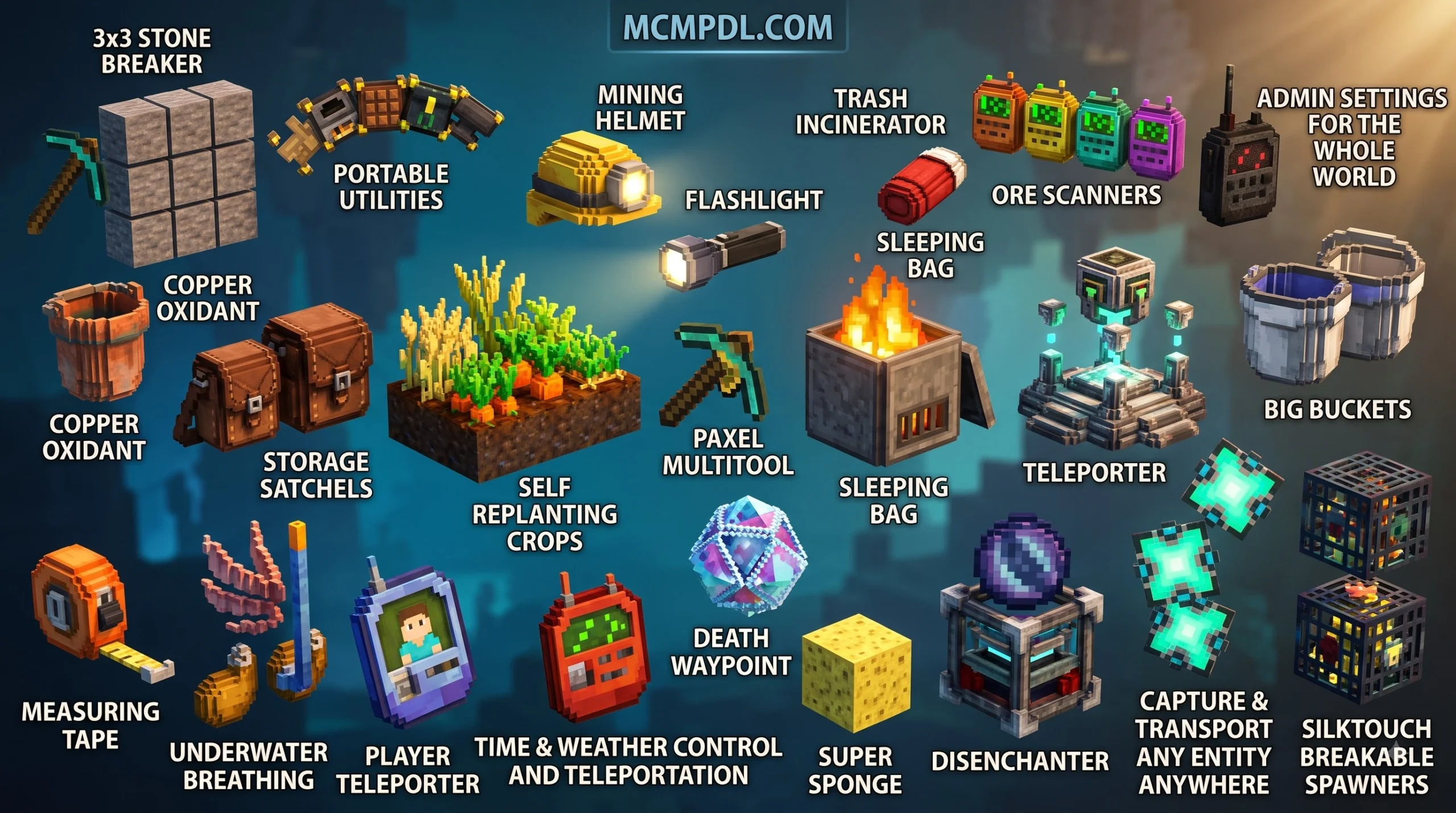
The most popular Essentials toolsets consolidate several individual quality-of-life mods into a single, cohesive package. Here is what you will typically find inside:
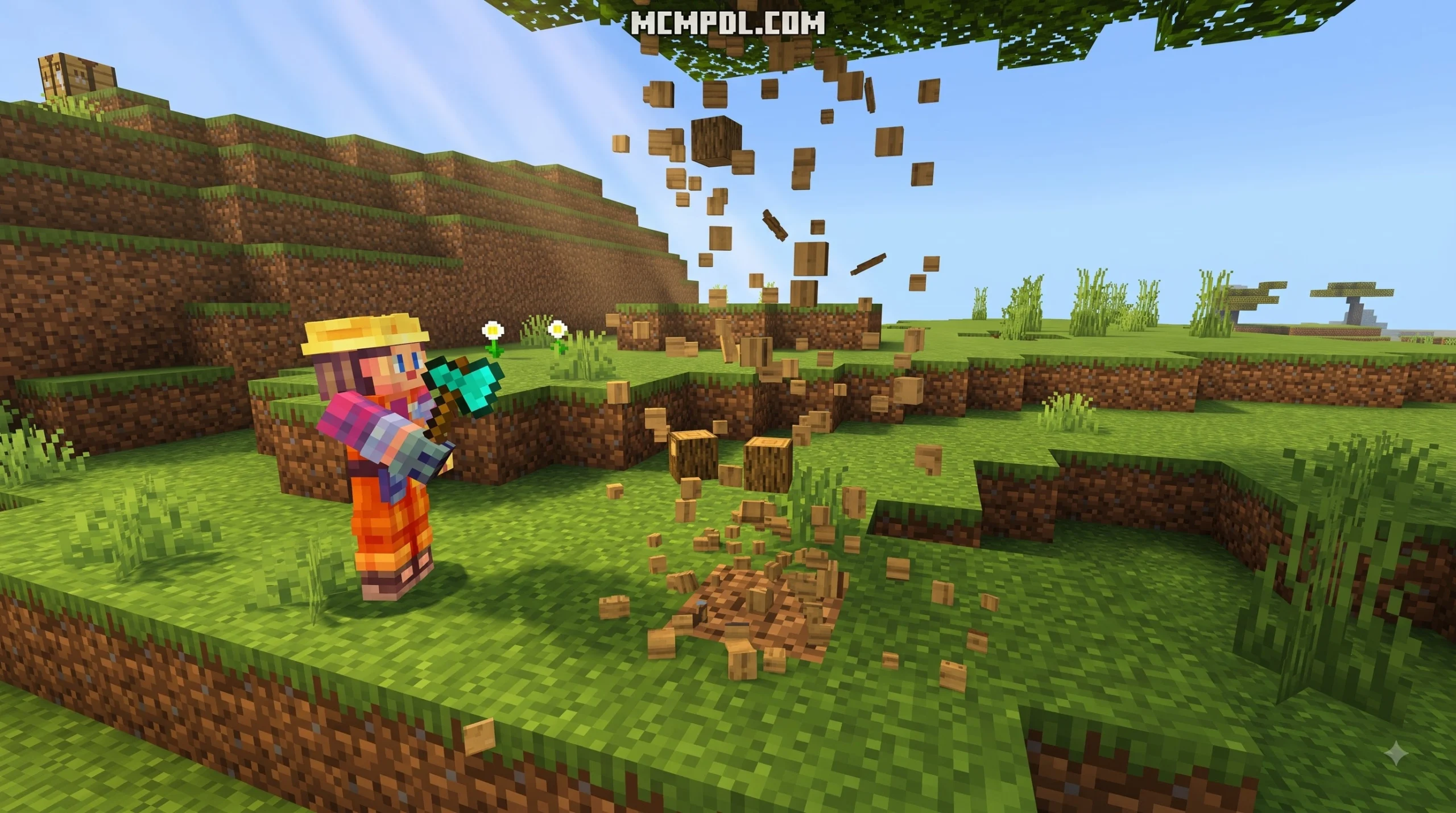
- Tree Capitator & Fast Wood Gathering: Felling a 20-block jungle tree no longer requires awkward pillar jumping. Breaking the base block while sneaking instantly collapses the entire tree trunk and naturally drops the logs and saplings.
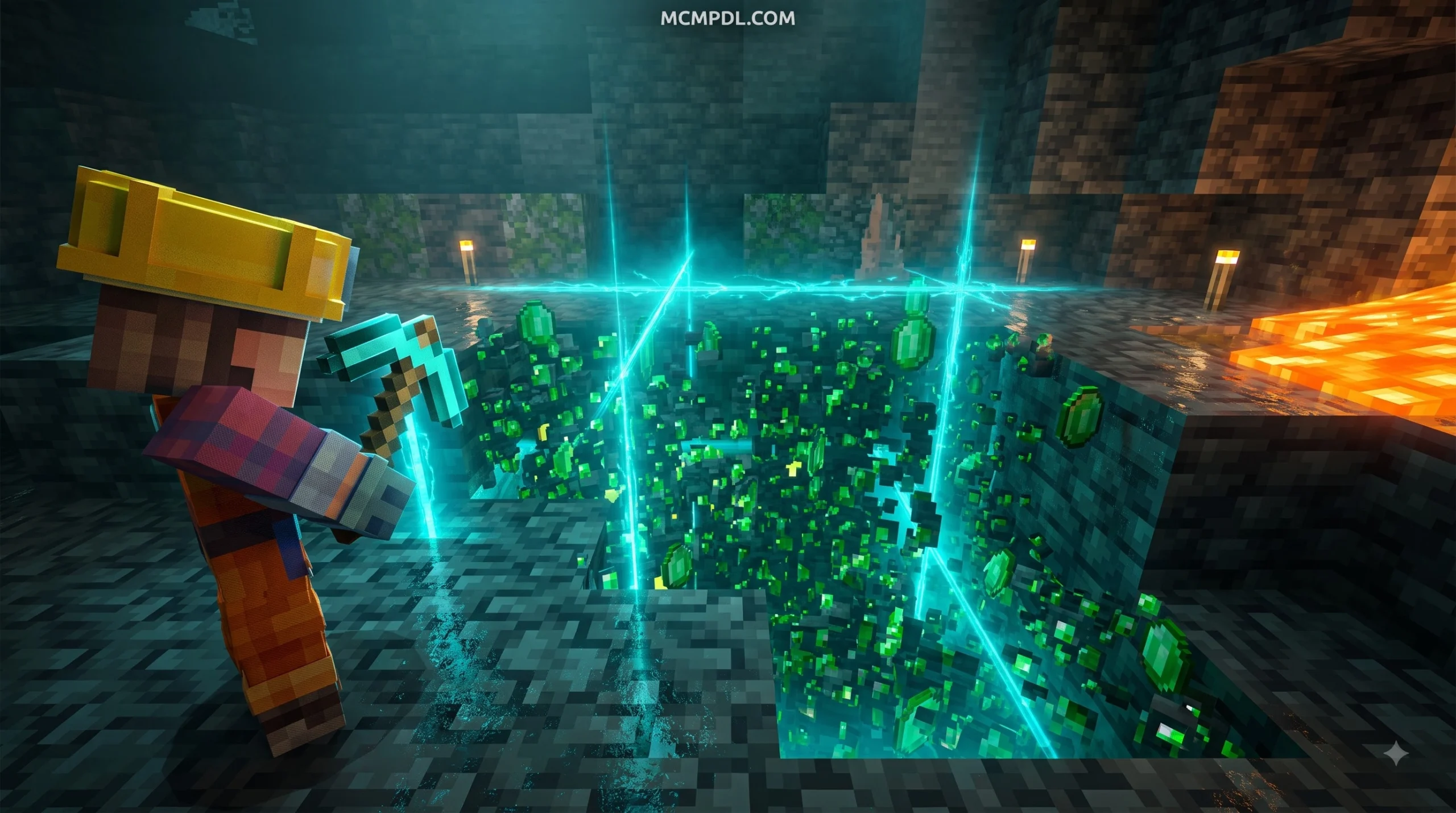
- Vein Miner: Mining deep underground becomes vastly more efficient. Striking an exposed ore node while crouching automatically harvests connected ores in that specific vein.
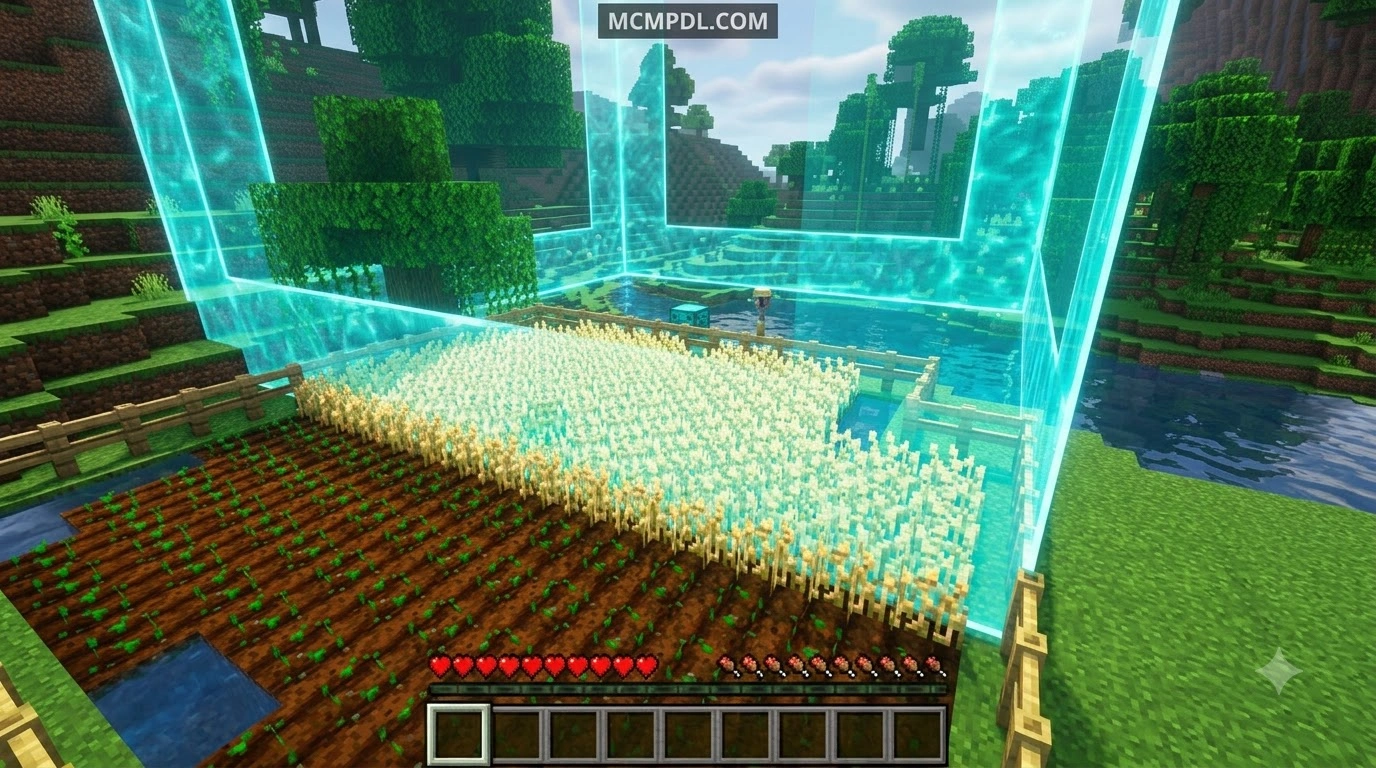
- Auto Replant & Farming Automation: Harvesting mature wheat, carrots, potatoes, or nether wart automatically replants the corresponding seed or crop into the tilled farmland, letting you keep your food supplies full without stopping to replant manually.
- Auto Item Pickup: Using in-game toggles, dropped mob loot and mined resources fly straight into your inventory rather than scattering across deep ravines or floating down lava streams.
- Double Doors & Building Enhancements: Tapping a single wooden or iron door automatically swings its matching partner open in unison. Some editions also bring sideways slabs and fake walk-through blocks for clever hidden bases.
- Portable Workstations & Storage Satchels: Keep your momentum going with on-the-go access to portable crafting tables, compact furnaces, and mobile ender chests.
- Repairable Anvils & Flashlights: Restore cracked and damaged anvils using iron ingots, or craft a handy survival flashlight to explore dark caverns without placing hundreds of individual torches.
If you are looking for even more standalone survival mechanics to complement these tools, pairing your setup with a dedicated utility tools add-on or exploring the Cube Utilities Addon Minecraft PE/Bedrock will help tailor your survival world to your exact playstyle.
Free Community Editions vs. Other Addon Options
Because multiple creators have developed packs carrying the “Essentials” moniker, choosing the right version depends on whether you are running a single-player survival world or setting up a multiplayer realm.
| Feature / Metric | Free Community Addons (e.g., Bedrock Essentials+, Vanilla Essentials) | Server-Oriented Essentials (Community Hub Editions) |
|---|---|---|
| Primary Focus | Single-player survival QoL, Vein Miner, Tree Capitator, Auto Replant | Multiplayer server economy, homes, warps, admin moderation panels |
| Cost | 100% Free (.mcpack / .mcaddon) | 100% Free (.mcaddon) |
| Popularity & Stats | Over 949,000 community downloads; lightweight files under 150 KB | Over 120,000 installs across community hubs; ~443 KB file size |
| Key Tools Included | Double doors, flashlight recipe, sneak-activated mining, anvil repair | !home, !warp, !tpa, !money, !auction, !ban, !adminpanel |
| Version Support | 1.21.90 – 1.21.132, 26.0, 26.3, 26.10, 26.11 | 1.20, 1.21.40+, 26.x (26.30+) builds |
| Activation Requirement | Behavior & Resource Pack activation in world settings | Beta APIs required; free verification key prompt on first join (26.30+) |
If you enjoy keeping your survival experience pure, community packs like Bedrock Essentials+, the Essentials Addon for Minecraft PE/Bedrock, and Vanilla Essentials provide ultra-lightweight performance without cluttering your menus. For expanded multiplayer setups, server-oriented Essentials editions give server admins complete control over their communities.
Step-by-Step Installation Guide Across Devices
Installing custom add-ons on Minecraft Bedrock is straightforward once you know how your device handles .mcaddon and .mcpack files.
Installing on Android, iOS, and Windows 10
Here is the exact installation process for every major platform:
1. Android (Phones & Tablets)
- Download the
.mcaddonor.mcpackfile from your chosen source. - Open your device file manager (such as ZArchiver or your native Files app).
- Tap on the downloaded file and select Open with Minecraft. The game will launch automatically and display an “Import Started” banner at the top of your screen.
- Open your World Settings, scroll to the Behavior Packs tab, click Available, select your Essentials pack, and hit Activate. The matching Resource Pack will usually enable automatically.
2. iOS & iPadOS (iPhone & iPad)
- Download the pack using Safari.
- Go to your Downloads folder in the Files app.
- Tap the
.mcpackor.mcaddonfile. iOS will recognize the file format and launch Minecraft PE to complete the import. - Navigate to World Settings > Resource Packs / Behavior Packs and activate the addon for your target save.
3. Windows 10 & 11 (Bedrock Edition)
- Download the add-on file directly to your PC.
- Double-click the
.mcaddonfile. Minecraft Bedrock will open and import the packs automatically. - In your world settings, activate both the Behavior and Resource packs.
Verification Keys and Configuration Setup
For server-style Essentials packages running on modern versions like Bedrock 26.30+, you may encounter an in-game activation prompt. These releases frequently use Bedrock’s GameTest and Script API framework, which requires a quick verification step:
- Enable Beta APIs under your world’s Experiments tab before launching.
- When you spawn into the world for the first time, a dialogue box will prompt you to enter a free verification key provided by the creator.
- Server hosts can fine-tune feature behavior by opening the pack’s
Configuration.jsfile in a text editor to set starting currency values, adjust teleport warmup timers, or customize permission tags for admins.
If you are expanding your tool capabilities further, check out our guide to the Bedrock Tools Add-On for more custom equipment options.
In-Game Setup and Mod Compatibility

Once your world loads with the add-on active, you can immediately begin utilizing its built-in controls and management commands.
How to Configure the Essentials Addon for Minecraft PE/Bedrock
Different Essentials releases employ distinct activation methods for their survival tools:
- Sneak-to-Mine Utilities: For community survival packs, tools like Tree Capitator and Vein Miner do not require any command setup. Simply crouch (sneak) while using an axe on wood or a pickaxe on an ore vein, and the entire cluster will break together.
- Automatic Pickup Toggles: If you want your mined items to drop directly into your inventory, enter
/pickup enablein the chat window. To turn it off and return to vanilla item drops, type/pickup disable. - Teleportation & Waypoints: Multiplayer editions allow players to set personal spawn locations using
!sethome [name]or/sethome, then warp back anytime using!home [name]. Server admins can also configure server-wide hubs using!setwarp [spawn]and!warp [spawn]. - Death Recovery: If you are using an edition with waypoint tracking, dying creates an automated beacon marker showing your exact death coordinates, allowing you to recover lost items without panic.
If your chosen Essentials version lacks dedicated map pins, pairing it with a standalone waypoints addon ensures you never lose track of underground strongholds or distant villages.
Stacking Utility Addons and Performance Optimization
Because utility packs are designed with lightweight scripts, they pair smoothly with other survival add-ons when ordered properly in your settings menu:
- Inventory Storage: Combine fast gathering tools with a backpacks addon so your inventory does not overflow while mining large ore veins.
- Navigation & Mapping: Add a minimap addon to track nearby caves and surface biomes alongside your Essentials waypoints.
- Building & Redstone Systems: If you are designing technical survival bases, integrating a world editing addon or a craft redstone addon gives you total control over complex automation projects.
- Combat & Progression Mods: You can also safely stack resource packs like the More Diamonds Addon or combat expansions such as the More Maces 2.0 Addon without breaking the core behavior scripts.
Priority Rule: In your Behavior Pack menu, place your Essentials add-on near the top of the load order so its player-interaction scripts (such as sneaking detection and tool break listeners) take precedence over general item modifications.
Troubleshooting Common Errors and Performance Fixes
If you encounter issues while running your Essentials pack, the following fixes resolve the vast majority of common Bedrock bugs:
- Vein Miner or Tree Capitator Not Triggering: Ensure you have turned on all required switches under World Settings > Experiments. If the pack uses custom scripting, toggling Beta APIs and Holiday Creator Features on is essential.
- Flashlight Does Not Light Up Caverns: Because Bedrock does not have native dynamic hand-held lighting, add-on flashlights work by placing invisible, temporary light blocks along your player path. If it appears dim, verify that smooth lighting is enabled in your Video settings.
- Command Prefix Conflicts: If two different multiplayer mods use the exclamation mark (
!) for commands, their chat listeners may clash. Open the pack’sConfiguration.jsand change its default prefix to a symbol like.or#. - Sudden Lag Spikes During Massive Vein Mining: Breaking massive 60-block redstone or coal clusters on low-end mobile devices can cause temporary tick drops. If you experience stutters, mine large veins from their outer edges rather than center blocks.
- World Crashing After Game Updates: When Minecraft Bedrock updates to a newer minor release, script APIs can temporarily change. Always maintain a clean world backup before applying updates.
Frequently Asked Questions
Is the Essentials Addon free for Minecraft Bedrock?
Yes, the vast majority of community editions—including Bedrock Essentials+, Vanilla Essentials, and server-command suites—are completely free to download as .mcpack or .mcaddon files from trusted community repositories. Paid options like Essentials by Unlinked are also available on the official in-game Marketplace for players who prefer automated console integration via Minecoins.
How do you activate Tree Capitator and Vein Miner?
In most packs, Tree Capitator and Vein Miner activate simply by crouching (holding the sneak button) while breaking the base log of a tree with an axe or mining an ore block with a pickaxe. Tool durability is consumed proportionally for each block harvested in the chain.
Does the Essentials Addon require Experimental Gameplay?
Yes, most modern editions built for Minecraft 1.21.132 and 26.x series builds rely on Bedrock’s scripting engine. You must toggle Beta APIs and related experimental switches under your world’s Experiments menu for sneak detection, custom commands, and automated crop replanting to work correctly.
Conclusion
Survival Minecraft is at its best when you are constructing ambitious bases, exploring deep caverns, and collaborating with friends—not when you are stuck manually replanting hundreds of wheat crops or spending whole play sessions chopping giant trees. Installing an Essentials pack eliminates everyday survival friction while preserving the rewarding challenge of vanilla progression.
Before loading any new utility pack into your long-term survival save, remember to duplicate your world folder and test your experimental settings first. For more curated add-ons, survival guides, and updated utility packs, explore our complete library right here at MCMPDL and elevate your Bedrock adventures today!

13 thoughts on “Essentials Addon for Minecraft PE/Bedrock”