Scroll down to D0vvnl0ad
Install DYNAMIC LIGHT on Minecraft PE and Bedrock
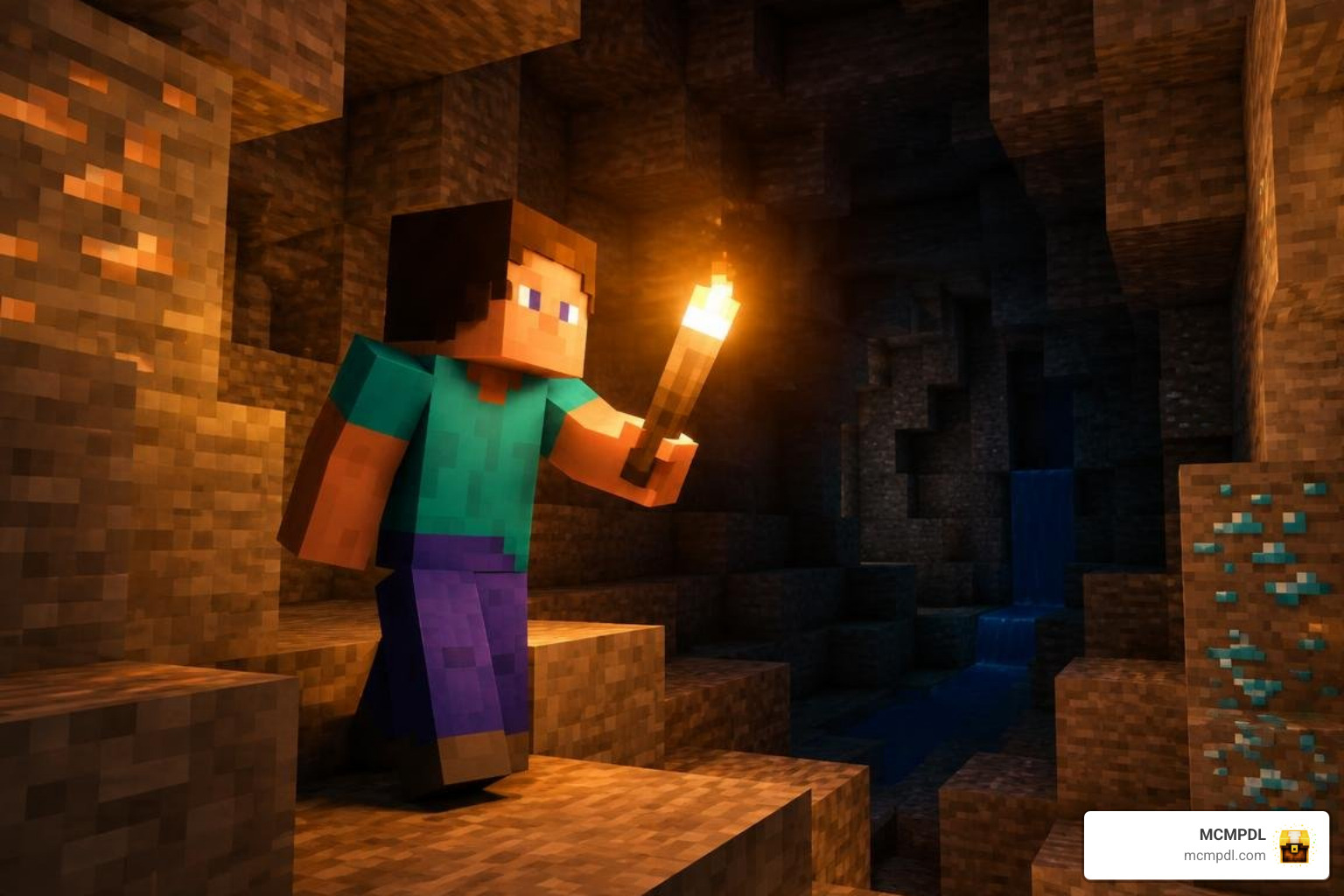
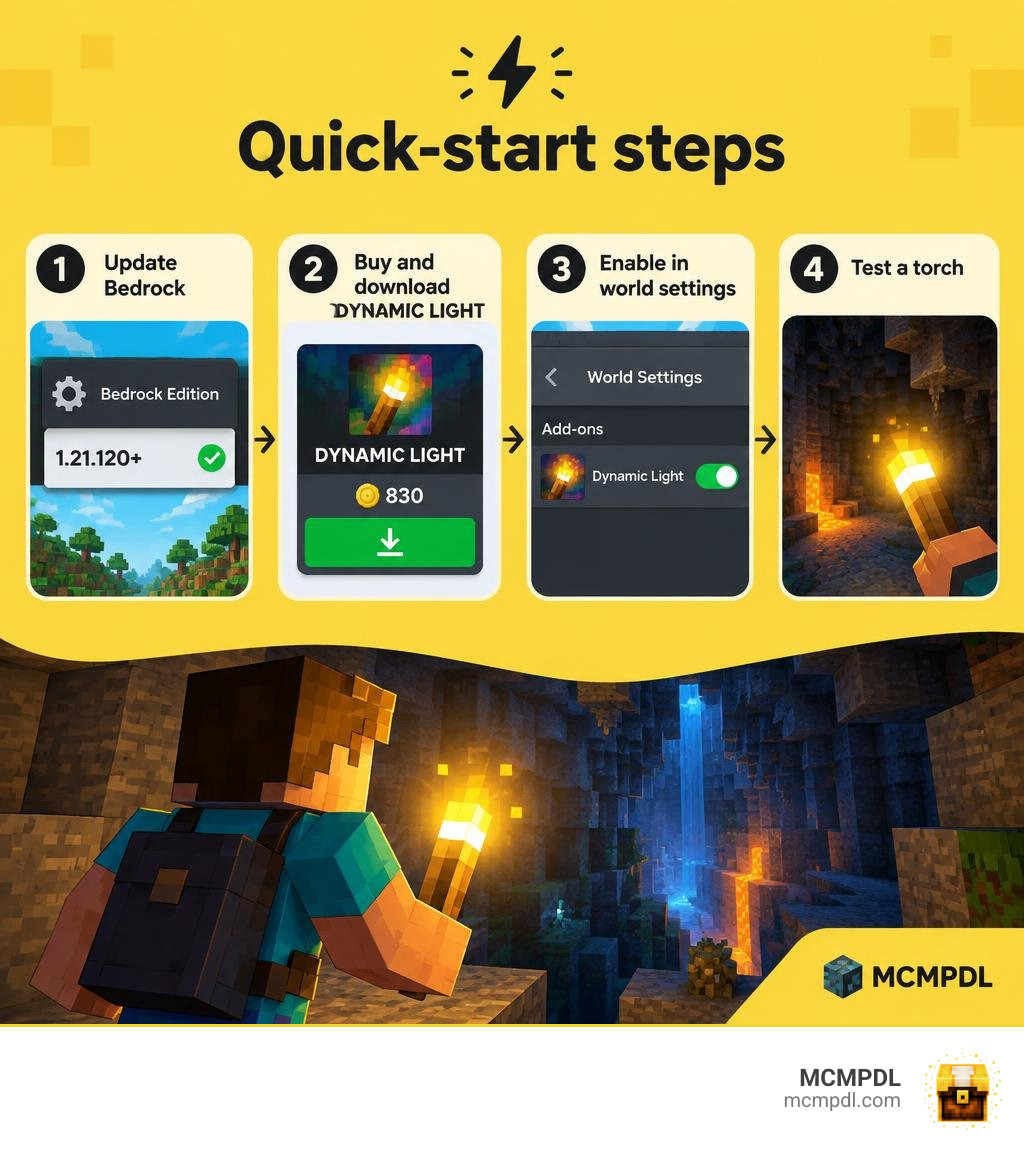
To install the DYNAMIC LIGHT Add-On on Minecraft PE or Bedrock, update your game to version 1.21.120 or newer. Then find the add-on in the Minecraft Marketplace, purchase it for 830 Minecoins, and download it. Open your world’s settings, enable the add-on, and enter the world to try a handheld light source.
The add-on lets you carry light as you explore, rather than placing a torch at every turn. It also includes colored light sources and support for Vibrant Visuals. The steps below will help you get it running on mobile or other Bedrock devices.
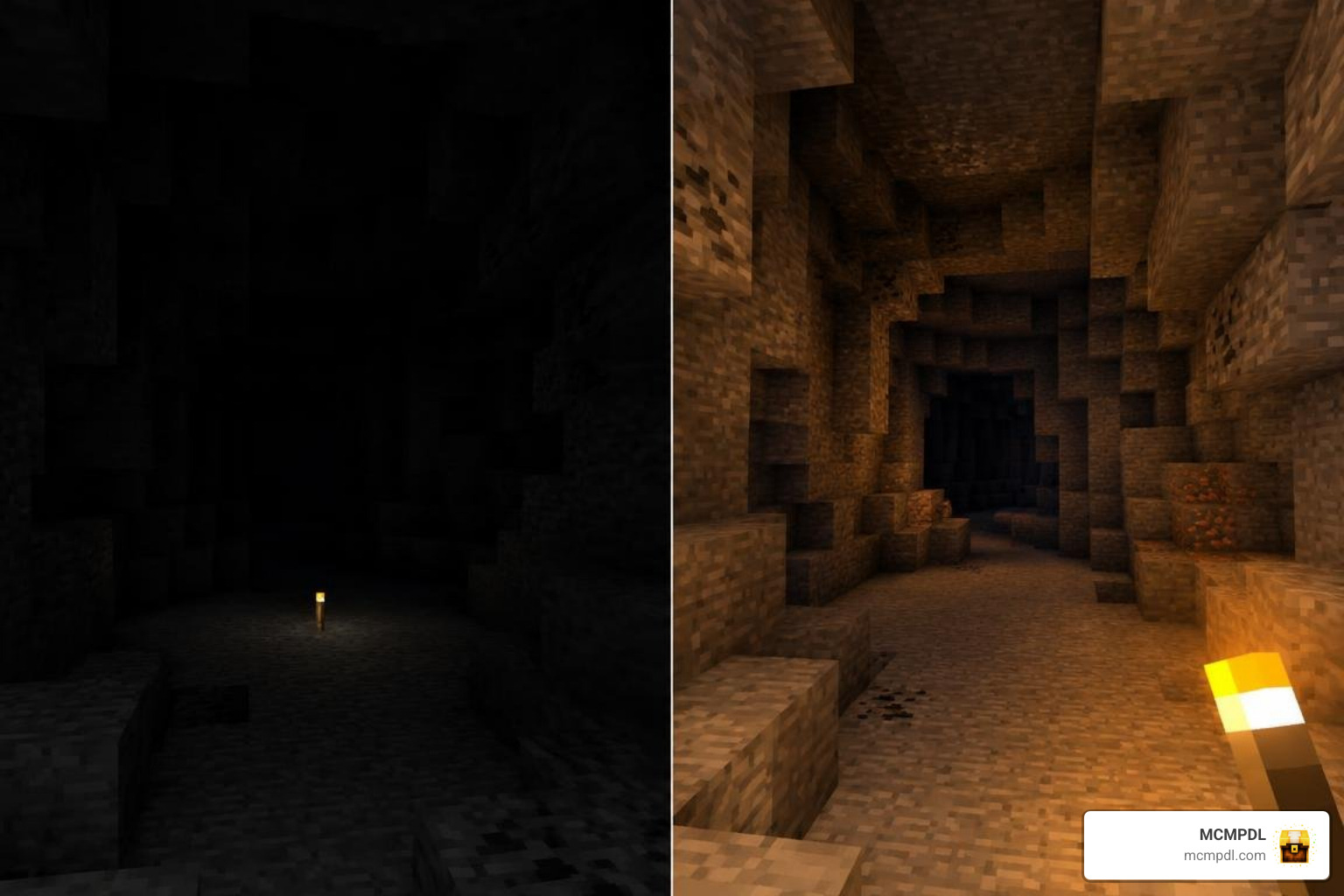
Overview of the DYNAMIC LIGHT Addon for Minecraft PE/Bedrock
Exploring dark caverns and sprawling ravines has always been one of the most thrilling parts of Bedrock Edition, but constantly stopping to plant torches on every wall quickly drains your resources and breaks your rhythm. The DYNAMIC LIGHT Addon for Minecraft PE/Bedrock solves this long-standing issue by introducing real-time, handheld illumination directly into the Bedrock engine. Originally launched on September 17, 2024, and maintained with continuous polish through October 2026, this add-on brings a beloved visual upgrade directly to mobile devices, consoles, and PC.
Available on the in-game Marketplace for 830 Minecoins (approximately $4.35 USD or €4.10 EUR), the pack holds an impressive 4.7 out of 5-star rating across more than 5,500 reviews, with 84% of players awarding it a full five stars.
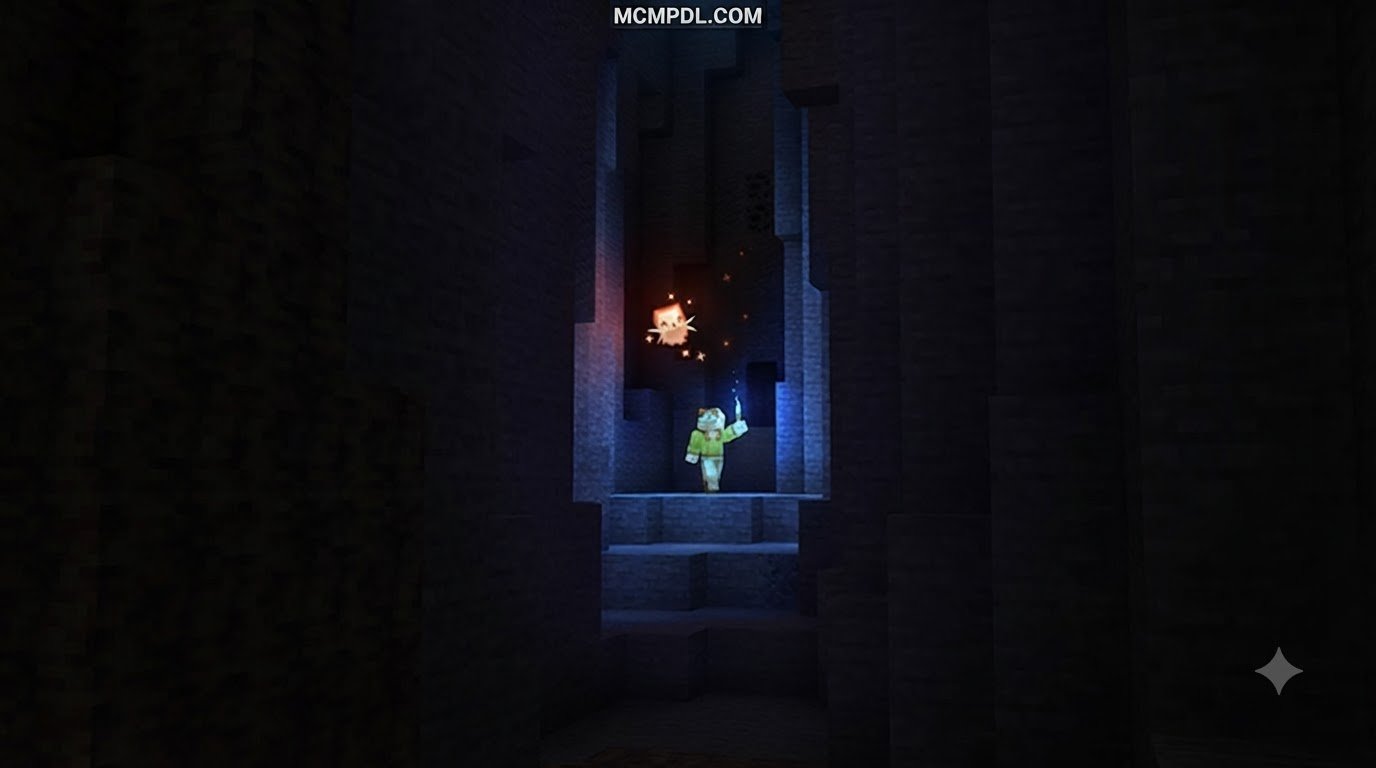
Rather than relying on clunky workarounds or replacing critical player files, the add-on seamlessly casts light from whatever glowing item you hold in your main hand or offhand. Whether you are descending into deepslate mines, running through dense forests at midnight, or pairing your lighting with visual particle enhancements and immersive visual texture packs, dynamic lighting completely transforms how you navigate dark environments.
Key Features of DYNAMIC LIGHT Addon for Minecraft PE/Bedrock
At its core, this add-on modernizes survival lighting mechanics without disrupting vanilla balance. It detects when you hold any light-emitting block or item and projects a moving radius of light around your character that follows your exact coordinates.
The system features:
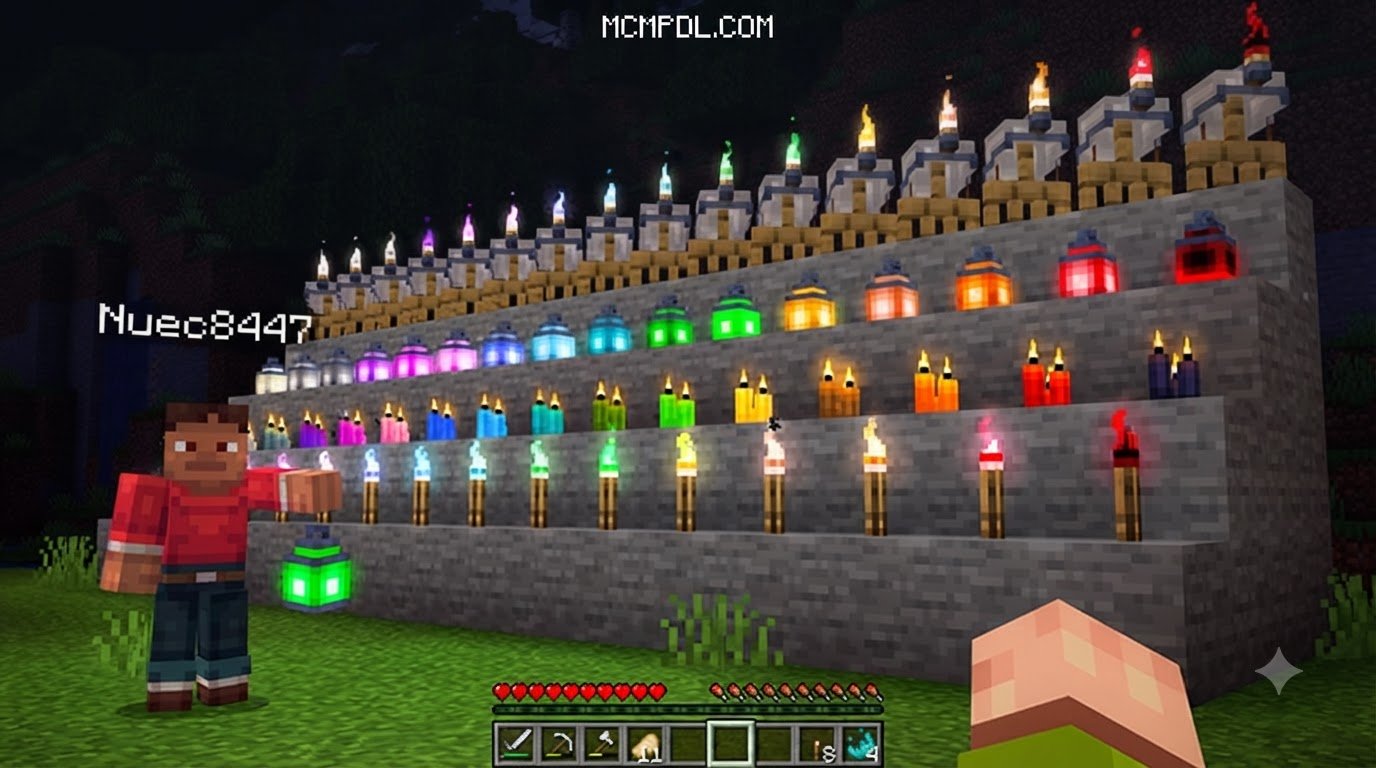
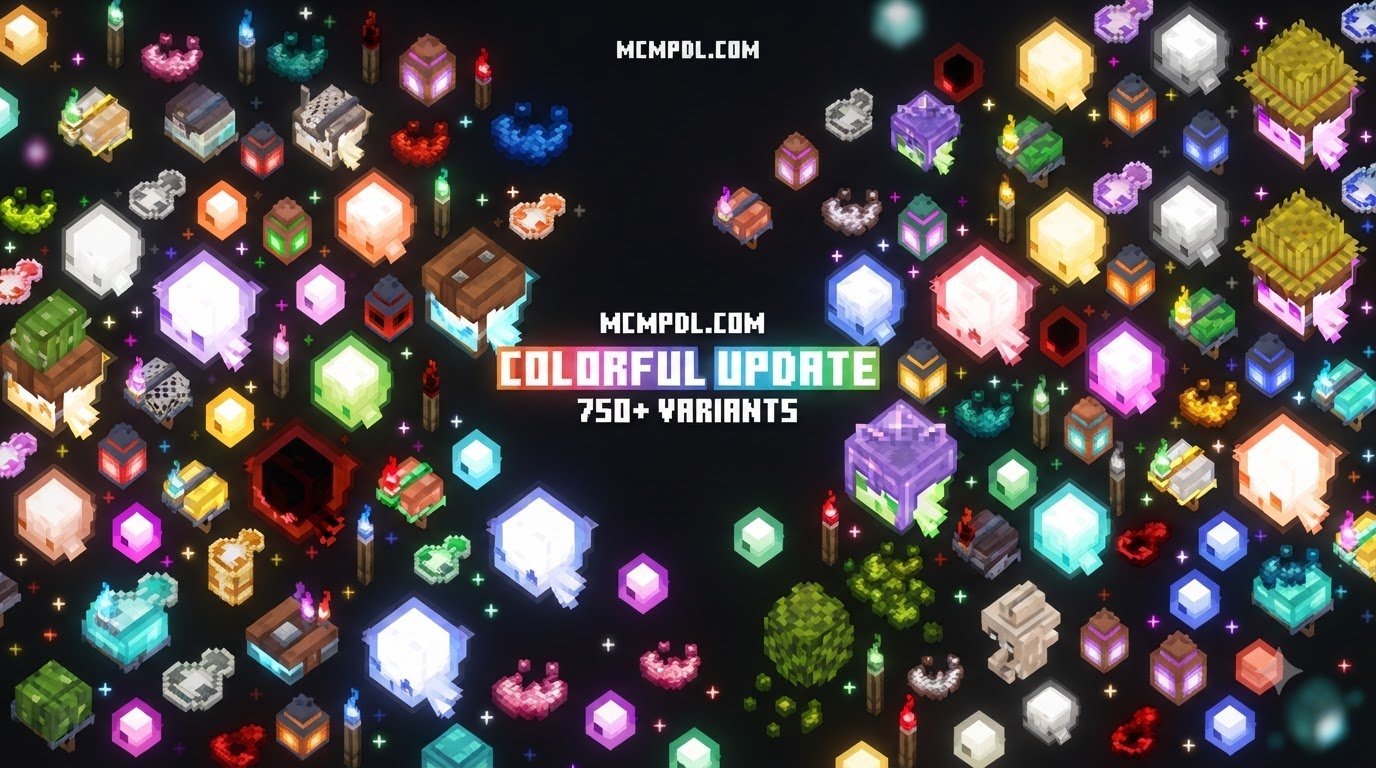
- Over 750 light variants, including standard torches, soul lanterns, redstone torches, glowstone, and candles.
- Dedicated offhand lighting mechanics, allowing you to hold a shield or weapon in your main hand while your offhand torch lights your path.
- A quick-placement mechanic that lets you sneak and tap to place permanent light sources straight from your offhand without swapping slots.
- Hands-free illumination using wearable equipment like the Mining Helmet, freeing up both hands for tools and combat.
- Underwater exploration using the custom Sea Torch and glowing deep-sea items.
- Dropped item glow, making discarded torches, glow ink sacs, and lava buckets illuminate surrounding terrain as they tumble across cave floors.
| Illumination Feature | Vanilla Bedrock Lighting | Dynamic Light Add-On |
|---|---|---|
| Handheld Illumination | No (requires placing blocks) | Yes (full dynamic radius) |
| Offhand Torch Support | Visual only (no light cast) | Yes (casts full light level) |
| Wearable Light (Helmets) | Not available | Yes (hands-free Mining Helmets) |
| Underwater Torch Lighting | Torches break/drop as items | Yes (via dedicated Sea Torches) |
| Colored Light Radiance | Static, monochromatic | Yes (supports Vibrant Visuals) |
| Dropped Items Emit Light | No | Yes (configurable glow) |
| Achievement Compatibility | Standard | Fully achievement-friendly |
Unique Items, Wisps, and Colored Illumination
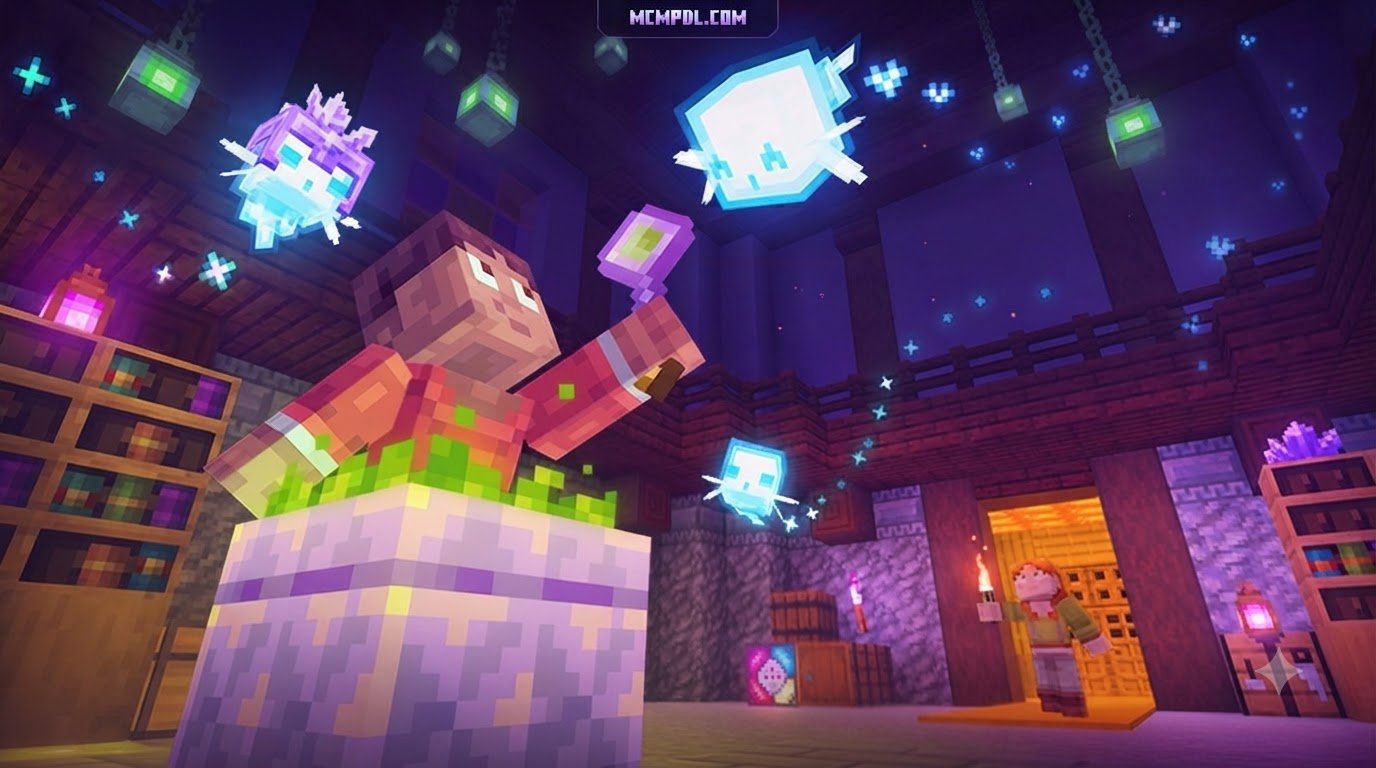
Beyond simply replicating basic handheld torches, the add-on introduces a vibrant palette of luminous items. When paired with Bedrock’s Vibrant Visuals settings, light-emitting blocks project distinct color casts into the surrounding environment. Redstone torches bathe corridors in a deep crimson glow, soul fire items radiate eerie blues, and amethyst or emerald lanterns cast rich jewel tones across cavern walls.
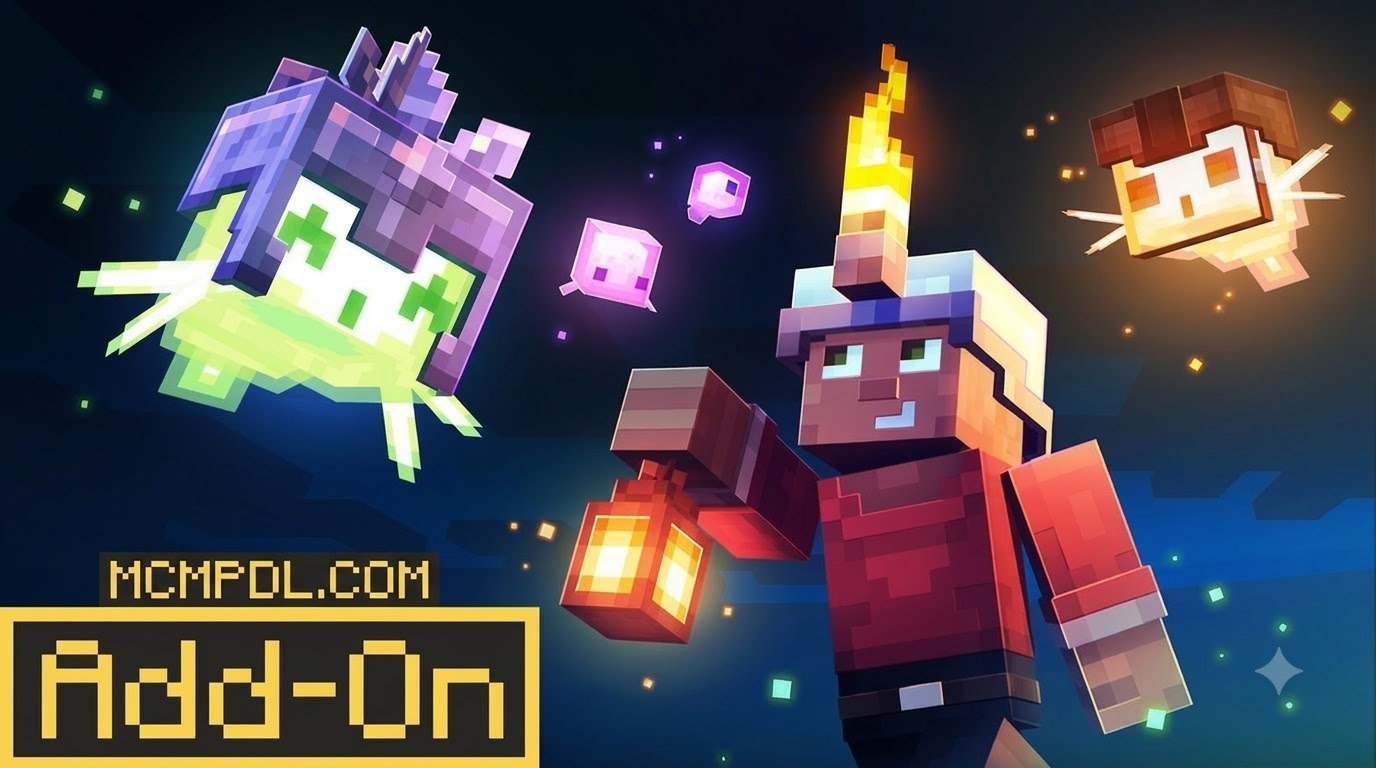
The pack also introduces whimsical companion mechanics, such as colorful Wisps. These floating luminous entities travel alongside you, each possessing distinct personality traits and light behaviors. In addition, you can craft specialty gear like Wisp Armor and utilize the Shimmering Bowl to interact with atmospheric lighting elements. Dynamic illumination even extends to moving world elements: ignited TNT, End Crystals, flying fireballs, glowing spectral projectiles, and dropped XP orbs all radiate light in real time, making nocturnal battles both cinematic and easy to track.
How to Install Dynamic Light on Mobile and PC
Setting up dynamic lighting on Minecraft Bedrock is straightforward because the pack uses the native add-on framework and does not require complex third-party injectors.
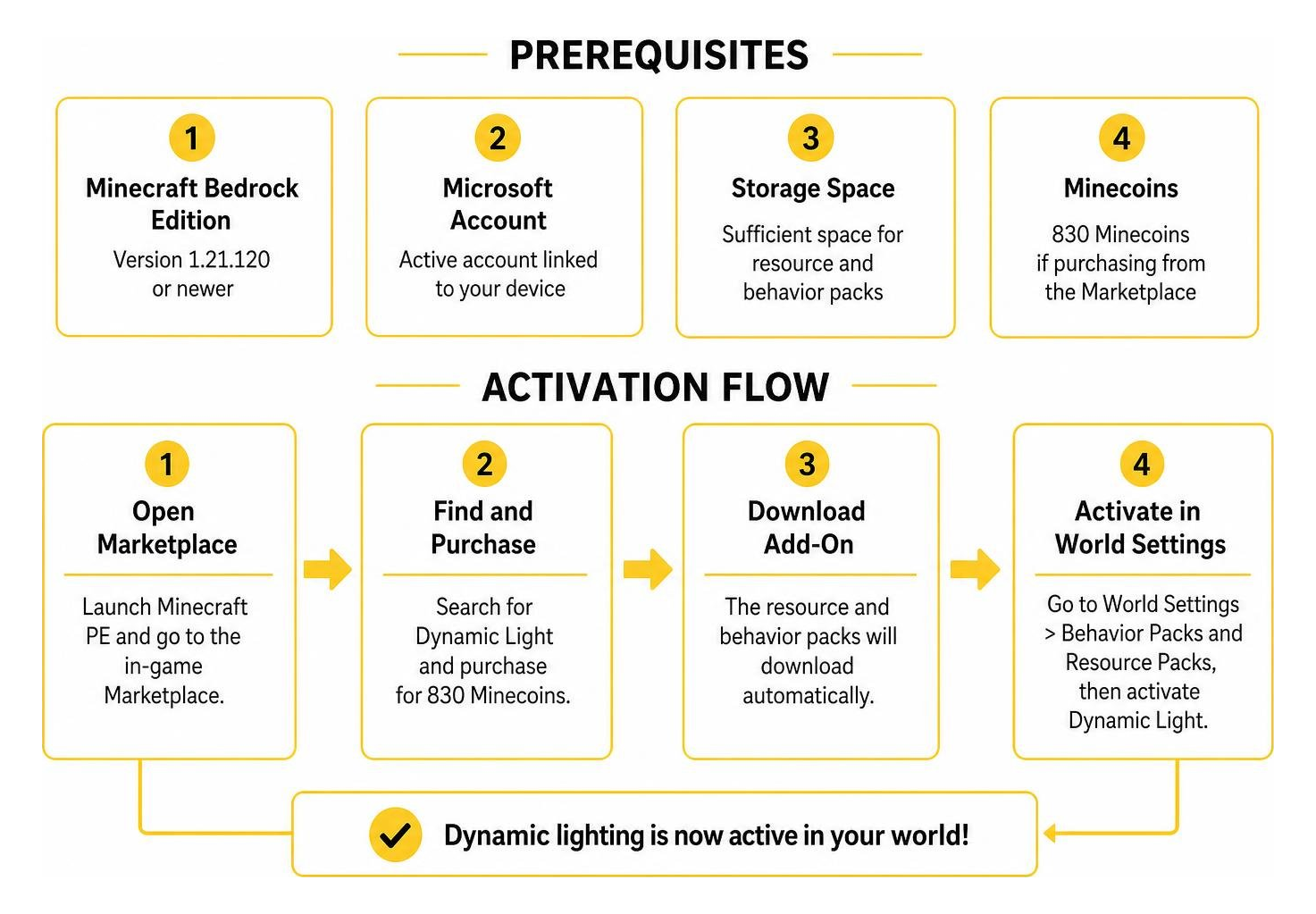
To get started, make sure your game client satisfies these simple prerequisites:
- Minecraft Bedrock Edition updated to version 1.21.120 or newer.
- An active Microsoft account linked to your device.
- Sufficient storage space for the resource and behavior packs.
- Enough Minecoins (830) if purchasing directly from the Marketplace.
Installing on Minecraft Pocket Edition
If you play on an Android or iOS device, installing and enabling dynamic lighting takes only a couple of minutes:
- Launch Minecraft PE on your phone or tablet and navigate to the in-game Marketplace.
- Search for the add-on, complete your purchase, and tap Download.
- Once downloaded, head to your main menu and select Play.
- Choose an existing world and tap the Edit (pencil) button, or tap Create New World.
- Scroll down the left sidebar to the Add-Ons section.
- Select Resource Packs, open the Available tab, locate the dynamic lighting pack, and tap Activate.
- Repeat this step under Behavior Packs to ensure both halves of the add-on are running together.
- Enter your world, craft a standard torch, place it into your main hand or offhand, and watch the surrounding terrain light up immediately.
Because modern updates do not modify core player configuration files (player.json), you do not need to enable unstable experimental toggles for standard gameplay.
Activating on Windows and Consoles
For Windows 10/11 PCs, Xbox, PlayStation, and Nintendo Switch, the activation process works identically through your account-synced Marketplace inventory:
- Open Minecraft and open your Marketplace library to confirm the add-on has downloaded.
- Open your world settings, activate the behavior and resource packs, and ensure the resource pack is prioritized near the top of your active list.
- If you run a dedicated Realm or host multiplayer sessions with friends, check the box labeled Require players to accept resource packs to join. This guarantees that all joining players experience synchronized lighting, glowing arrows, and colored mob auras.
When setting up your world, you can also pair this utility with other community favorites, like essential utility tools, to streamline inventory management while you explore.
Configuration and Performance Optimization
Once inside your world, managing your dynamic lighting is simple. The add-on provides an in-game Configuration Book that lets individual players customize their personal preferences without affecting other members on a multiplayer server.
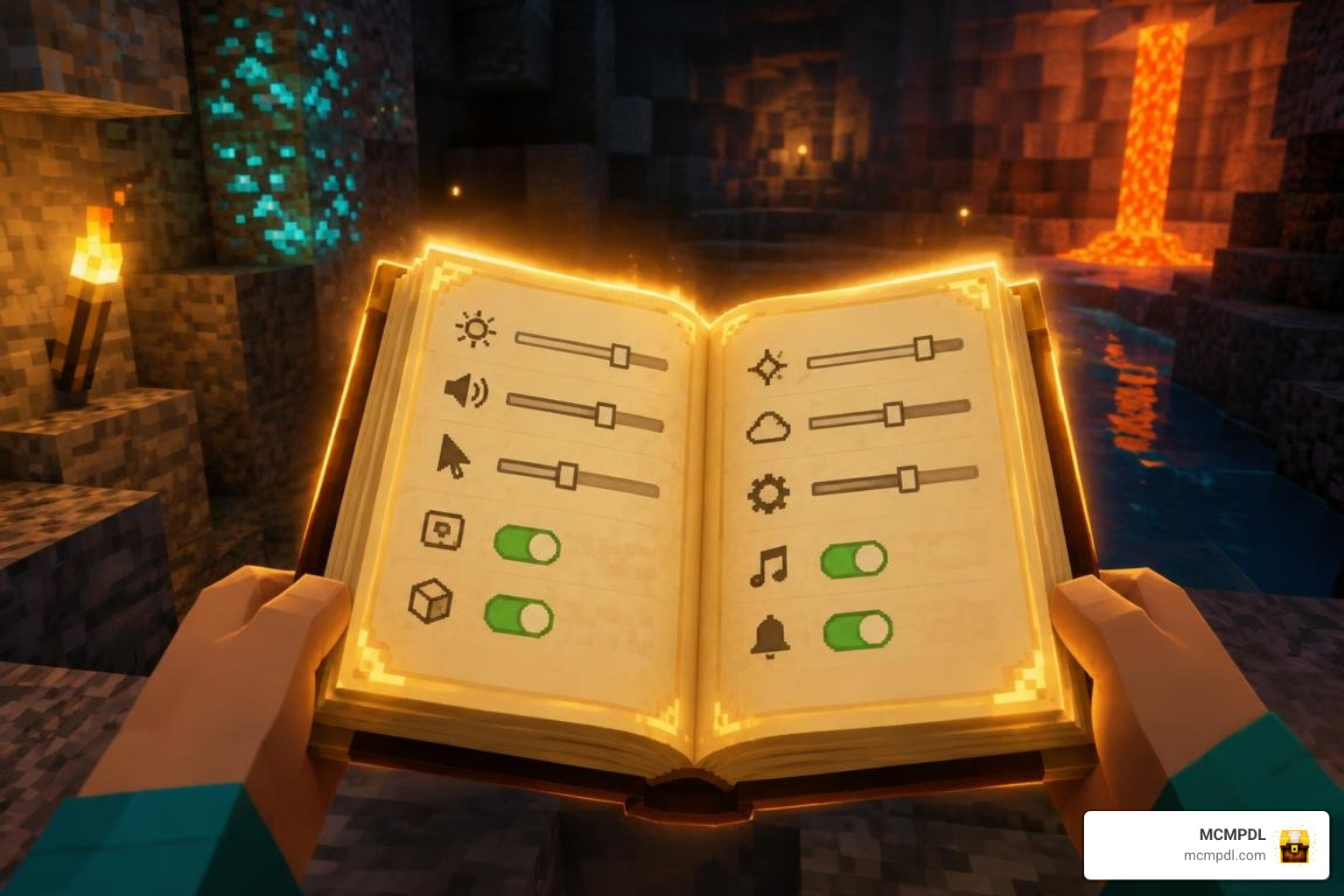
Through the configuration interface, you can fine-tune:
- Light Source Priority: Set whether the game prefers the brightest item available or prioritizes whatever is resting in your offhand.
- Entity Lighting Toggles: Individually enable or disable light emission for XP orbs, ignited TNT, burning zombies, glowing squids, and flying fireballs.
- Offhand Quick-Placement: Adjust how sneak-tapping interacts with your block placement when holding light sources in your secondary slot.
If you enjoy pairing dynamic illumination with high-definition visual overhauls, you can combine this system with realistic HD textures or utility expansions without causing interface conflicts.
Troubleshooting the DYNAMIC LIGHT Addon for Minecraft PE/Bedrock
If you run into visual glitches or missing lighting effects, checking these common setup details will usually resolve the problem:
- Pack Load Order: In your active Resource Packs list, ensure the dynamic lighting pack is placed above custom terrain packs. If a texture overhaul overwrites basic item models, it can occasionally hide custom handheld glow effects.
- Missing Behavior Pack: If holding a torch shows the item model but fails to emit light around your feet, return to the world settings and confirm that the Behavior Pack is actively running alongside the Resource Pack. Both files are strictly required.
- Visual Flickering: If you run custom third-party animation overhauls, make sure you have the latest compatibility patch activated to prevent model stuttering when switching items quickly.
- Achievements Status: The add-on is engineered to preserve vanilla gameplay rules. If your world displays an “Achievements Disabled” warning, verify that no separate mod requiring experimental gameplay toggles has been activated on that save.
Performance Presets for Low-End Mobile Devices
Dynamic lighting calculates light updates in real time around moving entities, which can demand extra processing power during intense mob battles or large multiplayer gatherings. To keep your frame rates smooth across all devices, the configuration menu offers three distinct performance presets:
- Performance Preset: Caps dynamic light calculations to a 24–32 block radius, disables lighting on individual dropped items, and limits entity checks to primary players. This is ideal for budget mobile phones and large Realms.
- Balanced Preset: Provides full handheld and offhand lighting up to a 48-block range, enables lighting on flying projectiles, and tracks major light-emitting mobs like blazes and magma cubes.
- Quality Preset: Unlocks the full lighting radius (up to 64+ blocks), activates full dropped-item illumination, enables individual XP orb glows, and activates colored light blending for players running high-end PCs or modern consoles.
These scalable presets make it easy to maintain high framerates even if you choose to enhance your world further using custom shader lighting or reimagined realistic textures.
Frequently Asked Questions About Bedrock Dynamic Lighting
Does the dynamic lighting add-on disable achievements in Minecraft Bedrock?
No, the add-on is designed to be fully achievement-friendly. Because it operates within Bedrock’s supported scripting framework and avoids altering default player files (player.json), you can install it on your primary survival world and continue unlocking Xbox achievements as you explore.
Can you hold torches in the offhand on mobile touch controls?
Yes. You can equip torches, lanterns, and colored light sources into your offhand slot directly from your inventory. When using mobile touch controls, simply holding or sneak-tapping the screen allows you to light your surroundings and place blocks smoothly without manually moving torches back into your hotbar.
How does the Sea Torch function in underwater caves?
In vanilla Bedrock, placing a standard torch underwater immediately causes it to pop off and float away as an item. The add-on introduces the Sea Torch, a specialized craftable item that functions both as a dynamic handheld light and as a placeable light source that remains lit underwater. It makes exploring flooded caverns, ocean monuments, and coral reefs much easier.
Conclusion
Dynamic lighting completely changes how cave exploration feels in Minecraft Bedrock. By letting you illuminate twisting tunnels, ravines, and ocean depths simply by holding your favorite torch or wearing a Mining Helmet, you save time, conserve wood and coal, and enjoy a far more immersive adventure.
At MCMPDL, our goal is to bring you the best add-ons, texture packs, and tools across the entire Bedrock community in one convenient place. If you are looking to upgrade your survival gameplay with even more practical equipment, check out our curated collection of essential Bedrock tools add-ons and take your worlds to the next level.