Scroll down to D0vvnl0ad
Why Try Vanilla Biomes+ for Minecraft PE and Bedrock?
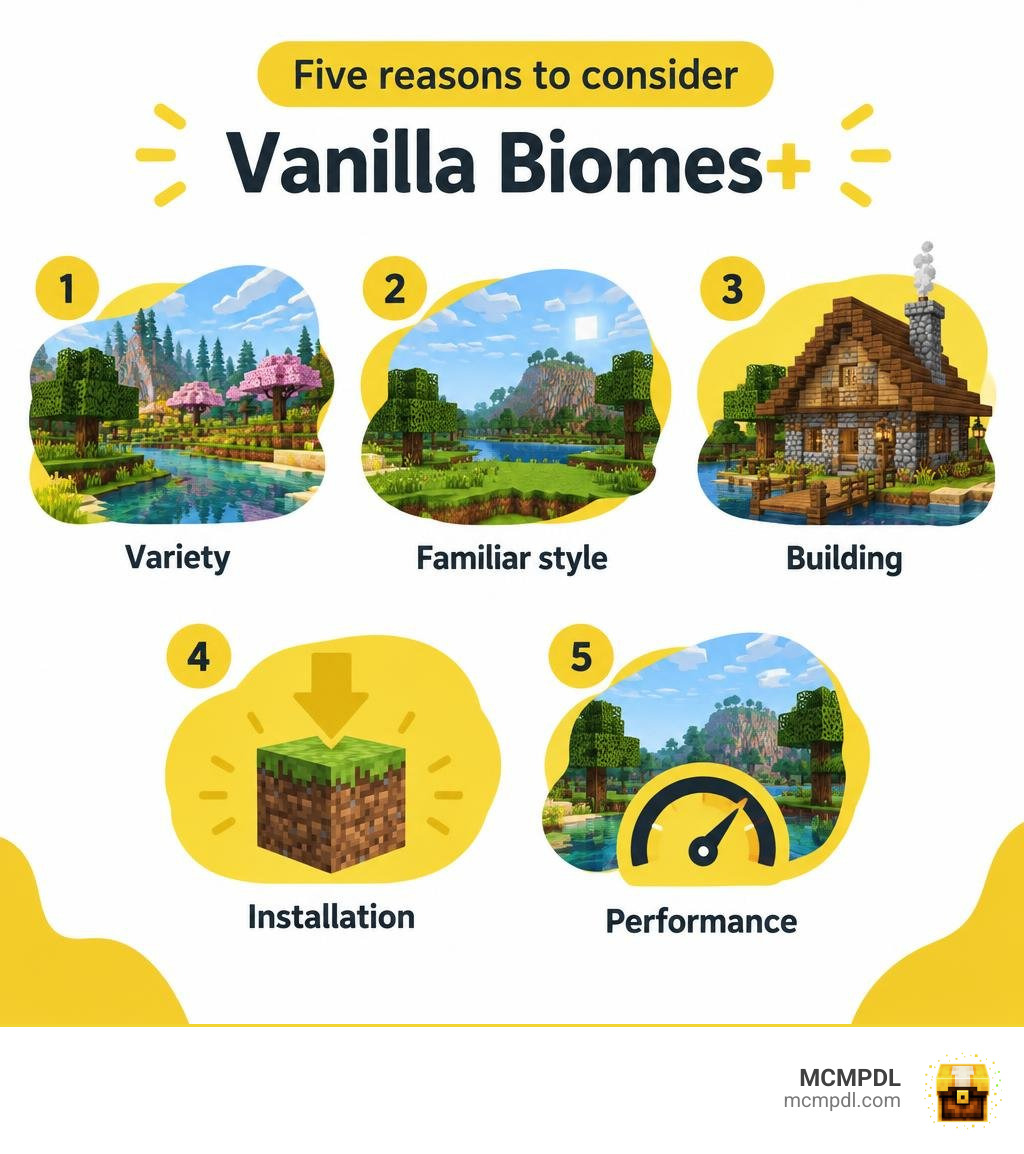
Vanilla Biomes+ is a biome expansion for players who want more variety without losing Minecraft’s familiar look. It is worth considering if exploring and building in the Overworld have started to feel repetitive. The five reasons below focus on what matters most: scenery, the vanilla feel, building options, installation, and performance.
Before adding it to a world, check the download’s supported Bedrock version and pack instructions, then back up your world. The exact biome list and requirements depend on the release you install.
What is the Vanilla Biomes+ Addon for Minecraft PE/Bedrock?
The Vanilla Biomes+ Addon for Minecraft PE/Bedrock is a custom world generation and environmental expansion designed specifically for the Bedrock Edition engine. Rather than overhauling the game into something unrecognisable, it enhances the native Overworld by introducing fresh, ecologically coherent regions that feel like natural extensions of Mojang’s design philosophy.
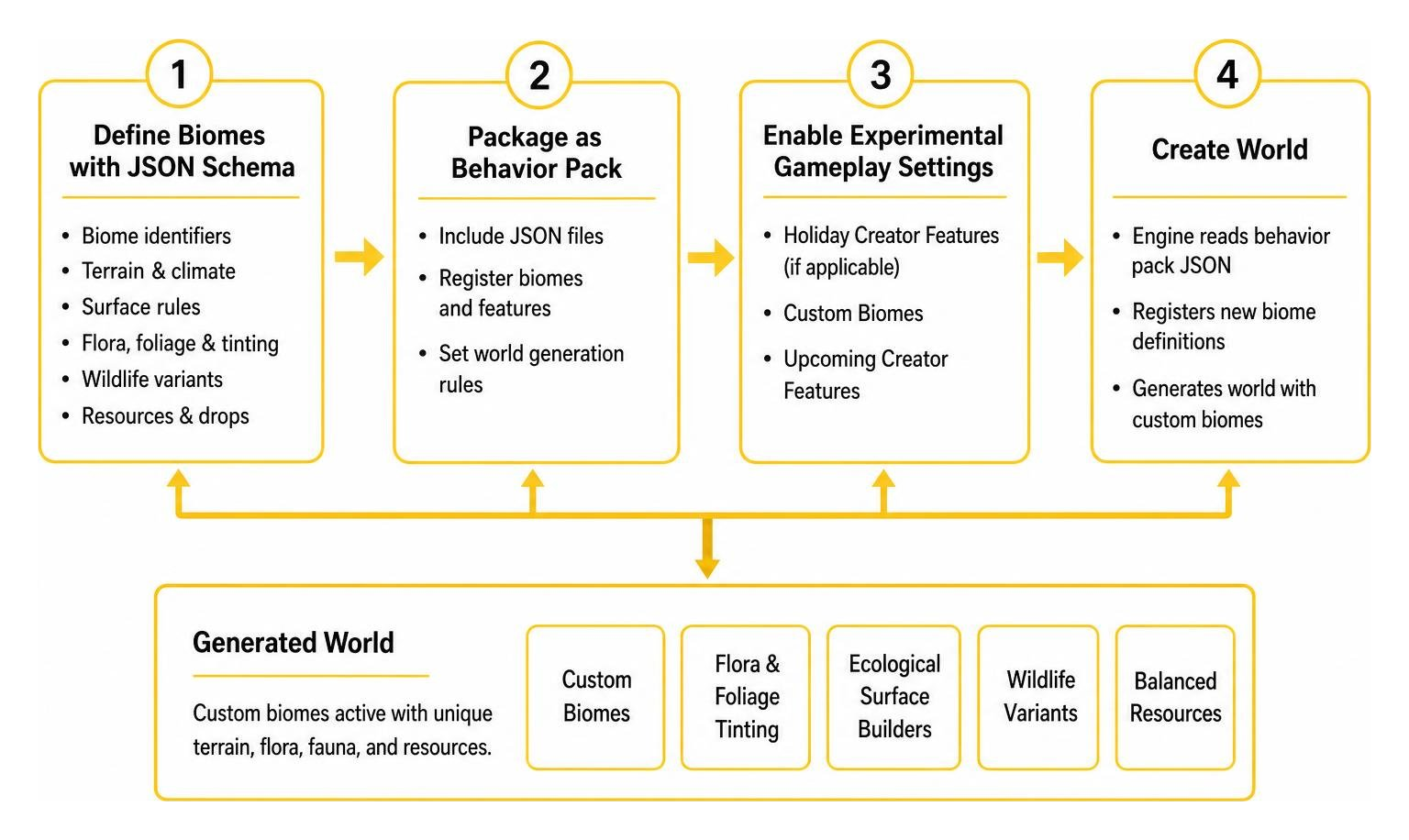
Under the hood, the addon operates through a paired set of Resource and Behavior Packs. In modern Bedrock modding, biome generation relies on custom JSON component schemas defined in the Minecraft Creator Documentation. By leveraging components like surface builders, custom climate definitions, and surface material adjustments, the pack seamlessly injects new landscapes alongside standard generation.
A key technical element behind custom world generation in Bedrock is the biome replacement mechanism. Custom biomes cannot forcibly reshape the underlying hard-coded terrain noise of Bedrock worlds; instead, they repaint the terrain surface, adjust environmental temperatures and humidity levels, and decorate landscapes with bespoke flora, structures, and native entities. This modular approach ensures the addon delivers lush vistas without destabilising core world generation.
Core Features of the Vanilla Biomes+ Addon for Minecraft PE/Bedrock
At its heart, Vanilla Biomes+ is built to enrich your survival journey through handcrafted environmental details:
- Custom Flora and Foliage Tinting: Vibrant wildflower meadows, golden autumn leaf canopies, and regional ground cover utilize unique map tints and foliage color grading.
- Ecological Surface Builders: Distinctive soil compositions, sandy riverbanks, mossy rock patches, and layered clay strata diversify ground textures.
- Native Wildlife Variants: Ambient fauna tailored to specific regions, bringing sound and movement to previously quiet wildernesses.
- Balanced Resource Integration: New flora and surface blocks drop standard vanilla materials or intuitive crafting components, keeping your survival progression natural and balanced.
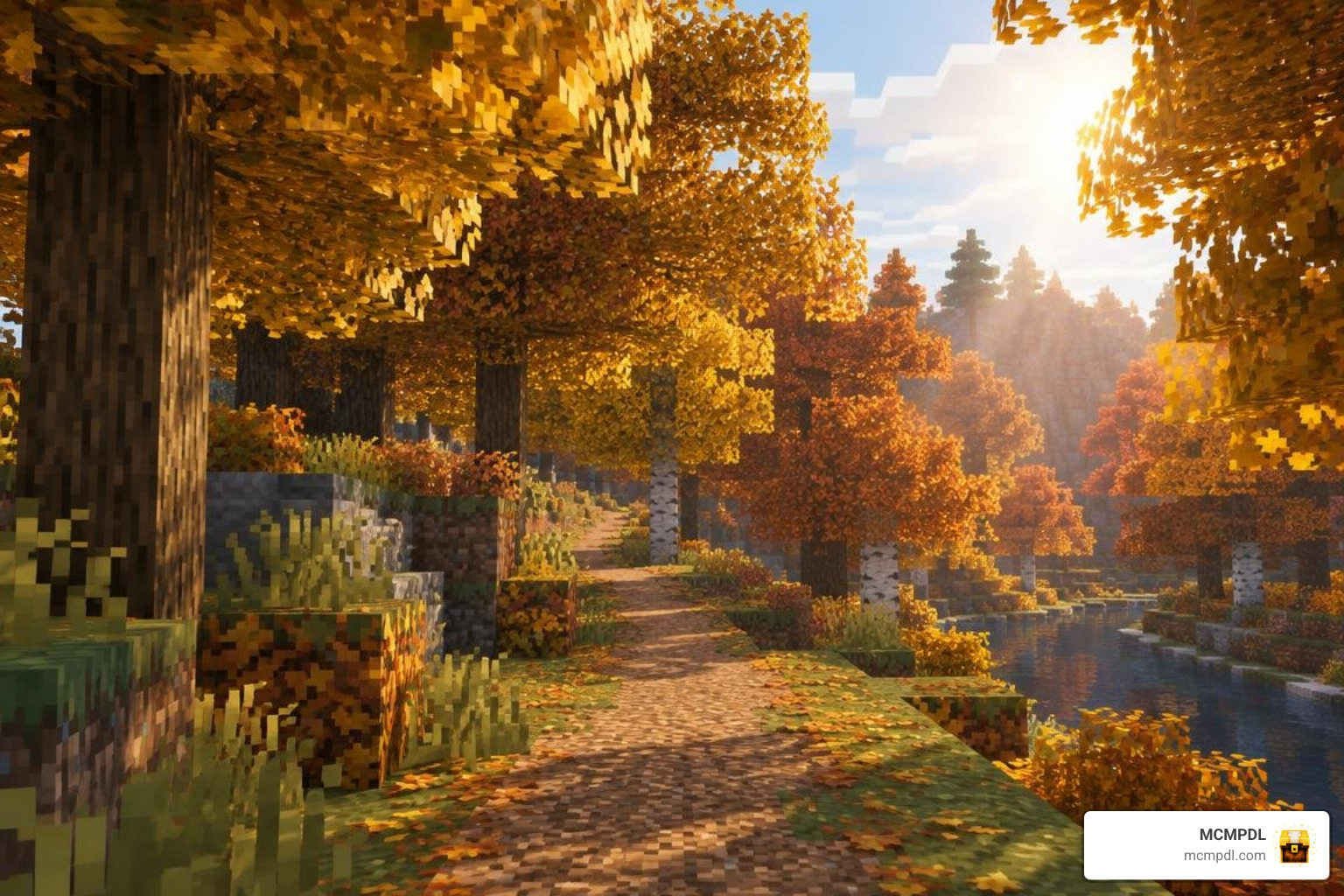
Some of the standout biomes introduced across vanilla-style expansion packs include:
- Autumnal Woodlands: Rich forests dense with amber, golden, and crimson leaves that drop saplings and decorative leaves.
- Lavender & Wildflower Meadows: Sprawling flatlands filled with pastel vegetation, offering abundant sources for dyes and decorative planting.
- Aspen Groves & Deciduous Forests: Tall, slender tree canopies that provide alternative wood tones and vibrant undergrowth.
- Boggy Swamplands & Depraved Wetlands: Murky waters surrounded by willows, mud layers, and specialized wetland vegetation.
- Arid Scrublands & Prairie Expanses: Dry, sun-baked grasslands bridging standard plains and harsh deserts.
For builders looking for underground depth or changing environments, complementary expansions like the Cave Biomes Addon or the Seasonal Biomes Addon for Minecraft PE/Bedrock provide even greater environmental variety.
Supported Versions and Experimental Gameplay Settings
Compatibility is critical when choosing add-ons. Vanilla Biomes+ is built to target current releases including Minecraft Bedrock 1.20 and optimized for Minecraft Bedrock 1.21 and newer.
Because custom biome generation modifies world definitions, activating the pack requires enabling specific Experimental Gameplay toggles during world creation, particularly:
- Holiday Creator Features (if applicable to your version)
- Custom Biomes
- Upcoming Creator Features
Activating these behavior-level adjustments tells the Bedrock engine to register new JSON identifiers. That using behavior packs to alter world generation permanently flags the world, disabling Xbox Live achievements.
5 Convincing Reasons to Upgrade Your Bedrock World
If you have spent hundreds of hours traversing standard Minecraft landscapes, the Overworld can begin to feel predictable. Upgrading with a refined biome pack revives that genuine thrill of exploration without compromising world stability.
1. Expanded Biome Variety That Preserves Classic Aesthetics
Many biome mods go overboard by adding neon colors, jagged alien landscapes, or hundreds of disjointed items that clash with Minecraft’s signature look. Vanilla Biomes+ takes the opposite approach.
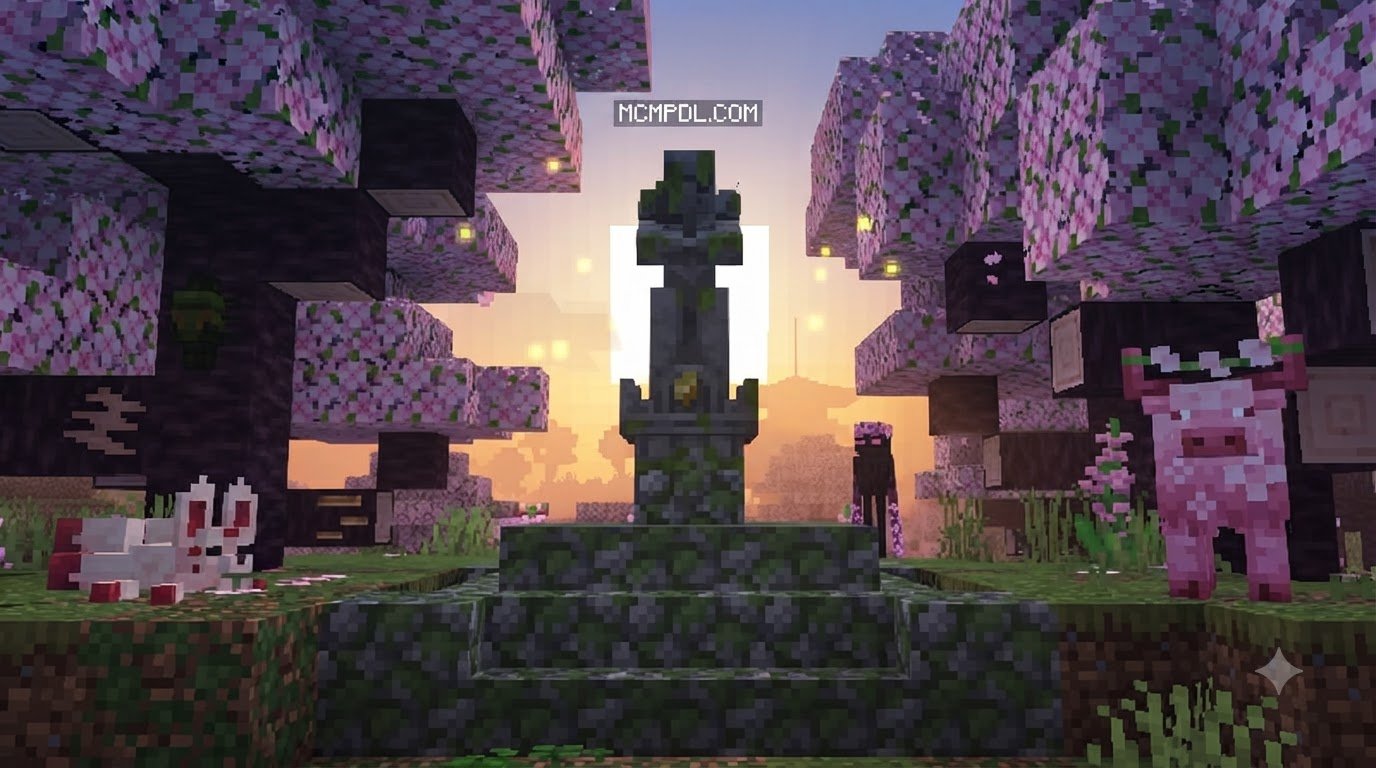
Every new landscape—from dense deciduous canopies to breezy flower fields—is styled to look like it belongs in an official Mojang update. Horizons transition smoothly between biomes, avoiding jarring terrain walls or misaligned climate borders. When you pair this with thematic world packs like the Biomecraft Add On 1.0 Addon for Minecraft PE/Bedrock or atmospheric overhauls like the Overhauled Biomes Addon for Minecraft PE/Bedrock, exploration feels endlessly varied yet grounded.
2. Vanilla-Friendly Wildlife and Native Fauna
A landscape is only as engaging as the life inhabiting it. Vanilla Biomes+ populates its custom regions with passive and ambient wildlife designed around Minecraft’s standard mob mechanics.
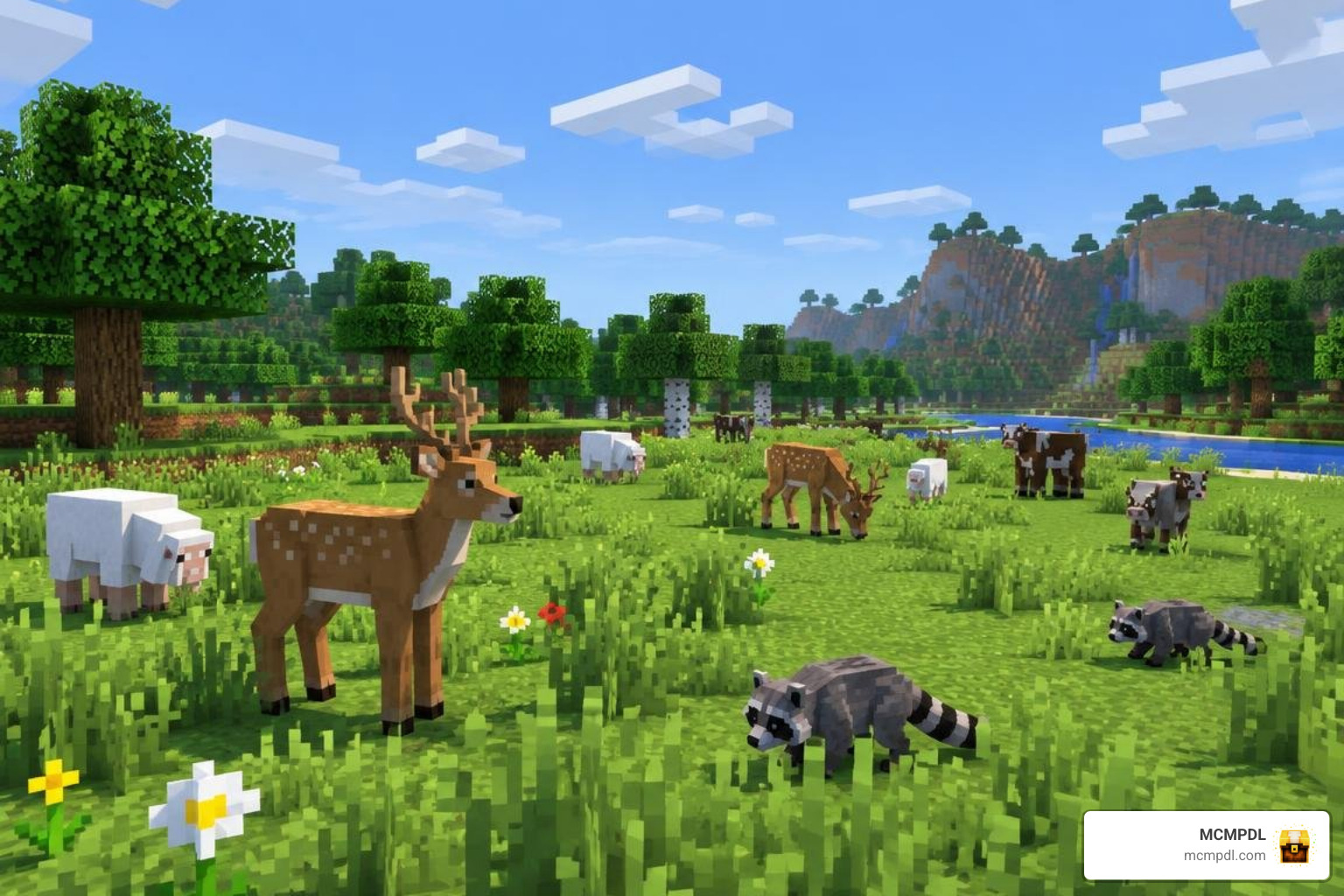
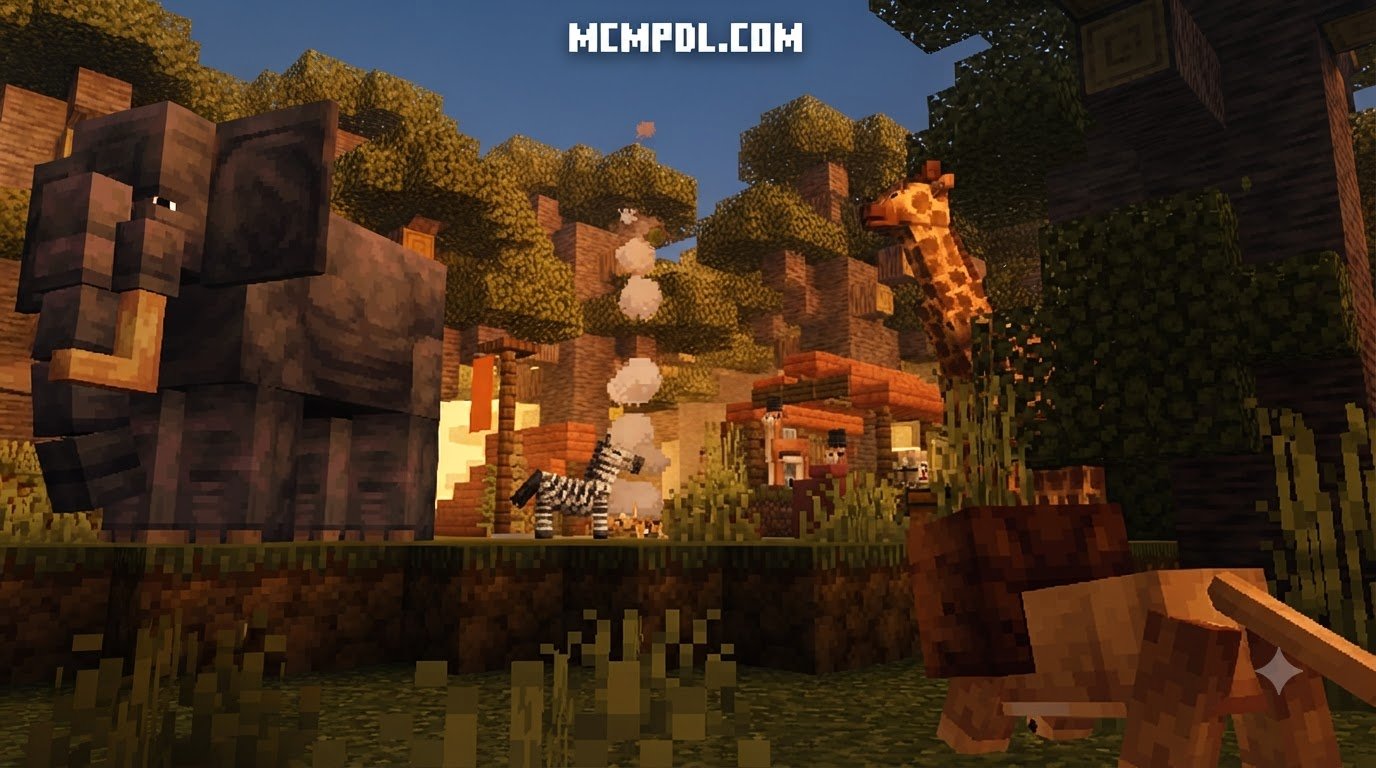
Instead of overwhelming the world with high-poly models, the creatures use classic box-modeling and clean textures that blend right in with sheep, cows, and pigs. You will encounter deer roaming peaceful forest clearings, raccoons exploring tree roots, and regional bird life adding soundscapes to the canopy.
These creatures contribute meaningfully to survival gameplay:
- Ambient woodland creatures provide sustainable food sources like venison and leather alternatives.
- Regional fauna can be bred using standard crops like carrots and seeds.
- If you love creature companions, pairing your journey with expansions like Biome Pets World for Minecraft PE/Bedrock adds even more tameable allies across the globe.
3. Unique Building Blocks and Foliage Sets
For survival builders and creative designers alike, palette variety is everything. Vanilla Biomes+ introduces a curated selection of decorative blocks, foliage, and timber types without cluttering your inventory.
- Regional Wood Variants: Build with distinct bark textures and rich plank hues derived from aspen, red maple, or willow trees.
- Natural Stone and Soil Layers: Decorative clays, river gravels, and surface rocks provide realistic foundation materials for trailways and cabins.
- Botanical Variety: Harvest lavender, clovers, ferns, and wild shrubs to add depth and life to your gardens and village paths.
Because every block follows vanilla crafting logic, new wood logs can be turned into planks, stairs, slabs, and fences using standard crafting tables.
4. Seamless Cross-Platform Stability for Mobile and PC
Minecraft Bedrock connects players across mobile phones, tablets, consoles, and Windows 10/11 PCs. A common flaw with heavy modpacks is that they overwhelm mobile hardware, leading to stuttering, severe frame drops, and crashed sessions.
Vanilla Biomes+ is engineered with lightweight JSON components and optimized textures. Whether you are running a survival world on an Android or iOS device or exploring on a high-end Windows 11 gaming desktop, world generation chunks stream smoothly. The pack keeps memory overhead low, ensuring steady frame rates and seamless multiplayer hosting through Bedrock Realms or local cooperative play.
5. Lightweight Footprint Without Game-Breaking Clutter
Large modpacks often suffer from “feature bloat,” filling your inventory with hundreds of ores, complicated machinery, and disconnected items you will never use.
Vanilla Biomes+ maintains survival integrity by keeping its file size small and its features focused. Ore progression remains unchanged, enchanting mechanics stay true to vanilla rules, and survival balance is never compromised. It delivers the rewarding exploration of massive expansions while retaining the simplicity Bedrock players love.
Comparing Vanilla Biomes+ Against Other Bedrock Expansions
To understand where Vanilla Biomes+ fits into the broader modding ecosystem, it helps to examine how it compares to popular alternatives available to Bedrock players.
Some expansions focus on adding large numbers of new biomes, mobs, and even new tool tiers, while others prioritize cinematic visuals, dynamic weather, and seasonal foliage. Vanilla Biomes+ takes a different path: it keeps the core Minecraft experience intact while layering in subtle, vanilla-friendly variety that feels like a natural extension of the base game.
Comparative Analysis of Environmental Addons
| Expansion Addon | Core Focus | Biome Additions | Custom Mobs | Approx. Size / Cost | Ideal Player Profile |
|---|---|---|---|---|---|
| Vanilla Biomes+ | Pure Vanilla+ expansion | 8–12 Biomes | Ambient / Passive | Free / Lightweight | Survival purists seeking subtle variety |
| Content & Progression Packs | Content & Progression | 15 Biomes | 12 Mobs (New Gear) | Free (.mcaddon) | Players wanting new gear, mobs, & structures |
| Cinematic Visual Packs | Cinematic visuals & skies | Overhauled Overworld | Visual / Foliage Shifts | ~20 MB (Marketplace) | Builders, photographers, & aesthetic fans |
| Strict Vanilla+ Packs | Strict Vanilla+ Design | 5 Curated Biomes | Select Wildlife | Modpack Integrated | Minimalists wanting seamless game parity |
Performance Tuning for the Vanilla Biomes+ Addon for Minecraft PE/Bedrock
While Vanilla Biomes+ is built to run smoothly, running custom world generation requires careful attention to your device settings. Follow these recommended configurations to maximize frame rates:
- Adjust Render Distance: Set render distance between 8 and 12 chunks on mid-range mobile devices; up to 16–20 chunks on Windows PC.
- Lower Simulation Distance: Keep simulation distance at 4 chunks to minimize background entity processing.
- Turn Off Fancy Foliage & Smooth Lighting (Low-End Mobile): If you experience stuttering in dense forest biomes, disabling fancy leaves or lowering particle density can instantly recover 10–15 FPS.
- Avoid Heavy Shaders: Stacking complex ray-tracing or heavy custom shaders on top of dense foliage can bottleneck GPU fill rates on phones.
How to Install the Addon on Mobile and Windows
Installing Bedrock add-ons is quick and straightforward thanks to the unified .mcaddon format.
Installation Steps for Android & iOS (Minecraft PE)
- Download the official
.mcaddonor.mcpackfiles. - Open your device’s File Manager and tap on the downloaded file.
- Select Minecraft from the “Open With” app menu. Minecraft will automatically launch and import both packs.
- Go to Create New World (or click Edit on an existing world).
- Scroll down to Resource Packs on the left menu, select the addon under Available, and click Activate.
- Repeat the activation under Behavior Packs.
- In the Experiments tab, turn on Custom Biomes and Upcoming Creator Features.
- Create and load into your new world!
Installation Steps for Windows 10 / 11
- Download the
.mcaddonfile to your PC. - Double-click the file; Windows will launch Minecraft Bedrock and display “Import Started” at the top of the screen.
- Navigate to world creation settings, activate the addon under both Resource and Behavior packs, ensure Experimental Gameplay toggles are active, and press Play.
Frequently Asked Questions
Does the addon disable Xbox Live achievements in Bedrock?
Yes. Because Vanilla Biomes+ uses custom Behavior Packs and JSON generation files, Minecraft Bedrock will permanently disable Xbox Live achievements and trophies on that specific world save. If achievements are important to you, consider keeping a dedicated vanilla survival world alongside your modded worlds.
How do I resolve chunk loading lag on low-end devices?
If chunks take too long to load when flying with an Elytra or riding a horse:
- Drop your render distance down to 6–8 chunks.
- Reduce your FOV (Field of View) slightly.
- Turn off “Fancy Bubbles” and “Render Clouds” in Video Settings.
- Ensure your device is not running in battery saver mode, which throttles CPU performance.
Is the addon completely free to download and use?
Yes! Vanilla Biomes+ is distributed freely as a community-created package (.mcaddon). You can safely download, test, and enjoy it without spending Minecoins or paying subscription fees.
Conclusion
The Overworld is the heart of Minecraft, serving as the canvas for your builds, farms, and survival memories. The Vanilla Biomes+ Addon gives that canvas new life with rich colors, varied trees, gentle wildlife, and diverse landscapes—all while preserving the classic gameplay that makes Minecraft special.
Ready to transform your survival world? At MCMPDL, we make it effortless to discover top-rated community content with verified installation files and complete setup guides. Take your adventures to the next level and browse curated Minecraft Bedrock add-ons to download your next world upgrade today!