

Scroll down to Download
What the Cube Utilities Addon Adds to Minecraft PE/Bedrock
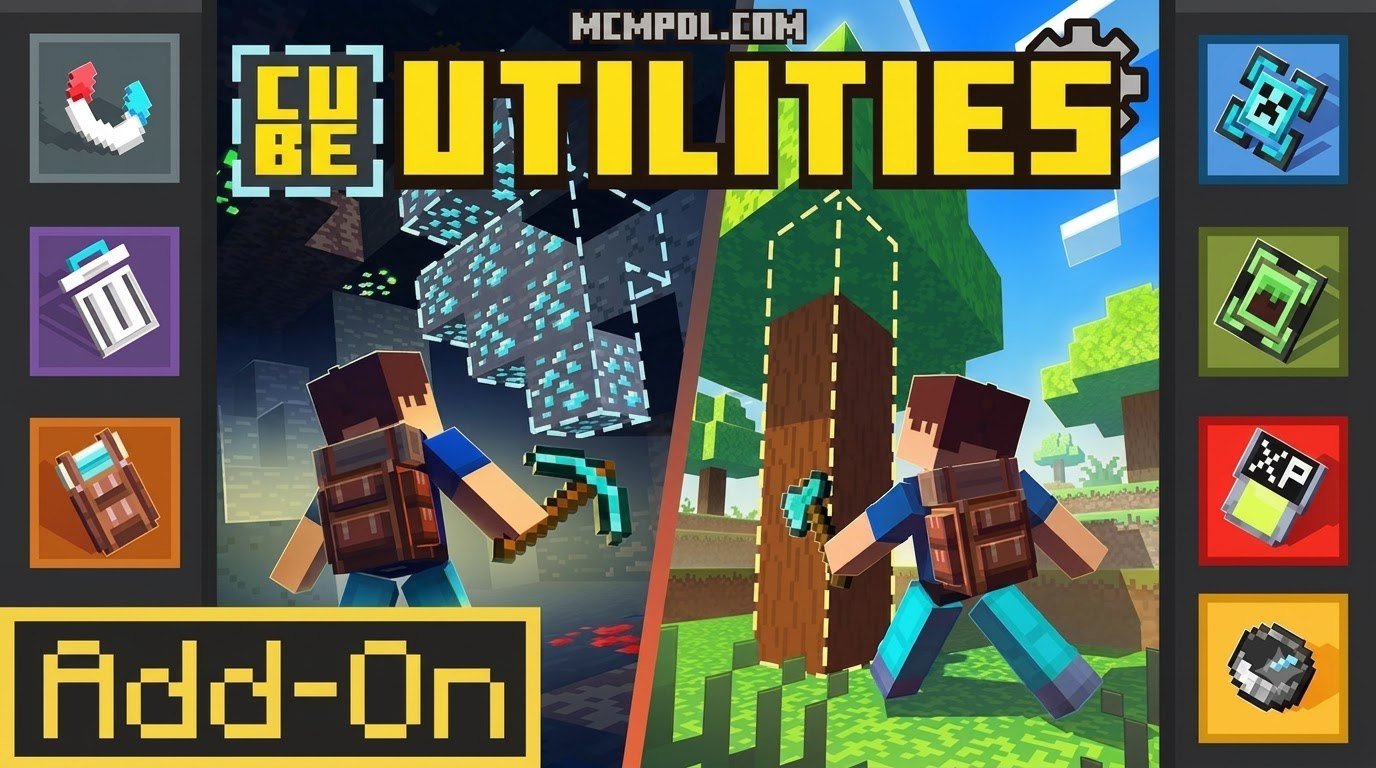
Cube Utilities Addon for Minecraft PE/Bedrock is an all-in-one survival utility pack that adds faster resource gathering, smarter storage, and useful quality-of-life tools to Bedrock worlds.
At a glance, it includes:
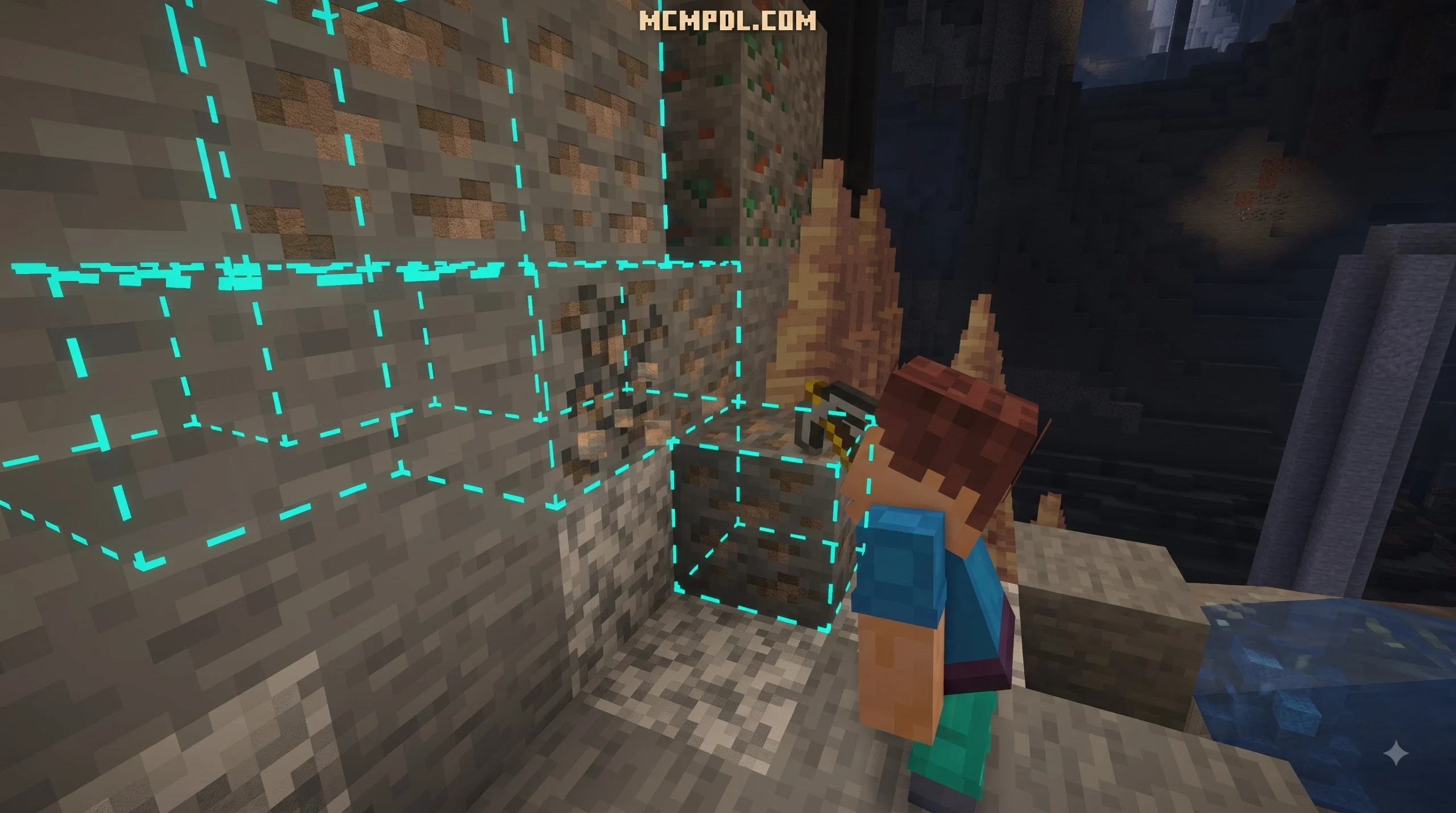
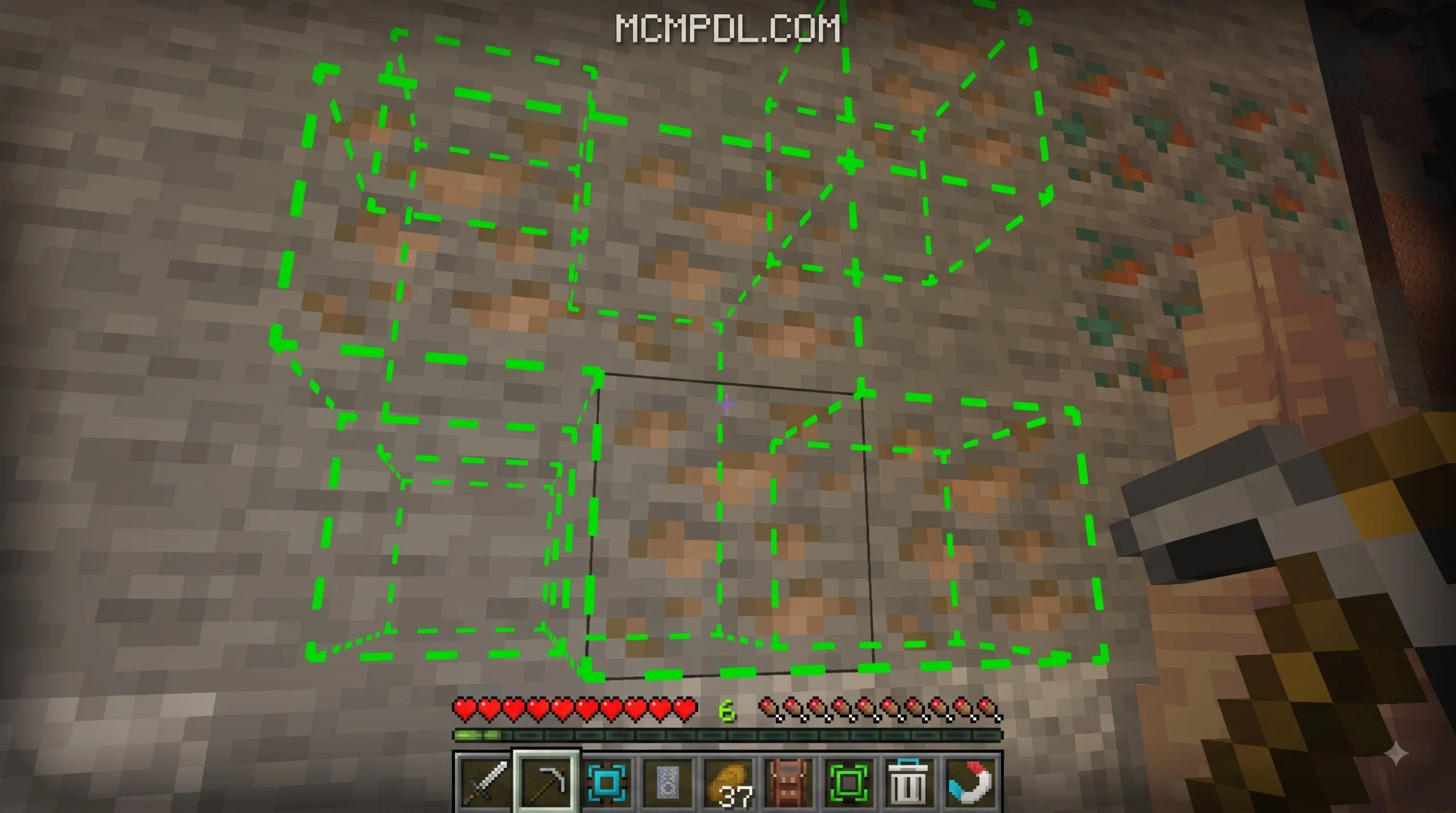
- Vein Miner for collecting connected ore blocks more quickly
- Treecapitator for faster tree harvesting
- Upgradable backpacks for carrying more items while exploring
- XP Storage to help protect experience levels
- Mob Storage, health bars, and chest sorting tools
- Adjustable settings so players can tune features to fit their world
The add-on is packaged as a single .mcaddon download, which includes both its behavior and resource packs. It is listed as a small 1.2 MB file and requires Minecraft Bedrock 1.26.0 or newer.
Whether you play on Minecraft PE or another Bedrock device, Cube Utilities is designed to remove some of survival mode’s repetitive work without changing the core Minecraft experience. This guide covers its tools, settings, compatibility, download options, and installation steps.
Overview of the Cube Utilities Addon for Minecraft PE/Bedrock

When playing standard survival in Bedrock Edition, base management, manual mining, and log chopping can eat up hours of gameplay. The Cube Utilities Addon for Minecraft PE/Bedrock, created by King Cube, solves these pain points by uniting several popular quality-of-life mechanics into one cohesive package.
Rather than installing half a dozen separate behavior files to get tree chopping, ore vein harvesting, and inventory sorting, this utility pack combines everything into a light, compact download. Sitting at a download size of just 1.2 MB, it installs seamlessly onto mobile devices, consoles, and PCs without putting heavy pressure on system performance or memory.
Community response to the add-on has been overwhelmingly positive. On official download channels and the Minecraft Marketplace, it boasts a perfect rating of 5 out of 5 stars. Players praise its stability and how naturally its additions blend into standard survival gameplay.
Whether you are expanding a massive survival world, building complex redstone bases, or embarking on long multiplayer expeditions, this utility pack modernizes core survival mechanics.
Core Mechanics and Quality-of-Life Tools
The primary appeal of the addon lies in its intelligent tools. Each tool targets a specific gameplay task that usually feels grindy or slow, replacing manual repetition with smooth, responsive mechanics.
Mining and Harvesting with Vein Miner and Treecapitator
Mining rare minerals and harvesting wood are fundamental to Minecraft, but breaking every single block individually can become tedious during late-game survival.
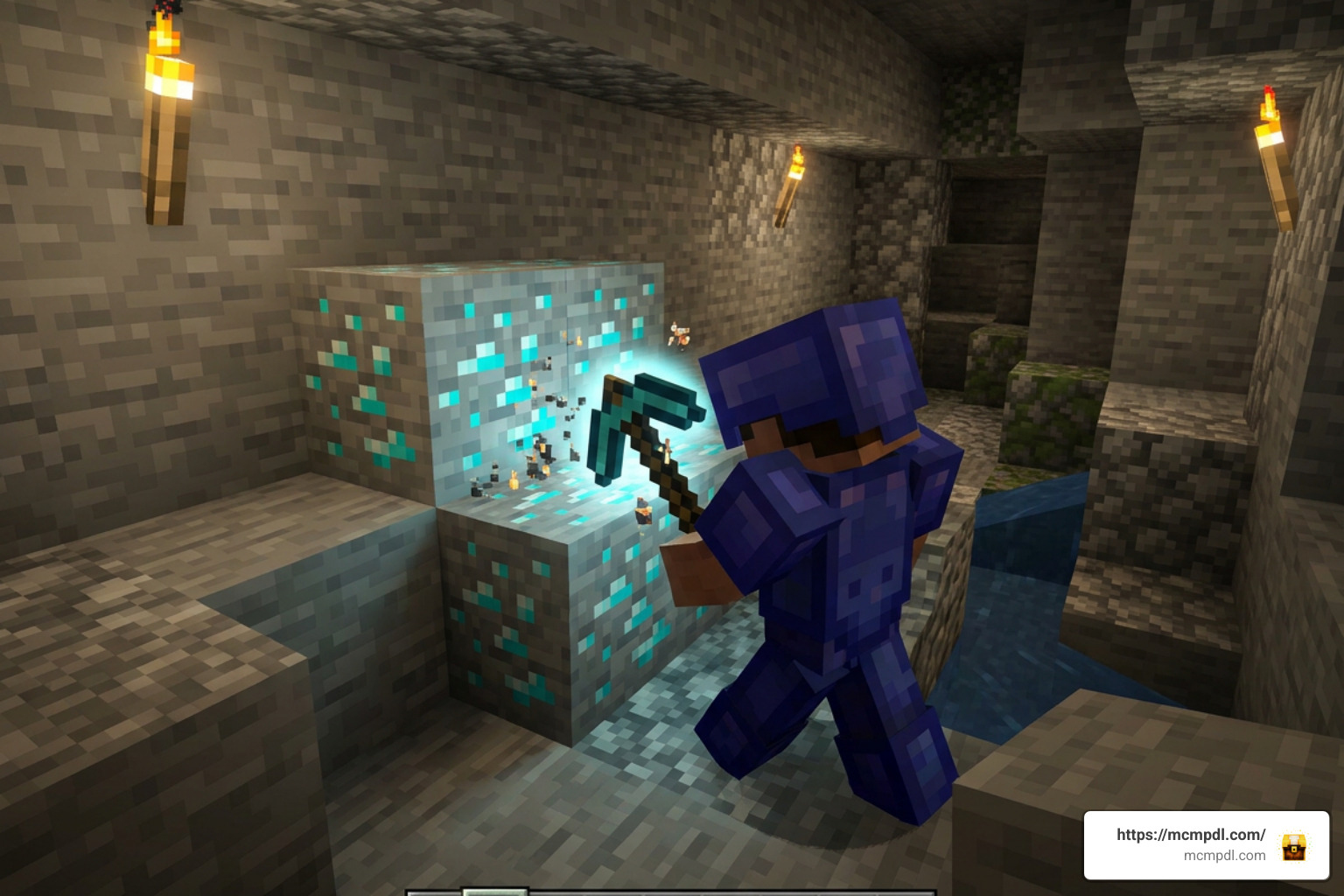
- Vein Miner: When crouched or using the designated mining tool on an ore node, Vein Miner detects all connected adjacent ores of the same type and breaks them instantly. Striking a single exposed diamond or gold ore in a dark cavern harvests the entire vein at once, dropping the raw items directly at your feet. Durability is deducted fairly from your tool based on the total number of blocks harvested, maintaining standard survival balance.
- Treecapitator: Harvesting giant jungle trees or dense oak forests usually requires building dirt pillars just to reach higher branches. With Treecapitator enabled, destroying the bottom trunk block of any tree instantly fells the entire structure. Logs collapse into collectable items, and leaves decay rapidly, clearing timber in seconds.
By combining these two features, mining trips and land-clearing projects become drastically faster, letting you spend more time building and exploring.
Storage Solutions in Cube Utilities Addon for Minecraft PE/Bedrock
Managing inventory space is a constant challenge during extended survival runs. Cube Utilities provides a multi-tiered storage system designed to keep your inventory organized and your hard-earned resources safe.
Key storage features include:
- Upgradable Backpacks: Portable backpacks that can be expanded through crafting tiers. Starting with basic extra slots, you can upgrade your pack to carry dozens of extra stacks during long cave trips or Nether raids.
- XP Storage: Experience levels represent hours of hard work, but a single unexpected fall or creeper blast can erase them instantly. The XP Storage mechanic allows you to deposit your current experience levels into secure containers or items, keeping your enchantment fuel safe back at base.
- Chest Sorting: Sorting chests manually can take forever. With built-in chest sorting, opening a storage container allows you to instantly alphabetize, consolidate, or clear duplicate item stacks with a single tap or click.
- Enhanced Inventory Management: Quick-transfer mechanics make moving items between your main player inventory, hotbar, and storage blocks fast and reliable.
Mob Storage and Health Bars

Combat and animal husbandry get a major visual and functional upgrade in this add-on.
The Mob Storage feature allows players to safely capture, transport, and deploy entities. Instead of relying on slow leads, tricky minecarts, or unpredictable boats to bring passive animals or rare mobs back to your farm, Mob Storage tools let you pick up creatures cleanly and relocate them anywhere in your world.
In addition to mob handling, the add-on introduces dynamic Health Bars above entities. Whenever you encounter friendly livestock, hostile monsters, or boss enemies, an overhead visual HUD displays their exact remaining health points. This combat visual helps you evaluate fight difficulty, track weapon damage output, and manage passive mob breeding far more effectively.
System Requirements and Customization Settings
Before adding any new content pack to your active world, it is important to review technical requirements and configuration options.
Version Requirements and Addon Compatibility
To ensure all custom scripts, UI elements, and behavior triggers function correctly, your game client must meet specific criteria:
- Minimum Version Requirement: Minecraft Bedrock / PE version 1.26.0 or newer.
- Unified Package (.mcaddon): The file comes packaged as a single
.mcaddonformat download, containing both the Behavior Pack and Resource Pack. - File Size: Approximately 1.2 MB, making it extremely lightweight and quick to install.
- Platform Compatibility: Fully compatible with Android, iOS, Windows, Xbox, PlayStation, and Nintendo Switch running updated Bedrock clients.
Because it adheres to standard Bedrock script APIs, the pack stacks well alongside other content packs. For example, it runs comfortably alongside mob additions, custom dimension mods, or decorative packs without causing conflicts.
Configuring Custom Settings in Cube Utilities Addon for Minecraft PE/Bedrock
Not every player wants the exact same survival balance. Some players prefer aggressive instant-mining, while others want a more conservative style that preserves tool durability.
Cube Utilities includes a built-in Adjustable Settings Menu. Once activated in your world, opening the add-on settings panel gives you modular control over individual mechanics:
- Feature Toggles: Turn Vein Miner, Treecapitator, or Health Bars on or off individually.
- Radius and Limits: Adjust the maximum number of blocks Vein Miner or Treecapitator can break in a single hit to protect performance on lower-end mobile devices.
- UI Customization: Scale or toggle the overhead Health Bar displays to keep your screen clean during large raids.
- Gameplay Balance: Fine-tune durability multipliers or XP transfer ratios to match your world’s difficulty settings.
This customizability makes the addon suitable for solo survival worlds, private realms, and competitive multiplayer servers alike.
How to Download and Install the Addon
Installing .mcaddon packages on Minecraft PE and Bedrock devices is quick and straightforward. Because the behavior pack and resource pack are bundled together, you only need to run a single file to import all assets. If you are new to Bedrock add-ons, Mojang’s official Minecraft add-ons guide is also a helpful reference for understanding how add-on content works.
Below is a step-by-step comparison of the installation process for Pocket Edition (Mobile) versus Bedrock on PC:
| Installation Step | Minecraft PE (Mobile – Android/iOS) | Minecraft Bedrock (Windows PC) |
|---|---|---|
| 1. Download File | Download the .mcaddon file directly onto your mobile device storage. | Download the .mcaddon file to your Downloads folder. |
| 2. Import to Game | Tap the downloaded file and select Open with Minecraft. | Double-click the .mcaddon file; Minecraft launches automatically. |
| 3. Automatic Import | Minecraft opens and displays “Import Started” at the top of the screen. | Minecraft opens and shows “Import Started” in the top banner. |
| 4. World Settings | Go to World Settings > Resource Packs / Behavior Packs and tap Activate. | Open World Settings > Add-Ons > Behavior & Resource Packs and click Activate. |
| 5. Experimental Toggles | Enable required Experimental Gameplay toggles if prompted by the world menu. | Enable required Experimental Features toggles under World Settings. |
| 6. Launch World | Load your survival world and enjoy your new utility features! | Enter your world and access the utility settings menu in-game. |
Frequently Asked Questions About Cube Utilities
Is the Cube Utilities Addon free to download?
Yes, standard community releases of the add-on are completely free to download from trusted Bedrock modding sites and community portals. Depending on where you browse, official versions can also be acquired directly through the Minecraft Marketplace. Always ensure you download files from reputable sources to protect your device.
Which Bedrock version is needed for Cube Utilities?
The add-on requires Minecraft Bedrock Edition 1.26.0 or higher. If you attempt to load the pack on an older version of Minecraft PE or Bedrock, certain custom scripts—such as chest sorting or custom UI health bars—may fail to execute properly. Keep your game updated to the latest build for full compatibility.
Can Cube Utilities be used alongside other Bedrock addons?
Yes! The pack is designed with modularity in mind. Because its scripts focus on utility actions rather than altering vanilla mob spawn tables or core world generation, you can freely combine it with cosmetic texture packs, custom mob add-ons, structure mods, or fantasy expansions.
Conclusion
The Cube Utilities Addon for Minecraft PE/Bedrock is one of the most comprehensive quality-of-life updates available for Bedrock survival players. By combining essential utilities like Vein Miner, Treecapitator, upgradable backpacks, XP storage, and mob transportation into a single 1.2 MB download, it eliminates tedious chores while preserving everything that makes Minecraft fun.
With full customization controls, stellar community ratings, and low system requirements, it fits perfectly into any survival world, realm, or server. Explore the latest Bedrock add-ons, mods, and updates by visiting MCMPDL to take your survival adventure to the next level today!



4 thoughts on “Cube Utilities Addon Minecraft PE/Bedrock”