
Scroll down to D0vvnl0ad
Understanding How an Elevators Addon for Minecraft PE/Bedrock Works
You can find free Elevators Addon for Minecraft PE/Bedrock files as .mcaddon or .mcpack downloads from community repositories such as MCMPDL, then import them directly into Bedrock or Minecraft PE. After downloading, open the file with Minecraft, activate the pack in your world’s Resource Packs and Behavior Packs tabs, and place matching elevator pads in a vertical column to move between floors.
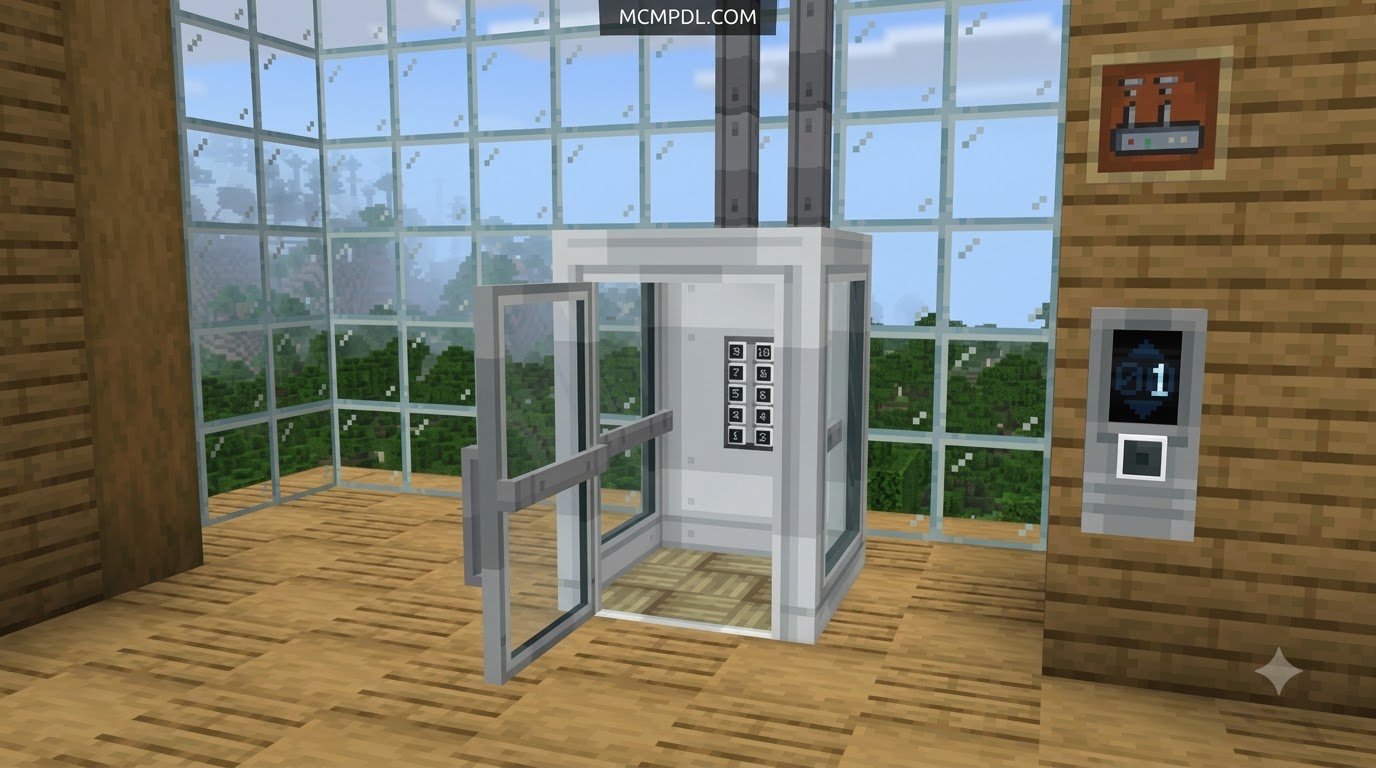
At their core, elevator add-ons simplify vertical movement by executing precise entity teleportation rather than physically pushing your character through the air. Instead of building massive water bubble columns or wiring complex redstone piston towers, an elevator mod introduces custom-scripted pads. When placed in a clean vertical column along the exact same X and Z coordinates, these pads detect your presence and immediately beam you up or down to the next available floor.
The activation controls are designed to feel completely intuitive. In almost every variant, stepping on a pad and pressing your Jump key moves your character upward to the pad above. Pressing Sneak (crouch) or performing a sneak-jump instantly teleports you down to the pad below. Because these interactions run via lightweight scripts and behavior packs, they eliminate the need to maintain advanced redstone systems that often cause server lag in large survival worlds.
Modern add-ons also feature built-in safety mechanisms. The most important of these is the automatic anti-suffocation check. Before executing a teleport command, the script scans the landing zone above the destination pad. If solid blocks obstruct the two-block-high space needed for your character to stand safely, the elevator cancels the teleportation to prevent you from taking kinetic or suffocation damage.
Crafting Recipes and Color Matching
Survival players will find that elevator pads are relatively inexpensive to craft, making them accessible early in a playthrough. The standard universal recipe across most Bedrock editions requires eight blocks of wool surrounding a single Ender Pearl in a crafting table:
- Place 1 Ender Pearl directly in the center slot of the 3×3 crafting grid.
- Fill the remaining 8 outer slots with Wool of the exact same color.
- Retrieve the resulting elevator block from the output slot.
Color matching plays a functional role in how elevator networks route players. To link two pads together, both blocks must share the identical color variant. A red elevator will only look for another red elevator in its vertical trajectory, completely ignoring green, blue, or white pads positioned on intermediary floors. This feature allows builders to run multiple separate elevator shafts directly next to one another inside a single architectural pillar without cross-wiring teleport destinations.
Camouflage and Directional Controls
One recurring aesthetic challenge with modded utility blocks is making them match custom interior flooring. Premium community editions solve this by offering complete camouflage functionality. By interacting with the elevator pad while holding a building block—such as oak planks, polished andesite, or smooth quartz—the pad adopts the exact texture of that material while preserving its underlying teleportation logic.
Beyond visual disguises, certain versions provide dedicated directional control interfaces, enhancing standard worlds alongside other essential gameplay features. Holding an Ender Pearl or interacting with an empty hand can open a graphical configuration window. In this menu, players can set the exact compass facing direction (North, South, East, or West) their character will automatically adopt upon landing, ensuring seamless exits into hallways without disorienting the player.
Top Community Solutions and Addon Variants
The Bedrock community provides a wide spectrum of elevator addons tailored to different world designs, ranging from lightweight vanilla-plus enhancements to heavy-duty industrial transport systems.
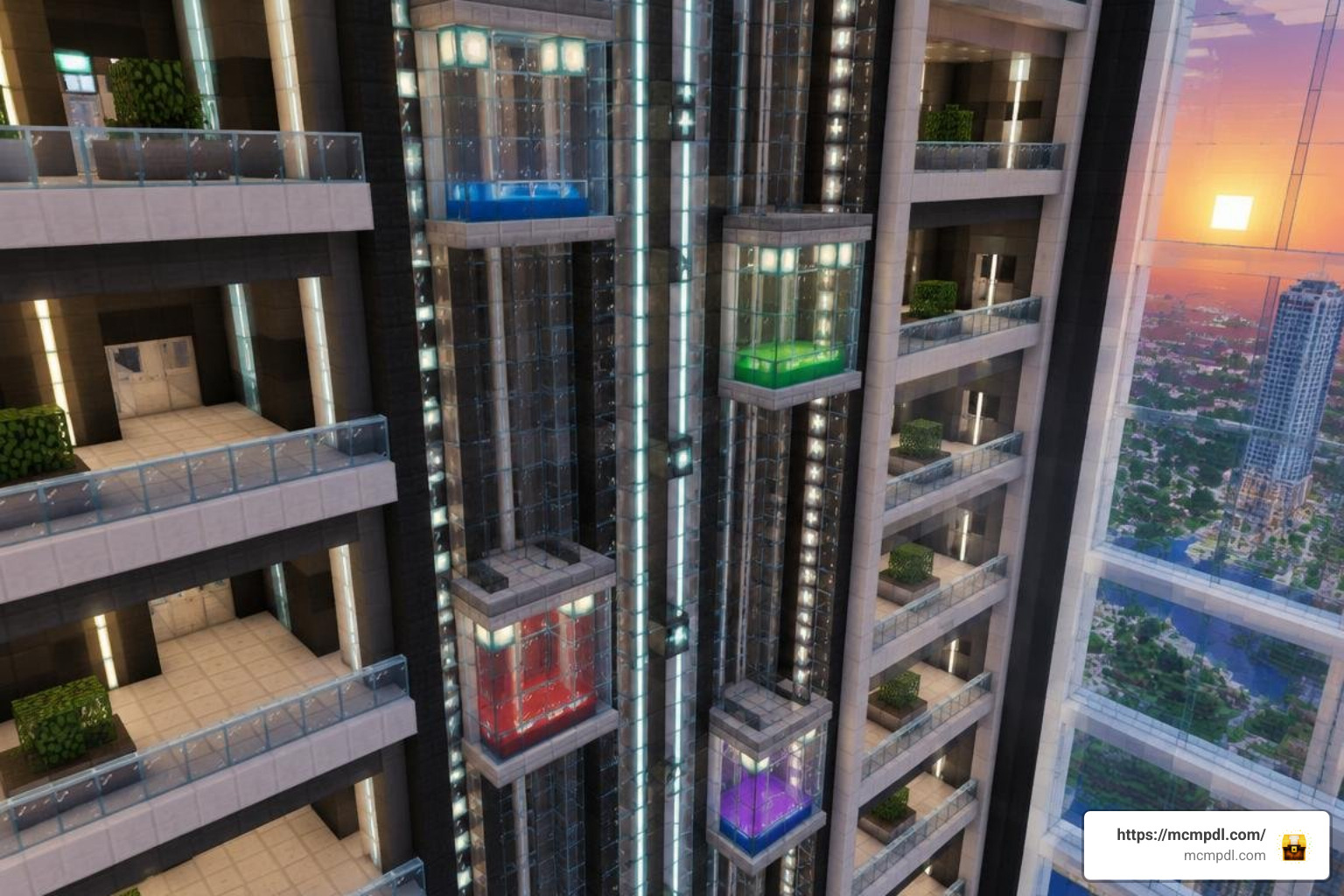
Best Free Elevators Addon for Minecraft PE/Bedrock Options
When choosing the right package for your world, consider these popular styles:
- Classic Wool-Style Elevators: These prioritize clean 16-color wool palettes, solid block camouflage, and zero visual clutter.
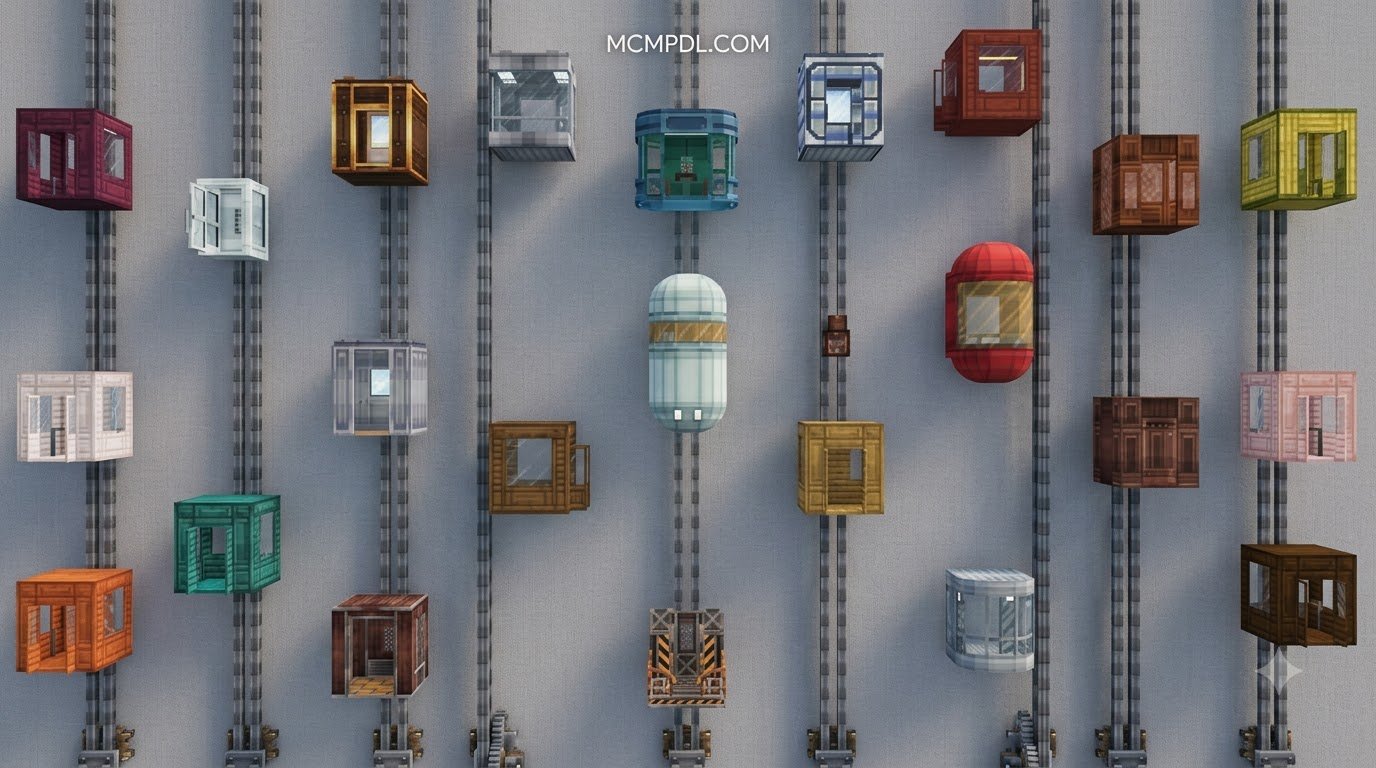
- Modular Tiered Lifts: These introduce progressive elevator types ranging from basic wooden pads to industrial, luxury, and ender-tier platforms. Each tier features distinct audio cues, on-screen floor indicators, and particle trails.
- Lightweight Fast-Pads: Designed specifically for low-end mobile hardware, these stripped-down packs offer pure vertical teleportation without complex UI overlays, ensuring zero frame drops on budget devices.
To expand your survival world with complementary tools, players often combine these movement packs with the Bedrock Tools Add On or the comprehensive Utility Tools Add On for Minecraft Bedrock Best Features 2026.
Range Limits and Multi-Entity Capabilities
Vertical travel distances differ significantly depending on the addon code. Basic color pads typically enforce a safe maximum range of 64 blocks between linked pads. If your base features a massive distance—such as connecting a mountain summit at Y=180 to a deep mining facility at Y=-58—you will need to place intermediate landing pads along the column.
High-tier lifts, such as Ender Elevators, push this limit up to 128 blocks or even provide full dimensional traversal from bedrock up to the build limit without stopping. Furthermore, advanced packs enable multi-entity teleportation. When standing on an activated pad with tamed wolves, horses, or fellow players, the script detects all valid entity hitboxes within the block’s perimeter and teleports the entire group simultaneously, making underground exploration expeditions much easier to coordinate. If you frequently construct large transit shafts, pairing these lifts with dedicated creative building tools will speed up your structural layouts.
Step-by-Step Installation and Setup Guide
Installing an elevator addon on Minecraft Bedrock Edition is straightforward regardless of whether you play on mobile or desktop.
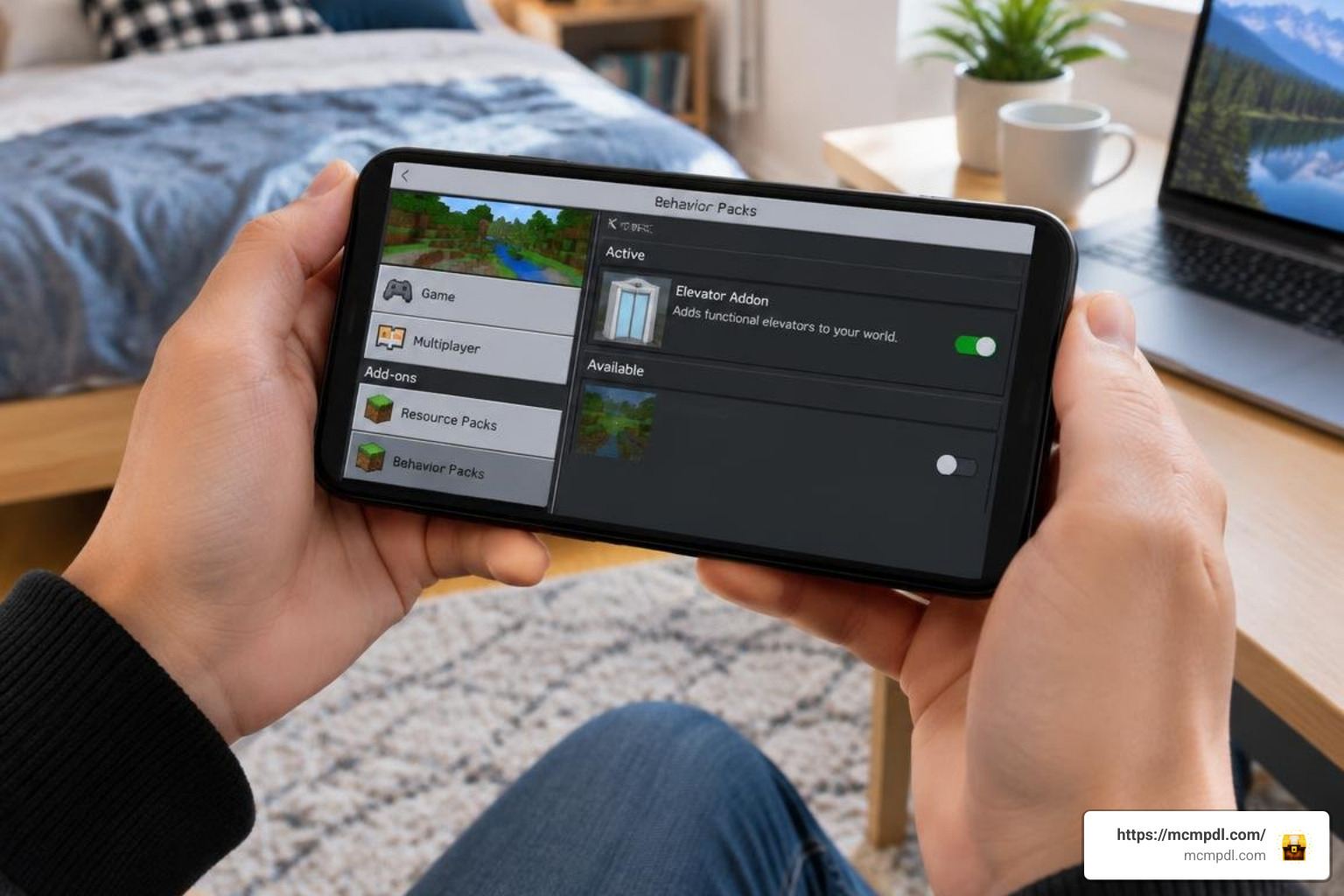
How to Install Elevators Addon for Minecraft PE/Bedrock on Mobile and PC
Follow these steps to import and activate your addon packages:
- Download the File: Acquire the verified
.mcaddonor.mcpackfile for your chosen elevator addon. - Import into Minecraft:
- Windows 10 / 11: Double-click the downloaded
.mcaddonfile. Minecraft will launch automatically and display an “Import Started” banner at the top of the screen. - iOS: Tap the downloaded file in your Files app, select Share, and choose Minecraft from the app list to import it directly.
- Android: Open the file using a standard file manager and select Minecraft to open it. If prompted, place manual extraction folders into your
games/com.mojang/behavior_packsandresource_packsdirectories.
- Windows 10 / 11: Double-click the downloaded
- World Activation:
- Navigate to your world settings screen.
- Scroll down to the Resource Packs tab on the left sidebar, click Available, select your Elevator pack, and press Activate.
- Repeat this exact process under the Behavior Packs tab.
If you enjoy managing multiple utility packs, integrating cube utilities can help keep your custom gameplay systems clean and organized.
Enabling Experimental Settings and Server Permissions
Most scripted elevator systems require specific Bedrock experimental toggles to run custom block geometries and movement scripts properly. Before entering your world:
- Open World Settings and scroll down to the Experiments section.
- Toggle on Beta APIs and Holiday Creator Features (if applicable to your version).
- If running the addon on a dedicated multiplayer server or Realm, ensure that the world host or server operator assigns proper scripting permissions. When using configuration commands, operator status (
/op username) may be required to modify server-wide teleport ranges or block camouflage settings.
Troubleshooting Common Elevator Glitches and Performance Issues
Even well-coded addons can occasionally run into minor glitches. Here is how to fix the most frequent issues:
- Pads Not Connecting: Confirm that both elevator blocks share the exact same X and Z coordinates. Even a one-block horizontal offset breaks the vertical search raycast. Additionally, ensure both blocks share identical color dyes.
- Floor Skipping: Descending rapidly through multi-level shafts can cause the game to miss intermediate stops, sending you straight to the basement. To resolve this, pause briefly between crouch inputs or install an addon version that incorporates a 0.5-second internal teleportation cooldown.
- Teleportation Failing Silently: Check the ceiling above the target elevator block. If a torch, lantern, slab, or solid block occupies the 2-block headspace, the anti-suffocation system will intentionally prevent the jump.
- Script Permission Errors on Realms: If an elevator addon functions in single-player test worlds but fails on a Realm, re-upload the world from your local device with experimental toggles pre-enabled before activating the Realm subscription.
For builders reorganizing massive multi-floor infrastructure, using world editing utilities makes realigning misaligned vertical shafts quick and hassle-free.
Frequently Asked Questions About Minecraft Elevator Addons
How do you craft and use an elevator block in Bedrock?
Place an Ender Pearl in the center of a crafting table grid and surround it with eight wool blocks of the same color. Once crafted, place the block on the floor and place another matching color block directly above or below it. Stand on the pad and jump to go up, or sneak/crouch to travel down.
Do elevator addons work on Realms and multiplayer servers?
Yes, most modern elevator addons are fully compatible with Realms and Bedrock dedicated servers. Ensure that both the Resource and Behavior packs are activated in the world file prior to uploading it to the Realm, and verify that the server has experimental gameplay APIs enabled in server.properties.
What is the maximum vertical range between elevator pads?
The default maximum range for most community addons is 64 blocks. Certain tiered mods extend this distance to 100 or 128 blocks, while others allow uninterrupted travel from bedrock to the world height limit. For taller builds using basic pads, simply place an intermediate elevator block along the shaft every 64 blocks.
Conclusion
Elevator addons provide a fast, clean, and reliable solution for vertical transportation in Minecraft PE and Bedrock Edition. By replacing sprawling staircases and temperamental redstone elevators with responsive teleportation pads, you can build taller skyscrapers, deeper mining operations, and more compact bases without sacrificing design aesthetics or server performance.
Explore the wide collection of utility tools, behavior enhancements, and gameplay mods available on MCMPDL to find the perfect additions for your next Bedrock build.
2 thoughts on “Elevators Addon for Minecraft PE/Bedrock”