
Scroll down to D0vvnl0ad
Download and Set Up the Craft Redstone Addon for Minecraft PE
To use the Craft Redstone Addon for Minecraft PE, download the .mcaddon file, open it with Minecraft to import it, then activate its Behavior Pack and Resource Pack in your world’s settings. It is made for Bedrock/Pocket Edition 1.21. If the add-on does not load correctly, enable the available Experimental settings for that world and restart Minecraft.
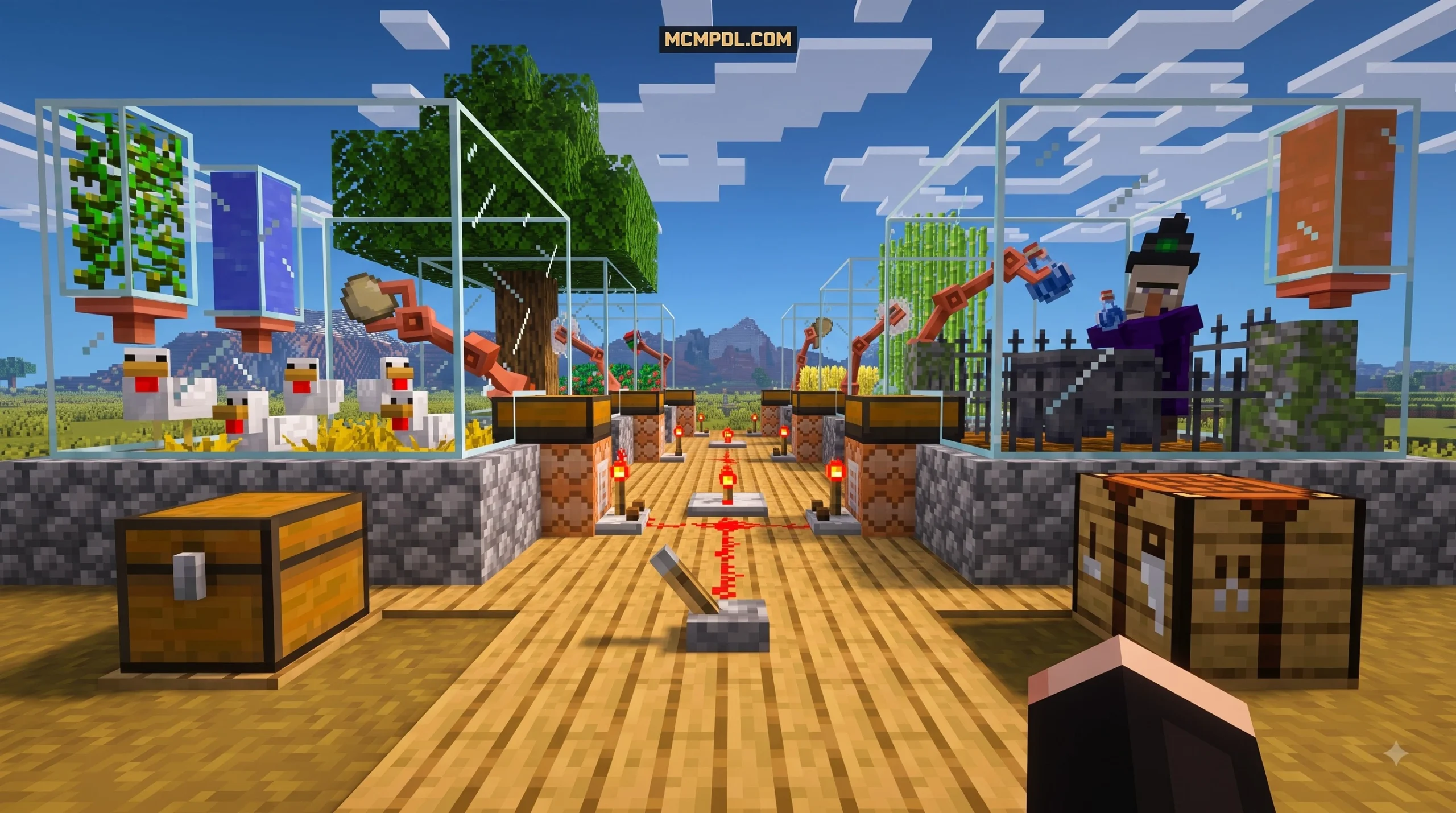
Craft Redstone makes advanced mobile automation easier to approach. Its in-game circuit guide and universal crafting system help players create mechanisms such as automatic doors, traps, crop farms, and larger food-production builds without having to memorize every redstone layout from scratch.
Before downloading, confirm that your Minecraft Bedrock version matches the add-on’s listed version and use a trusted source that provides the original .mcaddon package.
What Is the Craft Redstone Add-On?
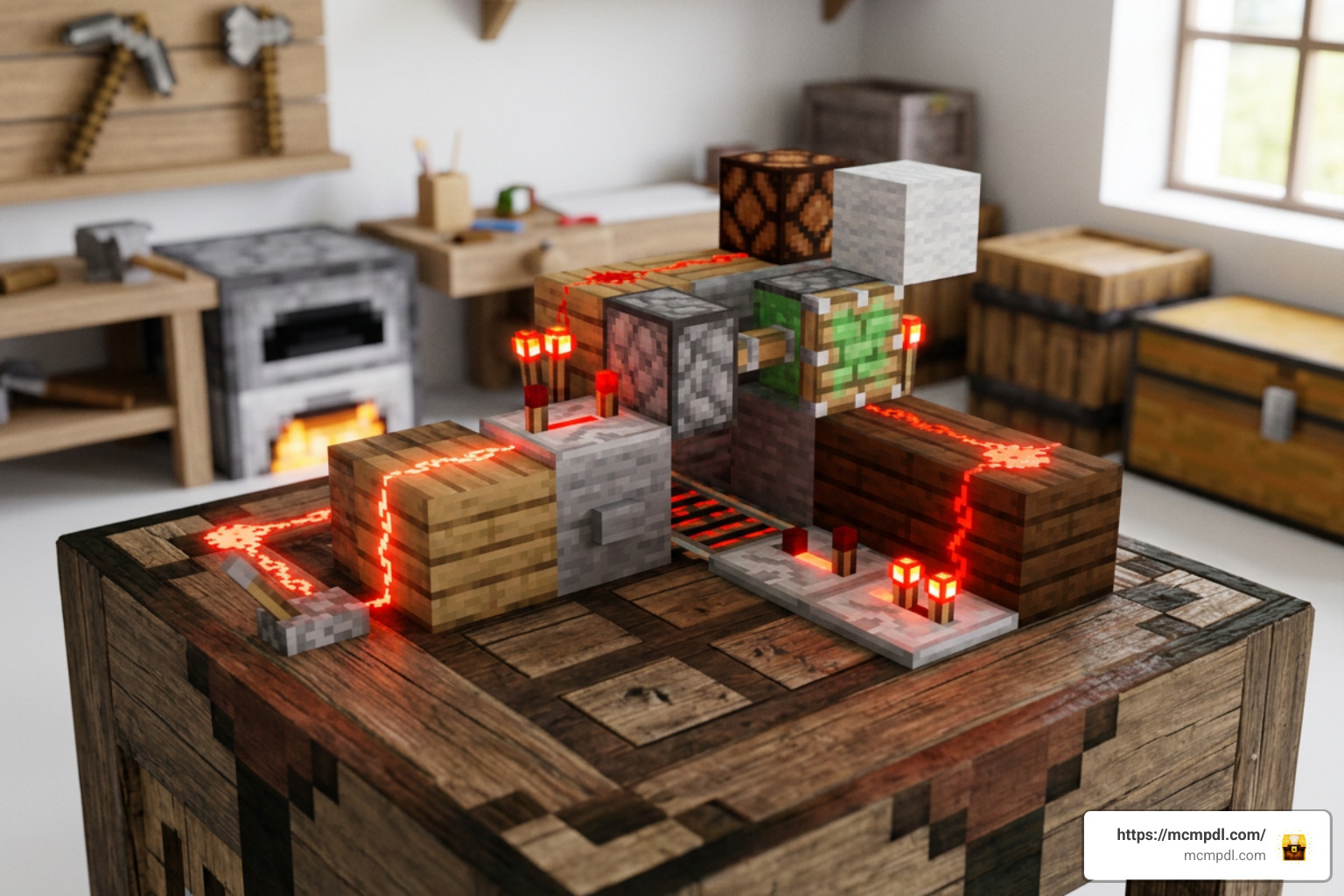
Redstone on touchscreens has always been notoriously fiddly. Laying down complex repeaters, comparators, and redstone dust lines on a mobile display often leads to misclicks, misplaced components, or bulky contraptions that eat up half your base. Because Bedrock Edition handles player input differently across smartphones, tablets, and handheld devices, precise wire routing can quickly become a frustrating chore. The Craft Redstone Add-On bridges this gap by introducing a modular, streamlined automation system tailored directly for Bedrock Edition.
At its core, this addon gives us an interactive, in-game reference and crafting framework. Instead of requiring you to look up external tutorials every time you want to build a pulse extender, T-flip-flop, monostable circuit, or hopper clock, the addon consolidates these logical circuits into functional, modular steps. Whether you are playing on a phone, tablet, or console, it demystifies tricky automation mechanics while keeping the survival experience intact and fully immersive.
Key Mechanisms You Can Build
With Craft Redstone installed, you can assemble a wide range of utility systems without having to troubleshoot complex timing issues manually:
- Automatic Piston Doors: Conceal your mountain fortress or underground bunker using compact trigger circuits that do not require sprawling underground wiring or finicky double-extenders.
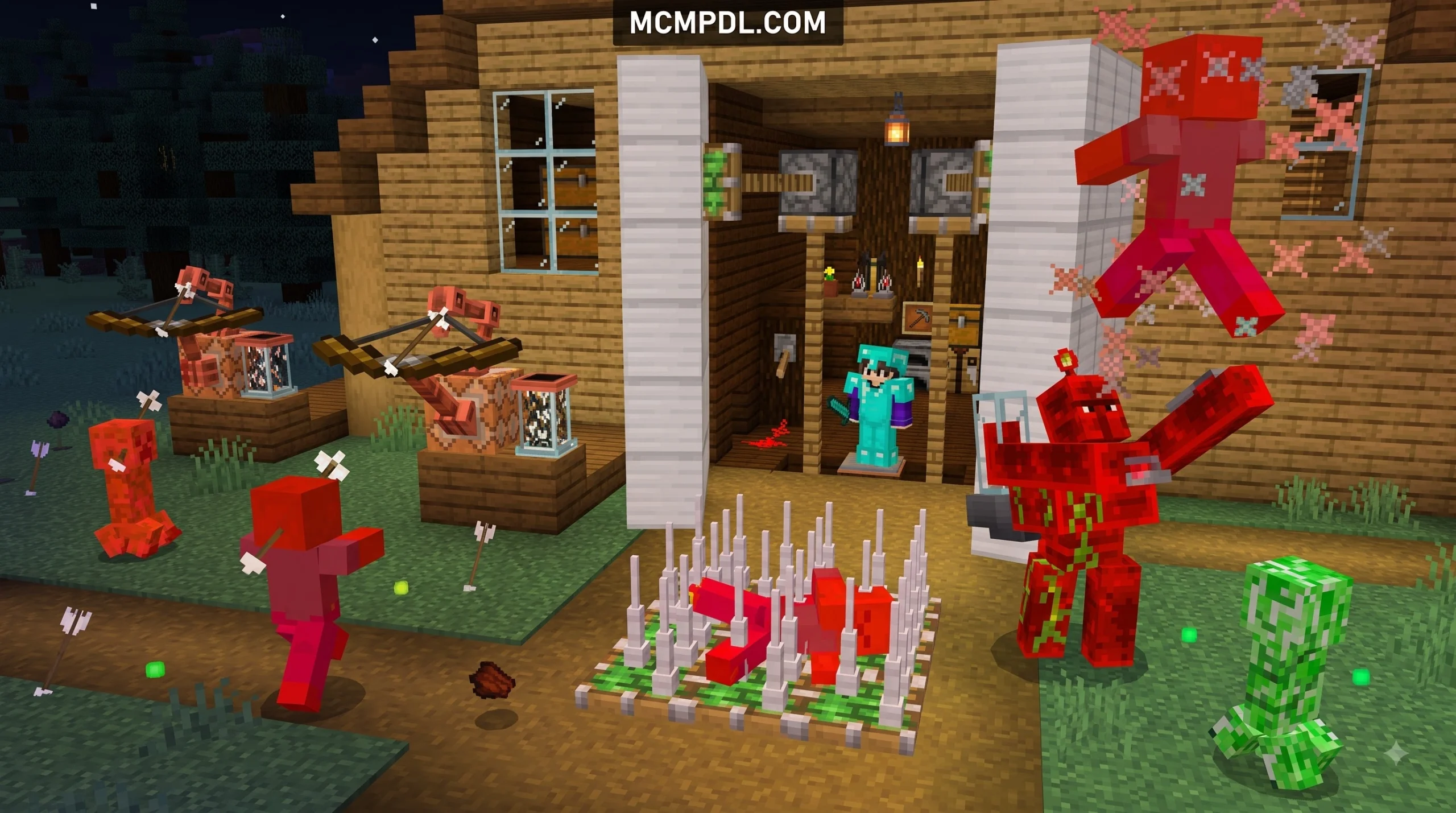
- Defensive Traps and Alarms: Hook up automated pit traps, dispenser arrays, and tripwire alarms to protect your survival homestead from nighttime mob raids, creepers, and phantom attacks.
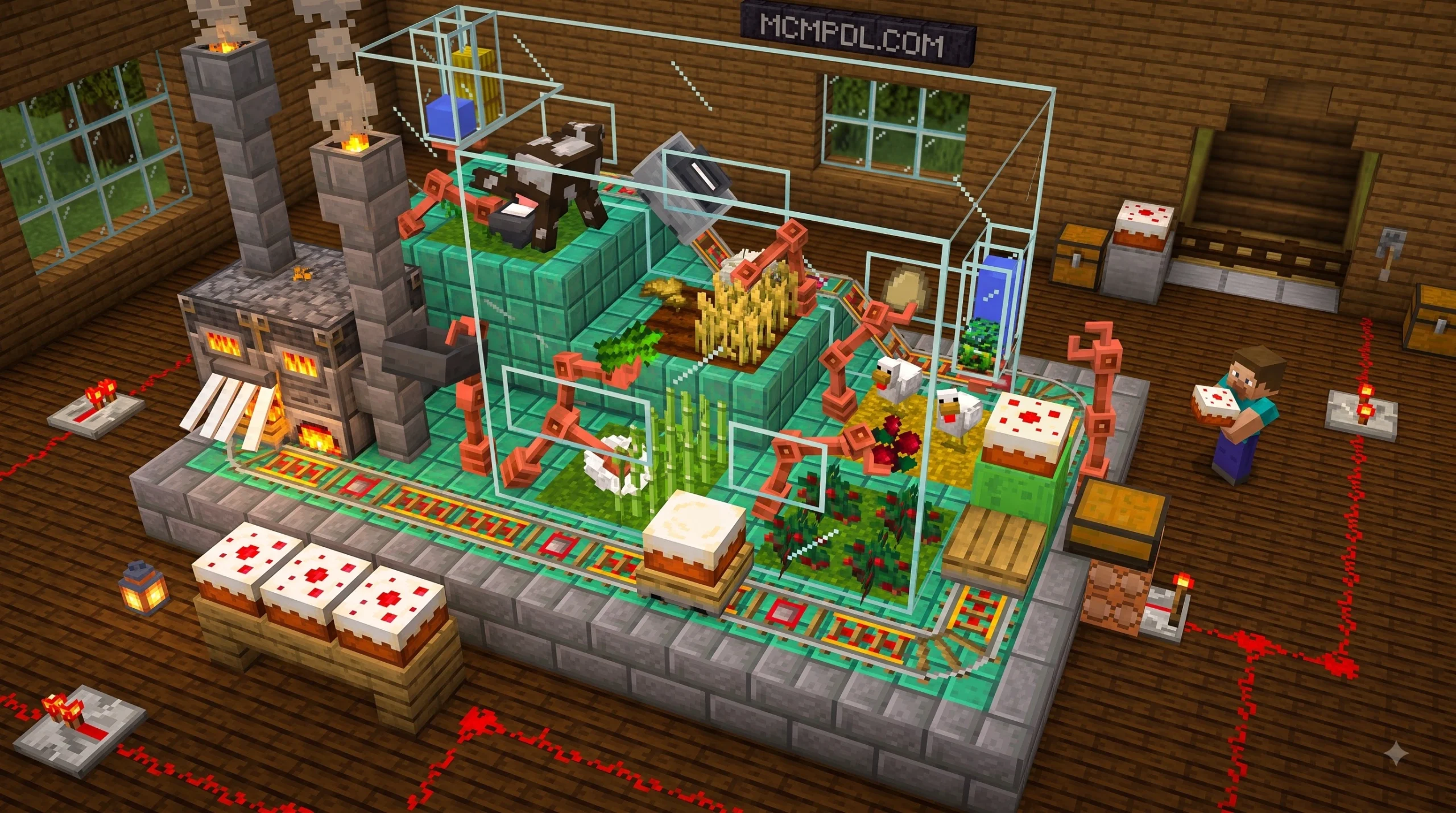
- All-in-One Cake Production Lines: Combine automated egg collection, sugar cane harvesting, wheat collection, and milk cycling into a unified factory setup that runs reliably in the background.
- Automated Crop and Food Farms: Build continuous harvesting cycles for potatoes, carrots, and pumpkins that funnel yields straight into sorted storage systems with zero wasted drops.
- Compact Item Sorters: Organize storage rooms with modular logic units that prevent hopper clogs, handle non-stackable items cleanly, and drastically reduce overall build footprints.
Features of the Craft Redstone Addon for Minecraft PE
Vanilla Bedrock redstone behaves differently from the Java Edition, featuring unique quasi-connectivity rules, distinct update orders, and varying tick behaviors. For players looking to understand base mechanics, technical breakdowns on the Minecraft Wiki detail how tick delays and signal transmission vary across editions. The Craft Redstone modification standardizes these quirks through accessible, pre-packaged components that deliver predictable results every time.
| Feature | Vanilla Bedrock Redstone | Craft Redstone Addon |
|---|---|---|
| Logic Construction | Multi-block wire layouts | Compact, modular circuit elements |
| Reference Guide | External wikis and videos | Built-in logical circuits guide book |
| Space Efficiency | Often sprawling and large | Highly compact footprints |
| Survival Integration | Standard vanilla recipes | Universal crafting with fair costs |
| Touchscreen Friendliness | Difficult on small screens | Streamlined and mobile-friendly |
| Pack Structure | Base game features | Paired Resource and Behavior packs |
If you enjoy enhancing your game with custom systems, you can discover similar tweaks in our collection of popular Bedrock add-ons.
Crafting System and Circuit Guidebook
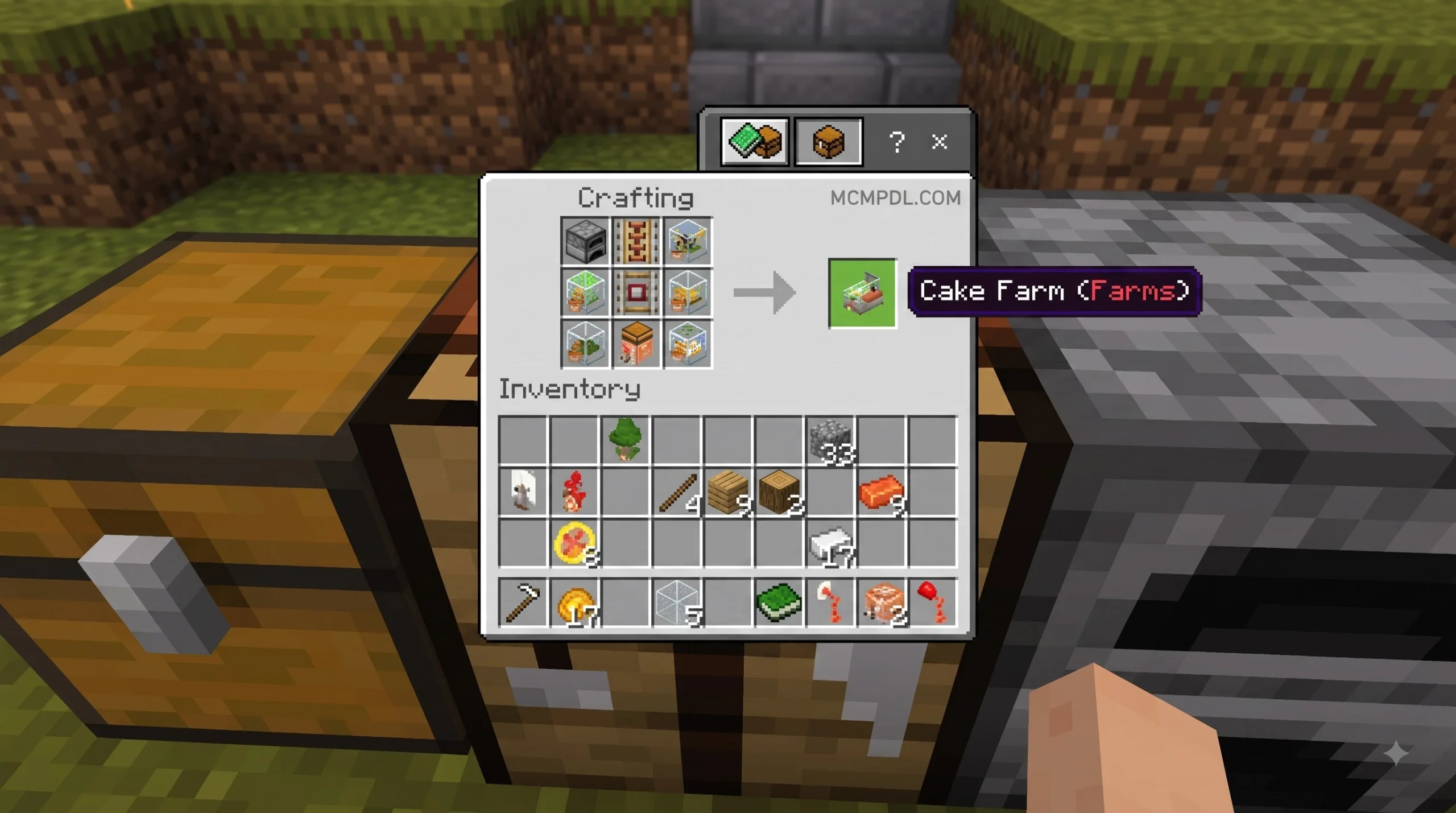
The standout feature of this addon is its universal crafting system. Rather than cluttering your crafting grid with dozens of confusing sub-parts or forcing you to memorize intricate block placements, the system relies on simple recipe catalysts.
By crafting the dedicated reference book—often assembled using simple items like iron nuggets and a standard vanilla book—you unlock an interactive catalog of logical circuits. In many modular systems, placing base catalysts into a stonecutter allows you to convert basic materials into specific, pre-configured logic components. This eliminates tedious wiring while keeping crafting intuitive, accessible, and fast.
Is the Craft Redstone Addon for Minecraft PE Safe and Survival Friendly?
Yes, the addon is built specifically with survival balance in mind. It does not hand out infinite resources, grant invulnerability, or break survival progression. Every mechanism requires appropriate resource investments, such as iron ingots, redstone dust, stone, slimeballs, and wood. You still have to venture into deep caves, mine your materials, and manage your inventory. It functions seamlessly in any standard survival world without requiring creative mode or cheat commands.
Step-by-Step Installation and Setup Guide
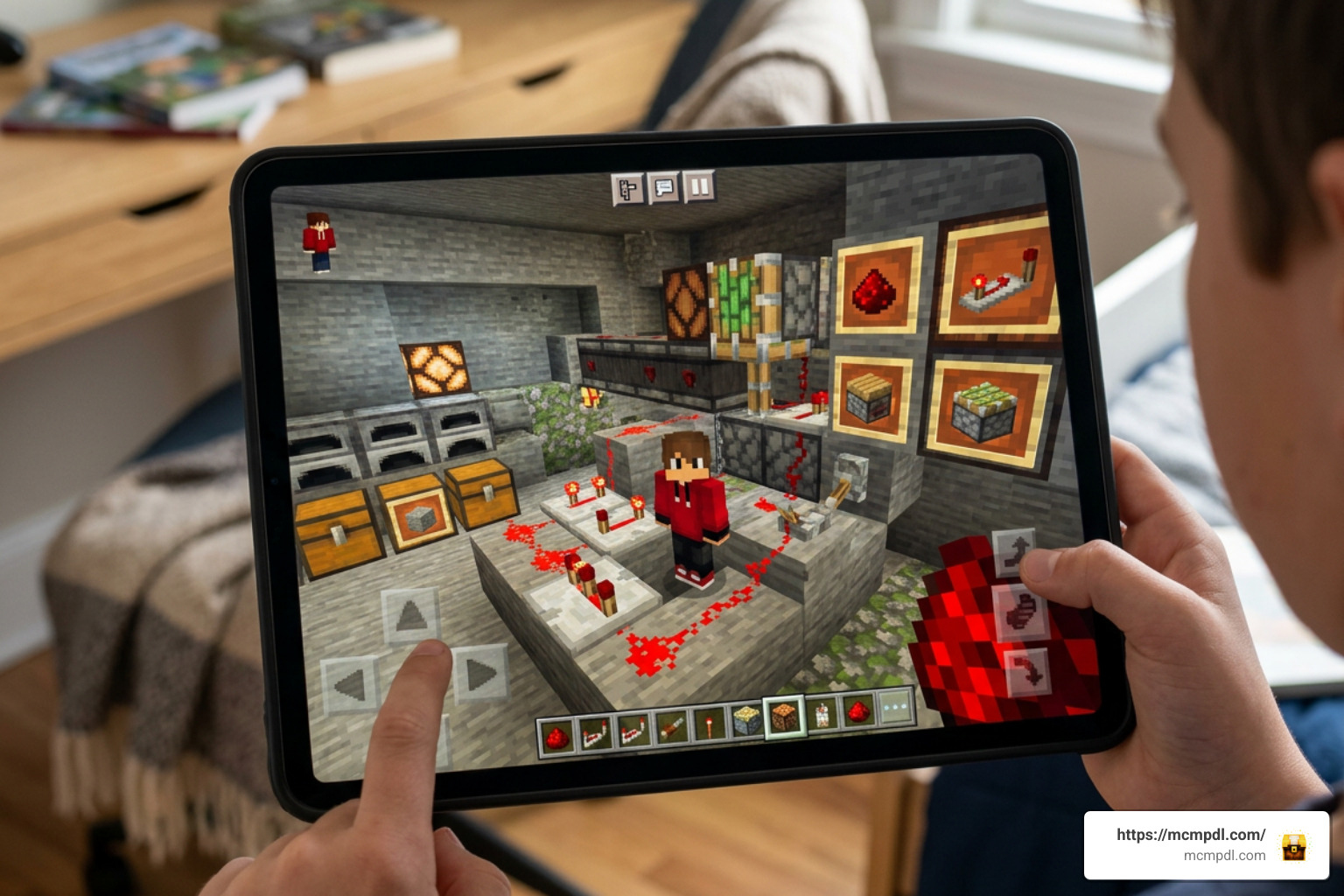
Installing custom packs on Bedrock is straightforward once you know how the file formats interact with your game client. If you also like custom worlds, minigames, or textures alongside your automation mods, you can browse all Minecraft mods and maps to customize your setup further.
How to Install the Craft Redstone Addon for Minecraft PE on Android and iOS
- Download the Addon Package: Make sure you obtain the verified
.mcaddonfile (compatible with Minecraft PE 1.21). - Open the File: Tap the downloaded file in your mobile file manager or browser downloads. Choose Minecraft when prompted. The game will launch automatically and display an “Import Started” notification, followed by a successful import message.
- Open World Settings: In the Minecraft menu, tap Play, choose the world you want to modify, and click the Edit (Pencil) button.
- Activate the Resource Pack: Scroll down on the left sidebar to Resource Packs, go to Available, find the Craft Redstone pack, and tap Activate.
- Activate the Behavior Pack: Navigate to Behavior Packs, locate the matching pack under Available, and activate it as well to bind the pack scripts to your save.
- Restart Your Game Client: Close Minecraft completely from your device’s app switcher and relaunch it to make sure all custom scripts, entities, and textures initialize properly.
Enabling Experimental Gameplay Features
Custom behavior packs frequently use advanced scripting to run modular logic blocks and custom UI interfaces. If your addon features fail to show up in-game or recipes are missing from the crafting tables, you will need to toggle your world’s experimental switches:
- Open your world settings screen.
- Scroll down to the Experiments tab on the left menu.
- Enable Holiday Creator Features, Custom Biomes, and Additional Modding Capabilities (or any related custom modding/scripting toggles available on your 1.21 build).
- Confirm the prompt to create a backup copy of your world before applying these changes.
- Load into your world and enjoy your new redstone tools with full script support.
Comparing Craft Redstone with Other Automation Addons
The Bedrock modding scene offers a few different takes on engineering, logic processing, and redstone management:
- EASY Redstone: This alternative focuses heavily on single-block logic gates and simplified wire routing. It is great for pure circuitry and high-speed signal logic, though it lacks the comprehensive in-game guide book and factory-oriented crafting found in Craft Redstone.
- Redred Craft: While sometimes mentioned alongside technical packs due to its stonecutter crafting approach, Redred Craft is primarily a decorative and furniture addon that adds over 70 interior design pieces rather than functional automation circuits.
- Standalone Redstone Packs: Many standalone packs introduce separate tools, utility items, or decorative tech blocks, but they often require deeper manual wiring, extensive debugging, and larger spatial areas compared to Craft Redstone’s integrated factory setups.
Frequently Asked Questions About Craft Redstone
What should I do if the addon does not work in my world?
If custom items or recipes are missing, verify that both the Resource Pack and Behavior Pack are active simultaneously. Next, make sure you have turned on the required Experimental Gameplay toggles in your world settings. Finally, verify that your Minecraft Pocket Edition installation is updated to version 1.21, as older clients cannot parse newer script components.
Can I use this addon in multiplayer or Bedrock Realms?
Yes. When hosting a standard multiplayer world, applying the behavior and resource packs to the world settings will automatically prompt joining friends to download the required assets. For Bedrock Realms, apply both packs to the local world save before uploading it to your Realm slot.
What file format should I look for when downloading safely?
Always download files ending in .mcaddon or .mcpack. These are official Bedrock archive formats that install cleanly without requiring manual folder extraction. Avoid unverified .apk, .exe, or password-protected .zip archives from third-party sites, as these can pose security risks.
Conclusion
Mastering complex automation in Minecraft Pocket Edition does not have to mean wrestling with clumsy touchscreen controls or frustrating wire layouts. The Craft Redstone Addon simplifies the technical side of Bedrock engineering, giving us the tools to assemble automatic doors, crop farms, and full-scale production lines with confidence.
Grab the .mcaddon file, activate your packs in your favorite survival world, and start automating your builds today. To find more exciting mods, maps, and gameplay tweaks, explore top-tier packs on mcmpdl.com!


5 thoughts on “Craft Redstone Addon for Minecraft PE”