Scroll down to D0vvnl0ad
Overview of Top Drones Addon for Minecraft PE/Bedrock Options
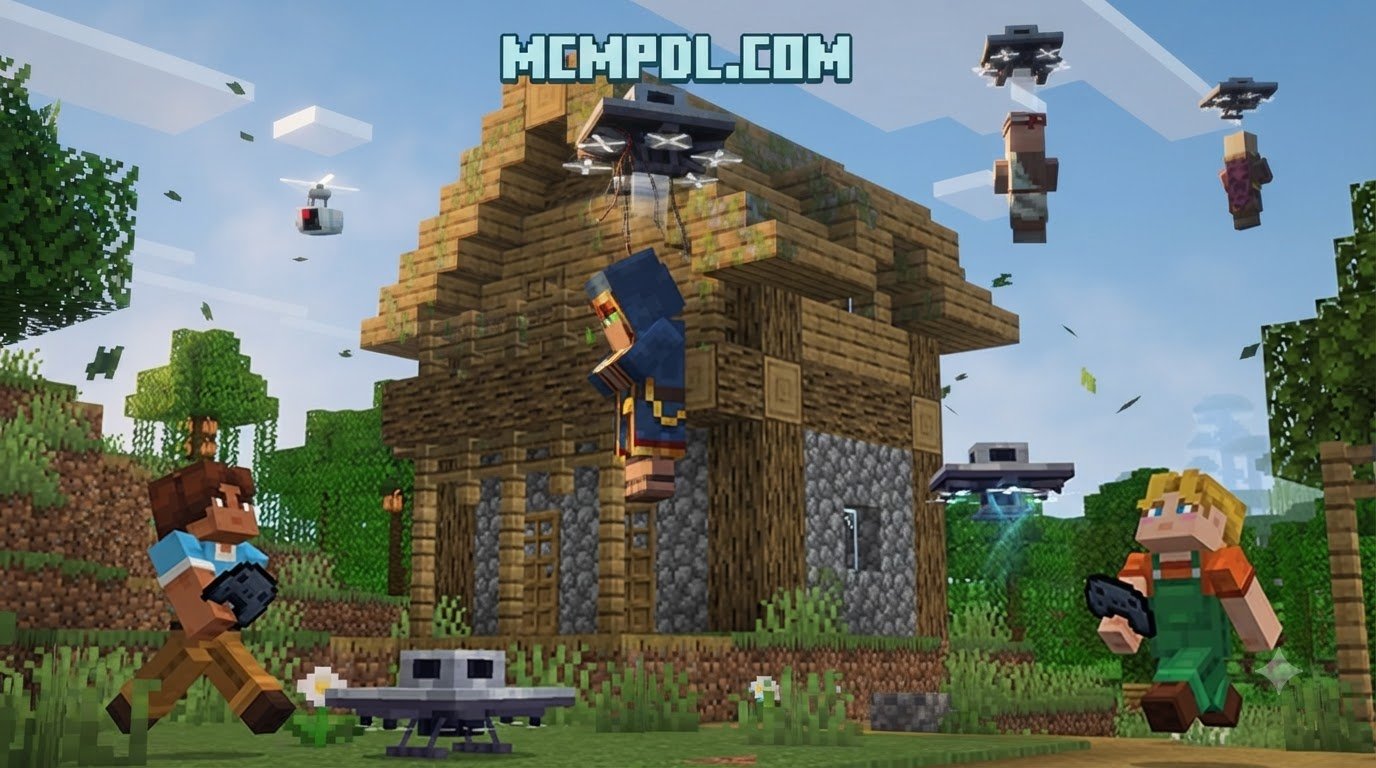
Drone addons for Minecraft PE/Bedrock let you craft and pilot remote-controlled aircraft for scouting, combat, and transport. The top options include Drone Addon (1.19), Drone v2.6, and All-Purpose Drone. To get started, download the .mcaddon file, import it into Minecraft, and activate the behavior and resource packs. Once in-game, craft a drone and controller, then use standard movement keys or touch controls to fly. This guide covers the best drone addons, their features, crafting recipes, and flight controls.
Aerial scouting changes how we explore, map, and defend our worlds. Rather than walking into uncharted ravines or trekking across dangerous biomes on foot, deploying an unmanned aerial vehicle (UAV) gives us an instant overhead perspective. In Bedrock Edition, several modifications deliver remote flight mechanics, ranging from high-tech camera quadcopters to heavy-duty tactical bombers.
If you enjoy engineering complex machinery alongside tech mods like the Craft Redstone Addon for Minecraft PE or automating your base with the Machinery Addon, adding drones into your world gives you full mobility and tactical superiority.
| Feature / Detail | Drone Addon (1.19) | Drone v2.6 (by iskesa) | All-Purpose Drone (by Effect99DL) |
|---|---|---|---|
| Target Minecraft Bedrock Version | Bedrock 1.19+ (verified active in 2026) | Bedrock 1.21.101+ | Bedrock 1.21.50 through 1.21.120 |
| Download File Size | 960 KB | 8.12 MB | 1.23 MB |
| Drone Models Included | 3 (E520, DJI Phantom style, Military Drone) | 1 Base Model (Fully Dyeable) | 1 Modular All-Purpose UAV |
| Combat / Utility Capabilities | TNT Launcher, Fireball Blaster | TNT Dropper, Block Transport | Remote Reconnaissance, Task Automation |
| Camera View | Static / Attached Remote Perspective | Real-time Live Camera Feed | Fixed Remote Scouting Display |
| Customization & Security | Redstone Mode, Storage Chest linking | 16 Color Dyes, /drone:settings Password | Multi-language UI, Modular add-on tasks |
| Experimental Gameplay Required? | Yes (Beta APIs / Molang Features) | No (Pure vanilla behavior compatibility) | Depends on specific sub-version |
Drone Addon (1.19) Features and Models
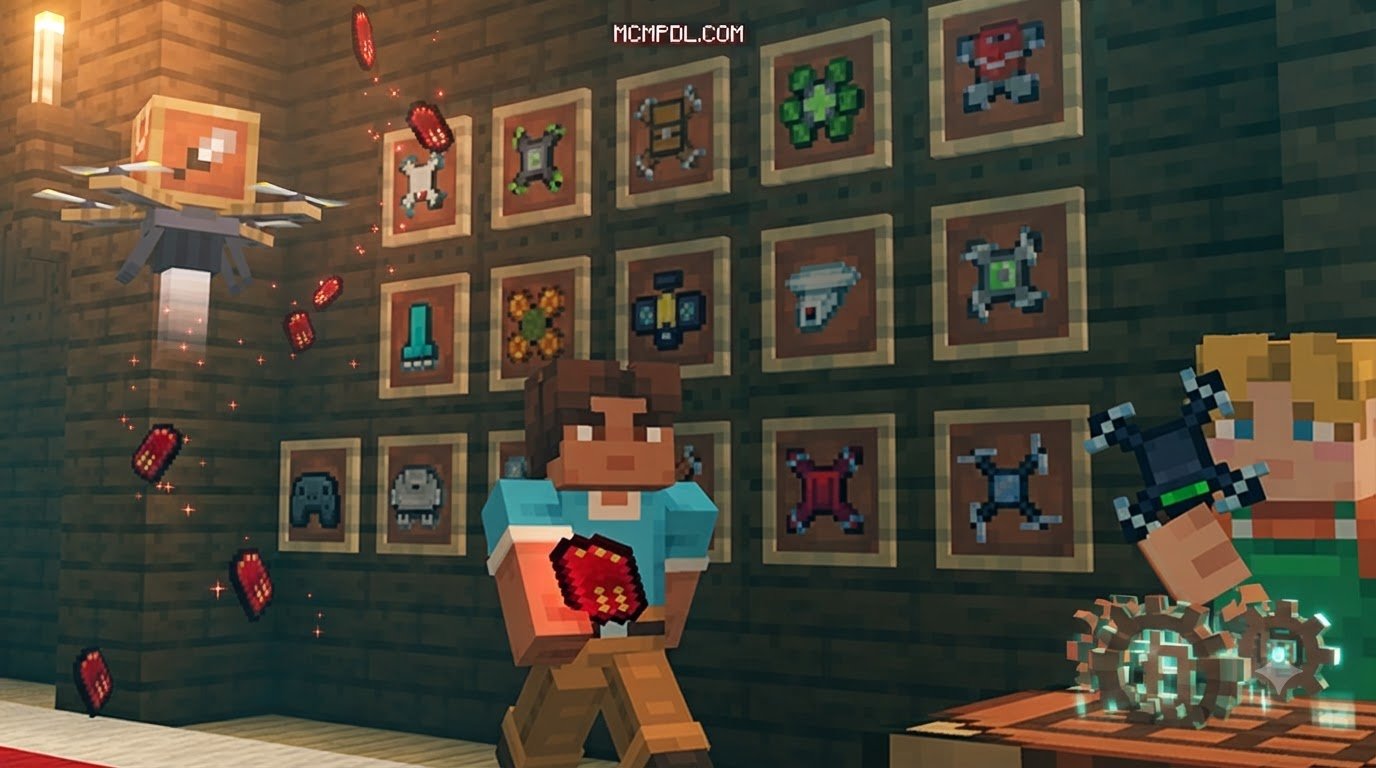
The classic Drone Addon developed for Bedrock 1.19 remains one of the most mechanically diverse packs available. It introduces three separate drone variations modeled after iconic modern aircraft:
- E520 Quadcopter: A compact, agile craft suited for tight spaces, cave entrances, and quick scouting runs around your perimeter.
- DJI Phantom Model: A balanced consumer-style UAV equipped with stable hovering dynamics and a smooth camera perspective for surveying your builds.
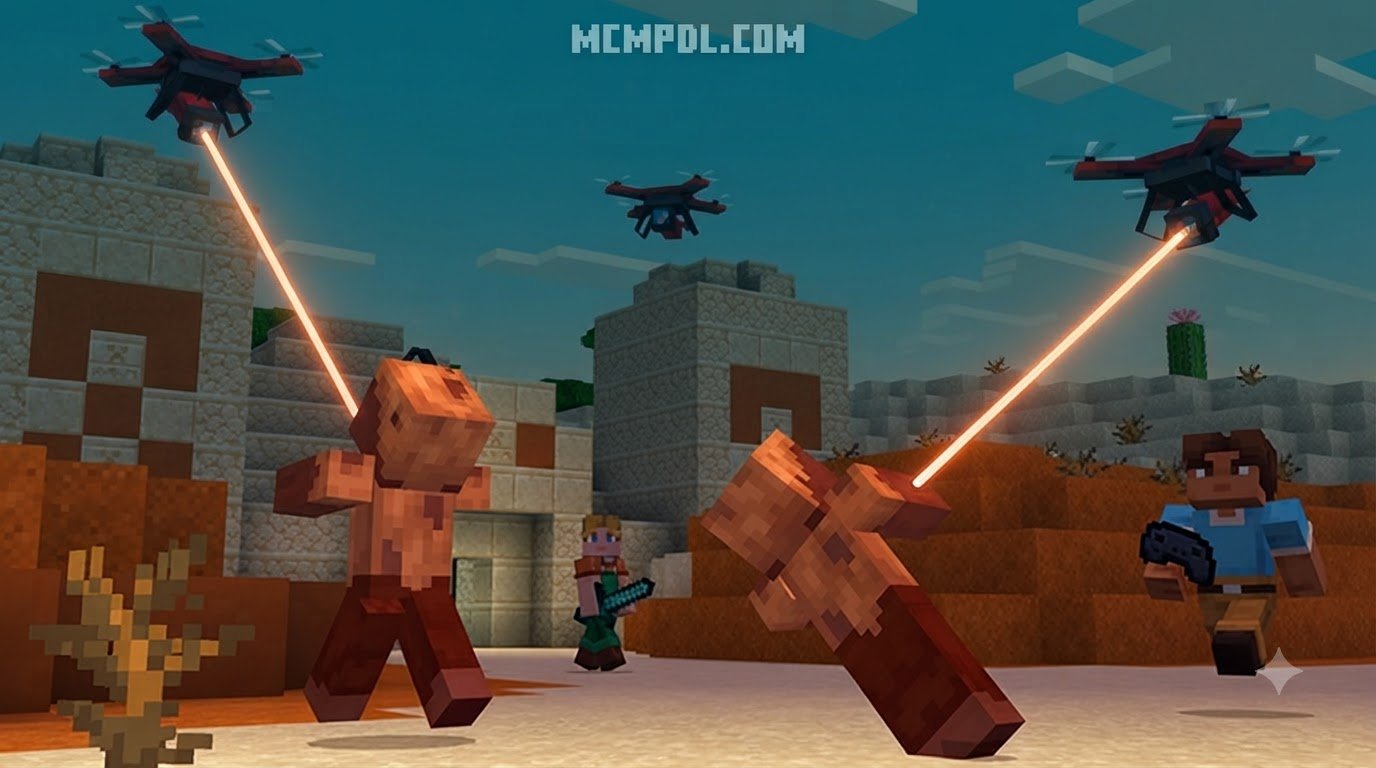
- Military Drone: A heavily armored tactical UAV engineered for defense, equipped with both a functional TNT launcher and a rapid-fire fireball blaster.
Alongside authentic engine rotor audio and smooth hovering animations, this pack offers deep entity interactions. Interacting with your drone using Redstone powers up the craft, while holding a Redstone Torch engages an automated player-following defense mode. The compact 960 KB download package makes it fast to import on both mobile devices and consoles.
Drone v2.6 TNT and Utility System
If your world runs on recent Bedrock builds such as 1.21.101 or above, Drone v2.6 provides an advanced utility and tactical package. Its centerpiece is the remote live camera feed paired with an interactive 3D controller item.
Beyond pure flight, Drone v2.6 turns your UAV into a functional transport and excavation tool. You can attach full blocks to the underside of the craft or rig it with live explosives. By carrying and dropping primed TNT blocks, you can blast through mountainsides or clear out quarry shafts without risking your player’s safety.
This addon also lets you dye your drone chassis in any of the standard 16 Minecraft dye colors—allowing you to fly anything from sleek stealth-black reconnaissance units to bright pink transport drones. At an 8.12 MB package size, it runs cleanly without requiring experimental toggles.
All-Purpose Drone Multi-Version Compatibility
The All-Purpose Drone addon focuses on broad version support and lightweight stability. Updated across multiple 1.21 releases—including 1.21.50, 1.21.70, 1.21.80, 1.21.90, 1.21.111, and 1.21.120—it ensures compatibility regardless of your specific game build.
Weighing in at just 1.23 MB, it incorporates localized language support for English, Italian, Russian, and Ukrainian. If you enjoy pairing tech packs with industrial systems like the Tech Craft Addon for Minecraft PE/Bedrock, this addon slots right into your load order. User feedback highlights potential UI overlaps when run simultaneously with custom screen-altering mods, so keeping your interface clean ensures the smoothest flight experience.
Crafting Recipes and How to Obtain Drones
Whether you play in Creative or pure Survival, bringing a drone into your world is straightforward. In Creative mode, navigate to your inventory’s Nature / Spawn Eggs category to grab ready-to-place drone items. You can also spawn them using text commands in chat:
/summon drone:phantom/summon drone:military/summon drone:base
If you are playing in Survival mode, you will need to gather resources and assemble the aircraft on a standard crafting table. Adding utility tool packs like the Bedrock Tools Add-on makes collecting these crafting materials even faster.
Crafting Drone Models in the Drones Addon for Minecraft PE/Bedrock
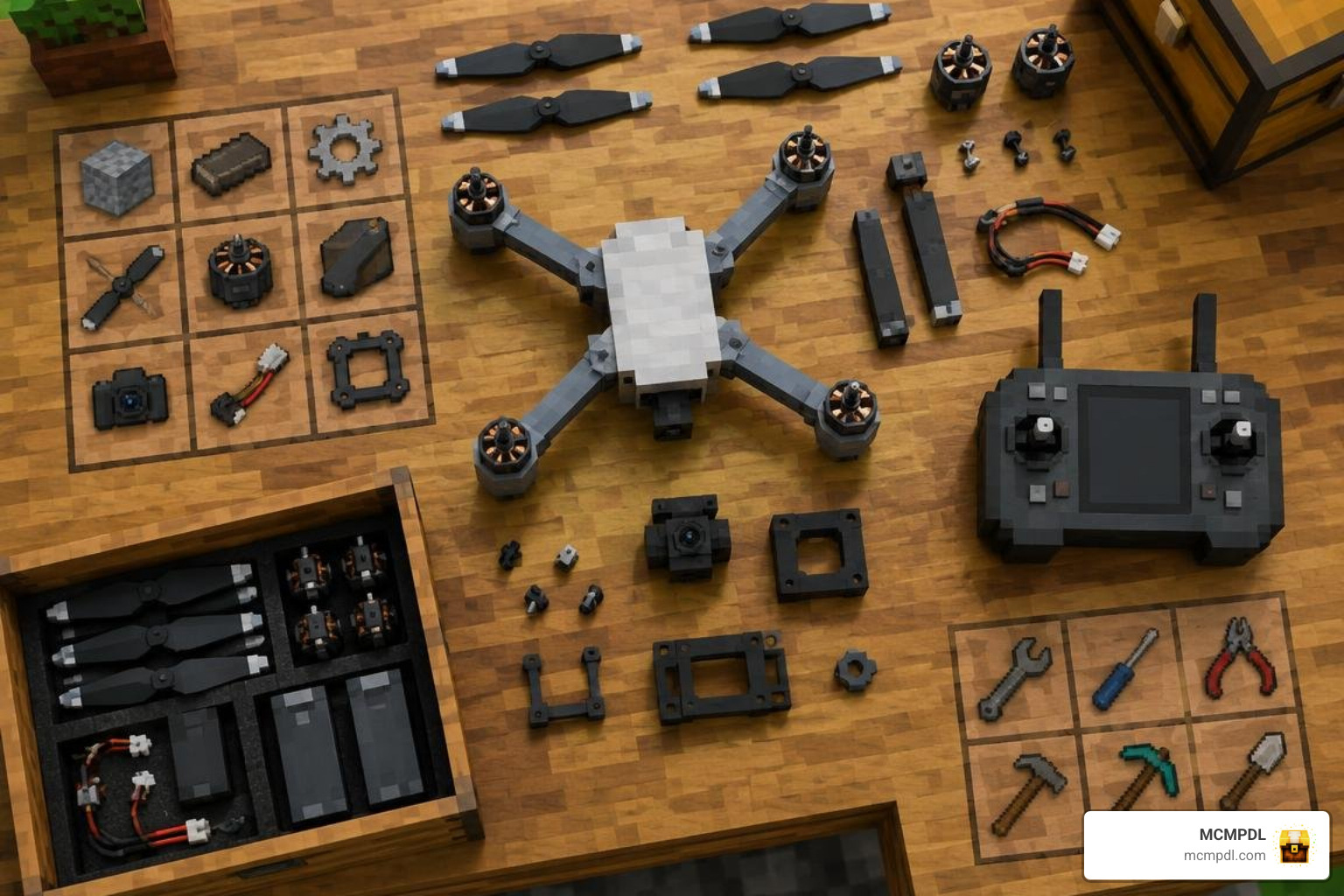
To construct your drone frame in survival, gather Iron Ingots, Redstone Dust, Glass Panes, and a Power Source. Here is the standard crafting workflow:
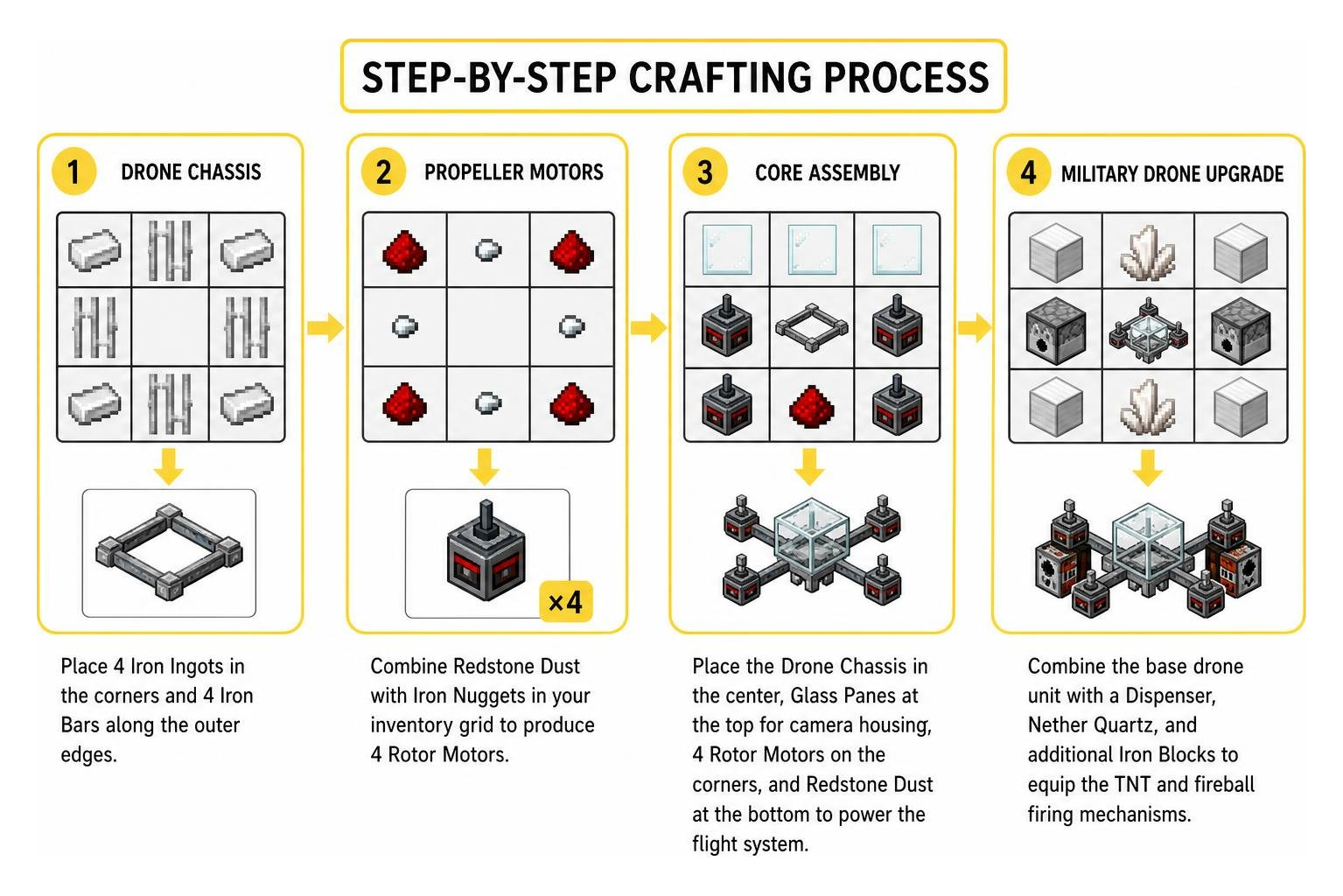
- Drone Chassis: Form the outer frame by placing 4 Iron Ingots in the corners and 4 Iron Bars along the outer edges of the crafting grid.
- Propeller Motors: Combine Redstone Dust with Iron Nuggets in your inventory grid to produce 4 Rotor Motors.
- Core Assembly: Place the Drone Chassis in the center of the crafting table, insert Glass Panes at the top for camera housing, arrange your 4 Rotor Motors on the corners, and place Redstone Dust at the bottom to power the flight system.
- Military Drone Upgrade: Combine the base drone unit with a Dispenser, Nether Quartz, and additional Iron Blocks to equip the TNT and fireball firing mechanisms.
Crafting Remote Controllers and Joysticks
A drone cannot fly without its paired transmitter. Crafting a controller requires common electronic components:
- Place a Redstone Repeater in the center slot of the crafting table.
- Flank it with 2 Iron Ingots on the left and right.
- Place a Glass Pane in the top slot to represent the transmitter display screen.
- Set a Redstone Torch or Lever in the bottom slot to complete the frequency transmitter.
In Drone v2.6, holding this crafted controller transforms your first-person hand model into an interactive 3D transmitter unit. If you frequently handle specialized mechanics using utilities like the Utility Tools Add-on for Minecraft Bedrock Best Features 2026, you will find the controller setup intuitive and responsive.
How to Pilot, Control, and Customize Your Drone
Piloting a drone switches your active viewpoint to the drone’s forward lens. This allows you to fly over mountains, inspect cave drops, and scout structures from complete safety.

When entering flight mode, you control the UAV using standard directional controls:
- Movement (WASD / Touch Joystick): Pitch forward, bank left, turn right, and reverse.
- Altitude Controls: Use your Jump key or touch upward arrow to ascend; use Crouch to descend gently toward the ground.
- Speed Boost: Double-tap forward or hold your Sprint key to trigger propeller acceleration for high-speed travel.
- Hover & Stop: Release movement inputs to engage the auto-hover stabilizer, keeping the craft fixed at its current altitude.
That while you are piloting via the remote lens, your player character stands completely still in the world. Always secure your character inside a safe shelter or bunker before taking flight so hostile mobs cannot sneak up on you. You can combine this aerial reconnaissance with navigation tools like the Real Minimap Addon for Minecraft PE/Bedrock to track coordinates accurately while in flight.
Customization and Interacting with the Drones Addon for Minecraft PE/Bedrock
Interacting with drones involves using specific hotbar items to trigger hardware functions:
- Power Management: Right-click or tap the drone with Redstone Dust to start its rotors.
- Sentry Guard Mode: Hold a Redstone Torch and interact with the military model to toggle sentry behavior, causing the drone to orbit you and launch fireballs at aggressive monsters.
- Storage Retrieval: Tap the drone while holding a Chest to pack the drone safely into your inventory without damaging its components.
- Chassis Dyeing: Hold any of the 16 Minecraft dyes and interact with the Drone v2.6 model to instantly recolor its outer casing.
- Block & TNT Transport: Approach your drone while holding a block or TNT. Crouch and jump, or right-click the craft to hook the payload underneath. While in flight, trigger your payload release button to drop primed explosives onto hostile bases or mining targets. For players who love explosive mechanics, combining this system with the TNT Addon for Minecraft PE/Bedrock creates limitless tactical possibilities.
Drone Commands and Troubleshooting
Server administrators and solo players have access to built-in slash commands to tune drone behaviors and fix entity glitches:
/drone:settings: Opens the drone configuration menu (requires Operator permissions). From this panel, you can adjust maximum flight velocity, restrict flight ceilings, or set a secure password so unauthorized players on your multiplayer server cannot pilot your fleet./drone:fix: Use this command if your camera view becomes desynced from your player character or if a drone entity freezes mid-air following a chunk unload. It resets active drone links and restores normal camera control to your character.
For general world management and entity cleanup, utility tools like the World Utilities Addon for Minecraft PE/Bedrock can help maintain smooth performance across heavily modded worlds.
Installation Guide and Compatibility Requirements
Installing drone addons into your Minecraft Bedrock game takes only a few minutes. Follow these simple steps to ensure everything loads properly:
- Back Up Your World: Before applying any new addon, make a copy of your primary world in the world settings menu.
- Download the Addon Package: Download the
.mcaddonor paired.mcpackfiles. - Import into Minecraft: Tap or double-click the downloaded file on Android, iOS, or Windows. Minecraft will launch automatically and display an “Import Started” notification at the top of the screen.
- Activate Behavior and Resource Packs: Open your world’s settings, scroll down to the Resource Packs tab, and activate the drone textures. Then navigate to Behavior Packs and activate the drone scripts.
- Configure Experimental Settings (If Required):
- For Drone Addon (1.19): Toggle Holiday Creator Features, Upcoming Creator Features, and Molang Features to ON.
- For Drone v2.6: No experimental toggles are required on versions 1.21.101 and higher.
- For All-Purpose Drone: Ensure your base game matches one of the supported 1.21 minor builds.
If you enjoy expanding your game with vehicle systems such as the Airplanes Addon for Minecraft PE/Bedrock, adding drones provides the perfect lightweight complement for close-range aerial exploration.
Frequently Asked Questions About Drone Addons
How do you carry and drop TNT using a drone in Minecraft Bedrock?
In Drone v2.6, equip a TNT block in your main hand and approach your drone on the ground. Crouch and jump or right-click the drone to latch the TNT block beneath its landing gear. Once airborne, pilot the drone over your target area and use the release interaction (interact button or secondary attack key) to drop the armed explosive.
Do drone addons require experimental gameplay to be enabled?
It depends on the specific addon you install. Older releases like the Drone Addon (1.19) rely on experimental toggles such as Beta APIs and Molang Features to handle custom camera perspectives. Newer versions like Drone v2.6 are built on modern Bedrock scripting rules and run completely within standard gameplay settings on Bedrock 1.21.101 and newer.
What happens to your player character while viewing the drone camera feed?
While viewing the live camera feed, your character remains physically stationary at the takeoff location. Your player model is still susceptible to mob attacks, fall damage, drowning, and hunger depletion. Always build a secure shelter or stand in an enclosed bunker before switching to the drone camera. Additionally, keep your active hotbar clear when switching control modes to avoid misplacing inventory items during camera transitions.
Conclusion
Drone addons bring modern reconnaissance, aerial combat, and effortless resource transport straight into Minecraft Bedrock Edition. Whether you want to drop TNT on mining quarries, blast hostile mobs with fireballs from above, or map out surrounding biomes from the sky, these UAV packs give you total command of the air.
Looking to expand your world even further with custom tech, vehicles, and gameplay overhauls? Visit our main resource library to explore the latest Minecraft Bedrock add-ons and enhance your gameplay today.