Scroll down to D0vvnl0ad
Find the DNA Add-On for Minecraft PE and Bedrock
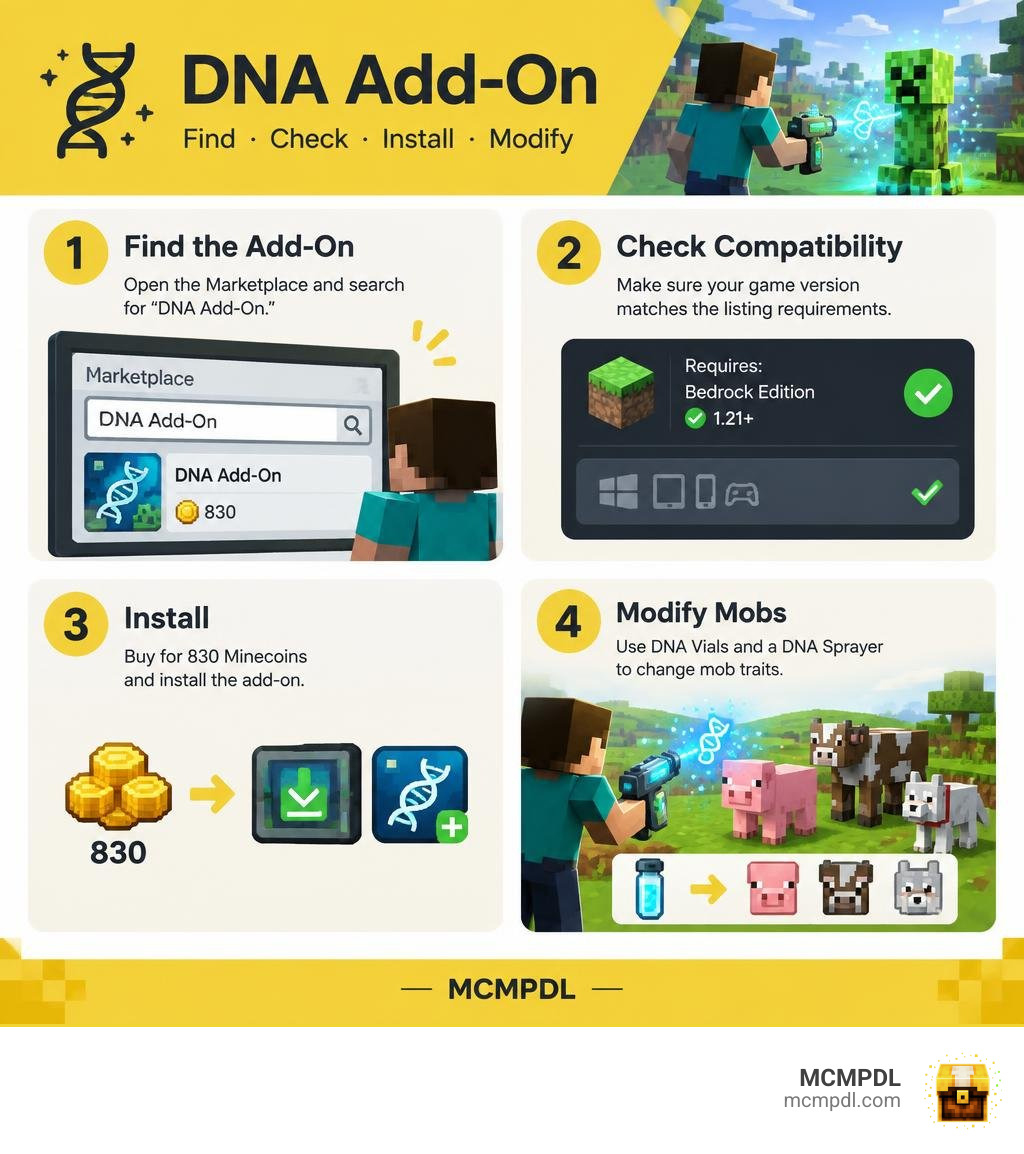
To find the DNA Add-On, open the Minecraft Marketplace in Bedrock Edition and search for “DNA Add-On.” Check that your game meets the listing’s version requirement before buying it for 830 Minecoins. Once installed, the add-on lets you use DNA Vials and a DNA Sprayer to change mob traits.
Other add-ons with “DNA” in the name work differently. Before downloading one, check its tools, supported version, and file source so you get the gameplay you want.
Understanding the DNA Addon for Minecraft PE/Bedrock
Genetic engineering might sound like something reserved for high-tech sci-fi movies, but Minecraft Bedrock brings these experiments straight to your device. When we look at how modding has evolved, biological modification packs stand out as some of the most creative tools available. Whether you want to turn a standard hostile mob into a friendly pet or create an oversized farm animal that yields double the resources, exploring genetic mechanics fundamentally changes how you interact with your surroundings.
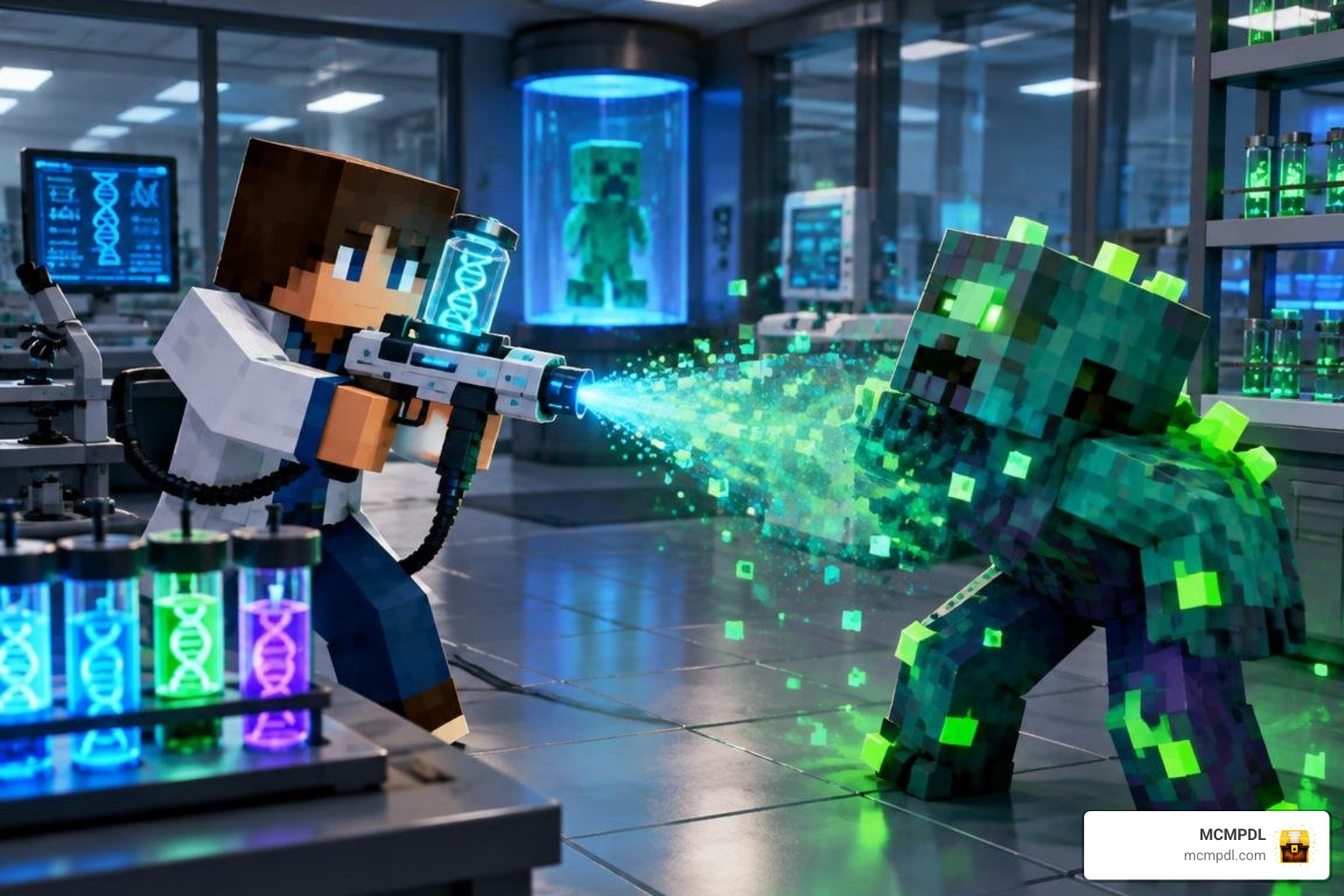
At its core, working with a genetics-based add-on transforms your world into an open-air laboratory. Instead of simply defeating mobs for basic drops, you capture genetic material, synthesize unique traits, and inject those characteristics into other creatures. This opens up entirely new gameplay styles, from building automated creature farms to designing custom boss encounters for adventure maps.
Key Features: DNA Vials, Sprayers, and Mob Customization
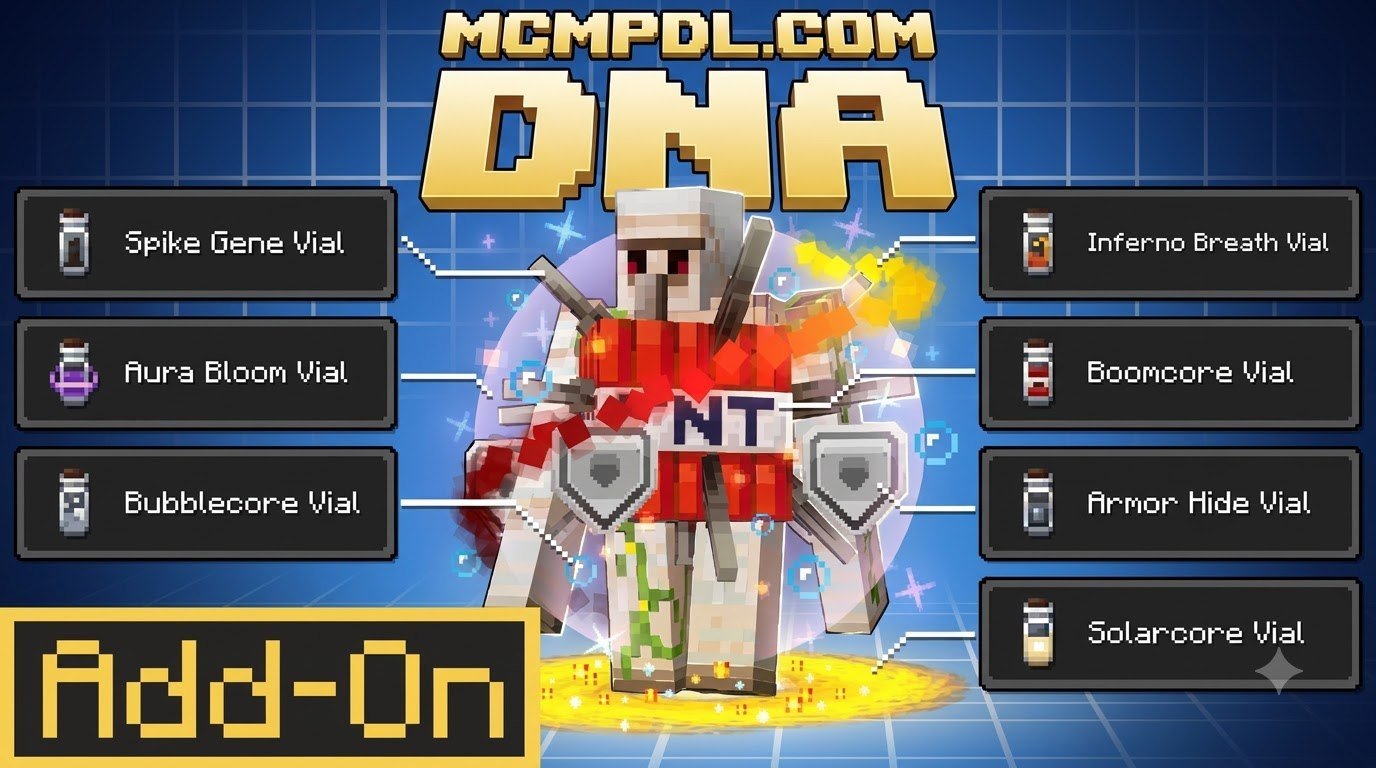
The official DNA Add-On by CodeStudios introduces an accessible suite of biological tools designed for direct mob customization:
- DNA Vials: Portable containers crafted using basic resources that store specific biological traits harvested from target entities.
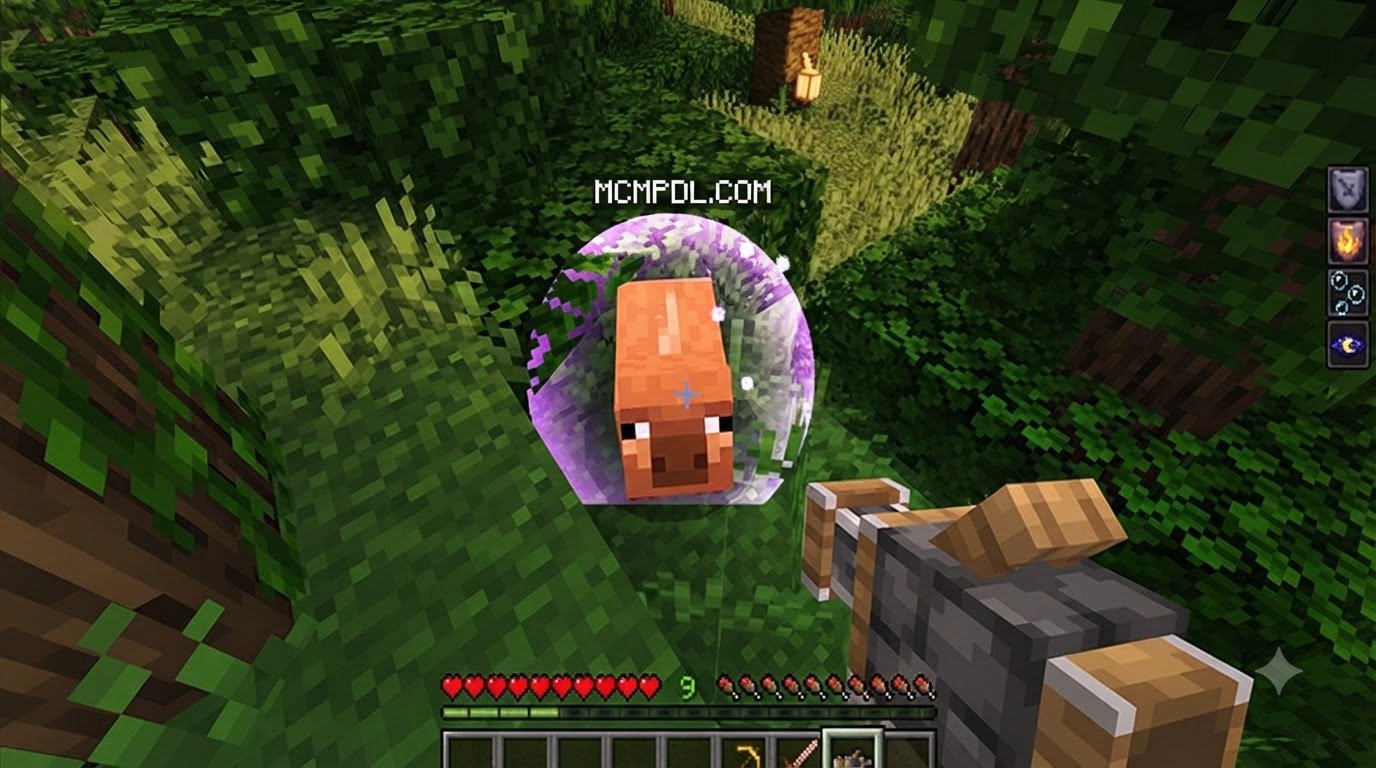
- DNA Sprayers: Specialized handheld devices used to apply stored genetic traits directly to mobs in the world.
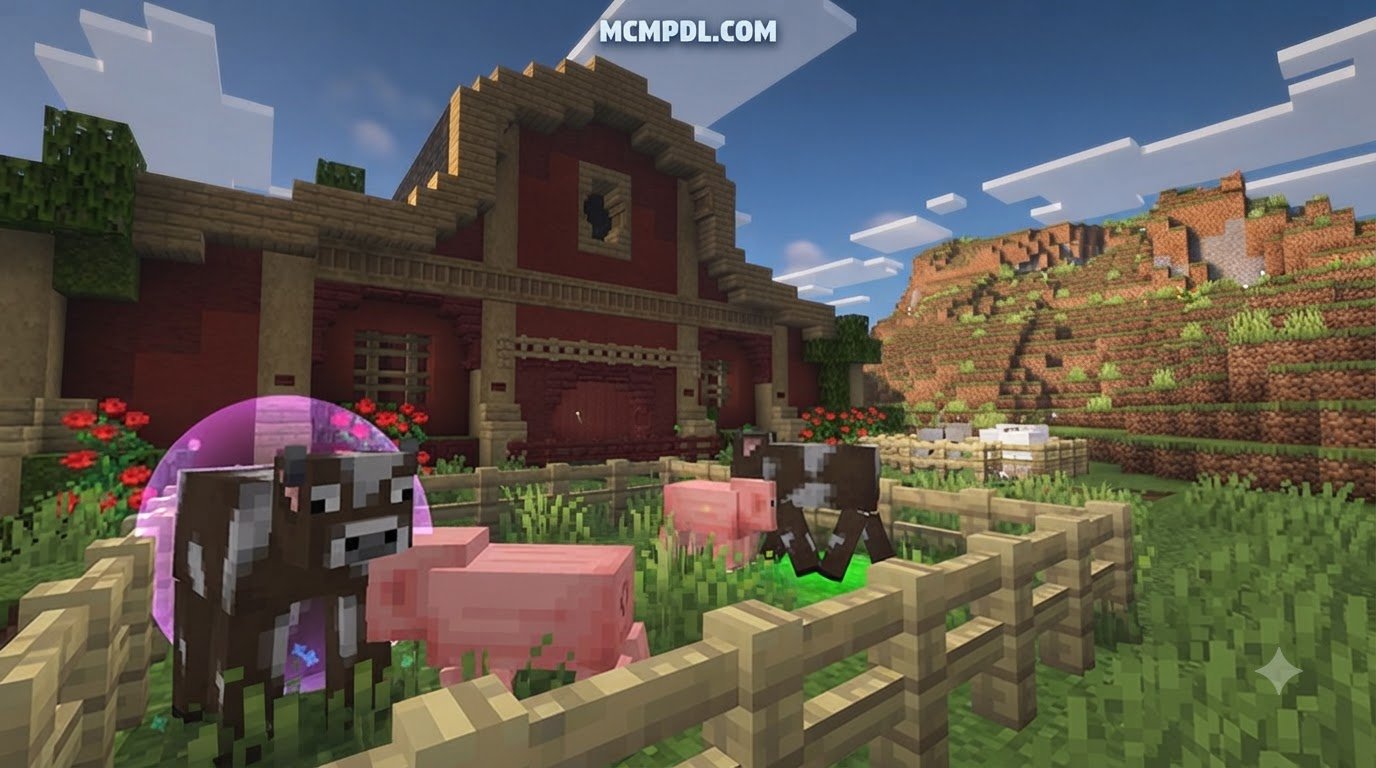
- Mob Scaling and Resizing: Tools to dramatically alter entity size, allowing you to shrink dangerous threats or enlarge livestock for higher resource yields.
- Coloration and Visual Shaders: Mechanics that recolor entities or grant glowing visual effects to distinguish mutant variants.
- Behavioral and Ability Alterations: Genetic adjustments that modify aggression levels, movement speed, particle effects, and special abilities.
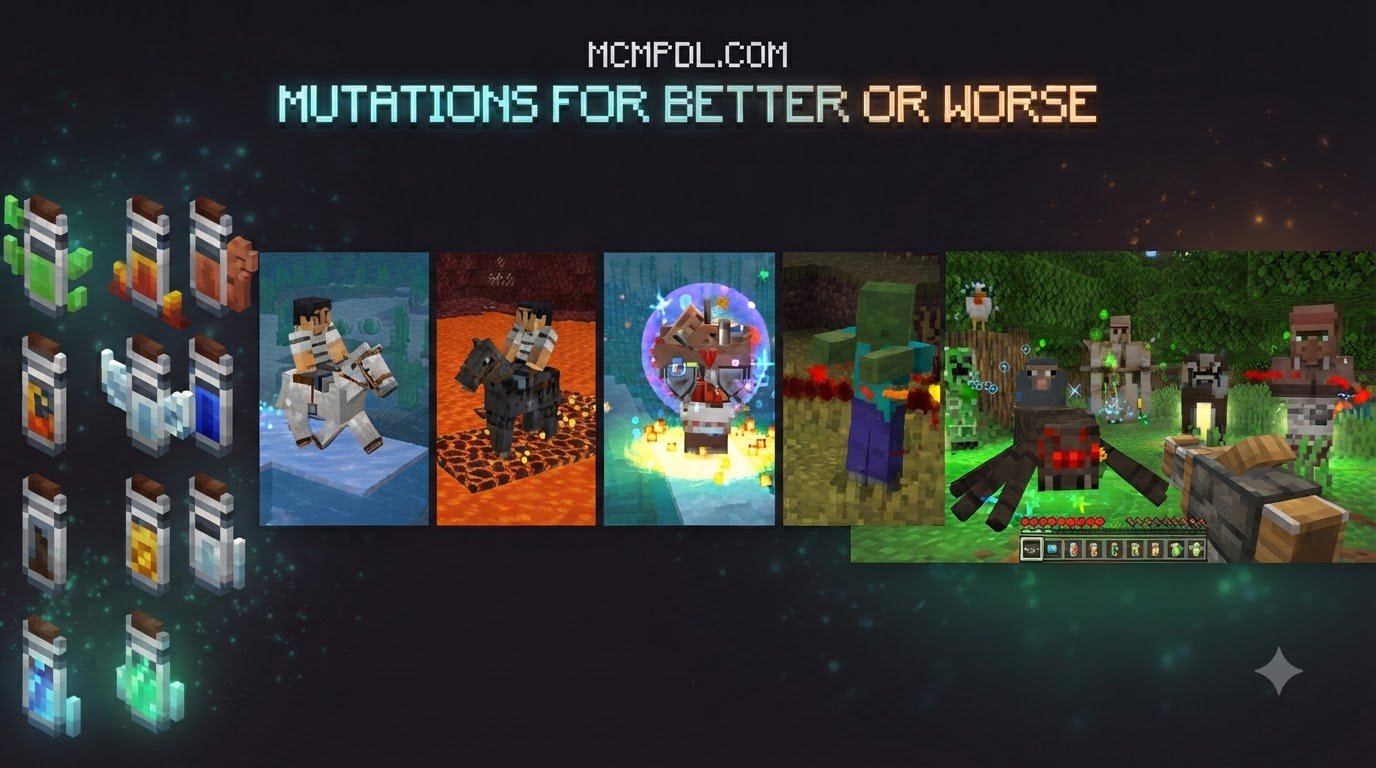
These features make it simple to adapt existing creatures to suit your needs. You can craft DNA Vials to collect traits, load them into your sprayer, and transform a standard creeper or zombie into an entirely new entity with customized visual effects and modified stats.
Availability and Community Reception
Since its launch on June 9, 2026, the marketplace DNA Add-On has earned strong community reception. It maintains an average rating of 4.0 out of 5 stars based on 63 ratings, with 68% of reviewers awarding it a full 5-star score. Priced at 830 Minecoins (approximately $4.35 USD or €4.10 EUR), it provides a polished, official method for customizing entities on Bedrock platforms.
Beyond the official marketplace, the wider modding community has developed alternative biological add-ons. These include packs that introduce syringe-based blood extraction and genetic fusion machines, as well as packs that use stonecutter mechanics to process animal DNA into custom spawn eggs. Dedicated creators on Android can even build and modify biological behaviors directly on mobile using addon studio tools, which allow visual mob editing and JSON scripting without needing a PC.
Gameplay Mechanics: Extraction, Fusion, and Genetic Modification
Working with genetics in Bedrock Edition generally follows a structured gameplay loop. While exact crafting recipes vary depending on which biological add-on you load, the fundamental process moves from sample extraction to genetic synthesis and live application.

The core genetic modification workflow involves several essential steps:
- Crafting Extraction Tools: Players craft empty syringes or vials using glass, iron, and redstone components.
- Harvesting Biological Material: By approaching a target entity and interacting with an empty syringe or vial, players collect pure blood or DNA samples.
- Processing Genetic Data: Samples are refined using a specialized workstation such as a DNA fuser, crafting grid, or stonecutter.
- Synthesizing Hybrid Traits: Combining two distinct DNA samples allows players to create hybrid spawn eggs or concentrated trait serums.
- Applying Mutations: Using a sprayer or direct injection mechanics, players apply the synthesized traits to living mobs to trigger mutations.

In science-focused packs, fusing DNA samples produces unique hybrid entities. For instance, creating a large cow fusion yields double the meat, leather, and experience points while accelerating growth rates, giving survival players a powerful incentive to set up genetic breeding labs.
Injecting Traits and Mutating Entities
Once you have extracted or synthesized your desired traits, applying them changes how mobs interact with your world. Mutating entities allows you to experiment with various modifications across Survival, Creative, and Adventure modes:
- Survival World Utility: Enlarge livestock to maximize food and leather production, or strip hostile mobs of their attack damage to make survival bases safer.
- Combat Customization: Inject aggressive traits, increased health pools, or potion effects like speed and strength into guard mobs or wolves.
- Multiplayer Mini-Games: Create obstacle courses or mob arenas where players face fast, miniaturized zombies or oversized bosses with customized attacks.
Testing these combinations in Creative mode first lets you observe how different traits interact before investing rare survival resources into complex genetic experiments.
Combining Genetic Mechanics with Other Bedrock Expansions
Genetic add-ons shine brightest when paired with other gameplay expansions. If you enjoy designing custom combat encounters, mutated creatures provide excellent targets for testing high-tier weapons from the Advanced Combat Addon for Minecraft PE/Bedrock or specialized combat gear from the More Maces 2.0 Addon for Minecraft.
For players building fantasy worlds, combining altered mobs with the Legendary Weapons Addon for Minecraft PE/Bedrock lets you craft challenging dungeon scenarios. If you want to transform into the very creatures you engineer, pairing your world with the Morph Addon for Minecraft PE/Bedrock gives you first-hand access to mutant mob abilities.
You can also expand your laboratory adventures by introducing spellcasting mechanics from the Spellcraft Addon for Minecraft PE/Bedrock or mystical abilities from the Magic Addon for Minecraft PE/Bedrock. If you want even more variety in your creature encounters, combining your genetic experiments with the Bosses Addon, diverse creature packs like the More Mobs Addon for Minecraft PE/Bedrock, animations from Mowzie’s Mobs 1.2 Addon for Minecraft PE/Bedrock, or character progression from the RPG Addon for Minecraft PE/Bedrock will turn your Bedrock world into a fully realized roleplaying experience.
How to Download, Install, and Configure Your Addon
Installing content on Minecraft Bedrock is straightforward across mobile devices, consoles, and Windows PCs. Depending on whether you acquire your add-on via the in-game Marketplace or as a community .mcaddon file, following the correct setup steps ensures smooth performance and avoids missing dependency errors.
System Requirements and Compatibility for the DNA Addon for Minecraft PE/Bedrock
Before loading any genetic modification pack, make sure your game client meets the required version specifications:
- Official Marketplace DNA Add-On: Requires Minecraft Bedrock version 1.16.0 or newer. Compatible with Windows 10/11, Android, iOS, Xbox, PlayStation, and Nintendo Switch.
- DNA – Science in Minecraft: Built for Minecraft Bedrock version 1.20.0 and above.
- DNA Mob Addon: Supported on Minecraft version 1.14 (legacy compatibility).
- Hardware Considerations: While DNA manipulation packs are lightweight, spawning dozens of mutated entities with active particle effects in a small area can impact frame rates on low-end mobile devices. Keep laboratory areas well-spaced for optimal performance.
Step-by-Step Guide to Installing the DNA Addon for Minecraft PE/Bedrock
To get your biological laboratory running without technical hitches, follow these installation steps:
- Obtain the Add-On File: Purchase the DNA Add-On through the Marketplace, or download a verified
.mcaddonor.mcpackfile from a trusted community hub. - Import into Minecraft: On mobile (Android/iOS) or Windows 10, open or tap the downloaded file. Minecraft will automatically launch and display an “Import Started” banner at the top of the screen.
- Create or Edit a World: In the world settings menu, navigate to the Resource Packs tab and activate the add-on pack.
- Activate Behavior Packs: Switch to the Behavior Packs tab and ensure the corresponding behavior pack is active.
- Enable Experimental Toggles: Scroll down to the Experiments section in your world settings and enable toggles such as Holiday Creator Features, Custom Biomes, and Beta APIs if required by the specific pack.
- Back Up Your World: Always create a world backup before applying new behavior packs to existing survival saves to prevent accidental data corruption.
Frequently Asked Questions About Minecraft Bedrock DNA Mods
Where can you find the DNA Add-On?
You can find the official DNA Add-On directly in the Minecraft Bedrock Marketplace by searching for “DNA Add-On” by CodeStudios. For standalone community packs that feature science mechanics, syringe extraction, and mob fusion, you can browse verified community repositories that host .mcaddon and .mcpack downloads.
Can you combine DNA traits in Survival and multiplayer modes?
Yes. The DNA Add-On fully supports Survival, Creative, Adventure, and multiplayer modes. In survival worlds, players craft extraction vials and sprayers using standard crafting table recipes. In multiplayer sessions, all connected players can view mutated mob textures and abilities, provided the host has enabled the resource and behavior packs for the world.
What Minecraft Bedrock versions support genetic engineering add-ons?
The official marketplace DNA Add-On is compatible with Minecraft Bedrock version 1.16.0 and newer. Community-developed alternatives have varying version targets; for instance, DNA – Science in Minecraft requires Bedrock version 1.20.0, while legacy packs like DNA Mob were designed for version 1.14. Always check the version metadata before importing packs to ensure full stability.
Conclusion
Experimenting with genetics adds a refreshing layer of creativity and scientific progression to Bedrock Edition. Whether you are extracting traits to optimize livestock farming, breeding modified guardians to defend your base, or creating wild mob mutations for multiplayer mini-games, biological add-ons give you complete control over the creatures in your world.
At MCMPDL, our mission is to serve as your single, curated hub for high-quality Bedrock content. We test and organize the newest releases so you can spend less time troubleshooting files and more time playing. When you are ready to expand your world even further, check out our comprehensive library to explore the latest Minecraft Bedrock add-ons and discover new gameplay mechanics, custom mobs, and powerful equipment for your next adventure.