Scroll down to D0vvnl0ad
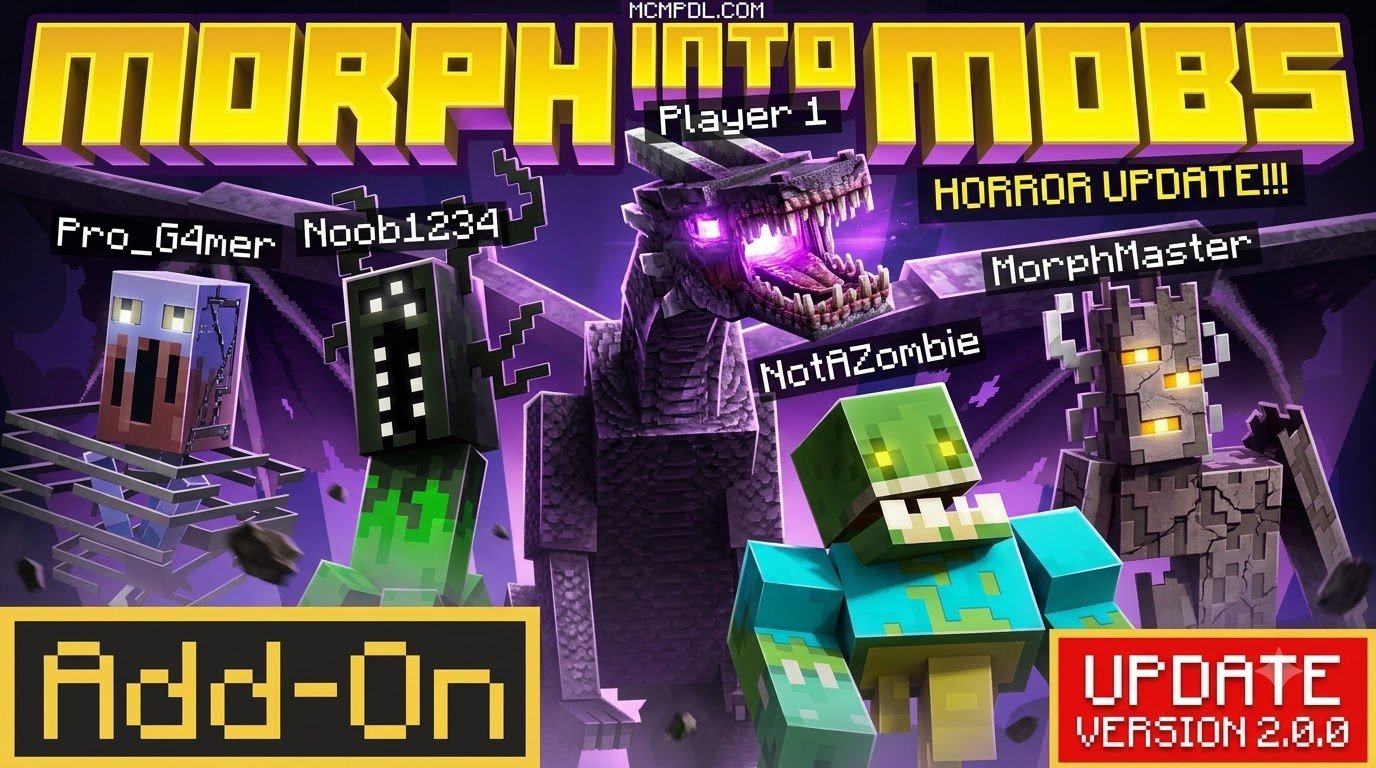
What Is the MORPH Addon for Minecraft PE/Bedrock?
To install the MORPH Addon for Minecraft PE/Bedrock, download the corresponding .mcaddon or .mcpack file to your device, toggle on experimental features such as Beta APIs and Holiday Creator Features within your world settings, and activate both the resource and behavior packs before launching your game.
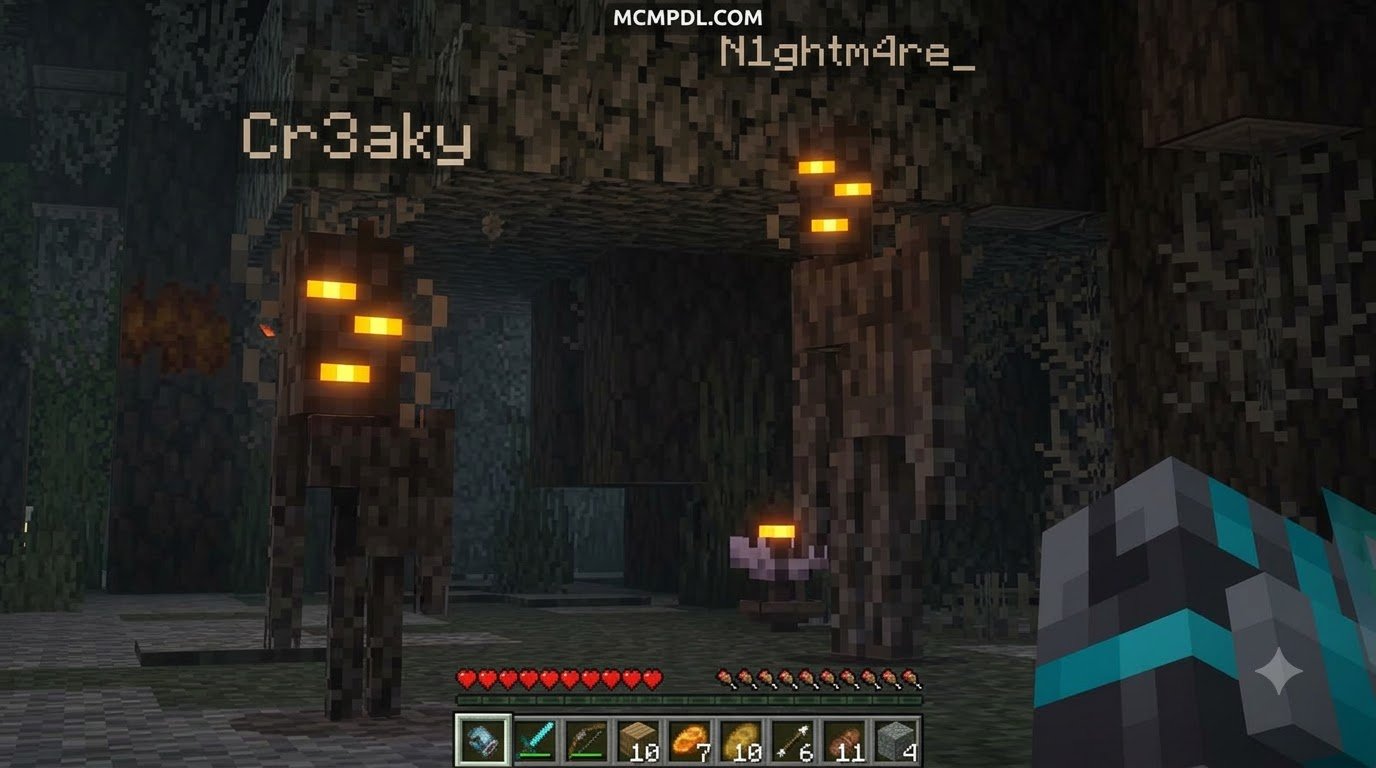
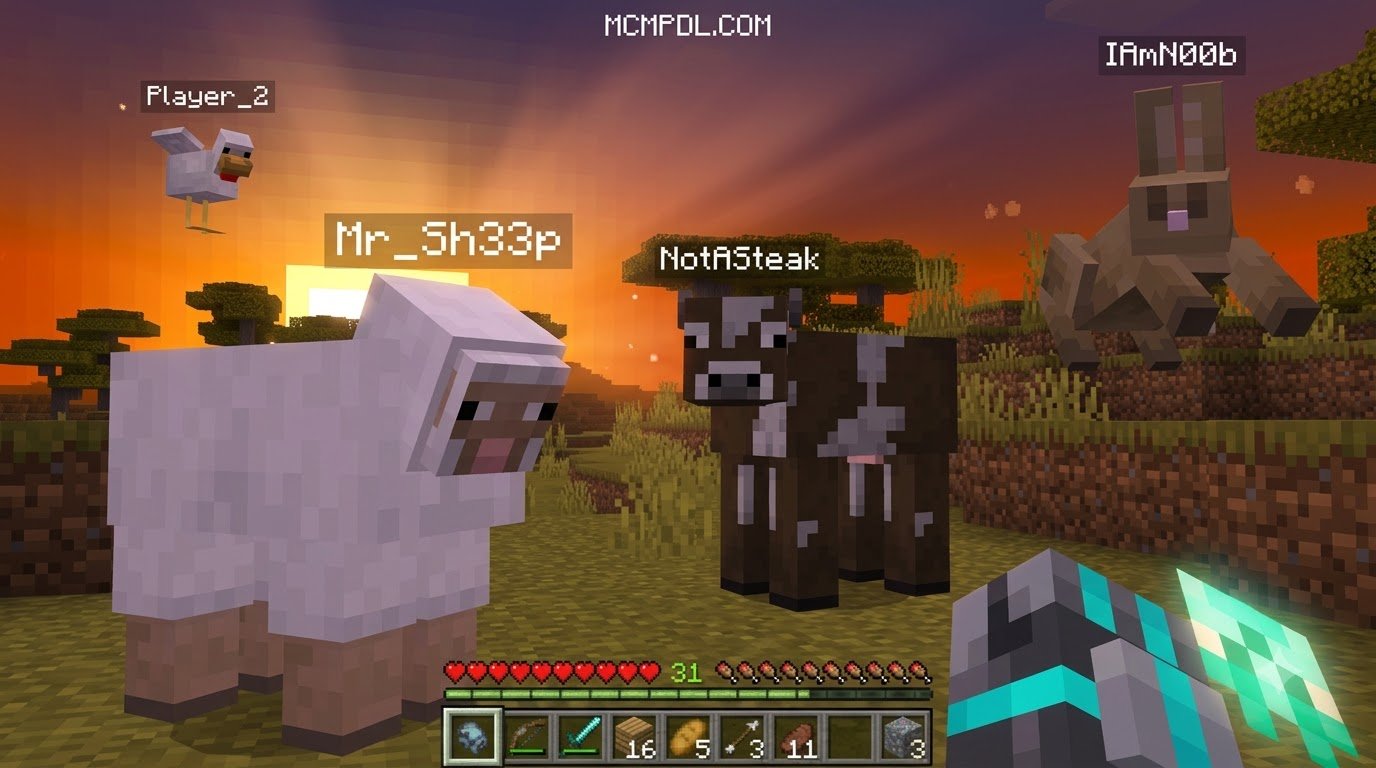
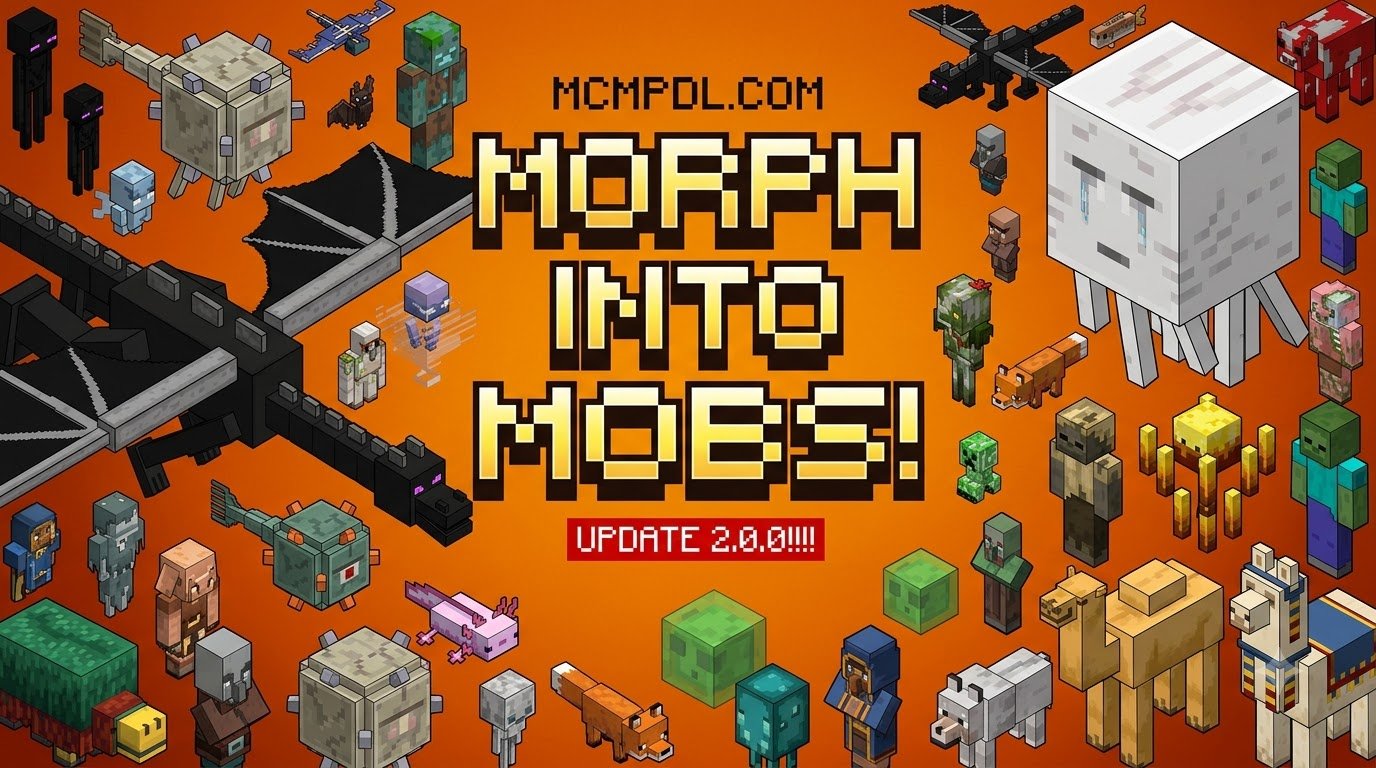
The morphing system transforms standard Bedrock survival by letting you take on the physical shape, hitbox, and native abilities of the creatures you encounter. Instead of relying solely on standard gear, you gain direct access to innate creature traits like flight, lava immunity, wall climbing, or night vision. If you love expanding your world mechanics, you can explore exciting game expansions to discover other creative gameplay enhancements.
Over the years, transformation modifications have evolved from basic texture swaps into complex gameplay systems. Community creations across Bedrock platforms boast millions of downloads worldwide. Modern Bedrock iterations allow seamless transitions between forms, custom user interfaces, and balanced survival mechanics that challenge how you navigate the Overworld, Nether, and End.
Core Features of MORPH Addon for Minecraft PE/Bedrock
Transforming is not purely cosmetic; each creature form alters your fundamental physics, health pool, and tactical potential. Below is an overview of how popular transformations reshape your capabilities:
| Mob Form | Movement & Trait Modifications | Special Active / Passive Abilities | Primary Tactical Use Case |
|---|---|---|---|
| Blaze | Slow-fall descent, jump-activated flight | Immune to fire and lava; takes damage from water and rain | Aerial scouting and Nether traversal |
| Spider | Standard base speed, wall-climbing physics | Can scale vertical solid blocks effortlessly | Mountain exploration and stealth escapes |
| Strider | Fluid walking on lava; slowed on land | Total immunity to lava; takes damage from rain | Safe surface navigation across Nether lava lakes |
| Axolotl / Dolphin | High swim speed; infinite underwater breathing | Passive regeneration or swift swimming boosts | Deep ocean monument exploration and recovery |
| Enderman | Height increased to 3 blocks; vulnerable to water | Short-range teleportation mechanics | Evading hostile mobs and crossing chasms |
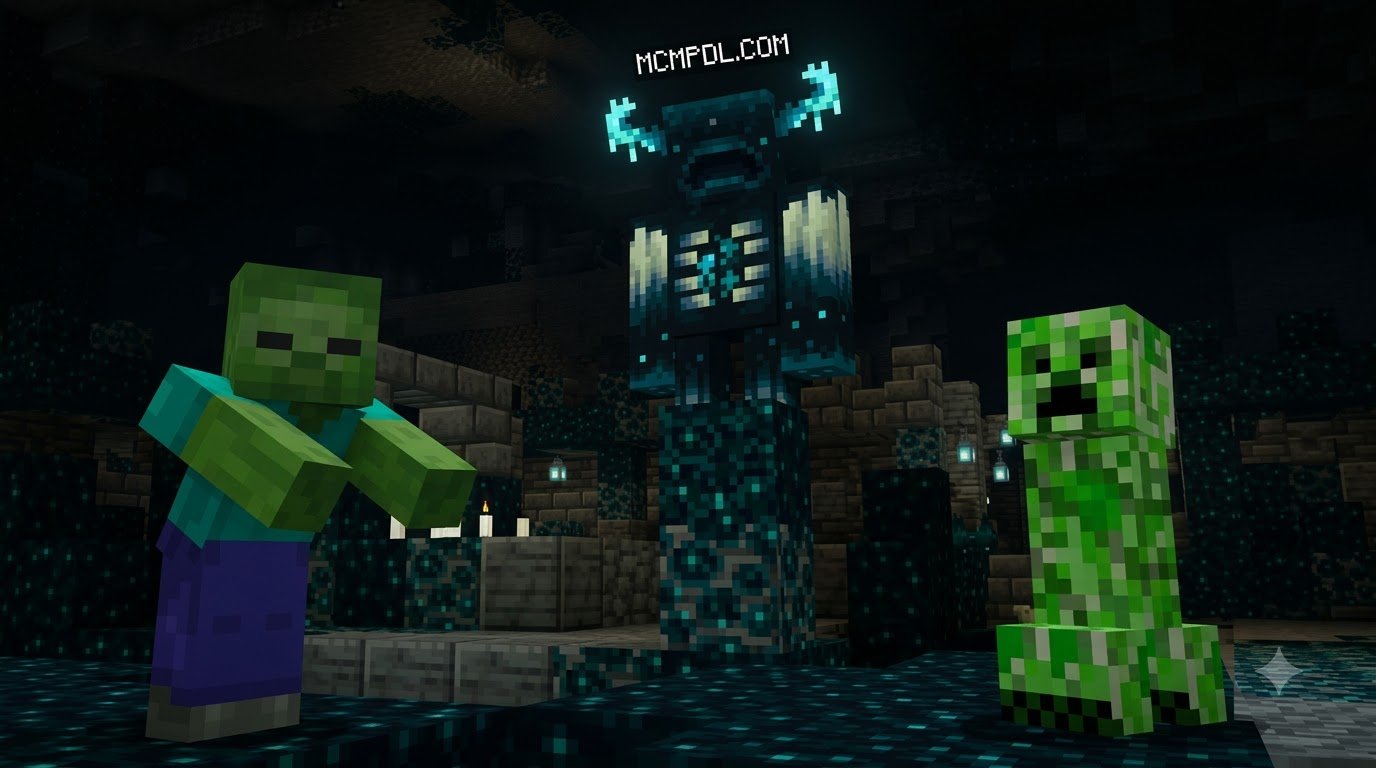
| Warden | Massive health pool; blindness aura effect | Devastating melee damage and Sonic Boom burst | Deep Dark defense and high-threat boss clearing |
Mechanics and Crafting Essentials
Community favorites like the Morphing Bracelet add-on streamline survival integration through immersive crafting recipes. Rather than relying on chat commands, your transformation power is bound to crafted relics:
- The Morphing Bracelet: Assembled in a standard crafting grid by placing one soul glass block in the center surrounded by four soul soil blocks. Holding this relic while defeating an entity captures its essence permanently into your morph catalog.
- Durability and Restoration: Transforming drains the bracelet’s energy over time. You can repair its durability naturally by standing on soul sand or soul soil blocks while holding the item, creating an engaging survival loop.
- The Scroll of Souls: A specialized storage medium that lets you store a captured entity form and trade it with other players on your server, enabling player-to-player mob trading economies and class specialization.
- Totems and Potions: Alternative variations utilize crafted morphing potions or the Totem of the Restoration to manage essence consumption and instantly revert forms when danger strikes.
Step-by-Step Guide: How to Download and Install in 3 Steps
Setting up custom behavior and resource packages on Pocket Edition requires proper file association and world configuration. Follow this straightforward setup walkthrough to ensure all custom scripts load properly without crashes or missing textures.
Step 1: Download the File or Mobile App
- Acquire the
.mcaddonor.mcpackinstallation package tailored to your game version (such as Bedrock 1.21 or recent release branches). - Locate the file within your device’s download directory using your preferred file manager app.
- Tap or double-click the
.mcaddonfile to prompt your device to open it directly with Minecraft, which begins the automatic import process in the background. - Wait for the game header notifications confirming “Import Started” and “Successfully imported pack” before proceeding.
Step 2: Enable Experimental Gameplay Settings
Because transformation addons manipulate entity behaviors, hitboxes, and custom scripts, you must toggle experimental features inside your world settings:
- Open your world edit menu by clicking the pencil icon beside your selected world in the main menu.
- Scroll down to the Experiments section located in the left-hand navigation sidebar.
- Toggle on Beta APIs, Holiday Creator Features, and Upcoming Creator Features to support custom animation components.
- Enable the Education Edition toggle if your selected transformation pack relies on native creative flight or chemistry mechanics.
- Create a backup copy of your world when prompted to prevent accidental world corruption during updates.
Step 3: Activate Resource and Behavior Packs
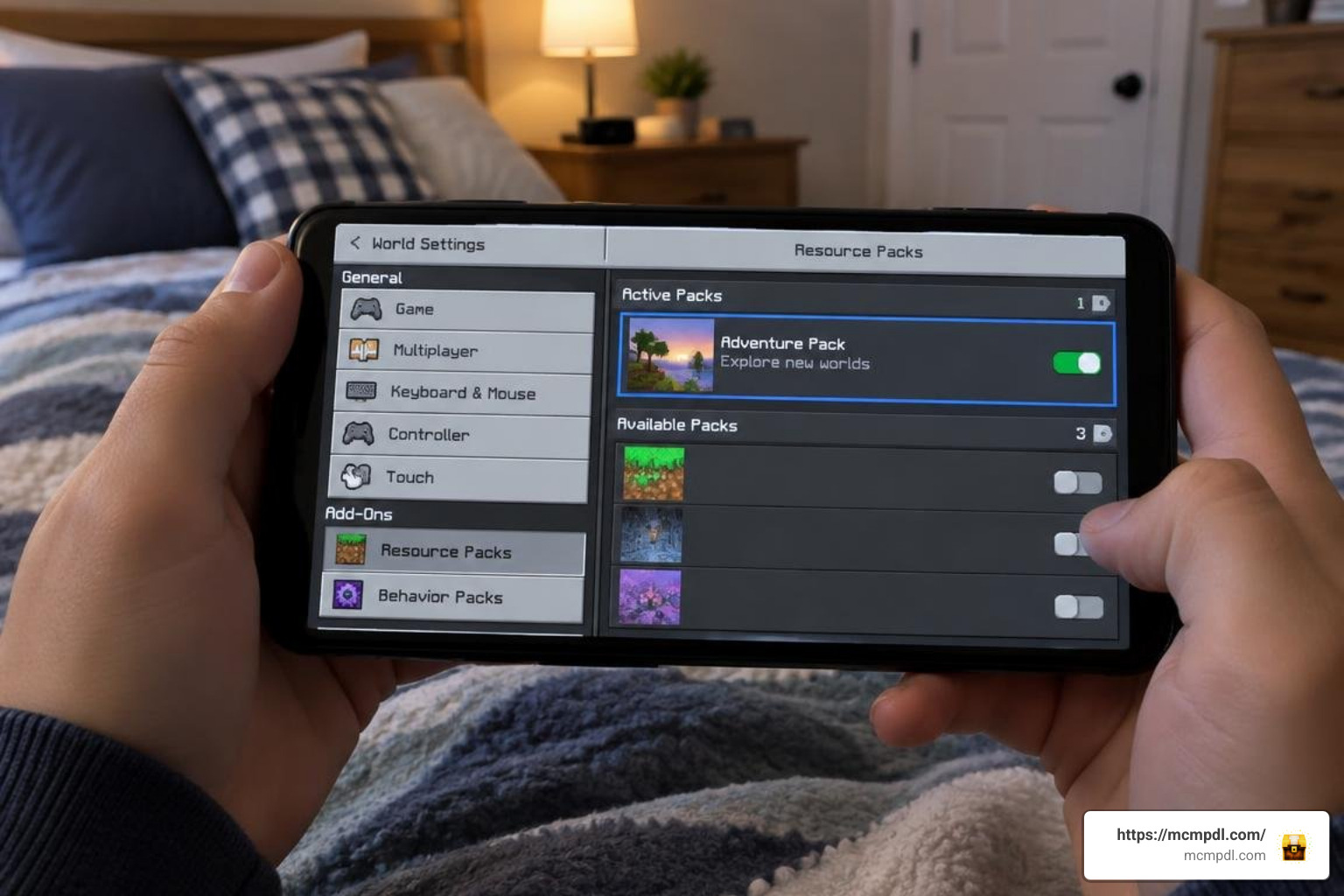
- Navigate to the Resource Packs tab in the world settings menu, select the morph pack under the “Available” list, and click Activate.
- Switch to the Behavior Packs tab and activate the corresponding behavior pack file so scripts execute accurately.
- Verify that the pack priority order matches in both tabs to avoid script desynchronization or visual texture glitches.
- Launch your world to finalize the setup and test your initial transformation mechanics in survival or creative mode.
Advanced Survival and Combat Strategies
Adopting a creature’s form introduces strategic trade-offs. While transforming into a Blaze grants flight and fire immunity, unexpected rain or water buckets will rapidly deplete your health pool. Similarly, morphing into an undead creature like a Skeleton or Zombie exposes you to daylight burning unless you equip a helmet or seek canopy shade. Understanding these environmental vulnerabilities is critical when planning expeditions, especially when transitioning between the Overworld, Nether, and End in a single session.
Combining these creature transformations with a dedicated Magic Addon for Minecraft PE/Bedrock can turn your survival world into a complete fantasy RPG where physical forms complement arcane spells.
Combat and Survival Strategies with MORPH Addon for Minecraft PE/Bedrock
Mastering transformations allows you to adapt to hostile encounters dynamically across every dimension:
- Heavy Siege Defense: Shift into an Iron Golem or Warden to absorb massive kinetic damage and unleash high-knockback strikes during village raids or multiplayer skirmishes.
- Aerial Reconnaissance: Transform into a Phantom, Bat, or Blaze to survey terrain from above before transitioning into an ambush form behind enemy lines.
- Lava Mining and Exploration: Step into the Nether as a Strider to cross vast magma expanses without building bridges, giving you effortless access to ancient debris mining sites.
- Stealth and Infiltration: Transform into smaller passive mobs like chickens, silverfish, or foxes to slip through 1-block openings and scout out hostile strongholds unnoticed.
- Aquatic Dominance: Shift into a Drowned or Guardian to navigate deep underwater ocean ruins without fear of drowning, while gaining increased underwater mining speed.
Each of these tactics relies on understanding a mob’s native strengths and weaknesses before committing to a fight. A Warden morph, for instance, grants a devastating Sonic Boom burst capable of clearing entire rooms of hostiles, but its blindness aura can disorient allies fighting alongside you, so coordinate carefully in group settings. Meanwhile, lava immunity from Blaze or Strider forms turns the Nether from a hazard zone into a highway, letting you scout fortresses and bastions with minimal risk. Balancing flight utility against fall damage vulnerabilities in other forms is part of the fun, since not every mob shares the same aerial safety net.
If you enjoy layering deep tactical mechanics, pair your transformations with the Spellcaster Addon for Minecraft PE/Bedrock to wield elemental attacks while in flight or beast form.
Multiplayer and Custom Mob Editing
Transformation addons fully support multiplayer worlds, hosting up to large-scale player servers where teams can engage in mob-versus-mob warfare or stealth hide-and-seek minigames. For creators wanting personalized experiences, mobile apps like Morph Addons Maker for MCPE App – App Store provide integrated 3D entity editors. These toolsets allow you to adjust mob scaling, edit custom textures, and configure custom attack animations right on your mobile device using Blockbench-style workflows.
For players looking to prioritize the most useful forms early on, consider unlocking these versatile utility morphs first:
- Spider – for early-game vertical mobility and cave exploration without needing ladders.
- Strider – for safe, effortless traversal across Nether lava lakes.
- Axolotl or Dolphin – for extended underwater exploration and ocean monument raids.
- Enderman – for quick teleportation escapes when overwhelmed by mobs.
- Iron Golem – for absorbing heavy damage during base defense against raids.
These five forms alone cover most early and mid-game survival needs, letting new players ease into the transformation system before chasing rarer boss-tier morphs.
Frequently Asked Questions About Morphing
How do I revert back to normal player form?
Most addons include a dedicated in-game UI menu (often mapped to sneaking and jumping or holding an interaction item). Open the Morph Menu and select the default “Player” icon. If your pack uses items, consuming or holding a Totem of the Restoration will immediately return you to your human form.
Do I keep my inventory and gear when morphing?
Yes, your full inventory, hotbar items, and armor values remain intact throughout the transformation. However, depending on the mob’s 3D model geometry, equipped armor pieces may be visually hidden to prevent texture clipping.
Can I morph into boss mobs like the Wither or Ender Dragon?
Yes, provided the specific pack supports boss-tier entities. Boss morphs typically require you to defeat the Wither or Ender Dragon in survival mode first to unlock their essence, granting expansive health pools and devastating attack mechanics.
Conclusion
The morphing mechanic breathes fresh vitality into Minecraft Bedrock, turning every mob encounter into an opportunity to expand your survival toolkit. Whether you are gliding across mountain peaks as a Blaze or burrowing into caves as an armored insect, these transformations offer endless creative possibilities.
Visit mcmpdl.com to explore our comprehensive library of tested modifications, maps, and texture packs to elevate your Bedrock adventures today!

9 thoughts on “MORPH Addon for Minecraft PE/Bedrock”