Scroll down to D0vvnl0ad
Build a Heart Mode World for Minecraft PE/Bedrock
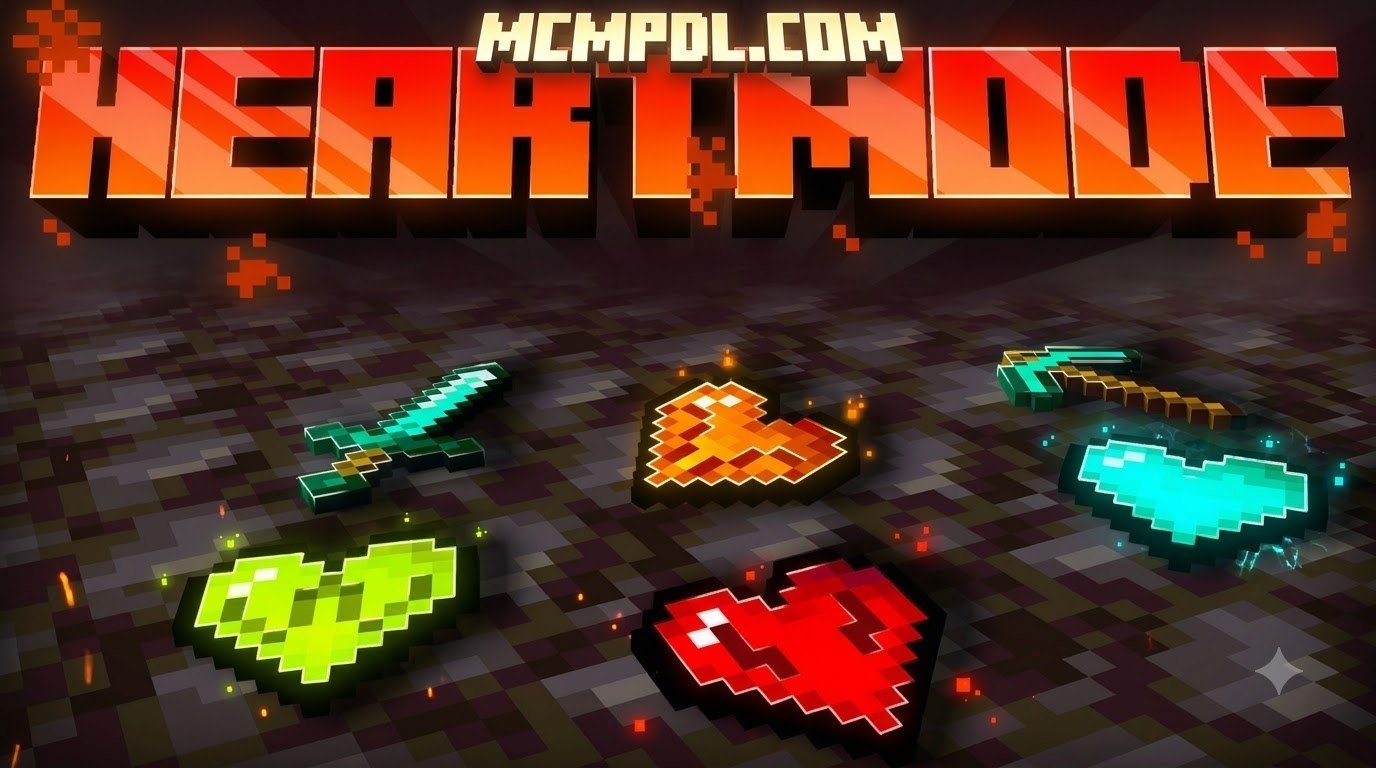
A Heart Mode world for Minecraft PE/Bedrock uses a Lifesteal add-on to make health a resource players can win, lose, and sometimes trade. Players typically start with 10 hearts. PvP kills can transfer hearts between players, while reaching zero can leave a player in a ghost-like spectator state until they are revived.
To get started, import a compatible .mcaddon file, activate its behavior and resource packs, and enable the experiments required by that specific version. Check the add-on’s supported Bedrock version before adding it to a world, and make a backup first.
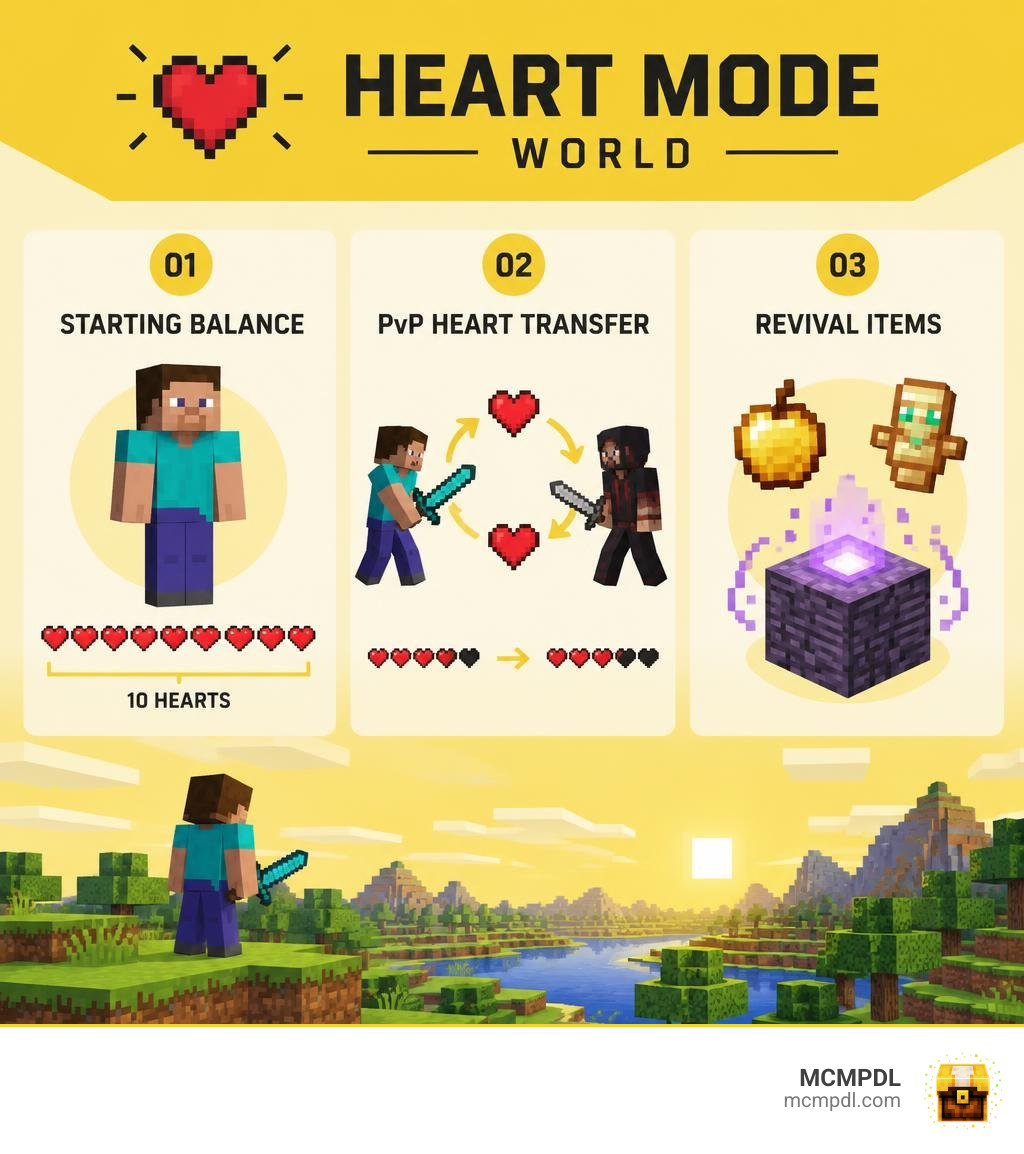
Core Mechanics of a Heart Mode World for Minecraft PE/Bedrock
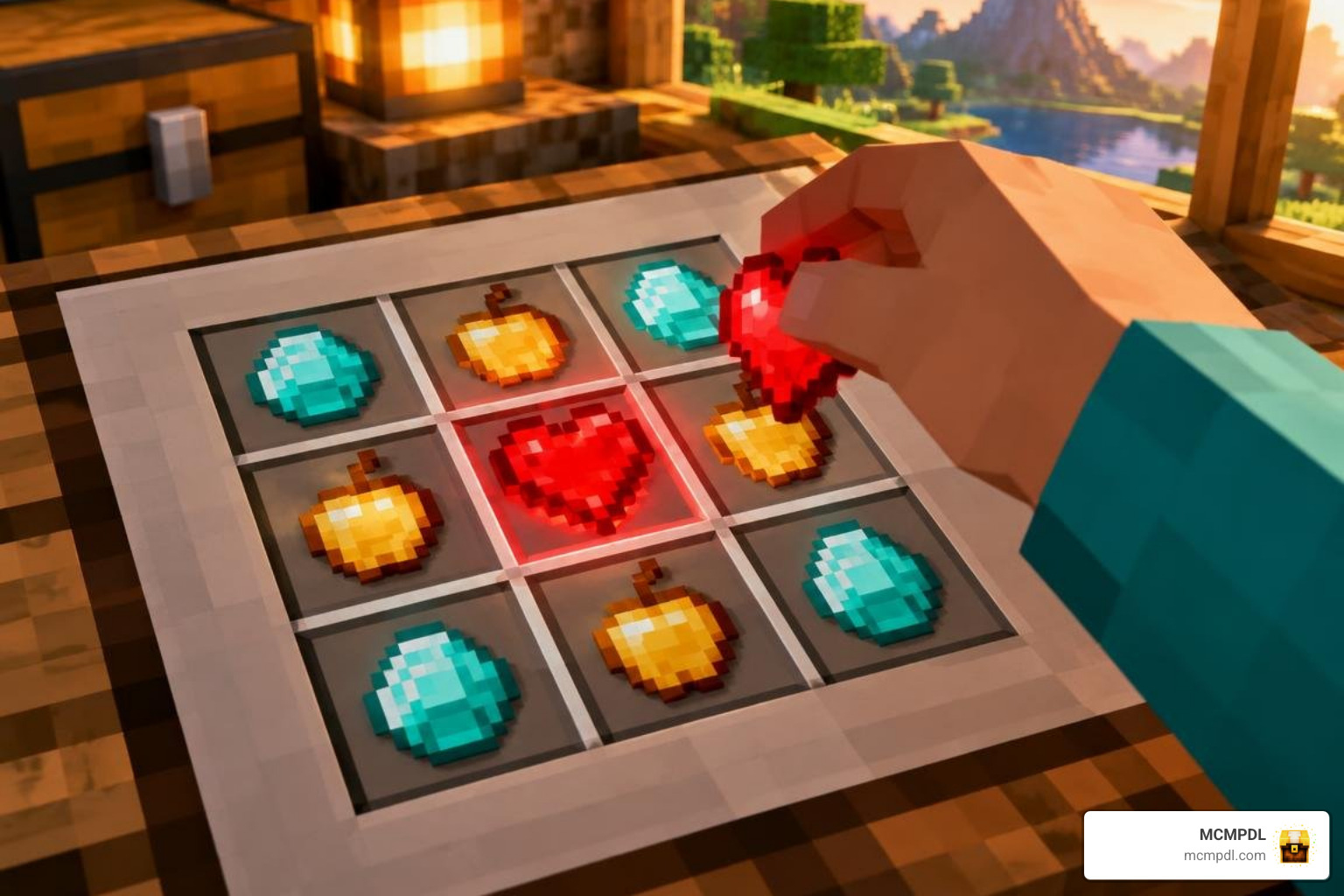
At its foundation, standard Minecraft Bedrock survival provides every player with a static pool of 10 hearts (20 health points). Natural regeneration and armor mitigate risk, but death simply results in an ordinary respawn screen. In a Heart Mode setup, every engagement shifts health permanently.
Health operates as a tangible currency. When you strike down an opponent in combat, you harvest their life force, increasing your maximum capacity. Conversely, if you fall in battle, your maximum pool shrinks. This turns standard survival into a tactical environment where every duel alters the power balance across your server.
Health Economy, PvP Stealing, and Elimination
The core loop relies on three rules: health theft, capacity caps, and total elimination. In default configurations, striking down an enemy player transfers one heart directly from their health bar to yours.
To maintain fairness and prevent runaway juggernauts, server administrators implement maximum health caps—commonly set at 20, 30, or 40 hearts. Without these caps, dominant players could amass dozens of hearts and become unkillable.
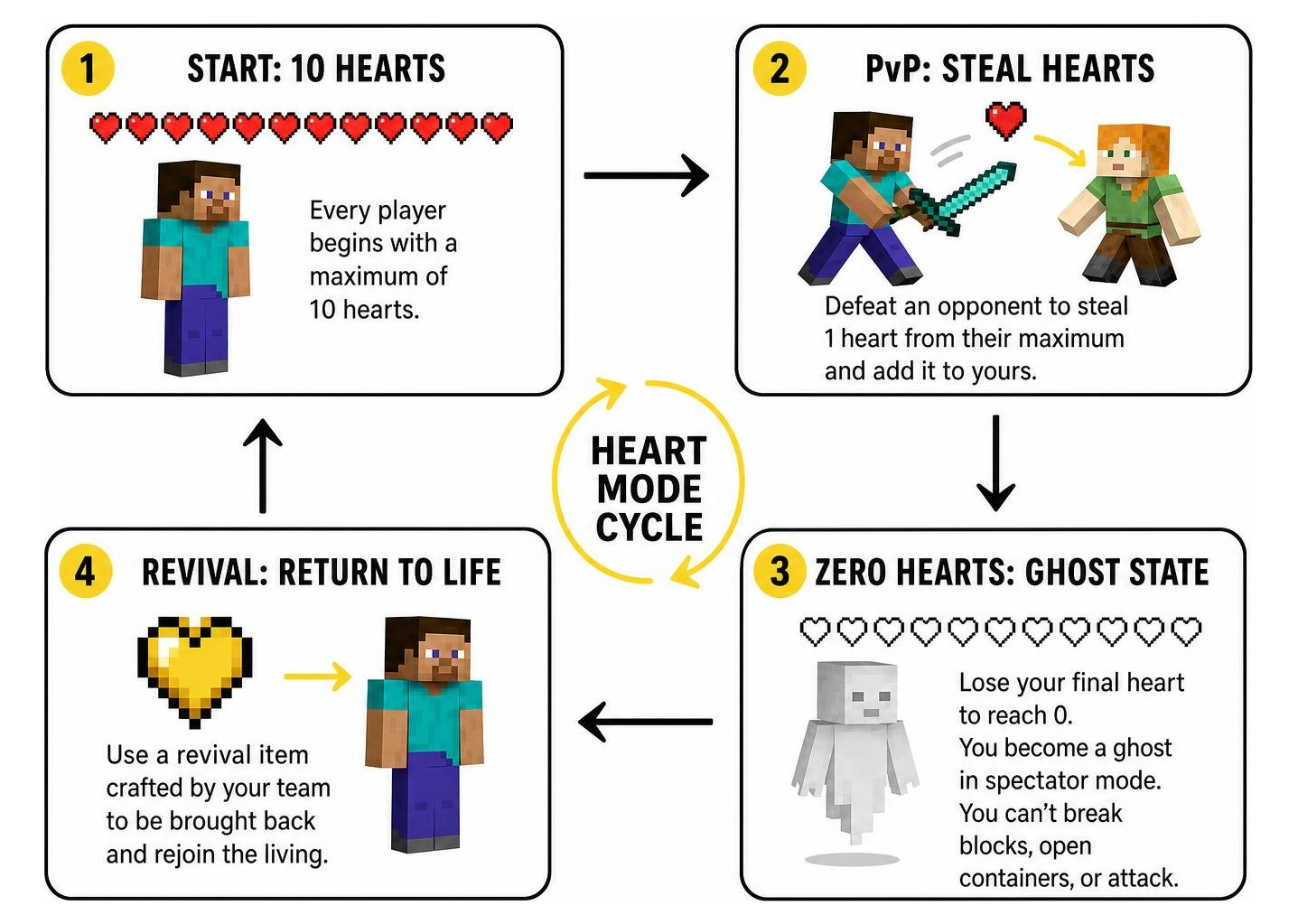
When a player loses their final heart, reaching zero hearts triggers full elimination. Instead of a normal respawn, the system places the defeated player into a ghost-like spectator mode. As a ghost, you cannot break blocks, open containers, or attack entities. You are effectively sidelined—able to watch your friends’ adventures—until your team crafts an item to bring you back into the living world.
Custom Items, Crafting Recipes, and Player Revival
A functional health economy needs physical items to support trading, crafting, and revivals. Leading add-ons introduce a progressive tier of custom artifacts:
- Heart Fragment: Basic crystalline shards dropped from rare mobs, custom dungeon loot, or extracted from living players.
- Heart Essence: Concentrated life energy brewed or combined from multiple fragments, serving as an intermediate crafting material.
- Craftable Heart: A consumable artifact crafted using diamonds, netherite, and Heart Fragments. Consuming this item grants you an extra permanent heart container, up to your server’s maximum limit.
- Heart of Life: A powerful relic combining condensed essence with rare Nether and End materials, utilized in high-tier survival recipes.
- Beacon of Life (Reviver): An advanced station or usable item that brings an eliminated player back from spectator mode, restoring them with the baseline 10 hearts.
These craftables pair naturally with expansive custom content like an RPG Addon for Minecraft PE/Bedrock or a Magic Addon for Minecraft PE/Bedrock, allowing groups to turn player revivals into server-wide adventure quests.
Addon Comparison and Compatibility Considerations
Choosing the right pack build ensures stable performance across different host hardware and device configurations. Several variations have been refined through community feedback.
| Feature / Metric | Version A | Version B (v1.1.4) | Version C (v2.1.0) |
|---|---|---|---|
| Total Downloads | 90,097+ | Community Favorite | Growing Adoption |
| File Size | ~455 KB | ~134 KB | ~173 KB |
| Bedrock Compatibility | 1.21.21 – 1.21.70+ | 1.21.0 – 1.21.50+ | 1.21.30 – 1.21.70+ |
| Core Architecture | Comprehensive Scripting | Lightweight Event Triggers | Custom UI & Command Menus |
| Primary Strength | Deep economy & revivals | Maximum stability on servers | Low overhead for mobile |
For players seeking standard vanilla challenges without custom item scripts, comparing these packages to the official hardcore mode introduced for Bedrock Edition illustrates how health modification has evolved on the platform.
Version Breakdown and Performance Benchmarks
Version A stands out as the most comprehensive choice, sporting over 90,097 community downloads. At roughly 455 KB, it features a complete script engine capable of tracking PvP kills, environmental deaths, and complex revival mechanics across Bedrock versions 1.21.21 through 1.21.70+.
Version B (v1.1.4) takes a minimalist approach. With an ultra-lightweight footprint of approximately 134 KB, it eliminates non-essential visual clutter and provides exceptional crash resistance for crowded multiplayer lobbies.
Version C (v2.1.0) sits in the middle at around 173 KB, providing clean custom UI menus for heart withdrawals while maintaining low memory consumption on mobile devices.
Custom Addon Stacking and Script-Based Compatibility
Early Bedrock add-ons frequently conflicted with each other because they directly modified the base player.json file. If two packs tried to edit player attributes simultaneously, one would overwrite the other, causing broken animations, missing health bars, or broken mechanics.
Modern Heart Mode builds circumvent this limitation by utilizing Bedrock’s GameTest and Scripting APIs. Instead of replacing player.json, the mechanics inject dynamic JavaScript listeners that adjust player health attributes in real time.
This scripting architecture lets you combine heart-stealing mechanics alongside a Spellcraft Addon for Minecraft PE/Bedrock or a Morph Addon for Minecraft PE/Bedrock without game-breaking file collisions.
Administrative Commands and Server Setup
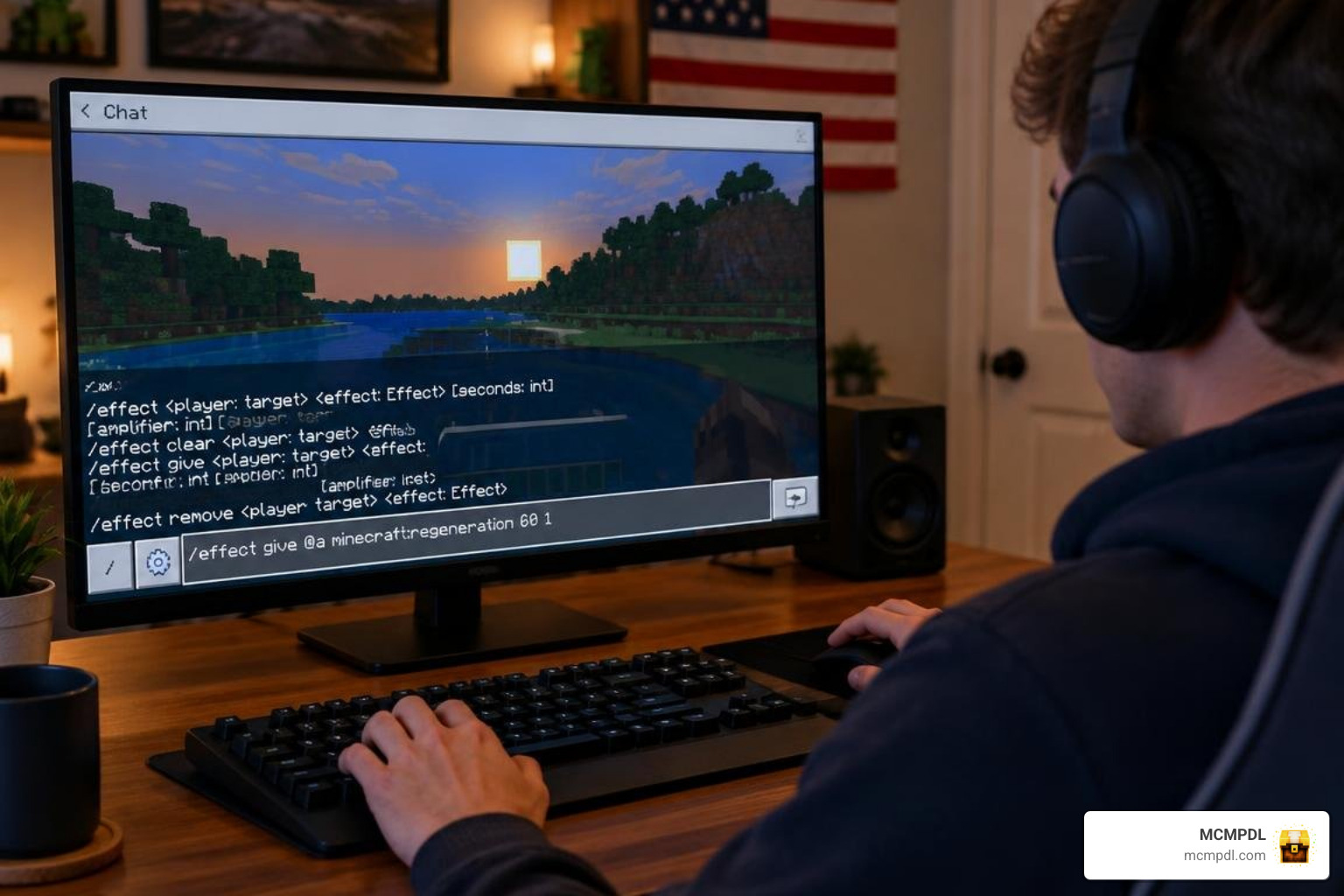
Server hosts and Realm owners need precise control over health settings to maintain world balance and manage player events.
Essential Admin Commands and Health Cap Tuning
Heart Mode add-ons include custom administrative commands executed directly in the chat console (typically prefixed by a question mark or custom slash command):
?help: Displays the complete index of operational commands and player utilities.?withdraw <amount>: Allows a player to convert their active maximum health into physical, tradable Heart items.?revive <player_name>: Administrative command to instantly restore a spectator to the living world.?sethearts <player_name> <amount>: Sets a specific player’s exact heart count for event balancing or tournament resets.?setmaxhearts <amount>: Establishes a global health cap across the server (e.g., 20 or 30 hearts).?reset <player_name>: Returns a targeted player back to the default 10-heart baseline.?heartdisplay <toggle>: Toggles custom visual UI elements above player nametags or on the HUD.?heart envsteal <true/false>: Determines whether dying to lava, fall damage, or mobs removes a heart from your capacity.
If you are designing custom arenas or structured PvP mini-games, testing your combat balance using an Enchantments Map for Minecraft PE/Bedrock helps you dial in fair damage thresholds before setting final heart caps.
Hosting a Heart Mode World for Minecraft PE/Bedrock on Realms and Dedicated Servers
Deploying a custom health world to Bedrock Realms or dedicated bedrock server software requires a few specific steps:
- Configure Locally First: Always create your world on a single-player client, apply the behavior and resource packs, and configure your experimental toggles.
- Set World Permissions: Ensure cheats are enabled so administrative scripts can modify player attributes without restriction.
- Upload to Realm or Server: Upload the configured local world directory directly to your Realm slot or dedicated server
worldsfolder. - Maintain Regular Backups: Schedule automated world backups. If a script desync occurs after an official game patch, rolling back takes just seconds.
For hosts seeking atmospheric themed gameplay, pairing custom health mechanics with horror scenarios like Heart of Darkness by Smashed Tatty creates high-stakes survival challenges for groups of friends.
Step-by-Step Installation and Troubleshooting Guide
Installing a Heart Mode add-on requires activating both behavior files and the underlying experimental capabilities of the Bedrock engine.
Installing on Android, iOS, and Windows Devices
- Download the Package: Acquire your preferred
.mcaddonor pair of.mcpackfiles. - Import into Minecraft:
- Android / iOS: Tap the downloaded
.mcaddonfile and select “Open with Minecraft.” The game will launch and display “Import Started” followed by “Import Successful.” - Windows 10/11: Double-click the
.mcaddonfile to initiate automatic import.
- Android / iOS: Tap the downloaded
- Create or Edit a World: Navigate to World Settings. Under Resource Packs, activate the heart texture pack. Under Behavior Packs, activate the heart logic pack.
- Enable Experiments: Scroll down to the Experiments tab and turn on:
- Beta APIs (Essential for script-based heart tracking)
- Holiday Creator Features (Required for custom item definitions)
- GameTest Framework (Required for event listeners)
Once your world loads, your custom health interface will initialize automatically. You can safely expand your world with movement add-ons like a Wings Addon for Minecraft PE/Bedrock for high-mobility aerial combat.
Resolving Enum Crashes, Revival Desync, and Script Failures
If you encounter issues during installation or server updates, follow these proven troubleshooting steps:
- Command Enum Crash: In older versions, typing invalid syntax into chat caused complete client lock-ups. Version B specifically addressed this issue. If your game freezes on command entry, update to the latest add-on build.
- Revival Desync: Occasionally, a player revived via a Beacon of Life may appear alive on their screen while remaining invisible or invulnerable to others. Resolving this requires the revived player to disconnect and rejoin the server.
- Update Maintenance: When Minecraft Bedrock updates to new sub-versions, experimental script bindings can change. If health stops transferring on kill, check for an updated add-on build and replace the behavior pack folder in your world save.
- Pack Stacking Order: Ensure the Heart Mode behavior pack sits near the top of your active pack hierarchy, especially when running entity-heavy expansions like a Mounts Addon.
Frequently Asked Questions
What happens when a player reaches zero hearts in a Heart Mode world for Minecraft PE/Bedrock?
When your health drops to zero, the add-on immediately converts your character into an eliminated ghost spectator. In this state, you can fly around the world to watch other survivors, but you cannot mine, place blocks, open chests, or deal damage. You remain in spectator mode until an active player crafts and activates a Heart of Life or Beacon of Life to resurrect you, or an administrator manually runs the ?revive command.
Can you convert health into physical items to trade with other players?
Yes. Players can execute the ?withdraw <amount> command in the chat box to convert their active health pool into physical Heart items or Heart Fragments. This deducts the specified number of hearts from your health bar and drops the equivalent items directly into your inventory. These physical hearts can then be traded with allies, sold in player-run shops, or stored in ender chests as backup life reserves for dangerous excursions.
Which experimental toggles are required to run heart mechanics in 2026?
To run script-driven health mechanics smoothly, you must enable Beta APIs, Holiday Creator Features, and the GameTest Framework within your world’s Experiments settings. Beta APIs allow dynamic health adjustments without modifying base game files, while Holiday Creator Features ensure custom craftables like Heart Fragments and Beacons of Life render and function correctly.
Conclusion
A Heart Mode world for Minecraft PE/Bedrock transforms casual survival into a strategic experience where every decision carries genuine weight. Whether you are running a friendly cooperative server with resurrection quests or hosting an intense competitive PvP Realm, managing your health economy adds endless replayability.
Ready to launch your own custom survival world? Explore our massive library of curated Bedrock maps, behavior packs, and community add-ons right here on MCMPDL, and take your Minecraft Bedrock adventures to the next level today!