

Scroll down to Download
Overview of Mounts Addon for Minecraft PE/Bedrock (Download) Mechanics
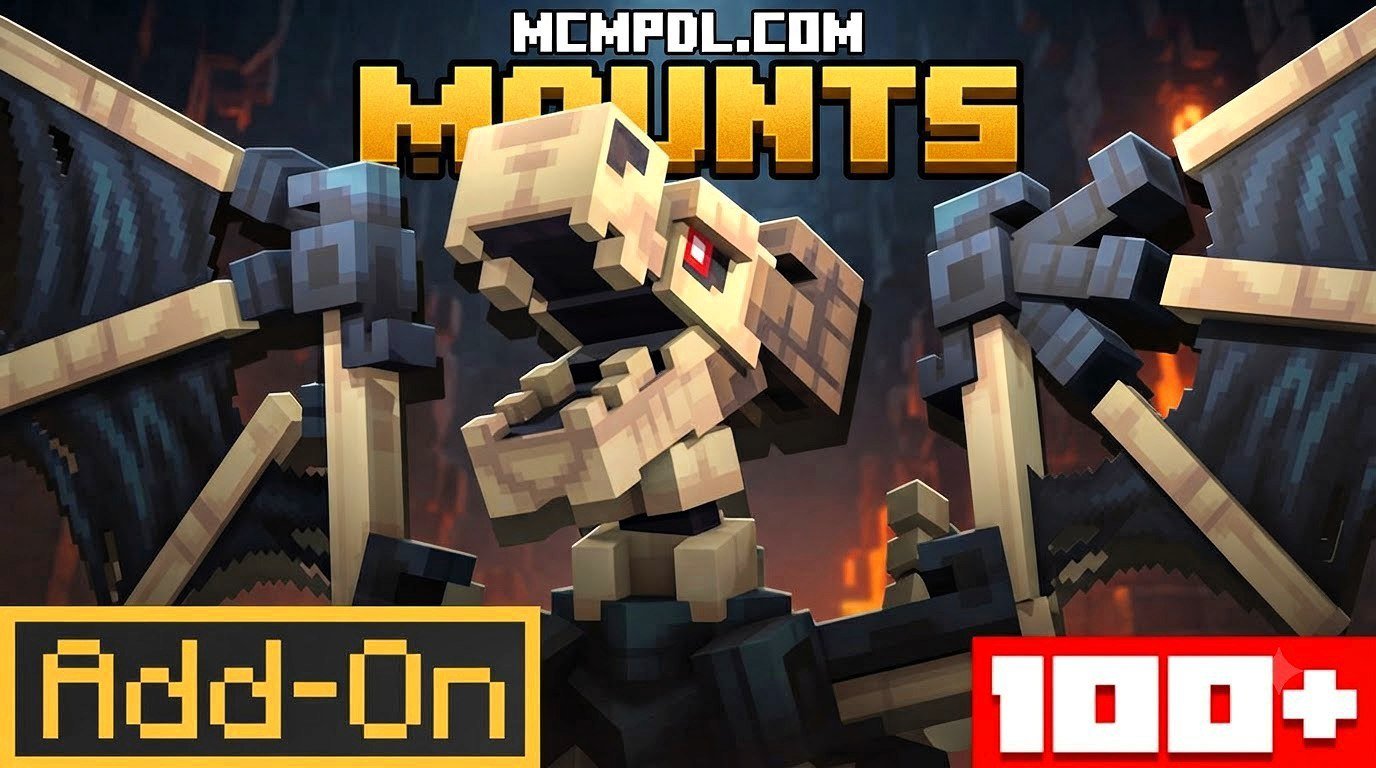
The Mounts Addon for Minecraft PE/Bedrock (Download) completely transforms how we travel and fight across survival worlds. By introducing over 100 distinct rideable entities, the addon gives players access to a massive library of companions ranging from medieval fantasy beasts to modern mechanical vehicles.
Rather than functioning as simple reskins of vanilla horses, each mount category comes with tailored mobility stats, unique combat capabilities, and specialized armor options. Understanding how these categories differ helps you pick the right companion for land exploration, ocean diving, or aerial bombardment.
| Mount Category | Example Entities | Key Characteristics & Special Abilities | Primary Purpose |
|---|---|---|---|
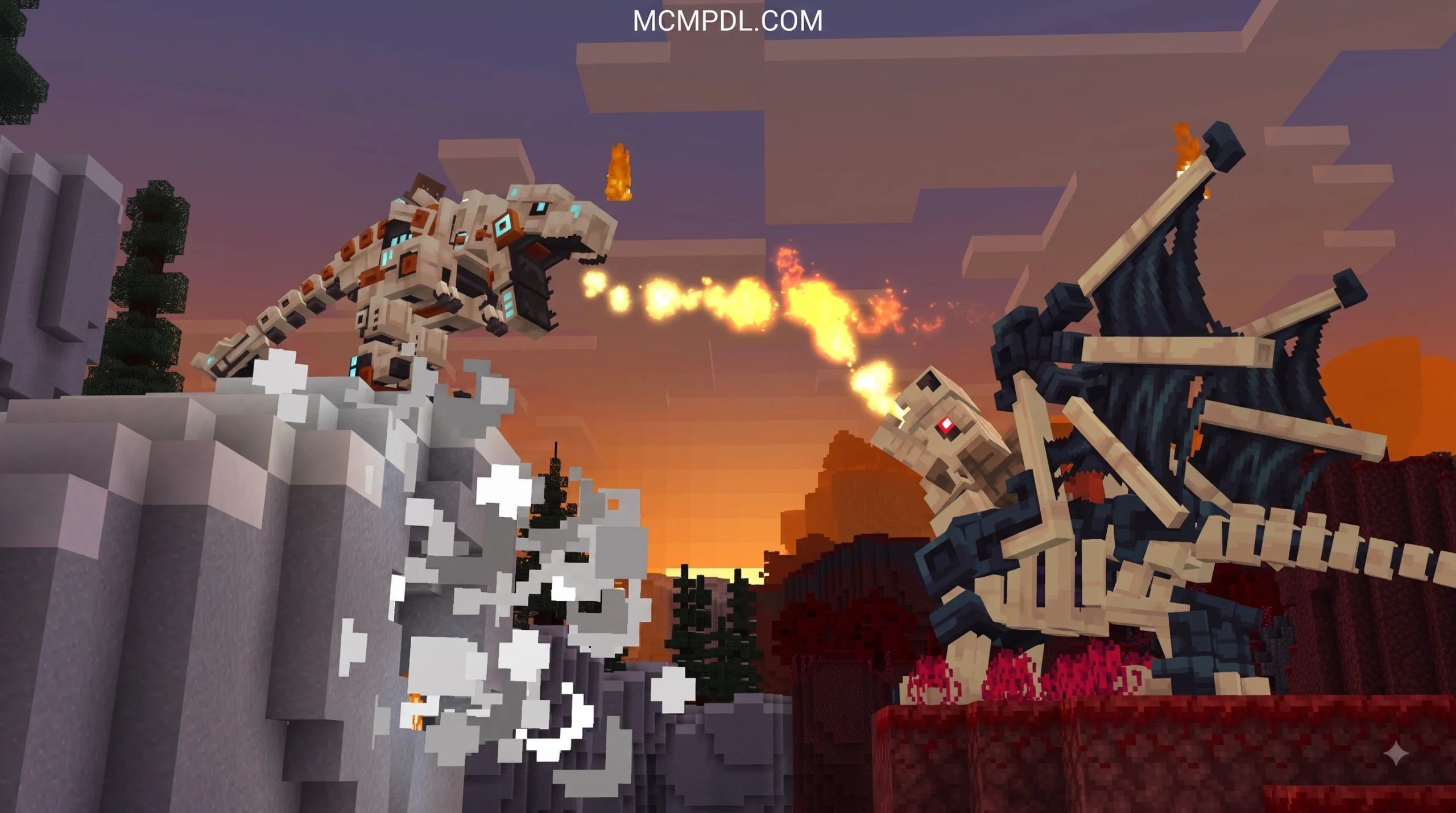
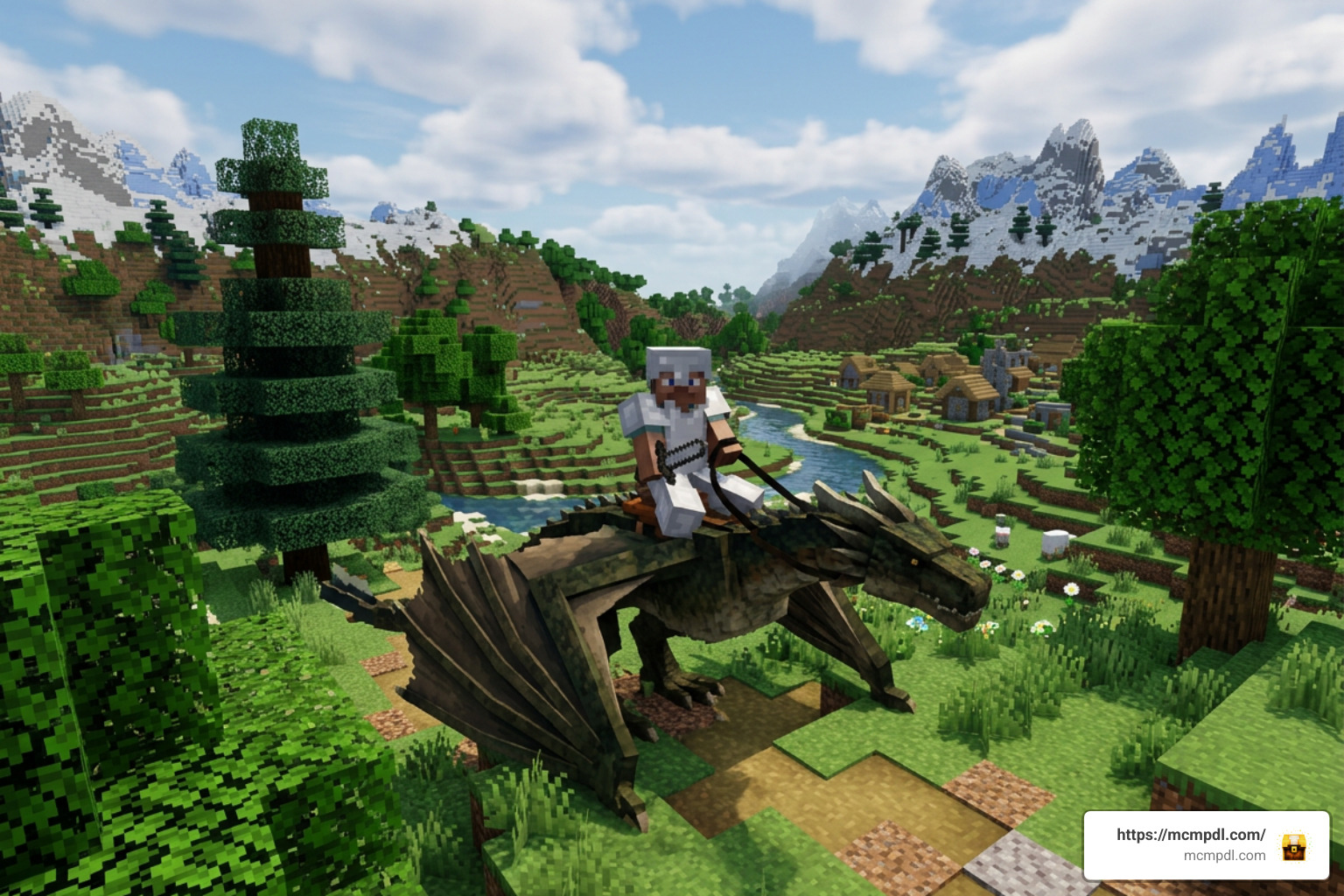
| Dragons | Fire, Ice, Aether, Nether Dragons | Flight controls, breath attacks, fireball projectile launching, high health pools | Aerial combat and rapid cross-map travel |
| Dinosaurs | T-Rex, Raptors, Triceratops | High base damage, knockback resistance, heavy armor equipping | Ground combat and boss raiding |
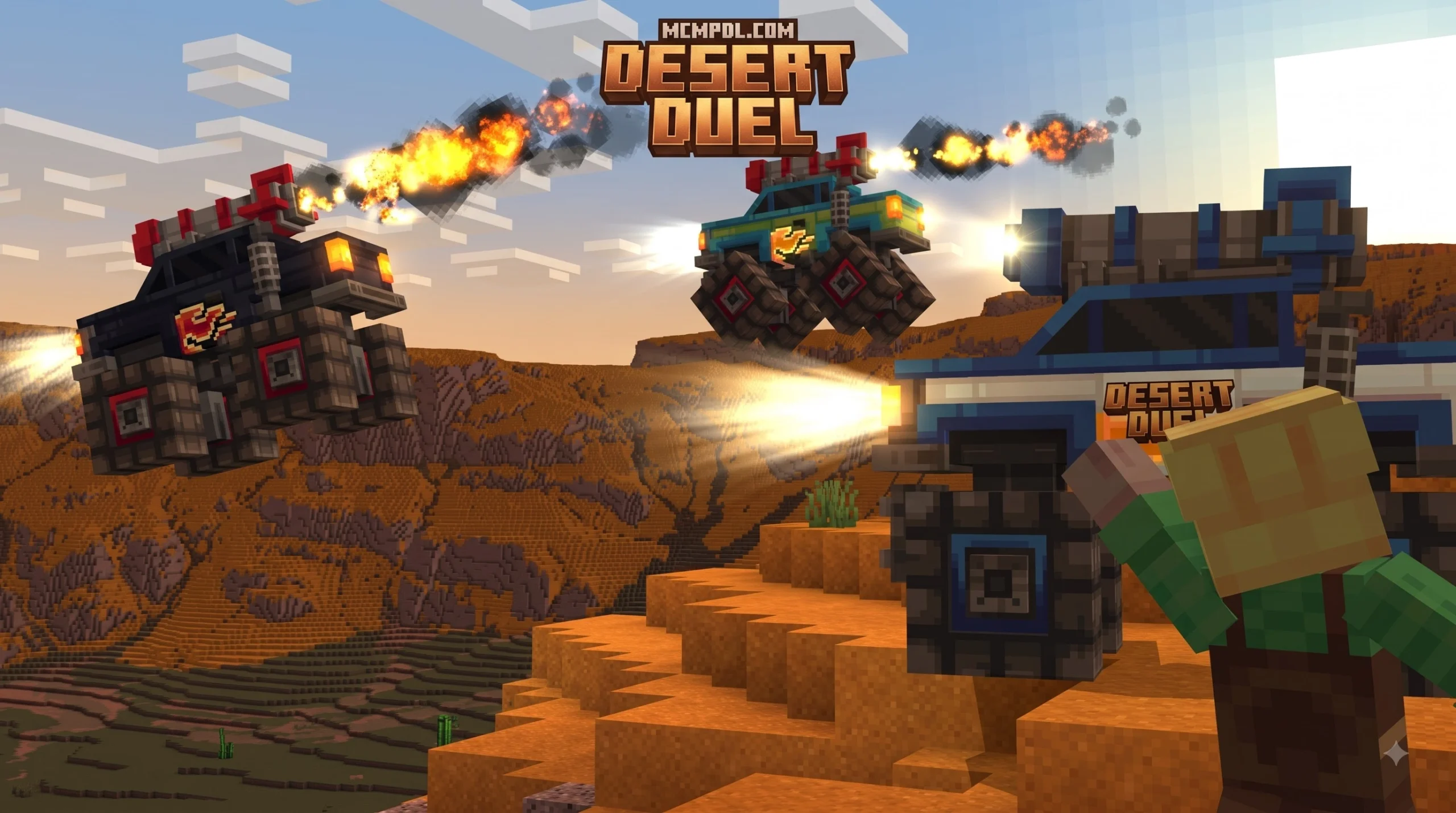
| Vehicles | Cars, Hovercrafts, Sci-Fi Transport | High fixed land speed, mechanical weapon attachments, zero food requirements | Fast paved/flat road traversal |
| Horror Mounts | Undead Steeds, Monstrosities | Night-vision status buffs, fear-inducing area-of-effect aura, high jump height | Nighttime hunting and defense |
| Armored Animals | War Bears, Hippocampus, Pegasus | Custom saddles, underwater diving (Hippocampus), raw fish/chicken taming | Early-to-midgame survival support |
Key Features of the Mounts Addon for Minecraft PE/Bedrock (Download)
The defining strength of this addon lies in its custom combat mechanics. Mounted entities are fully integrated with unique weapon systems and passive abilities. For instance, holding special items like a Dragon Wand or a Flame Stick while mounted allows you to execute directed fireballs or elemental breath attacks right from your target camera perspective.
Beyond offensive power, defensive equipment plays a major role. Armored animals like War Bears can be fitted with custom Bear Armor, while dragons can wear scale-hardened plates to withstand heavy damage. These custom entity mechanics are built directly into Bedrock Edition’s custom user interface elements, replacing standard health and armor indicators with mount-specific HUD bars.
Taming and Riding Basics in the Mounts Addon for Minecraft PE/Bedrock (Download)
Taming mechanics vary depending on the biological nature of the creature you encounter in the wild. Passive and neutral beasts, such as War Bears or baby dragons, generally respond to food items:
- Dragons & Aquatic Beasts: Tamed using raw fish (such as raw cod or salmon, excluding toxic pufferfish).
- War Bears: Tamed using raw or cooked chicken.
- Pegasus: Tamed using standard golden or vanilla carrots.
Once a beast is tamed, you must equip it with a designated saddle to gain full steering control. Standard horse saddles work on creatures like the Pegasus, but fantasy beasts often require specific crafted gear, such as a Hippocampus Saddle or Bear Saddle.
Breeding follows a similar logic. Feeding two tamed, fully grown mounts of the same species their preferred treat puts them into an emotional state, causing them to produce a brand-new egg or offspring.
Common Installation and Compatibility Mistakes
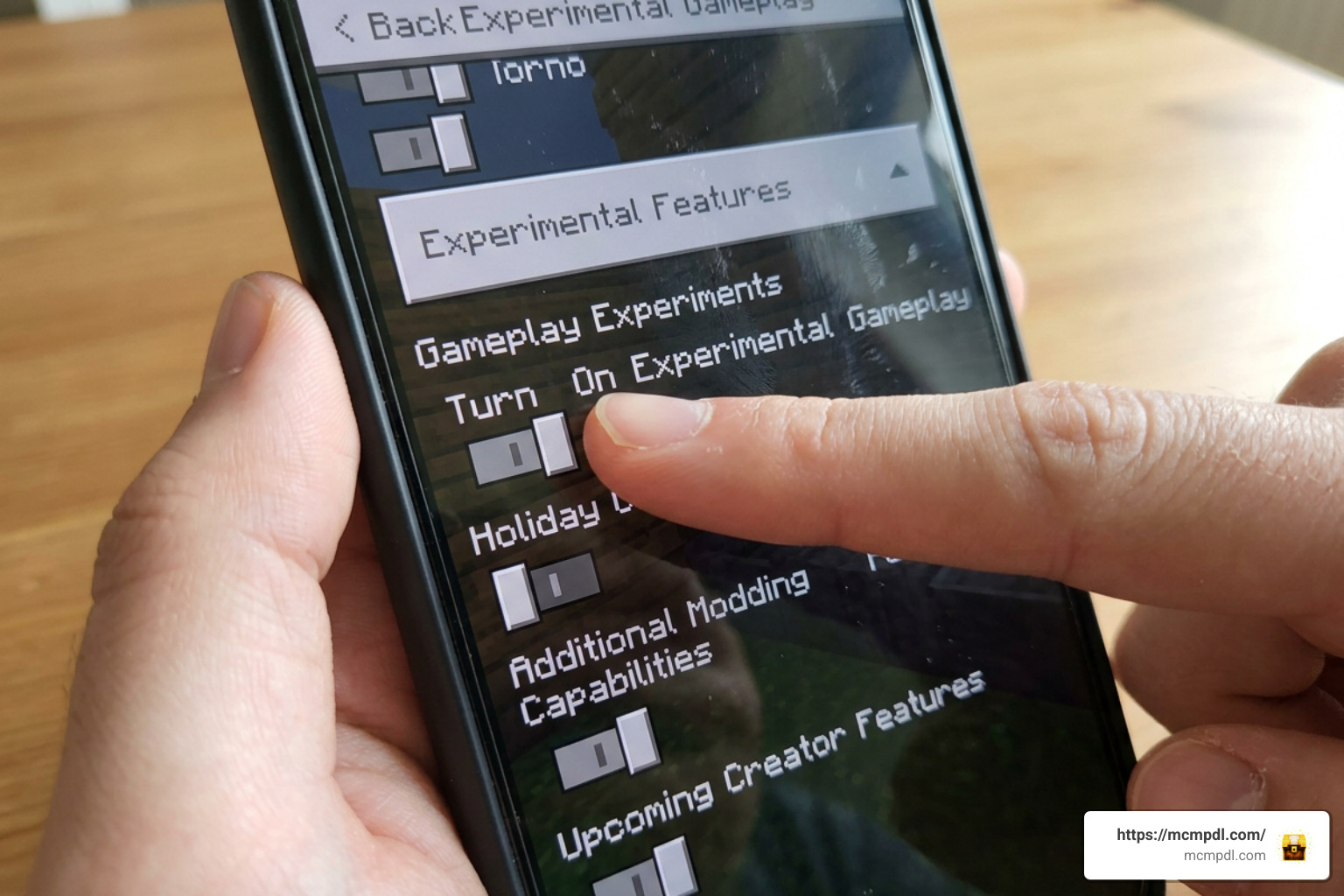
Installing custom content for Bedrock Edition on mobile, console, or PC is usually straightforward, but missing a single toggle can prevent custom mobs from spawning or working correctly.
Skipping Experimental Gameplay Toggles
The single most frequent mistake players make when setting up the Mounts Addon for Minecraft PE/Bedrock (Download) is forgetting to turn on Experimental Gameplay in the world settings menu. Because this addon introduces custom mob AI, special weapon triggers, and unique entity models, it relies heavily on Bedrock’s experimental script engine.
If you skip turning these toggles on before launching your world:
- Custom mounts may fail to spawn in wild biomes entirely.
- Equipping saddles or armor might result in broken animation textures or invisible entities.
- World files can experience memory conflicts, occasionally causing crashes when loading active chunks.
To prevent this, always create a copy of your survival world, navigate to the settings sidebar, and turn on all toggles under the “Experiments” section before applying the Behavior and Resource Packs.
Ignoring Version Requirements and Updating Errors
Addon scripts are built to match specific Bedrock codebase releases. Running an addon designed for Minecraft version 1.21 or 26.x on an outdated client will result in missing UI elements or broken flying controls. Always verify that your base game version matches the specifications listed on the official download page at MCMPDL.
Additionally, updating an existing addon requires caution:
- Never overwrite files directly: Installing a new
.mcaddonor.mcpackversion over an existing installation can corrupt active world files. - Delete older versions: Manually remove previous versions of the Resource and Behavior packs from your global resources menu first.
- Restart the client: Completely close and re-launch your Minecraft Bedrock app to flush cached entity models before entering your main world.
If you encounter persistent loading errors across version updates, check official update documentation on Minecraft or community libraries for secondary file mirrors and changelogs.
Mistakes When Hatching, Taming, and Equipping Mounts

Once the addon is successfully loaded, players frequently run into friction with the incubation mechanics. Hatching high-tier mounts like dragons requires patience and specific items.
Failing to Accelerate Hatching and Growth
By default, powerful dragon eggs feature a long incubation process. In popular mount extensions like Dragon Mounts 3, an unassisted egg can take roughly 40 minutes to hatch naturally, followed by an additional 4 hours of real-time gameplay for a newborn hatchling to grow into an adult mount.
Many beginners assume their egg is broken and abandon it. However, you can dramatically speed up this process:
- Incubation Trigger: Interact with the dragon egg directly until active particle effects appear around its base. This signals that incubation has started.
- Ender Eye Acceleration: Applying an Eye of Ender directly to an incubating egg causes destructive particle effects to explode around it, drastically cutting the hatch timer from 40 minutes down to just 1 minute.
- Growth Acceleration: Feeding newly hatched baby dragons continuous helpings of raw fish will quickly push them through their growth stages, making them rideable in minutes rather than hours.
For specific elemental dragon variants—such as Aether, Fire, or Ghost dragons—you can also alter the egg’s element during incubation. Placing the egg directly on top of specific block types (such as Glowstone for Aether, Lava for Fire, or Bone Blocks for Ghost dragons) for roughly 5 minutes converts the egg into that specific variant.
Mismanaging Saddles, Armor, and Special Weapons
Equipping your mount properly is essential for survival. Beginners often make the mistake of attempting to fly a fully grown dragon without equipping a custom saddle first, resulting in the player simply riding passively without directional flight control.
To maximize your mount’s potential:
- Craft specialized saddles: Check the addon’s recipe guide to distinguish between standard horse saddles and custom saddles (such as Bear Saddles or Hippocampus Saddles).
- Harvest scales safely: Instead of killing adult dragons for crafting materials, craft Diamond Scissors. Sneaking and shearing an adult dragon yields 3 to 14 dragon scales without damaging the beast, giving you plenty of materials to craft high-tier dragon scale armor.
- Utilize magic wands and tools: To trigger ranged breath attacks or fireball salvos during flight, hold items like Flame Sticks, Dragon Breath, or element-specific Dragon Wands (crafted using Blaze Rods and gems) while seated in the saddle.
For additional creature options and alternative mount styles, review detailed addon guides and creature documentation available on trusted community hubs.
Multiplayer, Server, and Achievement Oversights

Bringing custom mount addons into dedicated servers, Realms, or local multiplayer sessions requires a few additional considerations.
When hosting a multiplayer world with heavy mount addons active, high entity counts can impact server performance. If dozens of wild dragons or large dinosaur mounts render in simultaneously, lower-end mobile devices connected to your session may experience render lag or frame drops.
Here are essential tips for smooth multiplayer configuration:
- Enable Force Packs: Ensure the option “Require players to accept resource packs to join” is checked in your world settings so joining clients render custom mount models correctly.
- Manage Mount Farms: Encourage players to keep tamed mount farms small. Breeding dozens of high-detail entities in a single chunk can lead to tick delay on shared Realms.
- Verify Realm Compatibility: While standalone Bedrock worlds easily support custom behavior packs, dedicated Realms must have both the Resource and Behavior packs applied directly through the owner’s client before uploading the world state.
A major concern for survival players is whether applying addons disables xbox live achievements. While most custom script addons turn achievements off automatically, specific lightweight mount options bypass experimental toggles entirely, allowing players to retain standard survival achievement earnings while exploring on dragon-back.
For complex standalone updates, refer to dedicated iteration platforms and community documentation.
Frequently Asked Questions About Mount Addons
Does the Mounts Addon require experimental gameplay settings enabled?
Yes, the vast majority of comprehensive mount addons—including the full Mounts Addon for Minecraft PE/Bedrock (Download) featuring over 100 mounts—require Experimental Gameplay toggles to be turned on in your world settings. This enables custom entity behaviors, custom UI bars, and advanced weapon scripts. However, a few lightweight dragon addons built purely on vanilla mob behaviors can run without experimental toggles.
Can players earn achievements while using dragon mount addons?
Generally, applying custom Behavior Packs that require Experimental Gameplay switches your survival world into a modded state, which disables standard Xbox Live achievements. However, certain streamlined dragon mount addons that bypass experimental scripts allow achievements to remain active. Always check the specific addon documentation prior to loading it into an achievement-focused survival world.
How do you speed up dragon egg hatching times in Minecraft Bedrock?
In major dragon mount addons, unassisted egg incubation can take around 40 minutes. You can speed up this process by first interacting with the egg to trigger its incubation particles, then applying an Eye of Ender directly onto the egg. This triggers destructive particle effects around the shell and drastically drops the remaining hatch time down to approximately 1 minute.
Conclusion
Mastering the Mounts Addon for Minecraft PE/Bedrock (Download) comes down to smooth setup and understanding creature mechanics. By making sure your Experimental Gameplay toggles are active, deleting outdated file packs before updating, and using Ender Eyes to skip tedious hatch timers, you can avoid common beginner pitfalls entirely.
Whether you choose to soar across high air biomes on an Aether Dragon, dive deep into ocean trenches on a Hippocampus, or charge into battle atop an armored War Bear, proper setup ensures your companions perform reliably without world save issues.
For the latest Bedrock addons, texture packs, and world downloads, visit our community resource hub at MCMPDL and jumpstart your next survival adventure today!

1 thought on “Mounts Addon for Minecraft PE/Bedrock (Download)”