Scroll down to D0vvnl0ad
Start Cooking in Minecraft Bedrock
A Cooking Addon for Minecraft PE/Bedrock can turn basic hunger management into a full survival activity. Install the add-on’s .mcaddon file, activate its behavior and resource packs in your world’s settings, and enable any experimental toggles named by its creator. Then you can grow new crops, prepare recipes, and build a working kitchen.
Popular options add far more than food. Depending on the pack, you may get:
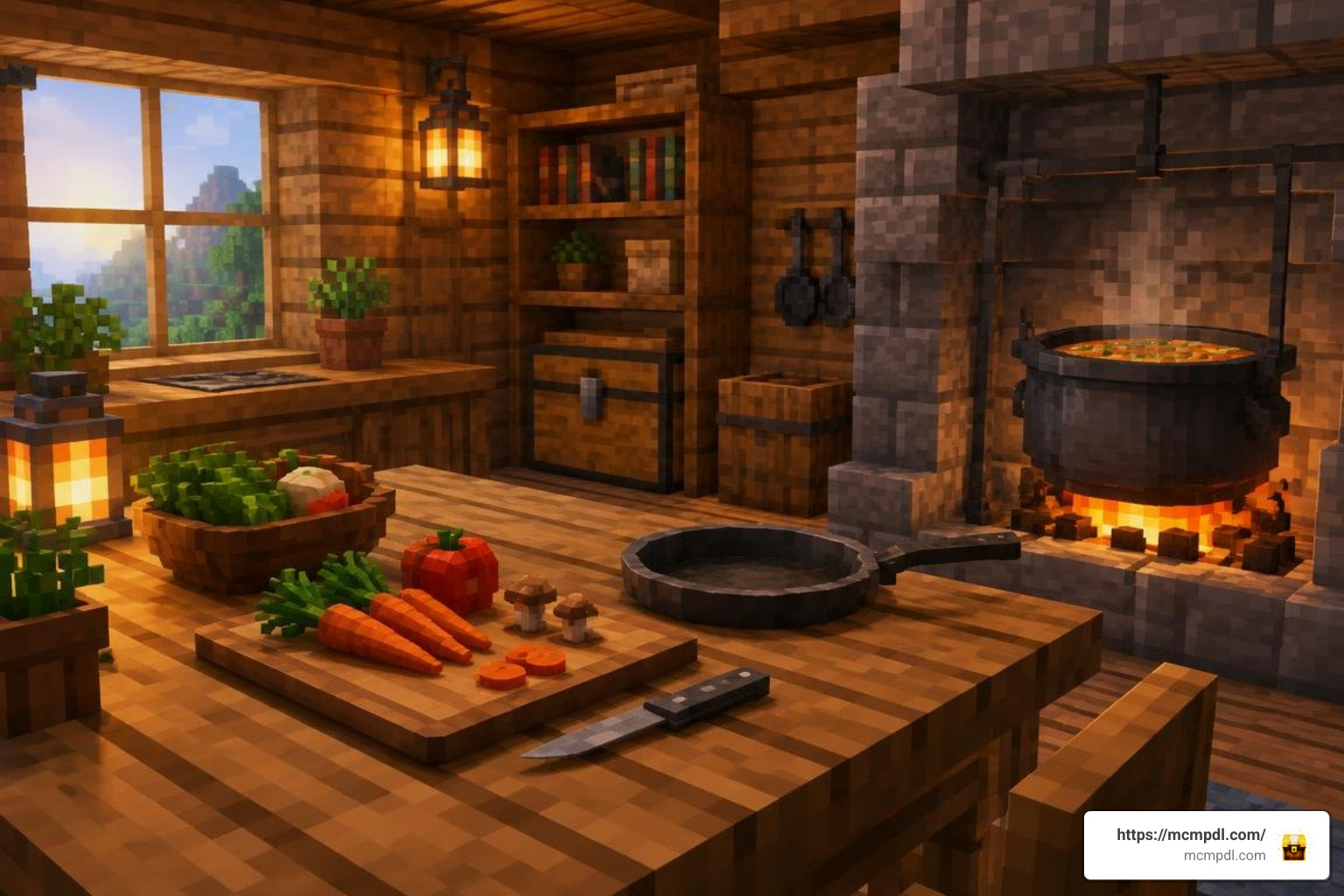
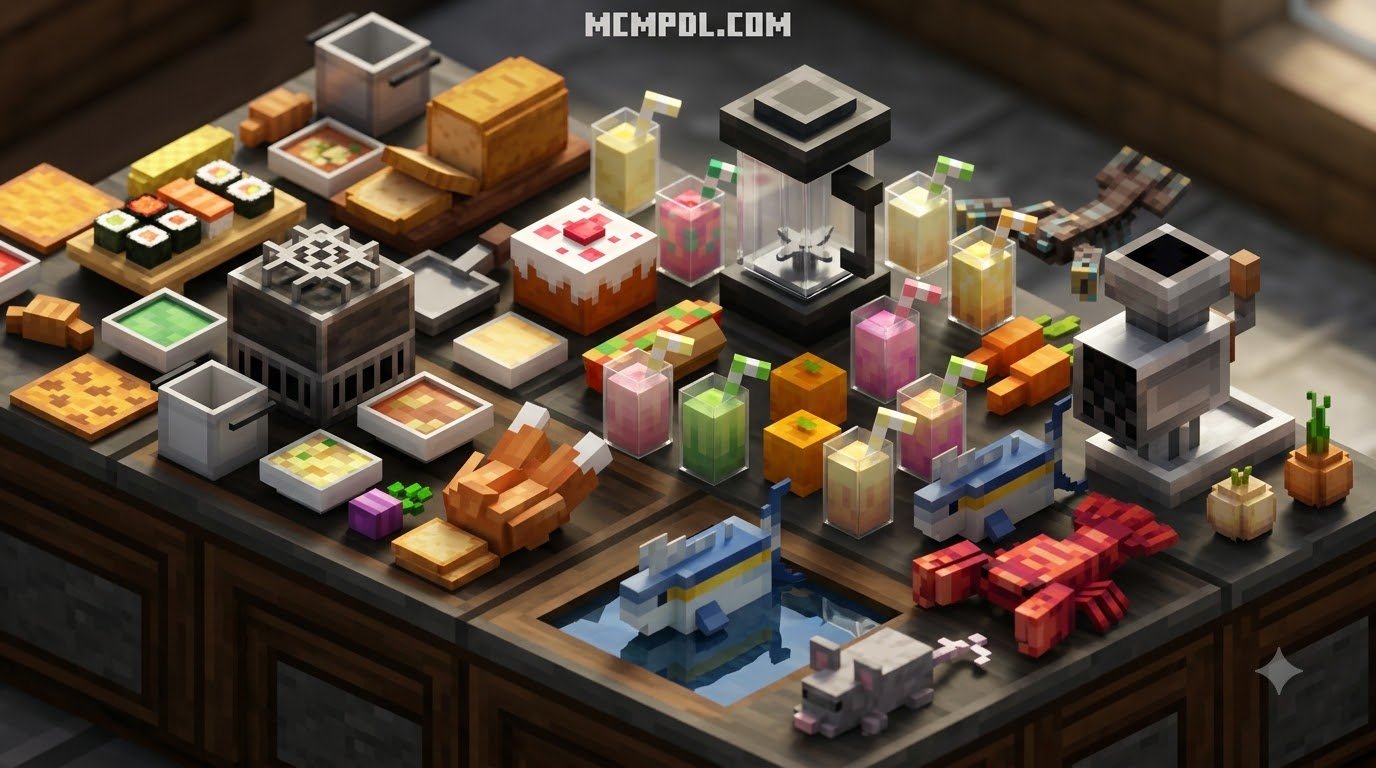
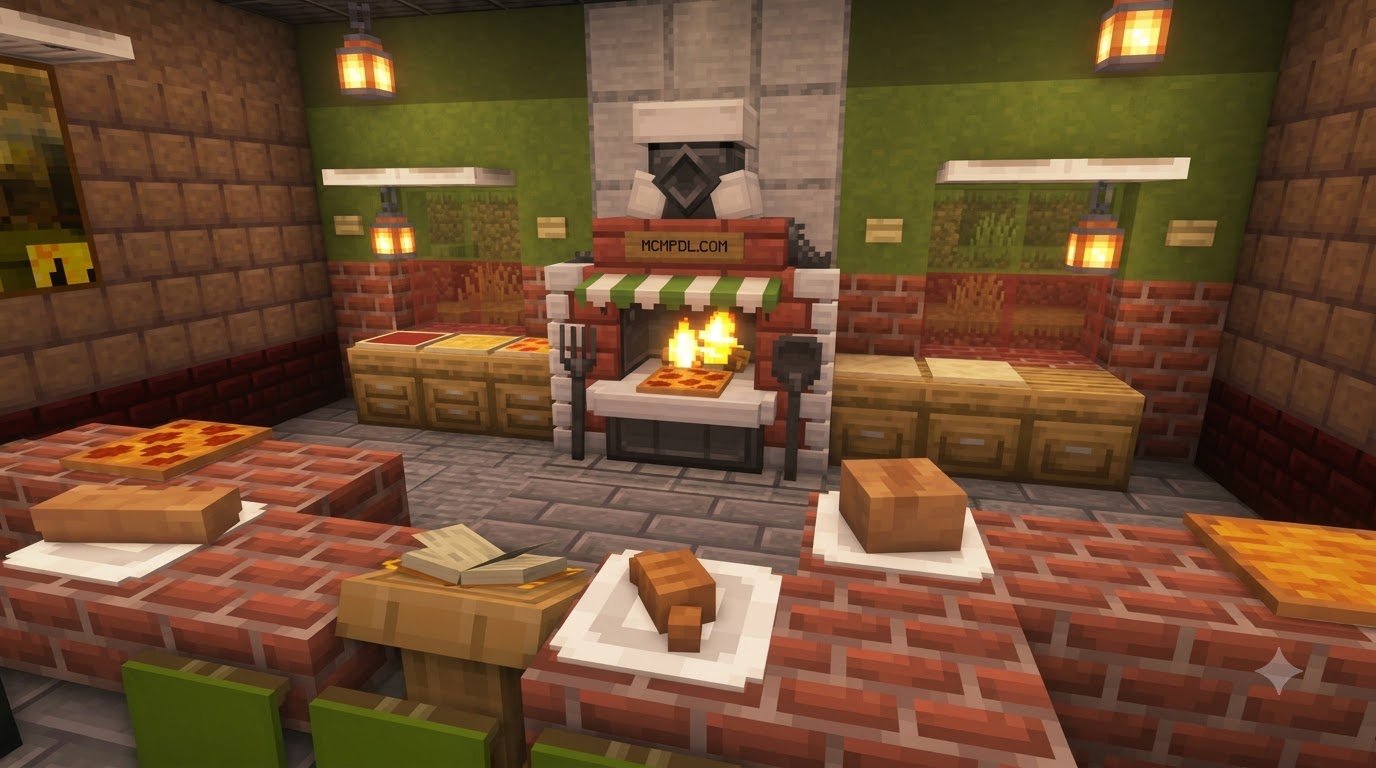
- Functional stoves, cooking pots, skillets, and cutting boards
- New crops such as tomatoes, rice, cabbage, lettuce, and grapes
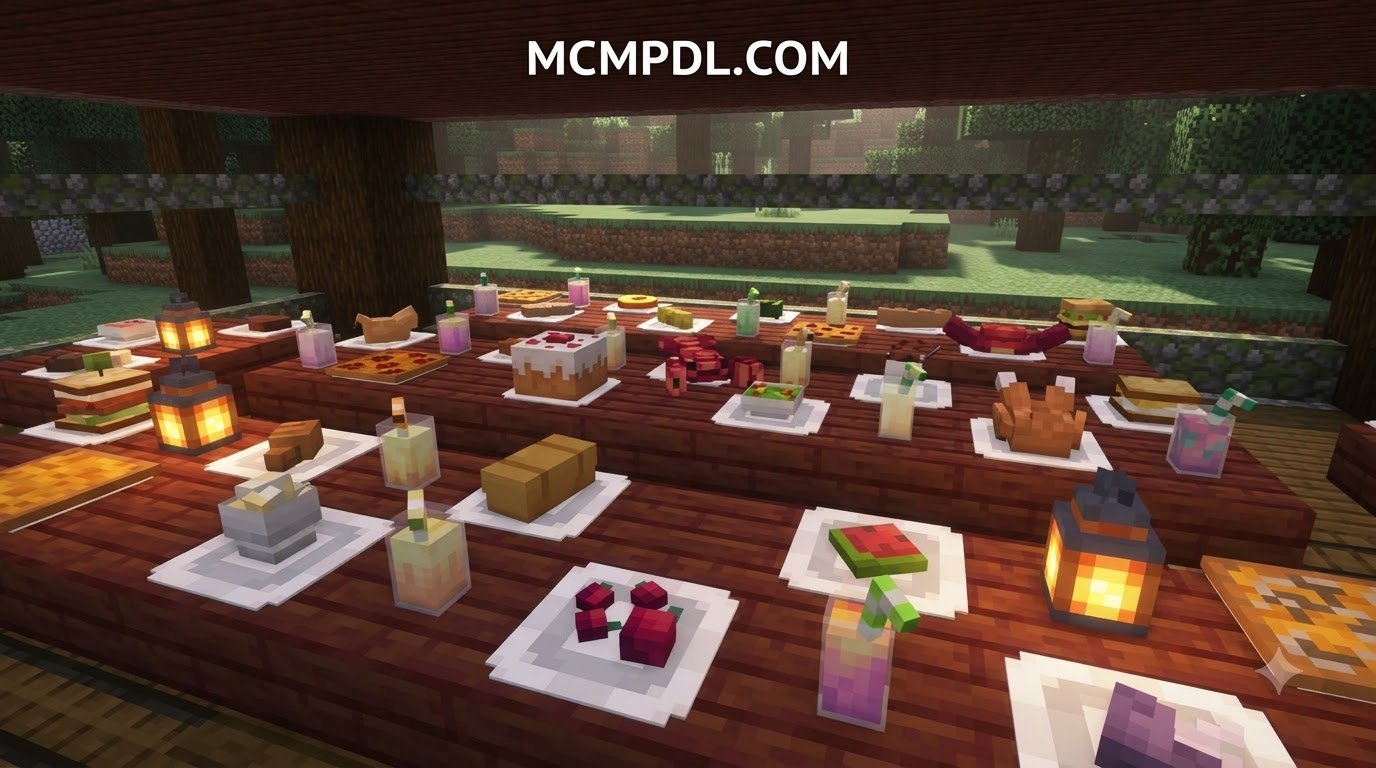
- Meals, pastries, drinks, and food-based status effects
- Automation tools, placeable dishes, and optional eating animations
The best choice depends on your goal. Farmer’s Delight focuses on hands-on cooking stations, Food Expansion offers a huge food catalog, and Creative Cooking adds customizable recipes, processing tools, and juice-to-wine aging. Before adding any pack to a main world, make a backup and check that its listed Minecraft Bedrock version and dependencies match your game.
Best Cooking Addon for Minecraft PE/Bedrock Options
Transforming your survival world into a gourmet paradise requires selecting the right culinary mod for your playstyle. Whether you want an expansive farming loop, realistic kitchen utensils, or automated food processing factories, there is a specialized pack available.
To help you decide which culinary package fits your needs, we have broken down the primary features, crop varieties, and structural mechanics of the leading options:
| Addon Name | Key Features | New Crops & Ingredients | Dependencies / Special Mechanics |
|---|---|---|---|
| Farmer’s Delight (Port) | Stoves, interactive pots, cutting boards, skillets, in-game guidebook | Cabbage, onions, tomatoes, rice | Requires Beta APIs toggle; serves as base for add-on ports |
| Food Expansion (200+ Foods) | 200+ new foods, nutrition HUD subpack, replanting sickle | 23 crops, 9 berry bushes, 18 utility plants | Optional nutrition subpack; broad language support |
| Creative Cooking | Millstone processing, golem helpers, aging barrels, custom buffs | Lettuce, tomatoes, rice, soybeans, corn, chilis, grapes | Tag-based compatibility; no player.json overrides |
| Kaleidoscope Cookery | Particle destruction effects, enchantable tools, 3D eating animations | Varied base ingredients, gourmet platters | Modular structure with optional Immersive Eating pack |
| Cooking Addon | Restaurant building, culinary methods (searing, blending), emerald rewards | 20+ custom crops, 3 unique creatures | Experimental gameplay toggles; restaurant mechanics |
| Vanilla Cookbook | 100+ dishes, 8 pastry types, status-effect cleansing dairy dishes | Milk bottles, cheeses, decorative dessert trays | Direct crafting grid and furnace integration |
| Large Meals Addon | Sliceable interactive meals, multi-course platters, gourmet pies | Mutton cuts, curry spices, mushroom bases | Requires Farmer’s Delight Bedrock port as a base dependency |
Popular Bedrock Cooking Addon and Large Meals Expansion
The unofficial Bedrock port of Farmer’s Delight (surpassing 1.1 million downloads) serves as the foundation for modern Bedrock culinary mechanics. Instead of crafting cooked foods entirely inside a static 3×3 crafting grid, this system introduces hands-on preparation. You place down a dedicated stove, set a functional cooking pot on top, and drop in ingredients to simmer hearty broths and stews.
For quick frying, you can place a skillet over open flames to cook up to four ingredients simultaneously. Ingredient preparation requires a cutting board and a crafted knife (made from flint, iron, gold, diamond, or netherite). Chopping meats and vegetables yields specific cuts, such as raw slices and diced vegetables.
Building directly on this framework, the Large Meals Addon expands your kitchen repertoire. It introduces interactive dishes like Mushroom Pot Pie, which you can place onto a table and slice into four distinct portions for your companions. It also adds plated options such as Roasted Rack of Mutton, Tomato Egg Soup, Chicken Curry, and Pasta with Mushroom Sauce.
Creative Cooking and Automated Food Production
If you prefer building functional food processing pipelines, Creative Cooking turns culinary preparation into a modular production line. This pack adds seven crops: lettuce, tomatoes, rice, soybeans, corn, crimson chilis, and grapes.
Rather than relying purely on manual crafting, the addon introduces mechanical utility blocks and helper entities:
- The Millstone: Converts wheat, corn, and rice into fine flour, or sugarcane into sugar, yielding higher outputs than standard crafting tables.
- Processing Golems: Mill Golems and Slicer Golems automate repetitive kitchen tasks, handling raw grain milling and meat slicing without constant player input.
- Aging Barrels: Freshly squeezed fruit juice placed inside aging barrels slowly ferments over time into fine wines, yielding potent status buffs.
- Modular Recipe Assembly: Base items (such as pasta or broth) can be combined with up to two supplemental ingredients to customize the final dish’s nutritional value and status effects.
Immersive Cookery and Interactive Animations
Visual feedback makes preparing meals much more rewarding. Kaleidoscope Cookery enhances immersion through dynamic visual effects and custom animations. When you consume placeable dishes, they produce block-breaking destruction particles matching the food’s texture.
Tools introduced by the pack support survival enchantments, allowing you to improve the efficiency and durability of your culinary knives. To maximize visual appeal without causing performance drops on mobile hardware, the developer separated the system into two components: the core functional cooking pack and a companion Kaleidoscope Immersive Eating pack, which introduces 3D eating animations.
Food Expansion and Vanilla Cookbook Overhauls
For players who want an expansive selection of ingredients integrated into standard survival gameplay, broad catalog overhauls provide great variety:
The Food Expansion mod introduces over 150 unique food items, 23 crops, 9 harvestable berry bushes, and 18 utility plants. It features a convenient iron sickle tool that harvests and auto-replants mature crops in a single swing if you carry spare seeds. It also includes an optional Food Stats subpack, which displays real-time hunger and saturation restoration values on your HUD.
Meanwhile, the Vanilla Cookbook integrates over 100 new recipes and 8 distinct pastry varieties that seamlessly blend with base-game aesthetics. You can place decorative pancake stacks and brownie trays directly on kitchen counters. Additionally, items like milk bottles, cheeses, and stuffed melons provide a practical tactical benefit: they cleanse active potion effects just like a full milk bucket, while stacking more efficiently in your inventory.
How to Set Up and Configure Culinary Mods
Installing custom add-ons on Minecraft Bedrock Edition is straightforward, but it requires activating specific world settings to ensure custom scripts, block geometries, and items load properly.
How to Install a Cooking Addon for Minecraft PE/Bedrock
Follow these steps to download and import your preferred cooking addon across various Bedrock-supported operating systems:
- Download the Add-on Files: Obtain the
.mcaddonor individual.mcpackfiles (Resource Pack and Behavior Pack) from trusted community sources. - Import into Minecraft:
- Android / iOS: Tap the downloaded
.mcaddonfile directly from your mobile browser or file manager. Select “Open with Minecraft” to launch the game and automatically import the pack. - Windows 10 / 11: Double-click the
.mcaddonfile. Minecraft will launch automatically and display an “Import Started” banner followed by “Successfully Imported.”
- Android / iOS: Tap the downloaded
- Apply to Your World: Navigate to your world settings screen, select Resource Packs, and activate the cooking pack. Then go to Behavior Packs and activate the corresponding behavior package. Ensure the resource pack hierarchy places your active cooking textures near the top of the load list.
Enabling Experimental Settings and Beta APIs
Most advanced cooking packs rely on experimental engine features to power custom container blocks, interactive workstations, and custom block shapes.
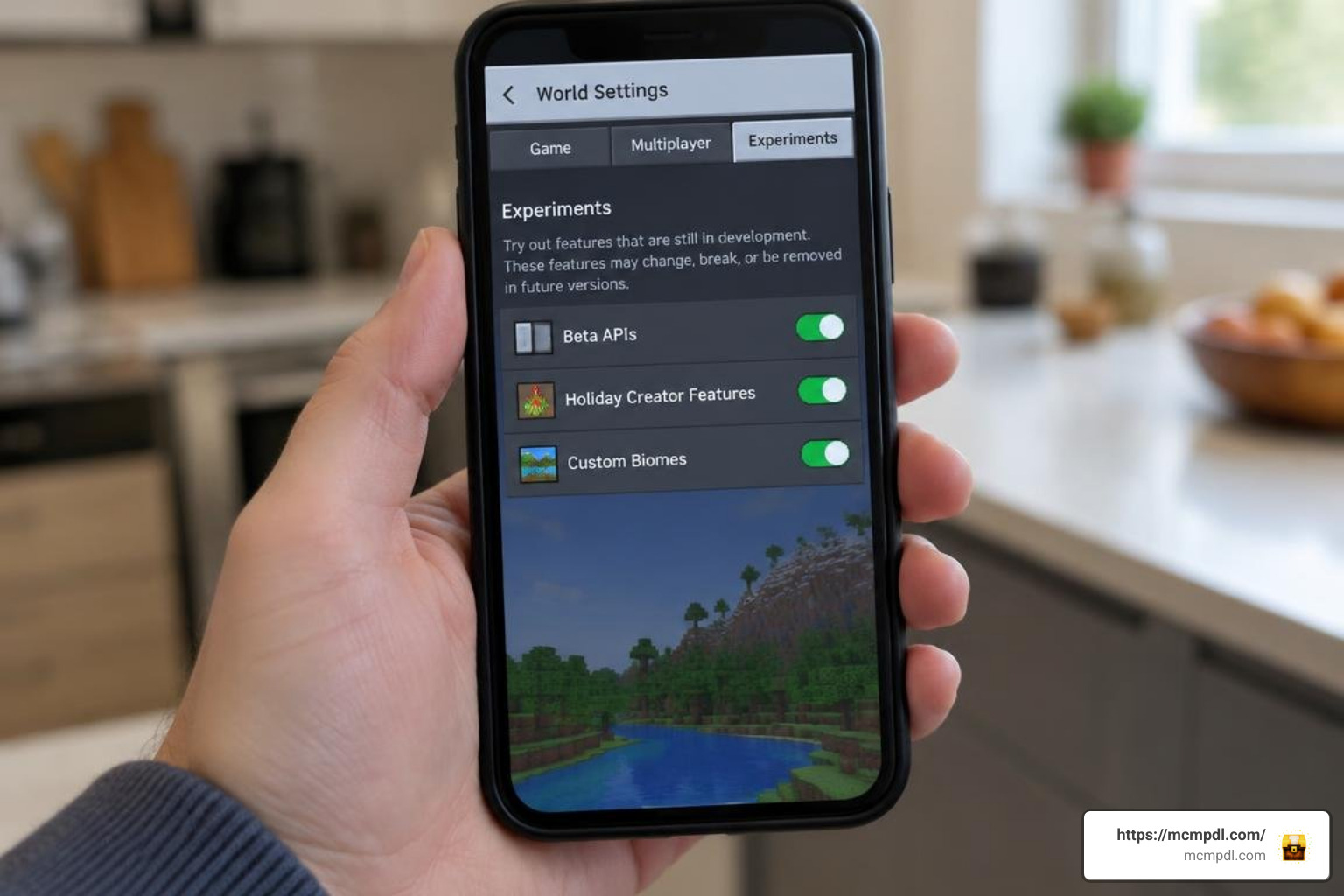
Before launching your world, open the world settings menu, scroll down to the Experiments tab, and toggle the following switches to the ON position:
- Beta APIs: Essential for script-driven blocks like interactive stoves, chopping boards, and boiling pots.
- Holiday Creator Features: Enables custom items, food consumption timings, and basic block behaviors.
- Custom Biomes: Required for packs that generate wild crops, fruit trees, and foraging bushes across specific biomes.
Important Note: Always make a duplicate backup copy of your survival world before toggling experimental settings or applying major content updates.
Functional Kitchen Stations, Crops, and Automation
Creating an efficient kitchen layout allows you to transform raw ingredients into high-tier meals that boost your survival capabilities.
Custom Cooking Blocks and Interactive Utensils
Advanced culinary packs provide specialized utility blocks that turn cooking into an interactive process:
- The Cooking Pot: Must be placed directly on top of an active heat source (such as a lit stove, furnace, smoker, or campfire). Accessing the pot opens an interface where you place ingredients alongside water or broth containers to produce soups and curries.
- The Skillet: Placed on a heat source to fry up to four separate meat or vegetable portions at once, providing a fast alternative to standard smokers.
- The Cutting Board & Knife: Interacting with a cutting board while holding a culinary knife lets you slice raw meats into cutlets, chop vegetables, or portion baked goods like pies and cakes. Knife materials dictate tool durability and processing speed.
- The Millstone: Allows you to grind raw grains into flour and crushing sugar canes into refined sugar at higher ratios than manual crafting.
New Crops, Beverages, and Status Buffs
Culinary packs introduce a wide variety of crops that enrich the standard farming loop:
- Leafy Greens & Base Veggies: Cabbage, lettuce, onions, and tomatoes can be farmed on hydrated farmland to create fresh salads and burger stacks.
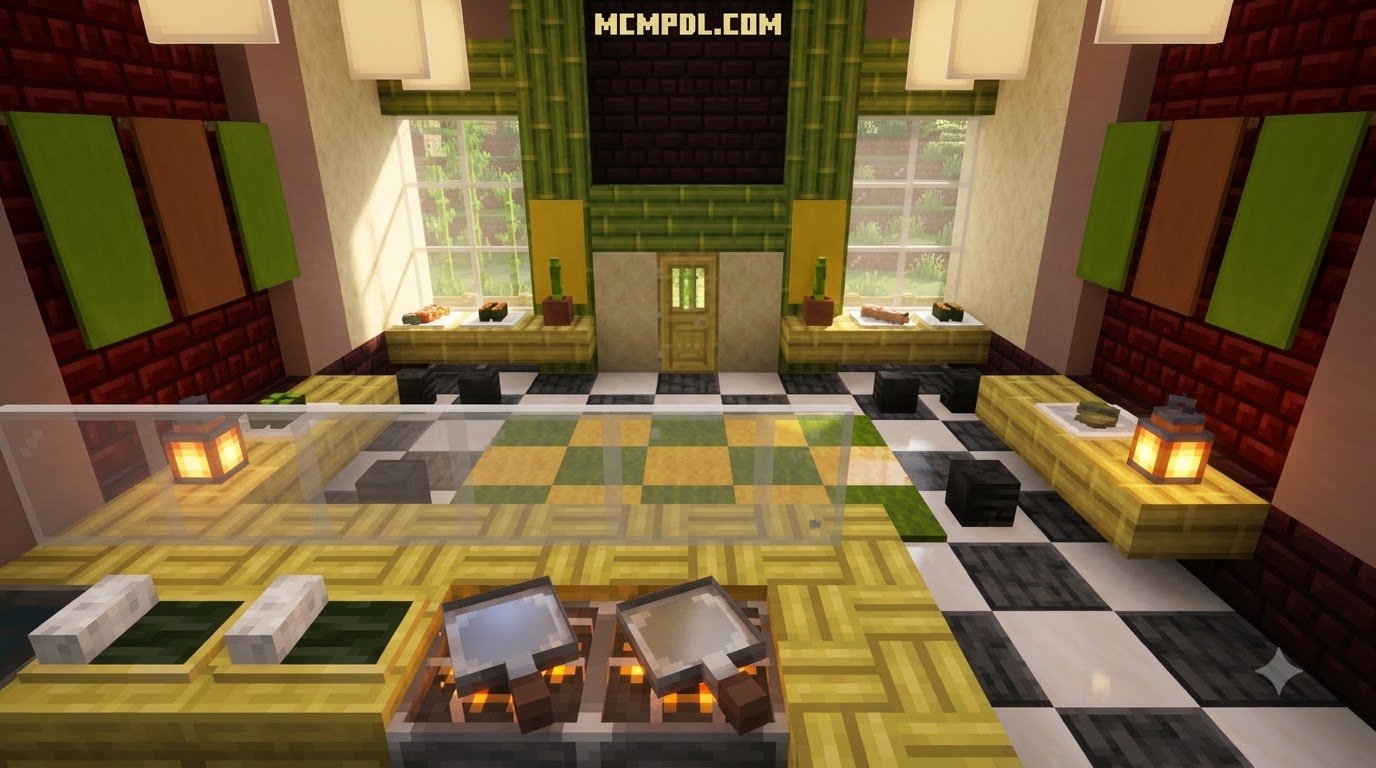
- Grains & Legumes: Rice and soybeans serve as staples for sushi rolls, tofu blocks, and pasta noodles.
- Spices & Heat: Crimson chilis found in warmer biomes or the Nether can be incorporated into hot stews, granting temporary Fire Resistance at the cost of slight initial heat damage.
- Vineyards & Fermentation: Grapes harvested from wall trellises can be pressed into juices or fermented in aging barrels to yield wines that grant prolonged Speed and Regeneration effects.
- Nutrition-Based Status Effects: High-tier gourmet meals reward preparation time by granting extended Saturation, Jump Boost, and rapid health recovery during combat.
Troubleshooting and Performance Optimization
Running multiple custom behavior packs can sometimes introduce performance slowdowns or resource conflicts. Here is how to keep your kitchen running smoothly.
Managing Dependencies and Multiplayer for Your Cooking Addon for Minecraft PE/Bedrock
When hosting worlds on Bedrock Dedicated Servers or Realms, verify that all players download the server’s resource pack upon joining. Packs that avoid altering the base player.json file—such as Creative Cooking—rely primarily on standardized item tags. This prevents behavior conflicts with other survival mods like custom armor sets or magic systems.
If you are running on lower-end mobile devices, reduce memory overhead by disabling standalone subpacks (like 3D eating animations or complex particle trails) to maintain stable framerates in dense farming areas.
Resolving Texture Glitches and Loot Table Conflicts
If you run into missing textures or unexpected block behaviors, use these troubleshooting steps:
- Pink/Black Missing Textures on Chopping Boards: This usually happens when an add-on version does not match the base Minecraft release. Make sure your add-on is updated to the latest patch compatible with your game version.
- Overlapping Wild Seed Drops: When running multiple agricultural add-ons at once, breaking wild grass might flood your inventory with duplicate seed types. Choose mods that use unified item tags to ensure recipes accept equivalent ingredients from different packs.
- Cooking Pots Not Heating: Ensure that the block directly beneath your cooking pot is an active, lit heat source (such as an ignited stove, lit campfire, or active smoker).
Frequently Asked Questions about Bedrock Cooking Addons
Do cooking addons work on Realms and Bedrock multiplayer?
Yes. Cooking addons function properly on Minecraft Realms and local multiplayer sessions. The world host must apply the Behavior Pack and Resource Pack to the realm settings with the “Require players to accept resource packs to join” option enabled. When friends join your world, the required resources will automatically download to their devices.
Which experimental toggles are required for cooking mechanics?
Most functional cooking mods require Beta APIs and Holiday Creator Features to support custom block interactions, utensil animations, and script-driven appliances. If the mod adds wild foraging plants to world generation, Custom Biomes must also be toggled on.
Can multiple food and cooking packs be used together?
Yes, provided the packs do not conflict over the same player.json file or overwrite identical block identifiers. Mods built using standardized custom item tags (such as forge:crops/tomato or general food categories) allow ingredients from different add-ons to be used interchangeably across cooking pot recipes.
Conclusion
Installing a cooking addon transforms Minecraft Bedrock survival from a repetitive chore into a creative culinary experience. With functional appliances like stoves, skillets, and cutting boards, alongside dozens of harvestable crops and automated processing tools, you can build a thriving kitchen that elevates your survival adventures.
Explore different combinations, set up your personal kitchen layouts, and discover the latest community creations by browsing the curated packs on MCMPDL.