Scroll down to D0vvnl0ad
Get Started With the HORROR SURVIVAL Addon for Minecraft PE/Bedrock
To use the HORROR SURVIVAL Addon for Minecraft PE/Bedrock, first update Minecraft Bedrock, back up the world you want to protect, then add the pack through its supported download source or Marketplace listing. Activate its behavior and resource packs in your world settings, enable any experiments listed by the version you install, and test it in a new world before inviting friends.
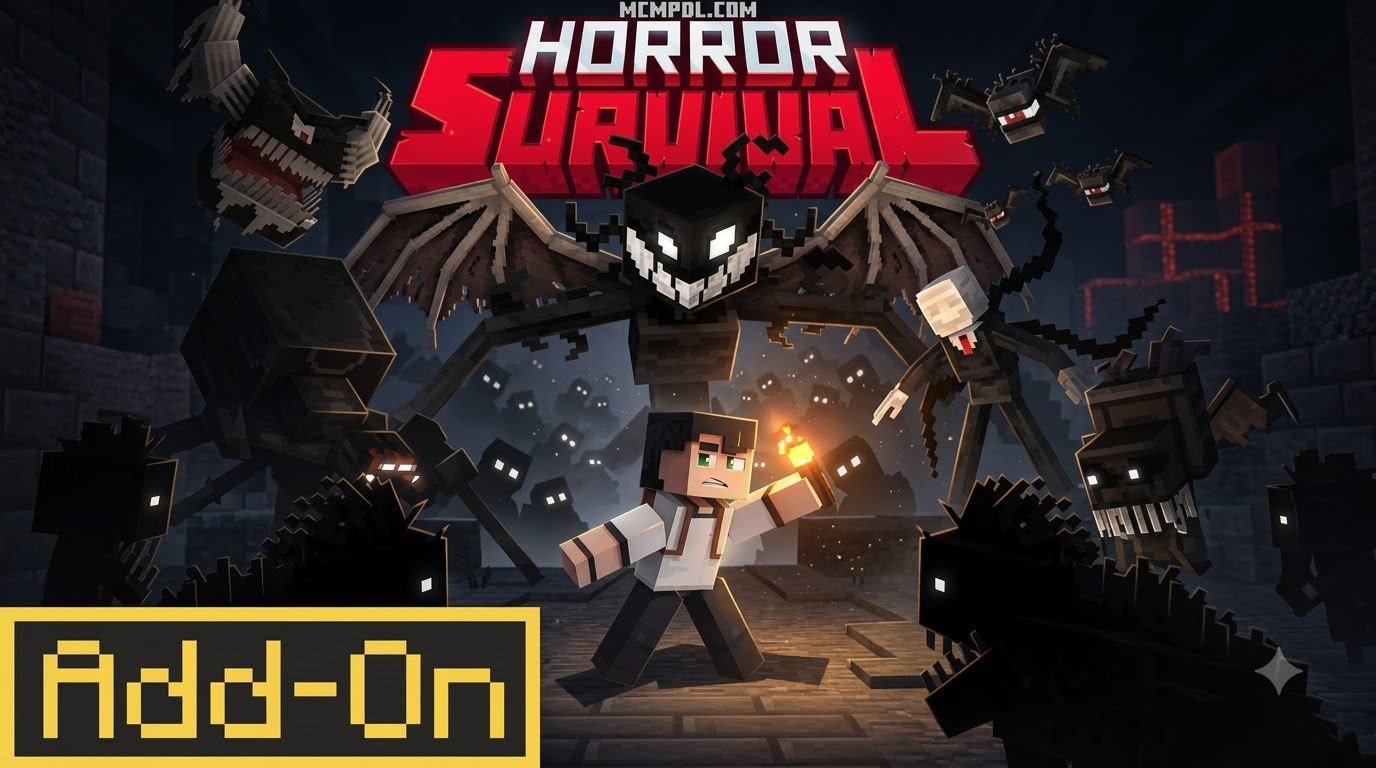
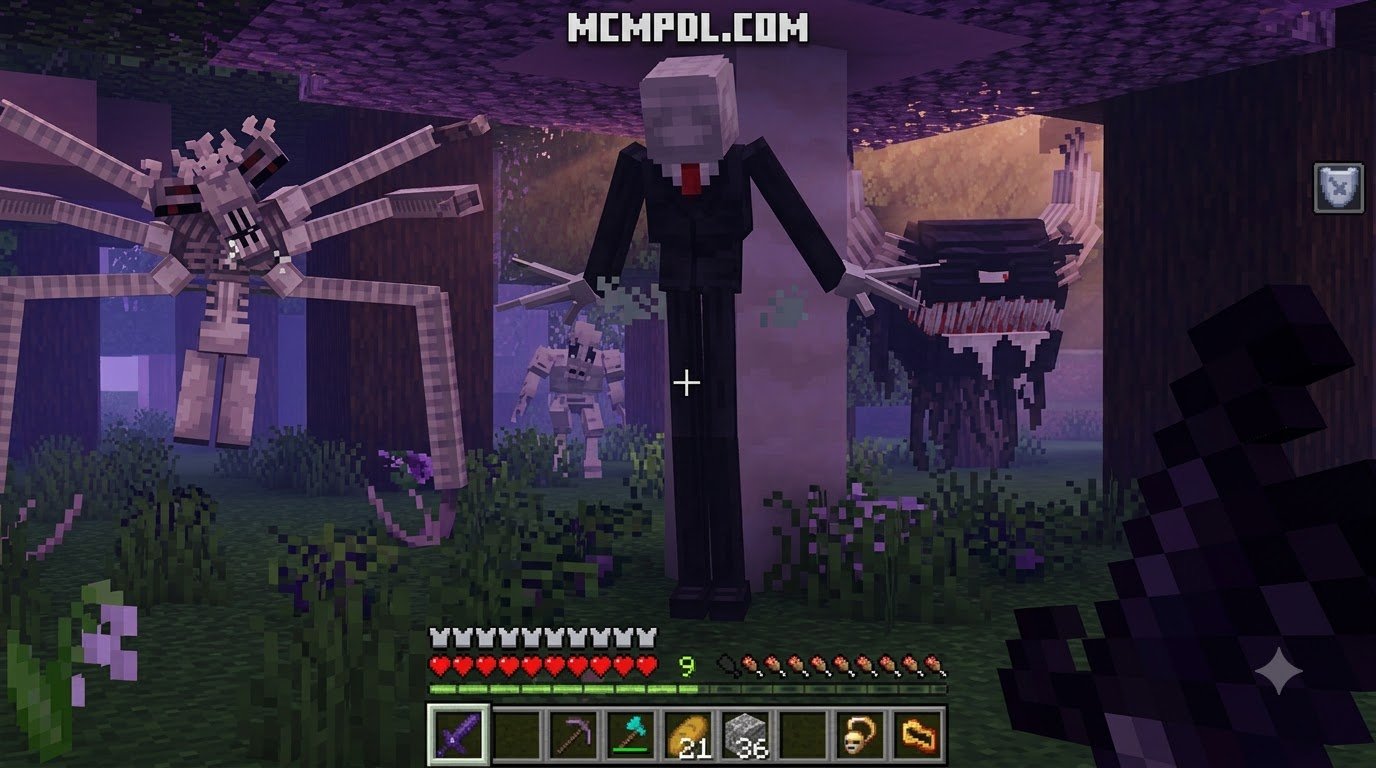
This horror-focused survival add-on turns ordinary Bedrock worlds into darker, tougher adventures inspired by the broader survival horror genre. It adds more than 20 monsters, bosses and mini-bosses, 60+ items, 15+ trinkets, new armor and weapons, custom enchantments, powerful trades, dynamic fog, lore, and jump-scare moments.
Created by Mythicus, the Marketplace version launched in June 2024 and was updated in January 2026. It has a 4.6/5 rating from 28,983 Marketplace ratings, showing strong interest from Bedrock players who want more than vanilla night-time danger.
Core Features of the HORROR SURVIVAL Addon for Minecraft PE/Bedrock
Surviving in vanilla Minecraft often becomes predictable once you secure a basic shelter and gather iron gear. The HORROR SURVIVAL Add-On 3.0.1 by Mythicus completely rewires this progression. It introduces a tense, high-stakes ecosystem where daytime resource gathering is a race against dusk, and nighttime demands serious tactical preparation.
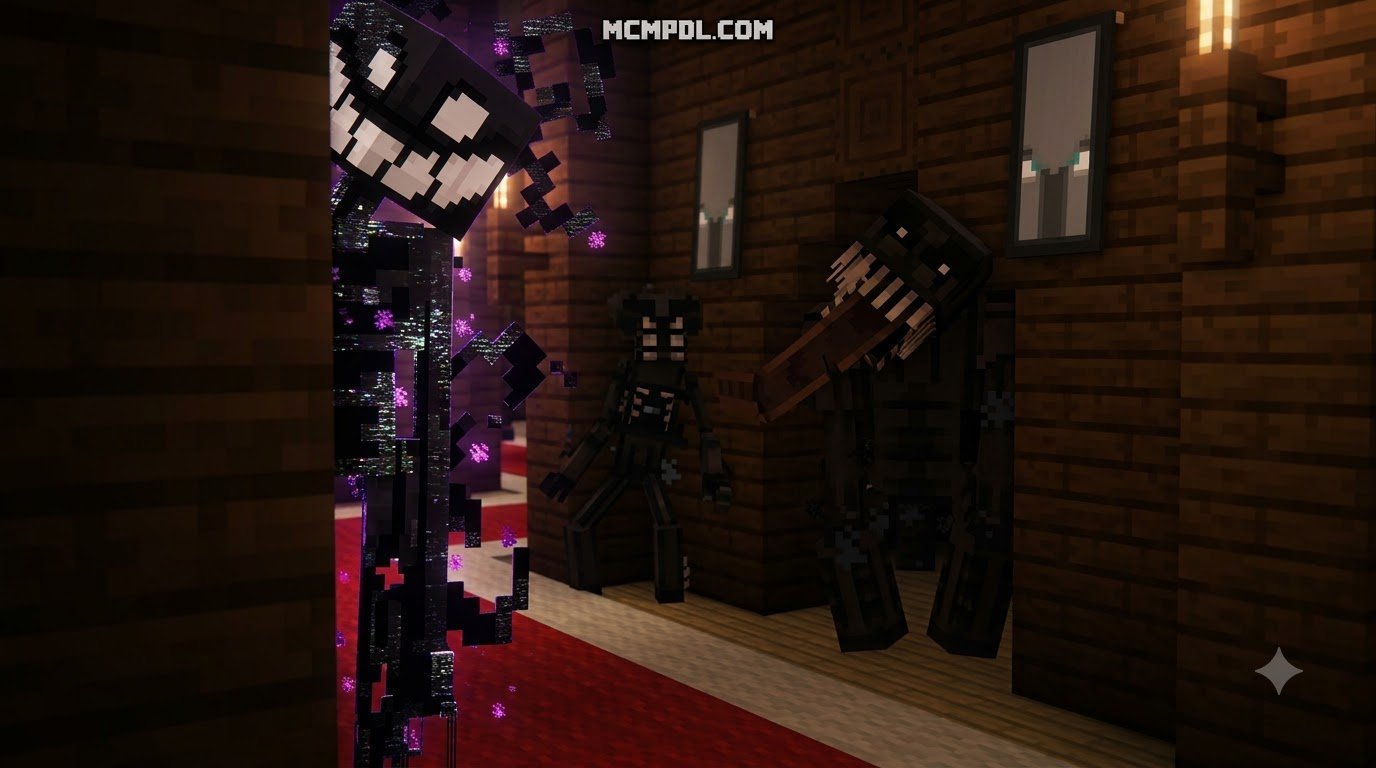
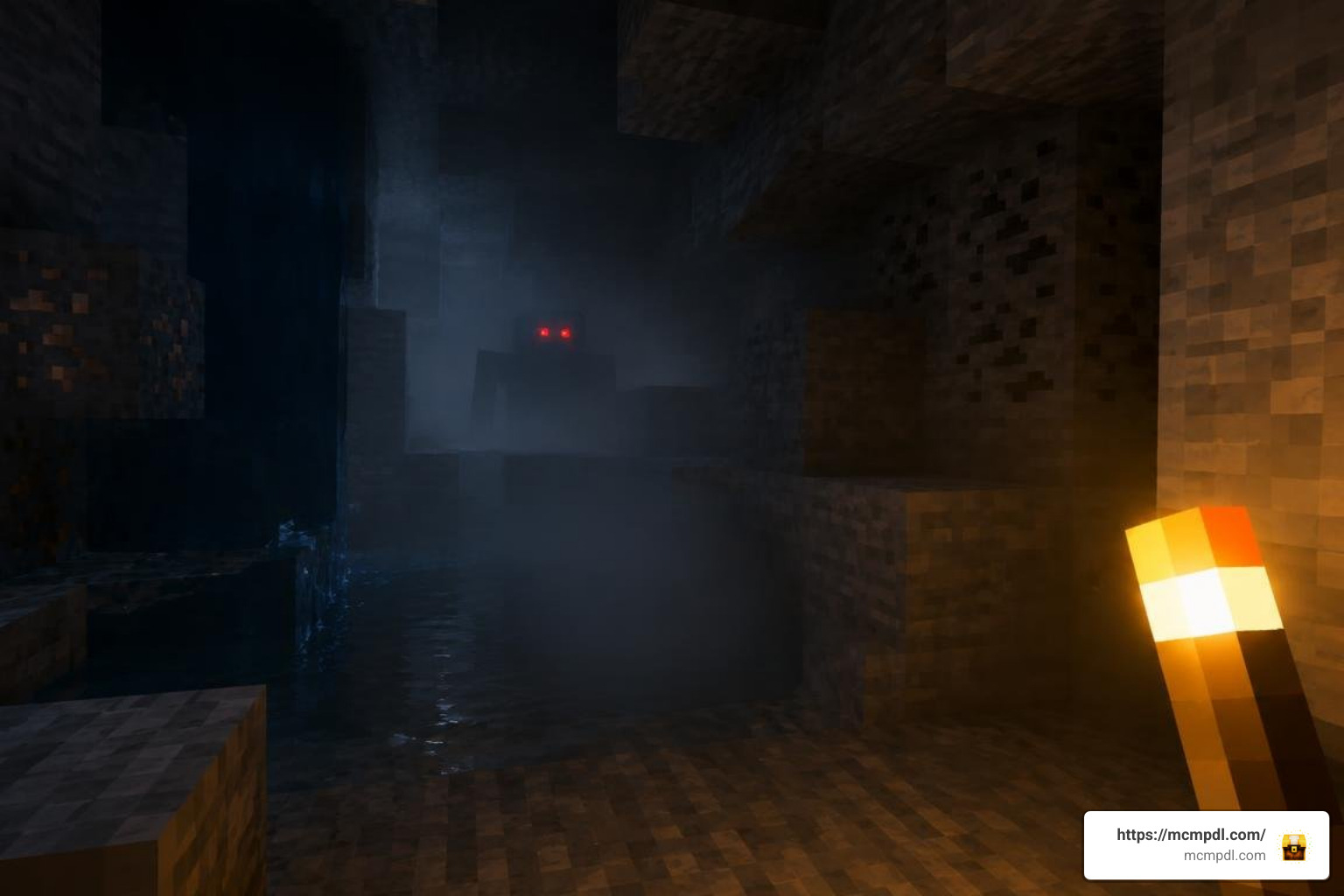
The expansion transforms the environment using custom post-processing techniques, dynamic fog density, and overhauled lighting. Players who enjoy eerie atmospheric overhauls will notice how the thick, ambient mist shifts naturally depending on the biome and elevation. This reduces visibility without feeling artificial. Combined with custom sound design, ambient dread, and sudden jump-scare triggers, exploration shifts from a casual stroll to a nerve-wracking horror expedition.
Beyond aesthetics, the pack delivers deep survival systems, featuring over 60 unique items, specialized trinkets with passive buffs, custom crafting recipes, dynamic trade tables, and over 10 tiered armor sets and weapons.
Custom Monsters, Bosses, and Environmental Hazards
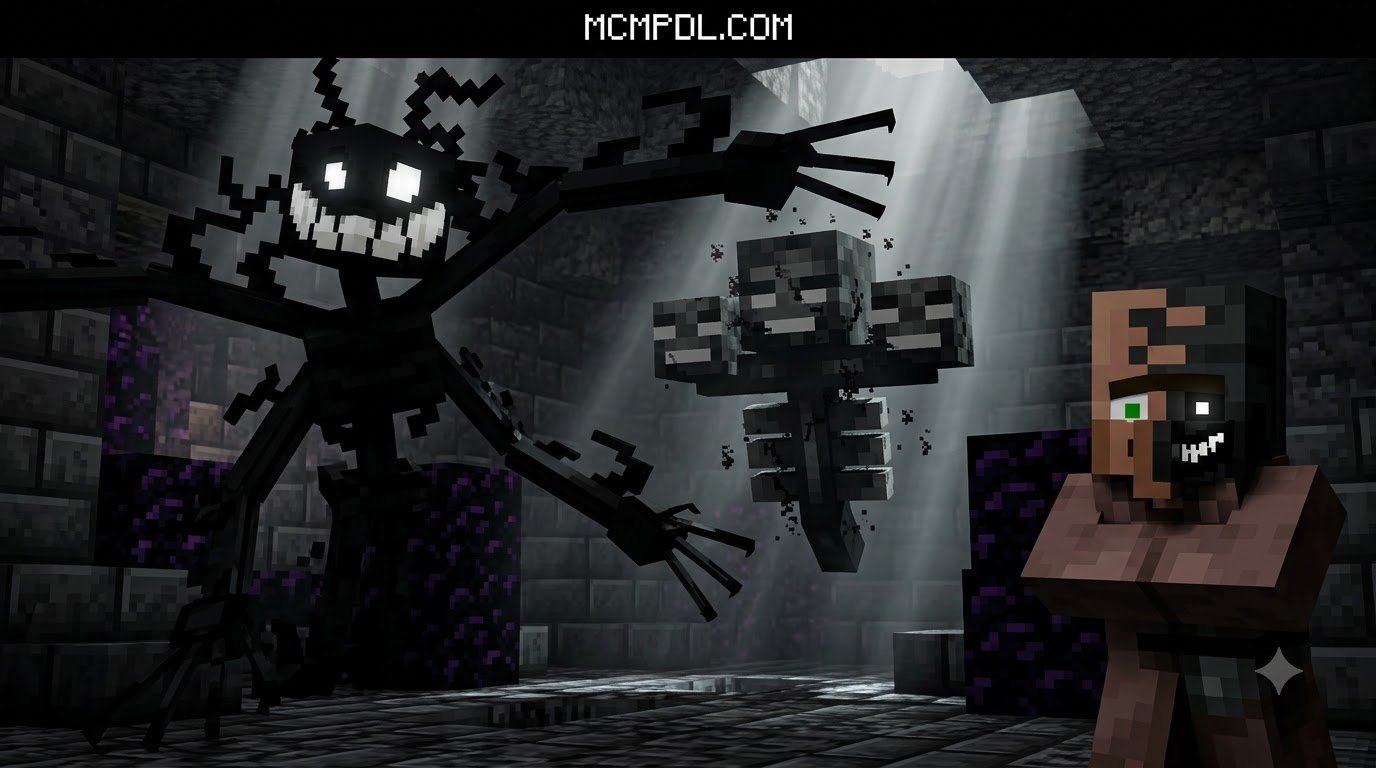
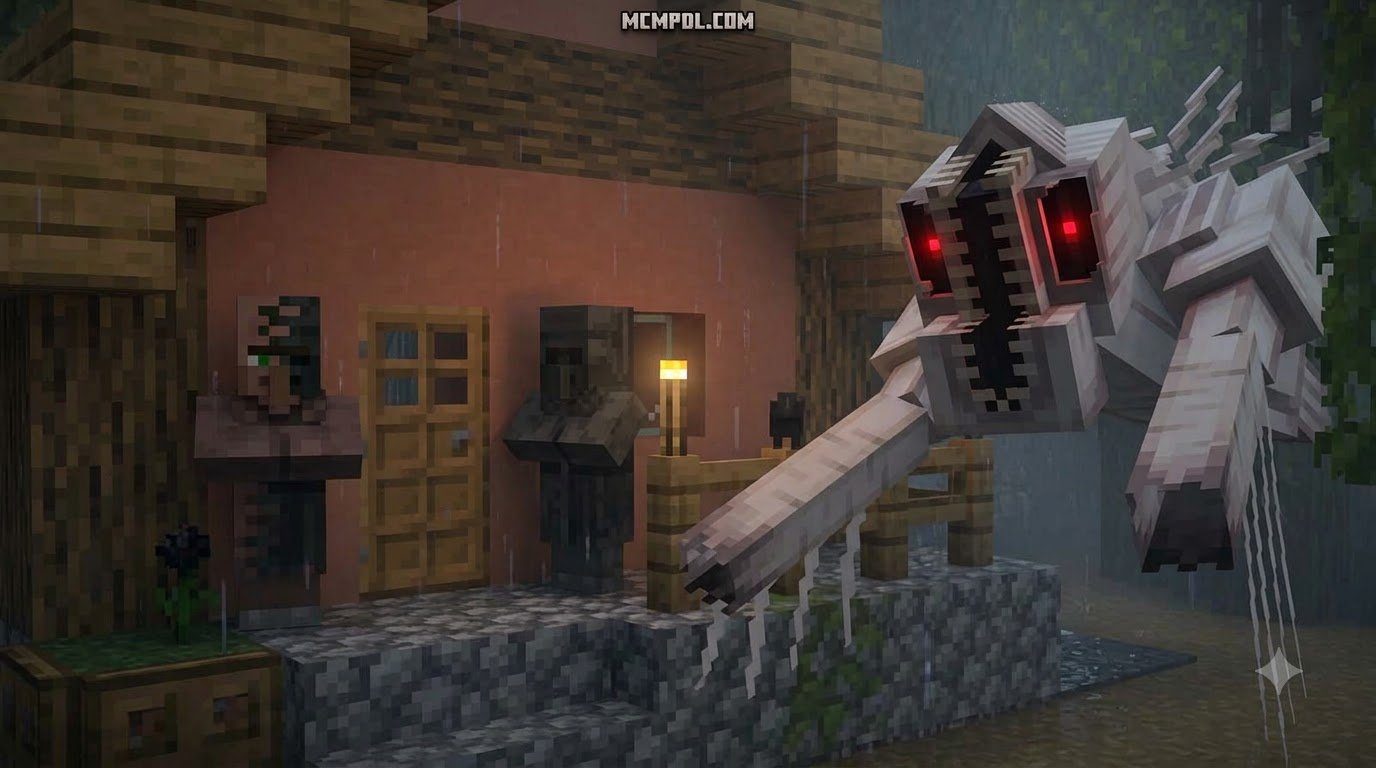
The add-on features over 20 custom monsters, each engineered with specialized pathfinding and aggressive behavioral AI. Unlike standard zombies and skeletons, these creatures actively hunt the player using custom line-of-sight tracking, sprint bursts, and auditory detection.
Key threat categories include:
- Stalkers & Ambushes: Fast-moving nocturnal predators that lurk at the edge of fog render distances, striking when your back is turned.
- Mini-Bosses: Hulking brute-class monsters that spawn during specific environmental states, capable of applying severe debuffs and breaking low-tier defensive barricades.
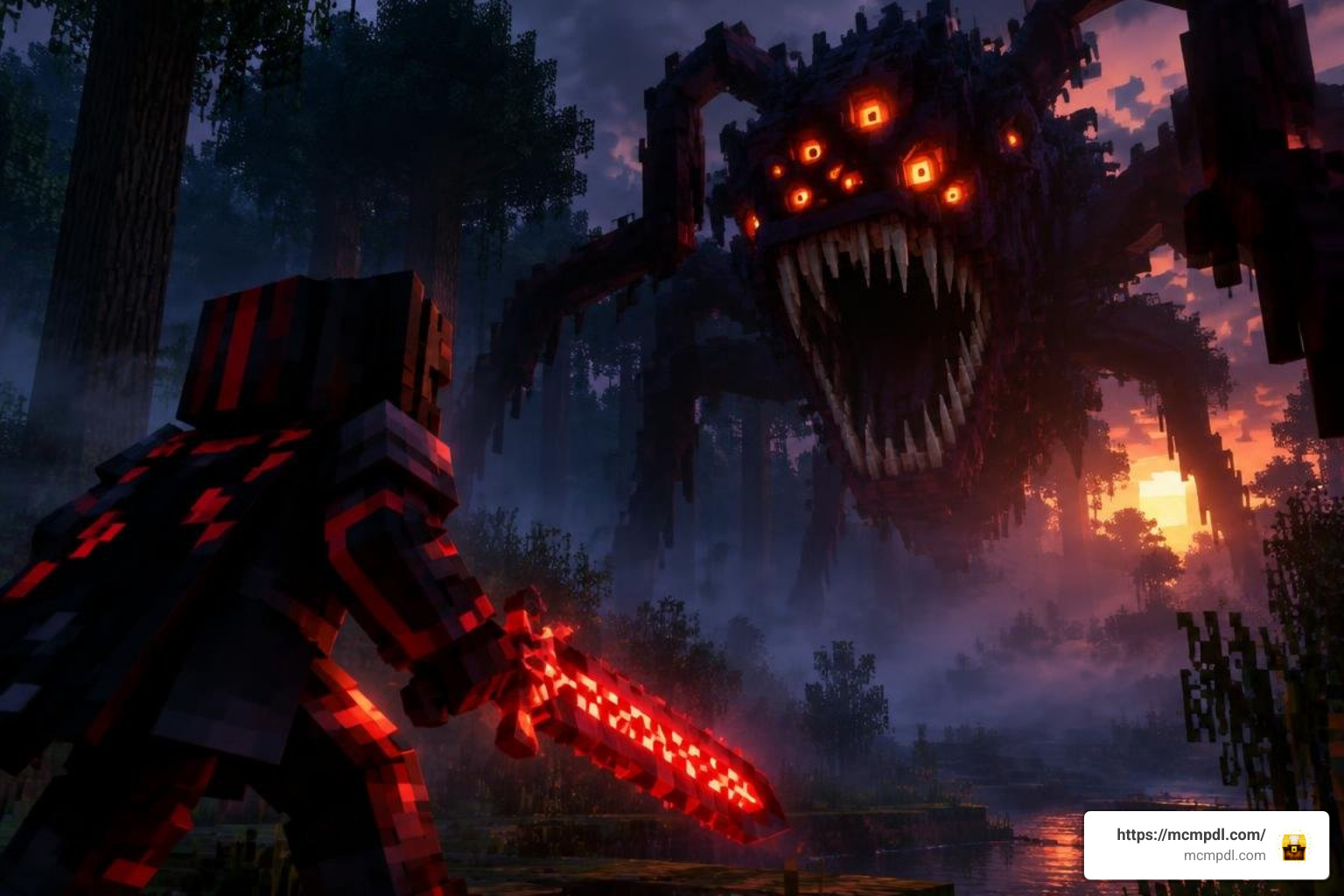
- Apex World Bosses: Summoned or encounterable world bosses requiring group coordination, advanced weaponry, and arena management to defeat.
The combat feels dangerous because these enemies bypass traditional shield-turtling strategies. Paired with environmental jump-scares—such as sudden audio stingers, shifting shadows, and hallucination mechanics—the add-on delivers deadly creature encounters that keep even well-armored veterans on high alert.
Progression System: Weapons, Trinkets, and Custom Enchantments
To survive these increased threats, the add-on introduces an extensive RPG-style progression system. Standard vanilla gear quickly falls short against high-tier horrors, making the 10+ new armor sets and custom weapons essential for survival.
Key progression elements include:
- Trinket Mechanics: Equip over 15 unique trinkets in your inventory to unlock passive stat bonuses, such as night vision enhancement, bleed resistance, increased sprint stamina, and dynamic panic-speed boosts when your health drops low.
- Custom Enchantments: Apply specialized enchantments to newly forged weapons to inflict elemental horror damage, life steal, or stagger effects against brute-class mobs.
- High-Tier Trading Tables: Rescue and interact with specialized survivor villagers to access high-tier trades. These allow you to barter rare mob drops for advanced survival gear and emergency supplies.
This progression structure rewards deep exploration into underground caverns and ruins, preparing you to face deep underground threats and harvest vital upgrade materials.
Step-by-Step Installation and Configuration Guide
Installing the add-on correctly ensures custom scripts, entity models, and particle effects load without errors. Whether you are playing on mobile (iOS/Android) or PC, follow this streamlined installation workflow.
How to Install HORROR SURVIVAL Addon for Minecraft PE/Bedrock on Mobile and PC
Depending on whether you acquire the pack via the in-game Marketplace or trusted community distribution platforms, installation takes just a few steps:
Method A: Minecraft Bedrock Marketplace (Automatic Setup)
- Launch Minecraft Bedrock Edition and open the Marketplace.
- Search for
HORROR SURVIVAL Add-Onby Mythicus. - Complete the purchase (1340 Minecoins) and click Download.
- Create a new world or click the pencil icon next to an existing world.
- Navigate to Behavior Packs and Resource Packs in the world settings menu, select the add-on, and click Activate.
Method B: Manual .mcaddon Import (Mobile & Windows 10/11)
- Download the official
.mcaddonor paired.mcpackfiles to your device. - Open your file manager and tap/double-click the
.mcaddonfile. Minecraft will launch automatically and display “Import Started” followed by “Successfully Imported”. - Navigate to Create New World > Resource Packs > Available > Owned, and activate the HORROR SURVIVAL Resource Pack.
- Navigate to Behavior Packs and activate the HORROR SURVIVAL Behavior Pack.
- Ensure the resource pack priority is loaded above any default texture packs to prevent UI or model overlap when exploring custom haunted structures.
Required Experimental Gameplay Toggles
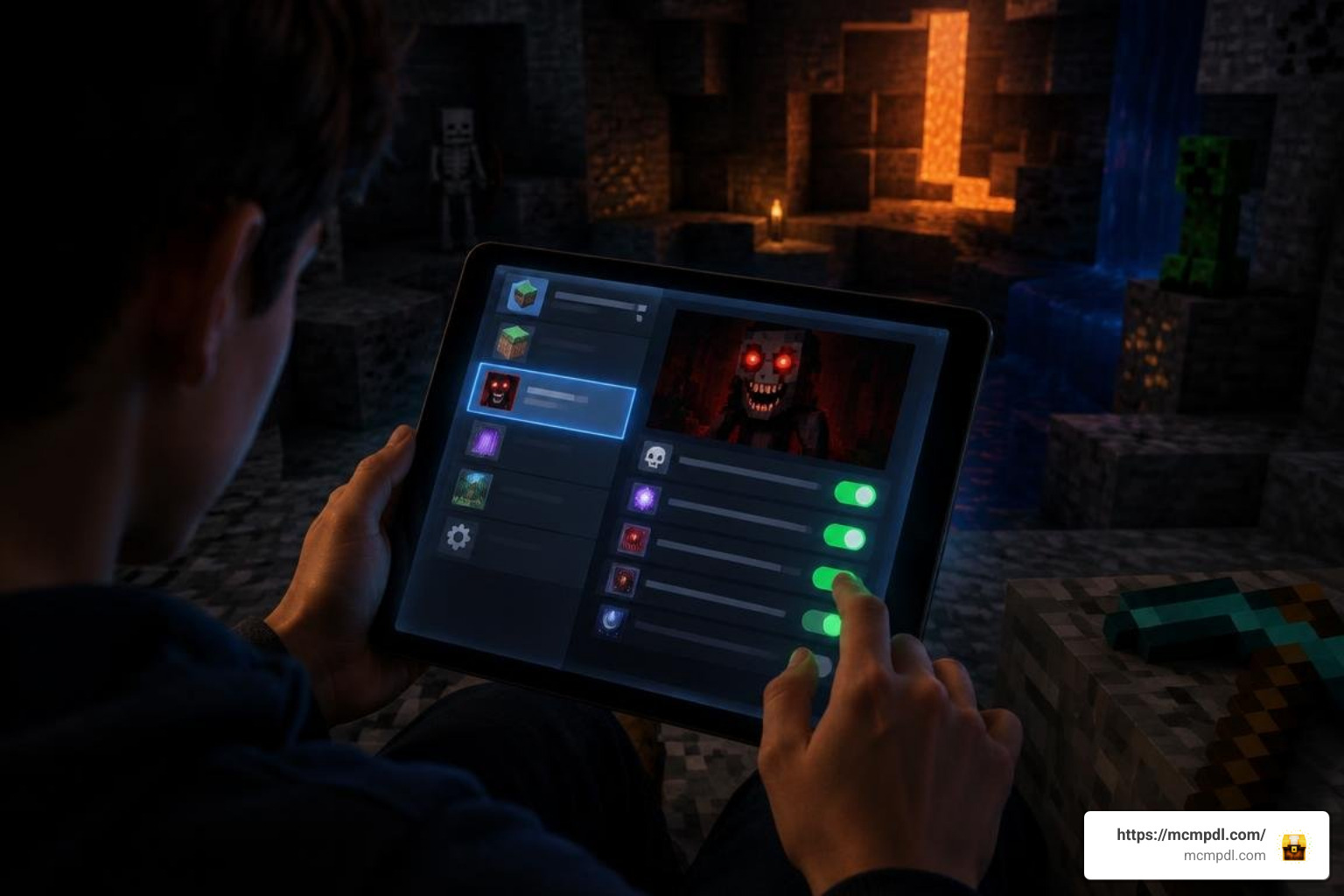
Community-distributed versions or script-heavy updates often rely on Bedrock’s experimental framework. When creating or configuring your horror world, scroll down to the Experiments tab in World Settings and toggle the following options to ON:
- Beta APIs: Required for custom JavaScript systems, custom UI menus, and advanced mob AI routines.
- Holiday Creator Features (if visible on your version): Allows custom blocks, custom items, and modified equipment mechanics to load.
- Custom Biomes: Generates custom atmospheric zones, modified foliage, and regional fog values.
- Upcoming Creator Features: Loads advanced entity collision models and custom animation controllers.
Note: Always create a backup of your world before toggling experimental settings on an existing save file.
Gameplay Strategy and Survival Tips
Surviving in this environment requires a significant shift from traditional sandbox habits. During early days, prioritize base fortification, line-of-sight obstruction, and light-source management. Unlike standard zombies, several monsters in this add-on can navigate around obstacles or stalk players from outside standard render distances.
The HORROR SURVIVAL Add-On 3.0.1 by Mythicus stands out through its combination of psychological horror pacing and boss encounters. Its 20+ monsters and bosses, dynamic fog, custom jump-scares, and RPG-style trinket progression work together to create a distinct atmosphere, with 60+ items, 15+ trinkets, and 10+ armor sets giving players a deep, layered survival experience with a high visual overhaul thanks to enhanced textures and mist effects.
Pairing these mechanics with detailed visual horror textures can further elevate the visual tension across singleplayer and multiplayer sessions.
Optimizing Performance for HORROR SURVIVAL Addon for Minecraft PE/Bedrock
Because the add-on introduces dynamic fog particles, custom AI loops, and high-polygon entity models, performance can vary depending on your hardware. Here is how we recommend optimizing performance on mobile devices and lower-spec PCs:
- Adjust Simulation Distance: Set your simulation distance to 4 Chunks in world settings. This restricts mob AI tick computations to your immediate vicinity, freeing up CPU overhead.
- Manage Render Distance: Lower render distance to 6–8 Chunks on mobile. Because dynamic fog lowers visibility intentionally, reducing your render distance improves frame stability without hurting the visual experience.
- Limit High-Density Lighting: Minimize the use of dynamic handheld light sources or excessive block entity placements (like hundreds of campfires or item frames) in your main survival bunker.
- Script Watchdog Management: If running heavy script-based builds, avoid placing excessive ticking blocks in a single chunk to prevent Bedrock Script Watchdog exceptions from pausing the game.
Multiplayer Hosting and Server Configuration
The add-on fully supports multiplayer, allowing cooperative survival campaigns. When hosting sessions on local LAN, Bedrock Dedicated Server (BDS), or Realms, keep these setup best practices in mind:
- Require Resource Pack Download: In your world settings, check the box labeled “Require players to accept resource packs to join.” This ensures all connecting clients download the custom mob models, audio files, and UI textures.
- Audio Sync: To keep dynamic horror audio and jump-scare stingers synchronized across all players, ensure that all clients run the same add-on version.
- Safe Zone Perimeter Construction: When establishing a shared multiplayer base, design layered defenses. Because high-tier monsters possess enhanced tracking and area-of-effect damage, build double-thick perimeter walls and lit airlock entryways to prevent containment breaches.
Frequently Asked Questions About Minecraft Horror Survival
Is the HORROR SURVIVAL addon free or paid?
The official HORROR SURVIVAL Add-On 3.0.1 created by Mythicus is a premium pack available on the official Minecraft Bedrock Marketplace for 1340 Minecoins. Purchasing through the Marketplace provides direct one-click installation, cloud syncing across devices under the same Microsoft account, and automatic updates (such as the major January 2026 content revision).
Independent community-made horror packs and related survival mods are often hosted for free on community platforms, though they require manual .mcaddon importing and manual updates.
Why is the HORROR SURVIVAL addon crashing my game?
If you experience game crashes or loading freezes when activating the add-on, the issue typically stems from one of four causes:
- Missing Experimental Toggles: Ensure Beta APIs and Custom Biomes are enabled in world settings before loading the save.
- Memory Constraints on Mobile: Running high-resolution resource packs alongside heavy entity AI can exceed available RAM on devices with less than 4 GB of memory. Lower your render distance and close background applications.
- Add-on Incompatibilities: Conflicts often occur if you load multiple behavior packs that modify the standard
player.jsonfile or shared animation controllers simultaneously. - Script Watchdog Exceptions: When too many custom entities spawn in an unrendered chunk, Bedrock’s scripting engine may force a safety crash. Clearing entity counts via peaceful mode toggles can resolve stuck worlds.
Can you play the HORROR SURVIVAL addon on multiplayer realms?
Yes, the add-on is fully functional on Minecraft Bedrock Realms and Realms Plus. The realm owner must apply both the Behavior Pack and Resource Pack to the world slot prior to uploading it to the Realm. Once uploaded, any player joining through console, PC, iOS, or Android will automatically download the necessary assets.
Conclusion
The HORROR SURVIVAL Addon for Minecraft PE/Bedrock delivers an intense, atmospheric survival overhaul that transforms standard worlds into high-stakes horror experiences. With its combination of over 20 aggressive monsters, challenging boss fights, dynamic fog effects, 15+ utility trinkets, and rewarding progression systems, it of
fers hours of tense gameplay for solo survivors and cooperative teams alike.
Equip your favorite weapons, configure your experimental settings, build a fortified safehouse, and discover if you have what it takes to survive the night. Explore more community-tested maps, addons, and texture packs at MCMPDL to build your ultimate Bedrock horror world today.