Scroll down to D0vvnl0ad
Download Robbed Hag Hide and Seek Classic World for Minecraft PE/Bedrock
To install the world, download its Bedrock .mcworld file from a trusted listing, open the file with Minecraft, and wait for the import to finish. Then find the world in your Play menu. Check the download page for its supported game version and any required packs before you invite friends.
Robbed Hag Hide and Seek Classic World is a themed hide-and-seek map for Minecraft PE/Bedrock. This guide walks you through the download and import, then shows you what to check if the world does not load as expected.
Overview of Robbed Hag Hide and Seek Classic World for Minecraft PE/Bedrock
Hide-and-seek has always been one of the most enduring minigame genres in Bedrock Edition. While standard minigames feature bright arenas and playful hiding spots, the Robbed Hag Hide and Seek Classic World flips the script by introducing dark fantasy suspense, asymmetric multiplayer tension, and a relentless hunting dynamic.
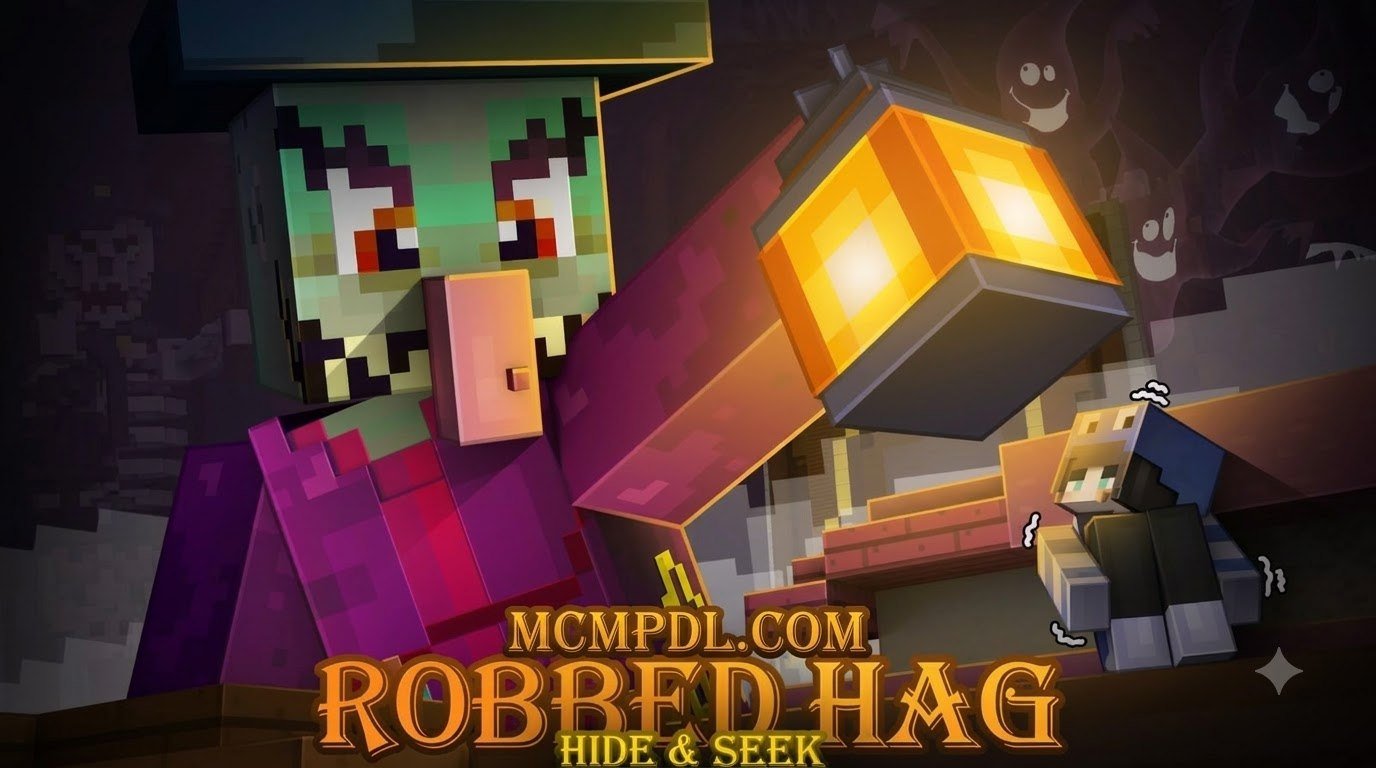
In this custom arena, one player assumes the terrifying role of the “Robbed Hag”—a vengeful, robbed witch hunting down those who entered her domain—while the remaining players scatter across a sprawling, multi-tiered environment to survive until time expires. Unlike casual Hide and Seek Maps for Minecraft PE/Bedrock, this experience focuses on stealth, distraction, and tactical awareness.
The map is built specifically for group play, accommodating 2 to 12 players per round. Because of its spooky sound cues, dim lighting, and sudden jump-scare potential, we recommend this world for players aged 10 and older. It offers the perfect middle ground: intense enough to keep your heart racing, but accessible enough for casual multiplayer game nights on phones, tablets, consoles, or PCs.
Lore, Atmosphere, and Creepypasta Origins
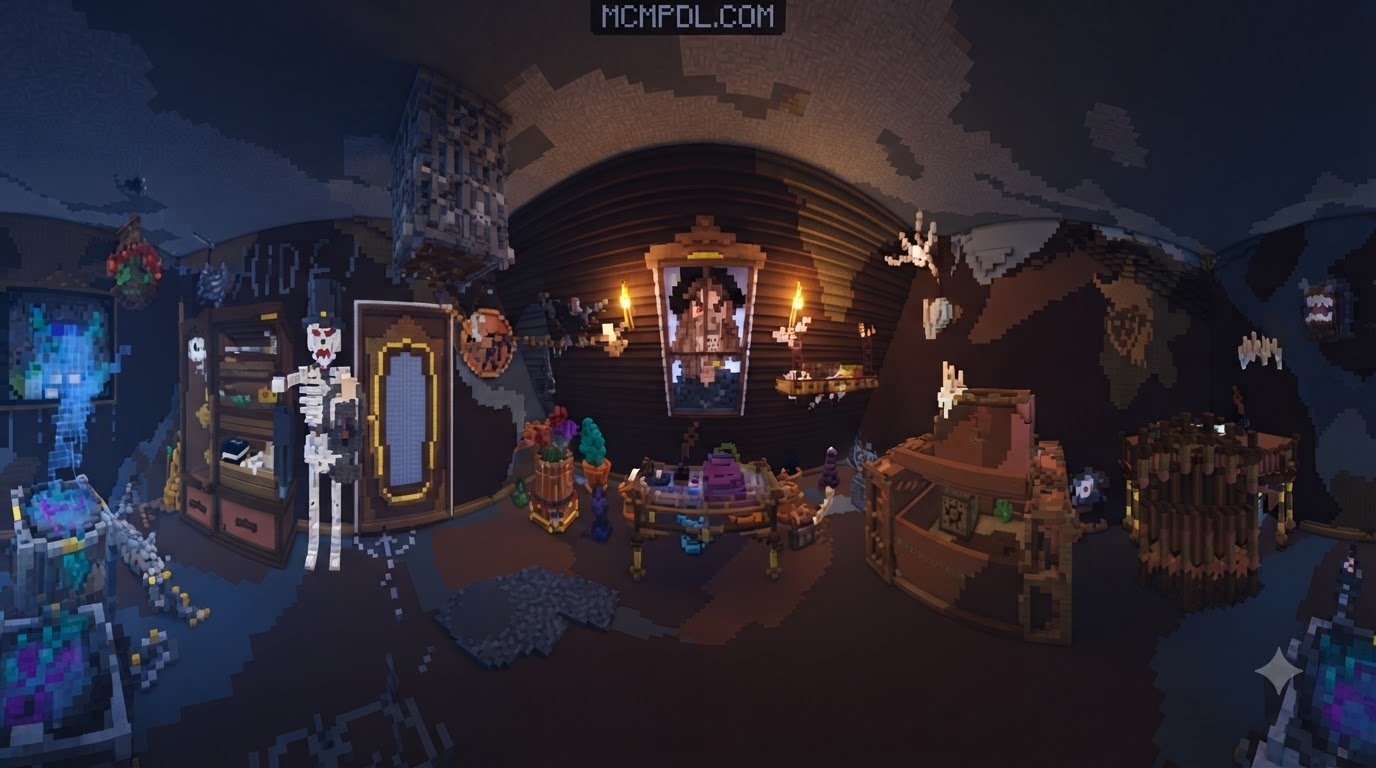
The narrative backbone of the map draws deep inspiration from classic creepypasta lore and vintage horror myths that have circulated in the blocky universe for over a decade. The story goes that a powerful swamp hag had her sacred relics stolen by wandering adventurers. Cursed with blind fury, she stalks her dilapidated estate and surrounding swamplands, listening for every step and breathing sound in the dark.
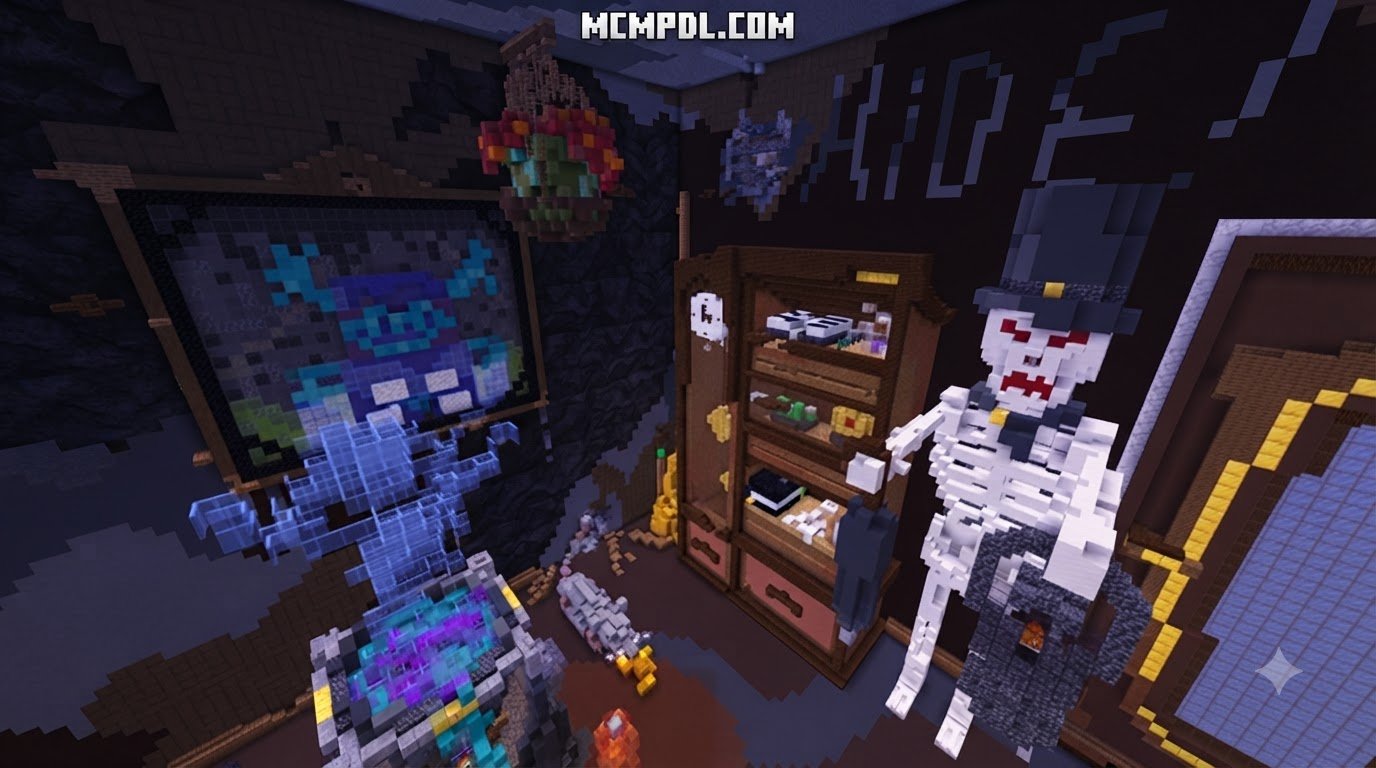
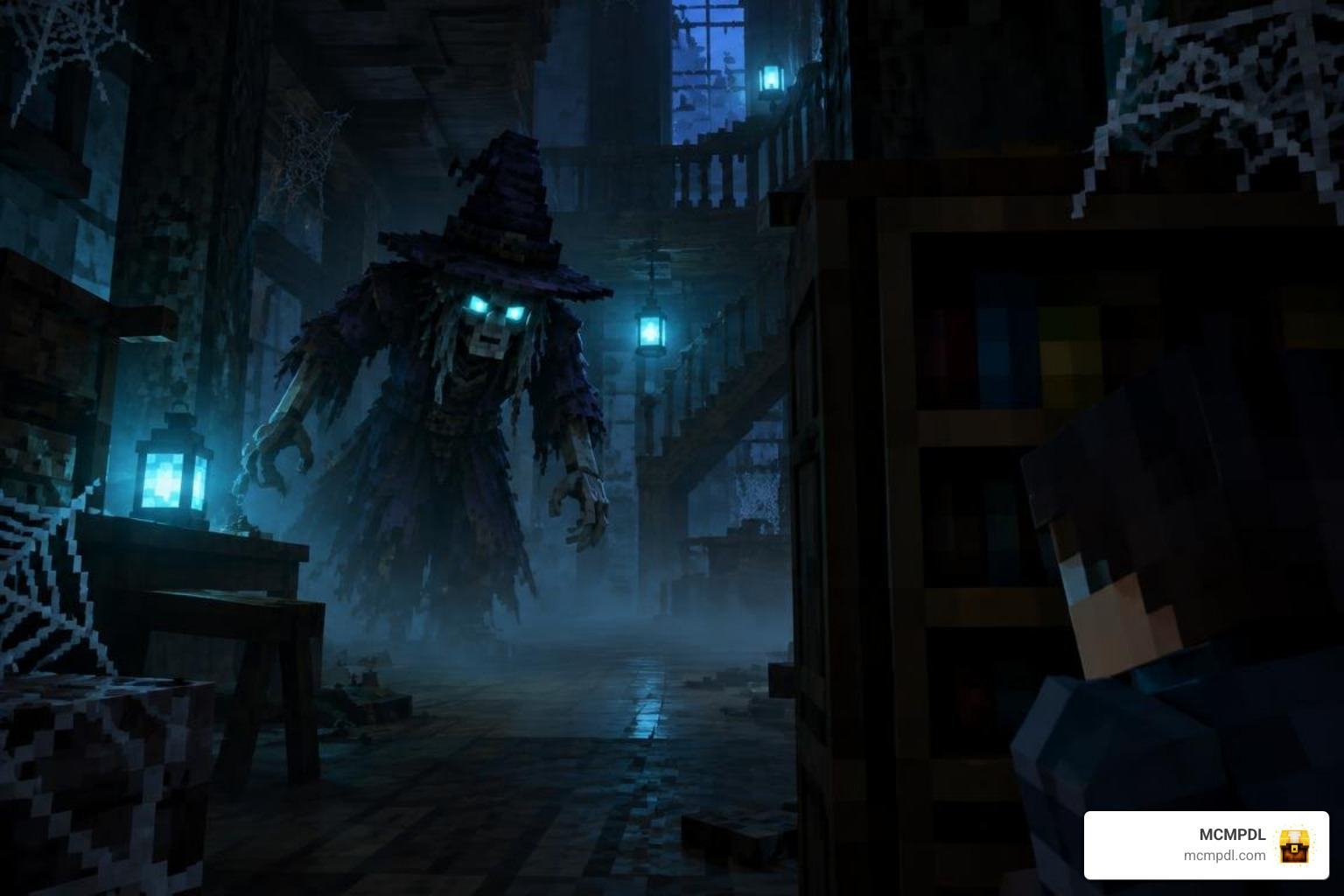
The visual and acoustic design reinforces this narrative at every corner. Custom ambient sound scripts trigger floorboard creaks, sudden howling winds, and distorted witch cackles when the seeker draws near. Dim soul-lantern lighting and dense particle fog create thick blind spots where hiders can blend into the scenery. If you love the unsettling vibe found in a Scary Mobs World for Minecraft PE/Bedrock, you will immediately feel right at home within these shadowy corridors.
Core Gameplay Rules and Player Roles
The gameplay loop is built on tight rounds, precise timing, and clear win conditions:
- Role Selection & Lobby Phase: Players enter a waiting lobby where they can select roles manually or let the automated randomized command system assign one player as the Hag Seeker.
- The Grace Period: Once the round begins, the Hag is blinded, frozen, and trapped in her lair for 30 to 45 seconds. Hiders use this window to sprint across the map, locate chests, grab single-use distraction items, and wedge themselves into secret alcoves.
- The Hunt: When the Hag is released, she receives subtle speed buffs, night vision, and tracking sound cues. Hiders must remain motionless or sneak quietly to avoid detection.
- Elimination & Win Conditions: If the Hag strikes a hider, that player is eliminated and sent to an overhead spectator walkway to watch the remaining action. The hiders win if at least one survivor remains when the countdown timer hits zero. The Hag wins if she eliminates all intruders before time runs out.
Step-by-Step Download and Installation Guide
Getting custom worlds onto your device in Minecraft Bedrock is straightforward when using direct .mcworld packages. Below, we break down what you need and how to get everything running smoothly.
System Requirements for Robbed Hag Hide and Seek Classic World for Minecraft PE/Bedrock
Before downloading, ensure your gaming setup meets these baseline technical specifications:
- Game Version: Minecraft Bedrock / Pocket Edition version 1.21 or newer.
- Supported Platforms: Android, iOS, iPadOS, Windows 10/11, Xbox One/Series, PlayStation 4/5, and Nintendo Switch (via Realm transfer or dedicated hosting).
- Storage Space: At least 75 MB of free storage space to accommodate the world file, custom textures, and ambient sound files.
- RAM & Hardware: A minimum of 3 GB RAM on mobile devices or 4 GB RAM on PC/Consoles to prevent frame drops during dense particle sequences.
- Recommended Settings: Set your in-game render distance to 10–14 chunks and ensure smooth lighting is enabled for optimal atmosphere.
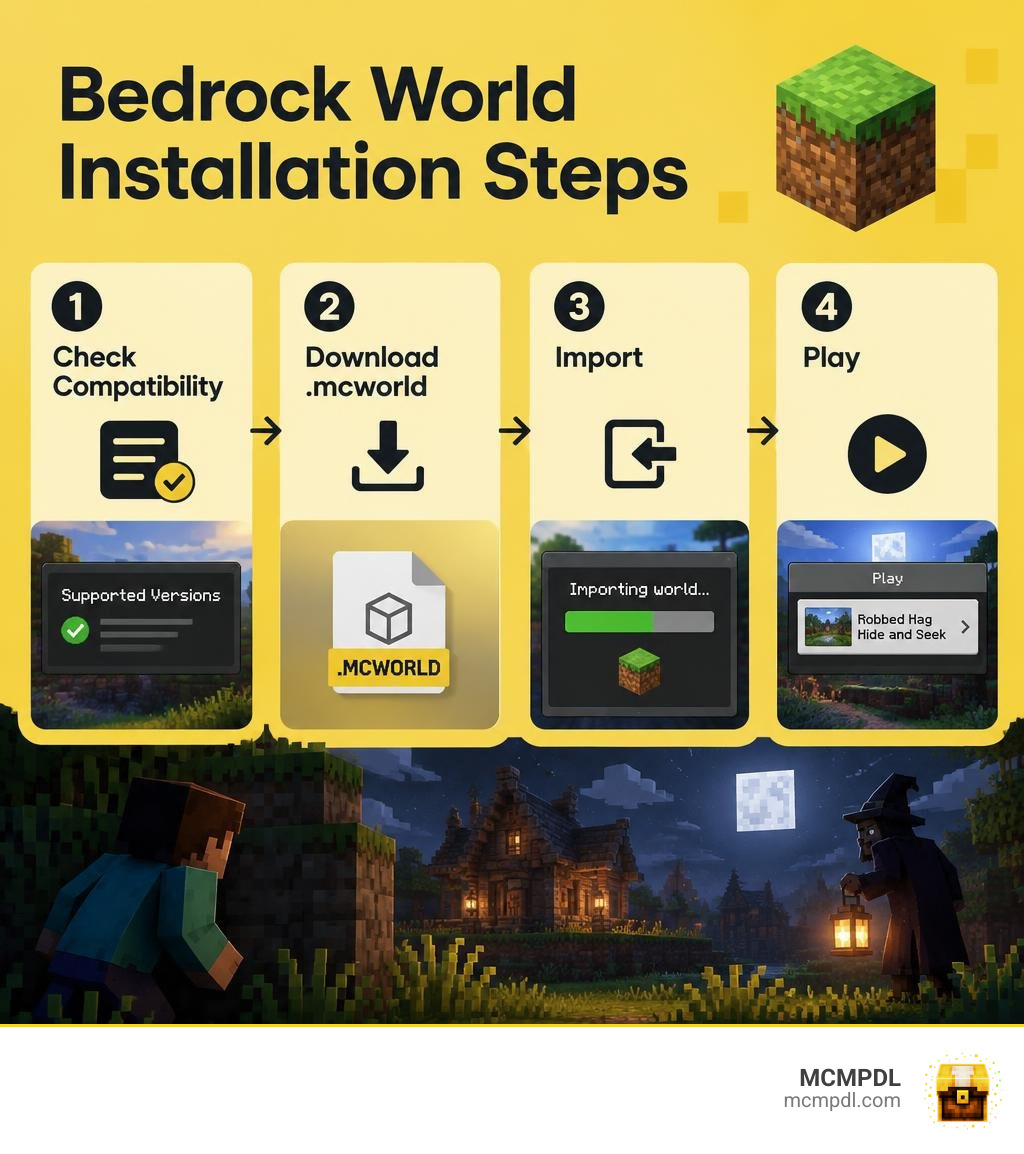
Step-by-Step Installation of Robbed Hag Hide and Seek Classic World for Minecraft PE/Bedrock
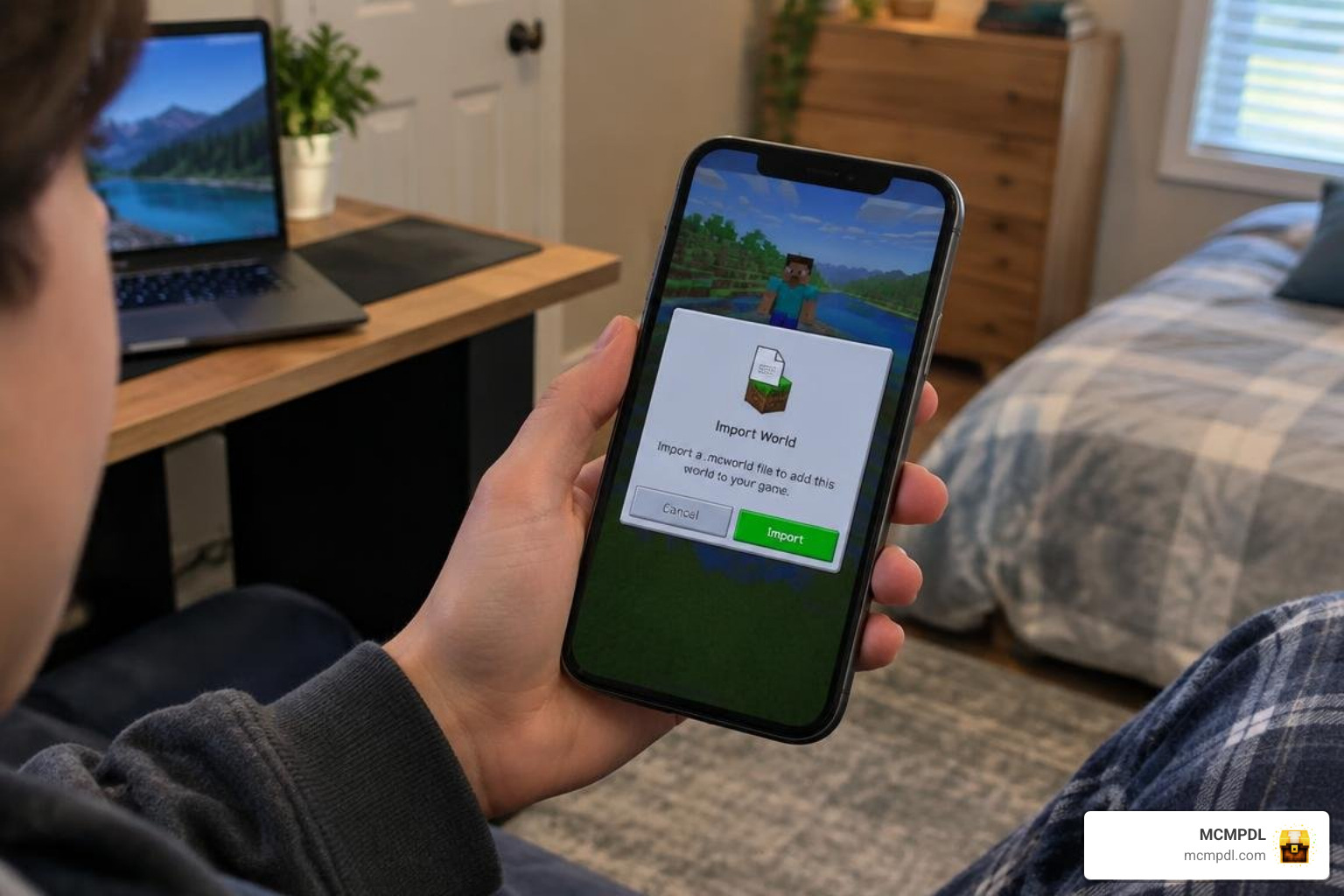
Follow these simple steps to import the world file onto your device:
- Download the File: Save the
.mcworldfile to your device’s download folder from our curated catalog on MCMPDL. - Open with Minecraft:
- On Windows, double-click the downloaded
.mcworldfile. Minecraft will launch automatically and begin the import process. - On Android/iOS, tap the downloaded file and select Open with Minecraft (or tap “Share” > “Minecraft”).
- On Windows, double-click the downloaded
- Wait for Import Confirmation: Watch for the top banner in the Minecraft main menu reading “Level import started” followed by “Level import finished successfully.”
- Configure World Settings: Go to your Play menu, locate the world under your single-player list, and tap the pencil icon to edit settings. Ensure that Command Blocks Enabled is set to ON and Allow Cheats remains active so the backend logic functions properly.
- Launch and Invite: Open the world, let the lobby command systems initialize, and invite your friends through your Xbox Live friends list or local LAN network.
Key Mechanics, Custom Behaviors, and World Layout
Behind the eerie visuals lies a sturdy framework of command block chains and data-driven entity components. Integrating ideas seen in a modern horror survival addon, this map ensures that every round feels unpredictable and responsive.
Custom Entity AI and Hide-and-Seek Mechanics
The world leverages the built-in data capabilities outlined across official Bedrock entity behavior documentation to handle NPC interactions, lobby transitions, and automated target markers. Custom behaviors such as minecraft.behavior.hide and minecraft.behavior.move_to_poi allow ambient environmental creatures to scatter realistically when players run past them, adding life and tension to the grounds.
Furthermore, the map balances movement across the entire Minecraft mob roster, using modified hitboxes and custom sound triggers so the Hag cannot easily exploit corner glitching or clip through tightly packed hiding zones.
Map Architecture and Best Hiding Spots
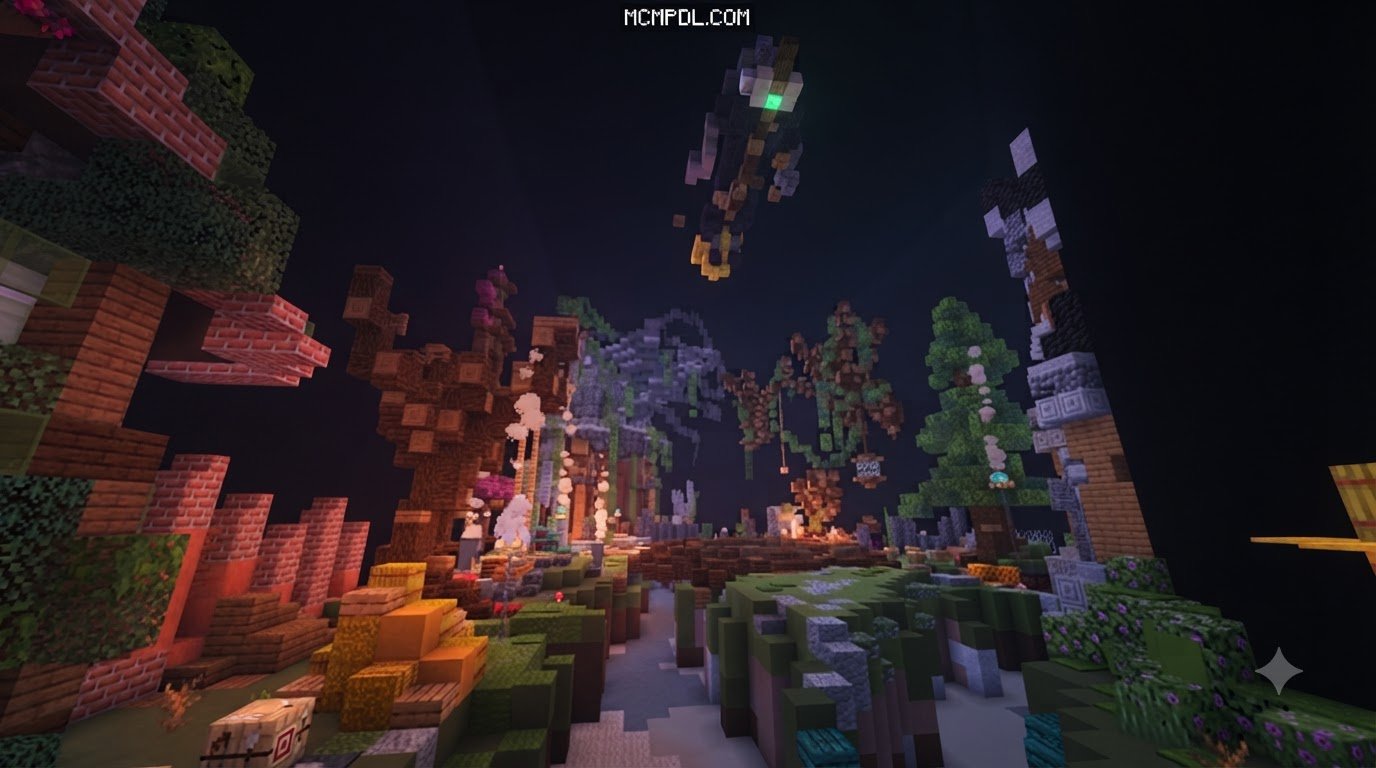
The arena is divided into three distinct vertical zones, giving hiders multiple tactical approaches:
- The Sunken Crypts & Cellars: An underground network of winding, narrow tunnels filled with fake cobweb walls and crawlspaces. Great for breaking line of sight, but dangerous if the Hag corners you with no exit behind you.
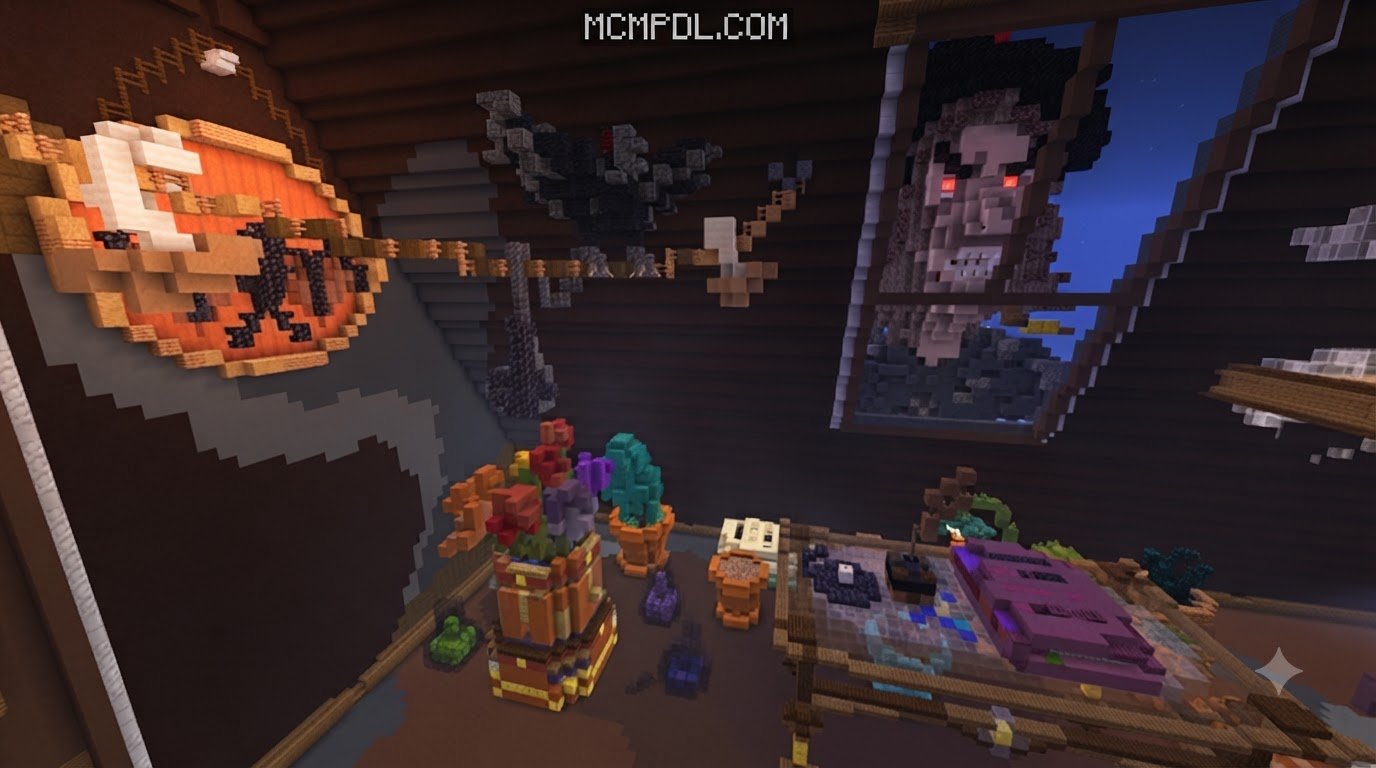
- The Ruined Manor Grounds: The sprawling middle layer featuring dining halls, broken rafters, kitchen pantries, and overturned furniture. Hiding behind double-layered trapdoors or inside hollow fireplaces works wonders here.
- The Overgrown Canopy Walkways: High-risk, high-reward vertical perches situated in the dilapidated attic and outdoor swamp trees. Reaching these spots requires precision parkour, but the Hag rarely looks directly upward while scanning rooms.
Winning Strategies and Comparison with Other Minigames
To help you decide if this map fits your group’s playstyle, here is how Robbed Hag Hide and Seek stacks up against traditional hiding minigames:
| Feature | Standard Hide & Seek | Robbed Hag Classic World | Prop Hunt Maps |
|---|---|---|---|
| Theme & Tone | Bright, arcade-like, casual | Dark fantasy, atmospheric horror | Playful, comical, puzzle-oriented |
| Hider Abilities | Static hiding, basic sprint | Distraction items, crawlspaces, stealth | Block morphing, solidifying into objects |
| Seeker Abilities | Basic melee hit, weapon sweep | Speed surges, directional sound alerts | Weapon attacks with miss-penalty |
| Round Duration | 5–10 Minutes | Fast-paced (3–5 Minutes) | 4–7 Minutes |
| Map Interactivity | Low (static obstacles) | High (secret levers, breakable vents) | High (blending into decor) |
If you enjoy disguise-based deception, exploring a Prop Hunt Map for Minecraft PE/Bedrock is a great complement, but when you want pure adrenaline and stalker-style gameplay, Robbed Hag delivers a focused rush.
Top Hider Survival Tips
- Never Stay in One Place Too Long: If the Hag checks your sector and moves on, use her cooldown window to quietly relocate to an already-searched room.
- Crouch to Silence Footsteps: Footstep audio is amplified on this map; sneaking prevents your location from pinging nearby seekers.
- Save Distraction Items: Throw snowballs or alarm bells toward empty corridors to draw the Hag away from your real hiding spot.
Top Hag Seeker Tactics
- Check the Vertical Angles: Most hiders jump onto chandeliers, rafters, or bookcases. Tilt your camera up whenever entering a high-ceiling chamber.
- Listen with Headphones: Stereo sound lets you pinpoint precisely whether a door opening or floor creak came from your left or right.
- Patrol Chokepoints: Rather than scouring every tiny corner, patrol the central stairwells and corridors that connect the upper floors to the cellar.
Frequently Asked Questions
Can I play this map in single-player mode?
While the map is fundamentally engineered for 2 or more players in multiplayer, some versions include a practice single-player exploration mode where an automated AI Hag uses pathfinding goals to search for you. However, the true suspense and balanced fun come from playing with real human opponents.
Which Bedrock platforms support this map?
Because the world uses native Bedrock .mcworld architecture, it is fully cross-platform compatible. Players on Android, iOS, Windows 10/11, Xbox, PlayStation, and Nintendo Switch can all join and play together seamlessly through Microsoft account multiplayer or Realms.
How do I fix missing textures or broken command blocks?
If textures appear as purple-and-black checkerboards or the timer does not start, delete the world and reimport the original .mcworld file. Ensure that Command Blocks Enabled is toggled ON in your world settings, and verify that your game has updated to version 1.21 or later.
Conclusion
Robbed Hag Hide and Seek Classic World for Minecraft PE/Bedrock delivers an exhilarating blend of classic playground stealth and immersive horror tension. With its well-crafted map architecture, custom audio cues, and balanced asymmetric roles, it offers endless replayability for your multiplayer gaming sessions.
At MCMPDL, our mission is to bring you the finest community creations with simple, fast, and safe downloads. Grab your friends, import the world, and discover a massive, curated library of Minecraft Bedrock maps waiting for your next blocky adventure today!