Scroll down to D0vvnl0ad
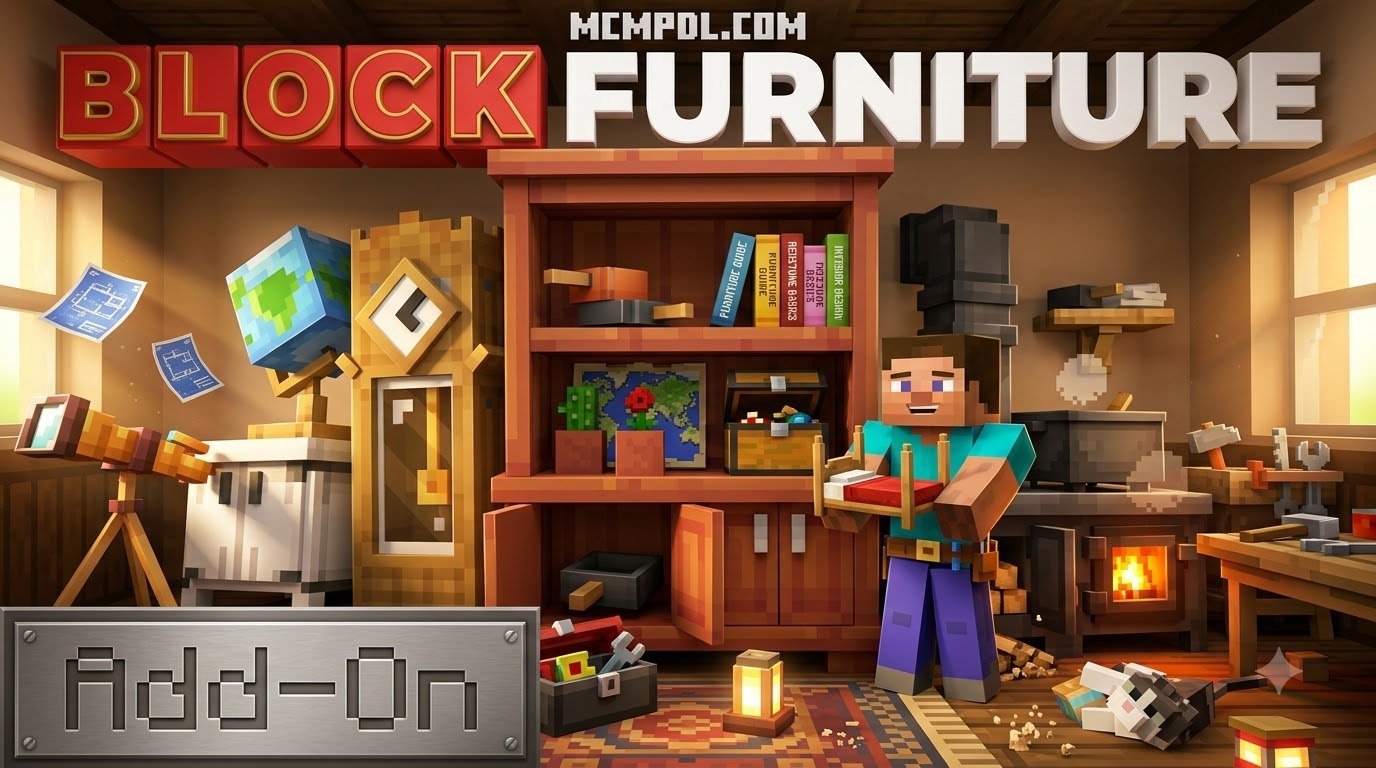
What Is the BLOCK FURNITURE ADDON for Minecraft PE/Bedrock?
The cheapest way to install the BLOCK FURNITURE ADDON for Minecraft PE/Bedrock is to download and manually import free .mcaddon community files on mobile and PC. If you play on a console where file access is restricted, the official in-game store version costs 830 Minecoins and installs automatically. Both methods give you the same core pack, so your choice depends mainly on your platform and whether you prefer a free manual setup or a paid one-tap download.
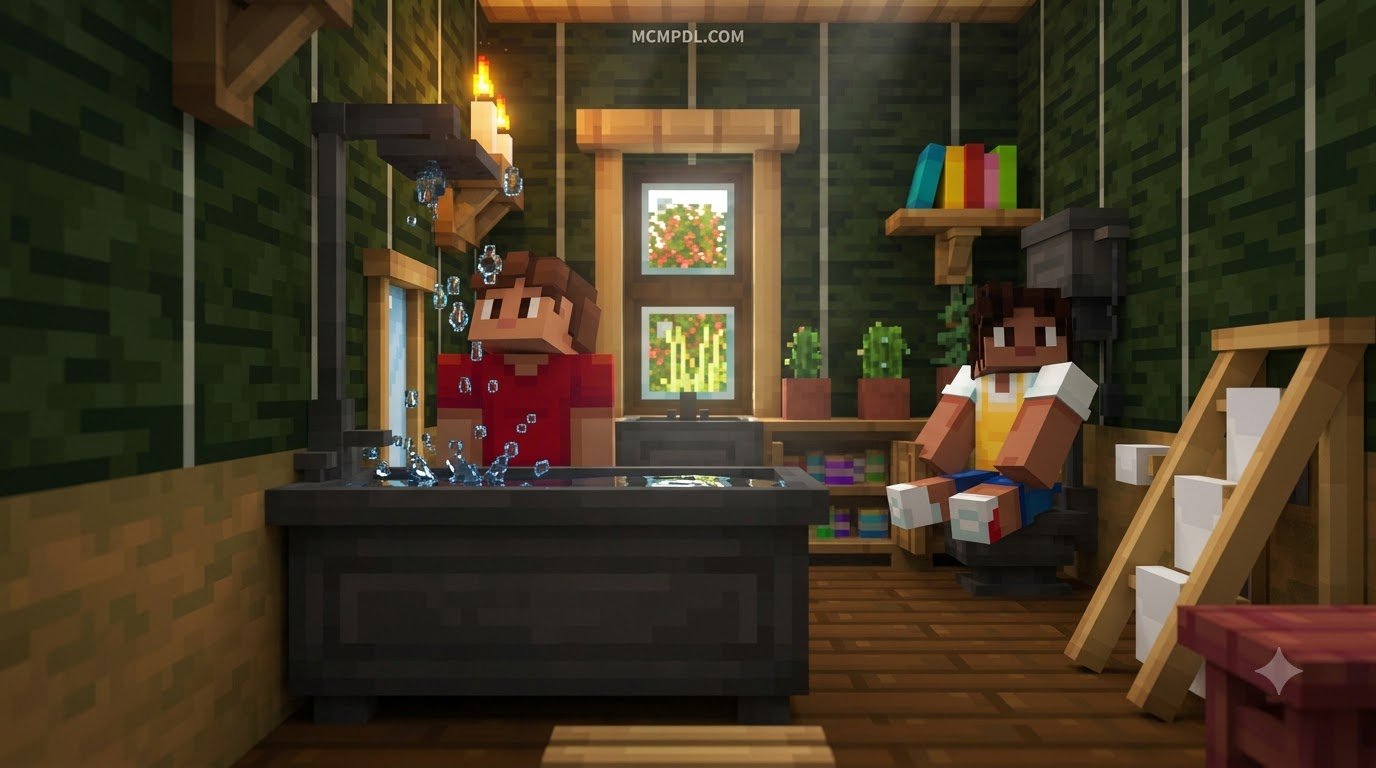
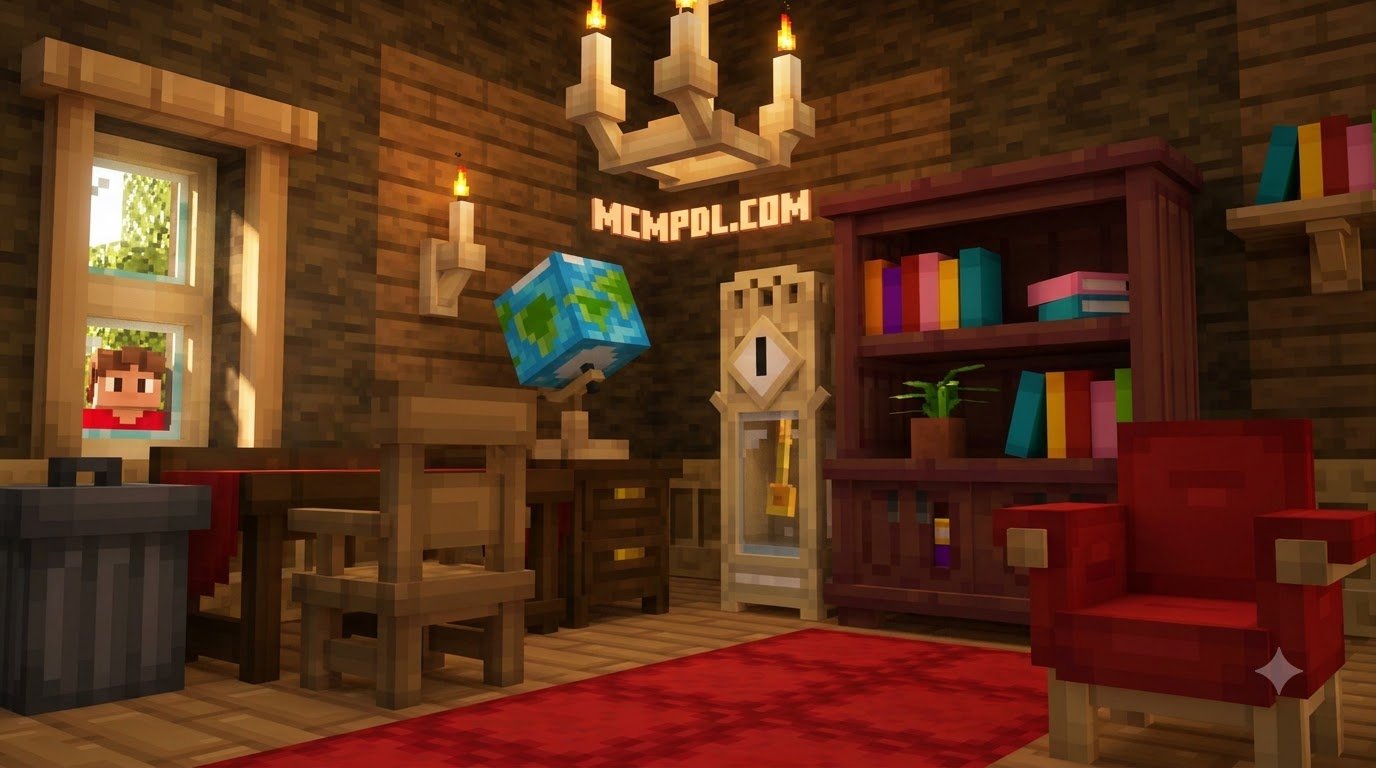
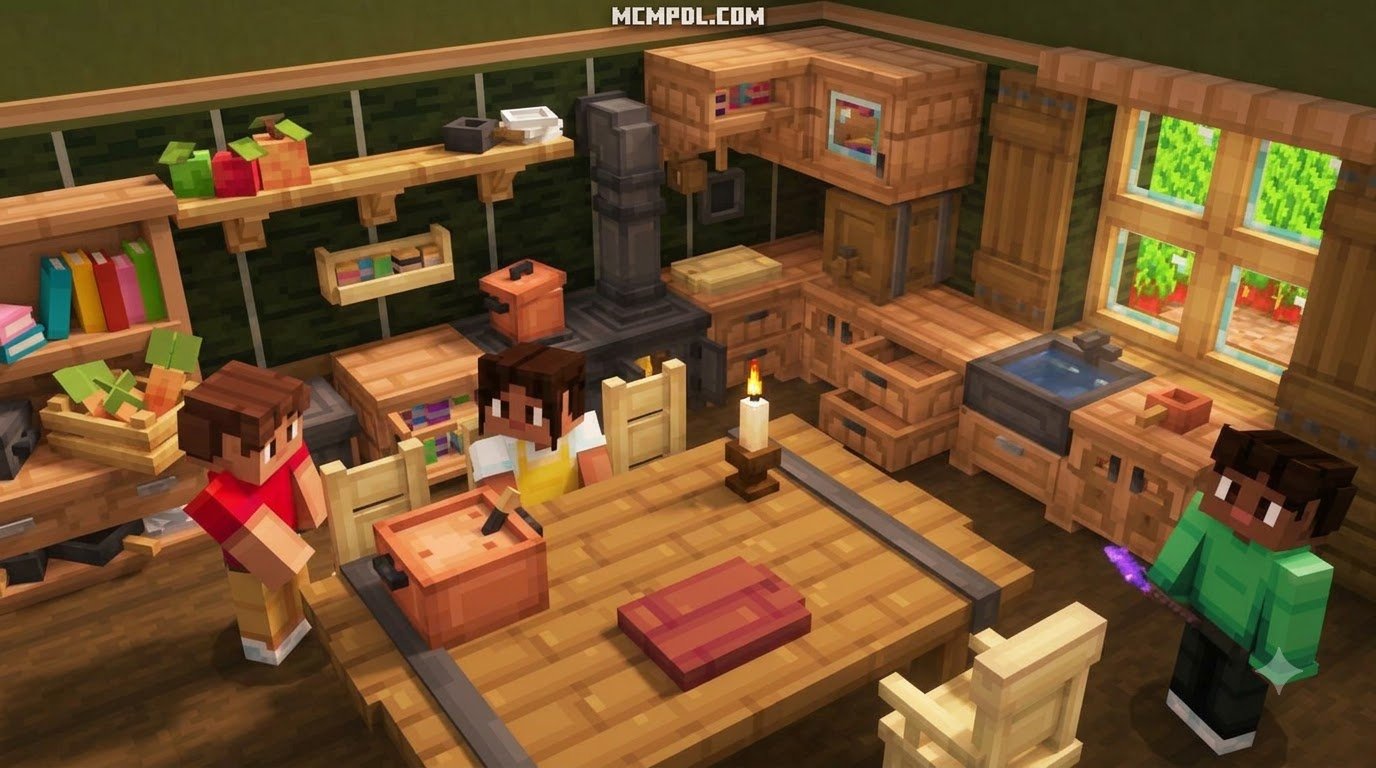
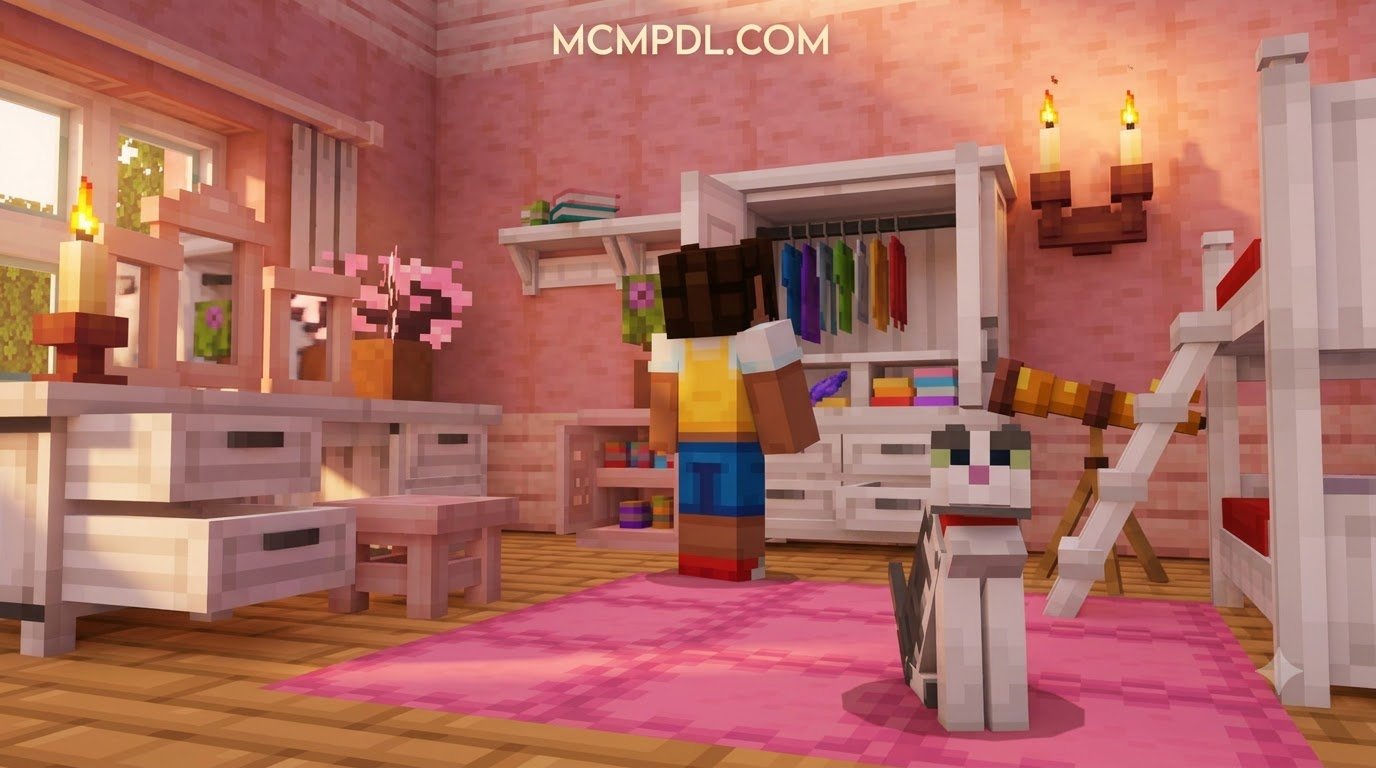
When decorating our homes in Minecraft, we often rely on upside-down stairs for chairs and trapdoors for tables. While those classic tricks work, they quickly reach their limits. The BLOCK FURNITURE ADDON for Minecraft PE/Bedrock solves this by introducing over 1,000 craftable, custom furniture items designed to blend directly into the vanilla aesthetic.
Whether you are updating an existing build or testing the Block Furniture 1.0 Add-On in a brand-new survival base, this pack focuses on solid block architecture. Originally developed with broad support across modern Bedrock versions—including updates through version 1.21 in 2026—it delivers deep customization without turning your game into an unplayable slideshow.
Real Blocks vs Entity-Based Furniture Mods
The defining technical advantage of this add-on is its use of real custom blocks rather than invisible entities or modified armor stands. If you have ever used older mobile furniture mods, you might remember placing down a dozen chairs only to watch your frame rate plummet.
Entity-based furniture packs treat every chair, couch, and lamp as an active mob. This forces your mobile device or console to constantly calculate:
- Hitbox collisions and pathfinding checks.
- Dynamic entity physics and gravity states.
- Individual entity lighting updates.
In contrast, real block architecture treats furniture just like standard stone, wood, or glass blocks. They take up actual coordinate space in the world grid, generate zero unnecessary entity ticks, and render cleanly up to your maximum chunk distance. You get precise placement, smooth collision, and reliable performance even when furnishing large mansions or bustling multiplayer towns.
Key Features and Decorative Variety in the BLOCK FURNITURE ADDON for Minecraft PE/Bedrock
The decorative variety packed into this add-on goes far beyond simple static models. The mechanics encourage creative interior design through several standout features:
- Modular Tables and Connecting Counters: Place individual desk or counter pieces next to each other, and they automatically snap together to form seamless kitchen islands, dining banquets, or office setups.
- Functional Seating: Chairs and sectional sofas connect smoothly around corners while allowing your character to sit down directly without weird alignment bugs.
- Chiseled Statues: Use custom crafting tools to carve decorative stone statues, adding historical charm or grand entryways to your survival compounds.
- Mob Plushies via Camera Snapshots: Take snapshots of in-game mobs using custom tools to craft cute plushies of creepers, cows, and bees. Yes, you can finally have a creeper on your nightstand that will not blow up your bed.
- Paintable Canvases and Picture Frames: Create custom wall art and galleries to give your builds a personal touch.
Paid Store Cost vs. Free Methods to Download and Install
Getting custom furniture into your game does not have to drain your wallet. Depending on your platform and preferences, you can either buy a verified version directly inside the game engine or manually import community-distributed files.
| Feature / Detail | Official Paid Store Purchase | Manual .mcaddon Installation |
|---|---|---|
| Typical Cost | 830 Minecoins (~$4.35 USD / €4.10 EUR) | Free |
| Installation Effort | One-tap automated download | Manual download and file association |
| Automatic Updates | Yes, managed via in-game account | Manual (must re-download newer versions) |
| Cross-Platform Sync | Yes, tied to your Microsoft Account | No (must transfer files to each device) |
| Realms Support | Fully integrated with 1-click cloud sync | Supported (requires manual host upload) |
| Best For | Console players & hassle-free setups | Mobile/PC players on a budget |
Official Paid Store Route
The primary official release of the Block Furniture pack is priced at 830 Minecoins (approximately $4.35 USD). If you play primarily on PlayStation, Xbox, or Nintendo Switch—where file system access is heavily restricted—the in-game store is the most straightforward, legitimate route.
Purchasing through the official store automatically attaches the add-on license to your Microsoft profile. This means any world you host on iOS, Android, or Windows will seamlessly download and sync the resource and behavior files for any friends joining your session.
Installing Free .mcaddon Community Builds
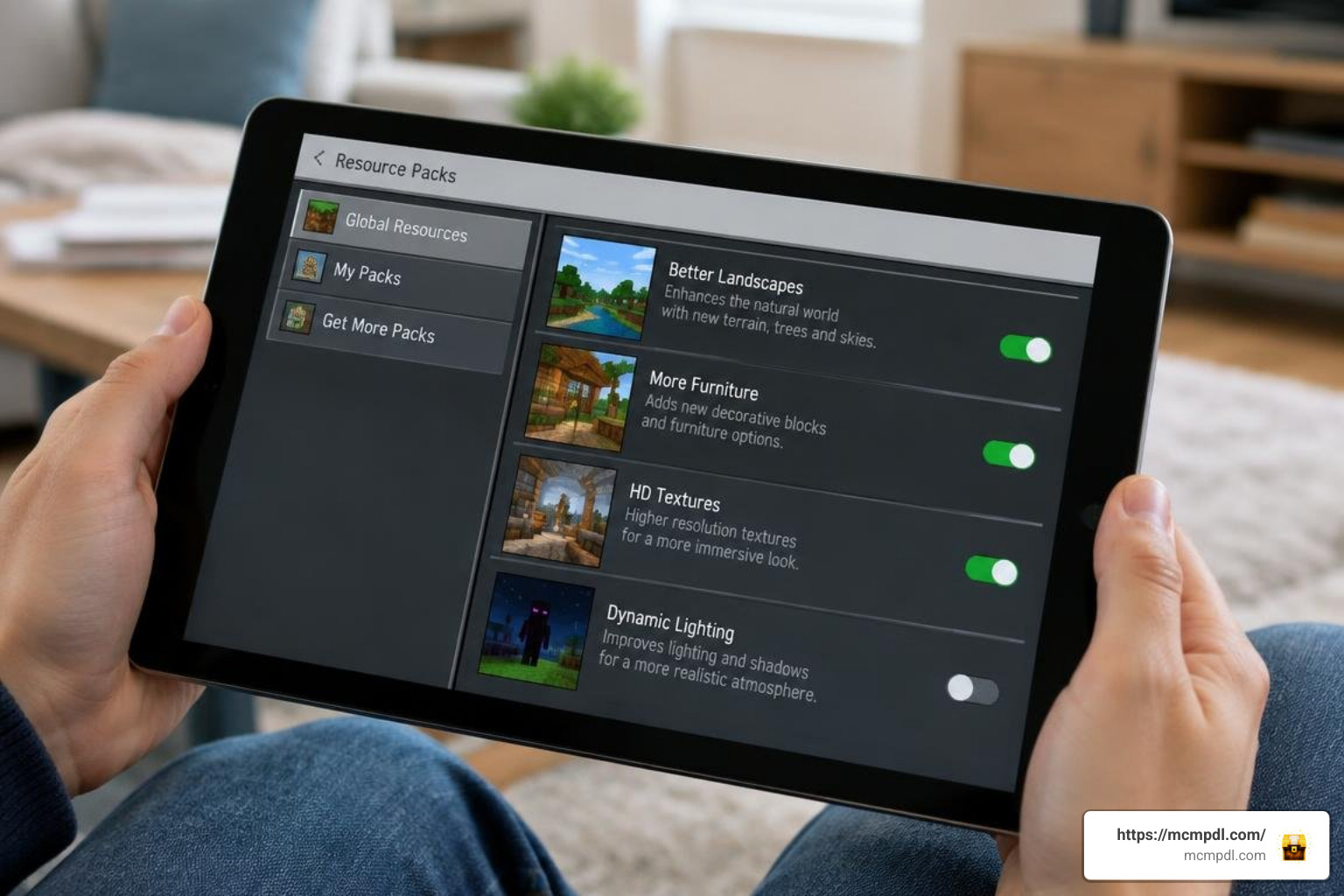
If you are playing on Windows, Android, or iOS, installing custom .mcaddon or .mcpack files can be done without spending extra money:
- Download the File: Acquire the legitimate
.mcaddonfile for the furniture pack from a trusted community source. - Open with Minecraft:
- Android: Tap the downloaded file in your file manager and select “Open with Minecraft.”
- iOS: Tap the file in the Files app, tap the Share icon, and choose Minecraft.
- Windows: Simply double-click the
.mcaddonfile to launch the game and begin the automatic import.
- Check Import Messages: Wait for the top banner to confirm that both the Resource Pack and Behavior Pack imported successfully.
- Activate in World Settings:
- Go to your world settings screen.
- Scroll down to Resource Packs and activate the pack under the Available tab.
- Scroll down to Behavior Packs and ensure the matching behavior set is active.
Crafting Mechanics and Progression System
Unlike purely creative packs where items must be pulled from the inventory menu, this add-on features a survival-friendly crafting loop integrated into the standard recipe book and stonecutter.
Crafting Modular Furniture and Custom Tools
To keep survival balanced, crafting furniture requires standard raw materials like planks, iron ingots, stone, and wool:
- The Decoration Tool / Chisel: Crafted using basic sticks and an iron ingot, this handheld item allows you to interact with placed furniture to cycle through orientations, shelf arrangements, and detail states.
- Modular Woodworks: Placing standard wooden planks into a stonecutter lets you cut chairs, tables, and cabinets directly without wasting wood on complex crafting grids.
- Colored Upholstery: Combine basic chair frames with any standard dye or wool block to match the color palette of your interior rooms.
Unlocking Mob Plushies, Statues, and Paintings
One of the most engaging features is the collectible decor progression system. To craft custom mob plushies:
- Craft the custom Camera Tool using iron, redstone, and a glass pane.
- Approach a living mob (such as a sheep, skeleton, or creeper) and use the camera to capture a snapshot.
- Take the resulting mob snapshot to your crafting table alongside wool and string.
- Craft your collectible plushie and place it onto desks, shelves, or beds!
Optimizing Performance, Realms, and Troubleshooting
Even though block-based addons are significantly lighter than entity-based mods, adding over 1,000 new definitions requires proper game settings to prevent stuttering or missing models.
Compatibility Settings for BLOCK FURNITURE ADDON for Minecraft PE/Bedrock
To guarantee that custom blocks, crafting tables, and animations load correctly, you must enable specific experimental toggles in your world creation or world edit screen:
- Holiday Creator Features (or Upcoming Creator Features on newer versions)
- Molang Features
- Custom Biomes & Custom Blocks Generation
When running your world on dedicated Realms or local multiplayer, ensure the option “Require players to accept resource packs to join” is checked. This forces connecting mobile players to download the custom textures directly from your host session, preventing them from seeing blank placeholder blocks. You can discover a wide variety of compatible options across different Minecraft Bedrock add-ons to expand your worlds even further.
Fixing Crashes, Texture Glitches, and Common Bugs
If you run into issues while playing, follow these proven troubleshooting steps:
- Invisible or Glitched Blocks: This almost always indicates that the Behavior Pack is active, but the matching Resource Pack is disabled or placed too low in the load order. Move the resource pack to the top of your active list.
- Out of Memory / Crash on World Load: If playing on an older mobile device with limited RAM, clear your Minecraft cache under Settings > Storage. Also, avoid placing hundreds of light-emitting furniture pieces in a single chunk.
- Missing Crafting Recipes: Verify that all Experimental Gameplay toggles were turned ON before the world was generated. Adding experimental addons to existing worlds without toggles enabled will break recipe registration.
Top Budget-Friendly Community Furniture Options to Consider
If you want to experiment with different design styles or explore lighter alternatives alongside Block Furniture, there are several general categories of community projects worth exploring for extra value:
- Energy and Lighting Focused Packs: Some community add-ons emphasize functional energy systems, wiring networks, and animated light fixtures, often offering two separate download versions to ensure top-notch performance on low-end mobile devices.
- Modern Appliance Collections: Best suited for players who want modern electronic appliances, such as interactive kitchen stoves, refrigerators, and computer setups.
- Themed Aesthetic Decor Packs: If you prefer softer cottagecore styles or minimalist architecture, exploring our complete catalog of community creations can help you find specialized packs containing aesthetic, kawaii, and rustic assets that work alongside your main block packs. You can also explore specialized expansions like the Furniture Life Addon to compare different furniture aesthetics and mechanics.
Frequently Asked Questions About Minecraft Bedrock Furniture Addons
Is the Block Furniture Addon completely free to use?
It depends on where you get it. The official version featured in the in-game store costs 830 Minecoins (around $4.35 USD) and includes one-click installation with automatic updates. However, independent creators also distribute free .mcaddon versions across community repositories that can be imported manually onto mobile devices and PCs at zero cost.
Why are furniture items invisible or causing game crashes?
Invisible blocks occur when there is a mismatch between your active resource and behavior packs, or when Experimental Gameplay options are disabled. If your game crashes entirely, check your device’s memory limits, ensure your Minecraft version is updated to at least 1.21, and remove conflicting texture packs that override custom block geometry.
Does this addon work on dedicated Realms and multiplayer worlds?
Yes! As long as the host applies both the resource and behavior packs to the Realm world settings, any joining friend will automatically download the required files upon connecting. Because the addon utilizes real blocks instead of entities, server performance remains smooth even with multiple players building at the same time.
Conclusion
Decorating your Minecraft PE and Bedrock worlds no longer requires clunky armor stands or makeshift wooden stairs. With over a thousand modular, craftable items, real-block physics, and collectible mob plushies, the Block Furniture Addon brings your interior designs to life without tanking your frame rate.
Whether you choose the convenience of the official in-game store release or install a free community build via manual file import, you now have all the tools needed to furnish your dream base. For more guides, updates, and custom content downloads, head over to mcmpdl.com and elevate your next Minecraft build today!
3 thoughts on “BLOCK FURNITURE ADDON for Minecraft PE/Bedrock”