Scroll down to D0vvnl0ad
Install WildlifeCraft Addon for Minecraft PE/Bedrock
To install the WildlifeCraft Addon for Minecraft PE/Bedrock, buy it from the in-game Minecraft Marketplace, then create or edit a world and activate its resource and behavior packs in the world settings. Make sure your Bedrock game is updated and back up important worlds before adding new content.
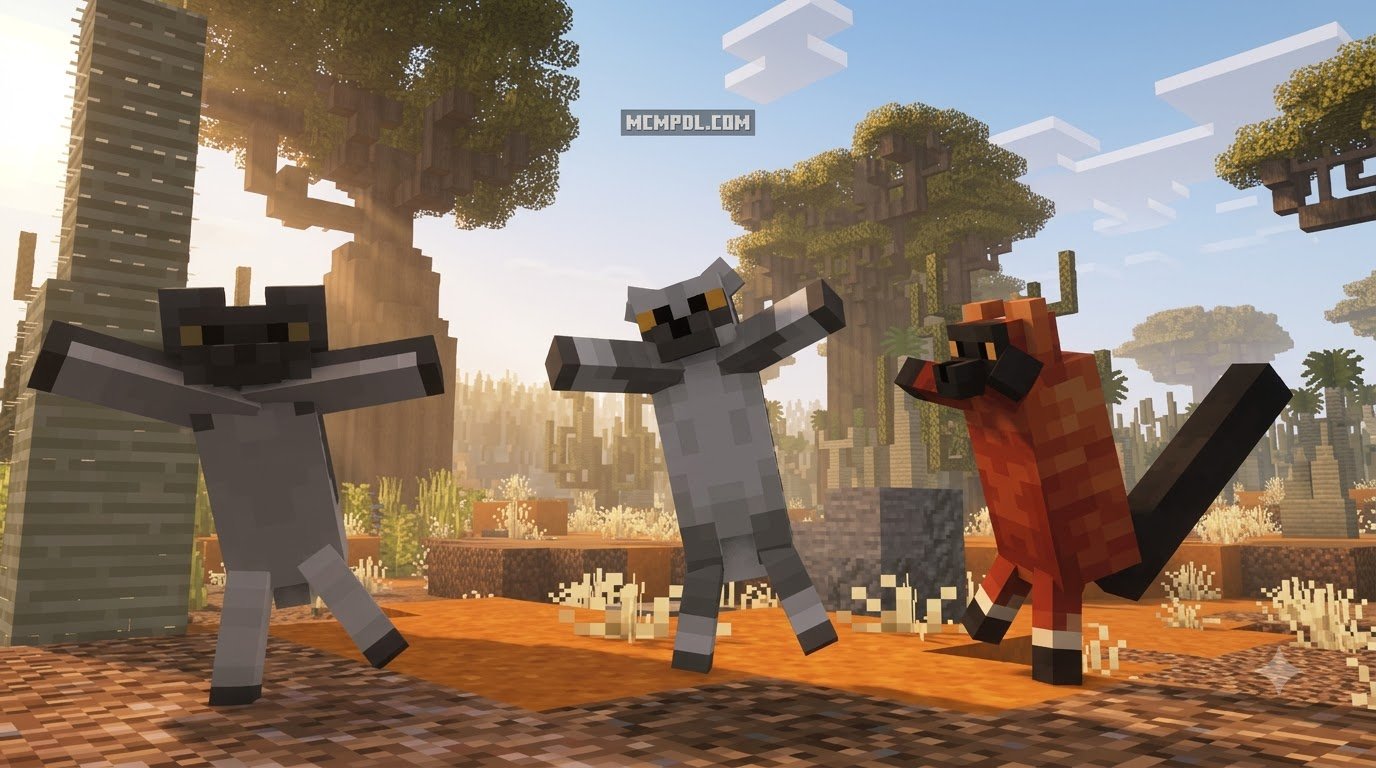
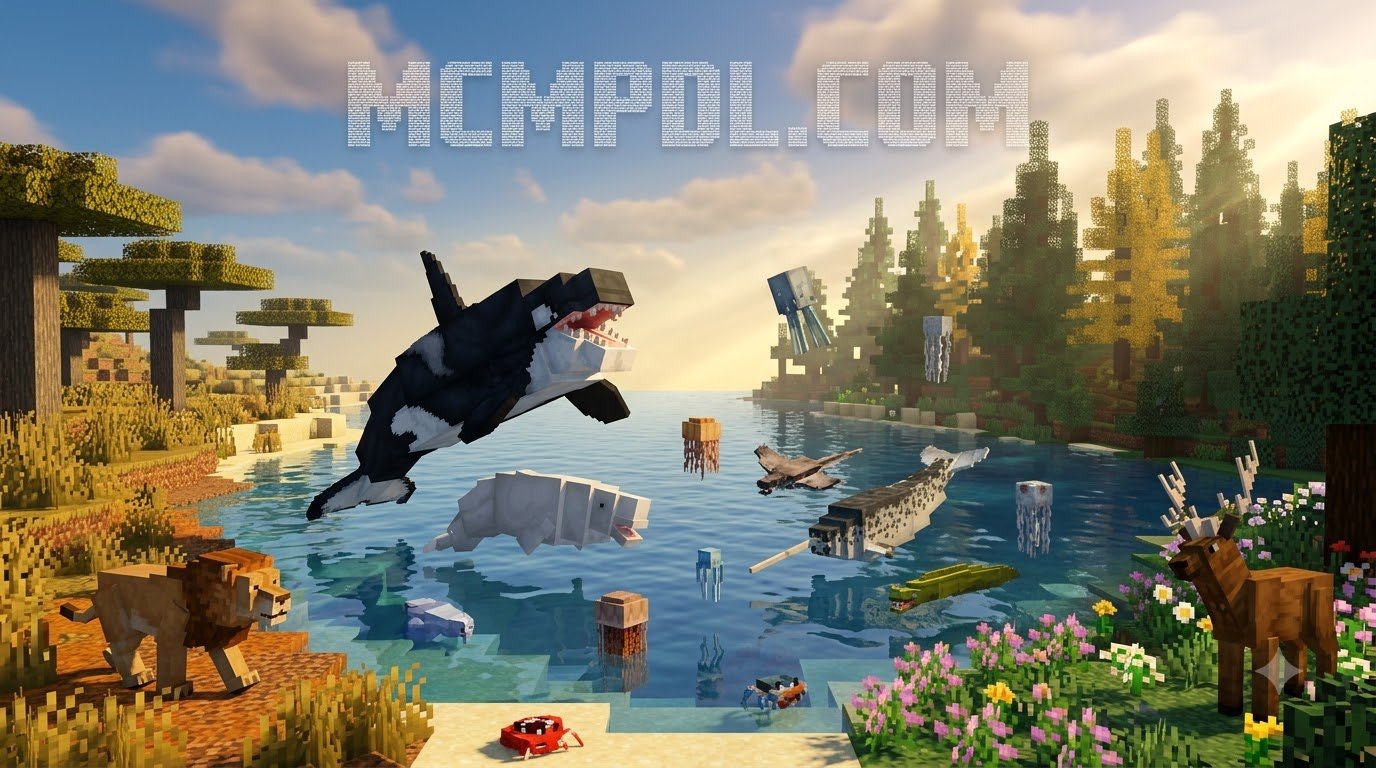
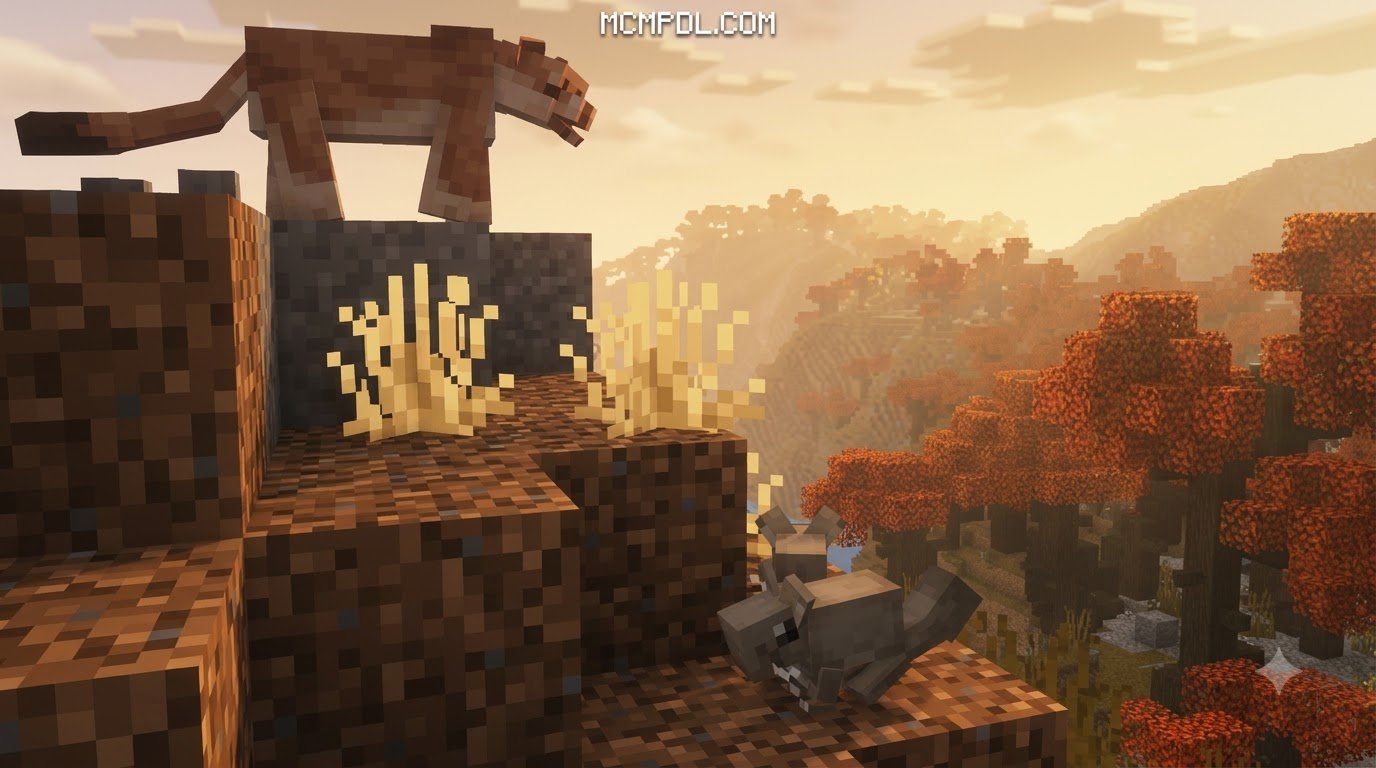
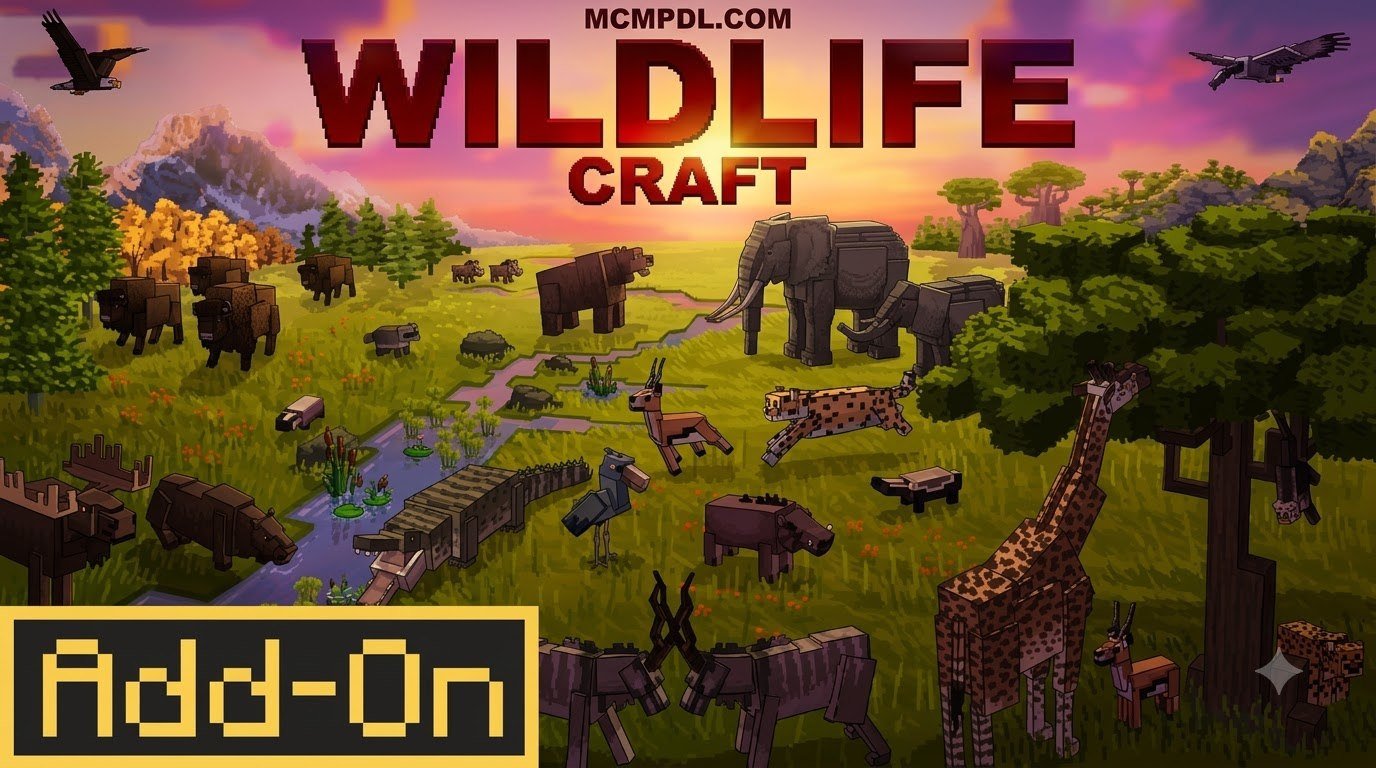
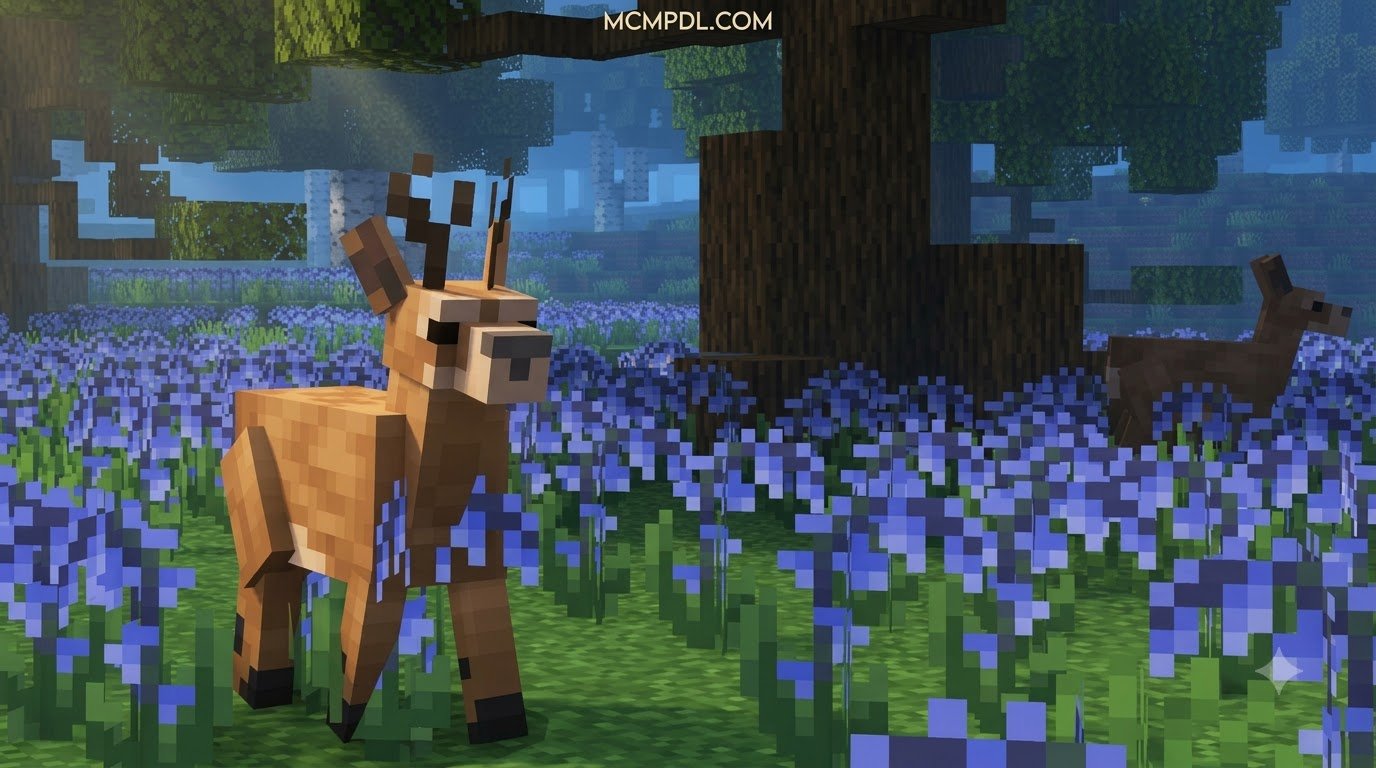
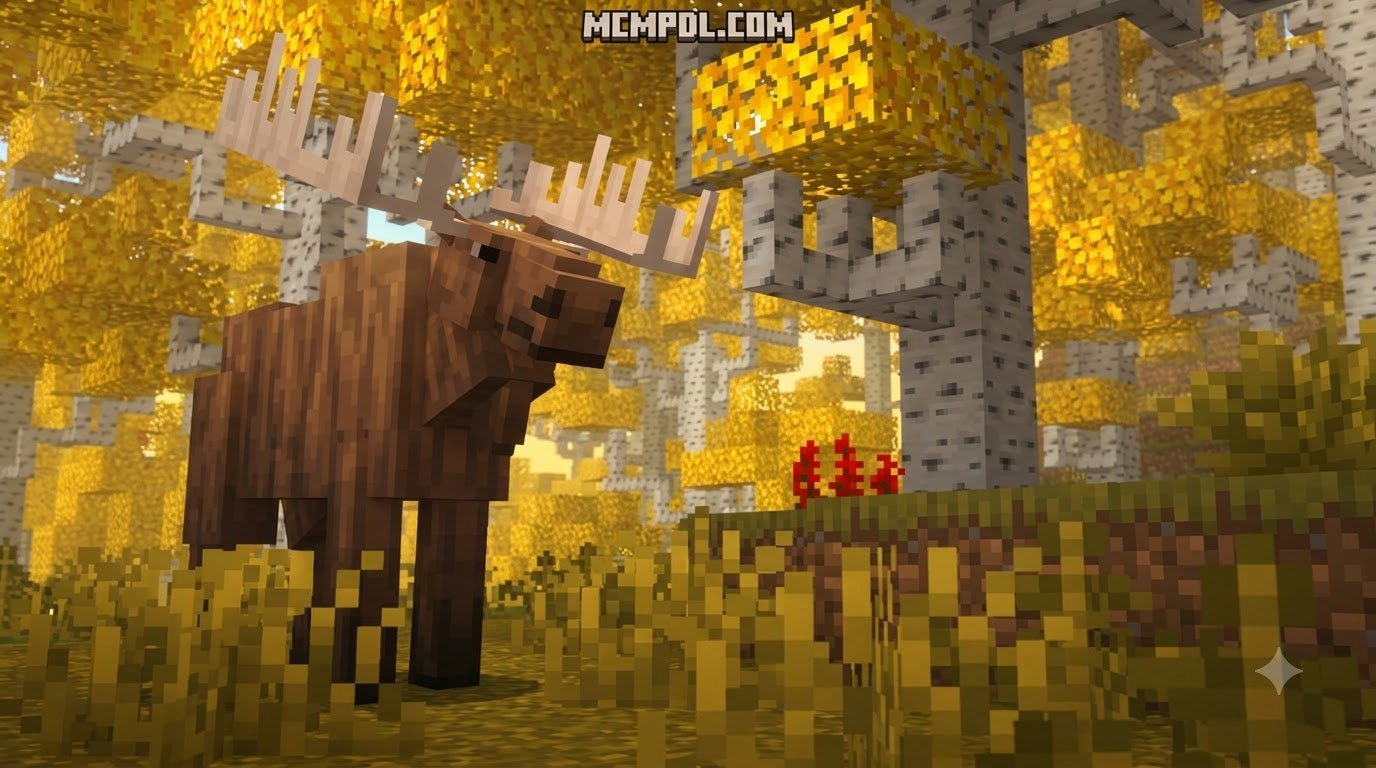
WildlifeCraft turns ordinary Minecraft exploration into a broader wildlife experience. It adds more than 50 biomes inspired by real habitats, over 200 animal species, and custom wood sets, blocks, and items. The animals are designed to feel more connected to their environments than standard passive mobs.
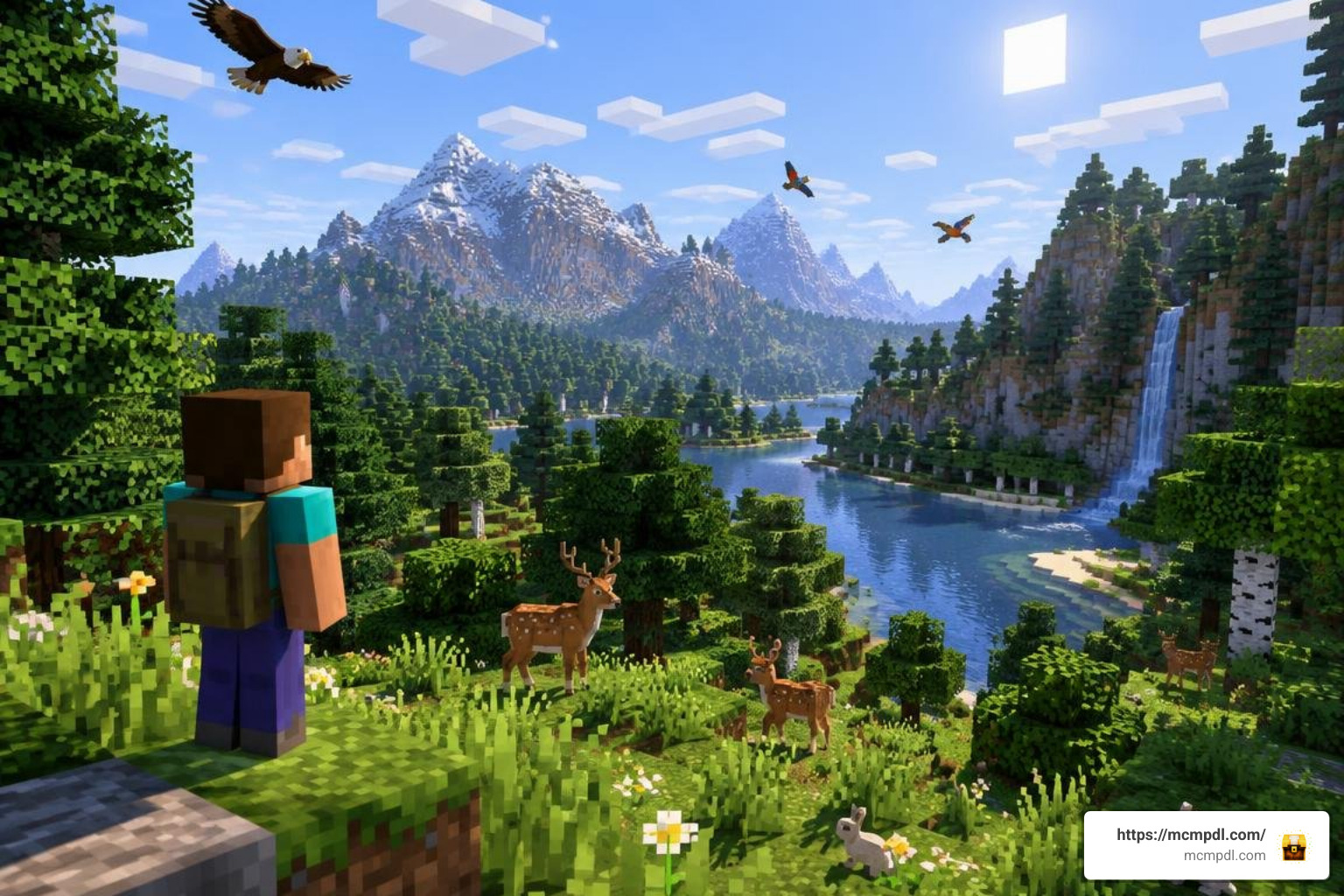
This guide explains the installation process for Pocket Edition and other Bedrock platforms, plus what to check if the packs do not activate or new wildlife does not appear in your world.
What is WildlifeCraft Addon for Minecraft PE/Bedrock?
WildlifeCraft is an expansive wildlife expansion created by CompyCraft and distributed directly through the official Minecraft Bedrock Marketplace. Instead of merely scattering a few new visual variants of existing livestock across vanilla plains, WildlifeCraft transforms the terrain generation of Bedrock Edition entirely.
The add-on introduces over 50 custom biomes directly inspired by real-world Earth ecosystems. Spanning dense African savannahs, lush tropical rainforests, alpine tundras, and unique wetland habitats, each environment is tailored to foster native flora and fauna. Populating these biomes are more than 200 mob species engineered with specific behavioral mechanics and custom animations. Beyond living creatures, the pack incorporates unique blocks, items, and custom tree species that provide distinctive wood sets for building.
For players who track community releases, exploring platforms like the WildlifeCraft by CompyCraft | CHUNK – Minecraft Bedrock Marketplace Explorer database illustrates just how massive the project is. It holds an impressive average rating of around 4.6 to 4.7 stars across more than 1,500 player reviews, making it one of the premier nature-focused expansions available for Bedrock.
Features of WildlifeCraft Addon for Minecraft PE/Bedrock
WildlifeCraft focuses heavily on ecosystem realism. Rather than wandering aimlessly like traditional cows or sheep, creatures in this pack display contextual environmental behaviors:
- Authentic Behavioral Routines: Predators actively hunt appropriate prey, herd animals travel together in protective formations, and skittish wildlife bolts when players approach too quickly.
- Dynamic Self-Defense: Passive survival takes a back seat when animals feel threatened. Species like the Giant Anteater will retaliate with powerful defensive swipes if provoked.
- Mountable and Utility Wildlife: Certain large species can be tamed, saddled, or equipped to transport gear across difficult terrain, functioning as practical survival companions.
- Diverse Lifecycles and Soundscapes: Ambient bird calls fill forest canopies, while aquatic life breathes motion into coral reefs and deep ocean biomes. If you appreciate specialized fauna expansions such as the Ribbits Addon for Minecraft PE/Bedrock or insect-heavy packs like the Giant Bugs Addon for Minecraft PE/Bedrock, the breadth of WildlifeCraft will immediately stand out.
- Custom Flora & Decorative Building: Harvest custom wood varieties from newly introduced trees to craft matching decorative items, chests, and beds that match regional architectures.
Version Changelogs and Technical Requirements for WildlifeCraft Addon for Minecraft PE/Bedrock
The development team continues to maintain and patch WildlifeCraft. Across updates like version 1.1 and the updated 1.2 release, several performance enhancements and quality-of-life balancing adjustments have been integrated:
- Hitbox and Size Balancing: Corrected mob scales to ensure natural movement through dense vegetation without snagging.
- Defensive Retaliation Adjustments: Tweaked aggression triggers for creatures like Giant Anteaters and pacified cave-dwelling Olms.
- Wood Crafting Compatibility: Added recipes enabling custom wood types to properly craft standard functional furniture, including beds, doors, and storage chests.
- Collision & Hit-Detection Fixes: Resolved block boundary mismatches and breaking patterns on newly introduced foliage.
Regarding system specifications, WildlifeCraft requires Minecraft Bedrock Edition version 1.16.0 or newer. Because it operates within official Bedrock framework guidelines, it runs across mobile devices (iOS and Android), Windows 10/11, Xbox, PlayStation, and Nintendo Switch consoles.
Step-by-Step Installation Guide for Bedrock and Pocket Edition

Installing marketplace content is straightforward because Minecraft handles the file extraction and directory management automatically. However, ensuring the packs apply correctly to your active world settings requires a few deliberate steps.
Purchasing and Downloading Through Minecraft Marketplace
- Launch Minecraft on your Pocket Edition or Bedrock device.
- Select the Marketplace icon from the main menu.
- Use the search bar to locate WildlifeCraft by CompyCraft.
- The add-on costs 1340 Minecoins (which translates to roughly $7.02 USD depending on regional currency rates).
- Click the purchase button to confirm the transaction using your linked Microsoft account balance.
- Once the purchase completes, click Download. The game will automatically download the required resource packs and behavior scripts to your local device storage.
Activating Resource and Behavior Packs in World Settings
To experience the full breadth of custom biomes and mob generation, you must apply the addon directly to your world:
- From the main menu, click Play and select Create New World (or click the edit pencil icon next to an existing world, though a fresh world generation is recommended for optimal biome distribution).
- Scroll down the left-hand navigation pane to the Add-Ons section.
- Click on Resource Packs, open the Available tab, locate WildlifeCraft, and select Activate.
- Navigate down to Behavior Packs, open Available, and ensure the corresponding WildlifeCraft behavior pack is active.
- In the left menu, select the Experiments tab. Turn on experimental toggles such as Custom Biomes, Upcoming Creator Features, and Molang Features if prompted by your game version to ensure all entity animations and generation scripts execute cleanly.
- Adjust your world difficulty and settings, then click Create.
Comparing WildlifeCraft with Other Animal Addons
The Bedrock community features a wide spectrum of wildlife expansions. Whether you are looking at standalone animal mods, expansive nature packs like the Naturalist Addon for Minecraft PE/Bedrock, all-in-one mob collections like All The Mobs 1.0 for Minecraft PE/Bedrock, or fantasy creature packs like the Mowzies Mobs 1.2 Addon for Minecraft PE/Bedrock, each project approaches animal realism and terrain differently.
| Feature / Addon | WildlifeCraft (CompyCraft) | WildCraft Addon v1.3.7 / Wild Craft 2.1 | Wildlife Wonders Addon Beta | Animal Pack 500+ |
|---|---|---|---|---|
| Mob Variety | 200+ real-world species | ~100 wild species | Rare & exotic species (Colobus, Badgers) | 500+ diverse creatures |
| Custom Biomes | 50+ real-world habitats | Vanilla biome integration | Vanilla biome variants | High-density vanilla spawns |
| Custom Wood & Items | Yes (Custom wood sets, beds, chests) | Select utility items | Standard vanilla materials | Custom weapons & skins |
| Mob Behaviors | Defense, territorial, predatory, taming | Mounts, protective companions | Realistic breeding & lifecycles | Varied combat & passive AI |
| Installation Method | Official Bedrock Marketplace | .mcaddon direct import | .mcaddon direct import | .mcaddon direct import |
| Bedrock Compatibility | 1.16.0 through current 1.21+ | 1.21.124+ | Bedrock 26.0+ beta | 1.21+ Experimental |
While community .mcaddon packages offer great customization, WildlifeCraft delivers an integrated package where terrain generation, custom trees, and animal behaviors are designed to operate together without complex file extraction.
Exploring Biomes, Animals, and Custom Crafting
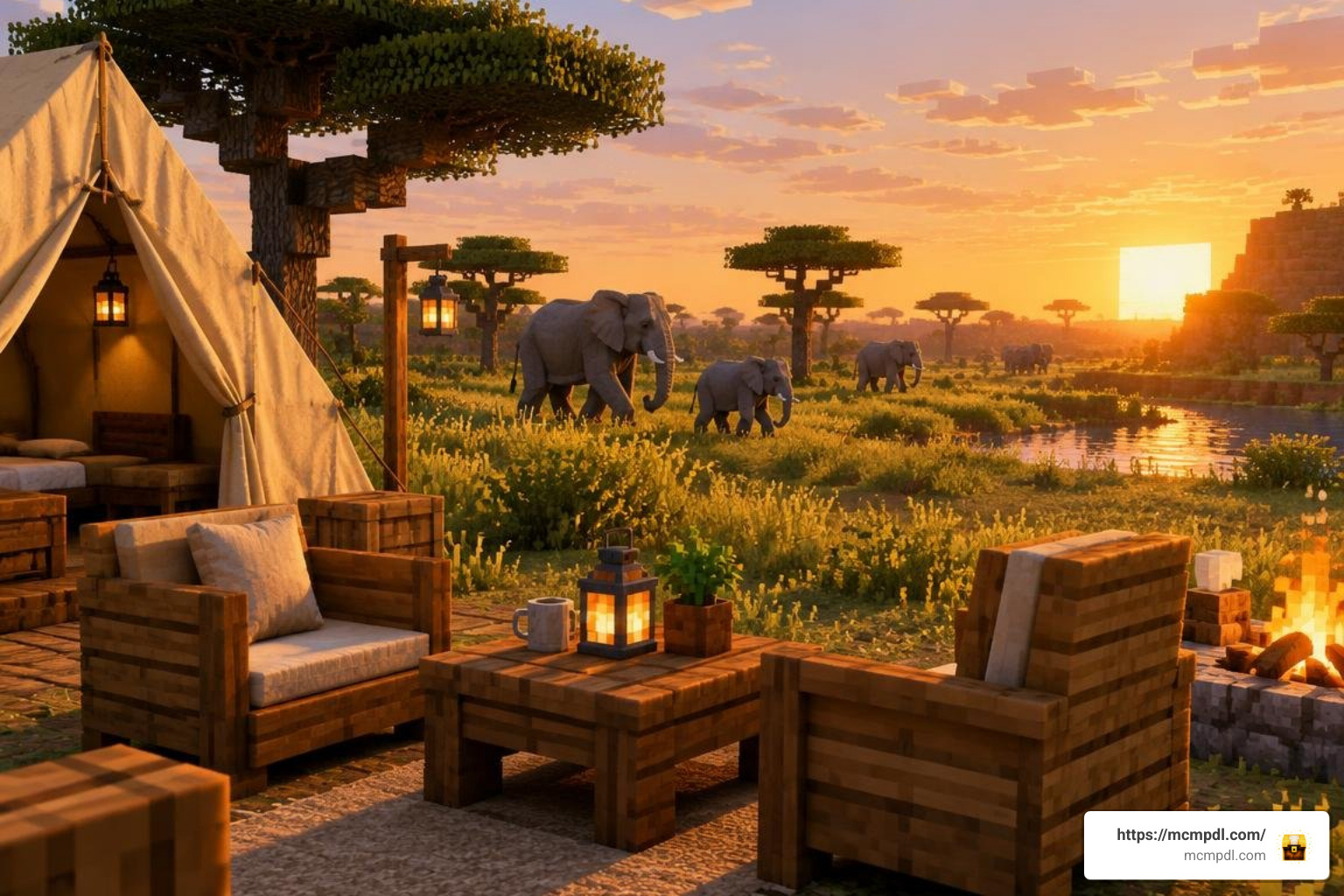
Entering a WildlifeCraft world changes how you approach wilderness survival. As you venture through the landscape, you will encounter diverse ecosystems ranging from broad savannahs dotted with acacia varieties to alpine forests filled with specialized conifers.
Interacting with the environment yields unique resources:
- Custom Timber Sets: Chopping down regional trees grants specialized logs that process into vibrant planks. You can convert these planks into full functional suites of furniture, doors, slabs, fences, and customized beds.
- Animal Interactions: You can observe complex interactions in the wild. Lions and cheetahs track prey across open grasslands, elephants defend their calves from approaching threats, and marine life populates coastal shelves.
- Specialized Habitats: If you enjoy worlds featuring prehistoric or unusual beasts—such as exploring a Prehistoric Epochs Chronicles Add-on or the Dinosaur Era Add-on—the realistic safari environments in WildlifeCraft provide an authentic setting for wildlife sanctuaries and zoo projects.
Even if you normally lean toward spooky survival overhauls like the Cave Dweller Add-on, the Horror Addon for Minecraft PE/Bedrock, or Scary Mobs World for Minecraft PE/Bedrock, the expansive wilderness in WildlifeCraft brings an element of tension when exploring dark rainforests or deep waterways inhabited by untamed predators.
Frequently Asked Questions About WildlifeCraft
How much does WildlifeCraft cost on the Minecraft Marketplace?
WildlifeCraft costs 1340 Minecoins on the official Minecraft Bedrock Marketplace. In fiat currency, this is approximately $7.02 USD (or around €6.62), depending on local taxes and coin bundle pricing on your chosen platform storefront.
Can animals in WildlifeCraft be tamed and ridden?
Yes, several animal species within the add-on feature taming and riding mechanics. While certain predators remain wild and territorial, various herbivores and pack animals can be tamed using regional crops or food items. Once tamed, specific large animals can be outfitted with saddles for exploration or loaded with chests to carry supplies on long expeditions.
What should I do if WildlifeCraft mobs fail to spawn?
If you load into a world and only see standard vanilla cows and sheep, check the following troubleshooting steps:
- Confirm Behavior Pack Activation: Open world settings and verify that the WildlifeCraft behavior pack is in the Active list, not just the resource pack.
- Check Experimental Features: Ensure settings such as Custom Biomes and Molang Features are toggled on under the Experiments menu.
- Generate Fresh Chunks: If you applied the pack to an existing world, travel into newly generated chunks. Mobs and custom biomes will not retroactively replace pre-existing explored terrain.
Conclusion
WildlifeCraft brings an impressive level of ecological variety to Bedrock Edition. With more than 50 real-world biomes, over 200 authentic animal species, and complete custom woodcrafting support, it revitalizes open-world exploration across phones, consoles, and PC.
For more guides, installation tutorials, and the latest custom content releases for Bedrock Edition, visit MCMPDL to keep your Minecraft worlds fresh, diverse, and exciting.


5 thoughts on “WildlifeCraft Addon for Minecraft PE/Bedrock”