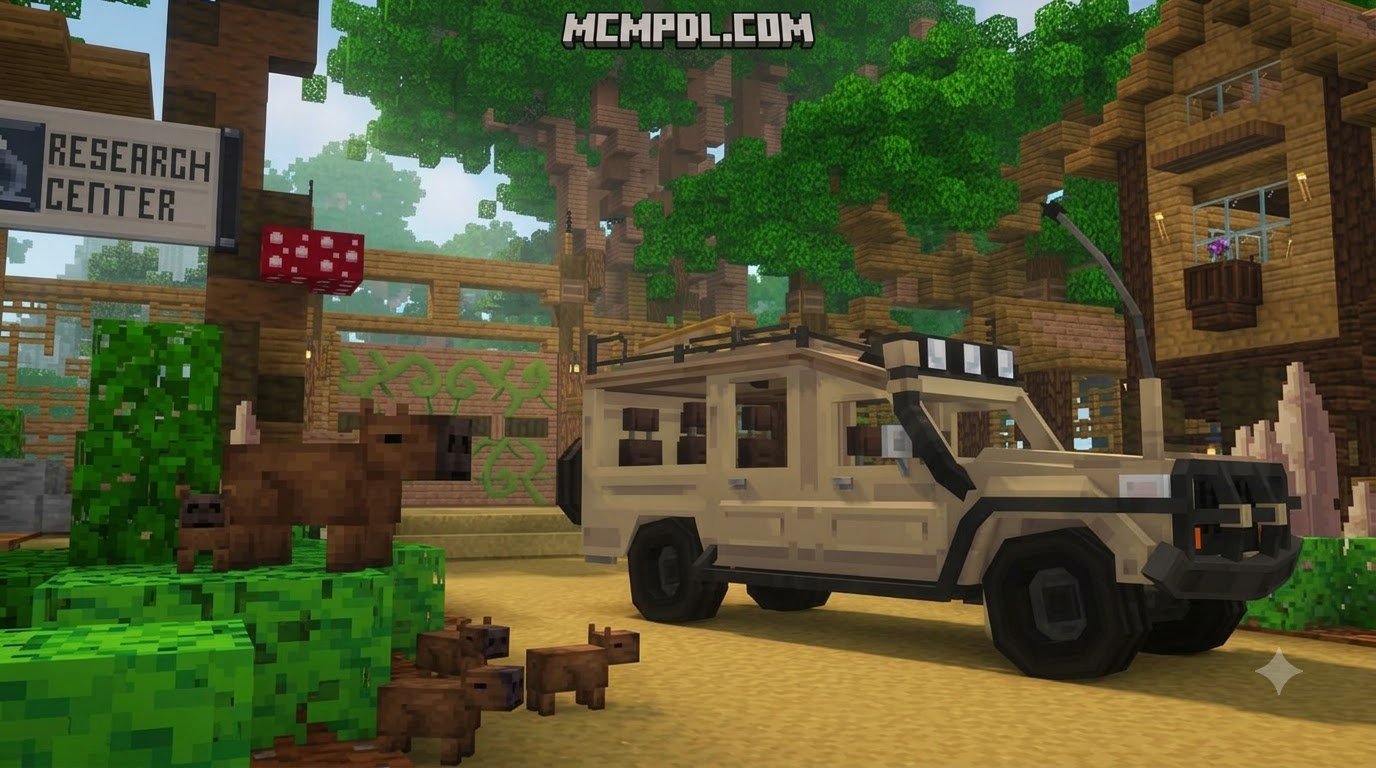
Scroll down to D0vvnl0ad
Core Features of The Ultimate Animal Texture Pack for Minecraft PE/Bedrock
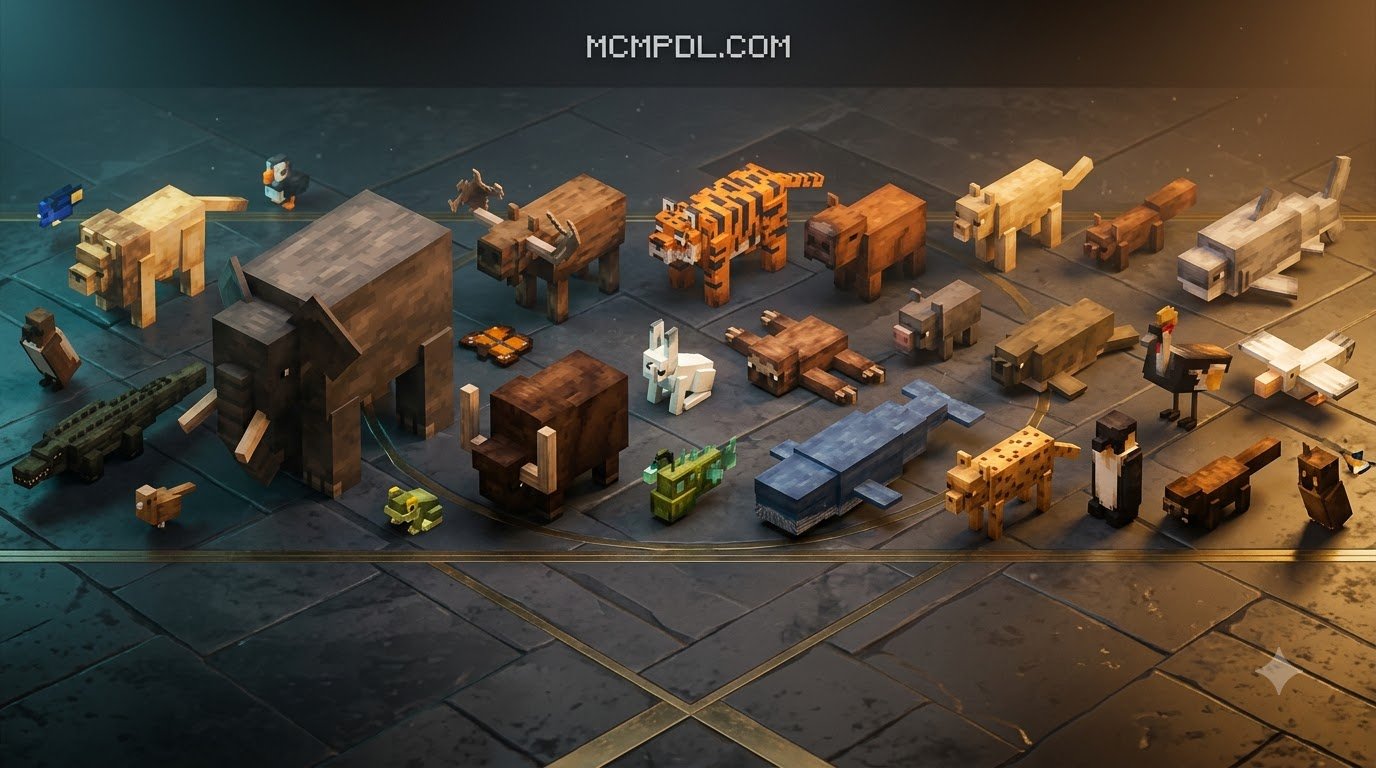
To download and install The Ultimate Animal Texture Pack for Minecraft PE/Bedrock, get the official .mcpack file from a trusted source, open it on your device, and activate it under Settings > Global Resources > My Packs. This visual overhaul replaces the default farm animals with detailed models featuring anatomical depth, unique coats, and dynamic movement. Instead of seeing clone after clone in your pastures, every pen becomes an expressive ecosystem filled with subtle genetic variations.
Beyond simple surface tweaks, these visual packs completely remodel standard entity geometries. Cows gain rounded snouts and distinct ear shapes, sheep feature fluffy 3D wool layers, and pigs boast floppy ears alongside mud-splattered texture options. Baby variants also receive special attention, sporting proportionate juvenile bodies rather than looking like shrunken adult heads pasted onto tiny torsos. If you love expanding your world with diverse wildlife, pairing these aesthetic improvements with expansive creature overhauls like the Naturalist Addon for Minecraft PE/Bedrock will make every biome feel truly untamed.
Mob animations enjoy subtle refinements as well. Parrots showcase rhythmic dance loops when near jukeboxes, and domestic quadrupeds flick their new 3D tail models naturally while grazing. These visual upgrades run entirely on the client side, maintaining clean frame rates across phones, tablets, consoles, and computers.
Visual Overhauls for Farm and Wild Animals
The visual variety across domestic livestock gives your barns an authentic countryside atmosphere. Standard herds no longer consist of single identical models. Instead, you will find:
- Bovine Diversity: Differentiated cow genders featuring distinct horn shapes, udder placements, and breed coats alongside vibrant Mooshroom color schemes.
- Poultry Flocks: Roosters with proud crests, detailed tail feathers, and unique crowing stances mingling naturally with multi-colored hens and fluffy chicks.
- Swine Details: Distinct pig skin tones, mud-coated variations, and custom saddle models that wrap neatly around the pig’s remodeled back without clipping.
- Ovine Fleeces: Sheep featuring multi-layered wool textures that maintain their fluffy 3D volume even after shearing.
- Canine Expression: Wolves with expressive muzzle details, fluffy tails, and unique visual states for wild, tamed, and aggressive stances.
To push biome biodiversity even further alongside your livestock upgrades, you can combine these visual models with the Wildlifecraft Addon for Minecraft PE/Bedrock to establish thriving natural habitats across your continents.
Unique Mob Details and Indicator Settings
Beyond common farm animals, less prominent domestic and wild mobs gain detailed structural updates. Llamas feature dynamic ear twitches, vibrant saddle blankets, and responsive attack animations when spitting at predators. Donkeys and mules receive upgraded mane meshes, realistic tail designs, and fitted saddlebag graphics. Even skeletal and zombie horses are reworked, showcasing exposed bone architecture, torn flesh details, and hollow glowing eyes.
For survival enthusiasts, certain versions incorporate optional visual overlays such as health bars and damage indicators directly above warm and cold animal variants. These indicators allow you to monitor the vitality of your breeding stock or travel companions at a glance during combat or hazardous journeys. If you enjoy smaller ambient fauna, pairing these indicator systems with dedicated amphibian tweaks like the Ribbits Addon for Minecraft PE/Bedrock delivers a balanced, responsive atmosphere to your swamps and riverbeds.
Compatibility, File Formats, and Gameplay Impact
| Feature / Category | Visual Animal Texture Packs | Default Edit / USTP Variants | Behavior-Driven Mob Add-ons |
|---|---|---|---|
| Primary File Format | .mcpack / Resource Pack | .mcpack (with Subpack sliders) | .mcaddon / .mcpack (Behavior + Resource) |
| Supported Bedrock Versions | 1.16.0 – 1.20.1+ / 1.26.30+ | 1.20.0 through 1.26+ (Manifest v3) | Game version specific |
| Affects Gameplay / AI | No (purely visual) | No (visual UI & indicators only) | Yes (custom drops, AI, attacks) |
| Disables Achievements? | No (Safe for Survival) | No (Safe for Survival) | Yes (Disables Xbox Achievements) |
| Experimental Toggles Needed | None | None | Holiday Creator / Molang Features |
| Average File Size | 400 KB – 5 MB | 3.1 MB – 3.3 MB | 50 MB – 120 MB+ |
Compatibility of The Ultimate Animal Texture Pack for Minecraft PE/Bedrock Across Versions
Texture packs designed for Minecraft Bedrock rely on standard render controllers and the modern Bedrock Manifest v3 format. This clean structure ensures seamless backward and forward compatibility across updates, functioning reliably on versions spanning from 1.16.0 and 1.20 all the way to 1.26.30 and beyond. Because the resource pack only swaps texture maps, 3D entity geometry, and render paths, game updates rarely break mob functionality.
Mobile players using touch devices can use specialized UI configurations designed to streamline hotbar visibility and clean up touch circles. When testing massive creature additions across your maps using packs like All The Mobs 1.0 for Minecraft PE/Bedrock, keeping your core animal textures lightweight prevents memory overhead and avoids stuttering on low-end hardware.
Resource Packs vs. Behavior Add-Ons
Understanding the boundary between a resource pack and a behavior add-on is critical for managing your worlds. Pure visual packs modify client-side rendering files—textures, models, particle effects, and sound links. They never touch loot tables, spawn weight parameters, damage values, or entity interaction code. As a result:
- Achievements Remain Active: Because you are not altering game balance, Bedrock Edition keeps Xbox achievements and trophies fully enabled.
- No World Corruption Risks: You can activate or deactivate texture packs at any time without corrupting save files or leaving ghost entities behind.
- No Experimental Toggles Required: You avoid enabling risky experimental gameplay settings that lock world settings permanently.
If your goal is to design a massive wildlife reserve or zoo, you can safely apply this texture pack alongside structural builders like the Zoo Builder Add-On while maintaining full survival achievement compatibility.
Step-by-Step Installation Guide Across All Platforms
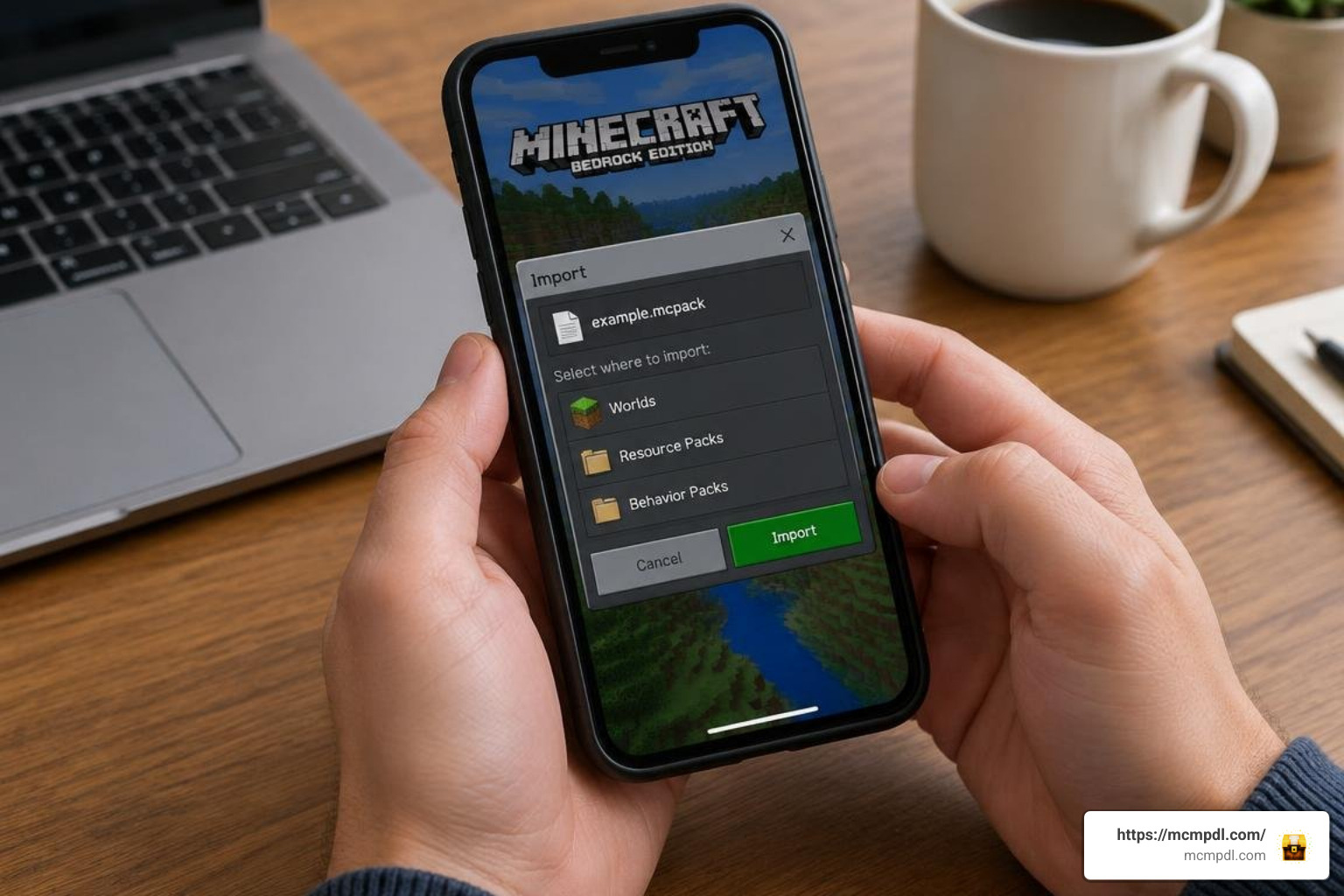
Installing .mcpack files on modern Bedrock devices is quick, requiring only basic file management. Follow the platform-specific instructions below to set up your resource pack.
How to Download The Ultimate Animal Texture Pack for Minecraft PE/Bedrock on Mobile and PC
- Download the Pack: Obtain the official
.mcpackfile from a reputable repository and save it to your device’s download directory. - Import on Android: Open your device’s file manager app, locate the downloaded
.mcpackfile, tap it, and select Minecraft from the “Open With” app list. The game will launch automatically and display an “Import Started” banner followed by “Import Successful.” - Import on iOS / iPadOS: Tap the downloaded file in the Safari downloads menu or the Files app. Tap the Share icon, then tap the Minecraft app icon to trigger the direct import process.
- Import on Windows 10 & 11: Double-click the
.mcpackfile in Windows Explorer. Minecraft Bedrock will open automatically and load the resources into your client files. - Global Activation: From the Minecraft main menu, navigate to Settings > Global Resources > My Packs, click on the animal texture pack, and press Activate.
- Subpack Configuration: If the pack includes a gear icon on its active card, click it to adjust the subpack slider and select your preferred visual style (such as enabling or disabling mob health indicators).
Troubleshooting Common Texture Bugs and Conflicts
If you notice odd visual behavior—such as white untextured boxes, missing mob limbs, or invisible horse armor on zombie horses—check the load order in your resource menu. In Minecraft Bedrock, resource packs execute from top to bottom. If you use custom UI packs or shader-like visual filters, ensure your animal texture pack sits near the top of the active list so its custom models take precedence.
If textures fail to load after a major game update, navigate to Settings > Storage > Cached Data, clear the texture cache, and restart Minecraft. Always make sure to respect community guidelines by keeping author credits intact when sharing screenshots or mod showcases.
Frequently Asked Questions About Animal Texture Packs
Does this texture pack disable achievements in Bedrock Edition?
No, it does not. Pure resource packs only modify models, animations, and textures on the visual layer. Because core gameplay mechanics, entity behaviors, damage values, and survival rules remain completely unaltered, your survival achievements and trophies stay 100% active.
Can I customize which mob textures and indicators are enabled?
Yes, many modern animal texture packs feature built-in subpack sliders accessible via the gear icon in the Resource Packs menu. This configuration slider lets you select distinct visual presets, such as choosing between classic model shapes, updated 3D coats, or toggling mob health and damage indicators on and off.
What should I do if textures appear missing or broken?
If mobs display purple-and-black checkerboard patterns or missing geometry, check for resource pack conflicts. Move the animal pack to the top of your Active Packs list to ensure other texture packs do not overwrite its entity render controllers. If issues persist, clear your Minecraft cached data under storage settings and re-import the .mcpack file.
Conclusion
Upgrading the visuals of your Minecraft Bedrock worlds does not require heavy mods or complicated behavior scripts. By installing a dedicated animal texture overhaul, you transform passive livestock, wild predators, and domestic mounts into detailed, expressive creatures that fit naturally into your survival landscapes.
Whether you are designing a sprawling homestead, building realistic pastures, or simply wandering through quiet meadows, these visual enhancements add polish and charm to every corner of your world. Check back regularly with our community releases to keep your resource files updated, and explore the full library of Bedrock addons and textures to discover new ways to customize your game.