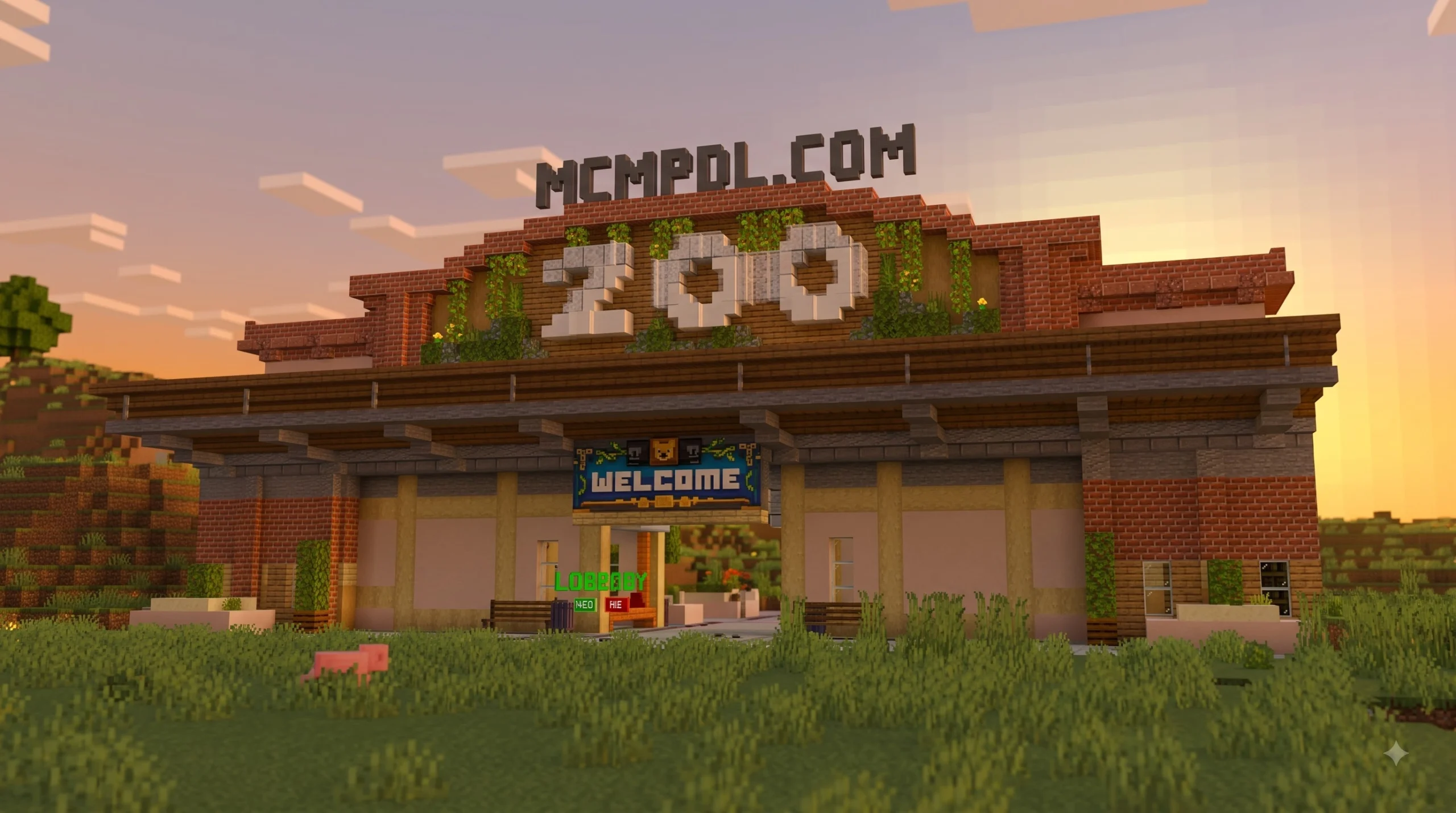
Scroll down to Download
Download Zoo Builder Add-On for Minecraft PE/Bedrock
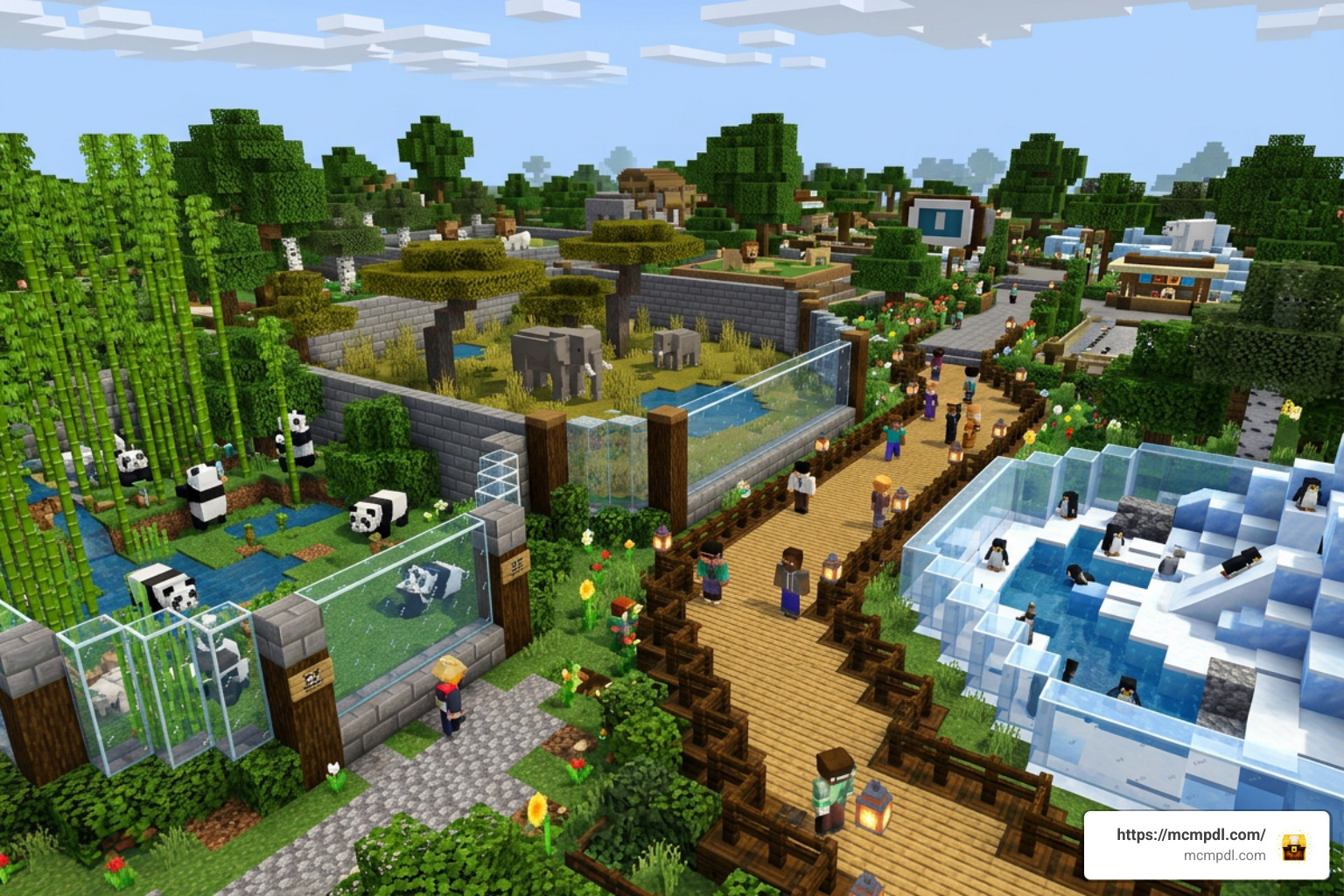
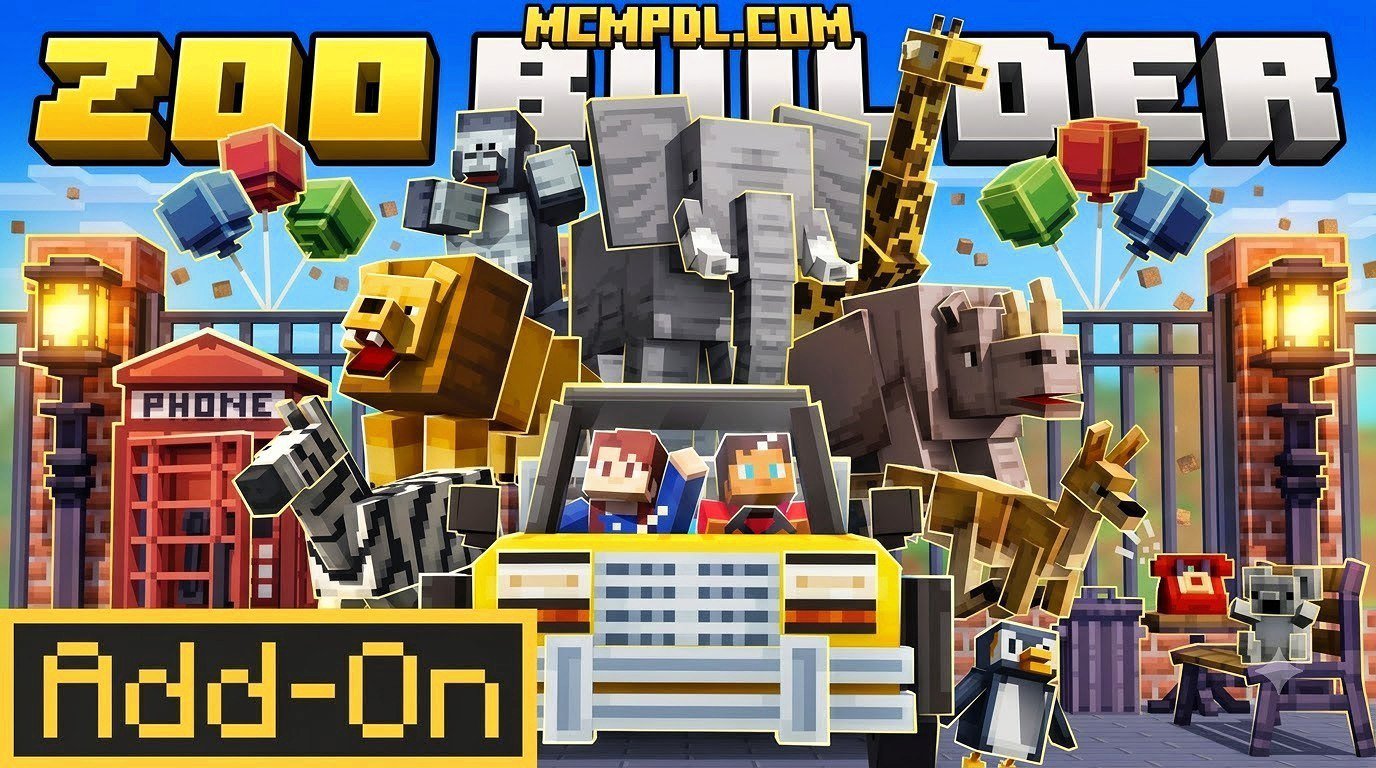
Zoo Builder Add-On for Minecraft PE/Bedrock (Download) lets players create a custom zoo with new animal mobs, ready-made habitats, zoo furniture, roads, and animal transport tools. Download the compatible .mcaddon file, import it into Minecraft Bedrock, then enable its Behavior Pack and Resource Pack when creating or editing a world.
There are similarly named Zoo Builder products, so check the listing before downloading:
| Version | What to expect |
|---|---|
| Standard Bedrock add-on | More than 10 animals, pre-built habitats, a gift shop, furniture, roads, and safari transport features |
| Marketplace Zoo Builder content | A paid Minecoins download with its own animals, skins, vehicles, and structure-building tools |
This guide explains how to install the right pack on Minecraft PE, Windows, and other Bedrock-supported devices, as well as what to check before inviting friends into your zoo world.
What is the Zoo Builder Add-On for Minecraft PE/Bedrock (Download)?
The Zoo Builder Add-On for Minecraft PE/Bedrock (Download) is a specialized content package that turns standard blocky survival or creative worlds into full-scale wildlife parks and safari reserves. Instead of spending dozens of hours laying individual concrete blocks and fencing in vanilla cows, this add-on equips you with everything required to construct, decorate, and populate a modern animal sanctuary.
At its core, the add-on introduces custom animal entities alongside specialized building utilities. Whether you want to roleplay as a zookeeper, design an expansive safari park for your friends, or simply collect exotic fauna, it provides a complete framework that merges entity management with world-building mechanics.
Overview and Key Features
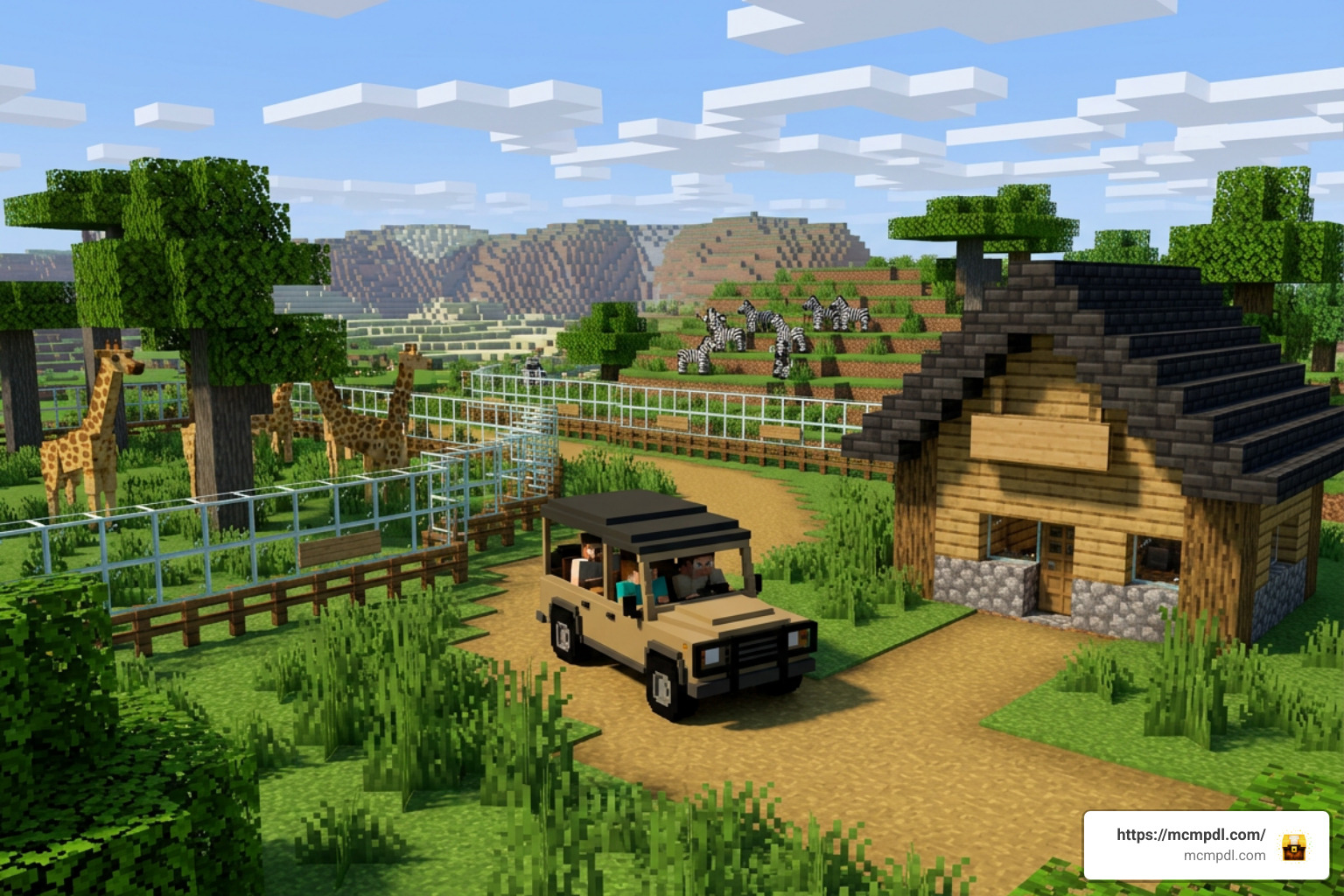
When you load into a world with the Zoo Builder Add-On for Minecraft PE/Bedrock (Download) activated, you immediately gain access to tools designed specifically for park management. The add-on blends decorative elements with functional mechanics to recreate the experience of running a real tourist destination.
Key features include:
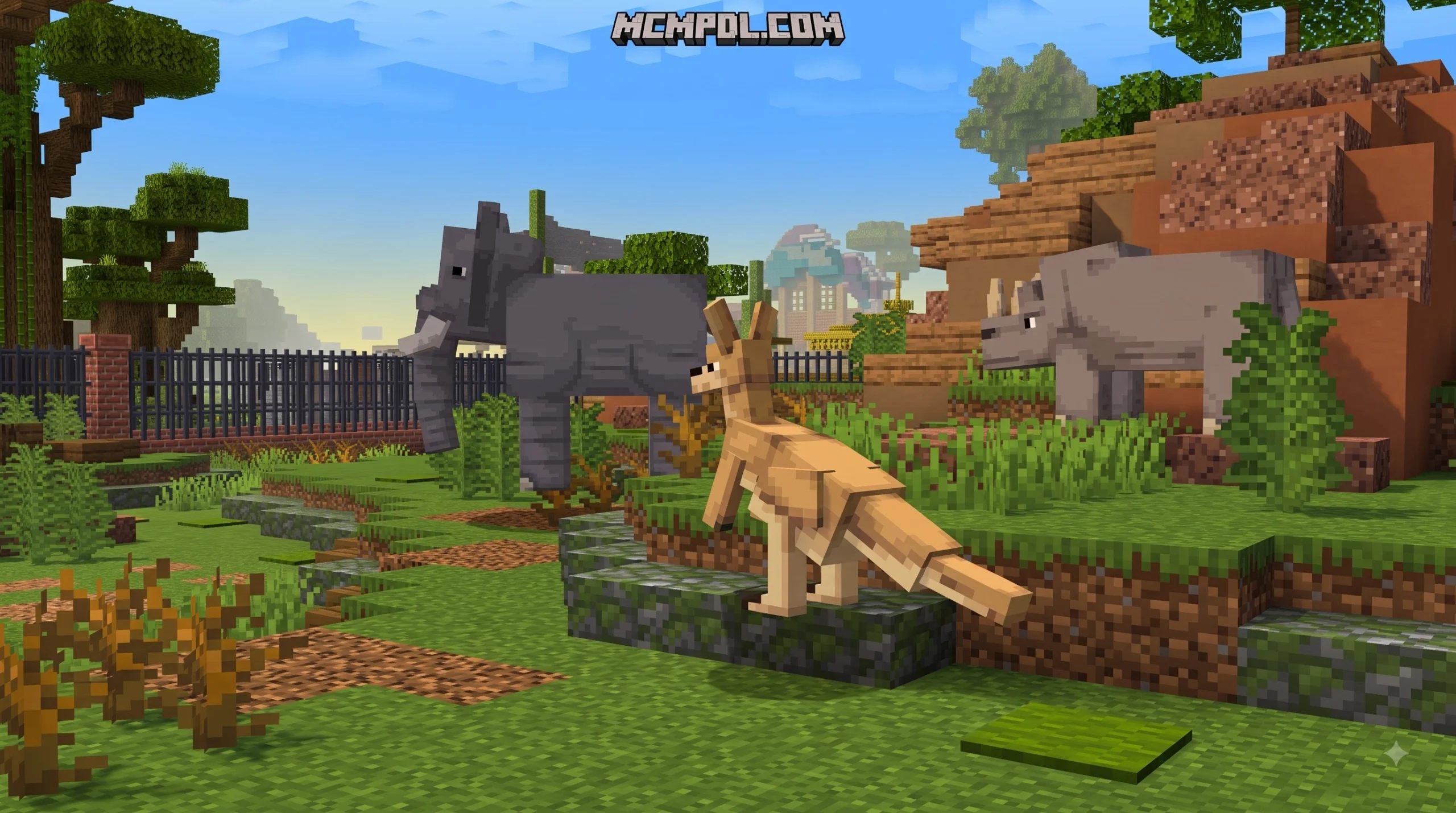
- Custom Wildlife Mobs: Custom-modeled animals with unique animations, ambient sound effects, and behaviors designed for enclosure life.
- Pre-Built Habitats: Ready-made enclosures and habitat blueprints that save hours of tedious manual construction.
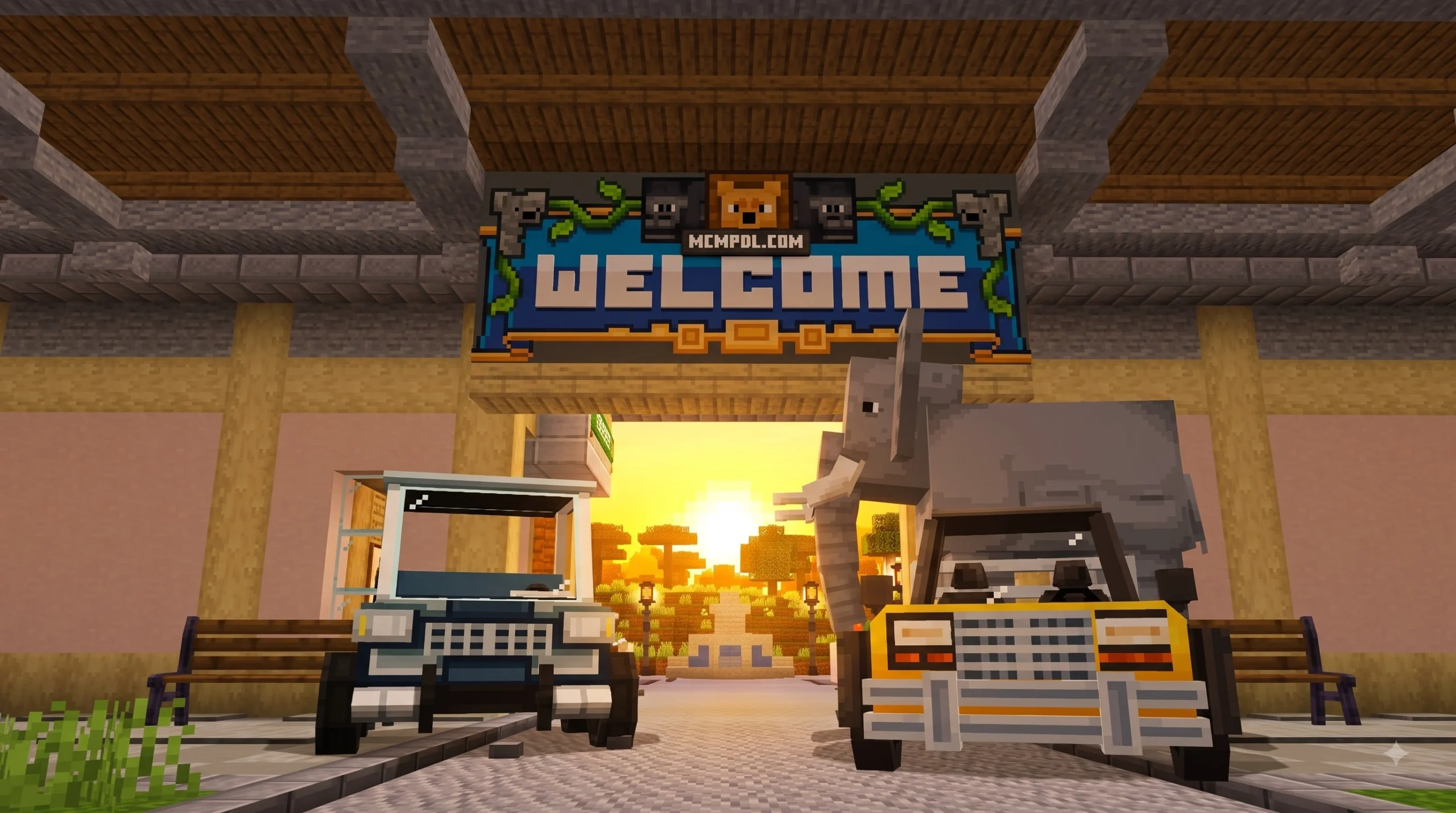
- Specialized Transport Vehicles: Functional safari trucks and buggies that allow you to tour your park grounds or transport heavy cargo across large builds.
- Safari Capture Nets: Dedicated tools that allow you to catch, hold, and relocate animals cleanly without relying on clunky leads or wheat trails.
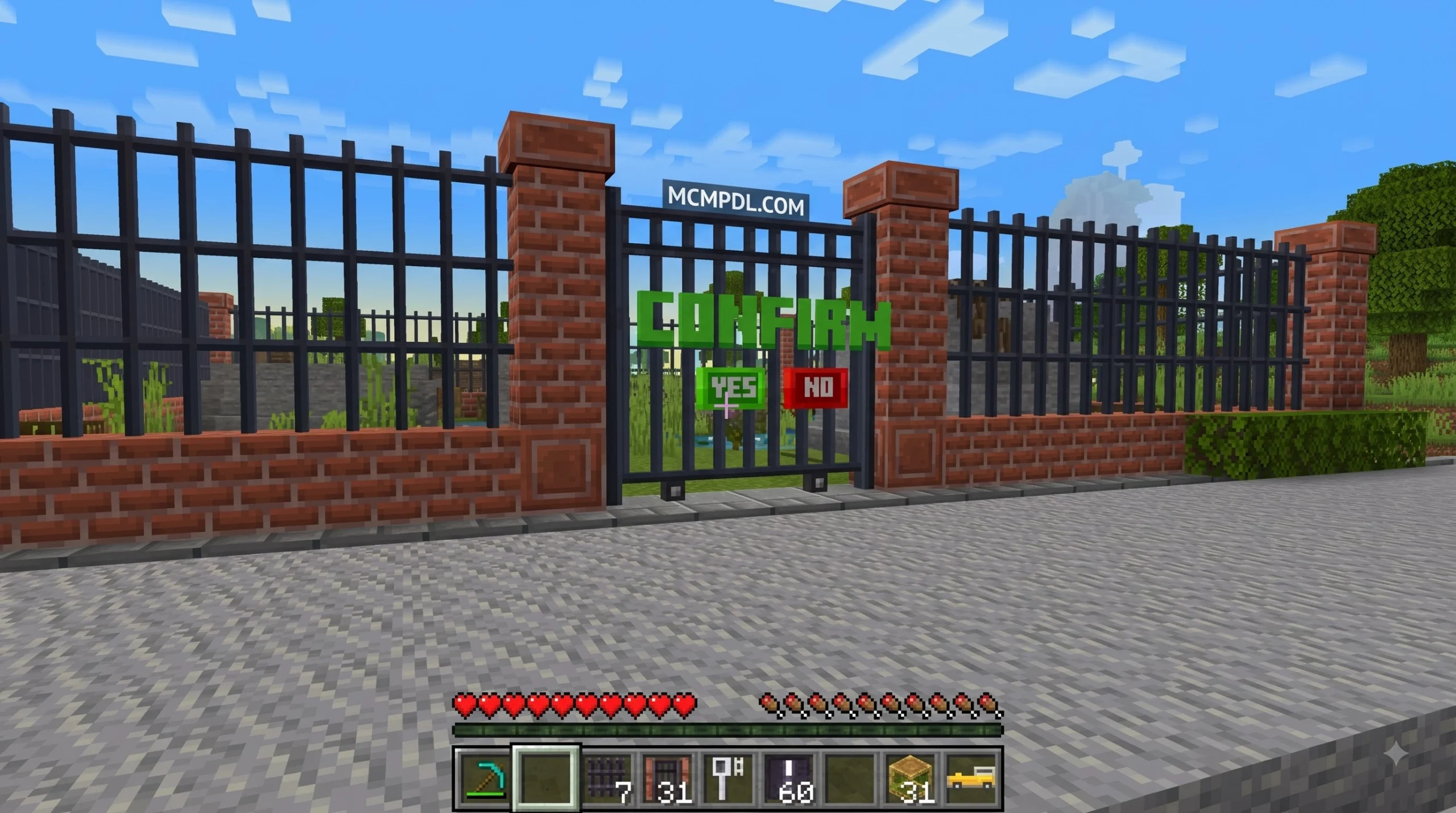
- Park Infrastructure Blocks: Roads, asphalt markings, safety fences, informational signs, and decorative furniture tailor-made for public walkways.
- Tourism Facilities: Modular parts for building gift shops, souvenir booths, ticket counters, and visitor viewing platforms.
For players interested in exploring extra community tools, standard .mcaddon packages combine behavior files and texture resources into a smooth single-file download.
Included Animals and Wildlife Structures
Building a magnificent zoo requires diverse exhibits and proper visitor amenities. The Zoo Builder Add-On for Minecraft PE/Bedrock (Download) delivers on both fronts by balancing animal diversity with structural additions.
Depending on whether you choose the community .mcaddon version or one of the Marketplace variations, the animal roster ranges from over 10 custom entities up to 21 distinct wildlife species. You can expect to encounter:
- Savanna & Plains Species: Elephants, giraffes, zebras, and rhinos that thrive in warm grassy biomes.
- Apex Predators: Lions, tigers, bears, and crocodiles that require reinforced enclosures and double-gated viewing areas.
- Aquatic & Avian Life: Specialized water and air exhibits featuring exotic birds, sharks, and vibrant marine life.
- Domestic & Interactive Fauna: Petting-zoo staples like rabbits, miniature goats, and docile land creatures that visitors can feed safely.
Beyond the animals, the add-on provides pre-assembled structures designed to streamline your layout:
- Visitor Gift Shops & Eateries: Pre-decorated stalls stocked with shelves, register counters, and display stands.
- Animal Hospitals & Veterinary Stations: Care facilities where you can treat injured mobs, perform checkups, and store medical supplies.
- Elevated Viewing Platforms: Shaded wooden and iron observation decks that give visitors panoramic views over dangerous predator pens.
- Restrooms and Service Facilities: Realistic park utility buildings that complete the aesthetic of a commercial resort.
Free Add-On vs. Paid Marketplace Versions
Navigating the Minecraft Bedrock ecosystem can occasionally be confusing because content creators often publish mods with similar titles. When searching for a Zoo Builder Add-On for Minecraft PE/Bedrock (Download), you will encounter both free community-developed .mcaddon packs and premium DLC maps available on the official Minecraft Marketplace.
To help you decide which version fits your budget and gameplay style, we have broken down their differences in the table below:
| Feature / Detail | Free Community Add-On (.mcaddon) | Meraki Zoo Builder (Marketplace) | Team Workbench ZOO BUILDER (Marketplace) |
|---|---|---|---|
| Price | Free ($0.00) | 660 Minecoins (~$3.46 USD) | 990 Minecoins (~$5.19 USD) |
| Download Format | Direct .mcaddon File | Automatic In-Game DLC | Automatic In-Game DLC |
| New Animal Species | 10+ Animals | 10+ Animals | 21 Animals |
| Vehicles Included | Safari Truck | Safari Truck & Transport | 2 Buggies |
| Extra Items | Furniture, Roads, Safari Net | Pre-built Habitats, Gift Shop | 8 Visitor Skins, Custom UI |
| Required Version | Bedrock 1.16.0 or 1.26.10+ | Bedrock 1.16.0 or newer | Bedrock 1.16.0 or newer |
| Multiplayer Compatibility | Free for all joined players | Host must own DLC | 1–4 Players supported |
Standard Add-On Overview
The standard free community version is typically distributed as a lightweight .mcaddon file (often between 2.3 MB and 8.9 MB in size). It packs a remarkable amount of functionality into a compact file size.
This version focuses heavily on practical building tools. It grants you access to safari trucks, animal capture nets, modular asphalt road blocks, and ready-made habitats. Because it is delivered as a raw add-on, you can apply it directly to your existing survival or creative worlds without being locked into a pre-generated map template. You can verify technical specifications and details on official pack listings.
Marketplace Edition Overview
If you prefer polished pre-made adventure maps with custom user interfaces and storyline elements, official Marketplace products offer alternative options:
- Meraki’s Zoo Builder Add-On: Launched in mid-2026 for 660 Minecoins, this version focuses on quick habitat placement, interactive safari transport, and a pre-decorated gift shop map.
- Team Workbench’s ZOO BUILDER: Originally released in June 2021 and updated through August 2024, this popular world template costs 990 Minecoins. It boasts a 4.4 out of 5-star rating from over 4,700 reviews. It includes 21 custom animals, 8 visitor skins, 2 driveable buggies, and a overhauled hotbar user interface that lets you place, rotate, and clear structure blueprints with single clicks. Check out the official marketplace listings for full details.
For players who enjoy using external building tools alongside add-ons, structure building utilities can also assist in generating large perimeter walls or administrative complexes.
Step-by-Step Installation Guide for Minecraft PE and Bedrock
Installing custom content on Bedrock Edition is straightforward once you know where to place your files. Whether you play on Android, iOS, iPadOS, or Windows 10/11, the unified .mcaddon format makes importing effortless. For general background on how Bedrock add-ons work, you can also review the official Minecraft Add-Ons FAQ.
Downloading the Zoo Builder Add-On for Minecraft PE/Bedrock (Download)
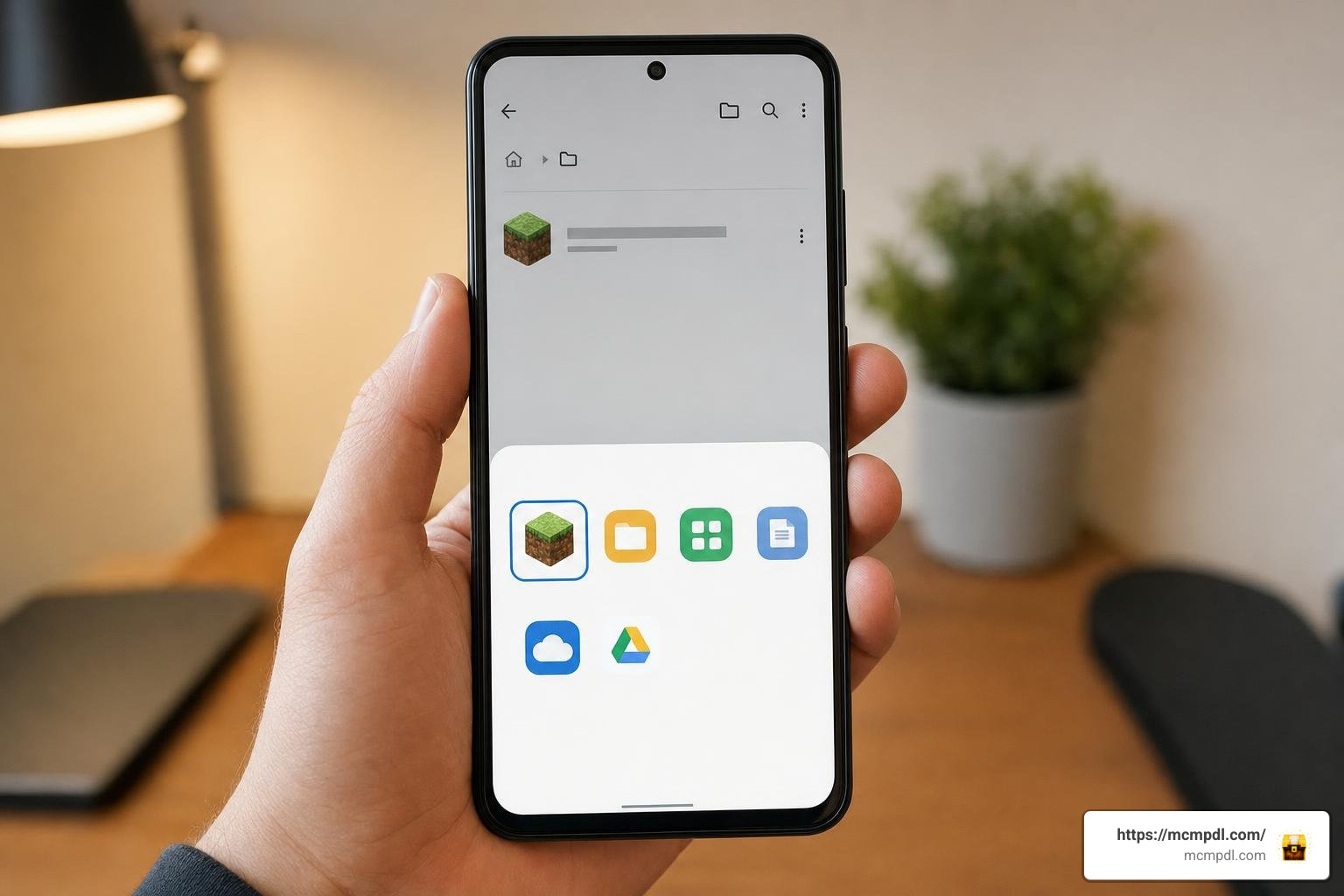
Follow these steps to obtain and import the installation file onto your device:
- Download the File: Locate the verified
.mcaddonfile for the Zoo Builder Add-On on your mobile device or computer. Make sure the file size matches the listing (typically between 2.3 MB and 8.9 MB). - Open the File Direct Import:
- On Android: Tap the downloaded
.mcaddonfile in your system file manager. Choose Minecraft from the “Open With” prompt. - On iOS / iPadOS: Tap the downloaded file in the Files app, press the Share button, and select Minecraft.
- On Windows 10/11: Double-click the
.mcaddonfile in your Downloads folder.
- On Android: Tap the downloaded
- Verify Import Launch: Minecraft Bedrock will open automatically. Look for the top notification banner confirming “Import Started” followed shortly by “Successfully imported Zoo Builder Resource Pack / Behavior Pack”.
Activating Behavior and Resource Packs
Once imported, you must manually attach both parts of the add-on to your selected world.
- Launch Minecraft Bedrock and navigate to Play > Create New World (or tap the Edit (Pencil) icon next to an existing world).
- Scroll down the left sidebar menu to the Add-Ons section.
- Select Resource Packs:
- Click My Packs.
- Locate Zoo Builder Resource Pack and click Activate.
- Select Behavior Packs:
- Click My Packs.
- Locate Zoo Builder Behavior Pack and click Activate.
- Confirm the prompt notifying you that achievements will be disabled in this world if you are playing in Survival mode.
- Enable Experimental Gameplay Features (Crucial Step):
- Scroll down the left menu to the Experiments tab under World Settings.
- Toggle ON Holiday Creator Features, Custom Biomes, and Upcoming Creator Features (depending on your exact Bedrock version).
- Confirm that your installed game version is 1.16.0 or newer (with version 1.26.10+ recommended for modern 2026 updates).
- Click Create or Play to enter your world with the add-on fully active!
Best Tips for Building and Managing Your Zoo
Creating a functional, aesthetically pleasing zoo requires more than dropping animals into dirt boxes. To build a world that feels alive and runs smoothly, we recommend applying structured planning techniques.
Here are essential strategies for zoo development:
- Design Biome-Accurate Enclosures: Place tropical animals like jaguars or parrots in jungle biomes with dense leaf canopy, while building open sand-and-savanna yards for giraffes and rhinos.
- Build Double-Door Safety Airlocks: Predators can occasionally slip through single fence gates when chunk loads occur. Always construct double-gated entrance airlocks for keepers using iron doors and pressure plates.
- Incorporate Clear Visitor Pathways: Use asphalt, concrete powder, or oak plank paths to guide visitors naturally from the main entrance gift shop toward the inner exhibits.
- Position Viewing Glass & Sunken Pits: Use stained glass panes or lowered exhibit pits so visitors can view aggressive predators safely without obstructing sightlines.
- Set Up Service Corridors: Build hidden back alleys behind animal habitats so staff can restock feeding troughs and access animal holding pens out of view from main pathways.
Transporting Mobs with Safari Nets and Vehicles
One of the best mechanics included in the Zoo Builder Add-On for Minecraft PE/Bedrock (Download) is the dedicated animal relocation system. Moving wild mobs across vast distances in vanilla Minecraft can be frustrating, but this pack simplifies the process.
To efficiently capture and move animals:
- Craft or Spawn a Safari Net: Equip the Safari Net item from your creative inventory or craft it using the add-on’s recipe.
- Capture the Animal: Approach the target mob and right-click (or tap the interaction button on mobile). The mob will safely condense inside the net item without taking damage.
- Load the Safari Truck: Mount your driveable Safari Truck or transport vehicle. You can store captured net items inside the vehicle’s internal trunk inventory.
- Drive to the Habitat: Drive your truck along your paved park roads directly to the designated enclosure.
- Release the Mob: Step inside the enclosure holding the filled Safari Net, right-click on the ground, and the animal will spawn back into the world at full health.
Zoo Builder Add-On for Minecraft PE/Bedrock (Download) Compatibility and Performance
Adding dozens of high-detail 3D mob models and custom structures can impact performance on mobile devices or older consoles. To ensure stutter-free gameplay, consider these optimization tips:
- Entity Limits: Avoid keeping more than 15 to 20 custom animals in a single rendered chunk. Spawning too many high-polygon entities in close proximity will drop framerates on low-end phones.
- RAM Allocation: Ensure your device has at least 3 GB to 4 GB of available RAM for smooth performance when hosting multiplayer games.
- Multi-Mod Compatibility: The Zoo Builder Add-On for Minecraft PE/Bedrock (Download) is engineered to co-exist with standard texture packs, furniture mods, and lighting shaders. However, avoid running it alongside other heavy animal mods that overwrite standard entity spawn rules to prevent item ID conflicts.
Frequently Asked Questions
Is the Zoo Builder Add-On free or does it cost Minecoins?
It depends on which version you select. The standard .mcaddon version distributed across community creation hubs is completely free to download and use. However, if you purchase curated adventure map versions directly inside the official Minecraft Marketplace—such as Team Workbench’s ZOO BUILDER (990 Minecoins) or Meraki’s Zoo Builder Add-On (660 Minecoins)—you will need to spend Minecoins.
Can I play the Zoo Builder Add-On in multiplayer with friends?
Yes! The add-on fully supports multiplayer mode for 1 to 4+ players. When you host a world with the Behavior and Resource Packs activated, your friends do not need to download external files manually—Minecraft Bedrock automatically prompts joining players to download the required resource files directly from your host session. It works seamlessly on local LAN, cross-platform multiplayer, and dedicated Bedrock Realms.
What Minecraft Bedrock version is required to run the add-on?
The minimum requirement to run the base add-on structure is Minecraft Bedrock Edition version 1.16.0. However, for updated 2026 builds featuring advanced vehicle mechanics and updated entity scripts, we recommend running Minecraft version 1.26.10 or newer on Android, iOS, Windows 10/11, Xbox, PlayStation, or Nintendo Switch.
Conclusion
The Zoo Builder Add-On for Minecraft PE/Bedrock (Download) provides an incredibly rewarding experience for players who love animal management, architectural design, and creative world building. By introducing custom wildlife, driveable safari vehicles, capture nets, and pre-built structures, it turns standard terrain into an interactive tourism simulation.
Whether you choose the free .mcaddon package or opt for a Marketplace DLC world, following the installation steps outlined above ensures a seamless setup. Enable your experimental features, construct sturdy enclosures, and start hosting visitors in your very own blocky safari reserve!
For more exciting mods, map downloads, and installation guides, explore our extensive library of Minecraft PE Downloads on MCMPDL to keep transforming your Bedrock worlds.

1 thought on “Zoo Builder Add-On Minecraft PE/Bedrock – Download”