Scroll down to D0vvnl0ad
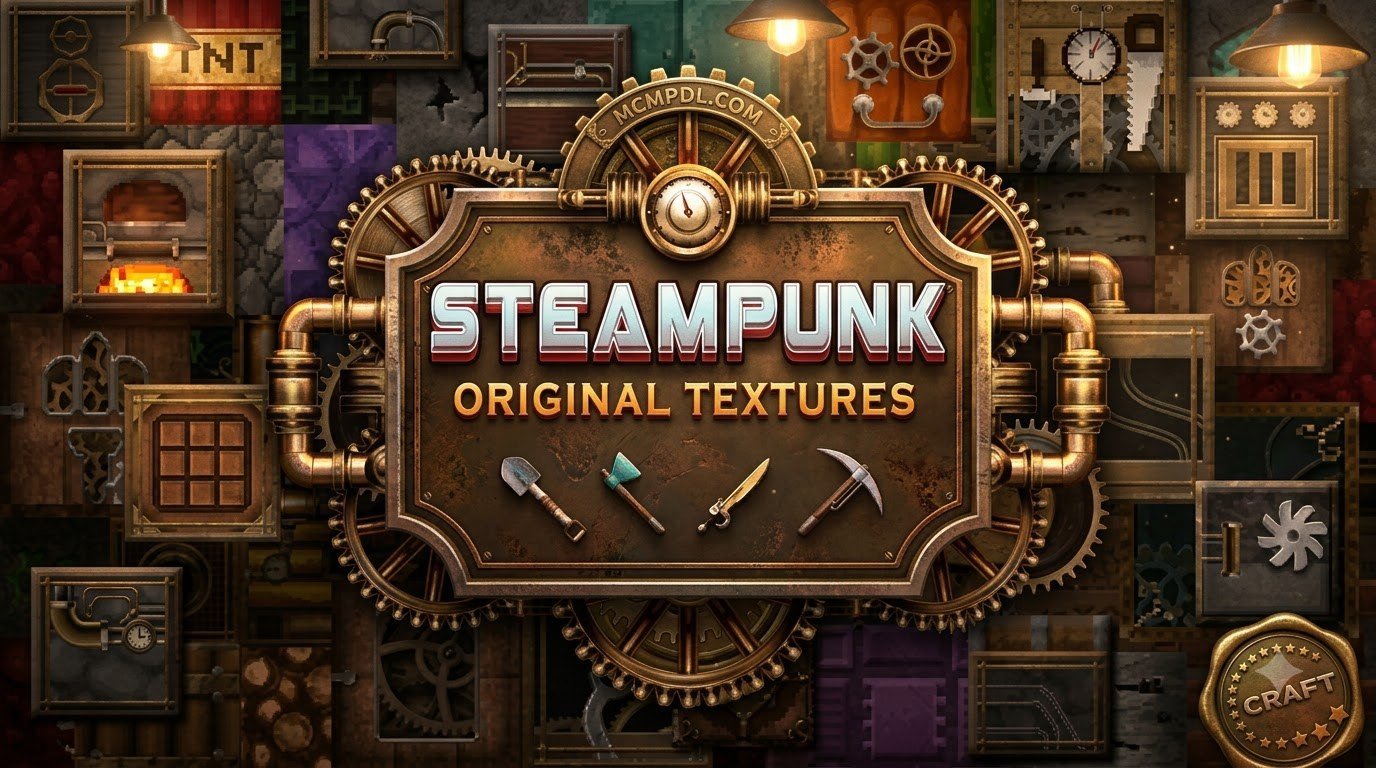
What Is the Steampunk Texture Pack for Minecraft PE/Bedrock?
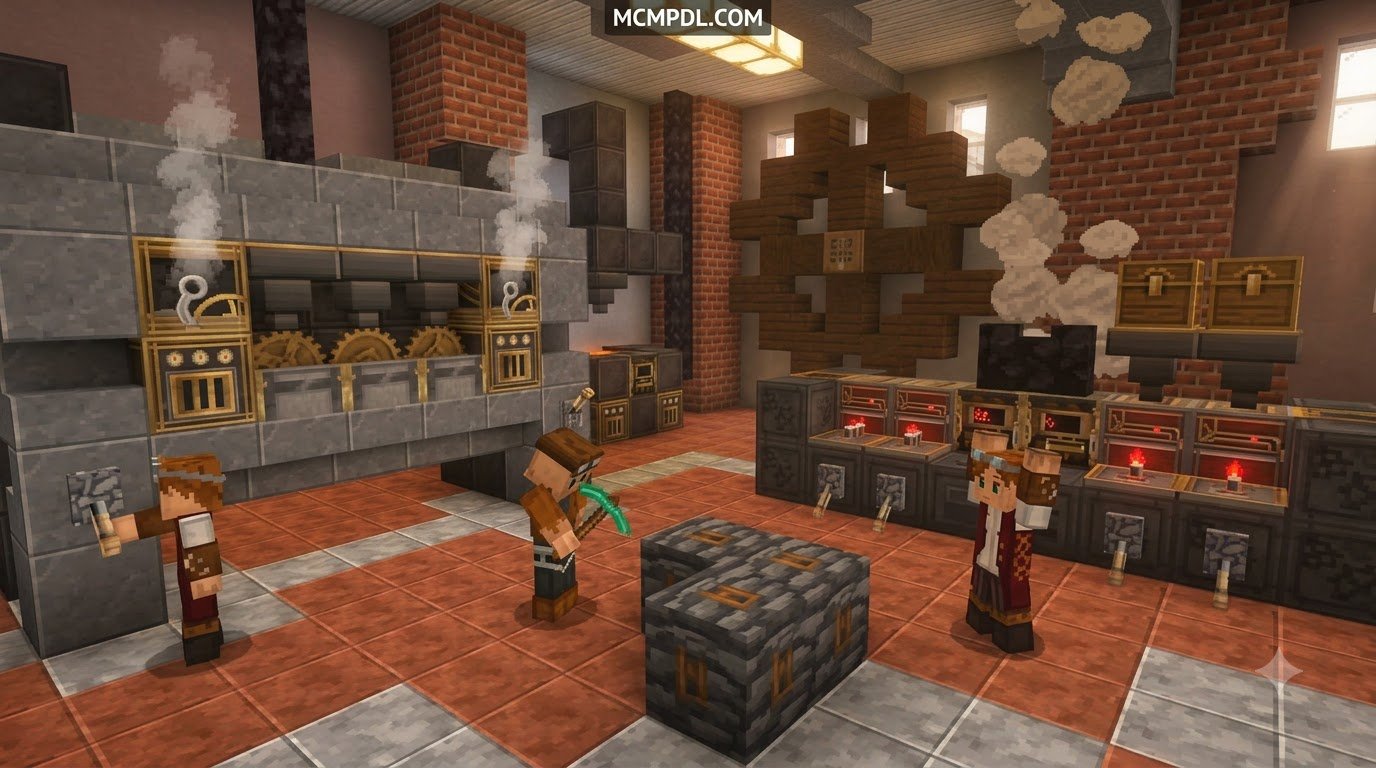
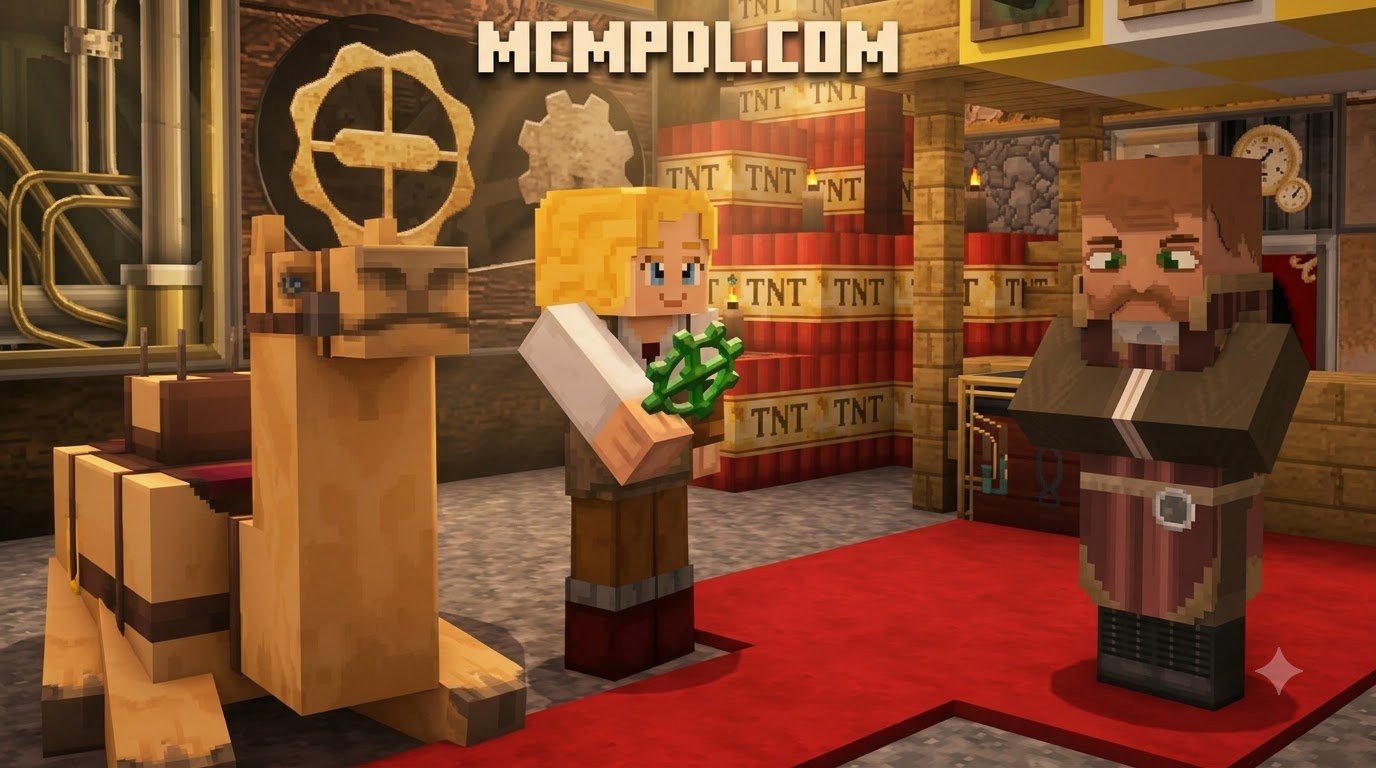
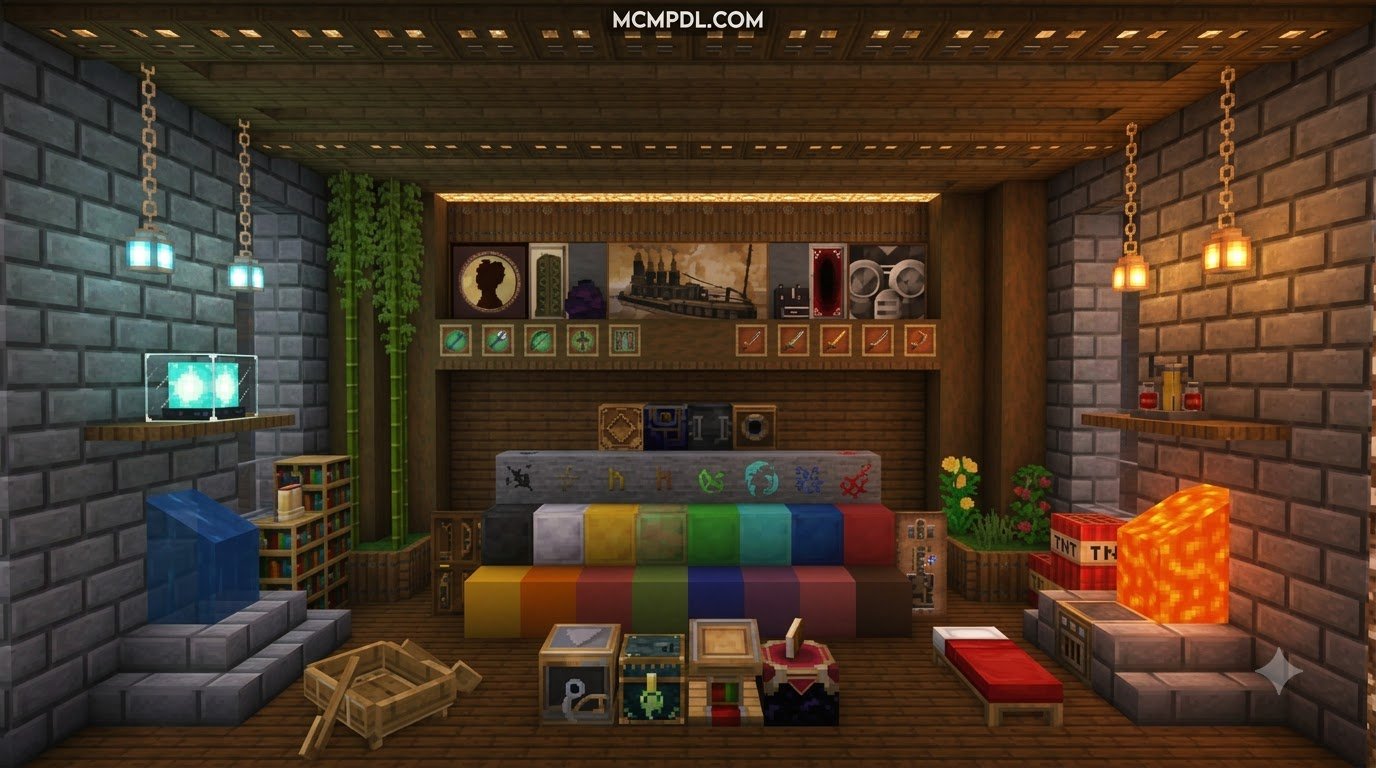
To get a Steampunk texture pack for Minecraft PE/Bedrock, download a community .mcpack file or install a Marketplace pack, open the file on your device to import it into Minecraft, then activate it under Settings > Global Resources or in your world’s Resource Packs menu. Once installed, the pack replaces default block, item, entity, and interface textures with a distinct retro-futuristic aesthetic inspired by 19th-century steam power. Instead of standard stone, clean metal plates, and plain wood, your worlds take on deep mahogany finishes, exposed copper pipes, iron rivets, ornate pressure gauges, and interlocking brass gearwheels.
The aesthetic draws heavily from Victorian-era industrial design, giving everything from redstone machinery to humble crafting tables the feel of a complex clockwork workshop.
In Minecraft Bedrock Edition (spanning mobile devices on iOS and Android, Windows 10/11 PCs, and modern consoles), steampunk packs cover game versions from 1.20.0 through 1.26.45. Depending on the release you choose, a pack might modify the entire block library, or it might focus entirely on re-theming your on-screen controls, HUD, and menu panels with copper trims and vintage mechanical buttons.
| Feature / Aspect | Featured Steampunk Pack | Community Steampunk Packs |
|---|---|---|
| Origin | Ported from Legacy Console & 3DS editions | Created directly by community artists |
| Resolution Support | Standard 16x–32x textures | Scalable from 32x up to 512x high-resolution |
| PBR / Ray Tracing | Standard Bedrock lighting engine | Many offer POM & PBR support for RTX worlds |
| User Interface (UI) | Fully styled Victorian HUD & menus | Varied: some offer UI-only or full world overhauls |
| Distribution | In-game marketplace catalog | Direct .mcpack files & supporter releases |
| Version Compatibility | Maintained for 1.2.0 up to modern Bedrock | Built for Bedrock 1.20.0 through 1.26.45 |
Top Features of the Steampunk Texture Pack for Minecraft PE/Bedrock
When you install a steampunk pack, the visual transformation extends to several core areas of the game:
- Custom UI & HUD Elements: Touchscreen joysticks, jump buttons, hotbars, and inventory screens turn into ornate brass plates, pressure dials, and riveted iron panels.
- Steam Gauges and Clockwork Redstone: Redstone dust looks like copper wiring or glowing conduits, while repeaters, comparators, and dispensers resemble brass valve switches and steam release mechanisms.
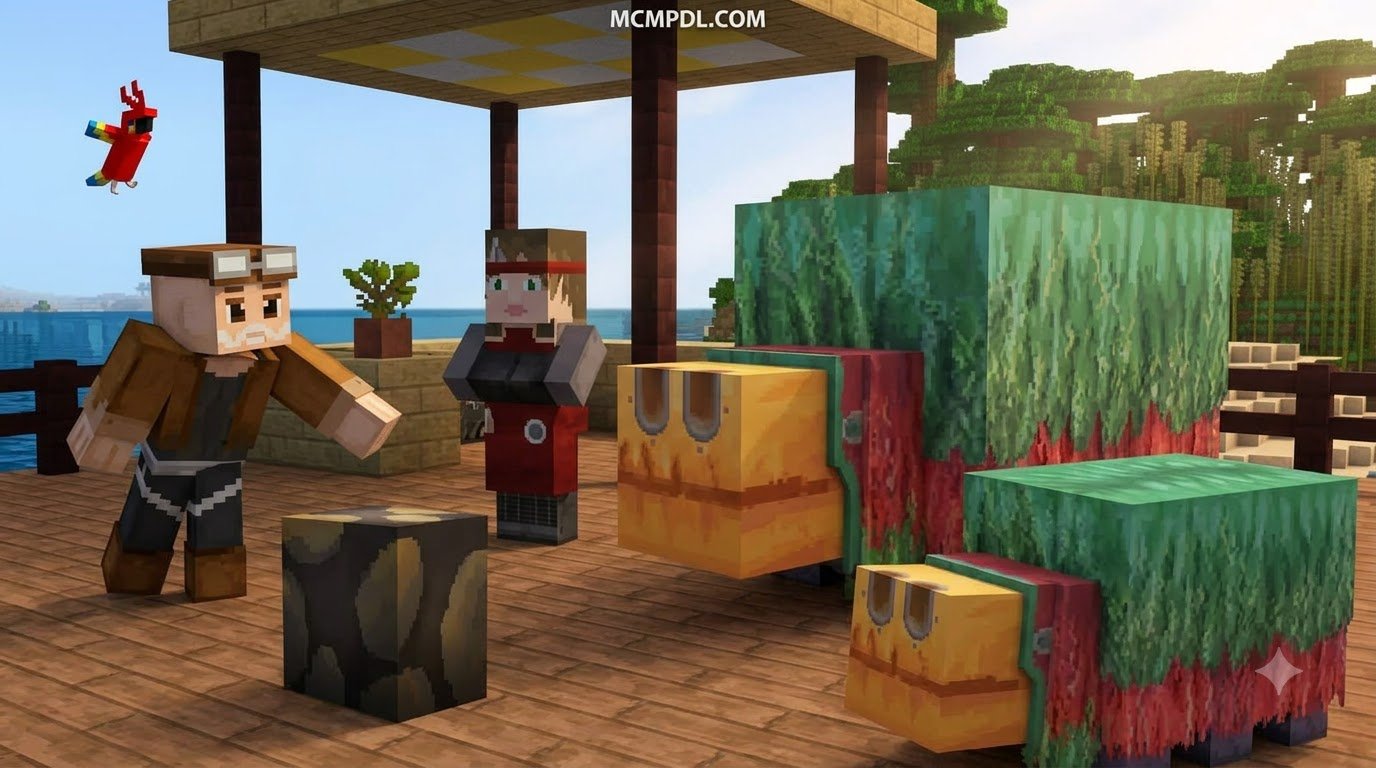
- Mechanical Mob Variants: Iron Golems become walking steam engines complete with chimneys, while hostile mobs like Creepers and Skeletons often resemble clockwork automatons or reanimated laboratory experiments.
- Hand-Painted Architectural Textures: Bricks, cobblestone, and polished stone acquire weathered soot stains, ornate Victorian molding, and industrial grating ideal for towering smoke stacks and factory floors.
- PBR & POM Material Depth: Advanced community releases incorporate Physically Based Rendering (PBR) and Parallax Occlusion Mapping (POM), making metal surfaces reflect ambient light realistically and giving brick grooves authentic 3D depth on supported devices.
Featured Releases vs Community Creations
The official steampunk release originally debuted on August 3, 2017, ported over from classic console editions to bring vintage factory aesthetics to Bedrock. It offers a consistent, cohesive experience across blocks, mobs, and UI elements.
Alongside official releases, independent creators have expanded the genre with massive community packs. For example, some community projects boast over 600 custom blocks, hand-painted items, and support for high-definition textures up to 512x. Other classic community projects bring over 3,000 textures, animated machinery, and connected textures to life.
If you appreciate grounded historical building styles alongside industrial grit, pairing these aesthetics with options like the Conquest Texture Pack for Minecraft PE/Bedrock can provide an incredible balance of medieval stonework and industrial ironcraft. For a broader look at how resource packs work in Bedrock, see the Minecraft resource pack overview.
3 Simple Steps to Download and Install Steampunk Packs on Bedrock
Installing a custom resource pack on Bedrock Edition is straightforward. Follow these three steps to download your files, import them into your game client, and adjust your settings for the best visual experience.
Step 1: Choose and Download the Resource Files
Start by selecting a steampunk resource pack that matches your device’s hardware capabilities:
- Look for packs distributed in the native
.mcpackor.zipformat. - Choose your resolution:
- 32x Resolution: The sweet spot for mobile phones, tablets, and smooth performance on low-to-mid-range hardware.
- 64x to 128x Resolution: Great for modern tablets, consoles, and gaming PCs.
- 256x to 512x Resolution: Best reserved for high-end PCs running dedicated graphics cards.
- If you want a cleaner look that balances high detail with classic styling, you can also explore a Vanilla HD Texture Pack alongside your themed packs.
- Save the downloaded
.mcpackfile to your device’s download folder.
Step 2: How to Install the Steampunk Texture Pack for Minecraft PE/Bedrock on Mobile and PC
Once your file is downloaded, importing it takes only a moment:
- Android & iOS Devices: Open your device’s file manager app, locate the downloaded
.mcpackfile, and tap it. Select Minecraft from the “Open with…” menu. Minecraft will launch automatically and display an “Import Started” banner at the top of the screen, followed by a successful import message. - Windows PC: Double-click the
.mcpackfile in File Explorer. Bedrock Edition will automatically boot and load the resource files directly into your game directory. - Activating Globally:
- Open Minecraft and go to Settings > Global Resources.
- Click on My Packs, locate your newly installed steampunk pack, and tap Activate.
- Ensure the pack appears under the Active list at the top.
- Activating on a Specific World:
- Click the Edit (pencil icon) next to your desired world on the worlds list.
- Scroll down to Resource Packs on the left-hand sidebar.
- Select the pack from Available and click Activate.
Step 3: Configure Settings, Experimental Features, and Ray Tracing
Some high-end and UI-heavy steampunk packs rely on specific game toggles to display all animations and models properly:
- Experimental Toggles: If your pack includes custom geometry or script-driven UI changes, open your world settings, navigate to Experiments, and toggle Experimental Holiday Creator Features or Molang Features on.
- Ray Tracing & PBR: If you are playing on Windows with an RTX-capable graphics card and your pack includes PBR textures, go to Settings > Video and enable Ray Tracing for realistic metallic reflections on brass and copper surfaces.
- Atmospheric Pairing: For builders who enjoy pairing moody industrial themes with darker visual themes, comparing steampunk styles against the dark fantasy atmosphere in Eldritch Horror can give your factories an eerie, subterranean atmosphere.
Performance Optimization and Best Themed Add-on Pairings
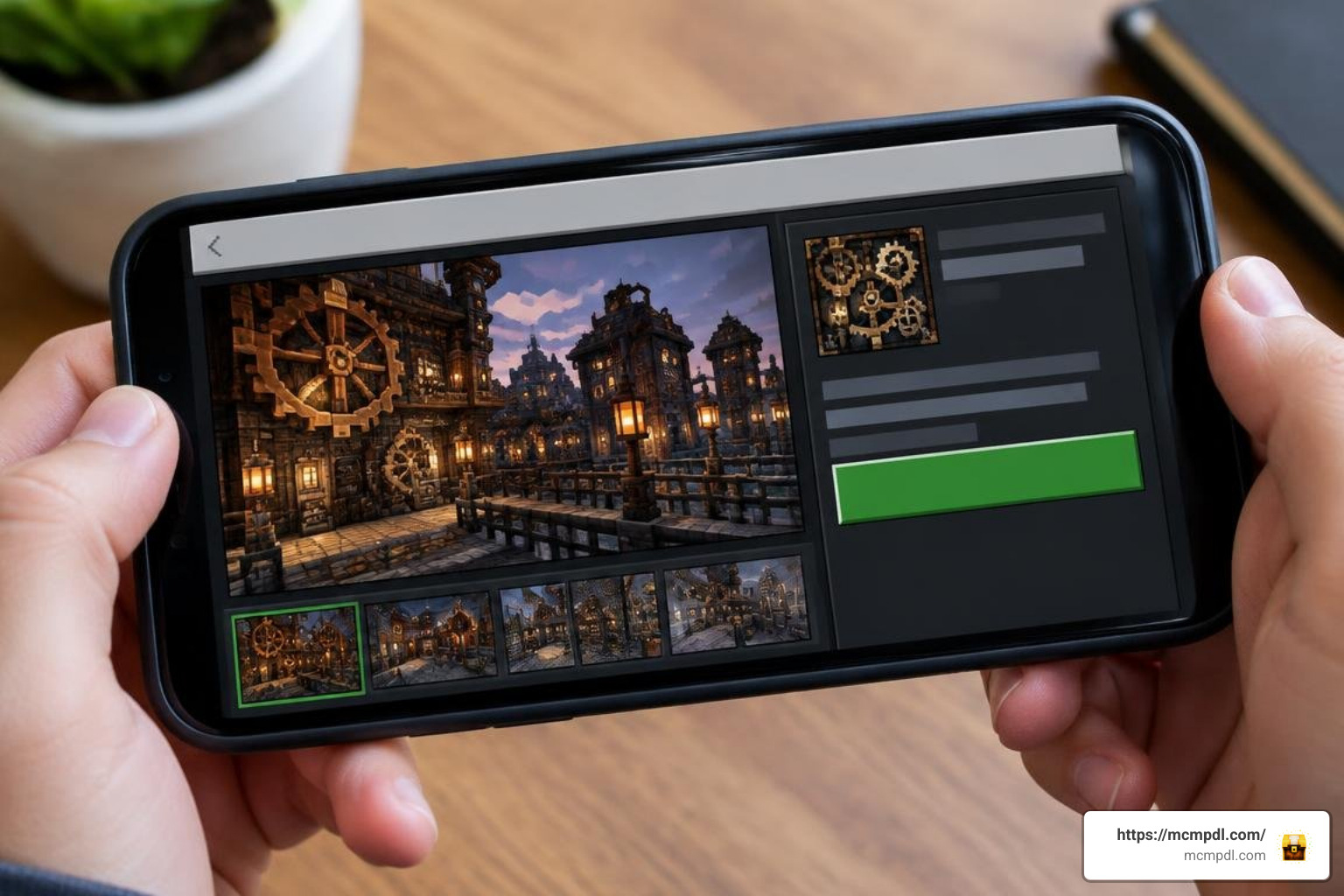
High-resolution industrial textures can demand more memory than standard 16x vanilla graphics, especially when rendering dense cities filled with animated cogs, item frames, and complex tile entities.
Managing Frame Rates across Mobile and Console Hardware
To keep your frame rates high and prevent memory crashes on mobile devices:
- Lower your Render Distance by 2 to 4 chunks in Settings > Video when loading 32x or 64x resolution packs.
- Turn off Fancy Graphics and Smooth Lighting on older Android or iOS devices if you experience frame stuttering in dense industrial zones.
- Avoid stacking multiple high-res resource packs simultaneously in your active load order.
- Clear your resource pack cache periodically by navigating to Settings > Storage > Resource Packs and removing outdated versions.
Complementary Packs for Industrial and Fantasy Worlds
Steampunk worlds thrive when combined with rich environmental storytelling. If you are constructing sprawling mountain workshops or snowy railway lines, pairing your build style with the Norse Mythology Texture Pack for Minecraft PE/Bedrock provides rugged timber, deep stone blocks, and mythological motifs that complement brass airships perfectly.
Add-ons that introduce custom functional pipes, rideable steam airships, or working elevators will also take your Victorian survival bases to the next level.
Frequently Asked Questions About Steampunk Packs
Is the Steampunk texture pack free for Minecraft Bedrock?
It depends on the specific release you choose. Community-developed .mcpack files hosted across open community portals are typically free to download for versions 1.20.0 through 1.26.45, offering 32x textures without charge. Premium packs on the built-in Bedrock Marketplace generally cost 490 Minecoins (approximately $2.57 USD / €2.42 EUR), which grants one-click cross-platform syncing across console, mobile, and PC versions.
Can you use Steampunk texture packs on multiplayer servers and Realms?
Yes. If you activate the pack under Settings > Global Resources, the visual changes will apply client-side to any multiplayer server or Realm you join without altering what other players see.
If you own a Realm or dedicated Bedrock server, you can attach the pack directly to the world’s resource pack folder and check the option “Require players to accept resource packs to join.” This ensures everyone exploring your factory city sees the exact same brass textures, gears, and custom machinery.
What should I do if the Steampunk UI or textures fail to load?
If you encounter missing textures (such as magenta-and-black checkerboards) or default UI buttons:
- Ensure the pack is placed at the very top of your Active list in the Resource Packs menu so it overrides other installed textures.
- Check that your game version matches the supported range (Bedrock 1.20+).
- If using a standalone UI pack, verify that experimental gameplay features are toggled on in your world settings.
- Delete the pack from Settings > Storage, restart Minecraft, and re-import the
.mcpackfile.
Conclusion
Upgrading your Bedrock worlds with Victorian machinery, copper conduits, and vintage clockwork designs is easy with the right resource files. By downloading your preferred resolution, importing the .mcpack file with a single tap, and adjusting your video settings for peak frame rates, you can build retro-industrial factories and air fleets on any device.
Ready to discover even more visual themes, shaders, and gameplay add-ons? You can explore our full catalog of Minecraft Bedrock resources to find your next favorite upgrade!


3 thoughts on “Steampunk Texture Pack for Minecraft PE/Bedrock”