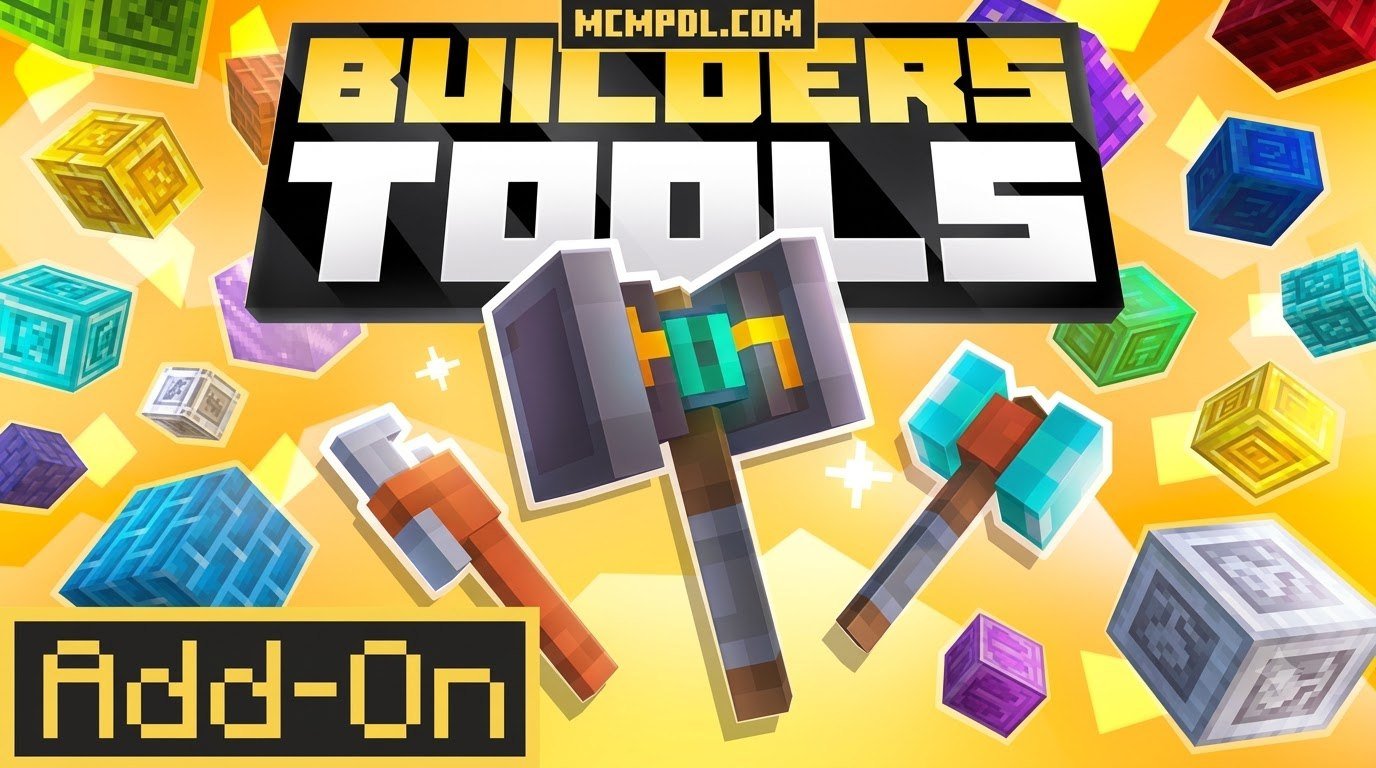
Scroll down to D0vvnl0ad
Build Faster With Builders Tools Addon for Minecraft PE/Bedrock
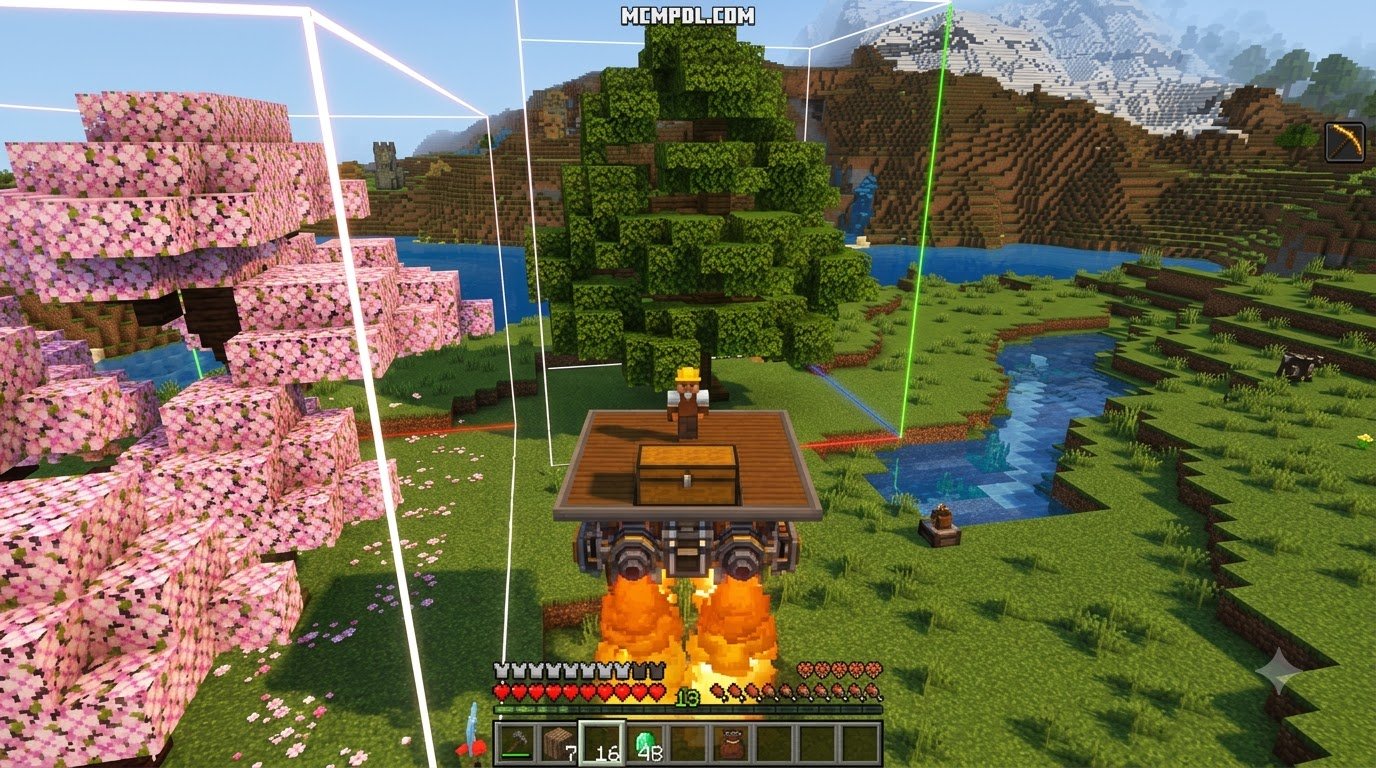
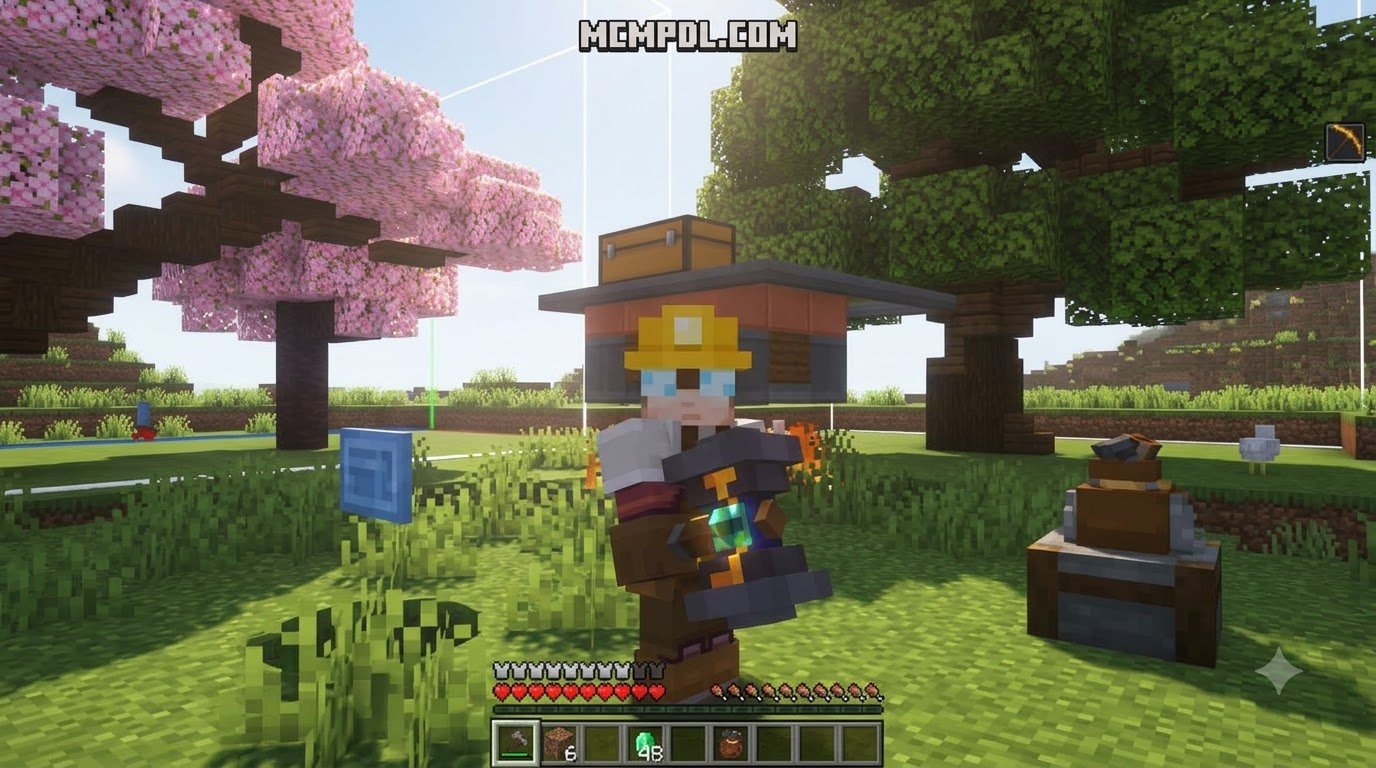
The Builders Tools Addon for Minecraft PE/Bedrock gives you item-based tools for filling areas, removing blocks, copying structures, pasting them elsewhere, making roofs, and undoing mistakes. It is designed for faster building without typing long commands.
The pack is very lightweight – listed at about 8 KB – yet includes tools such as Fill, Fill Hollow, Selection, Copy, Cut, Paste, 180-degree Paste, Block Retriever, Roof Maker, and Undo. It is a practical choice for builders who want to create walls, floors, tunnels, houses, and repeated structures with fewer block-by-block clicks.
Before using any world-editing add-on, make a backup of your world. Then import the .mcaddon file, activate its packs for the world, and test large edits in a copy of your save first.
Overview and Core Features of Builders Tools Addon for Minecraft PE/Bedrock
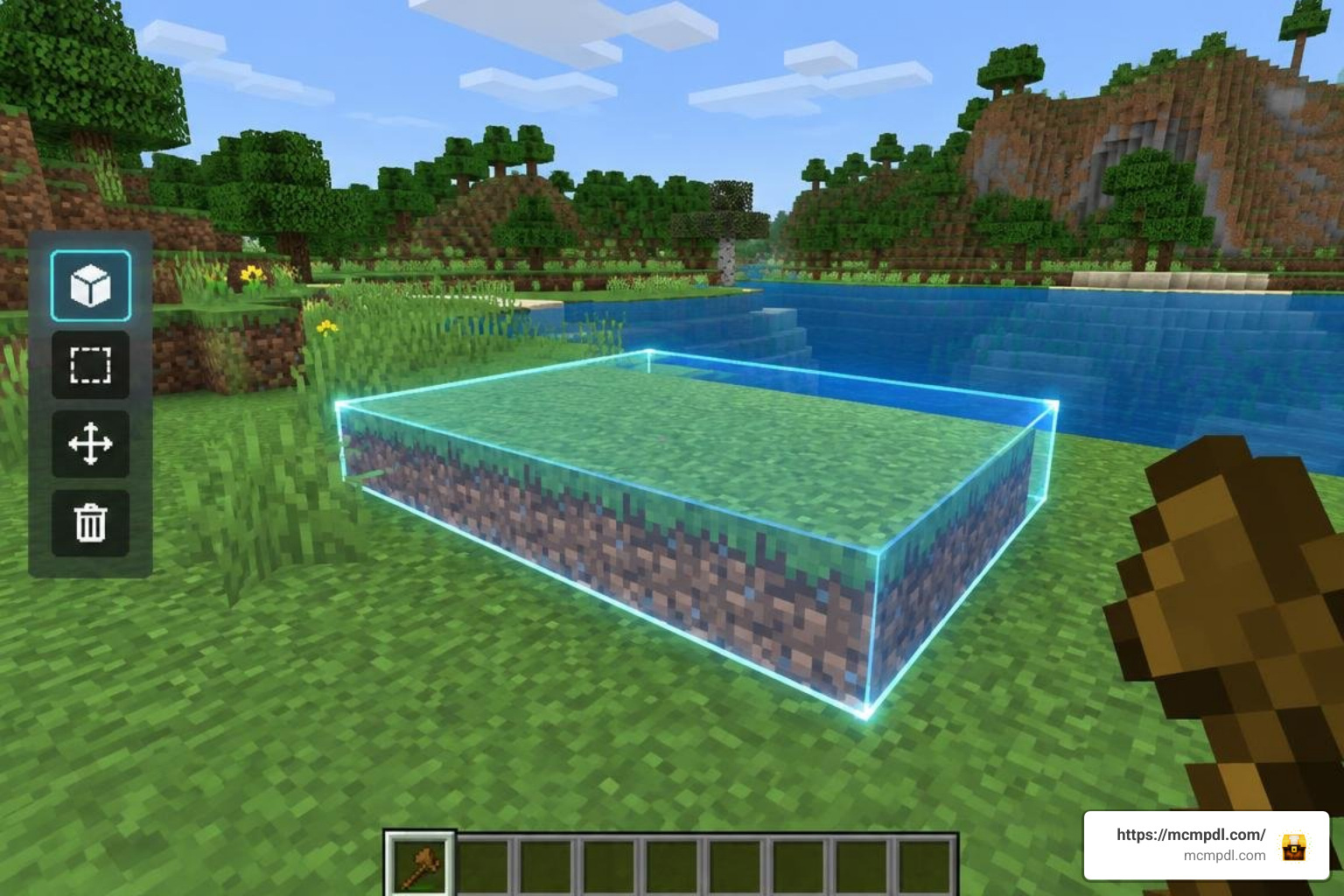
Placing blocks one by one is an iconic part of Minecraft, but when you are constructing massive castles, leveling terrain, or laying out entire city grids, the manual process can become tedious. That is where our favorite construction helpers come into play. Many players look for a robust Bedrock tools add-on to eliminate the repetitive strain of large-scale projects.
The Builders Tools Addon stands out from heavier modifications because it bundles a full suite of essential architectural utilities into a tiny file. Weighing in at just 8 KB, this add-on is smaller than a single high-resolution screenshot, yet it completely overhauls how you interact with the environment. Instead of forcing you to remember long, complex command syntaxes with negative coordinate offsets, it places functional items directly in your hotbar.
Whether you are designing sprawling mega-bases or simply laying the foundations for an underground bunker, having immediate access to item-activated world manipulation saves dozens of hours. You tap or right-click with an item in hand, set your target zone, and let the addon execute the structural math instantly.
Key Toolset and Construction Capabilities
The pack equips builders with a versatile set of tools tailored for distinct construction needs:
- Block Selection Tool: Defines the boundary coordinates of your build zone. By selecting two corner points, you establish the exact volume of space you wish to modify.
- Fill Tool: Instantly fills the entire selected volume with your chosen block type. This is perfect for solid foundations, massive defensive walls, or leveling large cavities.
- Fill Hollow Tool: Creates an enclosed exterior shell while leaving the interior completely empty. It allows you to generate hollow towers, houses, and large rooms in a single tap without needing to dig out the core afterward.
- Fill Tool Block Selection: Lets you specify the exact palette material used by the fill utilities, ensuring seamless integration with your existing build style.
- Remove Tool: Clears out every block within your selection boundaries, acting as a quick eraser for demolition work or underground excavation.
- Copy Tool: Captures the structural layout of the selected zone into memory without altering the physical blocks in your world.
- Cut Tool: Clones the structure into your temporary clipboard while simultaneously deleting the original layout from the game world.
- Paste Tool: Places the stored clipboard structure precisely at your current target location, maintaining the original orientation.
- Paste 180° Rotated Tool: Spins your copied build halfway around before placing it. This is invaluable when constructing symmetrical courtyards, facing houses across a street, or mirroring city blocks.
- Block Retriever Tool: Gathers and deposits the active block type directly into your inventory based on your target, streamlining material management.
- Roof Maker Tool: Automatically constructs sloped rooflines over rectangular structures, taking the frustration out of complex overhead geometry.
- Undo Tool: Instantly reverts the most recent building operation if an area was miscalculated or filled with the wrong material.
For builders looking to explore different creative flavors, the core 12-tool kit in this lightweight package covers nearly every everyday structural task.
Why Choose Builders Tools Addon for Minecraft PE/Bedrock Over Traditional Commands?
Vanilla Minecraft provides commands like /fill and /clone, but using them on mobile devices or consoles can be slow and error-prone. Typing coordinate numbers like ~-14 64 ~120 on a touch screen often leads to misplaced blocks, accidental destruction of detailed builds, and constant menu toggling.
By switching to dedicated items, you eliminate syntax errors entirely. You simply point at the physical blocks you want to target, engage the tool, and watch the structure update in real time. For even more specialized structural modifications, integrating a dedicated world editing addon can expand your capabilities with brush tools and complex polygon generators. The beauty of the Builders Tools Addon lies in its balance: it gives you desktop-grade construction power without cluttering your chat log or requiring administrative permissions on creative testing worlds.
Step-by-Step Installation and Compatibility Guide
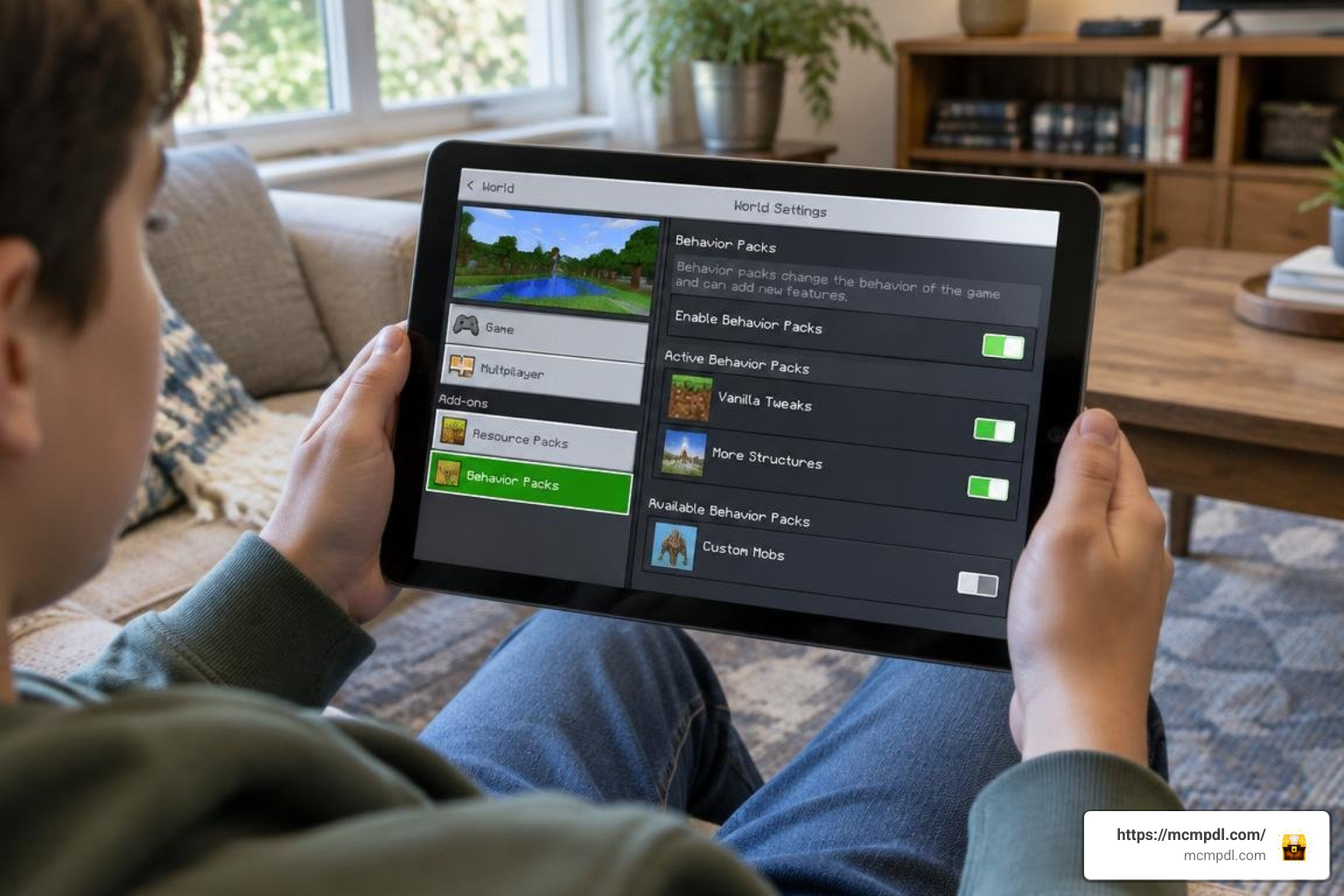
Installing add-ons on Minecraft Bedrock has become straightforward across mobile, console, and PC platforms. Because this pack uses the standard .mcaddon or .mcpack format, it seamlessly integrates with your existing game files. When you want to combine construction tools with technical gameplay, you can also run modern machinery alongside it, such as the Create add-on for Bedrock or comprehensive utility tools add-ons.
Installing Builders Tools Addon for Minecraft PE/Bedrock on Mobile and PC
Follow these simple steps depending on your operating system:
- Android: Download the
.mcaddonfile using your mobile browser. Open your file manager, navigate to your Downloads folder, and tap the file. Choose Minecraft as the default app to open it. The game will launch automatically and display an “Import Started” notification followed by a successful import banner. - iOS: Download the file through Safari. Tap the downloaded file in your Files app, tap the Share icon, and select Minecraft. If the file extension is
.zip, rename it to.mcaddonbefore opening. - Windows 10 / 11: Double-click the downloaded
.mcaddonfile. Windows will launch Bedrock Edition and import both the Behavior Pack and Resource Pack automatically. - World Activation: Create a new world or click the Edit (pencil) icon on an existing world. Scroll down to the Resource Packs section, find the addon under My Packs, and click Activate. Next, go to the Behavior Packs section and activate it there as well.
Version Compatibility and Custom Block Support
This addon is optimized for modern Minecraft Bedrock releases, running smoothly on versions 1.20 and 1.21+. For users experimenting with preview or future update builds, toggling experimental features ensures full API stability.
When setting up your world, enable the following toggles under the Experiments tab:
- Holiday Creator Features (if applicable on your specific sub-version)
- Beta APIs / Custom Biomes
- Upcoming Creator Features
The addon handles standard vanilla blocks natively. When building alongside custom furniture or decorative packs—like the Block Furniture add-on or the decorative Furniture Life addon—standard solid blocks behave cleanly with fill and copy routines. If you are experimenting with massive decorative expansions or functional mechanisms from the Craft Redstone addon, always verify that custom block states update properly after using the 180-degree rotation tool.
Comparing Bedrock Building Workflows
Choosing the right approach depends on whether you prefer pure vanilla commands, lightweight item wands, or complete structural overhaul engines. When planning expansive builds, you might also look into complementary utilities such as Cube Utilities to round out your toolbelt.
| Feature / Criteria | Vanilla Commands (/fill, /clone) | Builders Tools Addon | Large Multi-Mode Mods |
|---|---|---|---|
| Interface Style | Chat / Keyboard Syntax | Hotbar Items / Wands | GUI Radial Menus & Booklets |
| Download Size | 0 KB (Built-in) | ~8 KB | 200 KB – 5 MB |
| Mobile Ease of Use | Difficult (Typing required) | High (Point-and-click) | Moderate (Multiple sub-menus) |
| Rotation Options | Limited parameter syntax | Dedicated 180° Rotated Paste | Full 90°/180°/270° & Mirroring |
| Hollow Structure Fill | Requires outline / hollow flags | 1-Click Hollow Tool | Multi-shape hollow generation |
| Undo Support | None (Manual fix required) | Dedicated Instant Undo Tool | Multi-step Undo / Redo stacks |
| Roof Generation | Not available | Dedicated Roof Maker | Parametric Slope Generator |
| Performance Overhead | Negligible | Extremely Low | Moderate to High on low-end devices |
Best Practices, Known Limitations, and Workarounds
While the Builders Tools Addon simplifies complex tasks, working with large numbers of blocks simultaneously requires a few smart habits to prevent lag or corrupted builds:
- Make Pre-Build Backups: Before pasting large structures or running wide fills, exit to the main menu and duplicate your world. If an operation overlaps an existing build unexpectedly, you have a safe restore point.
- Work in Moderate Chunks: Although high-end PCs can handle massive area fills, mobile devices may drop frames if you attempt to fill hundreds of thousands of blocks at once. For best performance, keep selections within a 32x32x32 block radius per action.
- Mind Container Entities: Blocks that store data—such as chests, dispensers, or machinery from the Machines addon and Machinery addon—might lose their inventory contents when copied or cut. Place functional containers manually after generating the structural shell.
- Fixing Mobile Axis Inversions: Some Bedrock updates occasionally cause coordinate offsets on touch devices when facing certain cardinal directions. If your paste appears offset by one block, simply step back, face directly North or South, and use the Undo tool before placing it again.
- Check Lighting Updates: Large roof fills can occasionally leave dark shadow artifacts in Bedrock’s lighting engine. Placing a temporary torch inside the new room will force the lighting engine to recalculate the area cleanly.
Frequently Asked Questions About Building Tools
Does the Builders Tools Addon disable achievements in Survival mode?
Yes. Like nearly all Bedrock behavior packs that utilize custom scripting, experimental toggles, and item interactions, applying this addon turns off Xbox Live achievements for that specific world. If you are playing a strict survival world for achievements, we recommend using a creative test copy to plan your structures, export blueprints, or build aesthetic showcases.
How do you copy, rotate, and paste structures?
To duplicate a build, hold the Block Selection Tool and tap the two opposite diagonal corners of your structure (e.g., bottom-left-front and top-right-back). Next, equip the Copy Tool and activate it to save the layout. Walk over to your new build site, equip either the standard Paste Tool or the Paste 180° Rotated Tool, and click the ground block where you want the structure’s base to align.
What should you do if block placement bugs occur on mobile?
If blocks appear offset or fail to place on touch screens, verify that your Minecraft Bedrock version matches the pack’s requirements (1.20 / 1.21+). Ensure that all Creator Experiment toggles are turned on in your world settings. If a paste operation clips into terrain, use the Undo Tool immediately, adjust your player position slightly higher, and paste again.
Conclusion
Accelerating your construction projects in Minecraft PE and Bedrock does not require memorizing complex command parameters or bogging down your device with bloated software. The Builders Tools Addon delivers a clean, lightweight, and versatile suite of tools that lets you focus on what matters most: bringing your creative visions to life.
From instant hollow towers and custom-angled roofs to effortless copy-paste operations, having these wands in your hotbar turns multi-hour chores into satisfying, one-tap builds. Ready to upgrade your creative toolkit and discover top-tier modifications? Explore Bedrock addons at mcmpdl to find the latest tools, texture packs, and gameplay expansions for your next great adventure.
9 thoughts on “Builders Tools Addon for Minecraft PE/Bedrock”