
Scroll down to D0vvnl0ad
Clean Up Inventory Faster With a Trash and Recycling Addon
A Trash and Recycling Addon for Minecraft PE/Bedrock gives you a safer, faster way to remove unwanted items than tossing them into lava or building a redstone disposal system. Depending on the add-on, you can use simple trash bins for instant deletion, timer-based cans that clear items automatically, or recycling blocks that turn surplus materials into useful resources.
The best choice depends on how you play:
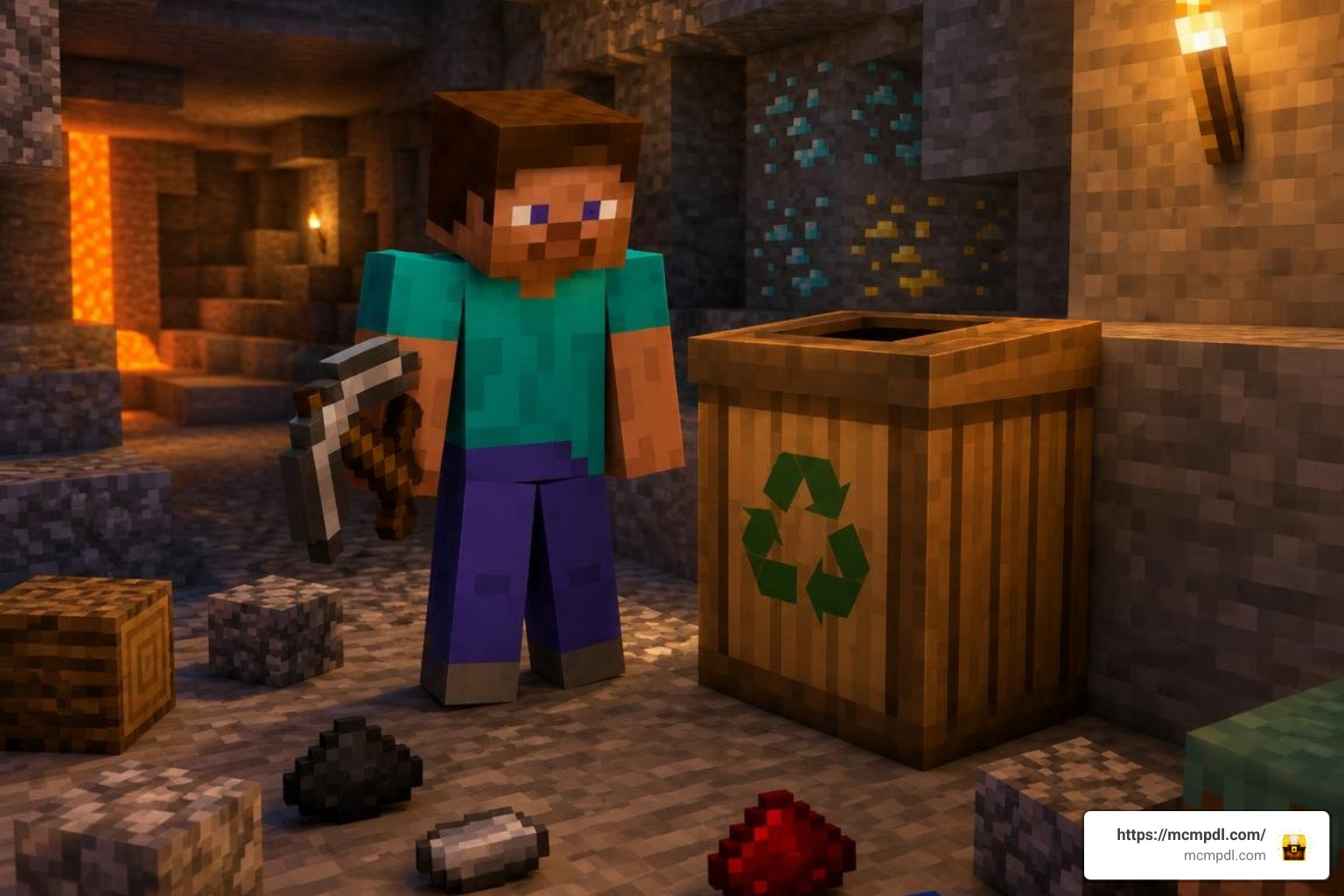
- Choose a basic trash can for quick inventory cleanup while mining or building.
- Choose a tiered automatic bin when you want stack deletion, single-item removal, or adjustable cleanup timers.
- Choose a recycling-focused add-on if you want to reclaim materials rather than destroy them.
- Choose a server plugin with recovery tools if accidental deletion is a concern.
These tools are especially useful after large excavation and building projects, when cobblestone, dirt, and duplicate drops can overwhelm chests. This guide compares the main options, explains crafting and installation, and shows what to check before adding a trash or recycling system to a Bedrock world.
Choosing the Best Trash and Recycling Addon for Minecraft PE/Bedrock
Finding the right system to handle excess junk comes down to your personal gameplay style. Some players want absolute deletion with zero clutter, while others prefer turning excess junk into raw crafting materials. Pairing these systems alongside a broader utility tools addon can transform everyday inventory management into a smooth, automated process.
| Addon / Solution | Primary Mechanism | Key Gameplay Features | Best Suited For | Target Game Versions |
|---|---|---|---|---|
| Automatic Trashcan Addon | Block-based tiered disposal | 3 distinct tiers (Copper, Iron, Sophisticated), custom timer intervals, hover countdowns | Survival inventory clearing & automation | Bedrock 1.21.40, 1.21.41+ |
| Trash Cans (MobCraft) | Block container deletion | Multi-tiered trash receptacles, direct GUI deposit, instant item voiding | Basic mining cleanup & simple bases | Bedrock 1.16, 1.17 |
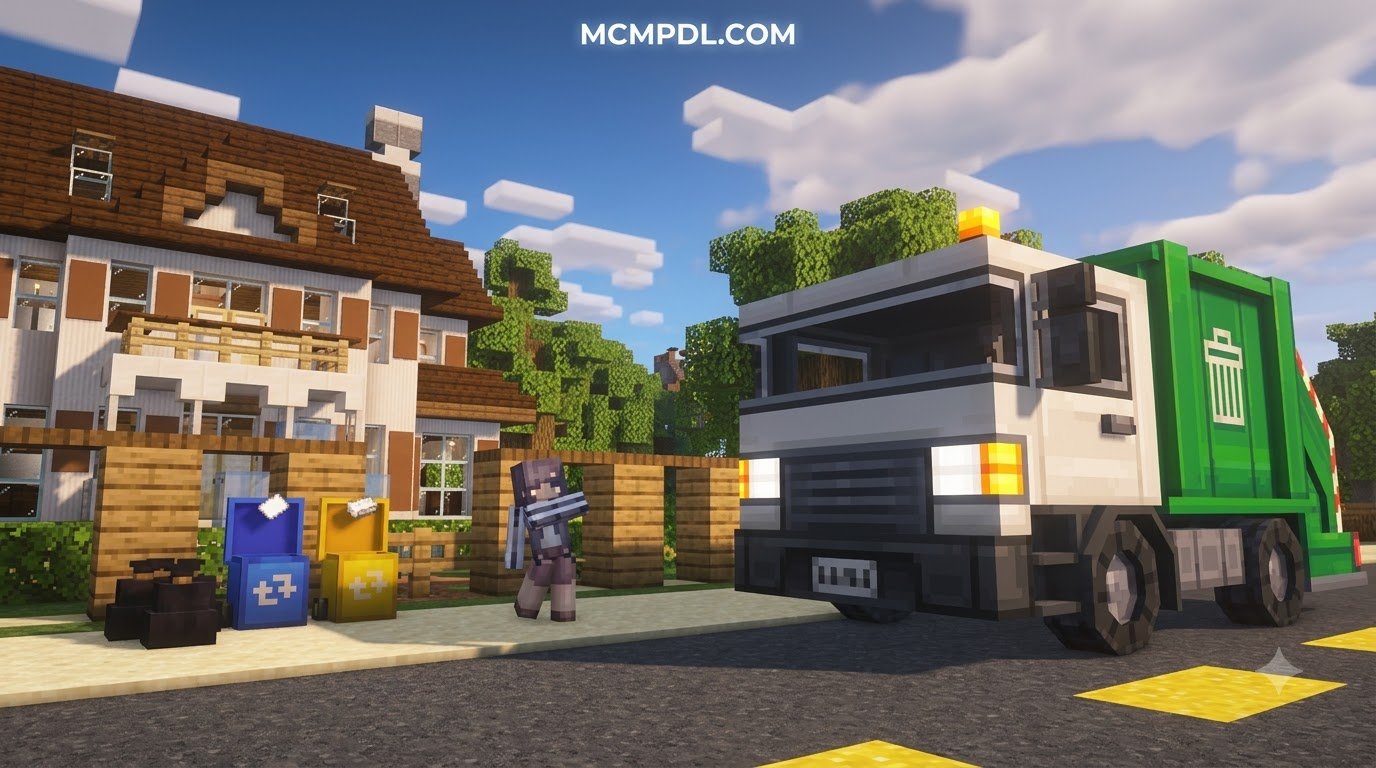
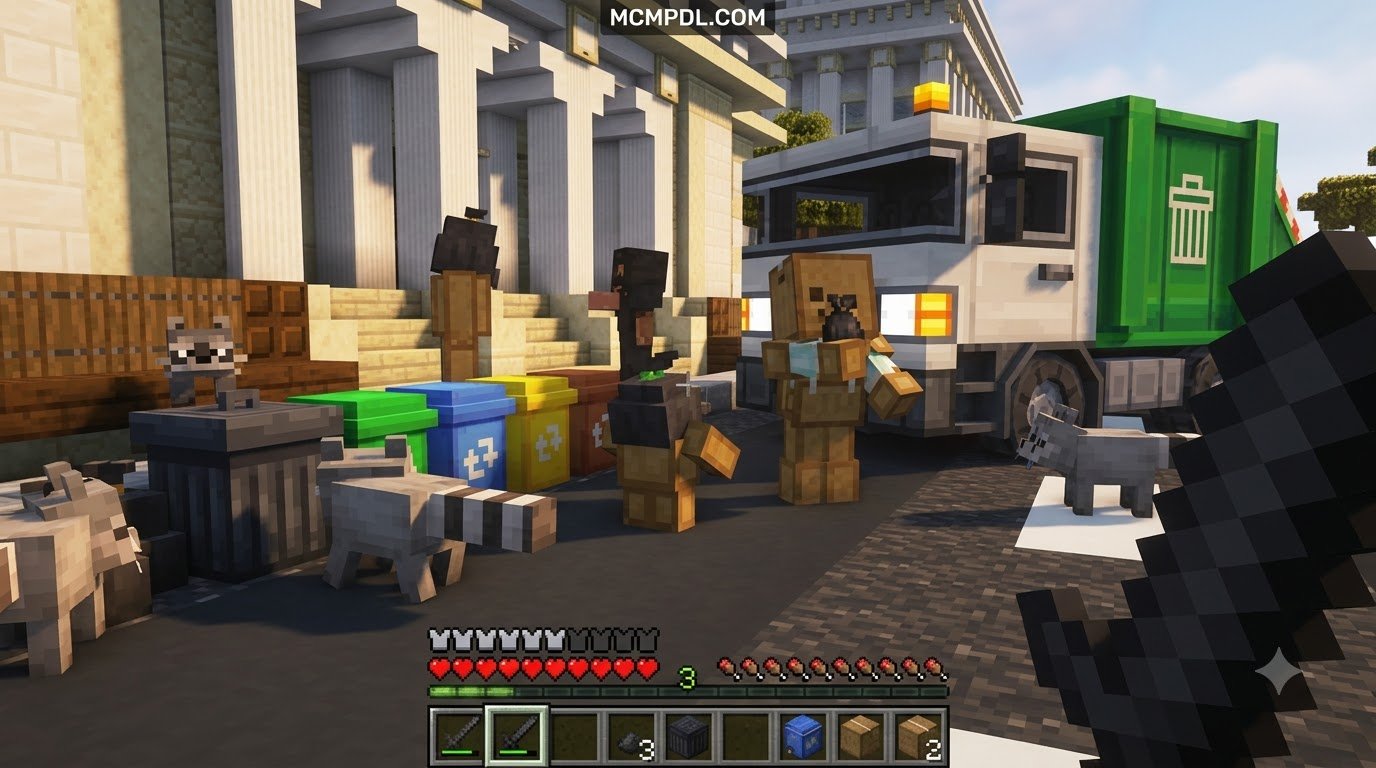
| Trash & Recycling (BlockWorks) | Multi-machine processing | Uncrafter, Incinerator, Stone Crusher, drivable garbage truck, cleanup golems | Simulation & town management | Bedrock 1.20, 1.21 |
| Recycle Recipes Addon | Crafting & stonecutter recycling | Converts slabs, dead bushes, and horse armor back into usable resources | Material reclamation without item loss | Bedrock 1.21, 26.x |
| TrashCanPro (Geyser Plugin) | GUI command bin with recovery | 15 preconfigured achievements, 8 languages, item recovery window, SQLite support | Multiplayer survival servers & cross-play | Bedrock / Java 1.21 |
Top Features of a Trash and Recycling Addon for Minecraft PE/Bedrock
When evaluating which pack fits your survival world, look for quality-of-life mechanics that reduce repetitive manual chores. An all-around essentials addon combined with advanced waste mechanics keeps your base running smoothly.
- Instant GUI Disposal: Opening a dedicated block interface lets you shift-click full stacks directly into oblivion without waiting for fire or cactus entity ticks.
- Timer-Based Automated Emptying: Higher-tier trash cans hold items in an internal cache and clear them on a scheduled interval (e.g., every 30 seconds), giving you a brief safety window.
- Hopper and Pipeline Integration: Connecting item pipes or hoppers directly into a disposal bin enables fully automated sorting overflow protection.
- Safety & Restoration Sessions: Advanced server tools provide temporary rollbacks or safety buffers so misclicked god gear isn’t gone forever.
- Multi-Language Support & Feedback: In-game hover timers, action bar notifications, and clean translations ensure you always know when your items will disappear.
Multi-Tiered Crafting and Automation Mechanics
Rather than relying on generic single-block solutions, modern Bedrock packs introduce distinct crafting tiers tailored to specific tasks. For example, the popular Automatic Trashcan add-on uses simple vanilla materials centered around barrels:
- Copper Trashcan: Crafted using 1 barrel surrounded by 4 copper ingots. This entry-level bin immediately voids entire stacks placed inside it, making it perfect for strip-mining sessions where thousands of deepslate blocks need rapid disposal.
- Iron Trashcan: Crafted using 1 barrel surrounded by 4 iron ingots. Designed for precision, this tier deletes items one at a time, allowing you to fine-tune exact quantities without dumping your entire supply.
- Sophisticated Trashcan: Crafted using 5 iron ingots, 1 redstone dust, and 1 barrel. Interacting or attacking this block opens a configuration panel where you can define a custom interval in seconds. It displays hover text showing the exact countdown until the next automatic cleanup.
When integrating these blocks into automated redstone systems, they serve as terminal dump points for overflow sorting lines, preventing floating entity lag across large survival farms.
Turning Waste into Resources: Recycling and Salvage Systems
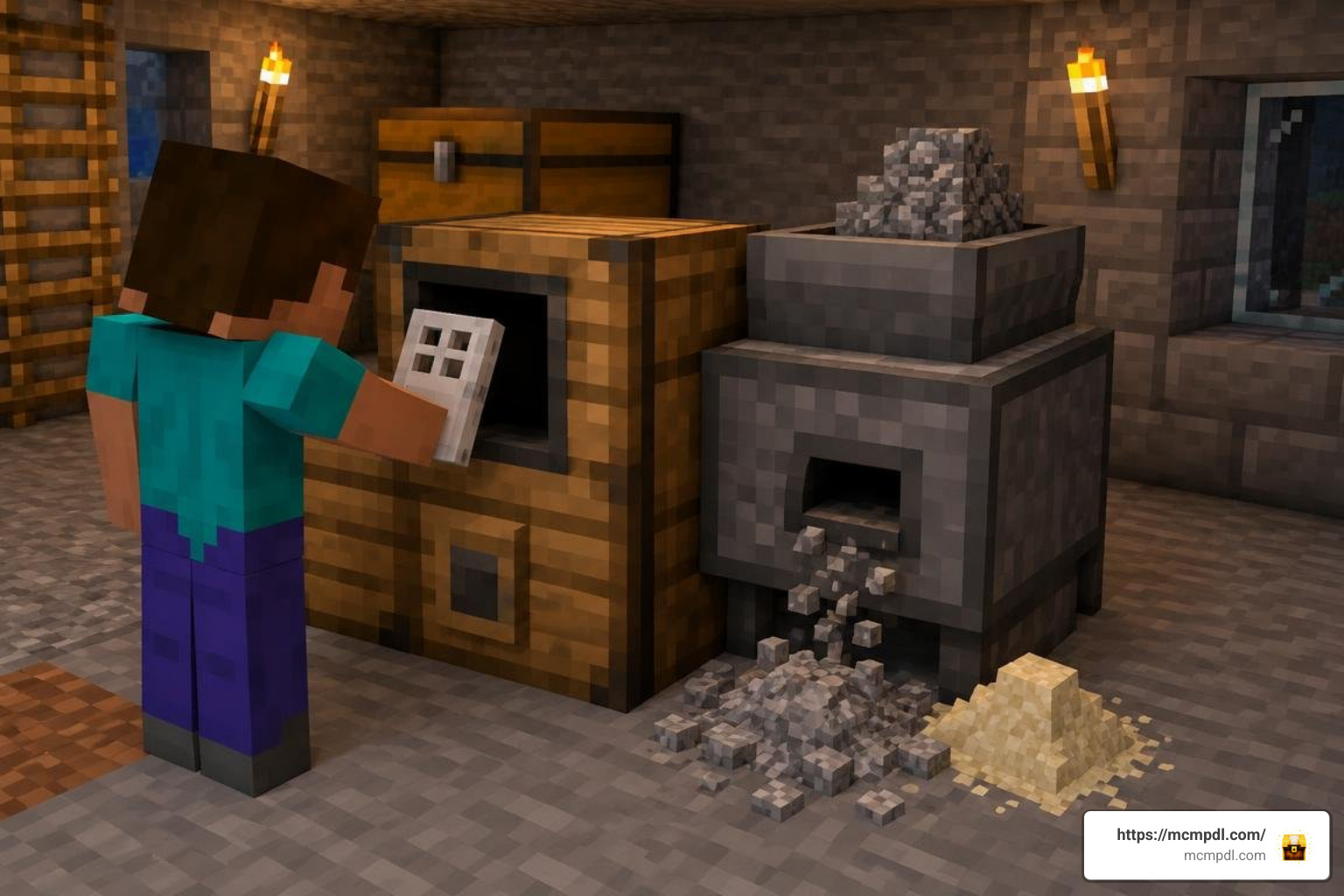
Item destruction is only half the equation. Many players prefer circular economies where obsolete gear, excess mob drops, and leftover construction blocks get recycled into raw components. Pairing these systems with a dedicated builders tools addon ensures you never waste precious building supplies.
Custom packs introduce functional workstations that handle salvage operations:
- The Uncrafter: Deconstructs crafted items back into their baseline ingredients (e.g., turning unused iron doors or minecarts back into raw iron ingots).
- The Stone Crusher: Breaks cobblestone, stone bricks, and diorite into gravel, sand, or specialized dusts for masonry work.
- Stonecutter Recipe Expansion: Add-ons like Recycle Recipes allow you to place leftover slabs, stairs, and decorative walls back into the stonecutter to convert them into full solid blocks, eliminating crafting waste.
- Biomass and Flora Composting: Processing saplings, dead bushes, and excess foliage into bonemeal or organic fertilizer.
Economy Integration, Leaderboards, and Achievements
On multiplayer Bedrock and cross-play networks running bridge plugins like TrashCanPro, waste management transforms into a rewarding mini-game. Server administrators can gamify cleanup through extensive plugin hooks:
- PlaceholderAPI & Hologram Integration: Display top recyclers dynamically at spawn using DecentHolograms leaderboards.
- Milestone Rewards: Configurable YAML files support up to 15 preconfigured achievement tiers. Reaching 1,000 recycled items can award players custom titles, in-game server currency (up to 1,000,000 balance points), or rare survival trophies like Netherite Blocks and Beacons.
- Multi-Language Accessibility: Standard plugins support 8 default translations—English, German, Russian, Spanish, French, Portuguese, Japanese, and Chinese—ensuring international server communities can participate seamlessly.
World Setup and Configuration Best Practices
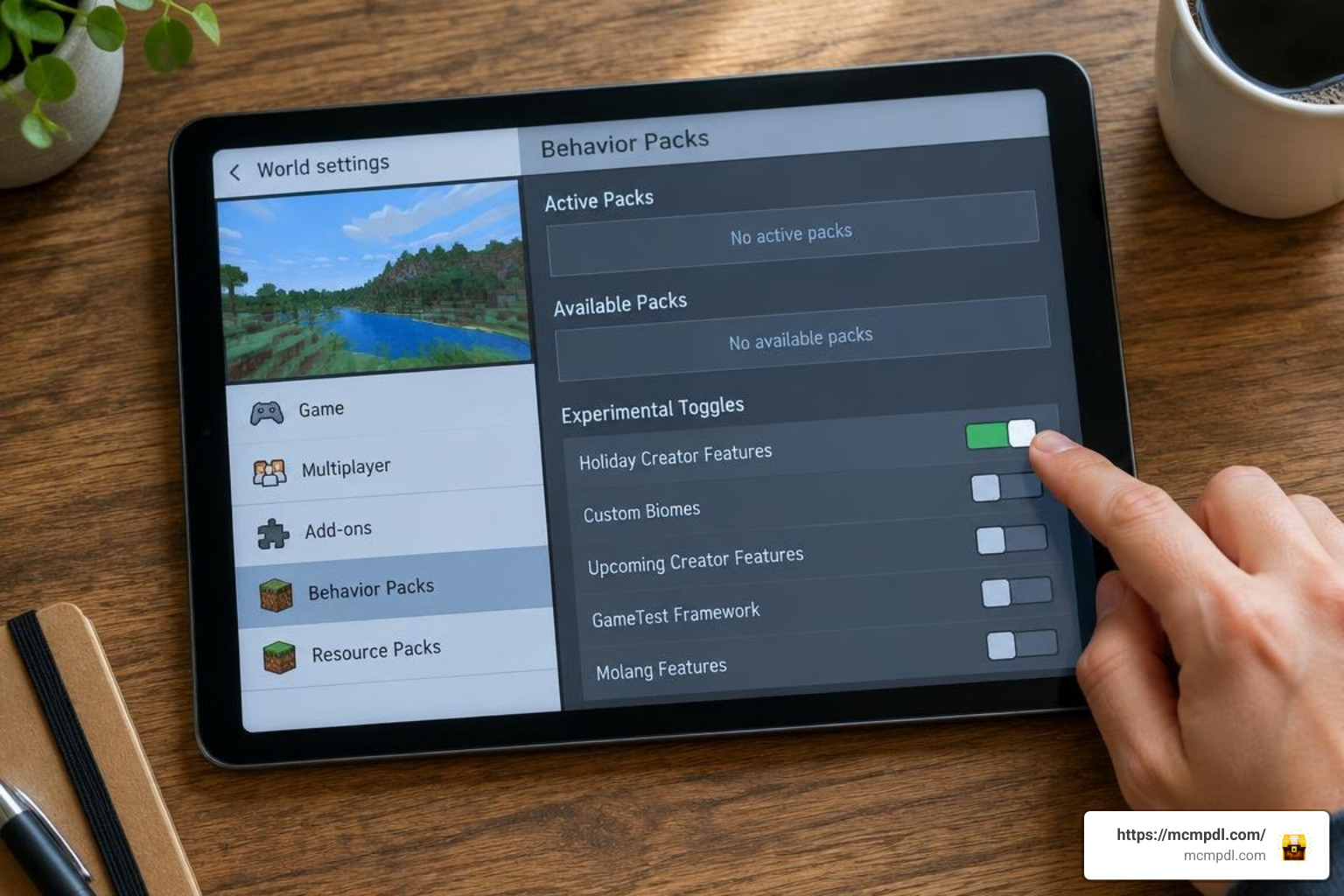
Before installing custom blocks into your long-term survival worlds, review your settings to ensure optimal performance. Managing world performance with world utilities alongside trash add-ons prevents unnecessary chunk loading strain.
- World Backups: Always create a clean copy of your world save before toggling experimental toggles or adding custom behavior packs.
- Experimental Toggles: While standard recipe modifications function without experiments, add-ons featuring custom block geometry, ticking entities, or UI panels require Beta APIs or Holiday Creator Features enabled in world settings.
- Entity vs. Tile Logic: Avoid placing dozens of animated trash cans within a single chunk. Group your waste sorting into a centralized collection hub to keep your tick rate stable.
How to Install a Trash and Recycling Addon for Minecraft PE/Bedrock
Setting up your chosen add-on takes only a few minutes across mobile, console, and Windows platforms:
- Download the Package: Obtain the official
.mcaddonor.mcpackfiles. - Import into Bedrock: Tap or double-click the downloaded file on your device. Minecraft will launch automatically and display an Import Started notification followed by Import Successful.
- Apply to World Settings: Navigate to your world edit screen, scroll down to Behavior Packs, and activate the add-on. Ensure the corresponding pack is activated under Resource Packs as well.
- Enable Experiments (If Required): In the Experiments tab, turn on custom features required by the add-on creator.
- Server & Geyser Deployment: For dedicated servers or Geyser/Floodgate setups, drop the server
.jarinto your plugins directory, configureconfig.ymlfor timeout expirations (defaulting to 15 minutes across 5 sessions), and restart the server instance.
Frequently Asked Questions About Minecraft Trash Addons
Can trash can addons connect to hoppers for automated sorting?
Yes. Most modern Bedrock trash can add-ons treat disposal blocks as standard container inventories. You can direct vanilla hoppers into the top or sides of the trash can block. As items pass through your sorting line, unwanted junk (like mob armor or poisoned potatoes) funnels straight into the bin and voids automatically without clogging your storage chests.
How do you recover accidentally deleted items from trash bins?
Recovery depends on the add-on system you are using:
- Basic Add-ons: Standard single-player trash blocks delete items immediately upon closing the GUI; items cannot be recovered once voided.
- Timer Bins: Blocks with configurable timers hold items inside their inventory until the countdown hits zero, allowing you to pull items back out before the scheduled clear.
- Server Plugins (TrashCanPro): Advanced systems store up to 5 historical sessions per player. Players can run a restore command within a configurable safety window (typically 15 minutes) to retrieve accidentally discarded items.
Are trash and recycling addons compatible with Minecraft 1.21?
Yes. Leading community add-ons (such as the Automatic Trashcan add-on and Recycle Recipes) provide full compatibility with Minecraft Bedrock 1.21.40, 1.21.41, and newer patch releases. Older packs designed for version 1.17 may require updated JSON schemas or community patches to function properly with current Bedrock rendering engines.
Conclusion
Managing cluttered chests shouldn’t pull you away from your latest build or mining expedition. Whether you choose a lightweight copper trash can for instant stack deletion or a complete recycling workshop that dismantles excess blocks into raw ingredients, adding a dedicated cleanup system dramatically enhances survival workflow. Check out the latest community updates, optimize your base sorting, and discover more Bedrock mods and utilities to take your Minecraft experience to the next level.