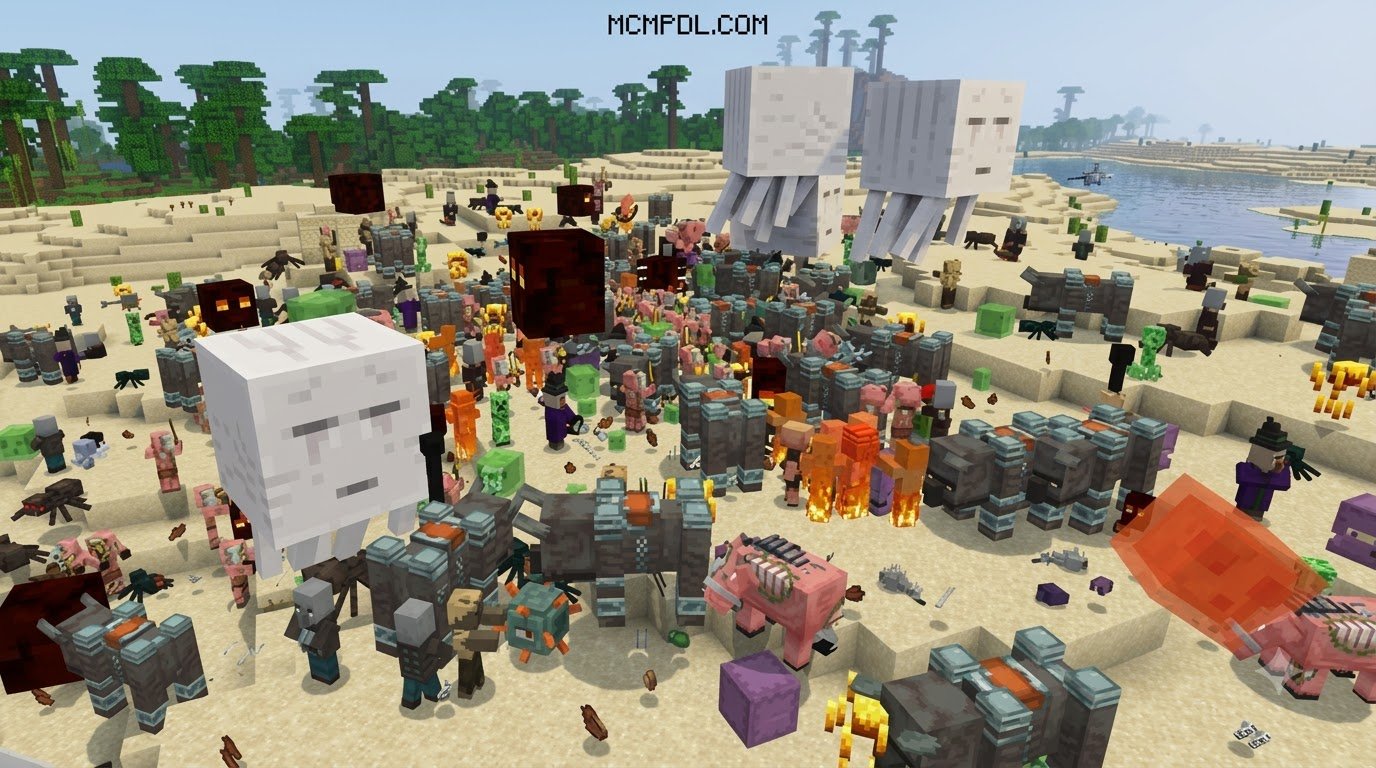
Scroll down to D0vvnl0ad
What is the God Blocks Addon for Minecraft PE/Bedrock?
The God Blocks add-on enhances standard Bedrock worlds with divine materials, unique block behaviors, and combat items. Rather than relying on simple cosmetic changes, these blocks introduce active mechanics such as automated resource generation, high-tier destructive blasts, defensive energy shields, and area-of-effect elemental hazards.
The pack includes everything from terrain manipulation tools to protective building blocks that withstand explosive damage. Players venturing across survival maps can harness these divine items to protect their bases or dismantle formidable bosses with ease. For creative builders, the distinct textures and particle trails offer new decorative options for mythological temples and heavenly structures. This add-on is a popular choice among the many add-ons available for Bedrock players who want to expand their gameplay beyond the vanilla experience.
Core Features of the God Blocks Addon for Minecraft PE/Bedrock

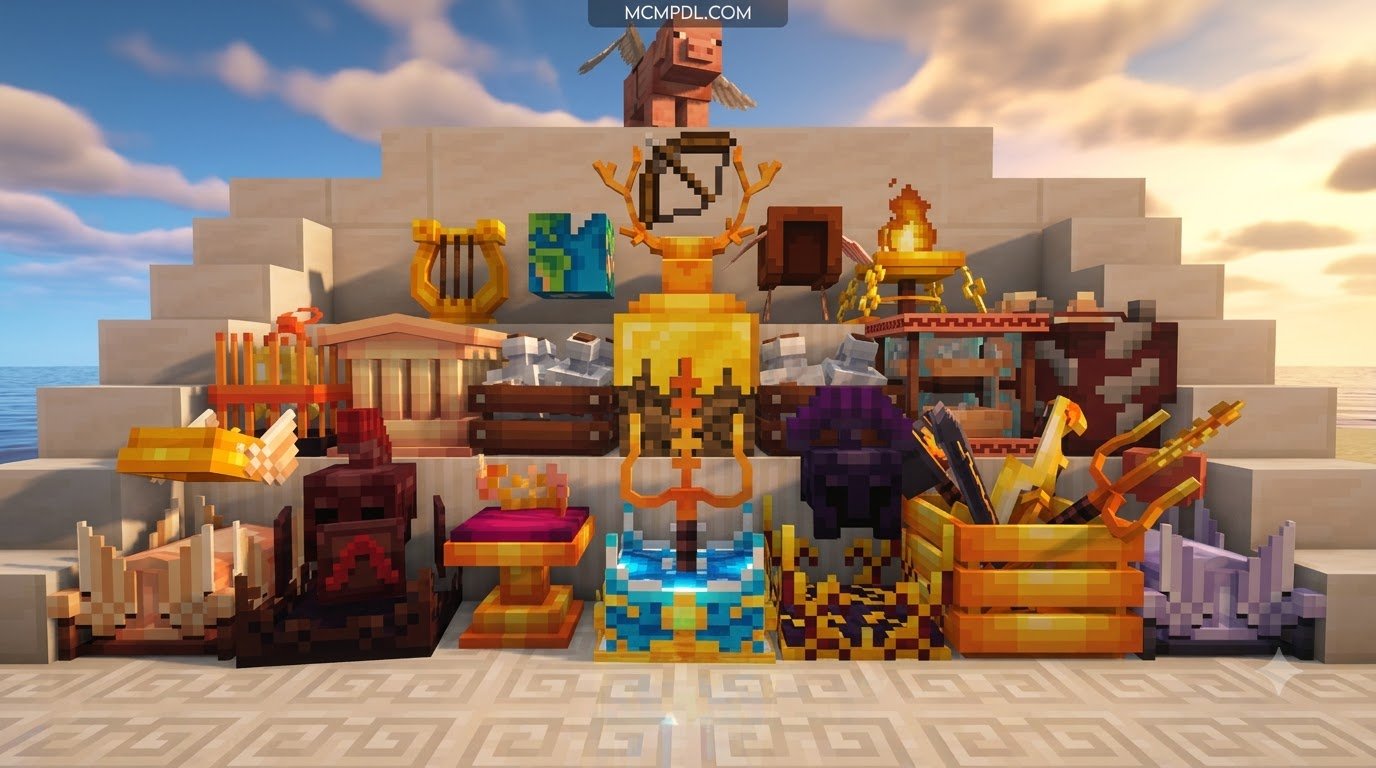
The centerpiece of this add-on is its roster of 20+ custom blocks, each engineered with specialized behaviors. Some blocks emit radial damage to keep hostile monsters away, while others interact with game physics to create instant light sources, liquid streams, or explosive traps. These divine blocks are designed to integrate seamlessly with existing survival mechanics, giving players new ways to approach base defense, resource management, and exploration.
Key functional categories include:
- Hazard and Trap Blocks: Divine materials that trigger targeted lightning strikes, localized explosions, or status debuffs when hostile mobs approach.
- Utility and Fortified Nodes: Blast-resistant blocks designed to secure storage chests and fortify survival bases during raids.
- Resource Transmutation Nodes: Interactive blocks that convert baseline minerals into higher-tier survival gear or rare materials over time.
- Animated & Particle-Emitting Surfaces: Blocks featuring custom particle trails and high-resolution textures that produce glowing ambient lighting effects.
Many players expand their gameplay further by pairing these divine nodes with a broader magic addon for Minecraft PE/Bedrock to establish deep spellcasting setups and ritual areas. The combination of divine blocks and magic systems creates a rich foundation for custom adventure maps and long-term survival challenges.
Unique Divine Weapons, Armor, and Entities
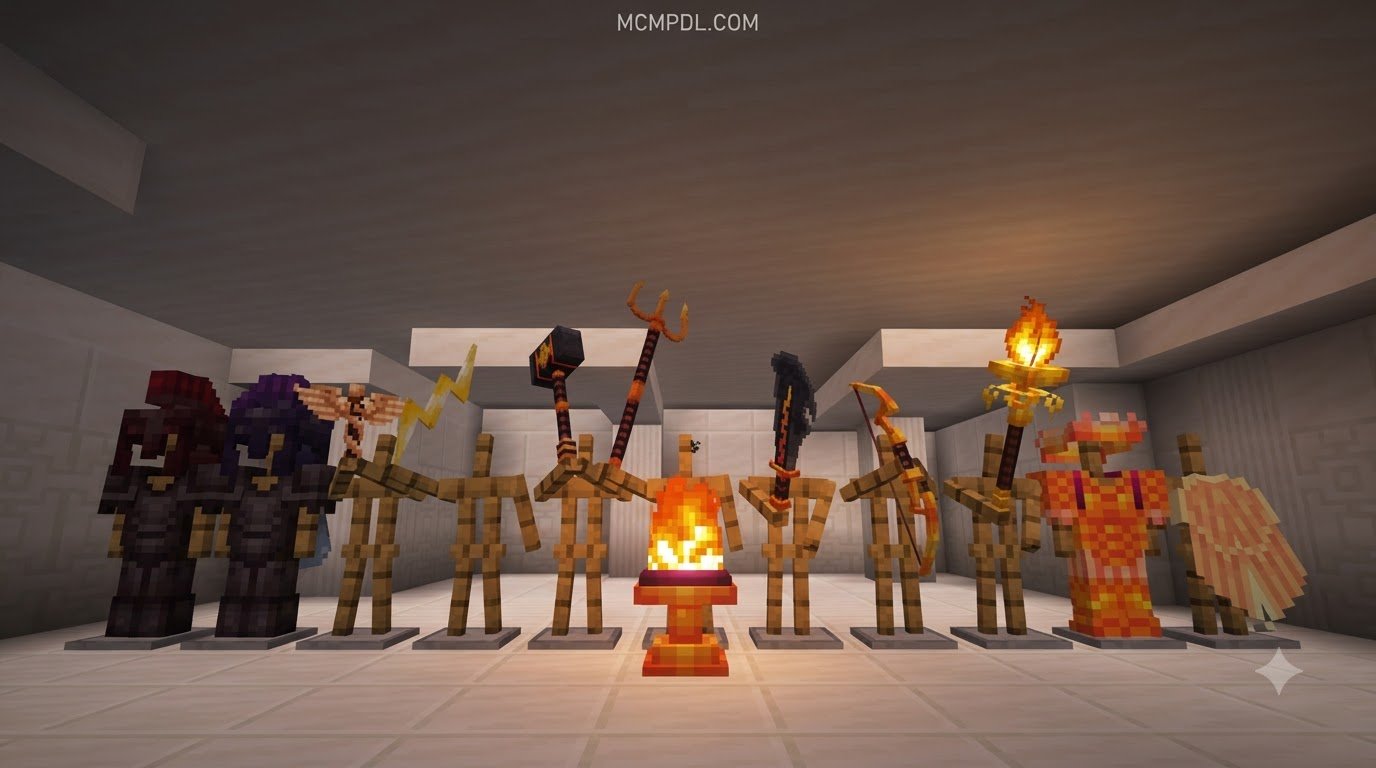
Beyond structural blocks, the add-on introduces an arsenal of divine weaponry, customized armor sets, and unique mob entities that diversify combat encounters.
- Deity Weaponry: High-damage blades, hammers, and ranged weapons with special abilities such as explosive smash attacks, lightning summoning, and knockback waves.
- Celestial Armor Sets: Full protection gear providing permanent passive buffs, including fall damage immunity, enhanced sprint speed, and fire resistance.
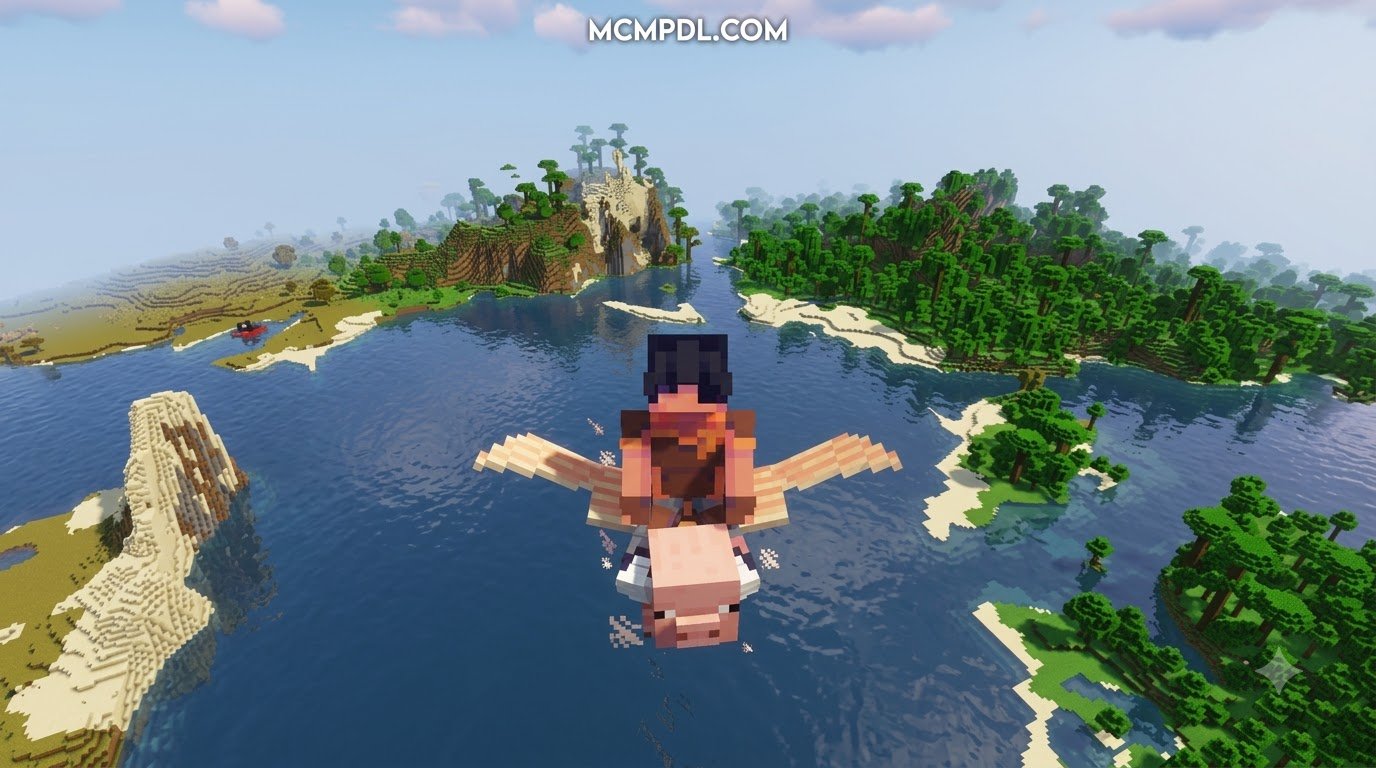
- Summonable Divine Entities: Neutral and hostile celestial mobs that serve as world guardians, challenging raid bosses, or obedient companions.
Equipping these weapons alongside gear from an RPG addon for Minecraft PE/Bedrock or a weapons and powers addon for Minecraft PE/Bedrock allows you to turn standard survival worlds into action-packed fantasy adventures. For players who enjoy a more structured progression system, these divine items can be integrated into custom roleplay scenarios and server events.
How to Download and Install the Addon Across Platforms
Installing custom Bedrock add-ons requires importing both the Resource Pack (textures, models, audio) and the Behavior Pack (entity logic, block interactions, commands) into your game files.
Compatibility and Version Support for Bedrock and Pocket Edition
The add-on is optimized for Minecraft Bedrock Edition across multiple platforms, including Android, iOS, Windows 10/11, and modern consoles running recent versions of the Bedrock engine (1.21.x through 1.26.x).
Because the pack uses custom block geometry and entity behaviors, you should verify that your world has the necessary Experimental Gameplay toggles turned on, specifically:
- Holiday Creator Features (if applicable to your version)
- Upcoming Creator Features
- Molang Features
- Beta APIs
Installing the God Blocks Addon for Minecraft PE/Bedrock on Mobile and PC
Follow these steps to ensure a smooth installation process on your device:
- Download the unified
.mcaddonfile (or individual.mcpackfiles for resources and behaviors) from your preferred trusted source. - Locate the downloaded file in your device’s file manager or browser download history.
- Tap or double-click the
.mcaddonfile. Your operating system will automatically open Minecraft and import both packs. - Launch Minecraft, navigate to Play > Create New World (or click the pencil icon next to an existing save).
- In the world settings menu, scroll down to the Resource Packs tab and activate the pack.
- Switch to the Behavior Packs tab and ensure the matching pack is active.
- Scroll down to the Experiments section and enable the experimental toggles mentioned above.
- Start your world and test the blocks using Creative inventory tabs or the
/givecommand.
If you enjoy spellcasting mechanics, you can also explore integrating a spellbook addon for Minecraft PE/Bedrock or a spellcraft addon for Minecraft PE/Bedrock into the same world.
Comparing God Blocks to Other Divine Addons
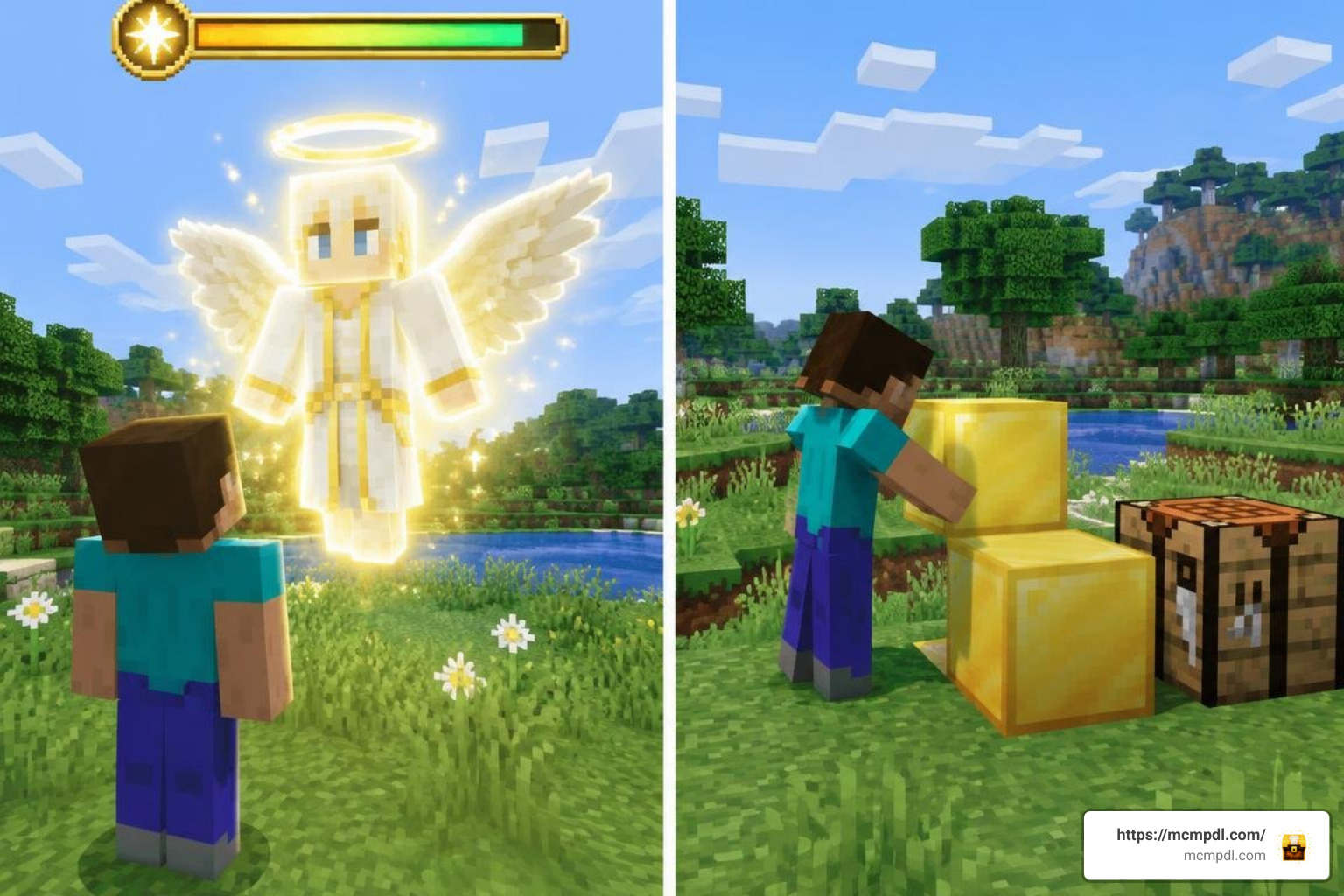
Divine-themed content is a popular category in the Bedrock community, ranging from complex morality trackers to mythological character origins and raw command tools. The God Blocks add-on stands out by focusing on physical block placement, survival utility, and modular crafting items rather than abstract systems or command-driven effects.
For example, some divine mods incorporate Karma systems where celestial entities actively monitor player behavior, dispensing rewards for good deeds and striking players down when their score drops to zero. Class-focused modifications allow players to choose distinct archetypes like the Child of Zeus, granting abilities such as lightning strikes and hover jumps. Meanwhile, utility-focused tools emphasize direct command functions such as /function zap_entities or /function flood_lava to reshape worlds instantly.
God Blocks focuses primarily on physical block placement, survival utility, and modular crafting items, making it a practical choice for players who want tangible, placeable divine power in their worlds.
Divine Addon Comparisons
| Add-on / Mod Concept | Primary Focus | Key Unique Mechanics | Best Suited For |
|---|---|---|---|
| God Blocks Add-on | Custom blocks, divine weapons, and armor | 20+ functional blocks, hazard nodes, combat gear | Survival bases, map building, dungeon creation |
| Karma-based divine mods | Morality tracking & entity judgment | Dynamic Karma tracking, entity stalking, direct smiting | Atmospheric survival, horror challenges |
| Class-based divine mods | Class-based divine abilities | Child of Zeus lightning, vampire flight, passive perks | Roleplay servers, PvP class battles |
| Command utility mods | Utility commands & world manipulation | Instant terrain cloning, atomic explosion functions | Creative map editing, testing environments |
To explore complementary magic systems, check out a spellswords addon for Minecraft PE/Bedrock, a spellcaster addon for Minecraft PE/Bedrock, or a wizard craft addon for Minecraft PE/Bedrock. For more information on the broader category of divine and magic content, you can also explore the Minecraft modding community on Wikipedia.
Customizing and Creating Custom Divine Blocks
If you want to tailor divine powers to your specific server rules or personal preferences, Bedrock’s JSON architecture makes custom modification accessible. Community modding tools allow you to tweak existing block definitions, alter explosive yields, or design entirely new deity items from scratch.
- Behavior Editing: You can adjust component files (such as
minecraft:destructible_by_explosionorminecraft:custom_components) to change how resistant a block is or what status effects it inflicts on touch. - Texture Customization: Using standard image editing software, you can repaint block textures, design animated glowing patterns, or add emissive mapping.
- Particle Integration: Custom particle emitters can be tied to block locations to generate rising sparks, ambient halos, or smoke effects.
Combining your own block designs with content from a mythics and magic addon for Minecraft PE/Bedrock allows you to craft customized adventure experiences for your players.
Frequently Asked Questions
Is the God Blocks addon completely free to download?
Yes, community-developed versions and independent releases of the God Blocks add-on are available to download for free across major Bedrock addon repositories. While certain themed packs on the official Minecraft Marketplace require Minecoins, free community variants provide comprehensive block sets and combat gear without extra cost. Always download from trusted sources to ensure you get the latest compatible version for your Bedrock engine.
Does this addon cause lag on mobile devices?
The God Blocks add-on is lightweight, with standard installations requiring only 1.5 MB to 3 MB of storage. However, placing dozens of animated particle-emitting blocks or triggering multiple high-tier explosive nodes at the same time can cause frame drops on lower-end mobile devices. To maintain smooth performance:
- Avoid clustering hundreds of active divine nodes in a single chunk.
- Lower your in-game render distance slightly if using complex visual effects.
- Turn down smooth lighting settings on older phone models.
- Consider reducing the number of simultaneous particle-emitting blocks in densely built areas.
Can you combine God Blocks with other magic and RPG mods?
Yes. Because the add-on introduces distinct block identifiers and standalone entity files, it runs cleanly alongside other packs. You can freely combine it with content from our wider add-ons category to build an expansive fantasy world filled with custom mobs, magical spells, and unique combat mechanics. For best results, ensure that all packs are updated to compatible versions and that experimental toggles are enabled consistently across your world settings.
Conclusion
The God Blocks add-on provides a versatile suite of tools for players looking to wield divine powers in Minecraft Bedrock Edition. Whether you are constructing indestructible fortresses, deploying hidden elemental traps, or equipping overpowered celestial blades to conquer survival bosses, this pack adds depth and excitement to every playthrough. The combination of custom blocks, divine weapons, and unique entities makes it a standout choice for both survival enthusiasts and creative builders.
Explore our full library of community packs, resource overhauls, and gameplay modifications at MCMPDL to take your Bedrock adventures to the next level. With the right combination of add-ons, you can transform your Minecraft world into a divine realm of endless possibilities.