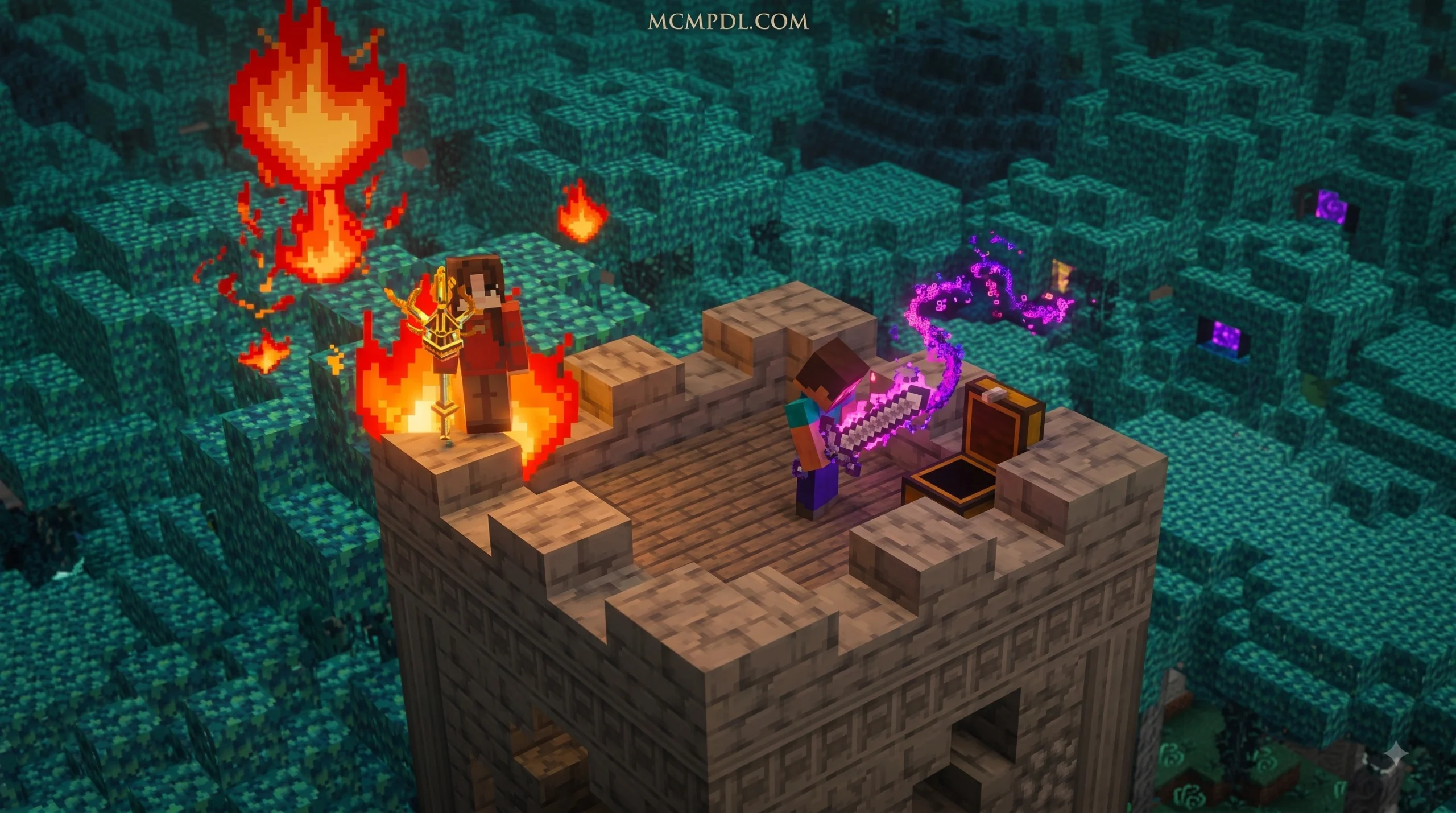

Scroll down to D0vvnl0ad
Start Casting Spells in Minecraft PE/Bedrock
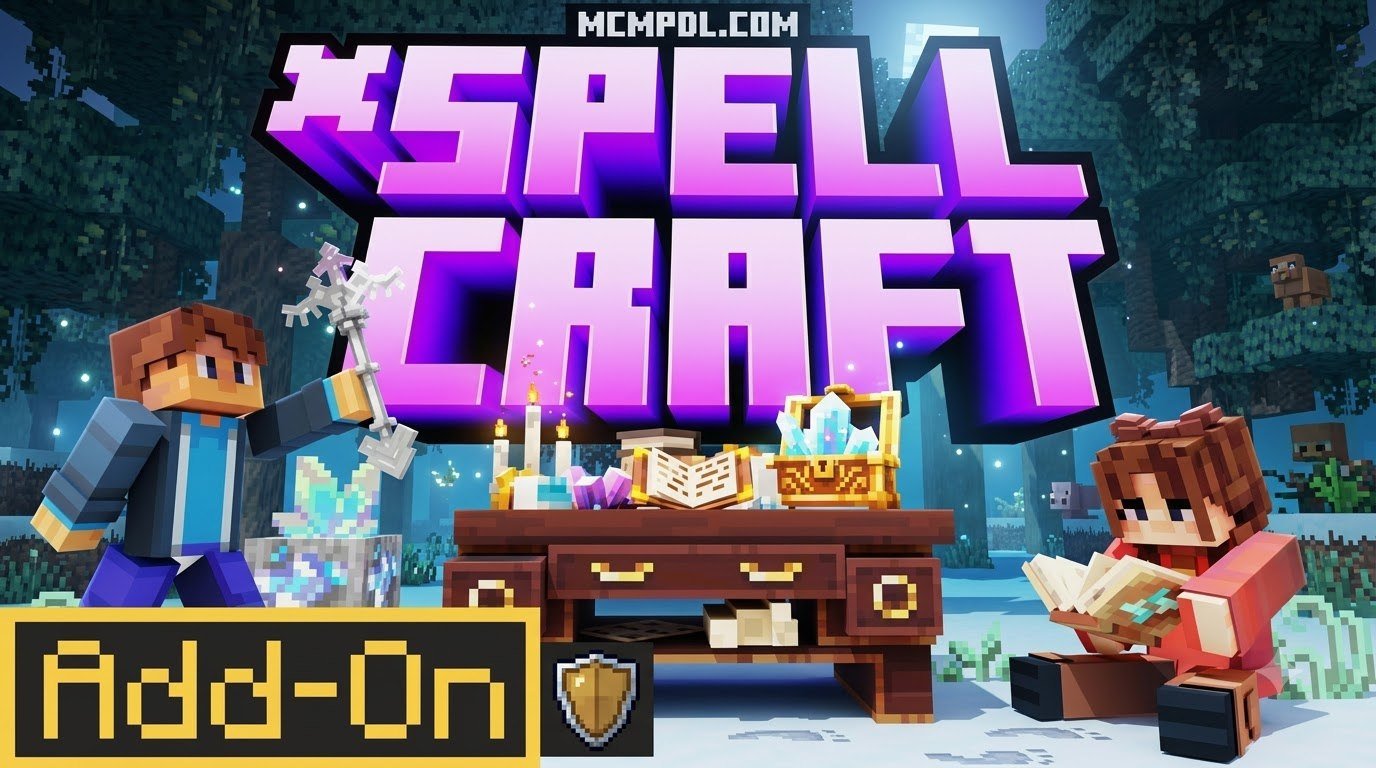
SpellCraft Addon for Minecraft PE/Bedrock is a magic-focused add-on that lets players craft spells with Spell Dust, use a full 3×3 crafting grid, and equip mage-themed gear such as robes, wands, and staves. Install the compatible .mcaddon file, activate its behavior and resource packs in a new world, and enable the required experimental settings before playing.
The community version is built around spell discovery and survival-friendly crafting. Players can make effects for combat, movement, and utility, including options such as fireball attacks, teleport-style spells, and buffs.
Be aware that “SpellCraft” can refer to more than one Bedrock add-on. The free community build and the Marketplace edition are separate releases with different creators, features, and requirements. This guide explains how to identify the version you have, install it safely, and start experimenting with magic. It also outlines essential resources such as spell ore, spell dust, and the in-game spell merchant, while covering core equipment like robes, wands, and staves. Whether you are new to Bedrock add-ons or expanding an existing modded world, you will find practical setup steps, version comparisons, and compatibility advice for a smoother spellcasting experience.
Core Features of SpellCraft Addon for Minecraft PE/Bedrock
SpellCraft turns Minecraft’s familiar block-building survival loop into a more magical experience without relying entirely on enchanting tables or brewing stands. It introduces tangible casting items, spell combinations, and raw reagents that players can collect and use throughout a survival world.
The core loop revolves around gathering resources, crafting catalysts, and weaving elemental spells directly inside standard crafting stations.
Spell Crafting Mechanics and Types
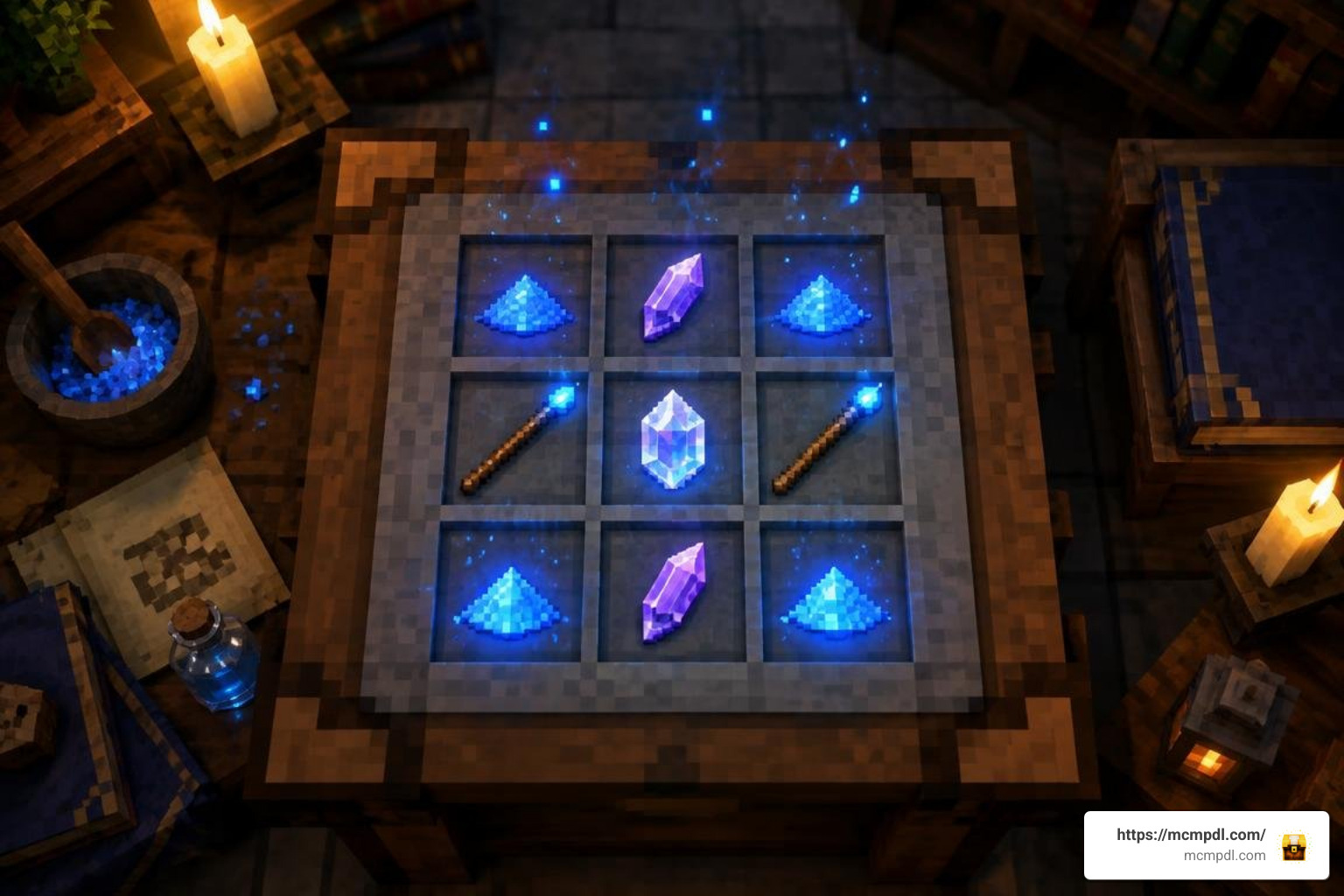
SpellCraft changes the traditional crafting routine by using the standard 3×3 crafting table as an arcane matrix. Players arrange Spell Dust around elemental ingredients to invent and refine new magical abilities. Experimentation is encouraged because different reagent layouts can lead to distinct projectile behaviors, durations, and area effects. Learning these patterns gives survival players a practical reason to collect and stockpile raw magical materials.
The spell system offers a versatile selection of magical disciplines:
- Combat Spells: Offensive options let players launch explosive projectile attacks like fireballs or call down lightning strikes on hostile mobs.
- Mobility & Utility Spells: Teleportation spells allow quick escapes from deep ravines or swarms of monsters, while utility spells grant rapid vertical ascension or defensive shields.
- Buffs & Enhancements: Players can brew active status buffs that boost movement speed, damage resistance, and health regeneration during difficult boss encounters.
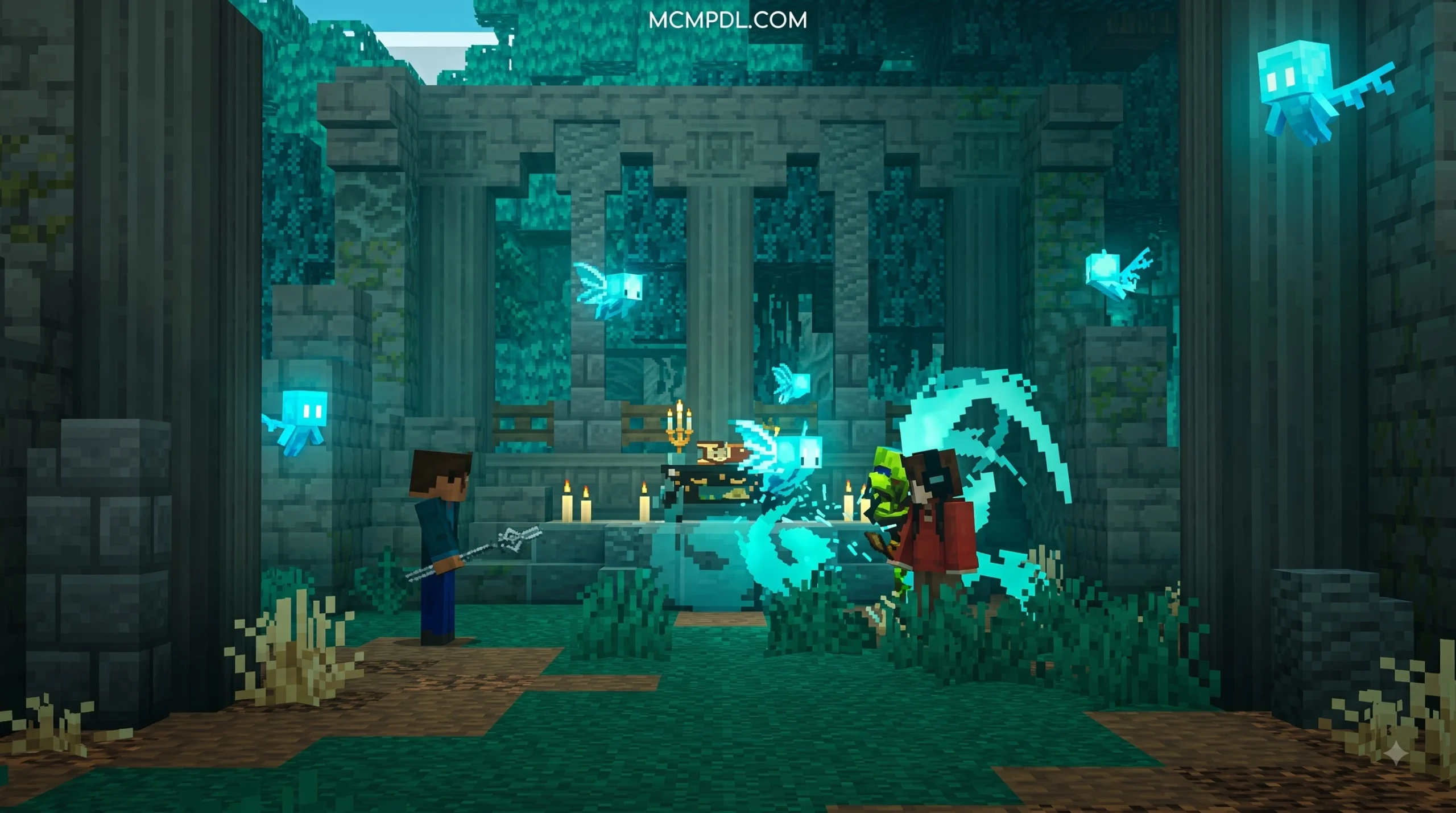
To cast these crafted spells, equip them in your main hand or load them into designated magical conduits. Activate them with a standard interaction, or crouch to trigger secondary effects when the version supports them.
Magical Equipment and Merchant Systems
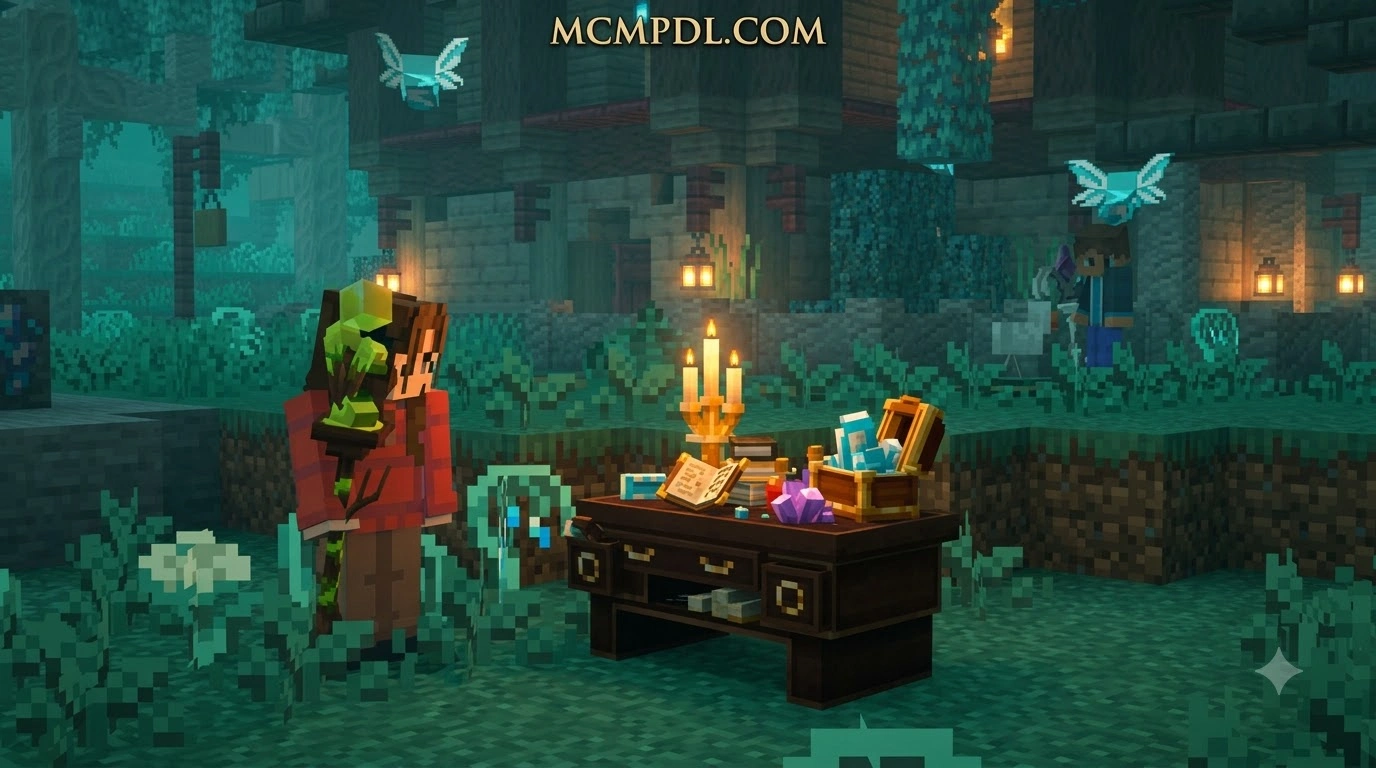
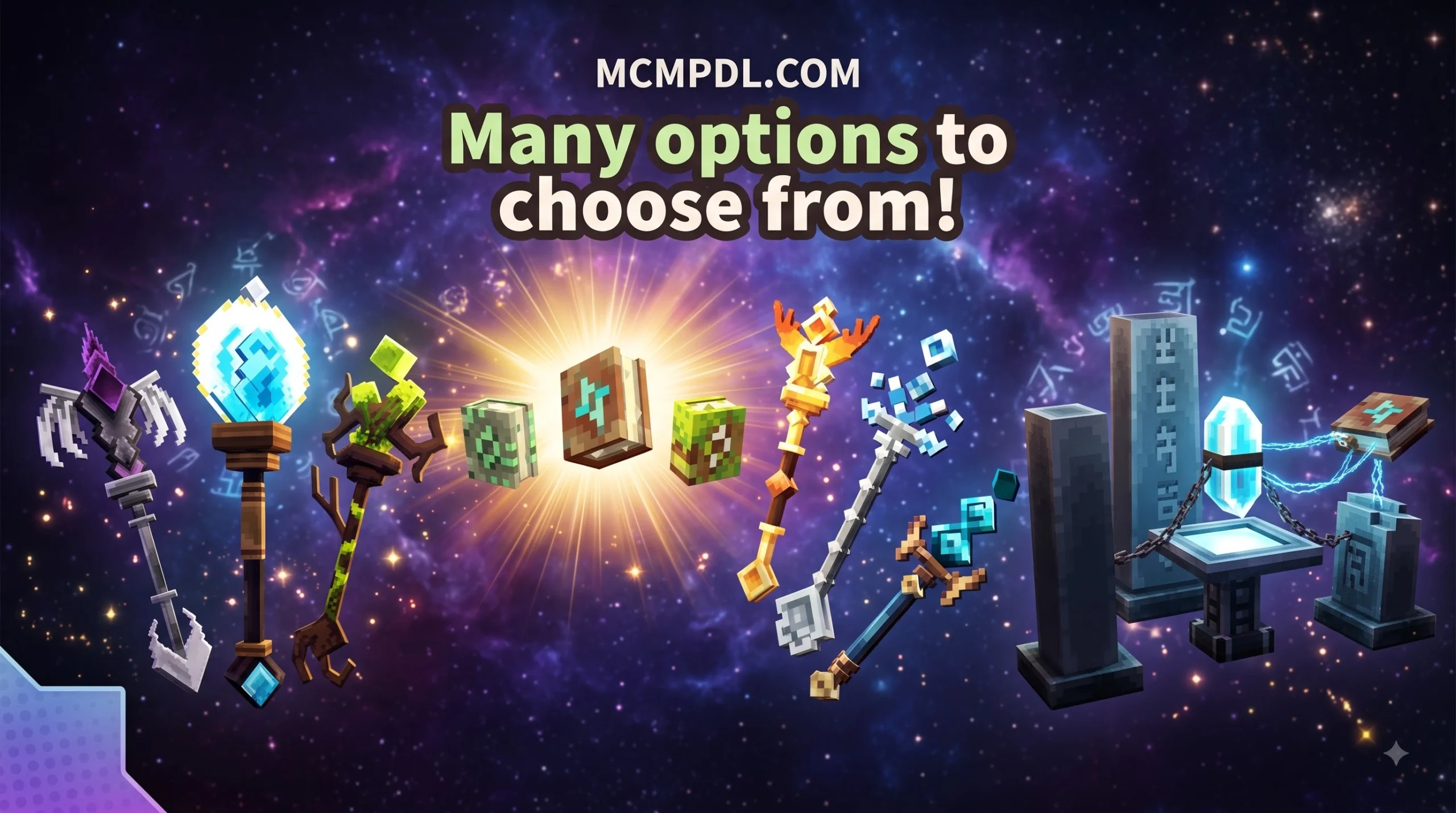
Casting spells with your bare hands is fun, but proper sorcery calls for the right attire and tools. SpellCraft introduces mage-themed equipment that complements spellcasting:
- Robes & Cloth Items: Crafted from specialized cloth materials, mage robes offer defensive utility and visual flair, turning standard characters into recognizable spellcasters.
- Wands: Lightweight casting implements designed for rapid-fire ranged spells, useful for keeping creepers at a safe distance.
- Staves: Wooden and upgraded staves provide greater magical potency for heavier combat spells and broader area effects.
Beyond crafting, players can interact with an in-game Spell Merchant. This specialized trading system uses custom currency, allowing survival players to purchase rare dust catalysts, advanced robes, or obscure spell recipes without relying solely on underground mining. The merchant gives players another way to progress when they need a specific crafting component.
Community Free Version of SpellCraft
Before installing, it is helpful to understand what the community edition of SpellCraft offers. This free add-on focuses on grounded, survival-friendly spellcrafting that fits neatly into the standard Bedrock crafting loop offering a distinct alternative to competing magic mods and packs such as MagicCraft, Sorcery Add-on, and Ars Magica-style Bedrock creations.
| Feature / Detail | Community Version |
|---|---|
| Availability | Free via community add-on repositories |
| Primary Focus | Survival-friendly 3×3 spell crafting & gear |
| World Additions | Spell Ore, custom items, Spell Merchant |
| Equipment | Robes, cloth armor, staves, wands |
| Ratings / Stats | Widely downloaded across community hubs |
| Target Version | Minecraft Bedrock 1.16.100 – 1.16.200+ |
This version focuses on grounded spellcrafting and accessible survival recipes, making it ideal for custom modpacks and long-term survival worlds.
Before You Add It to a Survival World
Treat the version number on the download page as a compatibility check, not a guarantee that every feature will behave the same in a newer Bedrock release. Add-ons can depend on experimental toggles, pack order, or older game behavior. Before using SpellCraft in an important realm or long-running survival save, create a backup and test the packs in a separate creative world.
Use that test world to confirm that Spell Ore generates, the crafting recipes appear, and custom textures load correctly. If an item is missing, remove older copies of the same resource or behavior pack before importing the new files again. Keeping only one active copy of each SpellCraft pack also makes it easier to troubleshoot conflicts and ensures every player joining the world receives the intended resource pack.
How to Install and Configure SpellCraft
Getting SpellCraft running smoothly requires just a few minutes of setup. Because custom items, recipes, and entities rely on Bedrock’s development hooks, proper configuration prevents missing textures and broken recipes.
Installing the SpellCraft Addon for Minecraft PE/Bedrock on Mobile and PC
- Download the Add-on: Obtain the latest
.mcaddonor paired.mcpackfiles (Resource Pack and Behavior Pack) from trusted community sources. For a general Bedrock modding overview, you can also browse the broader Minecraft PE and Bedrock add-ons library. - Importing on Android: Tap the downloaded
.mcaddonfile using a file manager app. Select Minecraft as the default program to automatically import both packs. - Importing on iOS: Open your Files app, locate the
.mcaddonfile, tap Share, and select Minecraft. The game will launch and display an “Import Started” banner. - Importing on Windows 10/11: Double-click the
.mcaddonfile, and Minecraft Bedrock will open and install the packs automatically. - World Activation: Create a new world or edit an existing one. Navigate to Resource Packs and activate SpellCraft, then go to Behavior Packs and ensure SpellCraft is active there as well.
Required Experimental Settings for Bedrock
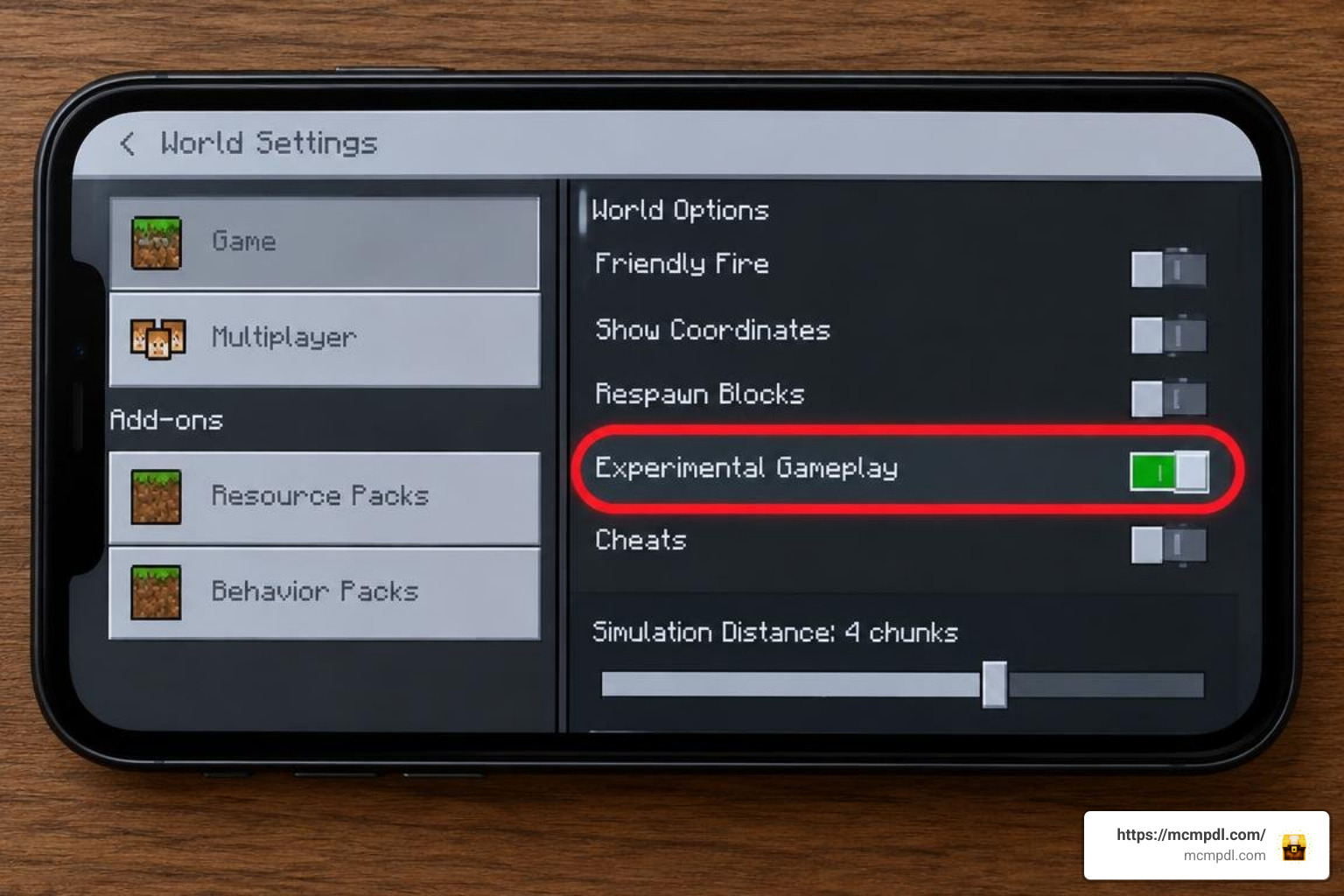
To allow custom spells, ore generation, and tools to load properly, you must enable experimental gameplay features in your world settings:
- Holiday Creator Features (enables custom items and block behaviors)
- Custom Biomes (necessary if you are using versions with terrain features)
- Upcoming Creator Features / Molang Features (ensures spell animations and particle effects render without errors)
Failing to enable these toggles is the most common reason why a wooden staff recipe or spell effect fails to trigger in-game.
Frequently Asked Questions About SpellCraft
Is the SpellCraft Addon for Minecraft PE/Bedrock Compatible with Multiplayer?
Yes. As long as the host applies both the Behavior and Resource packs to the world or Bedrock Dedicated Server and enables the required experimental features, connected players can craft and cast spells together. Players joining the world should download the resource pack so custom wand animations and textures display correctly.
How Do You Obtain Spell Dust and Spell Ore in Survival Mode?
Spell Ore naturally generates underground throughout the Overworld at depths similar to iron and redstone. Mining it yields raw reagents that can be refined into Spell Dust. You can also trade with the custom in-game Spell Merchant using the add-on’s currency system to obtain higher-tier dust without mining continuously.
Do You Need Experimental Gameplay Toggles Enabled?
Yes. Custom items, wands, and crafting-table recipes in Bedrock rely on experimental API flags. Turn on Holiday Creator Features and the related creator settings in the world options before loading your save.
What Should You Do If a Spell or Recipe Does Not Work?
First, confirm that both the Behavior Pack and Resource Pack are active in the same world. Then verify that the required experimental toggles are enabled and that the add-on version matches your Minecraft Bedrock version. Testing the pack in a fresh creative world can help you identify whether an old world setting or an installation issue is preventing a recipe, item, or spell effect from loading.
Conclusion
Mastering the arcane arts in Bedrock Edition brings fresh life to survival gameplay. Whether you are launching fireballs at hostile mobs from a custom-built mage tower or trading dust with local merchants for powerful wands, SpellCraft provides a deep and rewarding spellcasting experience.
Ready to expand your realm with new enchantments, creatures, and gameplay mechanics? Check out the latest Minecraft PE and Bedrock mods on MCMPDL to build your ultimate modded survival world today.