
Scroll down to D0vvnl0ad
Exploring Immersion Los Angeles World for Minecraft PE/Bedrock
To download the Immersion Los Angeles World for Minecraft PE/Bedrock fast, launch Minecraft on your Bedrock device, open the in-game Marketplace, search for “Immersion: Los Angeles” by Shapescape, purchase the world for 1,510 Minecoins ($7.55 USD), and click Download to install the template directly onto your system.
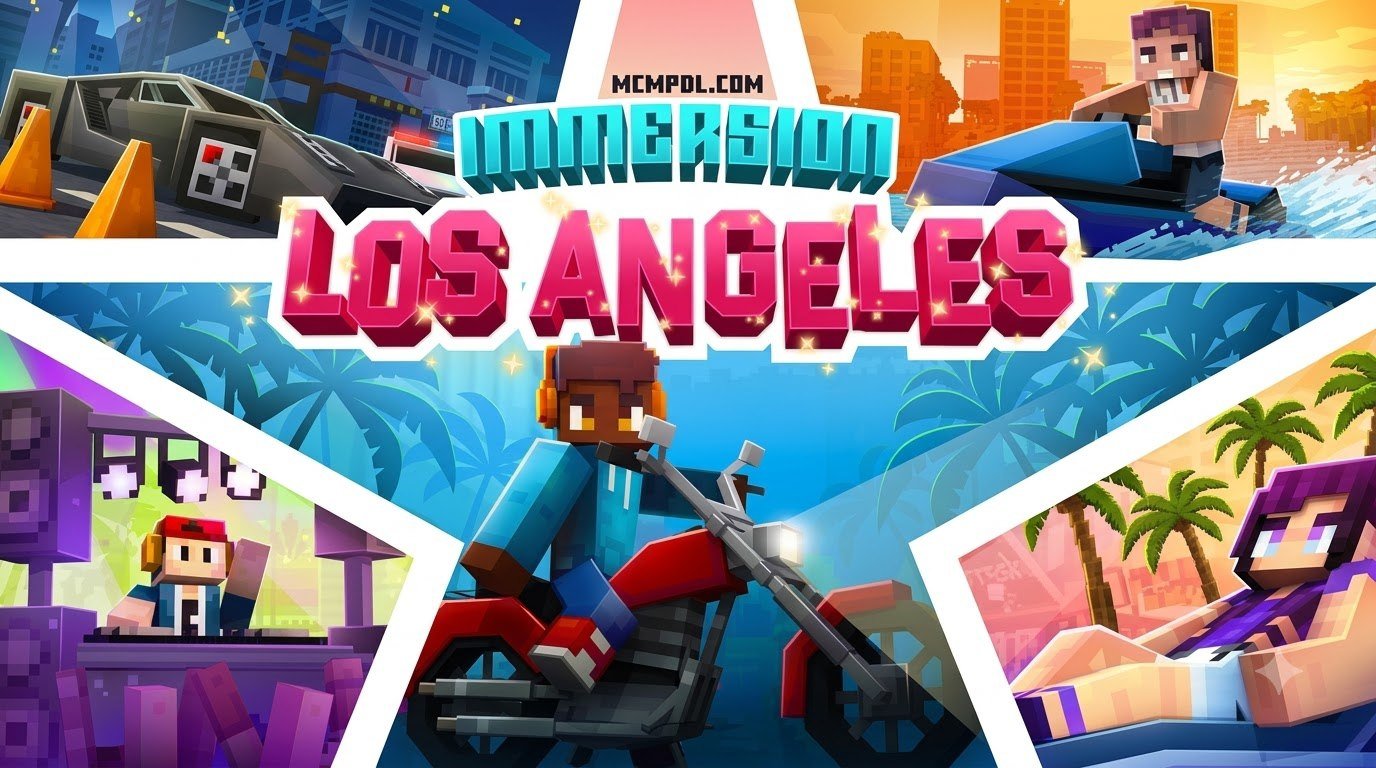
When we look at custom city projects within the Bedrock ecosystem, few builders match the scale and attention to detail that Shapescape brings to the table. First released on March 22, 2022, and continually maintained with its latest update patch in June 2026, this map brings Southern California charm directly into your blocky sandbox through the Minecraft Marketplace.
The world is currently available on the official storefront for 1,510 Minecoins, which translates to roughly $7.55 USD (or €7.46 EUR depending on regional storefront pricing). Players have responded warmly to the urban design, giving it an average rating of 4.0 out of 5 stars across 103 community reviews. In fact, over 62% of all logged reviews award it a full 5-star score.
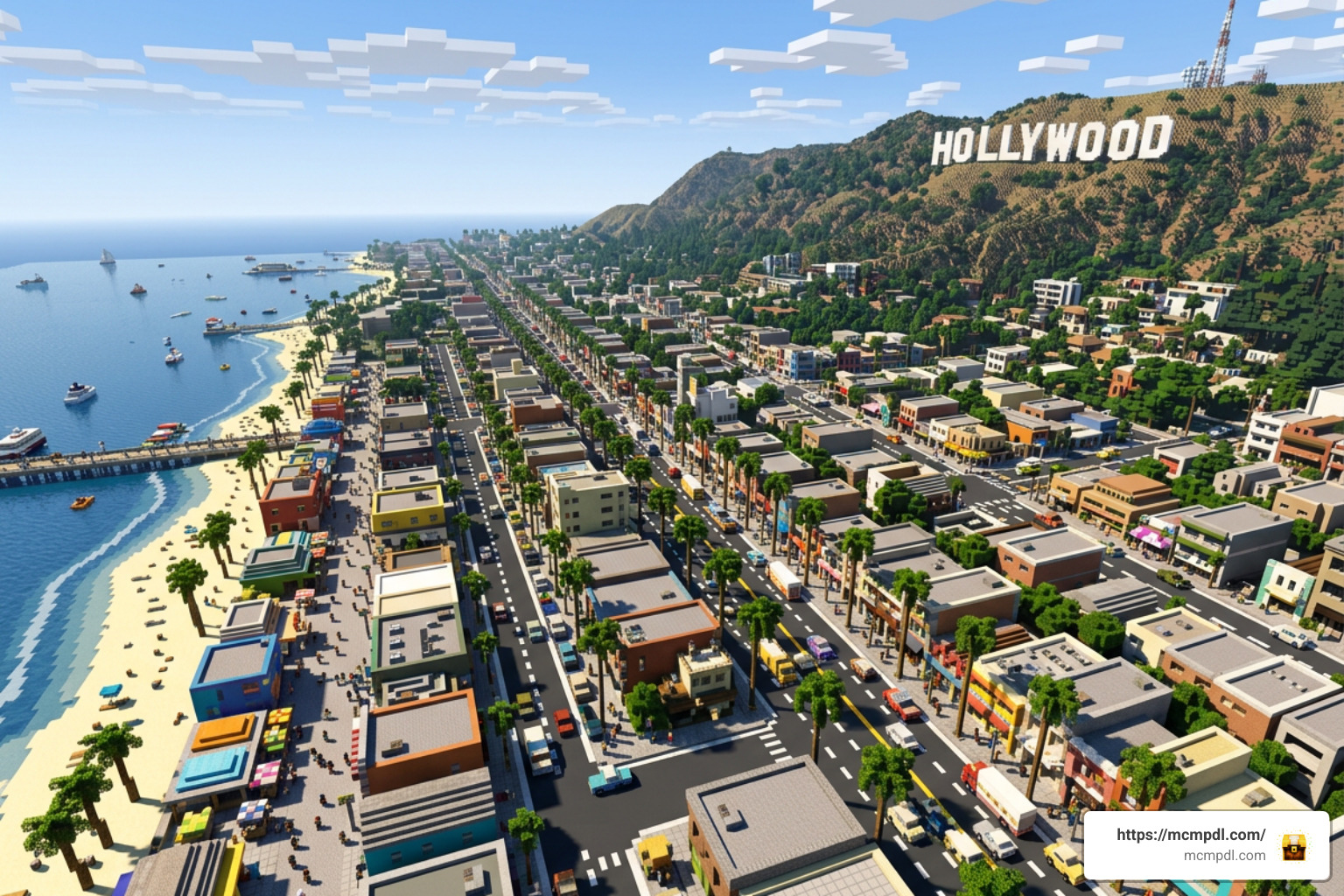
Whether you play solo or bring along your entire gaming group, the pack supports 1 to 10 players in seamless cooperative play and includes 10 custom character skins suited for urban roleplay, casual beach days, and celebrity sightseeing across the sprawling metropolis.
Core Features in Immersion Los Angeles World for Minecraft PE/Bedrock
This map is not just a collection of static, hollow skyscrapers. It provides a complete lifestyle simulation packed with interactive gameplay loops and expansive city districts:
- Iconic Sightseeing: Stroll down the palm-tree-lined pathways of Venice Beach, explore bustling piers, and tour the star-studded pavements of Hollywood Boulevard. Every district features distinctive architectural cues modeled faithfully after real-life landmarks.
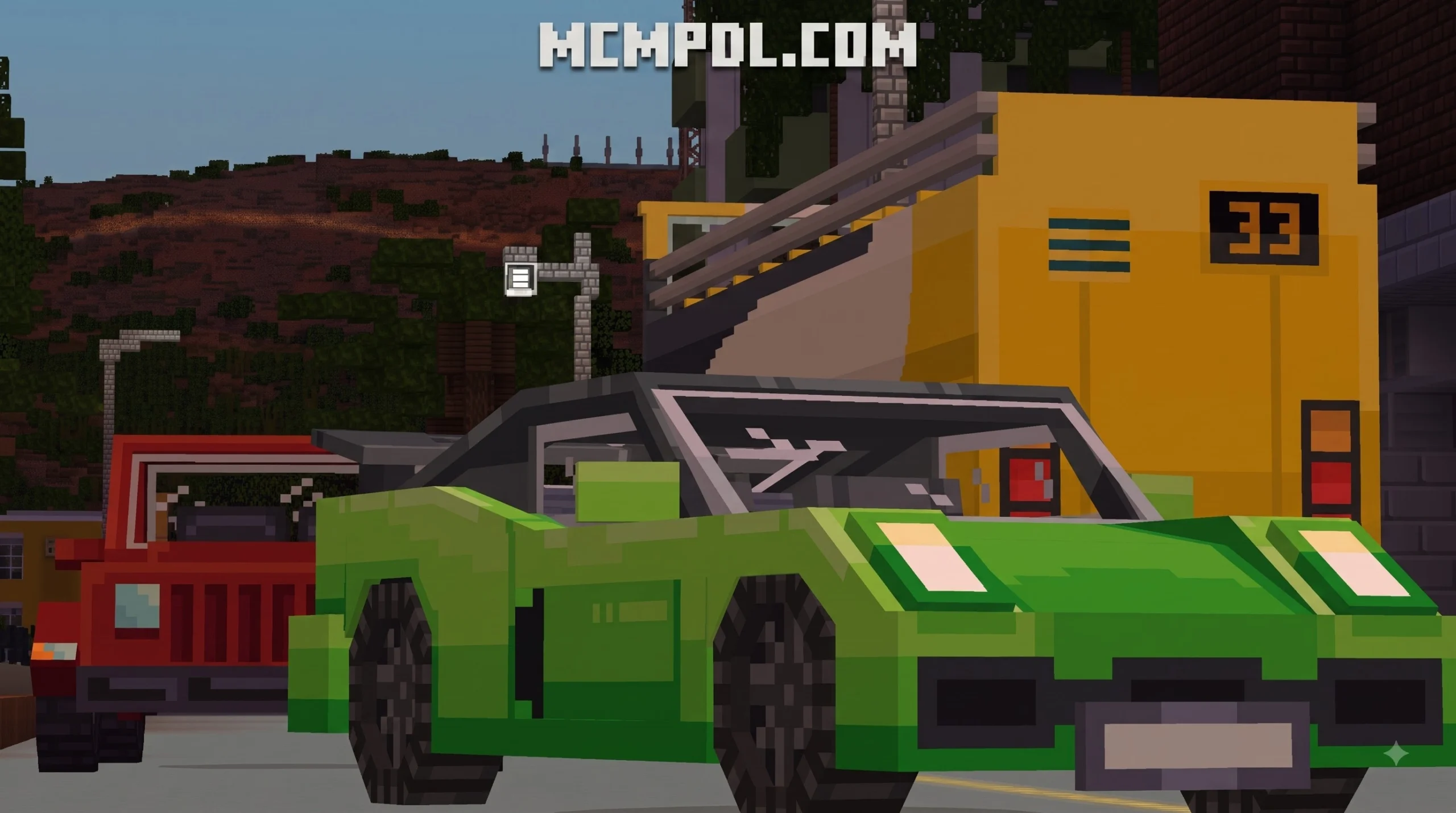
- Custom Drivable Vehicles: Hop behind the wheel of sleek sports cars, modern convertibles, and city cruisers to navigate the expansive road network without relying on vanilla walking speeds. If you love vehicle gameplay, it pairs wonderfully alongside experiences like Grand City Auto World for Minecraft.
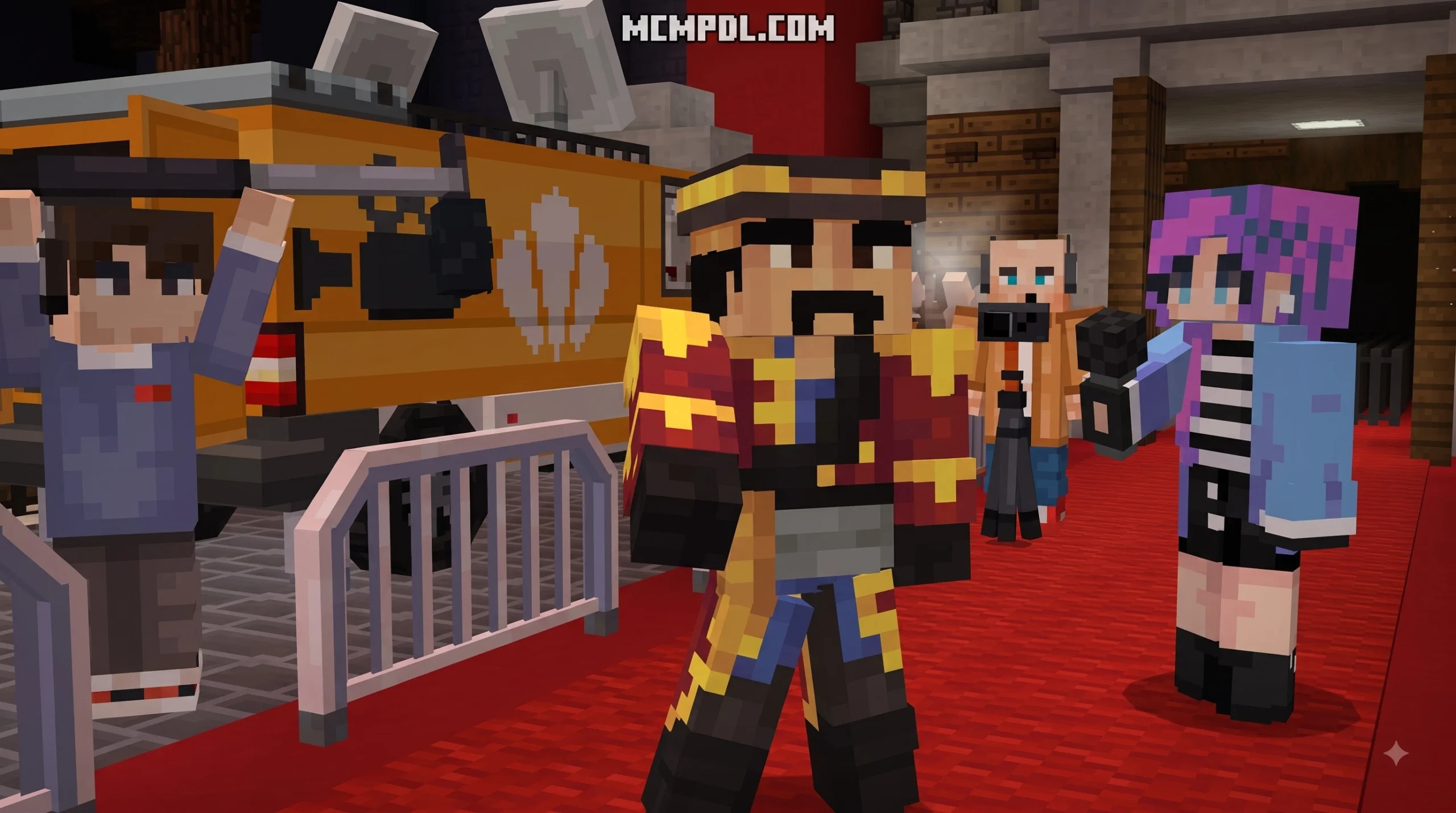
- Celebrity Star Photography: Step into the shoes of a roving paparazzi photographer. Hunt down roaming celebrity NPCs across town, snap their photos to complete your collection log, and earn in-game rewards.
- In-Game Economy & Real Estate: Complete side jobs, time-trial races, and hidden collectible hunts to earn cash. Use your savings to purchase high-rise luxury apartments throughout the city.
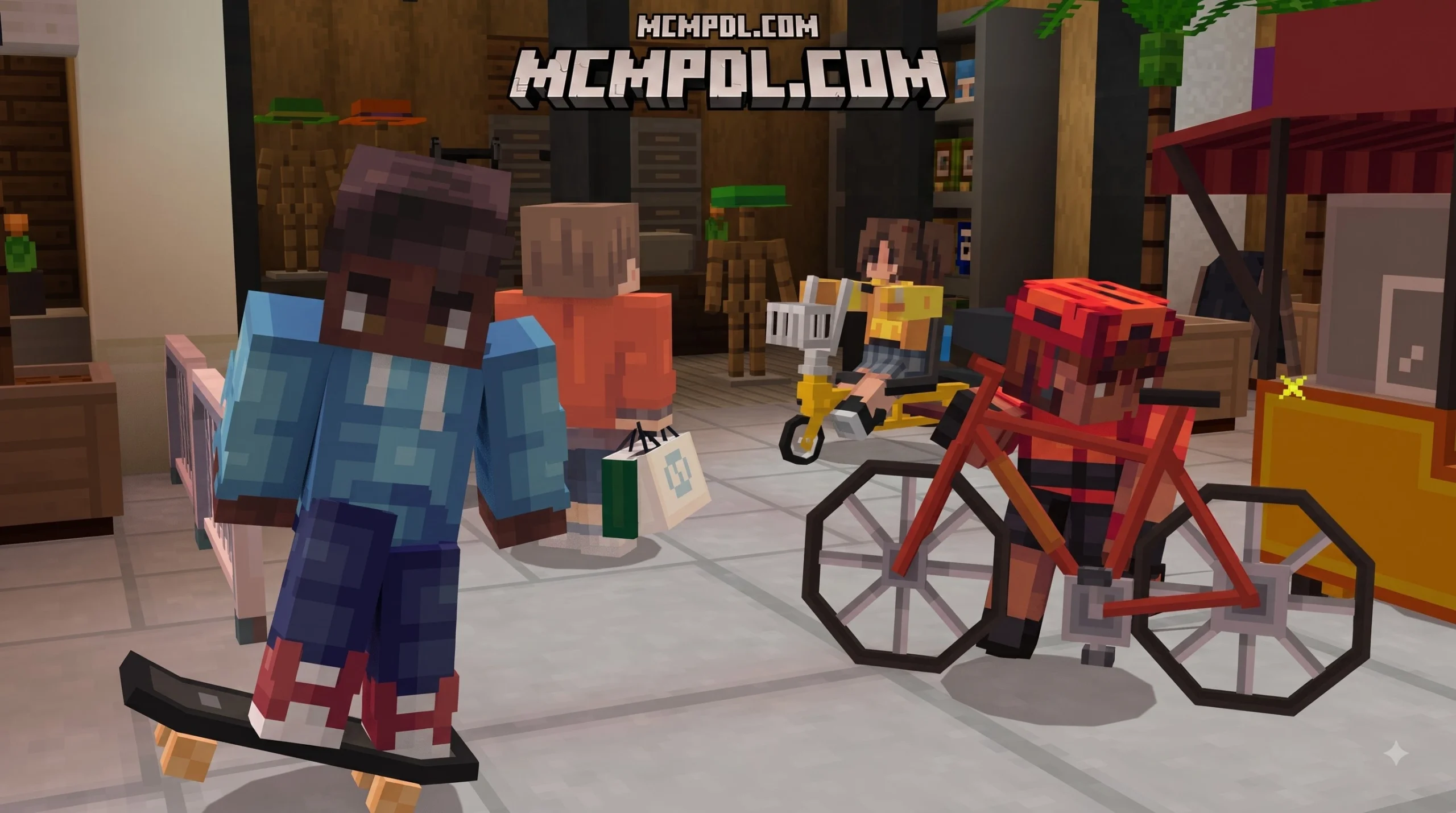
- Modern Furniture & Interior Decorating: Once you unlock your dream loft, customize every room using custom-modeled 3D furniture pieces, modern kitchen sets, living room lounges, and entertainment centers.
- Interactive Minigames: Put your driving and parkour skills to the test with scripted time-trial checkpoints scattered across major metropolitan districts.
System Compatibility for Immersion Los Angeles World for Minecraft PE/Bedrock
To run the map smoothly without scripting glitches or missing custom geometry, make sure your device meets the baseline specifications:
- Minimum Game Version: Minecraft Bedrock / PE version 1.16.0 (fully optimized for current 2026 Bedrock releases).
- Platform Availability: Supported across 12+ operating systems and consoles, including Android, iOS, Amazon Fire OS, Nintendo Switch, PlayStation 4/5, Xbox One, Xbox Series X/S, and Windows 10/11.
- Cross-Play Compatibility: Fully functional across mixed-platform multiplayer sessions, allowing console and mobile friends to join the same host world without third-party tools.
- Recommended Memory: At least 3 GB to 4 GB of free device RAM to handle high entity counts, custom vehicle models, and dense decorative block palettes.
If you enjoy exploring sprawling custom adventures and urban layouts, you can find a broad variety of community projects in our Category: Maps section or browse everything in our Category: All index.
Fast Download and Installation Guide for Bedrock Platforms
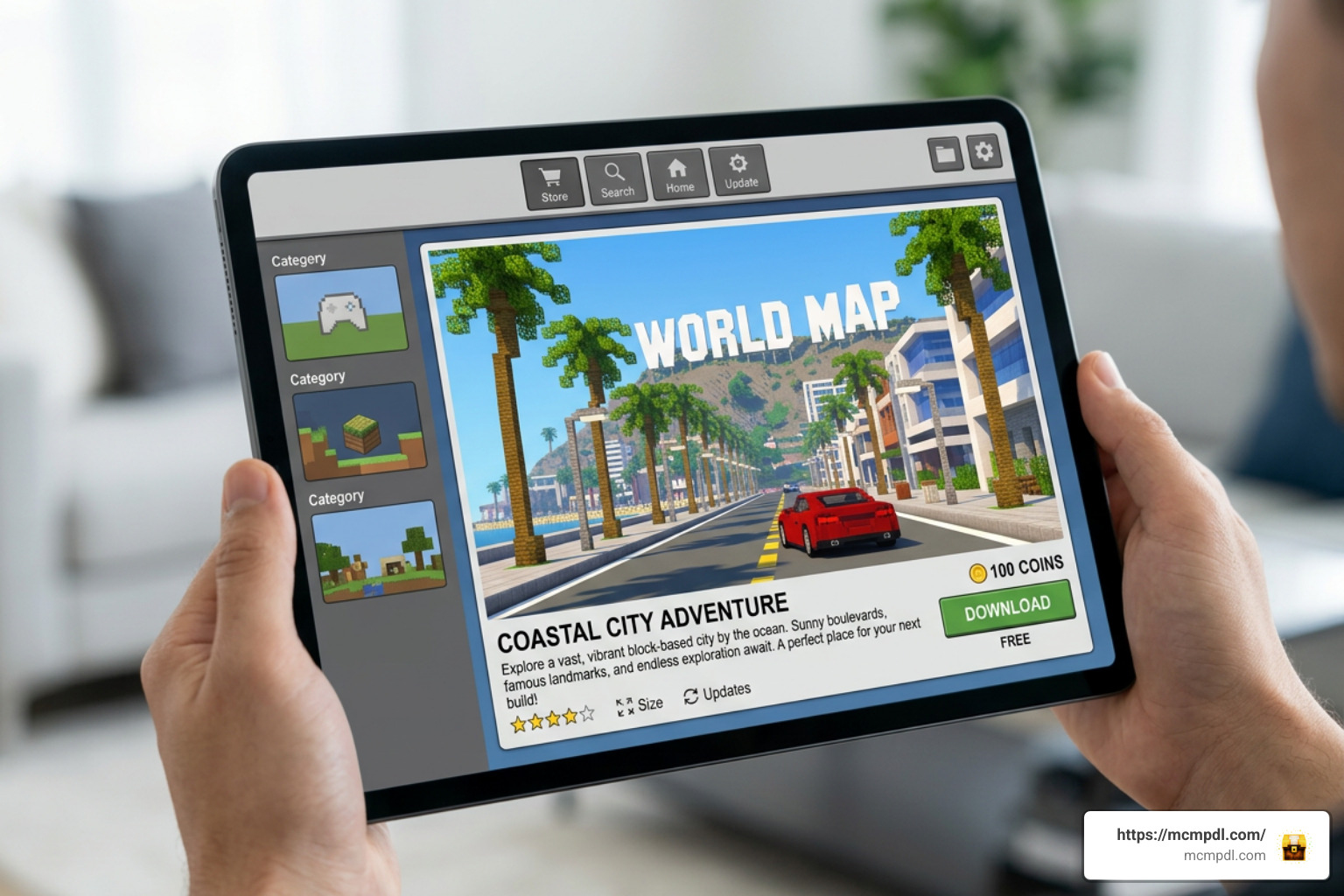
Getting the map installed on your device takes only a few minutes when following these streamlined steps:
- Launch Minecraft Bedrock Edition: Open the game on your preferred platform (mobile phone, console, or PC) and verify that you are signed into your Microsoft account.
- Open the Marketplace: Select the Marketplace button from the main menu screen to access the catalog.
- Search for the Pack: In the search bar, type Immersion: Los Angeles or look up creator Shapescape. Alternatively, you can locate the item directly using its Marketplace identifier UID 547a16c0-35ce-4028-ba85-4f416b4f41a0.
- Purchase or Redeem: Click the blue purchase button to redeem the world for 1,510 Minecoins. If your wallet balance is low, top up your Minecoins directly through your platform store.
- Download the World Template: Click Download. The game client will automatically fetch the world template and associated resource and behavior packs.
- Create and Play: Once downloaded, select Create This World, adjust your preferred game rules (such as coordinates, difficulty, or multiplayer permissions), and click Create to jump straight into the city.
Because this is an official Marketplace template, you do not need to manually move folders, unzip resource packs, or import a separate behavior file. The safer route is to let Minecraft handle the complete installation through your account library, especially on console platforms where direct file access is limited. If the download pauses or fails, restart Minecraft, confirm your Marketplace purchase is visible under your owned content, and try downloading again while connected to a stable Wi-Fi network. Avoid unofficial file mirrors, since they may be outdated, incomplete, or missing the required custom assets that make the city function correctly.
Optimizing Performance on Mobile and Console Devices
Dense modern cities feature hundreds of custom entities, vehicle models, and scripted command blocks that can impact frame rates on older hardware. Here is how we recommend fine-tuning your video settings for smooth exploration:
- Lower Render Distance: On mid-range mobile phones or Nintendo Switch, keep your render distance between 8 and 12 chunks. This prevents stutter while driving fast vehicles through heavily built-up downtown intersections.
- Adjust Simulation Distance: Set simulation distance to 4 chunks to reduce background processing on ambient city mobs and distant scripts.
- Disable Fancy Graphics Temporarily: Turning off Fancy Leaves and Beautiful Skies provides an immediate boost to your frame rate during multiplayer sessions.
- Clear Device Storage and Cache: Ensure you have at least 500 MB of free storage so Minecraft can cache world chunks without throwing read/write lag spikes.
- Close Background Applications: On Android and iOS devices, close memory-heavy apps before launching the world to allocate maximum device RAM directly to Minecraft’s rendering engine.
Comparing Immersion: Los Angeles with Similar City Recreations
The Immersion series stands out for blending realistic architecture with active gameplay mechanics. Here is how Los Angeles compares to other premier exploration and adventure maps available to Bedrock players:
| Map Title | Primary Focus | Custom Vehicles | Included Skins | Multiplayer Support | Key Highlight |
|---|---|---|---|---|---|
| Immersion: Los Angeles | Modern US Metropolis & Lifestyle | Yes (Sports Cars, Coupes) | 10 Skins | 1–10 Players | Celebrity photography, real estate, and Venice Beach |
| Immersion: London | Historic European Capital | Yes (Cabs, Buses, Bikes) | 10 Skins | 1–10 Players | Buckingham Palace, subway system, and secret spy base |
| Rio de Janeiro Map | Coastal Cultural Exploration | Limited | Varies | 1–8 Players | Christ the Redeemer, beaches, and vibrant favela districts |
| WDW Magic Kingdom | Theme Park Adventure | Custom Rides | Themed Packs | 1–10+ Players | Rideable rollercoasters, character meet-and-greets |
If you enjoy traveling the world from your screen, touring the Rio de Janeiro Map for Minecraft PE/Bedrock delivers stunning coastal mountains and cultural landmarks, while the WDW Magic Kingdom Adventure Map for Minecraft PE offers fully functional amusement park rides. And if you want a change of pace from relaxing urban living to an apocalyptic boss challenge, check out the action-packed Ender Storm Map for Minecraft PE/Bedrock.
Frequently Asked Questions About Minecraft Bedrock City Worlds
How much does Immersion: Los Angeles cost in Minecoins and USD?
The DLC is listed at 1,510 Minecoins. In real-world currency, this equates to approximately $7.55 USD or €7.46 EUR. Minecoins can be purchased directly in various bundle sizes across all official Bedrock storefronts including Xbox, PlayStation, Nintendo eShop, Google Play, and the Apple App Store.
Can you play Immersion: Los Angeles in multiplayer with friends?
Yes! The map supports anywhere from 1 to 10 players. You can invite friends through your Xbox Live friends list or host the world as a local LAN game. All players joining your world will automatically download the required resource packs upon joining, allowing everyone to see the custom vehicles and furniture without manual installations.
What is the minimum Minecraft Bedrock version required?
The absolute minimum version required to load this world is Minecraft Bedrock 1.16.0. However, because the creators updated the project in June 2026, running the most recent version of Minecraft PE/Bedrock ensures maximum stability, prevents scripting conflicts, and provides seamless compatibility across all devices.
Conclusion
Whether you want to cruise down sun-drenched coastal boulevards, test your driving skills across downtown time-trials, or design the ultimate high-rise penthouse, the Los Angeles world template delivers hours of creative roleplay. Grab your camera, invite your friends, and start exploring the city today.
For more guides, community creations, and gameplay downloads, head back to our main hub at MCMPDL and discover your next Minecraft adventure!