Scroll down to Download
Grand City Auto World for Minecraft: A Quick Overview
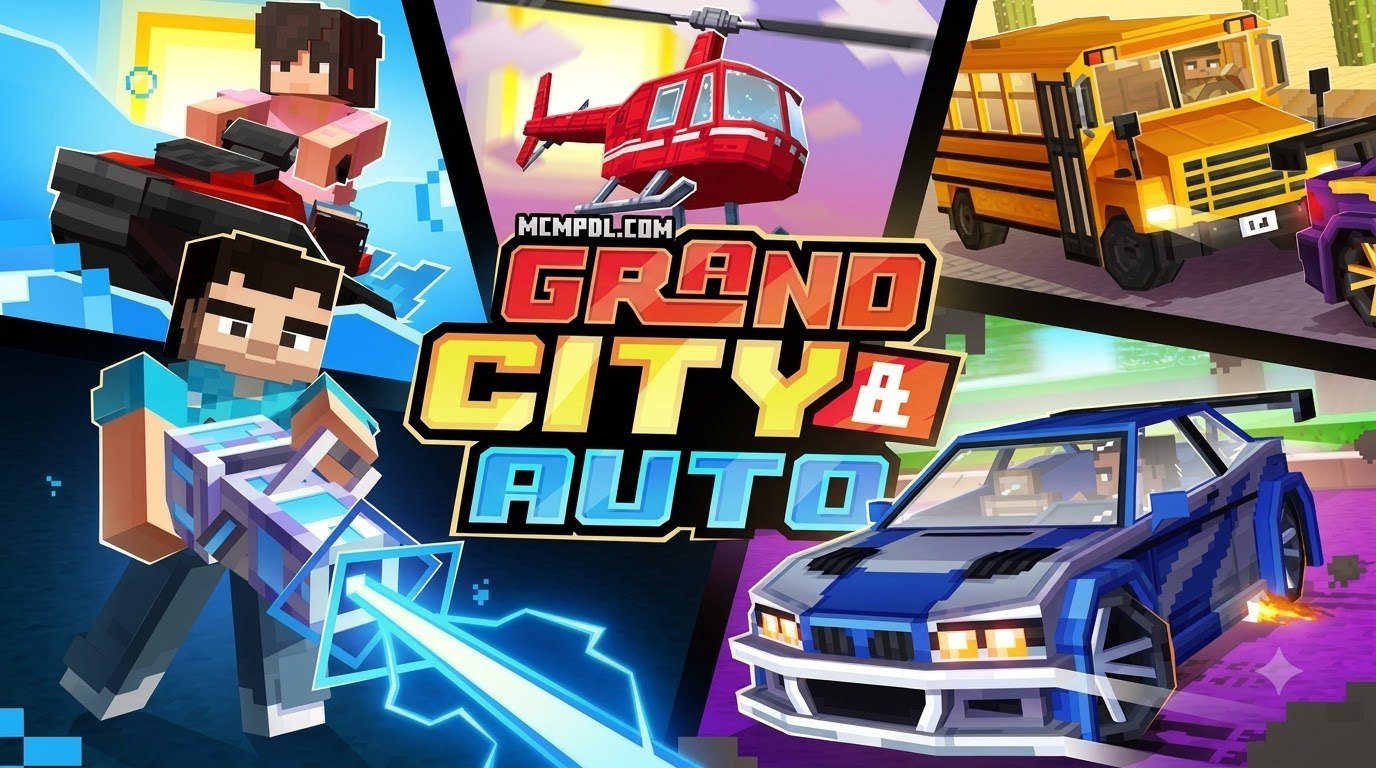
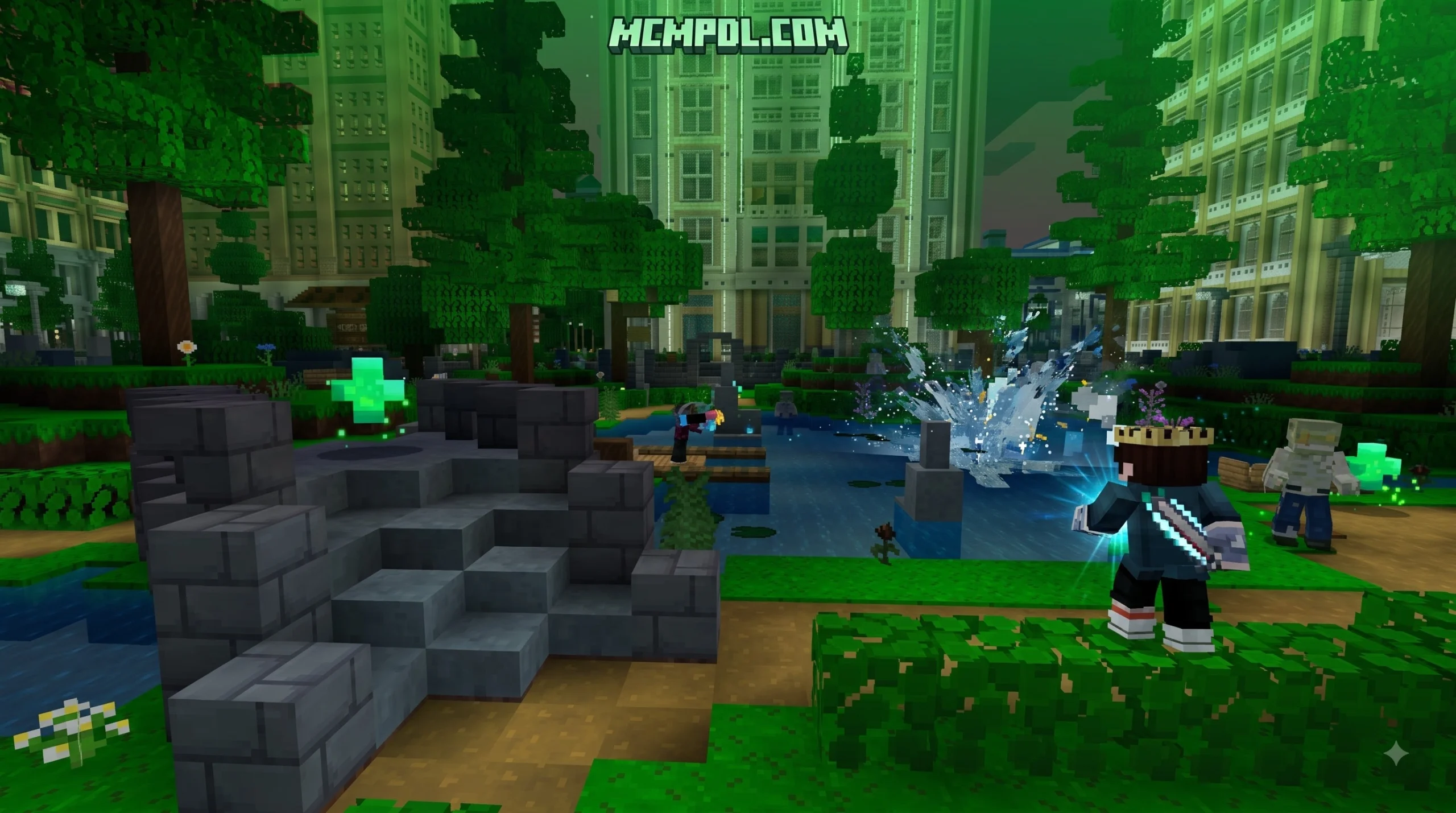
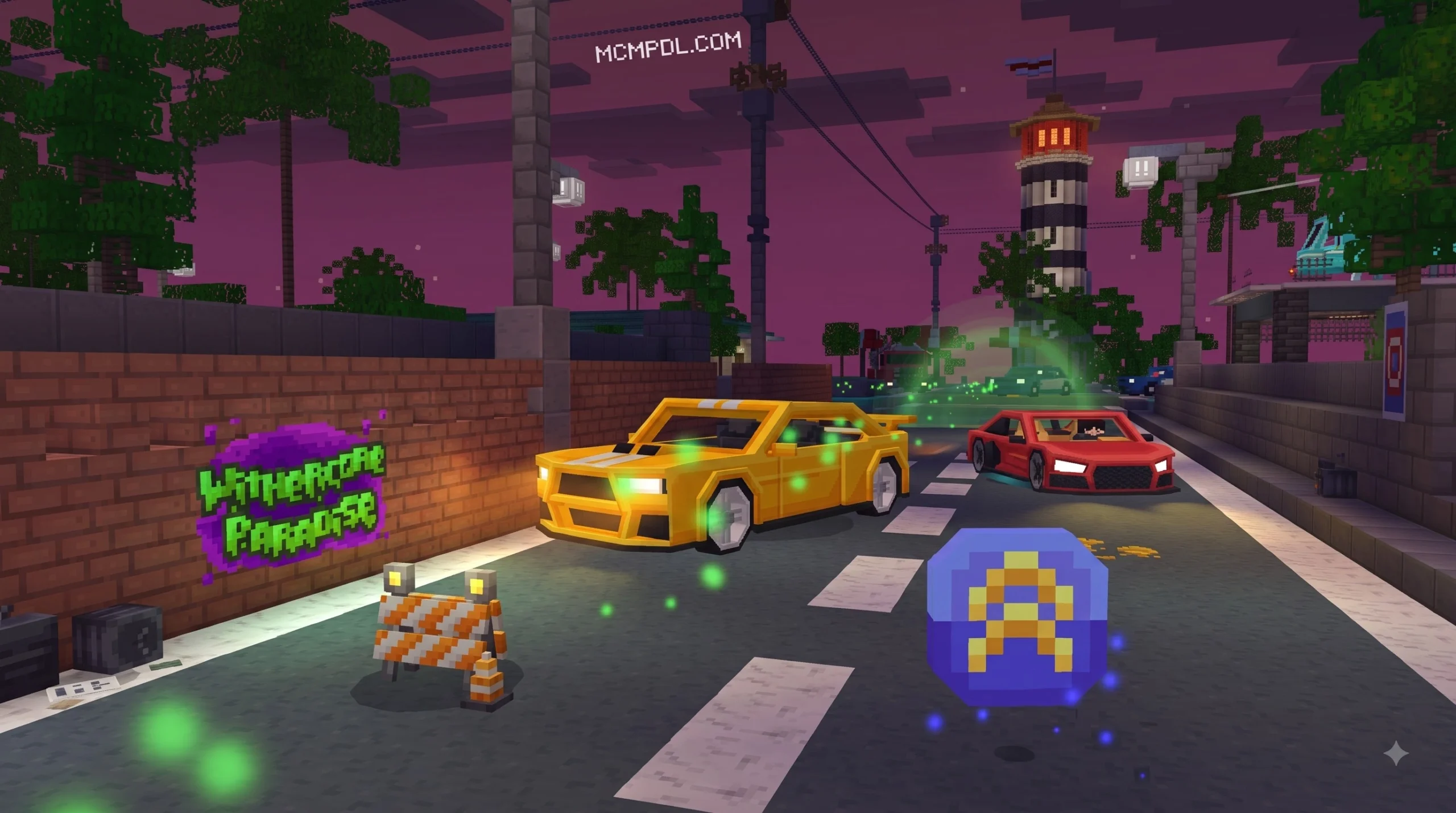
Grand City Auto World for Minecraft is a GTA-inspired city adventure for Minecraft Bedrock Edition. Officially listed as Grand City & Auto, it gives players a ready-made urban world with drivable vehicles, custom weapons, zombie combat, roleplay locations, furniture, and minigames.
| Quick fact | Details |
|---|---|
| Creator | Withercore |
| Version | Minecraft Bedrock Marketplace world |
| Price | 490 Minecoins, about $2.45 USD |
| Main activities | Driving, racing, zombie battles, roleplay, and minigames |
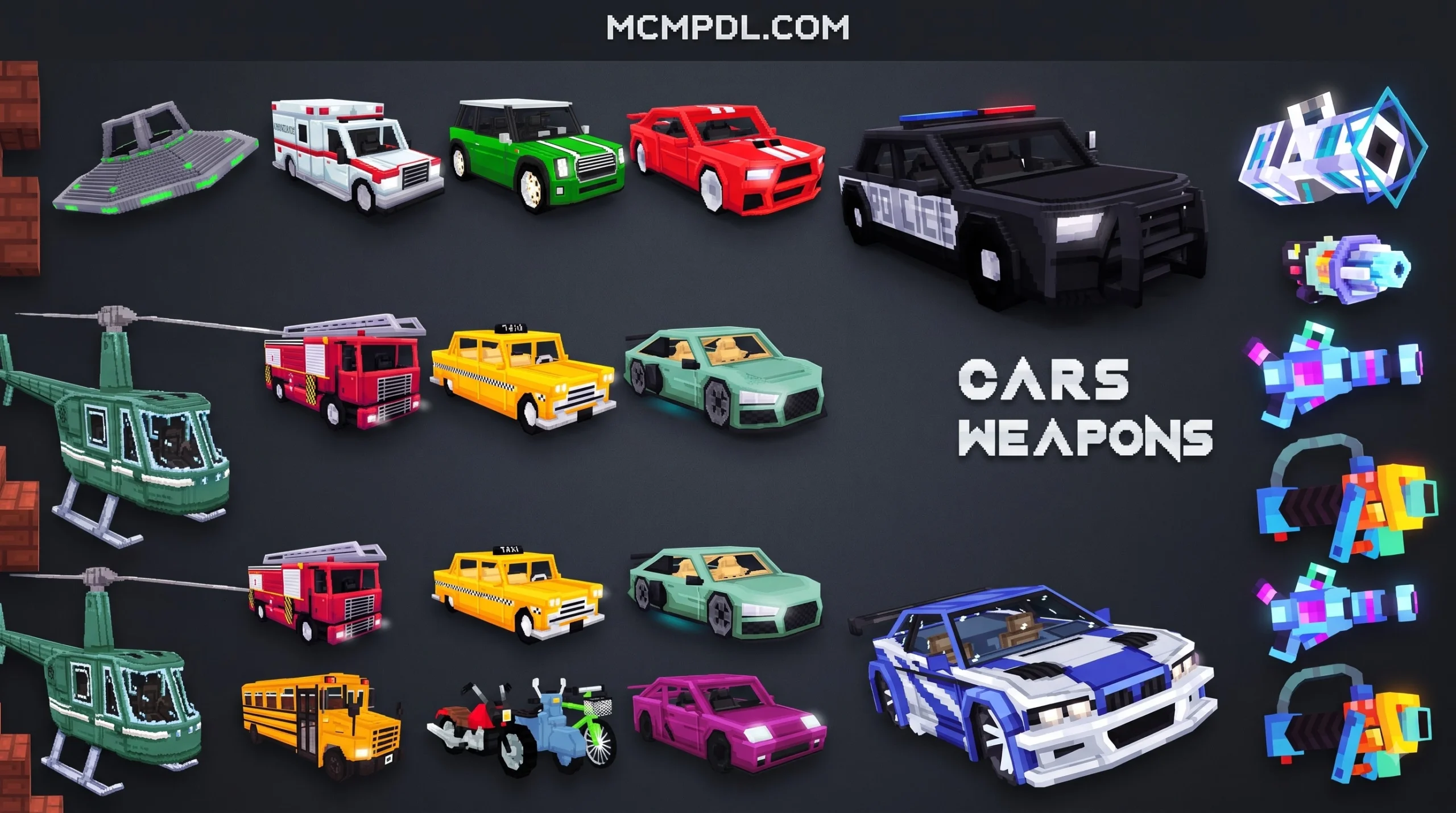
| Notable content | Cars, helicopter, UFO, custom blasters, police, fire, and hospital areas |
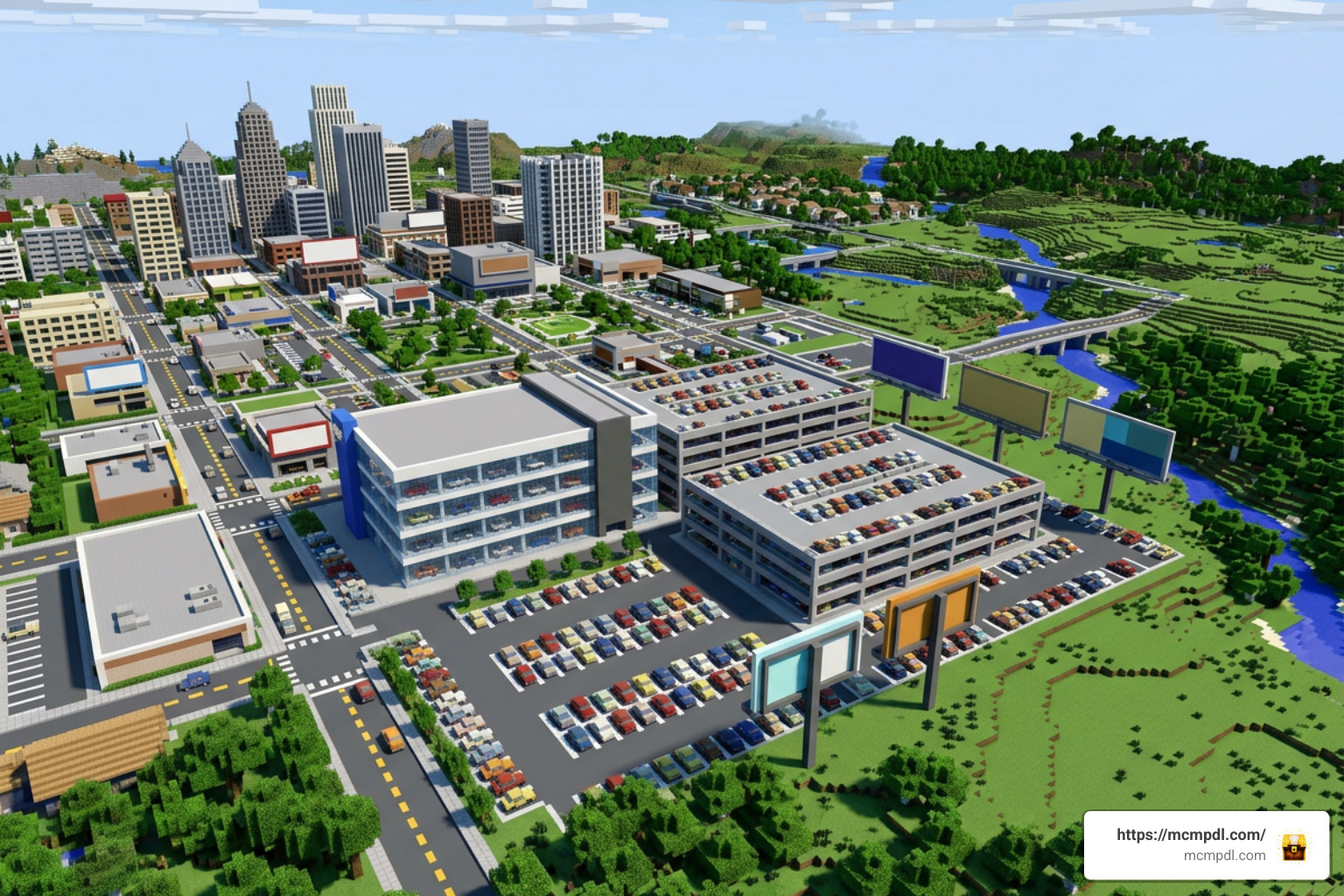
This is not a standalone car mod or a Java server plugin. It is a curated Bedrock Marketplace world, so it is designed to download through Minecraft’s Marketplace on supported Bedrock devices.
For players who want Minecraft’s building freedom with the feel of a busy open-world city, Grand City & Auto offers a simple starting point: enter the city, choose a vehicle, explore, and create your own races, emergency-service roleplay, or zombie survival sessions.
What is Grand City Auto World for Minecraft?
When we look at how open-world driving and action games have shaped player expectations over the years, it is no surprise that Minecraft creators love bridging the gap between blocky sandboxes and sprawling urban metropolises. Grand City Auto World for Minecraft—released under the official name Grand City & Auto by Withercore—is a premium marketplace release designed specifically to recreate that high-octane atmosphere inside Bedrock Edition.
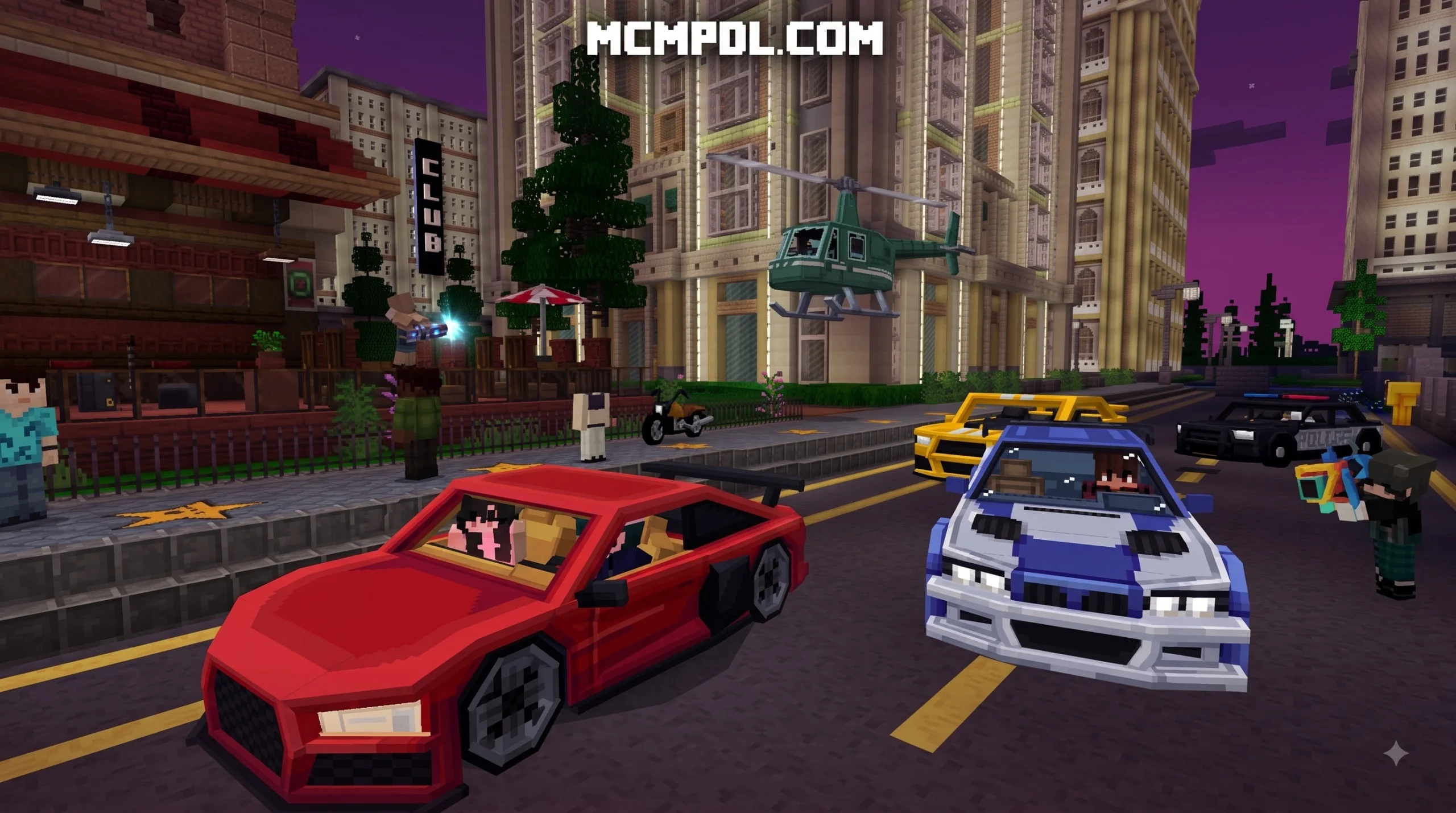
Available for 490 Minecoins (roughly $2.45 USD), this downloadable environment offers an expansive sandbox where you are not just walking through static street grids. Instead, you are placed in a living city equipped with fully functional vehicles, customizable interiors, and active combat zones. Whether you want to cruise around downtown avenues in a sleek sports car or defend the local precinct from incoming waves of the undead, this map builds a complete playground for solo explorers and multiplayer groups alike.
The design takes heavy inspiration from popular open-world franchises like Grand Theft Auto, translating core elements like high-speed chases, urban exploration, and emergency response roleplay into Minecraft’s unique voxel style.
Key Features of Grand City Auto World for Minecraft
What makes this world stand out on the Marketplace is how many disparate gameplay elements are packed into a single download. Rather than handing you a city map with empty buildings, Withercore integrated several interactive features:
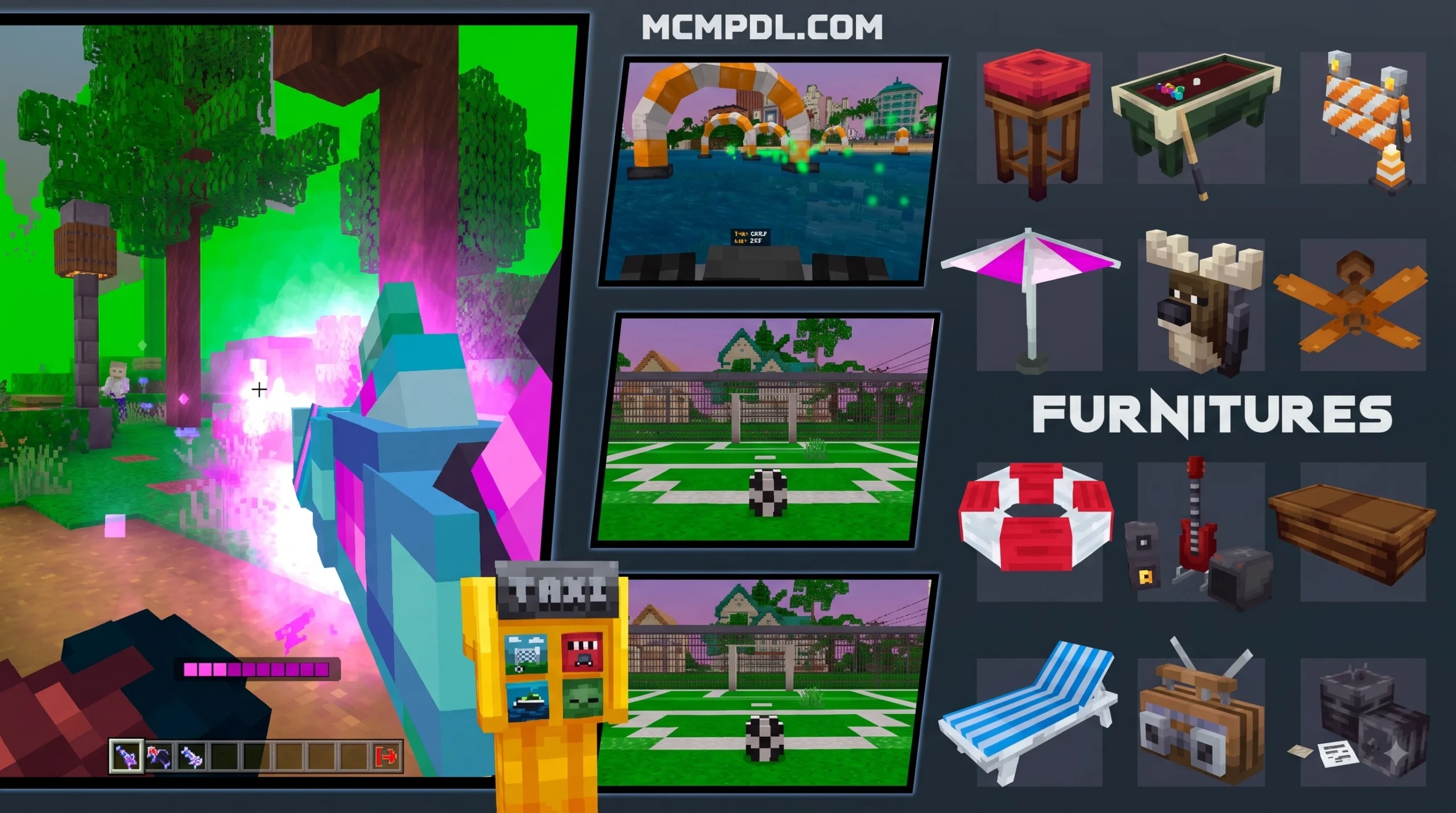
- 4 Dedicated Minigames: Built-in mini-activities allow players to jump straight into structured challenges without needing to set up custom rules or redstone logic.
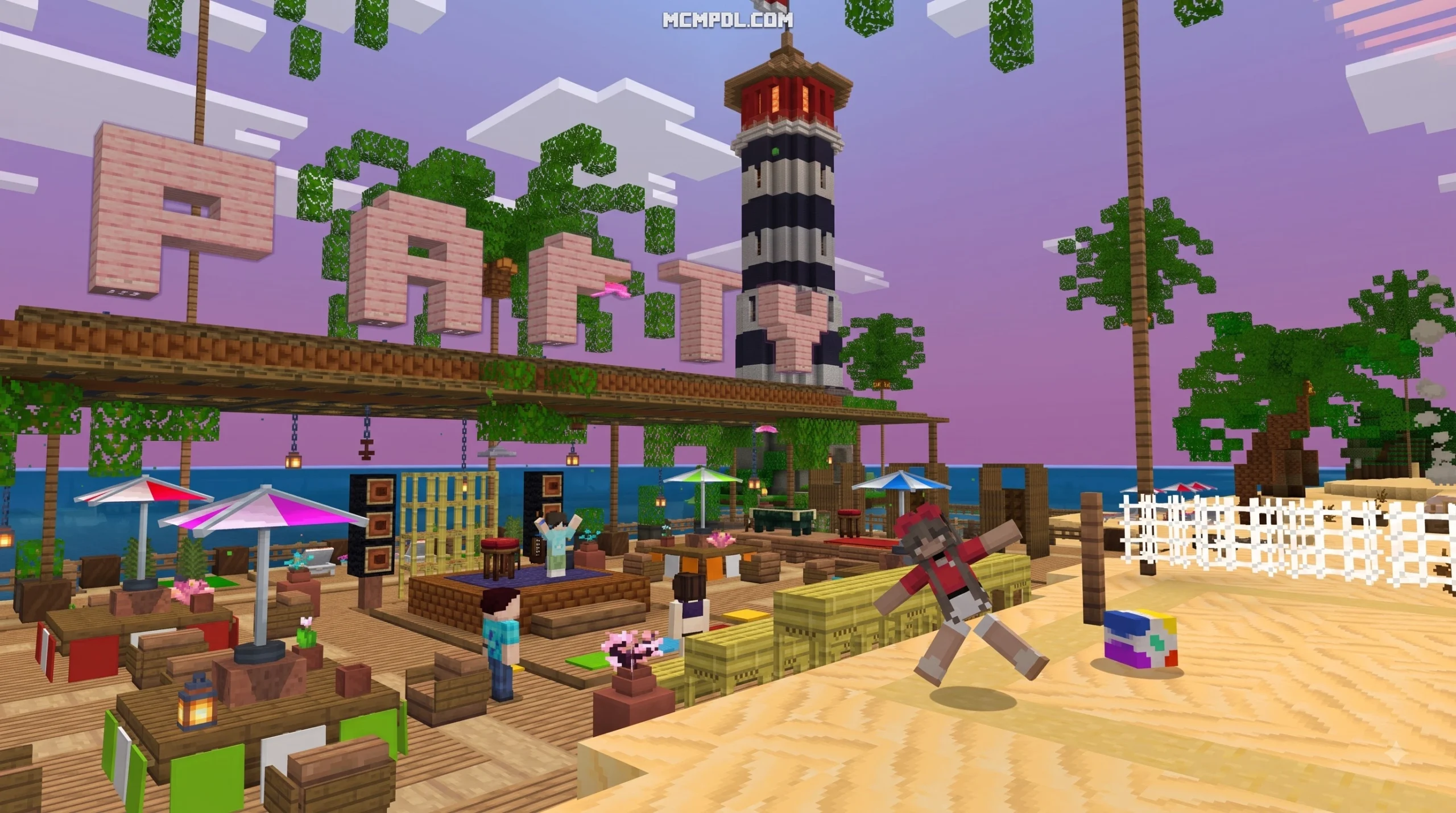
- 100+ Furniture Variations: Perfect for roleplayers who want to purchase, decorate, and personalize their own city apartments, penthouses, or hideouts.
- Specialized Roleplay Zones: The map features dedicated installations like a police department headquarters, a fire station, and a central hospital complex, giving roleplay enthusiasts immediate setups for cops-and-robbers or rescue operation scenarios.
- Action-Packed Zombie Combat: Dynamic spawning areas turn quiet suburban streets into defensive battlegrounds where players must rely on custom weaponry to clear out infected hordes.
How Vehicles and Weapons Work in Grand City Auto World for Minecraft
One of the biggest questions players ask when looking at urban Minecraft maps is how vehicles and combat mechanics function. In traditional vanilla Minecraft, your options for fast travel are pretty much restricted to horses, minecarts, and Elytra gliders. In Grand City Auto World for Minecraft, custom entity modeling and behavior packs transform how you move around.
Rather than relying on clunky boat-on-ice physics, the world comes packed with genuine drivable rides. You can hop behind the wheel of sports cars to zip across asphalt roads, pilot a helicopter to soar between glass skyscrapers, or even fly around in an alien UFO to cause absolute chaos from above.
To balance out high-speed transit, the world replaces traditional bows and swords with custom blasters. These ranged weapons shoot custom projectiles with unique particle effects, making zombie defense missions feel much more like an arcade shooter than a standard survival loop.
How to Download and Install Grand City Auto World
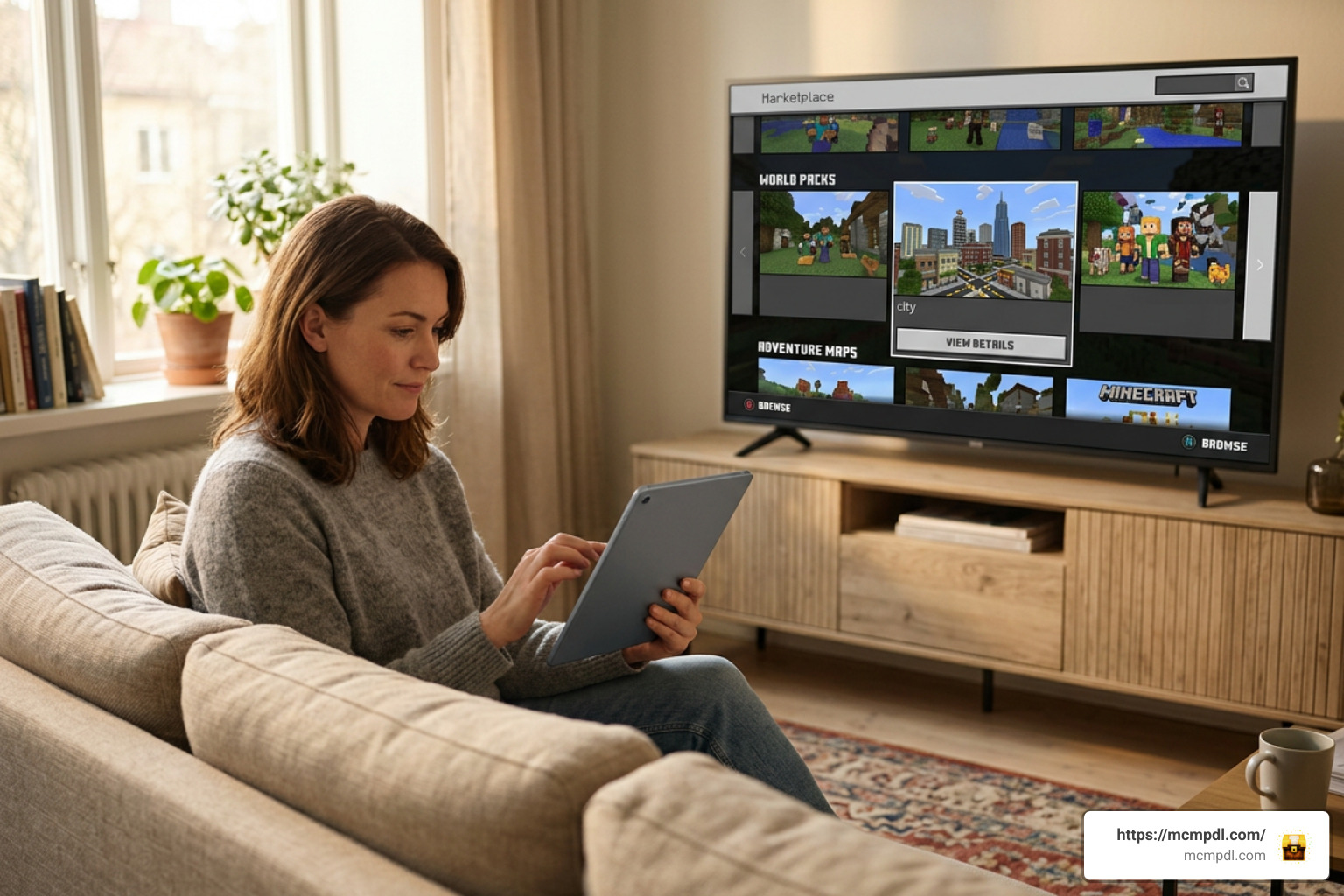
Getting your hands on Grand City Auto World for Minecraft is a straightforward process because it lives on the official Bedrock Marketplace. That means you don’t have to fiddle with manual .zip file extractions, third-party Android APK installers, or complex folder placements in your device directories.
Marketplace Download Steps for Bedrock Edition
To download and launch the map on your device, follow these exact steps:
- Launch Minecraft Bedrock Edition: Open the game on your preferred platform (Windows 10/11, iOS, Android, Xbox, Nintendo Switch, or PlayStation). Make sure you are signed into your Microsoft Account.
- Access the Marketplace: On the main menu screen, select the Marketplace button to open the content store.
- Search for the Map: Click on the magnifying glass icon in the top right corner and type in
Grand City & Autoor search directly for the creator nameWithercore. - Purchase with Minecoins: Select the map from the search results. It costs 490 Minecoins (approximately $2.45 USD). If your Minecoin balance is low, the game will prompt you to purchase a top-up pack using your store’s default payment method.
- Download the World: Once unlocked, hit the Download button. The game will automatically fetch the world template, custom resource packs, and behavior packs.
- Create Your World: After the download completes, click Create this World! to launch your new city adventure. You can customize settings like difficulty or multiplayer permissions right from the world creation screen.
Because Marketplace purchases link directly to your Microsoft Account, buying Grand City Auto World for Minecraft once means you can download and play it across any supported platform where you sign in.
Alternative Downloadable GTA Maps and Plugins
If you play on Minecraft Java Edition or prefer standalone community creations outside the Bedrock Marketplace, there are several alternative avenues for getting a GTA-style experience in Minecraft:
- Java Edition City Downloads: Custom maps such as the Los Auto realistic 2K GTA island city offer server owners 2000×2000 block custom-built islands engineered specifically to handle vehicle mods and roleplay servers without block lag.
- Server Plugins for Java: Developers who run custom Bukkit or Spigot servers often use open-source projects like the joeylemon/GrandCraftAuto repository on GitHub. This plugin introduces features like automated police AI, real estate purchases, bank robberies, and garage storage systems into custom multiplayer environments.
- Mobile & PE Map Uploads: Mobile players exploring community map hubs often download classic urban builds like the City of GMC V4.0 map, which features over 13 skyscrapers and extensive highway systems tailored for PE exploration.
- Standalone Mobile Sandbox Apps: Players looking for separate mobile gaming experiences outside Minecraft can check out standalone games like the Grand City Auto Sandbox on the iOS App Store or test quick sessions via browser titles like the Grand Auto City Game on PLIX.GG.
Comparing Grand City Auto World with Alternative GTA Maps
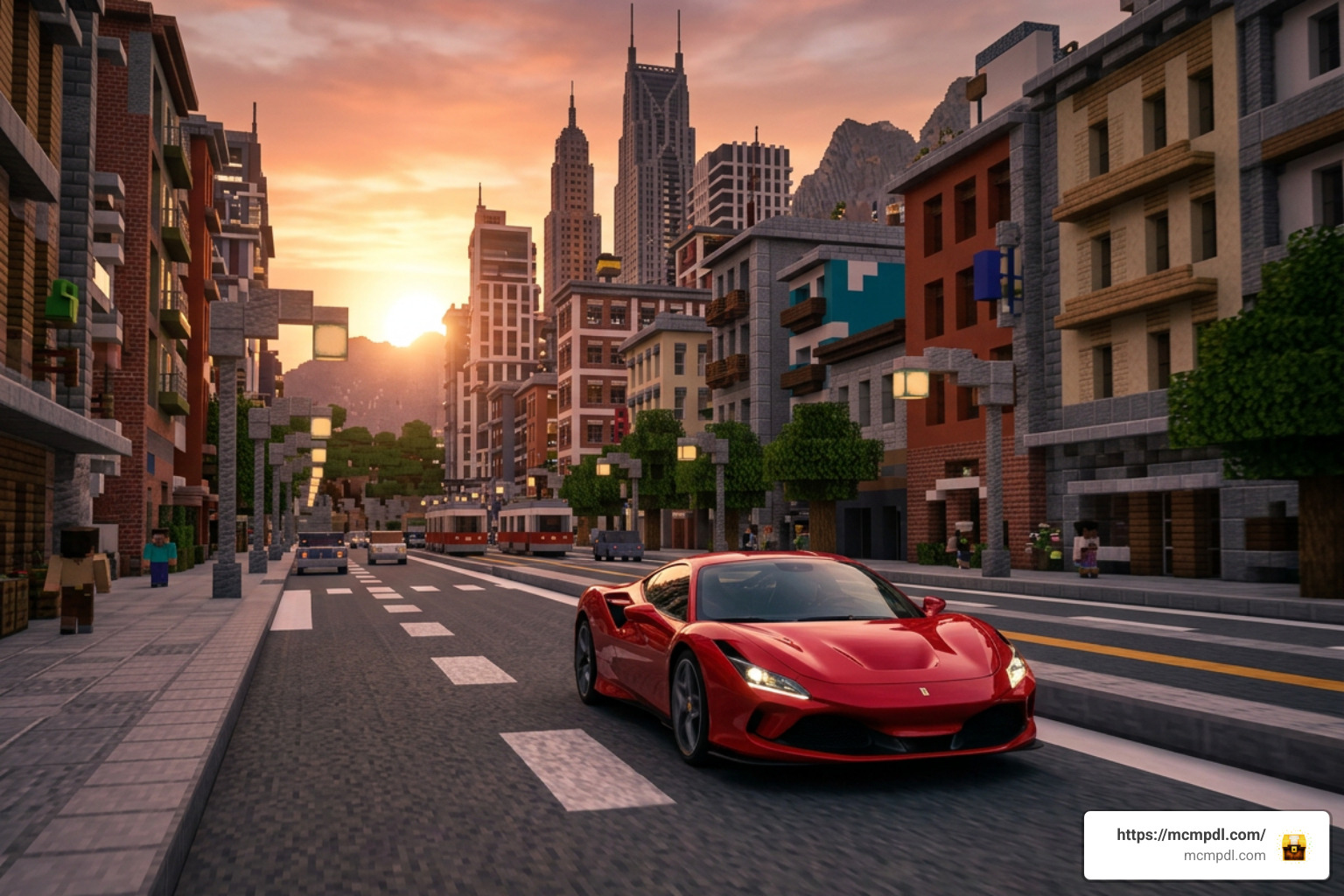
With so many urban environments and vehicle addons floating around the Minecraft ecosystem, how does Grand City Auto World for Minecraft stack up against other options?
To help you decide which urban experience fits your playstyle best, we have put together a direct comparison between Withercore’s Marketplace release, community-made Java maps, mobile app add-ons, and standalone sandbox builds:
| Feature / Metric | Grand City & Auto (Withercore) | Los Auto 2K Island City | City of GMC V4.0 | Cars Mod for MCPE 2026 App |
|---|---|---|---|---|
| Platform | Minecraft Bedrock Edition | Minecraft Java Edition | Minecraft PE / Bedrock | Android / MCPE App |
| Access Method | Official Marketplace | BuiltByBit Purchase ($12) | Free Community Download | Google Play App |
| Price | 490 Minecoins (~$2.45) | $12.00 USD | Free | Free with ads |
| Drivable Vehicles | Cars, Helicopter, UFO included | Depends on installed mods | Static / Decorative | 90+ drivable cars/bikes |
| Built-in Minigames | 4 included minigames | Server setup required | Exploration / Lore booklets | None (Vehicle pack only) |
| Furniture System | 100+ variations included | Interior design blocks | Vanilla block builds | Depends on world setup |
| Ease of Setup | One-click automatic download | Manual file placement | Manual .mcworld import | Third-party app installation |
While standalone car mods—like the Android app store add-ons boasting 90+ vehicles—give you an overwhelming volume of individual car models, they often lack a cohesive world designed around those vehicles. You might spawn a high-performance sports car only to realize standard Minecraft roads are too narrow or filled with uneven terrain that breaks vehicle handling.
On the flip side, Grand City Auto World for Minecraft strikes a great balance. The streets are built wide enough for high-speed turns, buildings come pre-decorated with custom furniture, and the inclusion of both air travel (helicopters and UFOs) and ground transit ensures you don’t get bored after five minutes of driving. Furthermore, because it is an official Bedrock Marketplace release, it undergoes performance testing to ensure stable framerates on lower-end devices like mobile phones and the Nintendo Switch.
Frequently Asked Questions About Grand City Auto World
How much does Grand City & Auto cost on the Bedrock Marketplace?
Grand City & Auto by Withercore costs 490 Minecoins on the official Minecraft Marketplace. Depending on the Minecoin bundle you select in the store, this works out to approximately $2.45 USD. Once purchased, the world is permanently linked to your Microsoft account and can be re-downloaded at any time without extra fees.
What platforms support Grand City Auto World?
Because the world is published through the official Bedrock Edition Marketplace, it is fully supported across all cross-platform Bedrock devices. This includes:
- Windows 10 and Windows 11 PCs
- iOS devices (iPhone and iPad)
- Android smartphones and tablets
- Xbox One and Xbox Series X/S
- Nintendo Switch
- PlayStation 4 and PlayStation 5
As long as your device runs up-to-date Bedrock Edition software, you can host or join multiplayer games in Grand City & Auto.
What is the player rating for Grand City & Auto?
Grand City & Auto holds an impressive average rating of 4.4 out of 5 stars based on community reviews on the Minecraft Marketplace. Players frequently praise the inclusion of flying vehicles like the UFO and helicopter alongside traditional cars, as well as the active zombie battle arenas scattered around the downtown district.
Conclusion
Whether you are looking to pull off high-speed street races, defend municipal precincts against zombie outbreaks, or simply roleplay with friends in modern skyscrapers, Grand City Auto World for Minecraft delivers a compact, action-packed sandbox experience. By bringing drivable cars, aerial vehicles, custom blasters, and interactive minigames into a single 490 Minecoin package, creator Withercore gives Bedrock players an easy way to experience GTA-inspired gameplay without worrying about complex mod installations.
If you love exploring top-tier community builds, custom maps, skin packs, and vehicle add-ons for your favorite block game, be sure to check out MCMPDL for the latest news, guides, and updates across the Minecraft universe!
1 thought on “Grand City Auto World for Minecraft”