
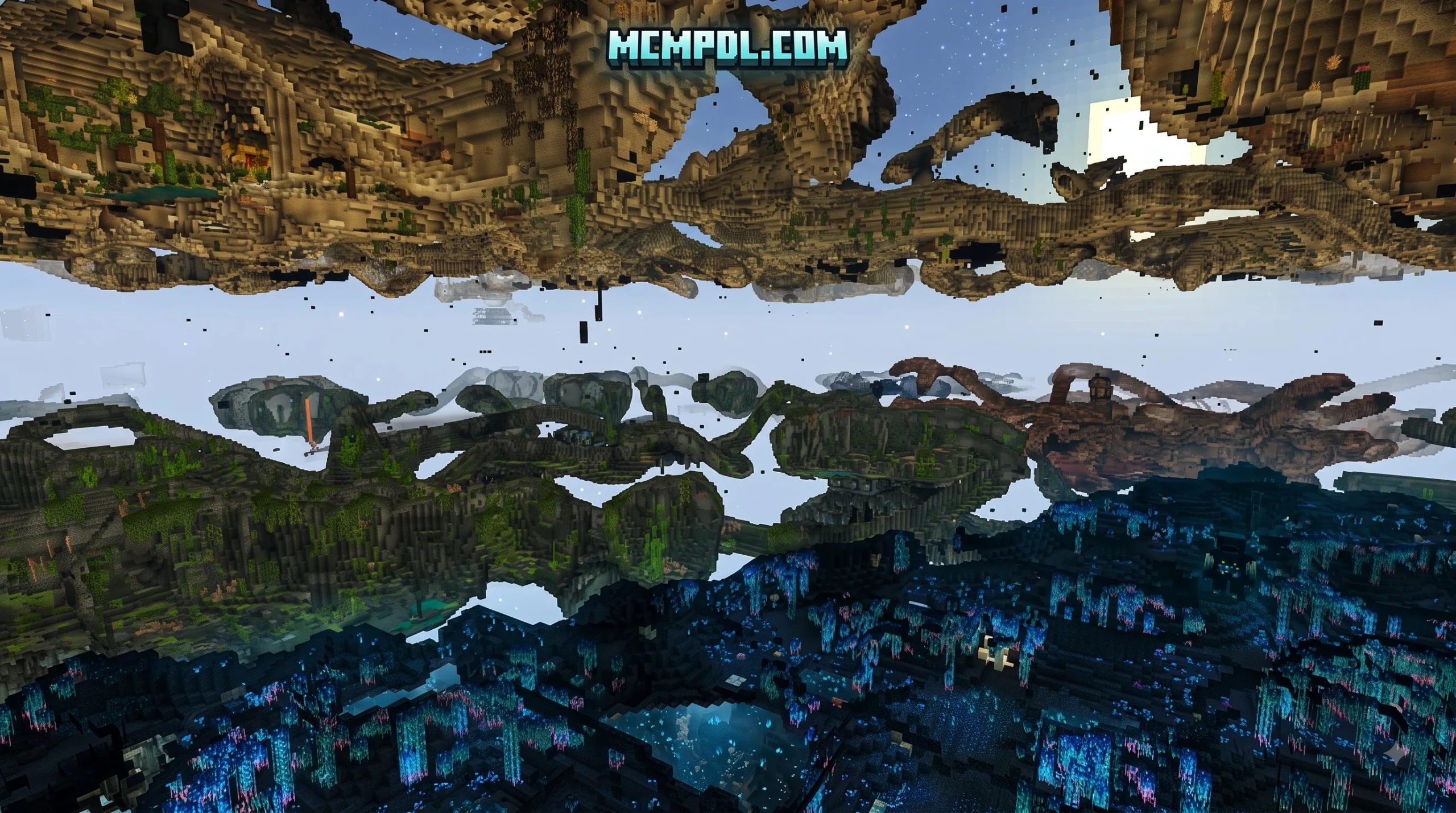
Scroll down to Download
What is the Eternal Caves Add-On for Minecraft Bedrock?
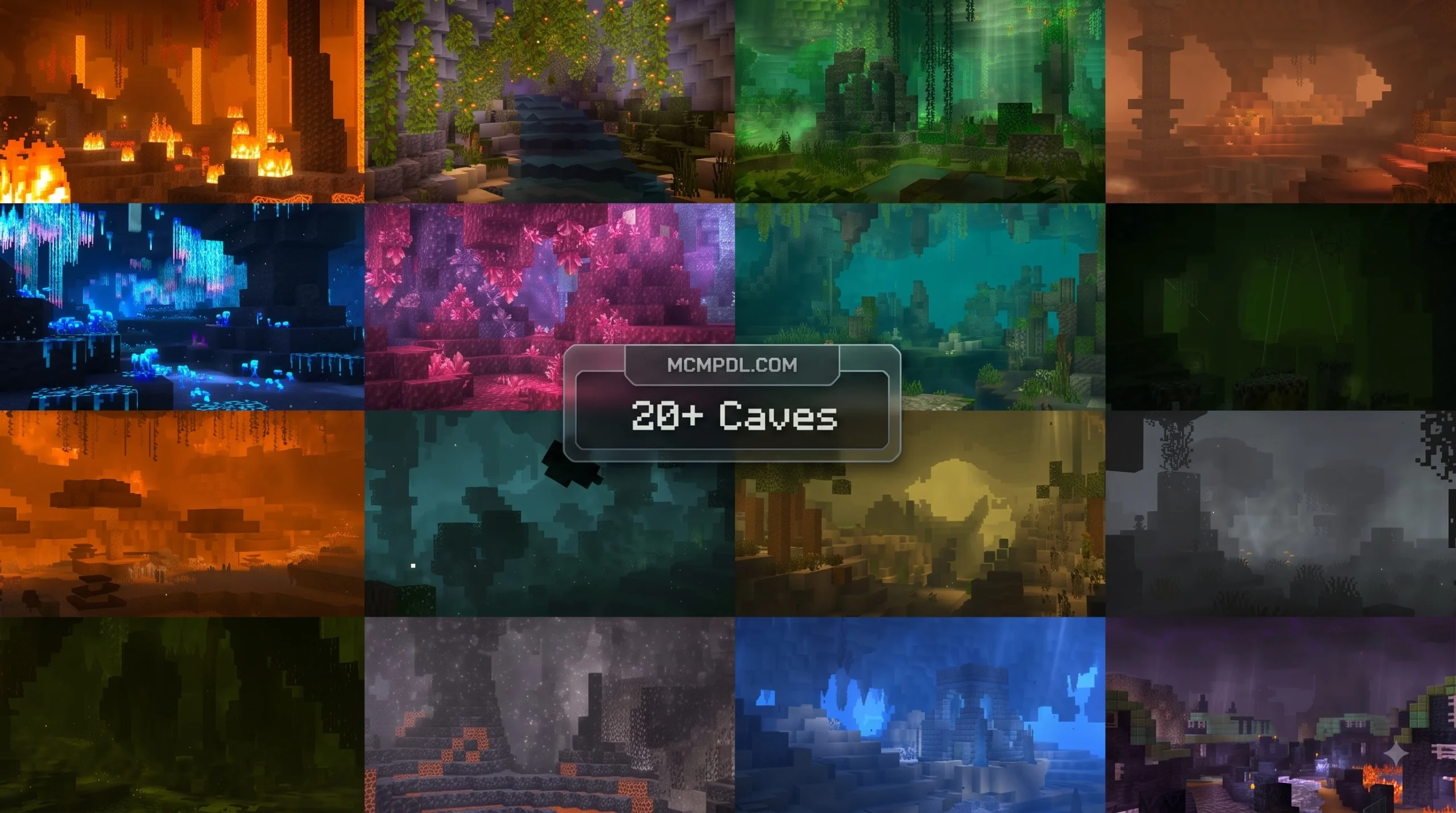
The Eternal Caves expansion completely overhauls the underground landscape of Bedrock Edition. Created by Panascais, the add-on shifts Minecraft’s subterranean world away from basic stone and deepslate winding tunnels into expansive, feature-packed subterranean ecosystems.
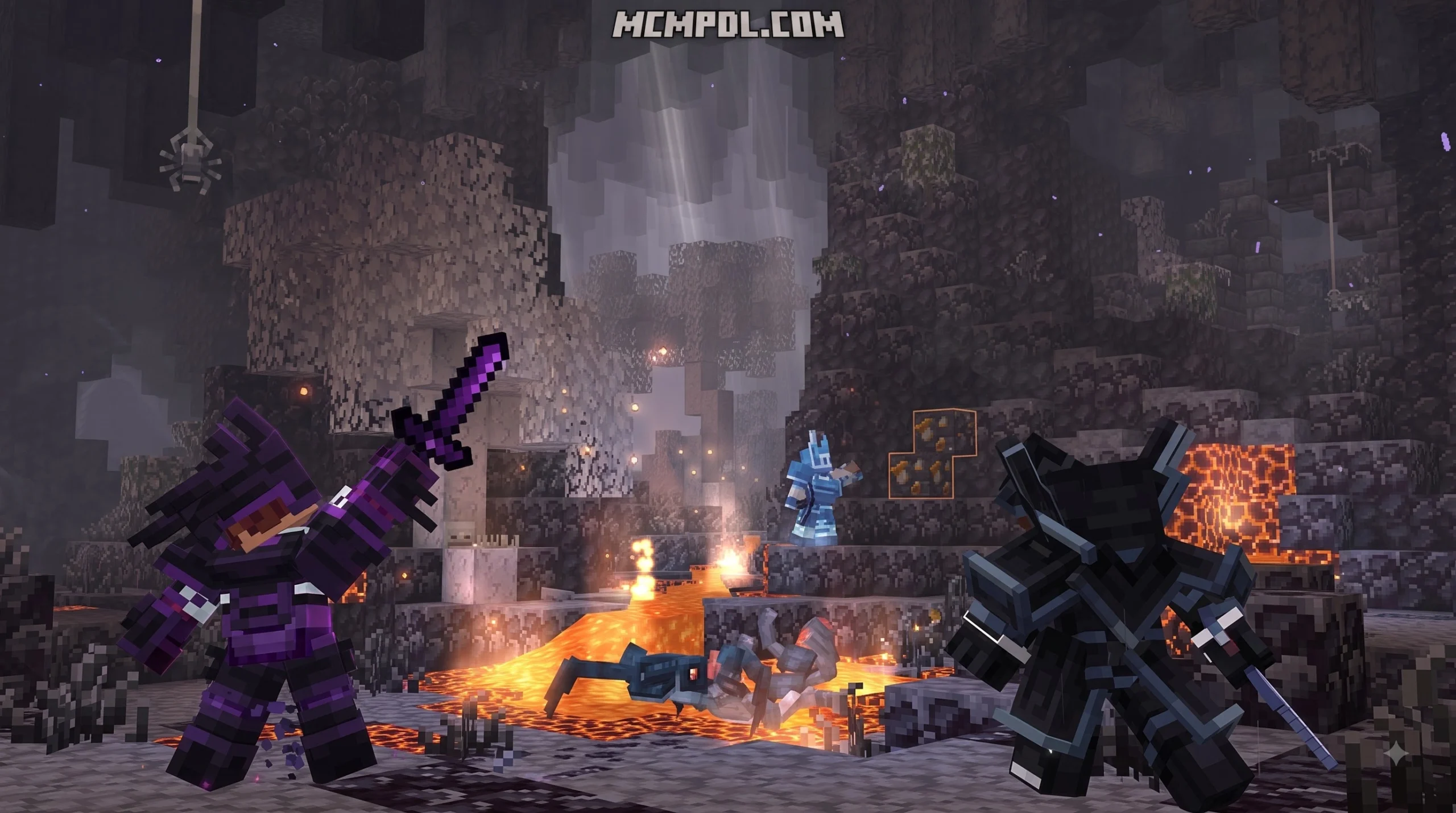
Rather than relying purely on pre-built structures, Eternal Caves uses procedural generation to build underground biomes. This means as you dig beneath the surface, you will experience unique cave formations, underground weather systems, and active ecological zones. The add-on includes 22 unique cave types split across different depth levels, a full Dwarven civilization, custom soundscapes, dynamic visual effects, and over 550 new blocks and items alongside 60+ new entities. For an in-depth breakdown of these systems, check out the Overview of Eternal Caves features.
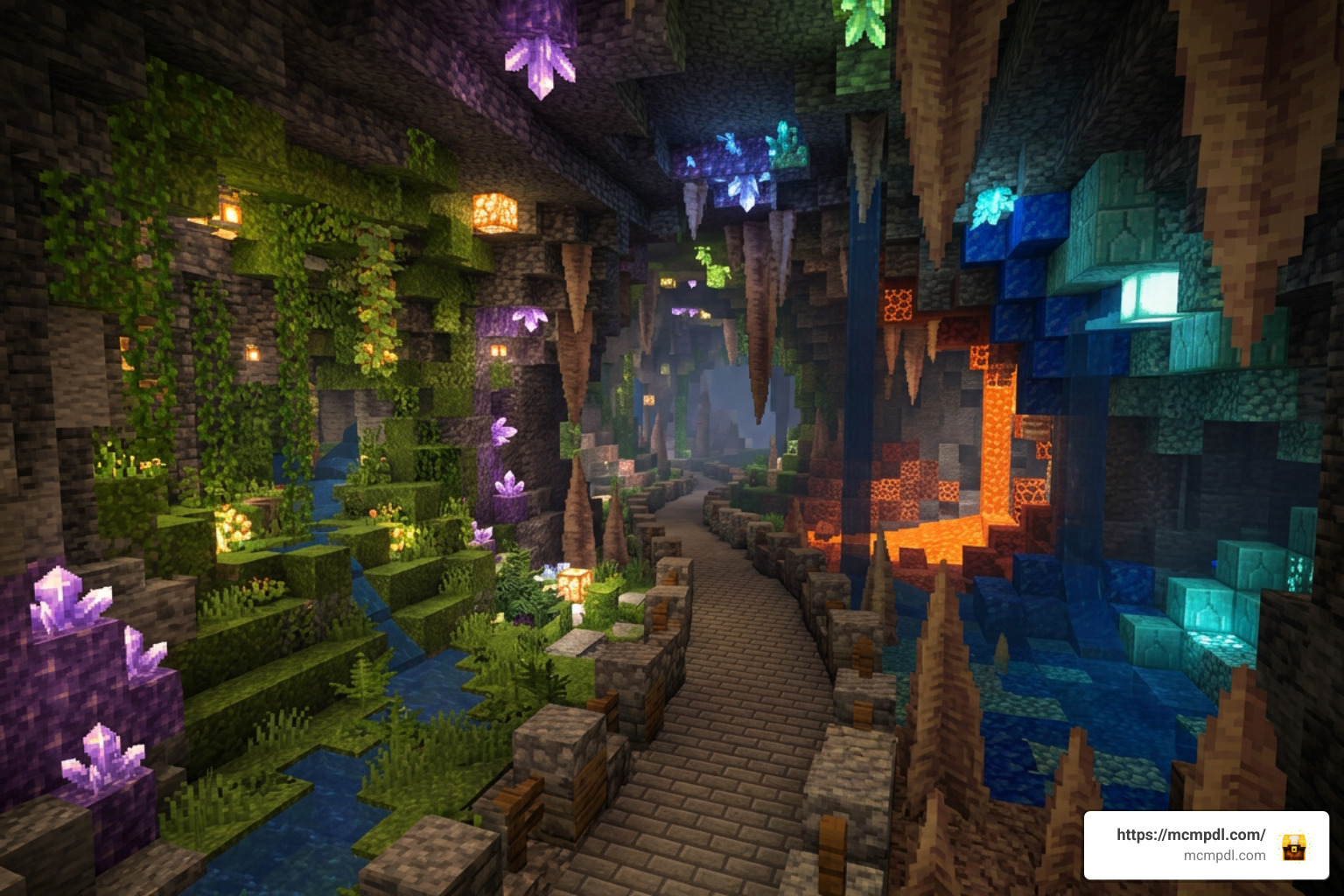
Key Features and Cave Types
The underground terrain is divided into two distinct depth zones: 13 Biome Caves occupy upper stone layers, while 9 Special Caves generate in the deepslate layer. The 5 original vanilla cave types also receive subtle visual overhauls to blend smoothly into the expanded world.
Among these subterranean locations are Crystal Ruins. These vibrant structures are formed from layered amethyst blocks ranging across purple, blue, green, yellow, and pink hues. Exploring these structures rewards brave players with rare loot, but success depends on understanding drop rates:
| Item | Drop Chance | Quantity |
|---|---|---|
| Bread | 20.4% | 1–21 |
| Golden Apple | 18.1% | 1–3 |
| Sapphire / Ruby / Onyx | 2.0% | 1–6 |
| Totem of Undying | 2.0% | 1 |
| Enchanted Golden Apple | 2.0% | 1 |
| Titanium Ingot | 1.0% | 1–6 |
Review the Crystal Ruin loot details to learn more about navigating these colorful formations.
Special Exploration Tools and Gear
Navigating massive subterranean chasms requires purpose-built equipment. Eternal Caves introduces several specialized tools designed specifically for underground survival:
- Seer’s Relic: Acts as a live in-game HUD overlay. When held in your main hand or offhand while targeting entities or blocks, it displays detailed stats directly above your action bar.
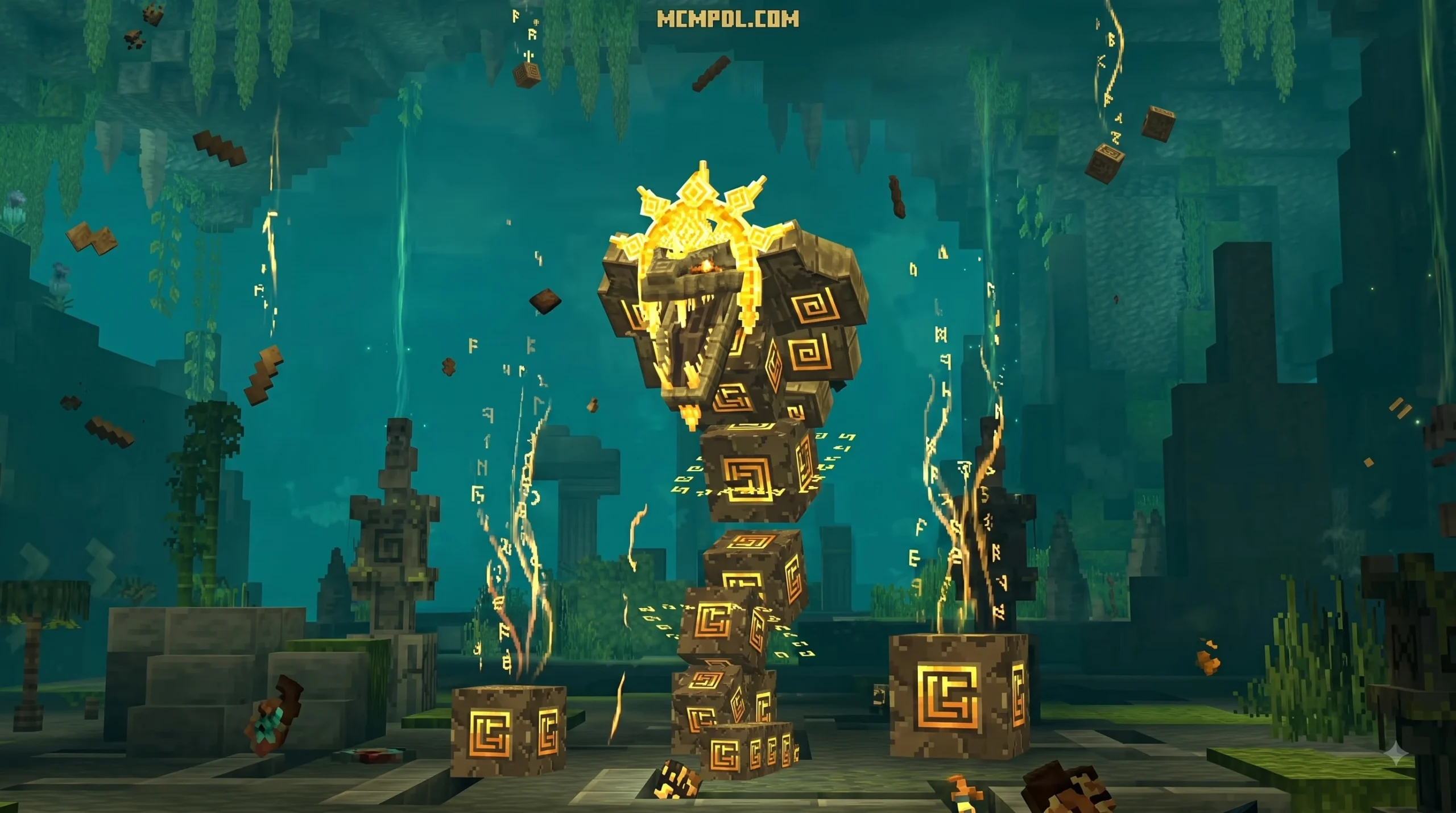
- Runebreaker: A powerful multitool dropped by the Ancient Serpent boss. It features 10 Gemstone slots and allows players to toggle mining radii from 1×1 up to 5×5 by holding sneak and right-clicking.
- Glider & Grappling Hook: Deploy the Glider automatically when stepping off high underground ledges, and repair it using Papyrus Fiber. Use Screecher Sting ammo with the Grappling Hook to pull yourself across massive lava chasms.
- Titanium Boat & Lantern: Build a Titanium Boat to sail across wide underground lava lakes without burning, and place long-lasting Titanium Lanterns to light up deep caverns.
For full item recipes and stats, consult the official Guide to Special Items.
Eternal Caves Add-On Minecraft PE/Bedrock Download and Marketplace Pricing
The official path for your Eternal Caves Add-On Minecraft PE/Bedrock download is through the built-in Minecraft Marketplace. The package is priced at 1,690 Minecoins (approximately $8.86 USD or €8.35 EUR depending on your region). If you hold an active Minecraft Marketplace Pass subscription, you can download and play the expansion at no extra cost.
To answer common community queries regarding purchase mechanics and installation rules, browse the Eternal Caves Marketplace FAQ.
Is a Free Eternal Caves Add-On Minecraft PE/Bedrock Download Safe?
We strongly advise against attempting to download “free” standalone versions of Eternal Caves from unofficial third-party websites. Unofficial files pose significant security risks, including malware infection, modified file integrity, and potential account bans. Furthermore, downloading paid Marketplace content from unofficial channels violates Minecraft’s terms of service.
If you want to play without paying direct Minecoins, using an active Marketplace Pass subscription remains the safest and only legal free method.
System Requirements and Version Compatibility
To run Eternal Caves smoothly, ensure your setup meets these core technical specifications:
- Minimum Minecraft Version: Minecraft Bedrock / PE 1.21.120 or higher.
- Engine Integration: Uses standard Bedrock resource and behavior packs for custom entities, world generation, and audio.
- Performance Optimization: Toggle particle counts and dynamic lighting effects down in the add-on settings menu if you experience lag on lower-end mobile devices.
What’s New in the 1.1 Chaos Cubed Update?
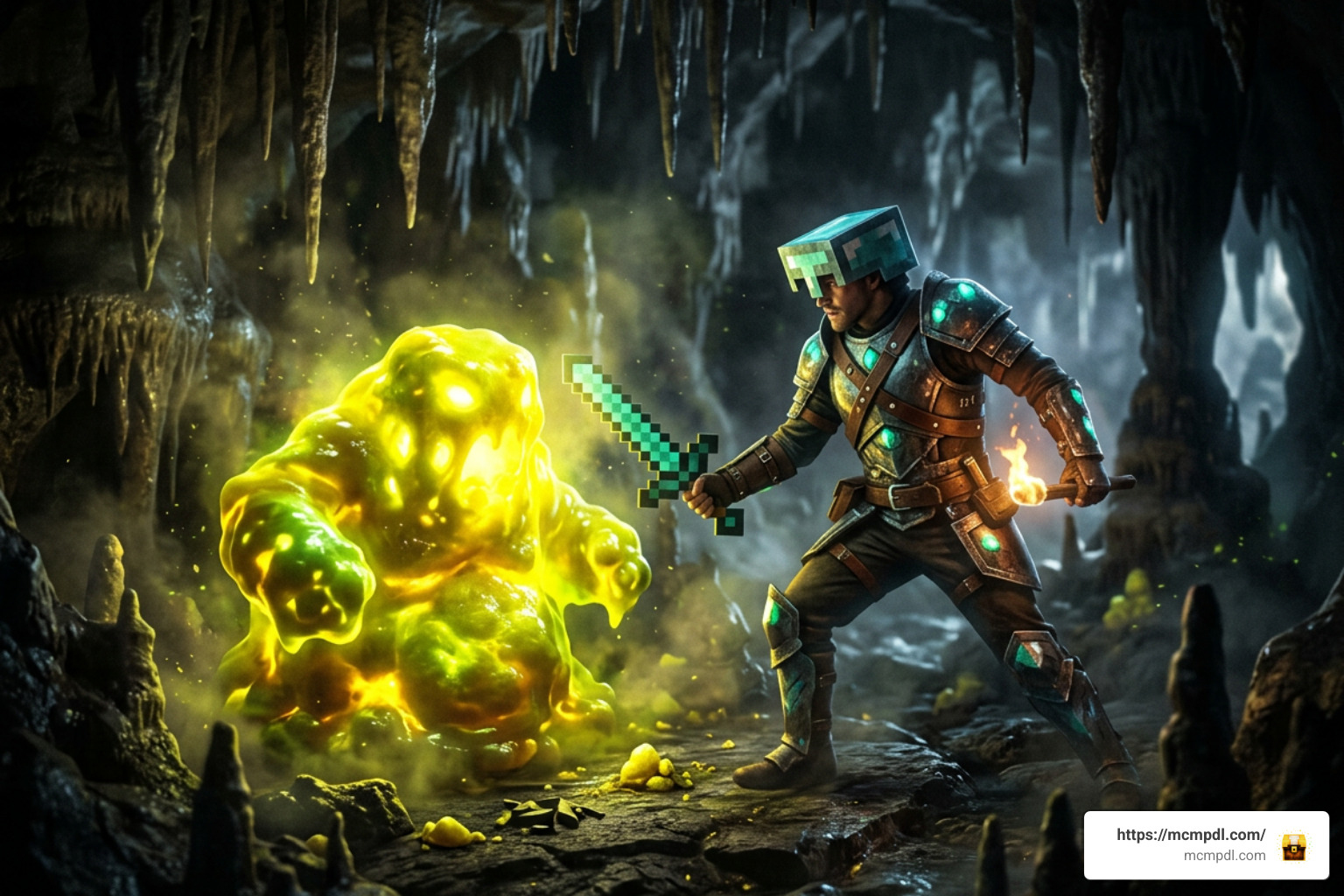
Released shortly after launch, the major 1.1 Chaos Cubed update focuses on environmental hazards, biome overhauls, and serious endgame balancing. Read the complete 1.1 Chaos Cubed Update Changelog for exact code changes and patch notes.
Sulfur Cave Biome and New Mobs
The updated Sulfur Cave is filled with toxic gas hazards. Walking into these zones unprotected inflicts severe Nausea and Poison status effects.
To survive, players must craft and equip the Respirator helmet, which negates environmental toxins at the cost of helmet durability. The update also introduces rare resources like Sulfur Dust and Cinnabar Dust (used for brewing dynamic poison potions), alongside new tactical explosives called Crackers that stick to cave walls.
Dangerous regional mob variants now spawn inside the Sulfur Cave:
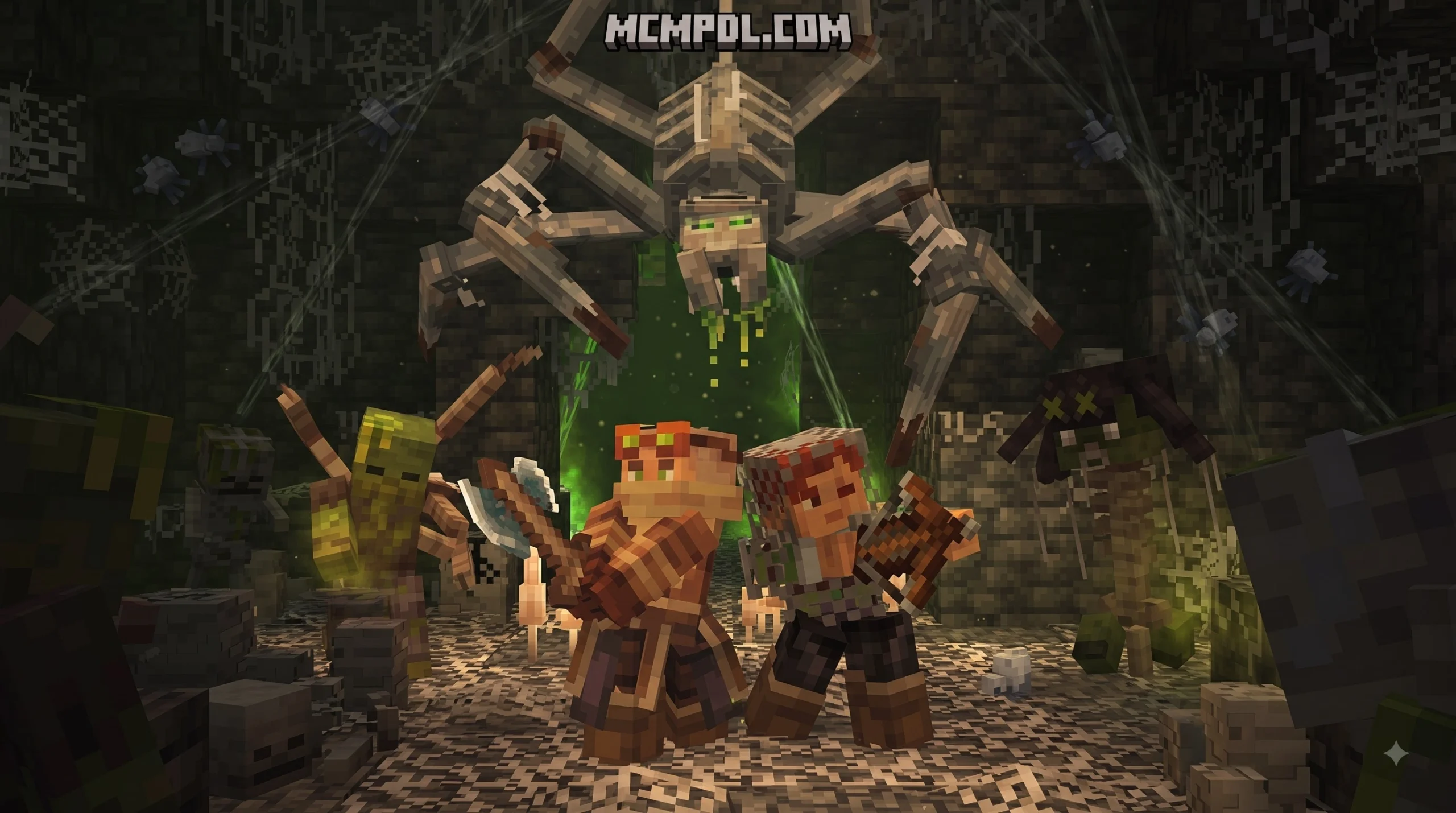
- Brimsting: Flying insectile threats that attack from cavern ceilings.
- Nauseating Zombie & Noxious Creeper: Inflict disorientation and toxic splash explosions upon death.
- Decomposed Skeleton, Corrosive Spider, & Scarlet Enderman: Enhanced hostile variants tuned for hazardous terrain.
Ancient Serpent Boss Buffs and Rebalancing
If you fought the Ancient Serpent during initial release, prepare for a far more brutal encounter. Acknowledging that players quickly mastered the original fight, the development team vastly increased the boss stats:
- Health: Increased from 1,000 to 3,500 HP.
- Melee Attack Damage: Increased from 18 to 48 damage.
- Projectile Attack Damage: Increased from 18 to 54 damage.
- XP Drop: Boosted to 50–100 experience points upon defeat.
World Compatibility, Installation, and Community Reviews
Eternal Caves earns high praise across the Minecraft Bedrock community, holding a 4.8 out of 5-star rating across thousands of official Marketplace reviews (with nearly 90% being 5-star ratings).
When organizing your world add-ons, review this quick compatibility chart:
| Mod/Add-On Type | Compatibility Status | Notes |
|---|---|---|
| RealismCraft / Biomes O’ Plenty | Compatible | Procedural generation stacks, but test terrain generation first. |
| Actions & Stuff / Animation Mods | Fully Compatible | Works seamlessly alongside custom player animations. |
| Vibrant Visuals (VV) | Fully Compatible | Features native dynamic colored lighting support for custom ores. |
| Eternal End | Fully Compatible | Designed to work directly alongside Panascais’s End expansion pack. |
Adding Eternal Caves to Existing Worlds
You can activate Eternal Caves on an existing Minecraft world, but new caves will only generate in previously ungenerated chunks. As you travel into new chunks, you might encounter sharp, vertical chunk boundaries where original terrain meets the custom cave generation. Always create a safety backup copy of your save file before enabling world generation packs.
If you later remove the add-on, standard Bedrock engine safety rules apply: custom blocks placed in the world will remain intact to prevent world corruption or accidental inventory loss.
How to Complete the Eternal Caves Add-On Minecraft PE/Bedrock Download
Downloading and installing the pack takes just a few steps:
- Open Minecraft PE / Bedrock Edition on your device.
- Select the Marketplace button on the main title menu.
- Tap the magnifying glass search icon and type “Eternal Caves” or search for creator Panascais.
- Select the official product listing.
- Choose 1,690 Minecoins to complete the purchase, or click Get with Marketplace Pass if subscribed.
- Once downloaded, create a new world (or edit an existing world’s settings), navigate to Resource Packs and Behavior Packs, and activate Eternal Caves.
Frequently Asked Questions
Can I play Eternal Caves with other graphics and animation add-ons?
Yes! Eternal Caves integrates directly with visual enhancements like Vibrant Visuals, featuring colored dynamic lighting on custom glowing ores and lamps. If performance drops on mobile devices, use the add-on settings menu to toggle down ambient particle density.
How do I protect myself from toxic hazards in Sulfur Caves?
Equip a Respirator helmet before stepping into toxic sulfur biomes. The helmet grants full immunity to Nausea and Poison status effects while in toxic zones, taking gradual durability wear instead of damaging your primary health bar.
How many Minecoins does Eternal Caves cost?
The add-on costs 1,690 Minecoins, which converts to roughly $8.86 USD or €8.35 EUR. It is also available without extra coin purchases for active Minecraft Marketplace Pass subscribers.
Conclusion
The Eternal Caves expansion stands out as one of the most comprehensive subterranean survival upgrades available for Minecraft PE and Bedrock Edition. Packed with 22 distinct cave biomes, deep progression mechanics like the Gemstone system, specialized tools like the Runebreaker, and massive boss encounters, it transforms simple mining trips into long-term survival adventures.
When preparing for your Eternal Caves Add-On Minecraft PE/Bedrock download, grab your copy directly through the official Marketplace to keep your saves secure and up to date. For more guides, world seeds, and bedrock content updates, browse our full collection of MCMPDL Add-On Downloads to build your ultimate Bedrock survival experience!

3 thoughts on “Eternal Caves Add-On for Minecraft PE/Bedrock (Download)”