Scroll down to D0vvnl0ad
Overview and Mechanics of Dimension Homes
The Dimension Homes Addon for Minecraft PE/Bedrock allows players to create and access a private, expandable pocket sky dimension in their survival worlds via a custom flame portal. This pocket realm system isolates your base in a safe void environment away from standard Overworld hazards, giving you full control over building and progression. Created by Chunklabs and released on the Minecraft Marketplace on August 11, 2026, the pack holds an impressive 4.7-star rating among builders seeking personal sanctuaries without tampering with complicated external files.
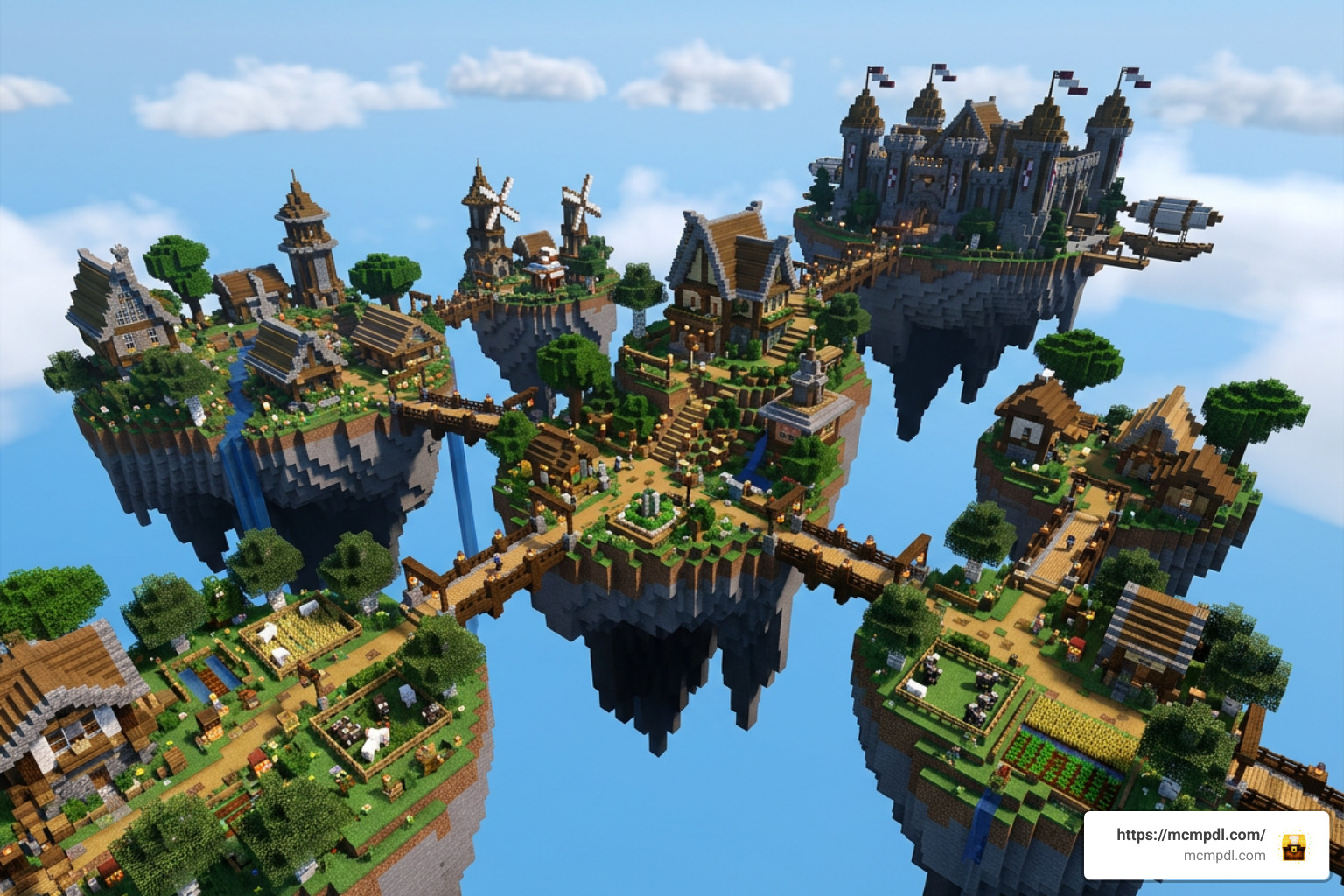
The premise relies on building a dedicated gateway that teleports your character directly into an isolated void containing starter sky islands. Once you cross over, the realm exists in tandem with your main survival world, preserving your builds and allowing seamless travel back and forth.
Entering Your Custom Sky Dimension
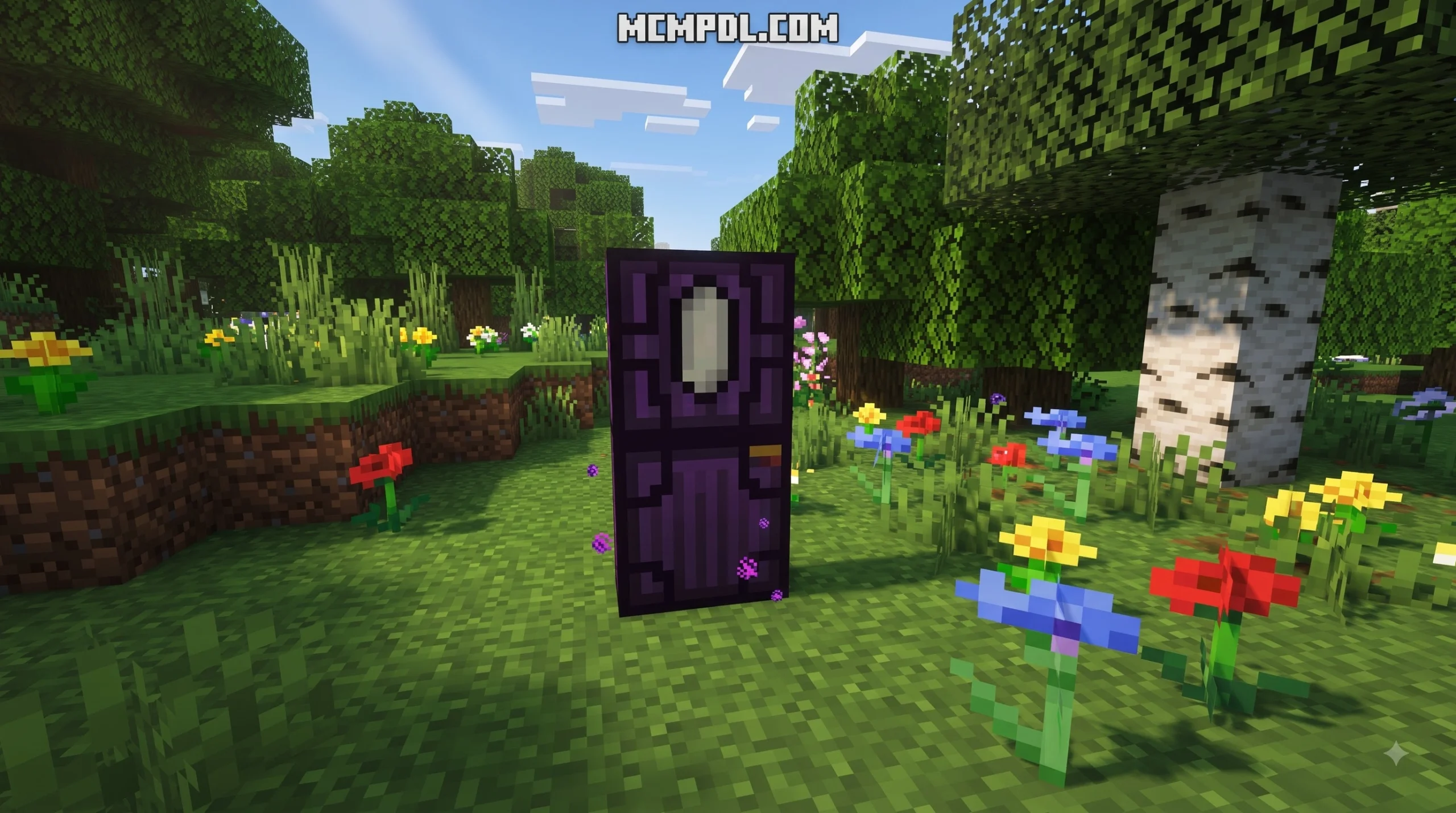
Stepping into your new home does not require complex scripting or console commands. The primary travel mechanic centers around activating a fiery gateway:
- Construct the portal framework as designated by the add-on’s recipe.
- Ignite the structure to form a portal of flames.
- Step directly through the burning threshold to initiate the dimension shift.
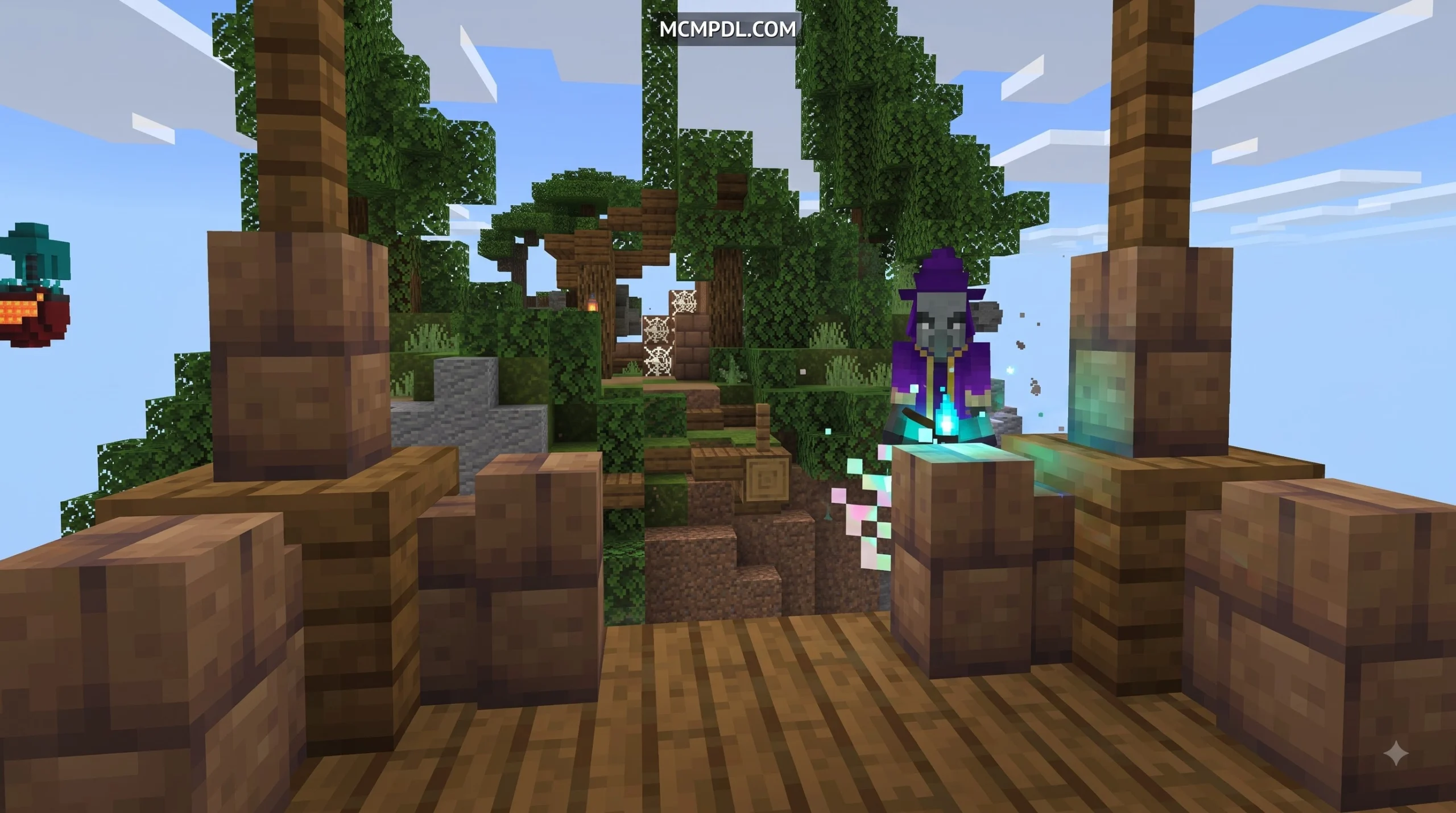
Upon arrival, you spawn on a compact starter landmass floating in the open sky. Unlike hostile survival spaces where you must immediately dodge phantoms or creepers, your personal dimension provides a clean slate where you dictate the rules of engagement, terrain layout, and base design.
Building and Progression Mechanics
Progression inside the add-on is tied to steady expansion rather than instant creative freedom. You begin with minimal surface area, prompting you to gather resources, unlock extra island presets, and expand your floating territory piece by piece.
If you love pairing unique world mechanics with custom biomes, checking out the broader Dimensions Addon for Minecraft PE landscape can provide great inspiration for how far world generation can be pushed. As you unlock new tiers in Dimension Homes, you gain access to diverse island types, novel building blocks, and decorative elements that allow your realm to evolve from a humble sky cabin into a sprawling citadel.
Core Features of the Dimension Homes Addon for Minecraft PE/Bedrock
The defining trait of this pack is the balance between personal space and modular progression. Whether you play on a smartphone during a commute or on Windows 10 at your desk, the add-on delivers dedicated features designed to streamline survival storage and architecture.
Custom Island Upgrades and Expansion
Rather than leaving you stuck on a single dirt block, the expansion system introduces distinct upgrade paths:
- Cosmetic Upgrades: Apply specific themes to your islands, altering block palates and ambient styles.
- Functional Modules: Unlock secondary islands dedicated to automated crop farming, animal pens, or villager trading halls.
- Structural Integration: Combine your custom sky builds with prefab elements like those found in the More Structures Addon for Minecraft PE/Bedrock to establish fully functional sky villages.
Building in an isolated dimension also reduces chunk-loading strain in your Overworld. You can store your massive sorting systems, bulk item chests, and lag-heavy farms safely in your sky home.
Multiplayer Bases and Cooperative Play
While some dimension mods restrict entry solely to the host, Chunklabs designed Dimension Homes with multiplayer compatibility in mind. By adjusting world permissions, hosts can invite friends into their custom sky dimension to work together on mega-projects or establish community hubs.
| Multiplayer Feature | Practical Application |
|---|---|
| Shared Base Building | Collaborate with realm members on massive floating castles. |
| PvP Arenas | Build custom battle arenas high above the void without risking Overworld terrain. |
| Centralized Storage | Set up a shared vault where your server team pools rare materials. |
| Grief Isolation | Keep valuable trophies safe in a private realm away from public exploration zones. |
Dimension Homes vs Other Minecraft PE Pocket Dimensions
The concept of custom pocket realms in Minecraft Bedrock has evolved dramatically. Players have several options depending on whether they prefer lightweight teleporters, survival dungeons, or full structural overhauls.
| Feature / Dimension Add-On | Dimension Homes | Ender Rooms | Divine Dimension | Multidimensions |
|---|---|---|---|---|
| Primary Focus | Expandable Sky Home | Compact Storage Room | RPG Bosses & Gear | Multi-Realm Survival |
| Progression Style | Island upgrades & building | Pre-built rooms | Dungeon progression | Boss rush & adventure |
| Distribution | Minecraft Marketplace | Minecraft Marketplace | Community Add-on | Community Add-on |
| Multiplayer Friendly | Yes (Shared realm) | Individual player rooms | Yes | Yes (Survival focused) |
| Combat Focus | Peaceful/Building base | None (Storage) | High (Mini-bosses) | High (Forced challenges) |
Ender Rooms and Storage Alternatives
The Ender Rooms pack provides small, secure pocket dimensions tailored strictly for storage security. For roughly 490 Minecoins, players receive personal, private rooms designed to prevent item theft.
However, while Ender Rooms excels at compact, secure vaults, it lacks the expansive terraforming potential of Chunklabs’ sky islands. If your goal is to construct multi-level crop farms, sprawling mansions, or complex machinery, the open-air void of Dimension Homes offers far more physical building volume.
Dynamic Sethome and Waypoint Systems
Other technical utilities focus purely on movement across coordinates rather than creating new dimensions. For instance, players using the Sethome Compass rely on Bedrock’s dynamic world properties to jump across standard dimensions seamlessly.
If your goal is finding combat-heavy dimensions packed with dangerous encounters, community creations like Divine Dimension or the boss-heavy Boss Dimensions deliver distinct combat loops with powerful gear rewards. For underground adventurers, pairing these travel tools with subterranean overhauls like the Eternal Caves Add-on creates a comprehensive survival loop across every depth of your world.
Compatibility, Installation, and Setup Guide
Setting up your custom dimension requires standard Marketplace installation protocols. The add-on is designed to integrate cleanly with modern Bedrock builds, providing cross-play support across Android, iOS, Windows, and console editions.
Installing the Dimension Homes Addon
- Open Minecraft and launch the in-game Marketplace.
- Search for the add-on by name or find Chunklabs’ creator portfolio.
- Complete the purchase and download the package directly to your device storage.
- When creating a new world (or editing an existing one), open the Behavior Packs and Resource Packs tabs.
- Activate both packs under your world settings.
- Verify your game version is up to date (Bedrock 1.21 or newer is recommended for optimal API stability) and launch the world.
For additional modifications, texture updates, or utility packs to enhance your survival world, browse our complete Add-ons Category to discover compatible community creations.
Troubleshooting and Performance Optimization
While pocket dimensions run smoother than dense Overworld forests due to minimal terrain generation, keeping performance high on mobile devices requires a few best practices:
- Manage Entity Counts: Avoid packing hundreds of livestock animals into a single floating chunk. Use separate unlocked islands for distinct mob types.
- Adjust Render Distance: If you experience frame drops when crossing the flame portal, lower your device simulation and render distance to 8–10 chunks.
- Superflat World Warnings: Like many custom dimension packs, avoid running custom portal mechanics inside legacy flat worlds to prevent coordinate misalignment.
- Backup World Files: Always make a manual copy of your world before applying major updates or loading heavy addon combinations.
If you are curious about technical dimension systems, experimenting with experimental setups like meeplabsdev/createdimensions can provide great insight into how Bedrock handles custom dimension data.
Frequently Asked Questions About Dimension Add-Ons
Is the Dimension Homes Add-On Free or Paid?
Dimension Homes is an official paid release on the Minecraft Marketplace developed by Chunklabs. It requires Minecoins to purchase, ensuring that the add-on automatically receives official updates, bug fixes, and verified compatibility with the Bedrock engine across mobile, console, and PC platforms.
Can Other Players Enter and Grief Your Personal Realm?
Multiplayer access is governed by the host world’s permissions. Because the flame portal physically connects to your sky island, anyone who enters the portal in a shared world can visit the dimension. To protect your builds on public servers or shared LAN worlds, ensure you set trusted visitor permissions or build defensive boundaries around your portal entry point.
Does Dimension Homes Require Experimental Settings?
Marketplace add-ons built on modern Bedrock architecture typically run without requiring you to manually toggle experimental toggles. However, if you combine this pack with third-party community mods that modify base player behaviors or custom entities, you may need to enable “Beta APIs” or “Holiday Creator Features” depending on the other packs in your load order.
Conclusion
The Dimension Homes Addon provides Bedrock players with a clean, expandable sky retreat that blends base management with personal progression. Whether you want a lag-free storage sanctuary, a secure multiplayer hub, or a creative floating kingdom high above the clouds, Chunklabs’ pack makes dimension travel accessible and rewarding.
For the latest Bedrock guides, curated mod showcases, and survival resources, explore everything we have to offer at MCMPDL and elevate your Minecraft experience today!
2 thoughts on “Dimension Homes Addon for Minecraft PE/Bedrock”