
Scroll down to D0vvnl0ad
Explore More Structures in Minecraft Bedrock
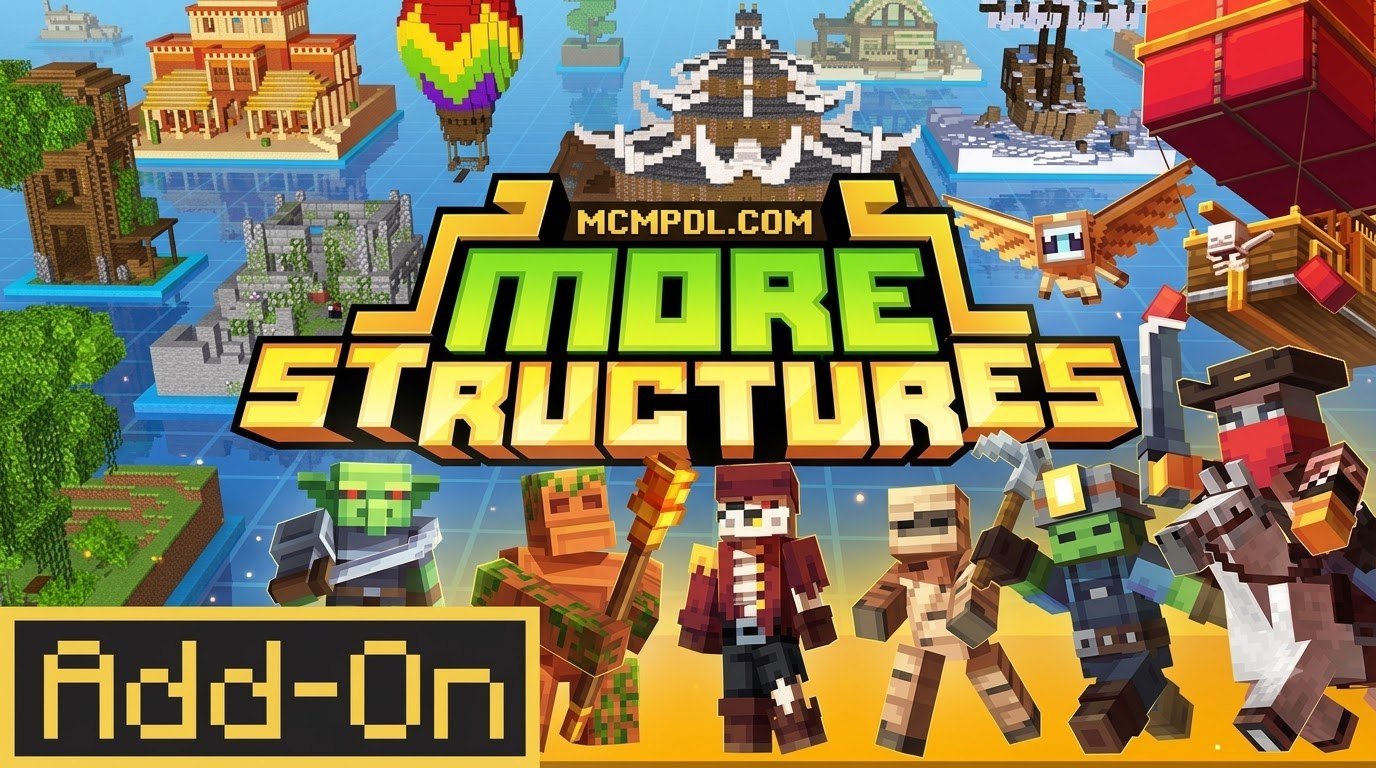
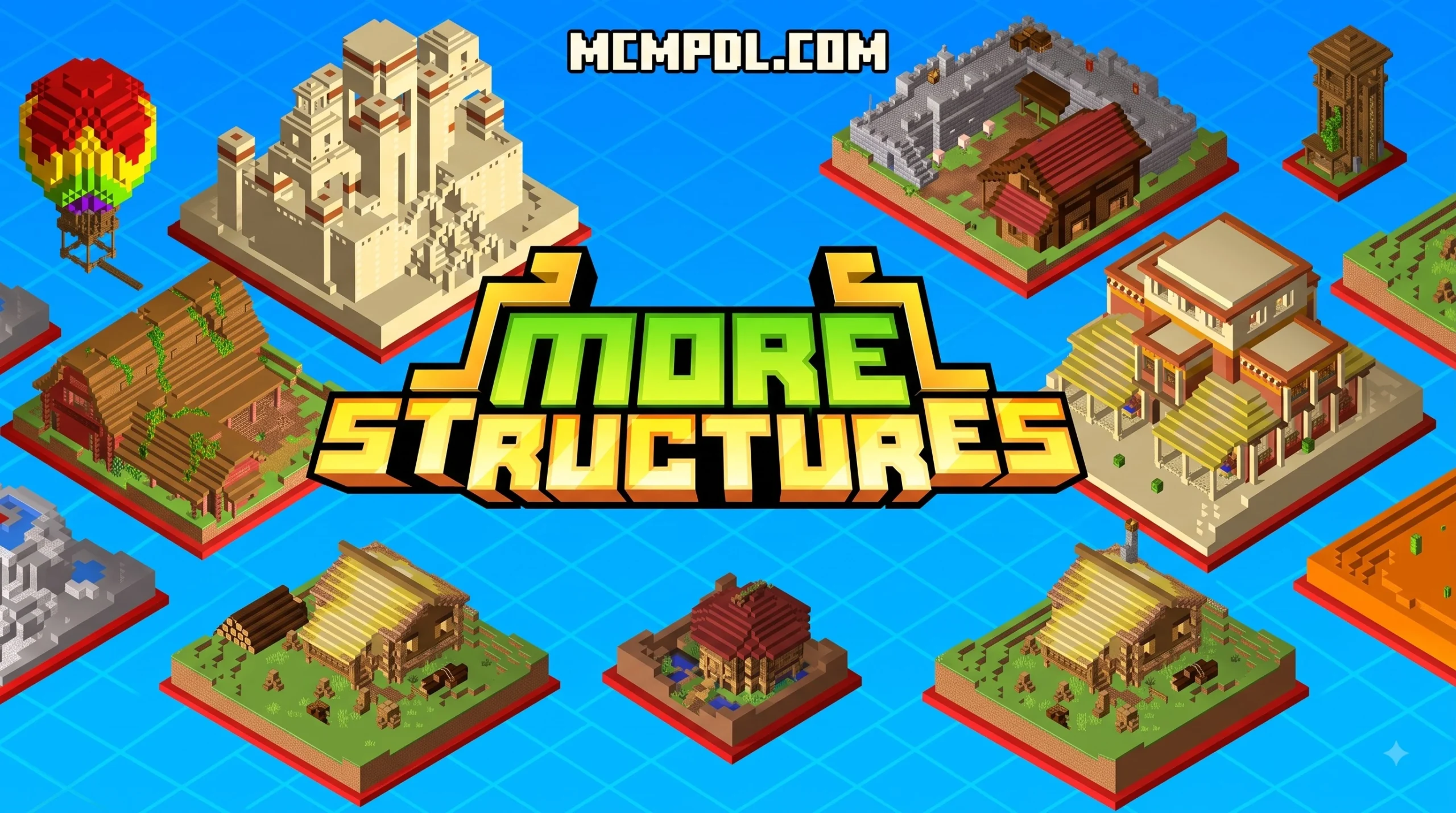
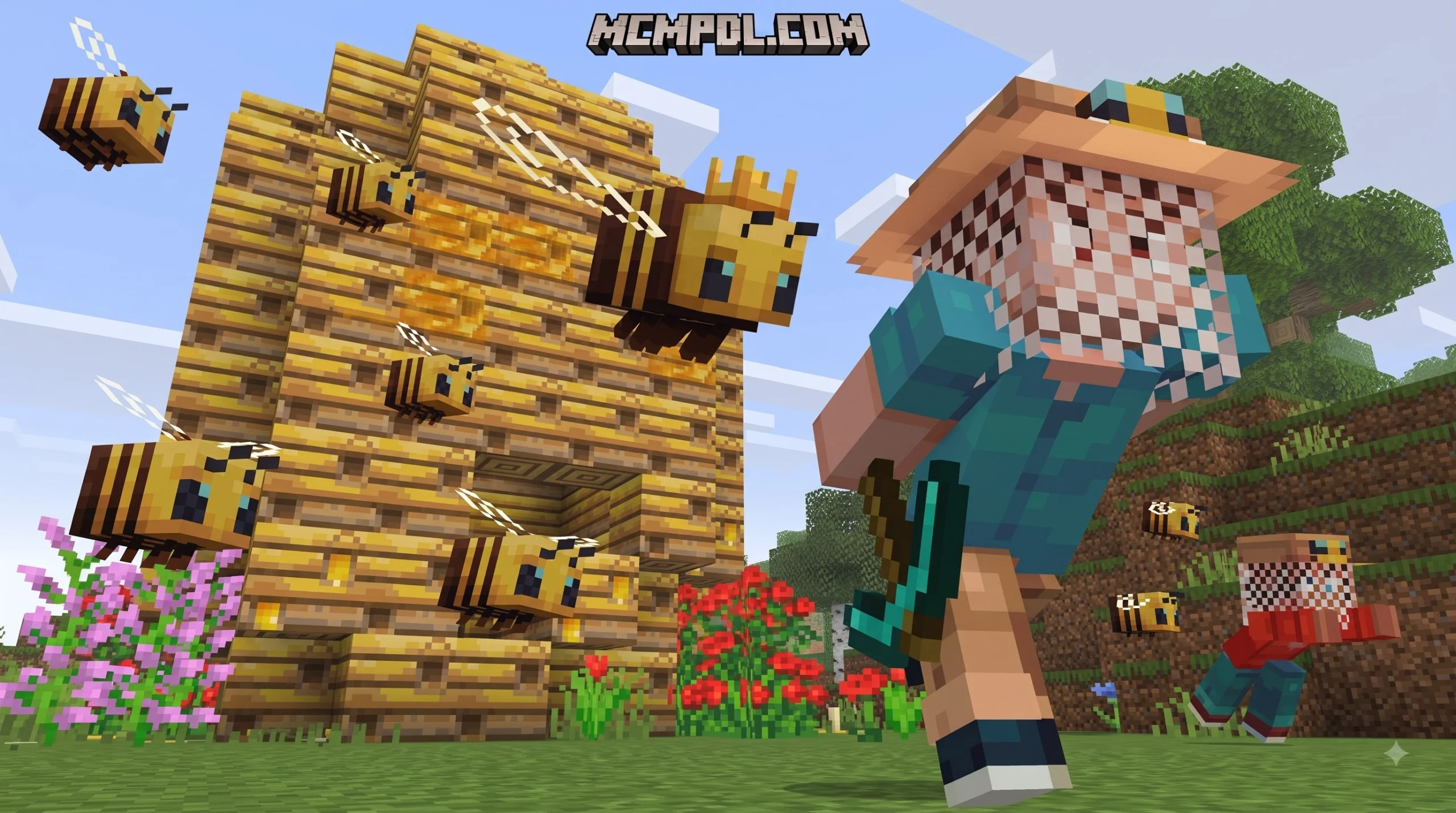
The More Structures Addon for Minecraft PE/Bedrock adds 30+ naturally generated landmarks to new worlds, giving explorers more reasons to travel beyond their base. Depending on the version, you can find campsites, pyramids, pirate ships, underground dungeons, witch houses, towers, and biome-specific ruins.
To get started, download the add-on file, import it into Minecraft Bedrock, enable its behavior and resource packs in a new world, and check whether your version needs Experimental settings or an activation key. Back up existing worlds first, since world-generation add-ons can affect newly created chunks.
More Simple Structures is designed to make survival exploration feel less empty without replacing Minecraft’s core world. Some releases also add hostile creatures, loot challenges, fruit trees, traps, and useful blocks. This guide explains which pack version to choose, how to install it safely on mobile or PC, and how to manage spawn rates and performance.
What is the More Structures Addon for Minecraft PE/Bedrock?
Exploration has always been a core pillar of survival gameplay, yet vanilla generation can sometimes leave vast open areas feeling quiet and repetitive. The More Simple Structures project, originally brought forward by community creator iKorbon, was built to fill those gaps. With over 1.1 million downloads across the community, this addon has established itself as one of the most popular exploration expansions across mobile and desktop Minecraft Bedrock editions.
The mod introduces over 30 distinct, naturally spawning structures that seamlessly weave into Minecraft’s default terrain. Unlike mods that completely override world generation or replace default blocks, this pack focuses on atmospheric depth. It respects the vanilla aesthetic while giving every expedition a sense of surprise and rewarding risk.
Understanding the difference between pack variations helps you pick the right setup for your world:
- Base Pack: Focuses purely on world generation, inserting structures built from vanilla blocks without adding custom scripts, entities, or experimental dependencies. This keeps file sizes small (often between 400 KB and 500 KB) and avoids compatibility clashes.
- Additions Pack: Expands upon the core buildings by introducing custom hostile mobs, unique loot tables, new foliage, fruit trees, and utility blocks.
Whether you are starting a fresh survival playthrough or assembling a long-term multiplayer realm, the addon provides steady milestones to discover across every dimension.
New Naturally Spawning Structures Across All Biomes
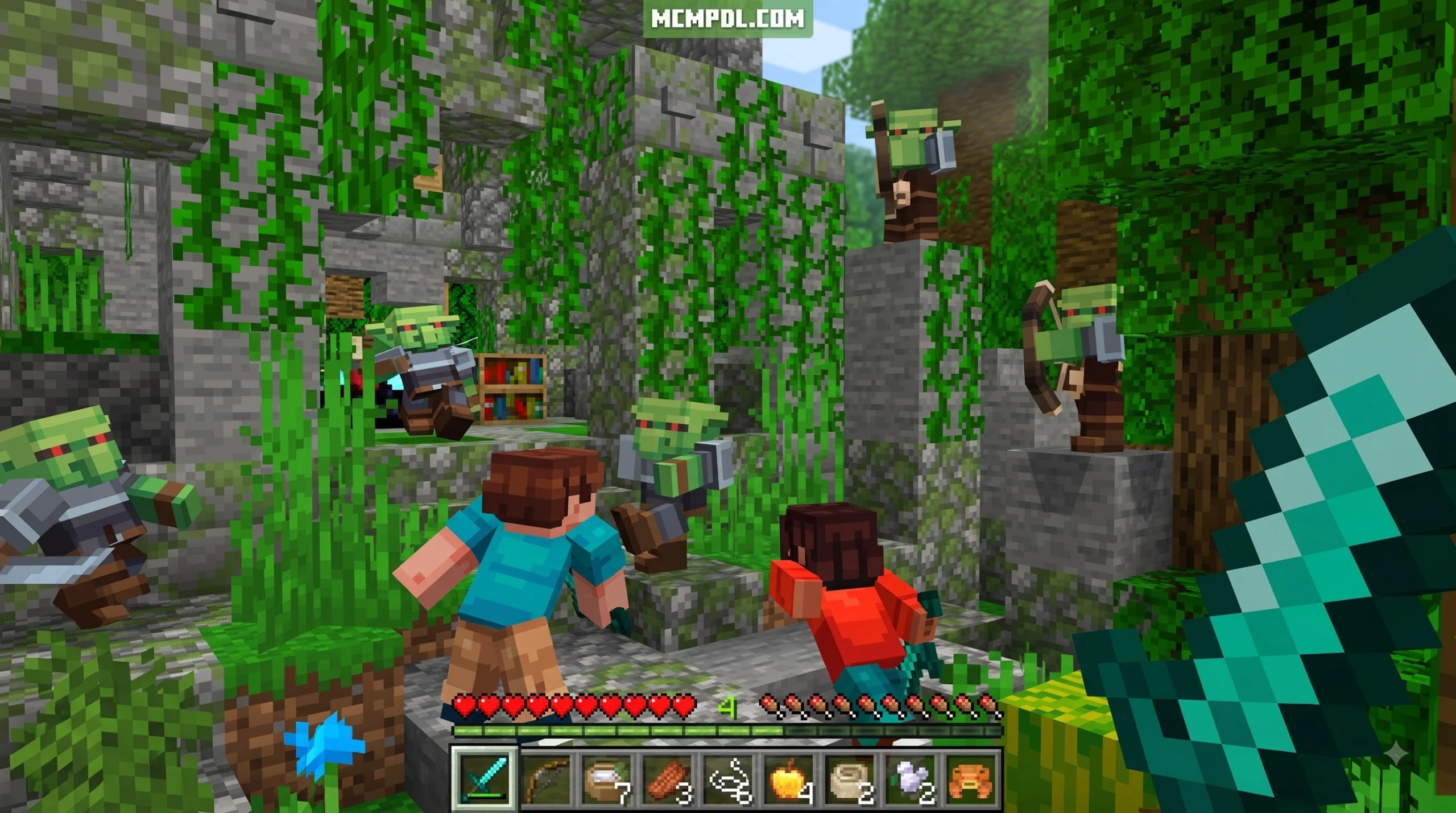
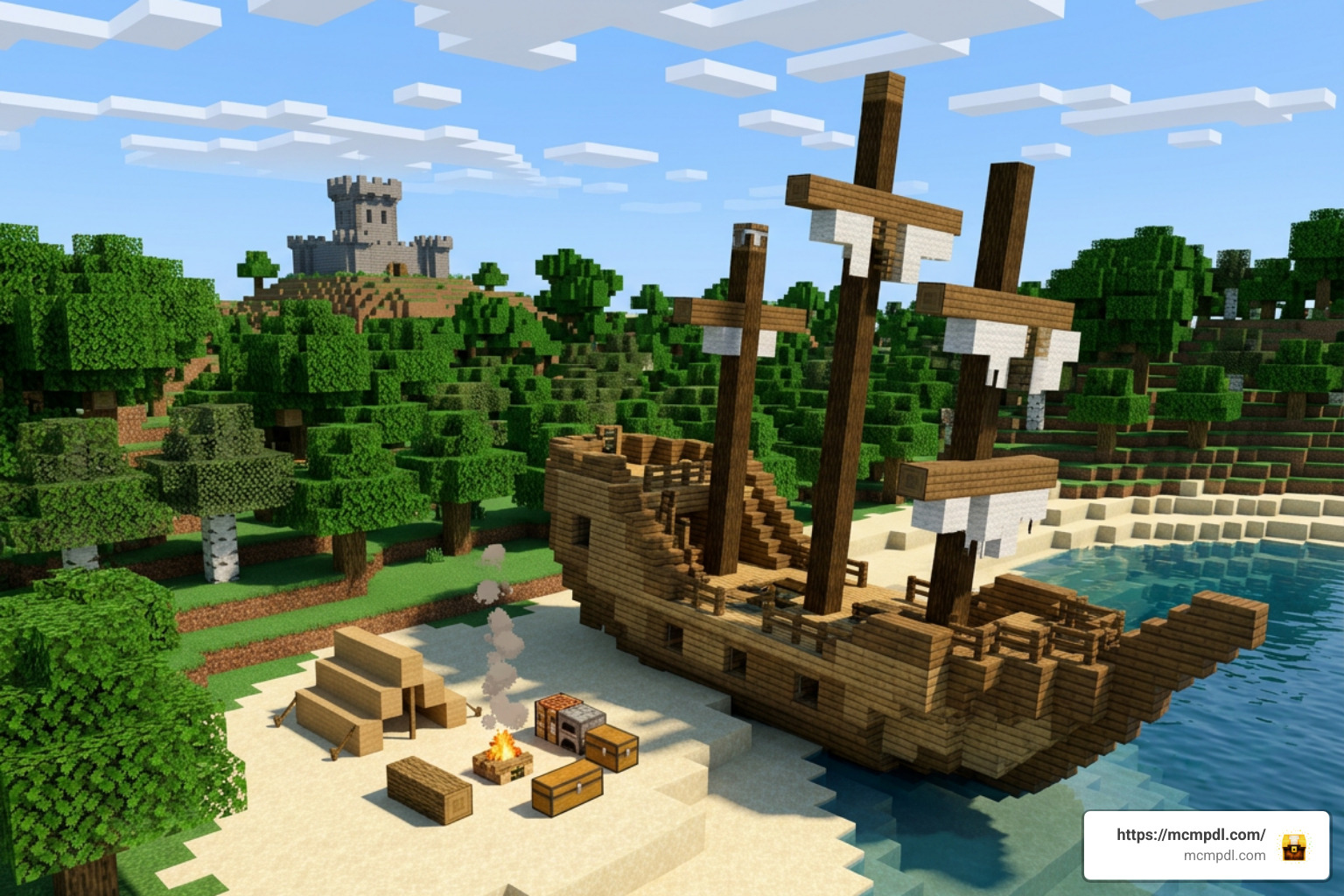
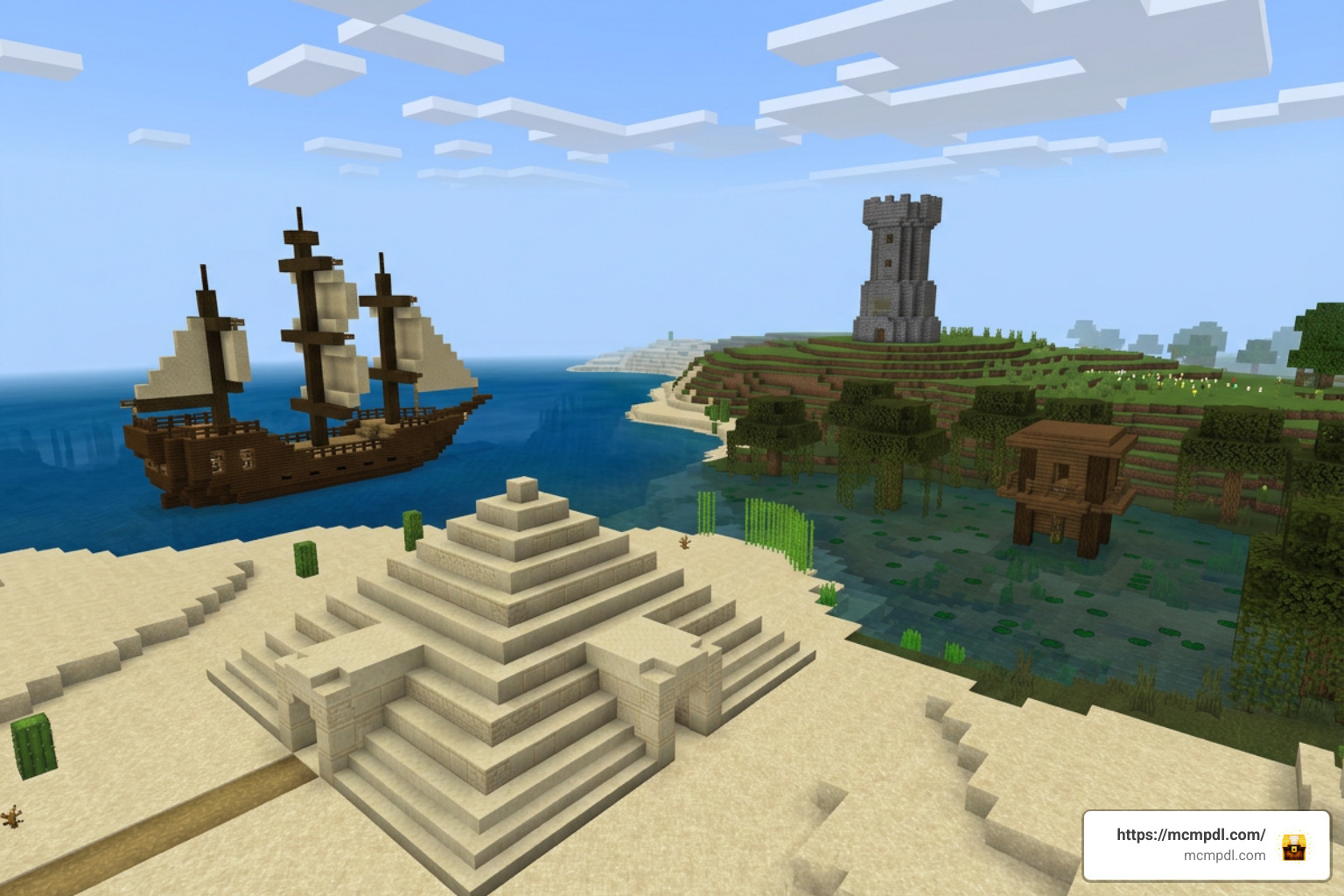
Every region in your world receives dedicated landmarks tailored to its environment. When trekking through the Overworld, you will encounter cozy campsites left behind by long-gone adventurers, intricate Desert Pyramids with buried treasure chambers, and overgrown Jungle Pyramids teeming with hidden traps.
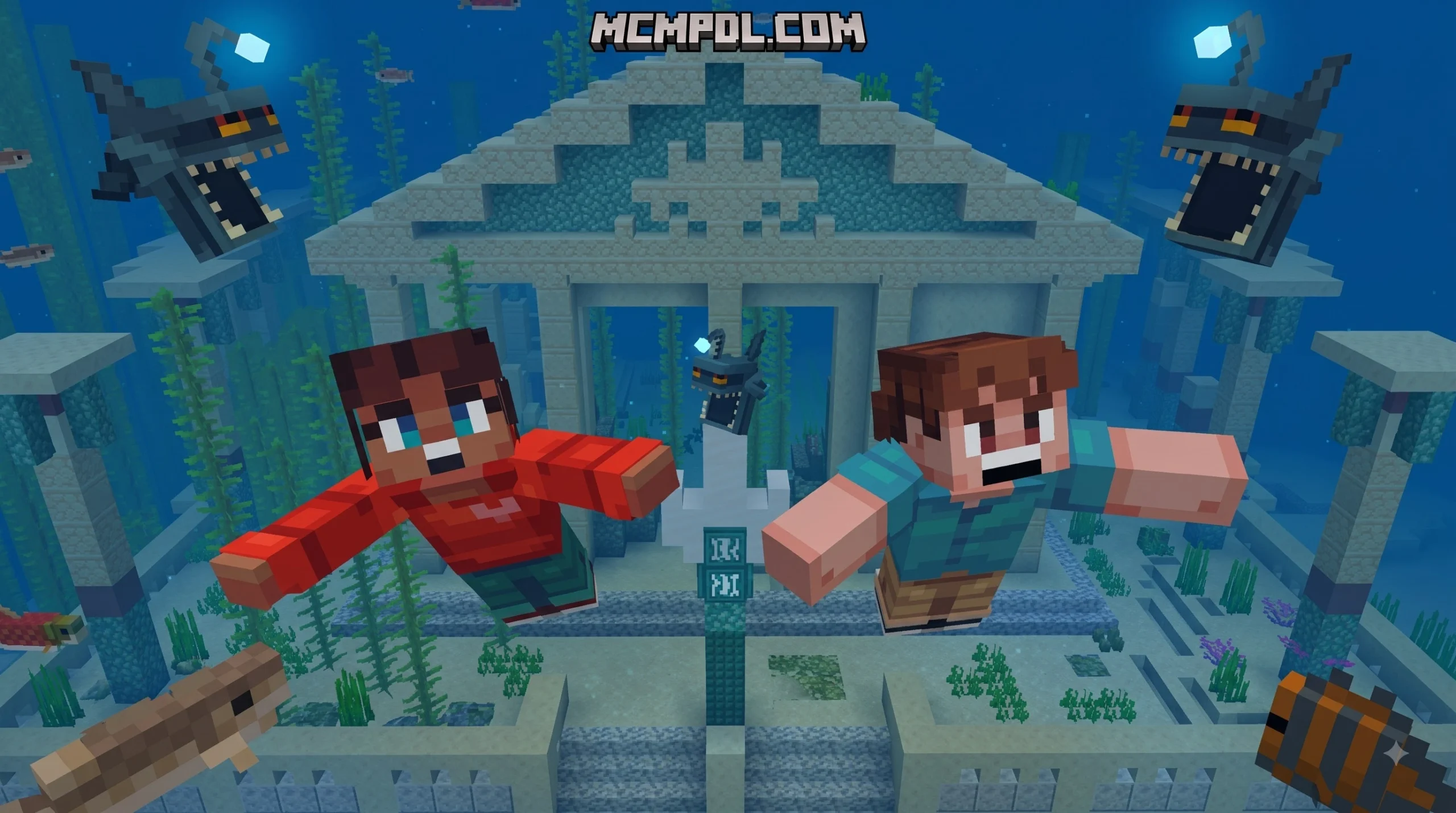
The oceans are no longer empty stretches of water; fully rigged Pirate Ships drift across open waters, complete with loot chests, navigational maps, and dangerous guardians. Inland, you can stumble upon secluded Witch Houses tucked into misty swamps, ancient watchtowers overlooking plains, and deep underground dungeons waiting beneath the stone.
If you enjoy weaving together rich overworld lore with your builds, pairing these landmarks with the Fragments of the Overworld Add On makes every newly generated continent feel like a forgotten empire waiting to be explored.
Exclusive Mobs, Blocks, and Items Included in the Pack
When running the expanded versions of the addon, the world feels alive thanks to new inhabitants and obstacles:
- Hostile Entities: Encounter the Mummy wandering arid deserts (inflicting a 15-second blindness debuff upon contact), the agile Decayed Zombie, and Enraged Zombies that charge with heightened speed.
- Mini-Boss Encounters: Delve into the deep Spider Cave to challenge the Queen Spider. Boasting an impressive 550 HP pool, defeating her yields high-tier survival rewards such as Totems of Undying and pristine diamonds.
- Interactive Utility Blocks: Build with the Sawmill for refined woodworking, or install the Jukebox+ to listen to expanded tunes around your campsite.
- Hazards & Agriculture: Beware of fatal Spike Traps hidden within dungeon corridors. On the surface, discover new harvestable flora including Orange, Golden Orange, Banana, and Coconut trees. You can even throw harvested coconuts as improvised projectiles!
Biome Compatibility and World Exploration Integration
Terrain generation mods often struggle to balance structure density with natural landscapes. The More Structures system uses biome-specific placement rules, ensuring that massive ice citadels never look out of place on a sunny coastline.
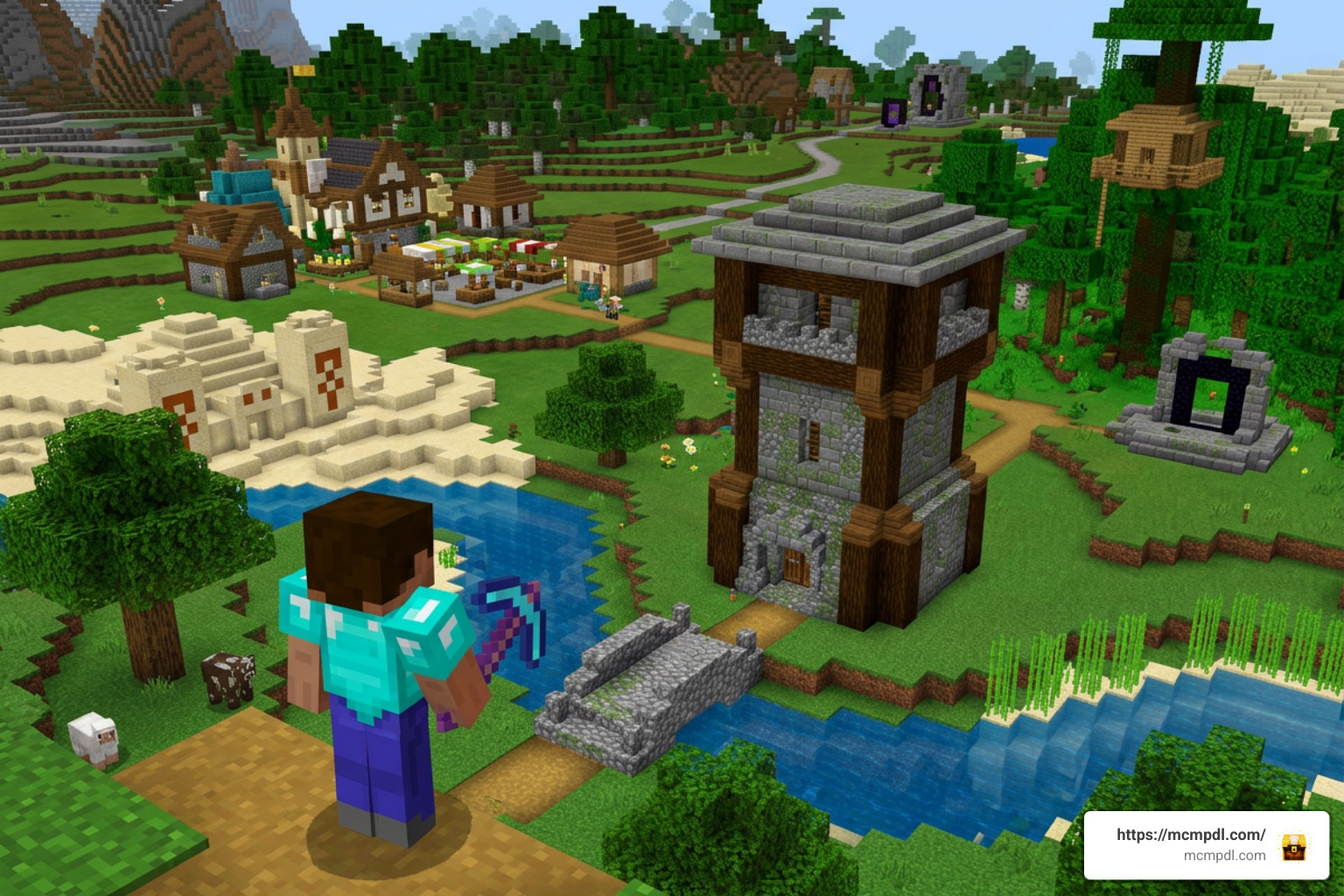
To craft a truly diverse survival realm, many players combine these structures with comprehensive world overhauls. Installing the Overhauled Biomes Addon for Minecraft PE Bedrock alongside the More Villages Addon for Minecraft PE Bedrock transforms default terrain into a lively world packed with settlements, watchtowers, and hidden ruins.
Beyond standard forests and deserts, the expansion also enhances remote dimensions:
- The Nether: Explore towering Piglin Fortresses and discover floating Piglin skiffs navigating lava lakes.
- The End: Search outer islands for hostile Endermite Nests and crashed void vessels holding end-game artifacts.
Underground and Cave Overhaul Integration
Underground spelunking undergoes a massive upgrade. Subterranean dungeons, forgotten crypts, and trapped totem rooms generate naturally between levels Y10 and Y50. These rooms feature tiered loot classes, ranging from basic survival supplies (Class C) up to rare diamond blocks and enchanted gear (Class A).
Recent updates have adjusted underground generation so that rooms remain tucked neatly inside cave walls rather than awkwardly floating inside open air pockets. If you want to make mining even more thrilling, combining this pack with the Caves and Beyond Addon for Minecraft PE Bedrock or the Cave Biomes Addon creates multi-layered subterranean networks filled with unique ecosystems and dungeon loot.
Surface and Atmospheric Enhancements
Surface exploration benefits from subtle touches that tell visual stories. You will come across mysterious Plains Oracles, forgotten Flower Oracles surrounded by vibrant meadows, abandoned homesteads perfect for early-game shelter, and coastal beach camps.
When used in tandem with the Seasonal Biomes Addon for Minecraft PE Bedrock or the Realistic Biomes Addon for Minecraft PE Bedrock, the shifting foliage and diverse weather conditions frame each ruined temple and towering statue like an ancient monument.
Step-by-Step Installation and Activation Guide
Installing addons on Minecraft Bedrock is straightforward across Android, iOS, and Windows platforms when using standard .mcaddon or .mcpack formats.
How to Install More Structures Addon for Minecraft PE/Bedrock on Mobile and PC
- Download the File: Acquire the latest
.mcaddonor separate Behavior and Resource pack files matching your game version. - Import into Minecraft:
- Windows 10/11: Double-click the downloaded
.mcaddonfile. Minecraft will launch automatically and import the packs. - Android: Use a file manager (such as FX File Explorer) to locate the file in your
Downloadsfolder, tap it, and select “Open with Minecraft”. - iOS: Tap the downloaded file in the Safari downloads tray, tap the Share icon, and select Minecraft.
- Windows 10/11: Double-click the downloaded
- World Setup:
- Create a New World (or create a complete backup of an existing world before editing).
- Scroll down to the Resource Packs tab and activate the pack.
- Go to the Behavior Packs tab and ensure the matching behavior component is active.
Configuring Experimental Settings and Structure Spawn Rates
Older iterations of Bedrock structure packs relied on the “Creation of Custom Biomes” experimental toggle. Recent updates (such as version 1.0.8+ and 4.8.0+) have streamlined these scripts, meaning standard structures generate without heavy experimental flags.
However, if you are running the extended pack with custom entities, fruit items, or custom blocks, navigate to the Experiments section in your world settings and toggle:
- Beta APIs (if prompted by the pack version)
- Holiday Creator Features / Upcoming Creator Features
To manage how frequently buildings appear, many releases include configuration options directly inside the behavior pack files or behavior sub-settings, offering Rare, Common, and High presets to match your preferred gameplay pace.
Performance Optimization and Pack Variations
Selecting the right variation ensures steady framerates, particularly on low-end mobile devices or multiplayer servers where multiple players generate new chunks simultaneously.
| Feature / Metric | Base Structure Pack | Extended Additions Pack | Achievement-Friendly Hunt Pack |
|---|---|---|---|
| New Structures | 30+ Landmarks | 30+ Landmarks | Selected Mini-Ruins & Ores |
| Custom Entities & Bosses | No (Vanilla Mobs Only) | Yes (Mummies, Queen Spider) | No |
| Custom Blocks & Items | No | Yes (Traps, Sawmill, Fruits) | No |
| Experimental Toggles Required | No | Yes | No |
| Disables Achievements? | Yes (standard behavior pack) | Yes | No (Resource-driven) |
| Memory Footprint | Very Low (~400 KB) | Moderate (~1-2 MB) | Extremely Low (<500 KB) |
| Recommended Chunk Distance | 16–24 Chunks | 12–16 Chunks | 16–32 Chunks |
If you are looking to build a massive modded survival experience without slowing down your game, browse through our curated Category Add Ons to find lightweight, performance-tested companion packs.
Troubleshooting Common Bugs in More Structures Addon for Minecraft PE/Bedrock
- Chunk Render Crashes: If your game crashes while exploring new territory at high speeds (such as on horseback or via Elytra), lower your simulation distance to 4 chunks and render distance to 16 chunks or lower.
- Missing or Magenta Textures: This happens if the Behavior Pack is active without the matching Resource Pack. Double-check world settings to confirm both components are enabled.
- Empty Chests or Despawning Totems: Ensure you have updated to the latest revision. Early builds occasionally had loot table naming conflicts that have since been patched.
- Realms Compatibility: When uploading to a Bedrock Realm, always apply the pack to a local single-player world first, test that structures generate properly, and then upload the configured world to your Realm slot.
Frequently Asked Questions
Does the addon disable achievements in Minecraft Bedrock?
Yes, applying standard behavior packs that modify world generation or add custom scripts will automatically mark the world as modded and disable Xbox Live achievements. If earning milestones is your priority, look specifically for resource-only structure packs labeled “Achievement Friendly” that avoid behavior overrides.
How do you generate and use the in-game activation key?
Certain community builds designed for Bedrock version 26.30+ include a quick verification step to prevent unauthorized file re-hosting. When you first spawn into a freshly created world, an on-screen prompt may provide a short link to retrieve a free session key. Simply copy that key, paste it into the in-game chat box, and hit enter to unlock world generation.
Can you customize or reduce structure spawn frequency?
Yes. Inside the behavior pack’s configuration files (or via the gear icon next to the active pack in world settings), you can adjust structure density. Switching the spawn preset from “High” to “Rare” spreads landmarks farther apart, preserving a more challenging, vanilla-like exploration curve.
Conclusion
The More Structures Addon brings a fresh breath of life to Minecraft Bedrock exploration. By adding dozens of unique ruins, ocean voyages, deep underground challenges, and atmospheric shrines, it rewards every survival journey with genuine discovery.
Whether you prefer the clean, lightweight Base Pack for standard survival or the feature-packed Additions version for tough boss fights and custom crops, you can find the latest compatible versions and guides on MCMPDL. Install the addon, pack your gear, and set out to conquer the new landmarks waiting across your world!

6 thoughts on “More Structures Addon for Minecraft PE/Bedrock”