Scroll down to D0vvnl0ad
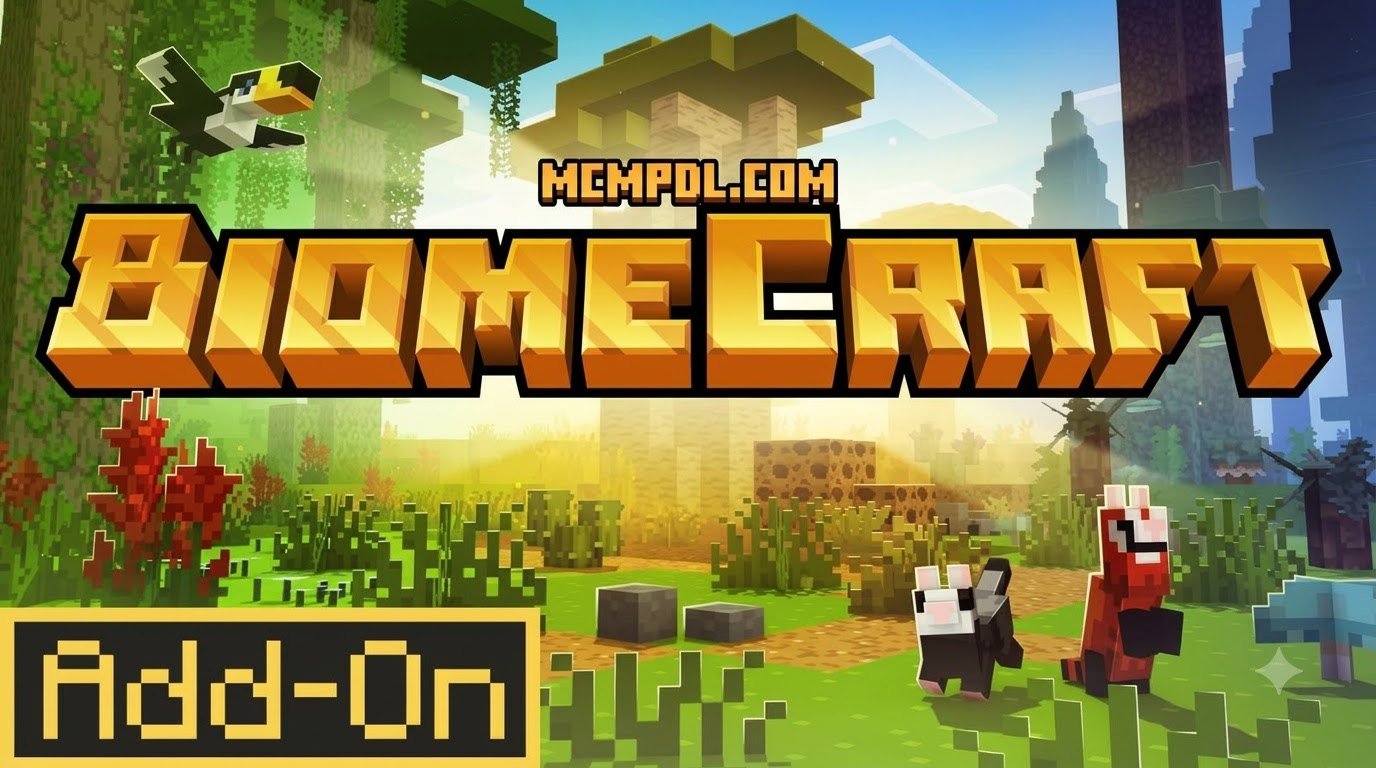
Install BiomeCraft Add-On 1.0 in Minecraft PE and Bedrock
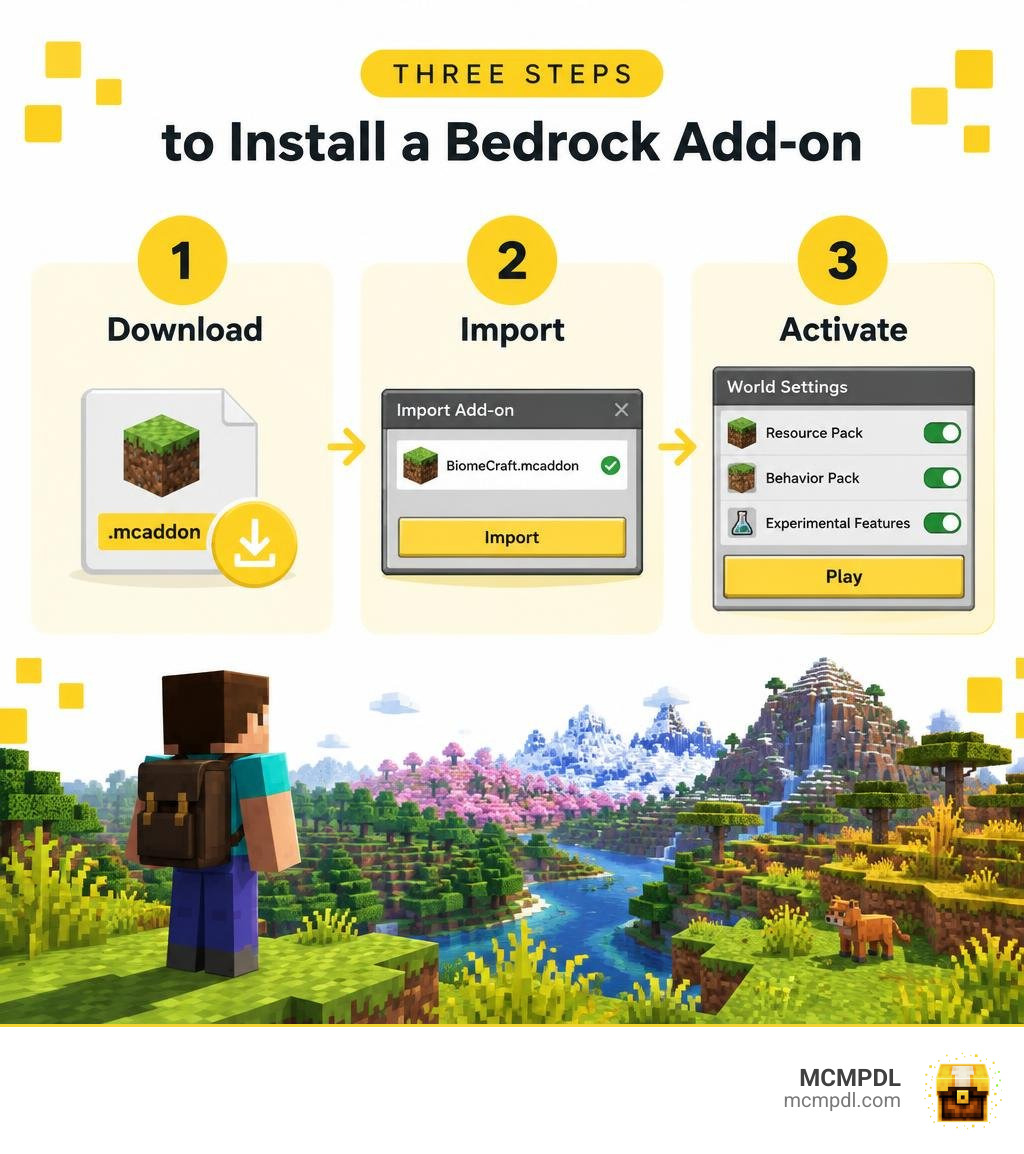
To install the BiomeCraft Add-On 1.0 Addon for Minecraft PE/Bedrock, download a copy that matches your Minecraft Bedrock version, then open the add-on file to import it into the game. Back up your world before you start. In the world settings, activate the add-on’s resource and behavior packs, turn on any required experimental features, and load the world.
The add-on brings new biomes and mobs to explore. If they do not appear, check that both packs are active and that your game version is compatible. Because custom terrain generation and new entity behaviors require additional processing, players on mobile devices should also keep their render distance moderate and close background apps before loading a world. This helps the game allocate enough memory for the expanded biome data and reduces the chance of a freeze or crash during chunk generation.
What Is BiomeCraft Add-On 1.0 Addon for Minecraft PE/Bedrock?
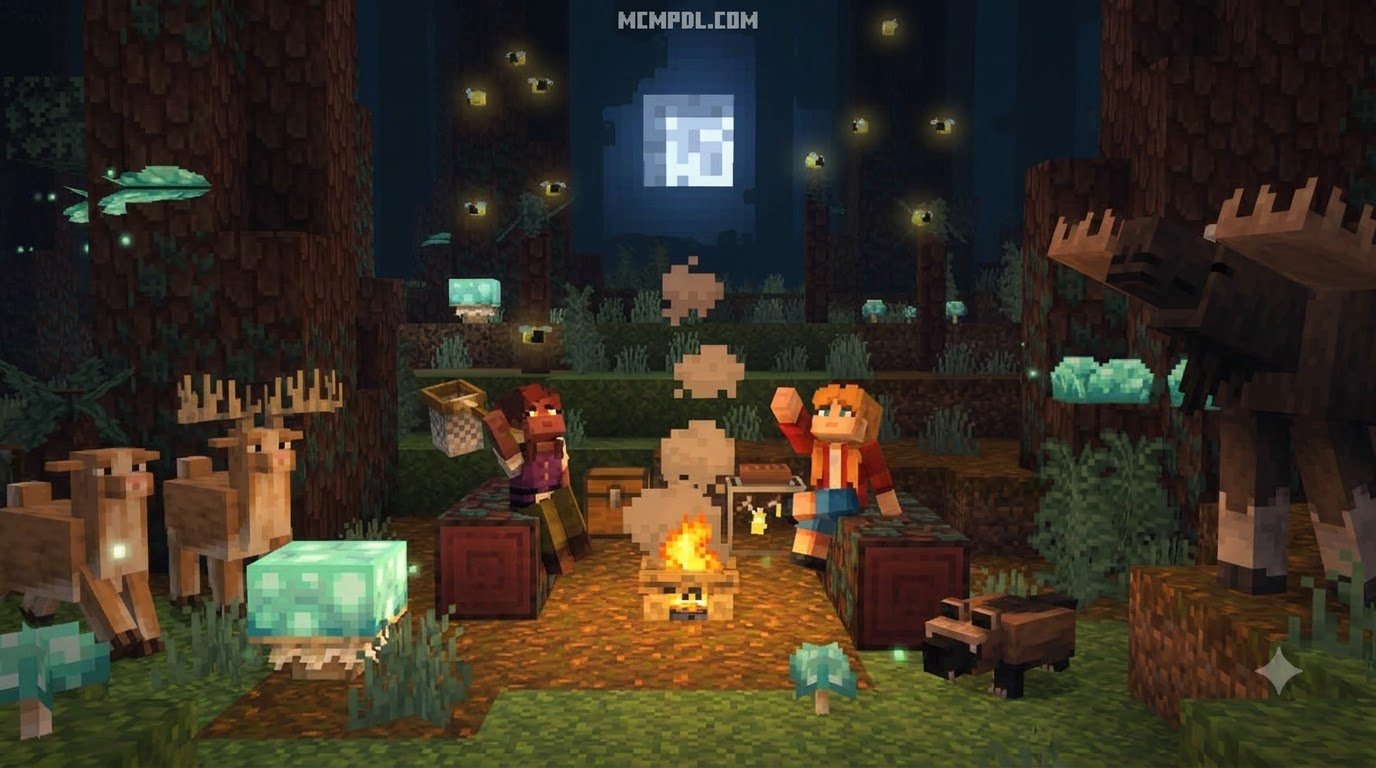
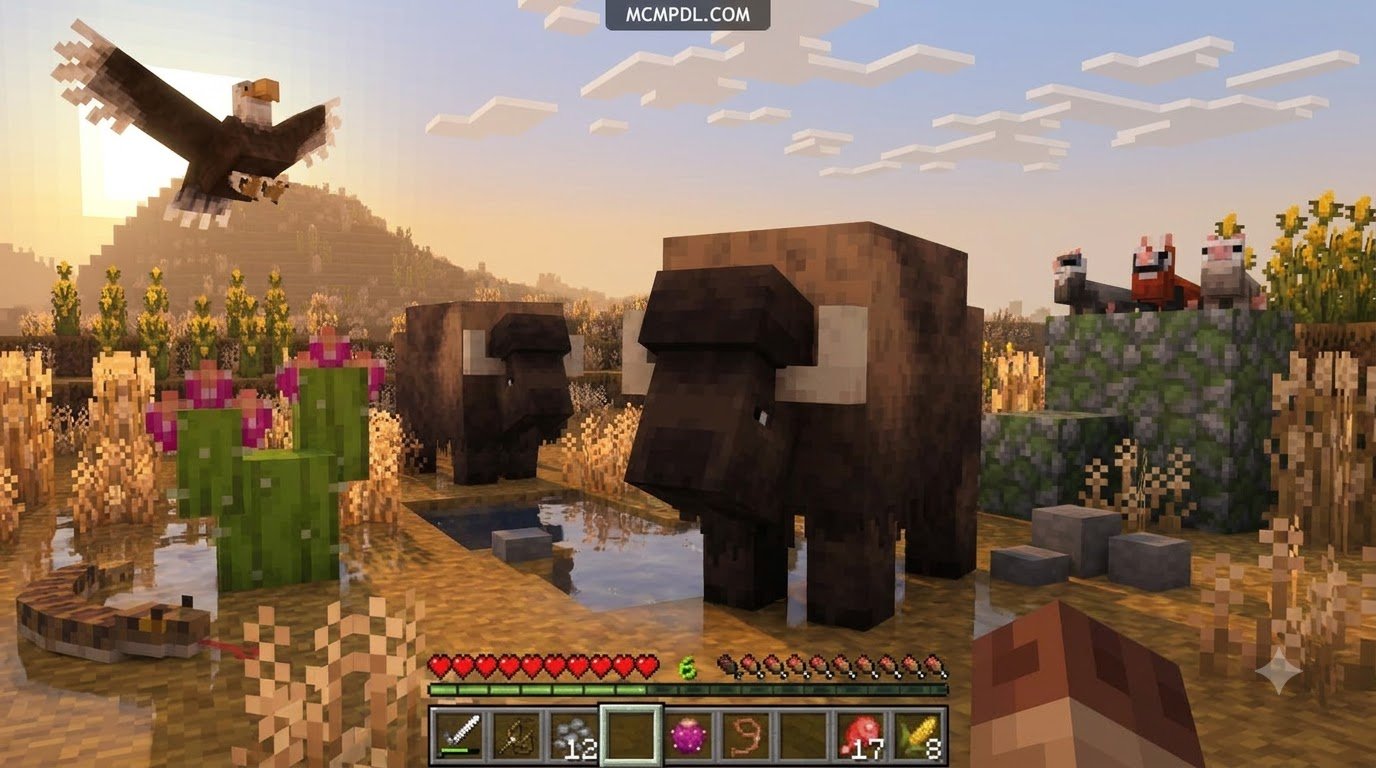
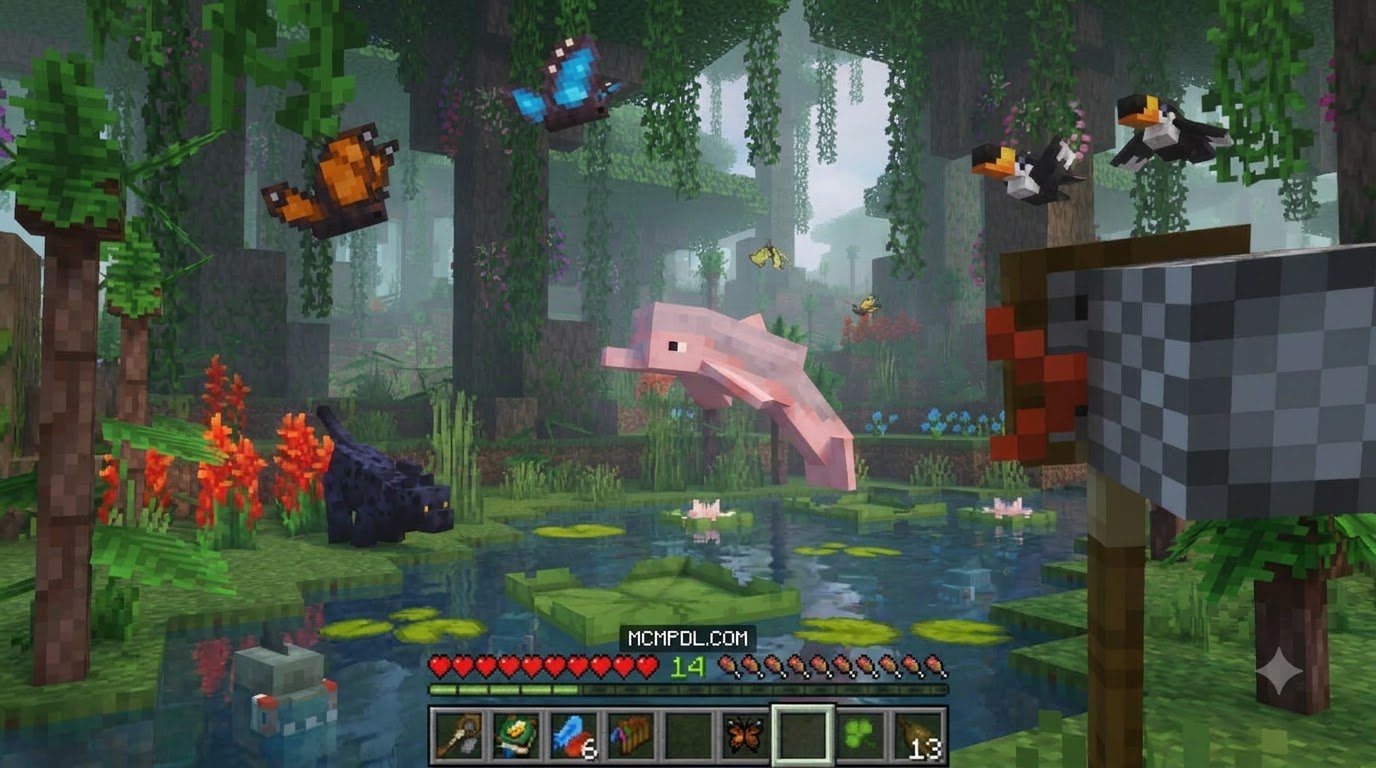
Minecraft Bedrock Edition offers vast procedural terrain, but over years of exploration, standard plains, deserts, and spruce forests can start feeling predictable. The BiomeCraft Add-On 1.0 Addon for Minecraft PE/Bedrock breathes fresh life into world generation by overhauling how natural landscapes form, introducing diverse surface zones, unique flora, and an array of brand-new creatures.
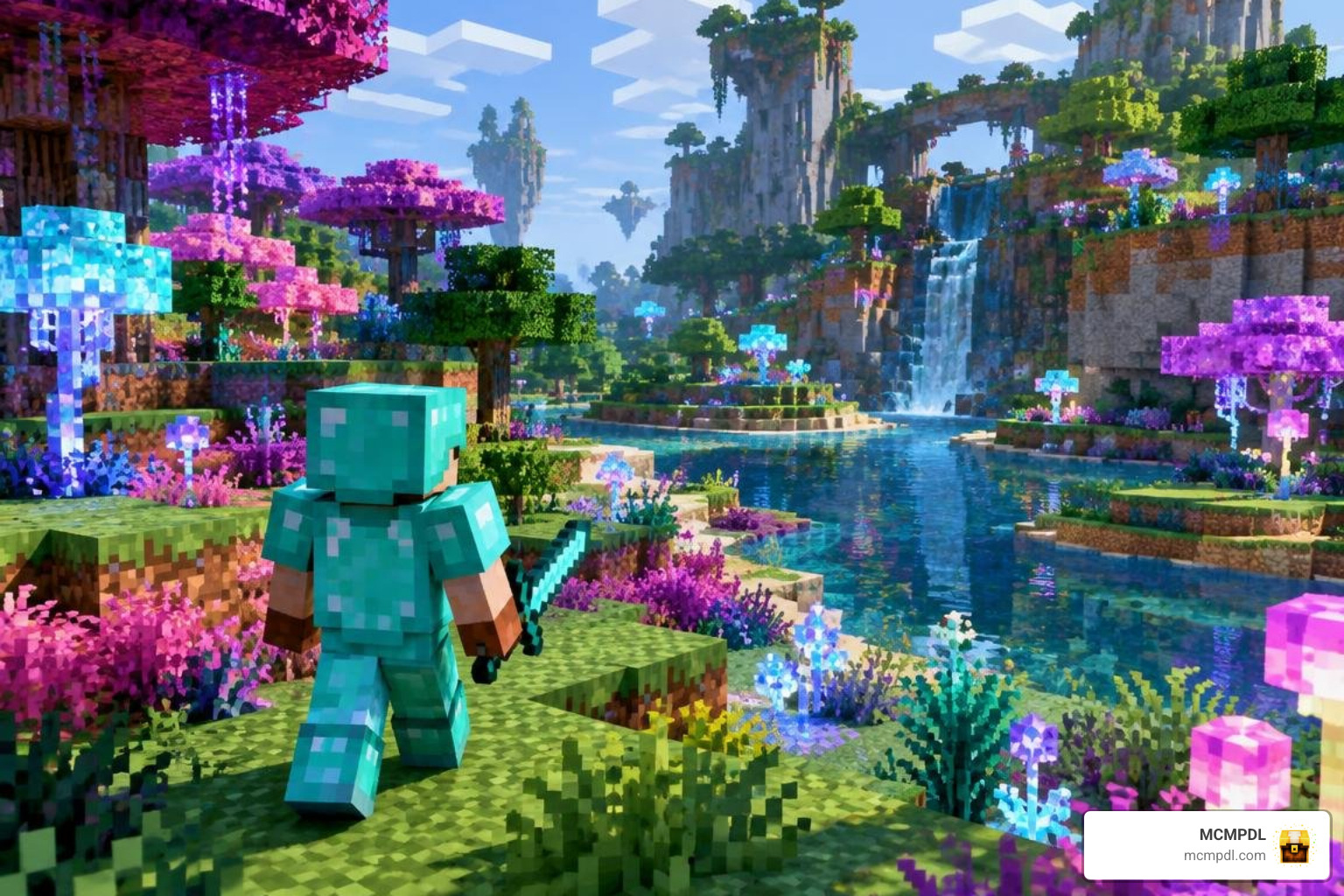
Instead of merely retexturing vanilla trees or recoloring grass, BiomeCraft functions as a comprehensive expansion pack. It modifies terrain height maps, foliage density, and environmental mob spawning to ensure that journeying across your survival map feels like stepping into uncharted territory. The result is a more varied overworld where each region has its own visual identity, resource distribution, and wildlife behavior.
Key Features of BiomeCraft Add-On 1.0 Addon for Minecraft PE/Bedrock
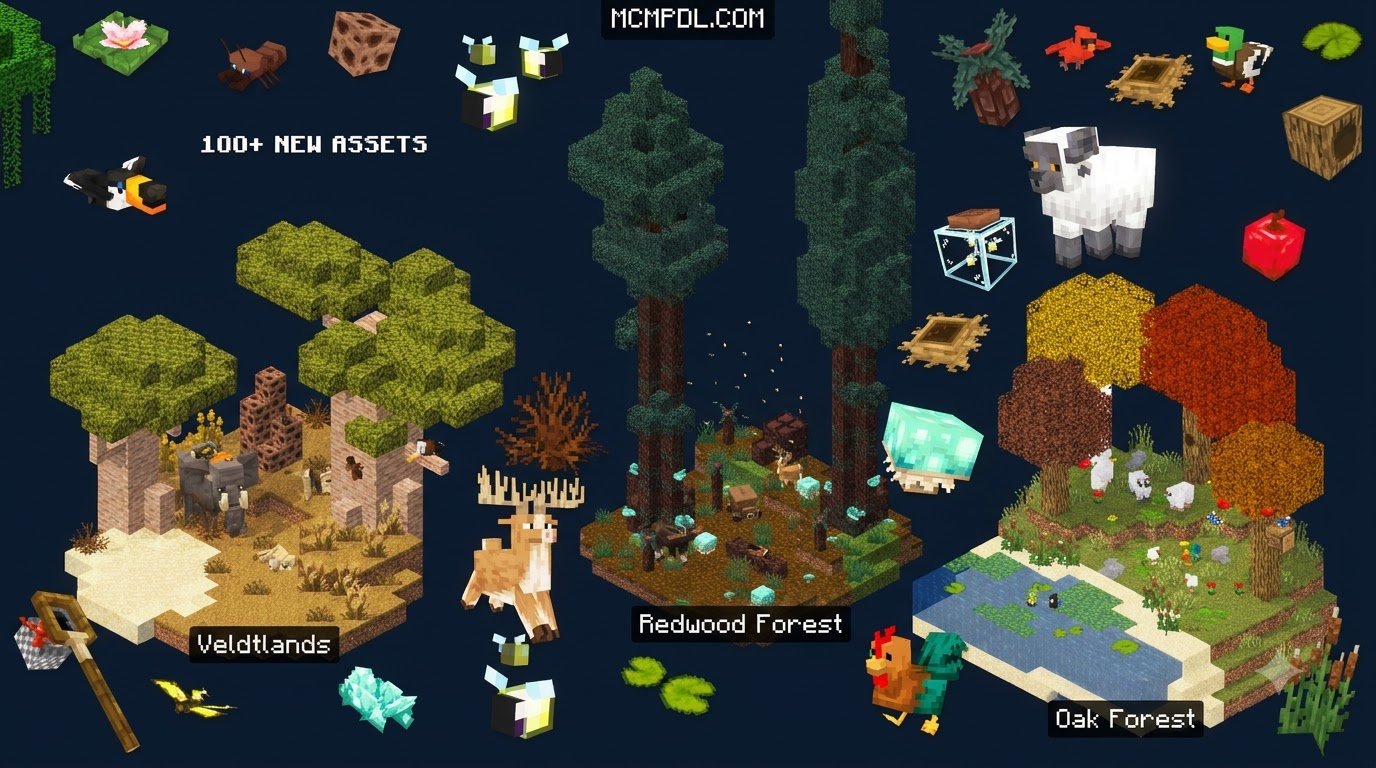
BiomeCraft 1.0 introduces a balanced mixture of ground-up world redesigns alongside enhanced versions of classic biomes. When you venture across a world running this add-on, you will discover:
- Four Completely New Biomes: Unique ecosystems featuring custom ground cover, distinctive foliage, atmospheric fog, and tailored resource deposits.
- Two Enhanced Classic Biomes: Revamped versions of traditional biomes that feature denser tree canopies, varied elevation, and richer sub-structures.
- Over 25 Unique Mobs: A thriving ecosystem of passive wildlife, neutral critters, and aggressive hostiles that populate specific regions.
- Custom Equipment and Armor: Discover new craftable weapons and defensive gear sets forged from rare materials found exclusively within the new environments.
If you enjoy creating rich, living ecosystems, you can pair these environments with naturalist wildlife expansions or pair them alongside realistic environmental biomes to turn your survival world into a living, breathing wilderness.
System Requirements and Bedrock 1.21 Compatibility
BiomeCraft 1.0 is engineered specifically for Minecraft Bedrock 1.21 and newer builds. Because custom biomes and entity behaviors require active script evaluations and extra block definitions, understanding system allocation helps maintain steady frame rates on mobile devices and consoles. Players who run several add-ons at once should also consider pack load order, since behavior packs that modify mob AI or terrain generation can conflict if they are not arranged correctly.
| Feature / Metric | Vanilla Bedrock 1.21 | BiomeCraft 1.0 Expanded World |
|---|---|---|
| Unique Surface Biomes | Standard Vanilla Roster | Vanilla + 4 Custom + 2 Overhauled |
| Custom Entity Roster | Vanilla Spawns | 25+ New Specialized Mobs |
| RAM Recommendation | 2 GB minimum | 3 GB to 4 GB recommended |
| Storage Footprint | Base Game Size (~500 MB) | +15 MB to 30 MB per world file |
| Experimental Toggles | Not required | Required (Custom Biomes & Molang) |
How to Download and Install BiomeCraft Add-On 1.0 Step-by-Step
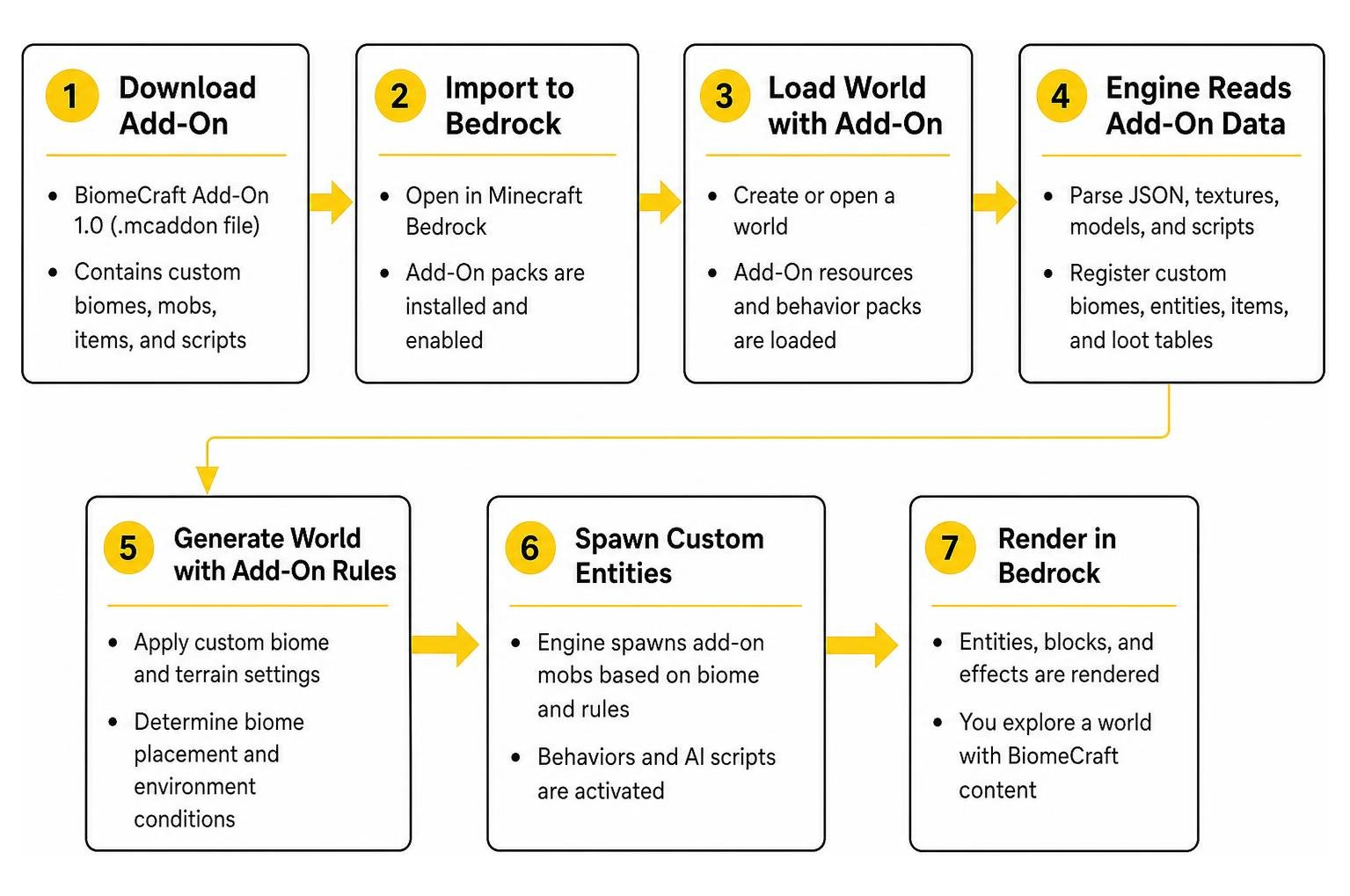
Installing custom modifications on Minecraft Pocket Edition and Bedrock platforms has become straightforward thanks to unified file types. Follow our sequential breakdown below to get your world set up correctly.
Step 1: Downloading BiomeCraft Add-On 1.0 Addon for Minecraft PE/Bedrock
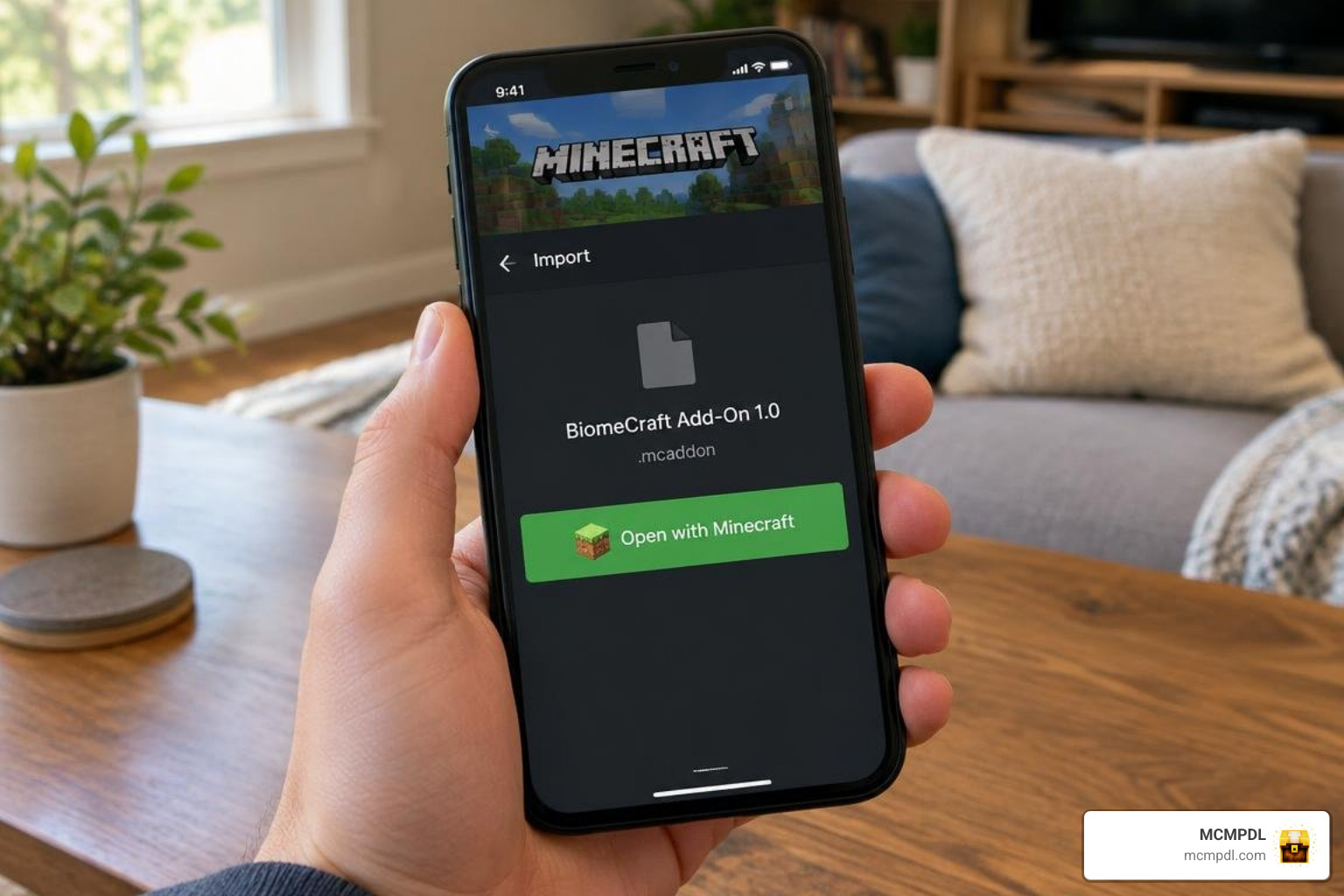
First, obtain the official .mcaddon or paired .mcpack files from trusted repository sources like MCMPDL. Before opening the file, confirm that the download completed fully and that the file size matches the listing on the download page. A partial or corrupted download can cause the import to fail or leave missing textures in your world.
- On Android / iOS: Tap the downloaded
.mcaddonfile directly from your browser’s download tray or mobile file manager. Choose Minecraft when prompted with the “Open With” dialog. - On Windows 10/11: Double-click the downloaded file. Minecraft will launch automatically and display an import banner at the top of your screen.
Step 2: Enabling Experimental Gameplay Settings
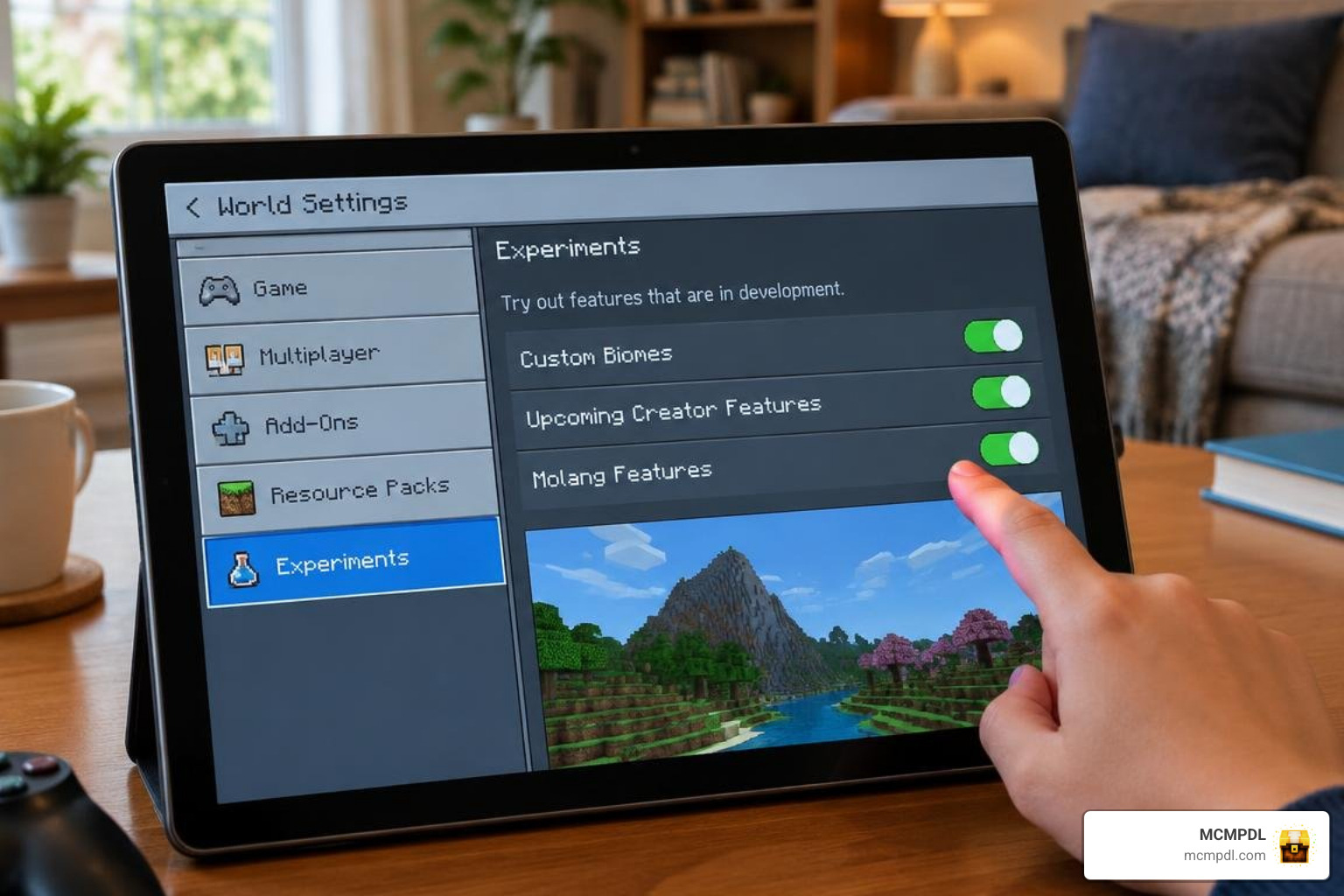
Because custom world generation alters terrain rendering, you must enable experimental switches inside your chosen world:
- Open Minecraft and navigate to your World Settings (create a new world or click the pencil icon next to an existing one).
- Scroll down on the left-hand navigation pane to the Experiments tab.
- Toggle on Custom Biomes, Upcoming Creator Features, and Molang Features.
- Confirm any warning prompts regarding experimental mechanics.
Step 3: Activating Resource and Behavior Packs
An add-on cannot function properly if only half of its assets are loaded. BiomeCraft relies on a twin architecture:
- In your world settings, select Resource Packs from the left sidebar, locate BiomeCraft Resource Pack under Available, and click Activate.
- Select Behavior Packs, find BiomeCraft Behavior Pack, and activate it as well.
- Ensure that BiomeCraft is positioned near the top of your active pack hierarchy if you run other add-ons that modify mob AI or structure layouts.
If you enjoy discovering ruins and landmarks as you explore these new landscapes, you can combine this setup with packs for generating custom world structures to make survival exploration even more rewarding.
Troubleshooting Common BiomeCraft Loading and Generation Errors
If your terrain fails to generate or custom entities appear as missing purple-and-black textures, walk through these quick diagnostic fixes:
- Missing Textures / Invisible Mobs: This happens when the Resource Pack is disabled while the Behavior Pack is active. Ensure both packs are turned on simultaneously in the world options.
- Harsh Square Chunk Cuts: If you loaded BiomeCraft onto a pre-existing map, newly generated custom biomes will only appear in fresh, unvisited chunks. You can resolve abrupt terrain cuts by testing complementary overhauled biome overhauls on brand-new seeds.
- Game Freezing During Generation: High render distances on low-RAM mobile devices can lead to crashes when calculating custom vegetation. Drop your simulation distance down to 4 chunks and render distance to 8–10 chunks.
- Import Fails or Pack Does Not Appear: If the add-on does not show up in your available packs after import, the file may be incomplete or associated with a different Minecraft version. Re-download the
.mcaddonfrom a trusted source, confirm that your game is updated to Bedrock 1.21 or newer, and try importing again.
Frequently Asked Questions about BiomeCraft 1.0
Does BiomeCraft 1.0 work on existing Minecraft worlds?
Yes, but with limitations. The add-on cannot convert chunks that have already been explored and saved to your device’s storage. To see the new biomes and vegetation, you will need to travel out into newly rendered chunks, or simply start a fresh survival world. Before enabling the add-on on an existing world, make a backup copy so you can restore the original save if the terrain blending does not look the way you expected.
Why are new mobs and biomes not spawning after installation?
This usually stems from disabled experimental toggles or pack priority conflicts. Verify that Custom Biomes and Molang Features are toggled active in your world settings, and make sure other packs are not overriding wildlife mob spawns. If the issue continues, move the BiomeCraft behavior pack higher in the active pack list and reload the world.
Can you combine BiomeCraft with other cave or structure add-ons?
Yes. BiomeCraft primarily alters surface generation, meaning it pairs smoothly with underground expansion mods. You can easily integrate subterranean cave biomes to enjoy deep underground exploration alongside vibrant surface landscapes. Keep an eye on pack load order, and test a new world first if you plan to run several terrain-changing add-ons at once.
Conclusion
The BiomeCraft 1.0 Add-On transforms standard Bedrock exploration into an adventure packed with vibrant landscapes, challenging wildlife, and valuable crafting materials. By enabling experimental features and activating both resource and behavior files, you can turn any mobile or desktop survival seed into a dynamic, uncharted world.
To complement your newly transformed wilderness, consider upgrading Bedrock visuals with an ultimate PvP texture pack for clean particle effects, low-fire overlays, and optimized frame rates during your survival journeys. Explore our extensive library on MCMPDL to find the latest verified add-ons, texture overhauls, and gameplay modifications.