Scroll down to D0vvnl0ad
Overview and Origins of PowerCraft in Minecraft
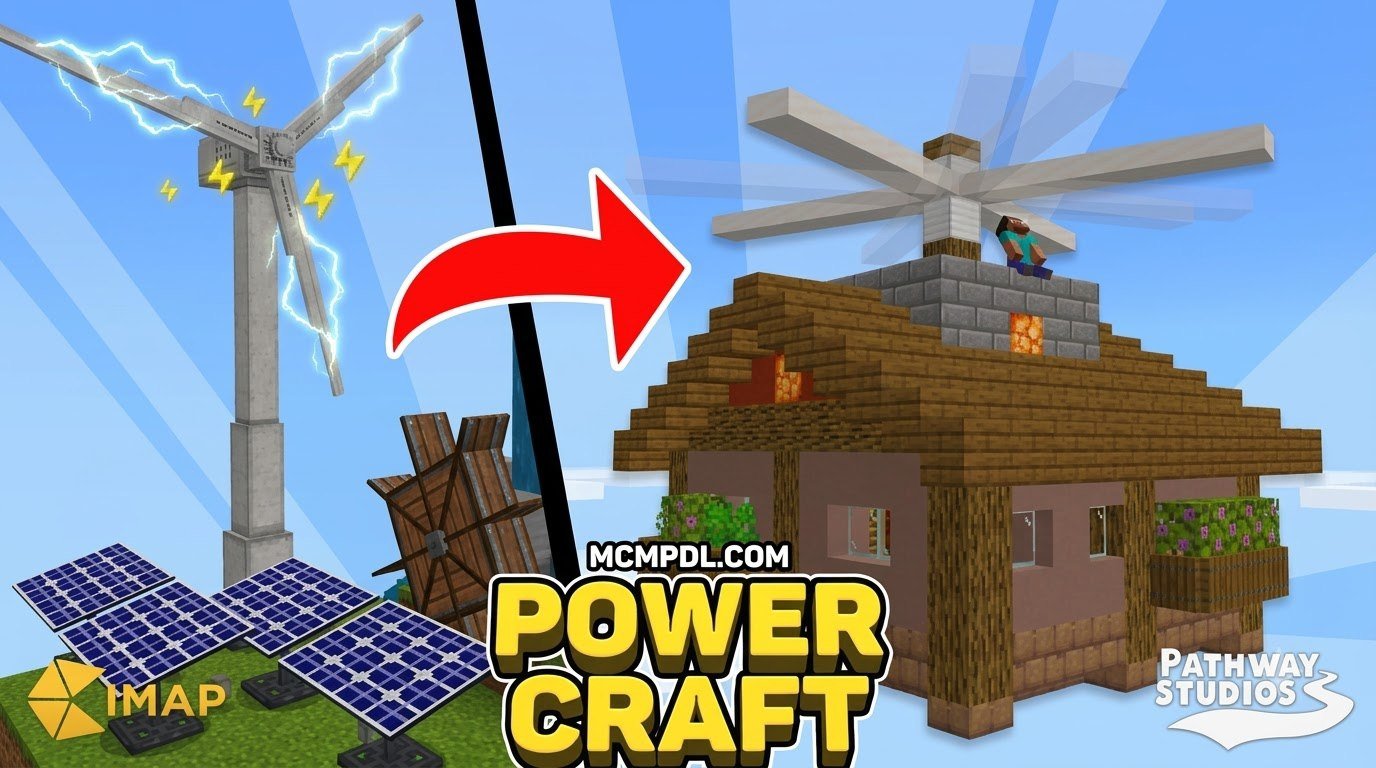
The PowerCraft Map for Minecraft PE/Bedrock is a custom world that transforms survival gameplay into an interactive engineering sandbox. Developed by Cimap and Pathway Studios, this Bedrock map replaces tedious manual labor with renewable power sources, advanced wiring logic, and automated farming facilities. Instead of managing complex external dependencies or risky file modifications, players get a fully realized high-tech settlement out of the box. You can download the map and import the .mcworld file into Minecraft Bedrock to start playing immediately and begin experimenting with the PowerCraft Map for Minecraft PE/Bedrock the moment the world finishes loading.
The concept of power generation and mechanized industry has deep roots across the Minecraft community. In early sandbox gameplay, players relied on elaborate redstone contraptions or experimental modifications to introduce basic conveyor systems and industrial mechanics. Over time, technical builders sought cleaner, script-driven systems tailored specifically for Bedrock Edition’s flexible engine. Early technical projects laid the foundation for modern creations that blend command logic, custom textures, and dynamic entities into a cohesive gameplay loop, turning once-tedious survival chores into satisfying automation puzzles.
Modern map creators utilize advanced systems comparable to our favorite World Editing Addon for Minecraft PE/Bedrock to sculpt immersive terrains and embed intricate command structures. The result is a seamless adventure where electricity flows directly into your crop fields, security perimeter, and mining shafts without requiring dozens of external configurations or unstable software tweaks.
What truly sets this technological village apart is how naturally the energy simulation blends into ordinary survival routines. Rather than forcing players to study complicated crafting trees or memorize obscure command syntax, the map teaches energy management through hands-on experimentation. Walking past a turbine, watching lights flicker on, and seeing automated harvesters spring into motion all reinforce the underlying world mechanics in a way that feels intuitive rather than academic. This makes PowerCraft an excellent entry point for players curious about technical Minecraft builds but intimidated by traditional redstone engineering.
Core Features of the PowerCraft Map for Minecraft PE/Bedrock
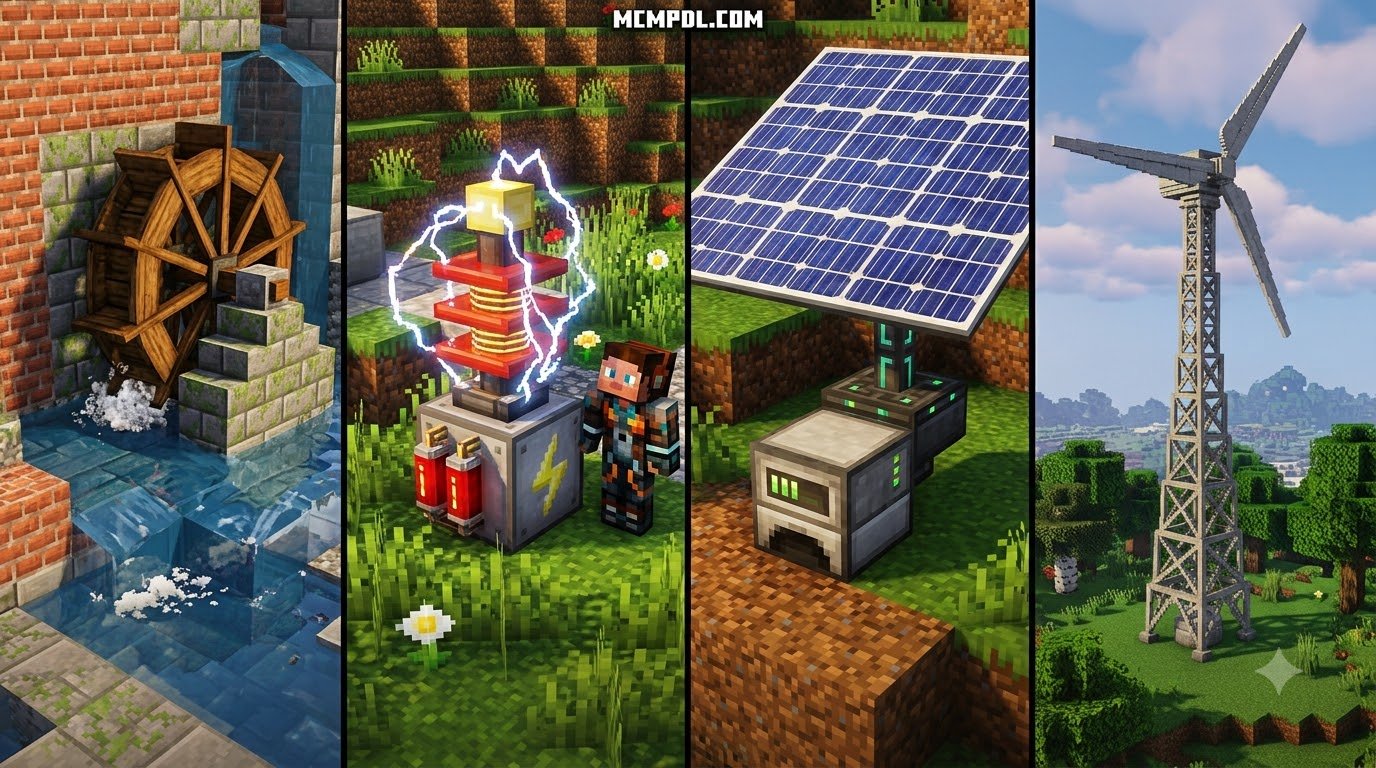
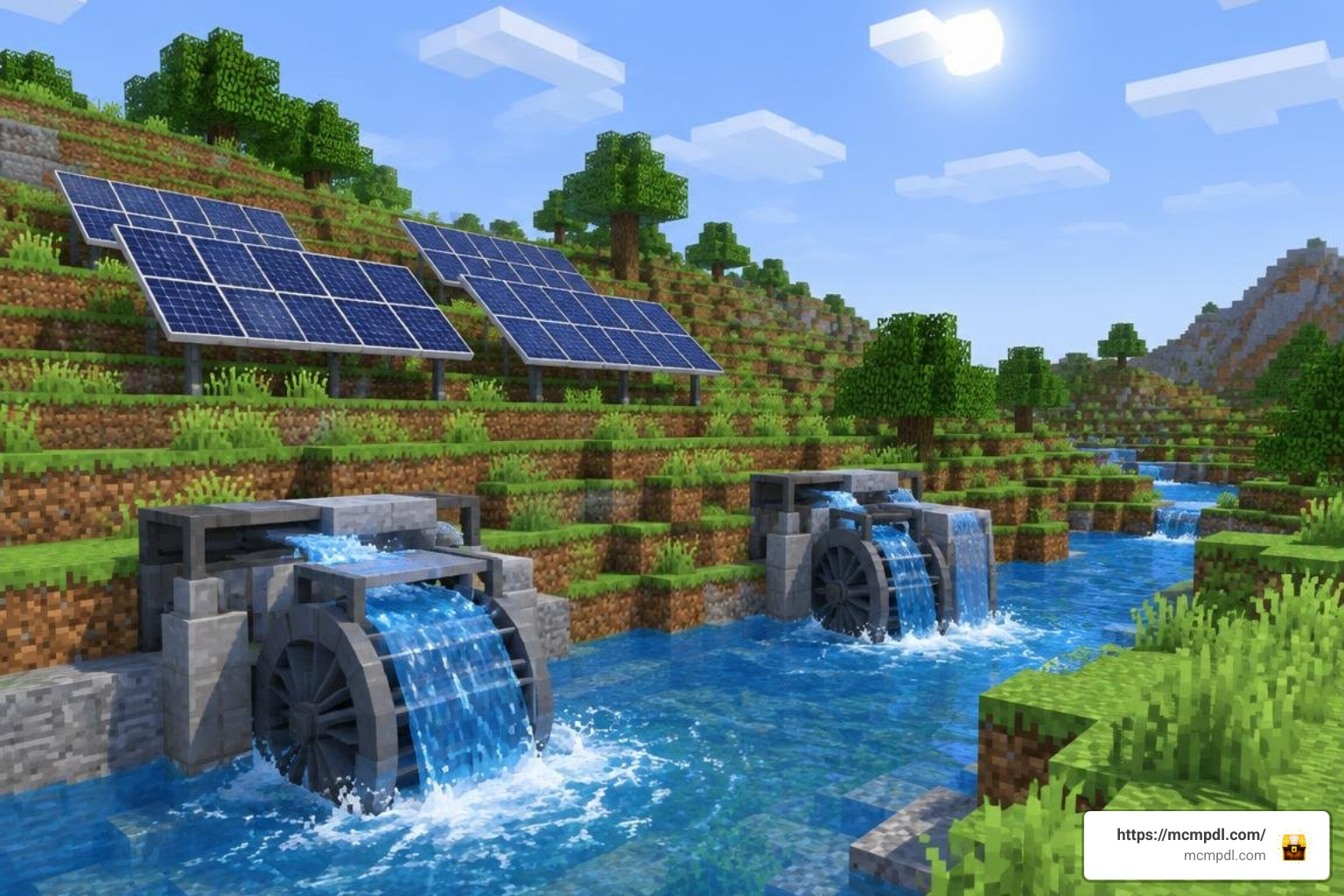
At the heart of the experience is an intuitive electrical network. You can harness environmental power or burn fossil fuels to drive your settlement. The map strikes a clever balance between educational energy simulation and thrilling sandbox action, allowing players to build sustainable automated complexes that operate non-stop.
| Power Source | Primary Resource | Placement Requirement | Main Advantage |
|---|---|---|---|
| Water Turbine | Flowing Water | Riverbanks / Ocean channels | Constant day-and-night output |
| Wind Turbine | Kinetic Airflow | Elevated hilltops / Open towers | Clean energy with zero fuel consumption |
| Solar Panel | Sunlight | Clear sky exposure | Compact footprint for rooftop arrays |
| Coal Generator | Coal / Charcoal | Enclosed utility sheds | High burst energy on demand |
Balancing these generators ensures your base remains energized through storms and deep nights. When you connect your energy hub, the settlement handles routine survival chores automatically, pairing naturally with utility packs like the Essentials Addon for Minecraft PE/Bedrock for streamlined world management and effortless navigation.
Advanced Automation and Resource Gathering
Once electricity is coursing through your infrastructure, manual chores become a thing of the past. The automation systems included in the world handle several vital tasks across your industrial zone:
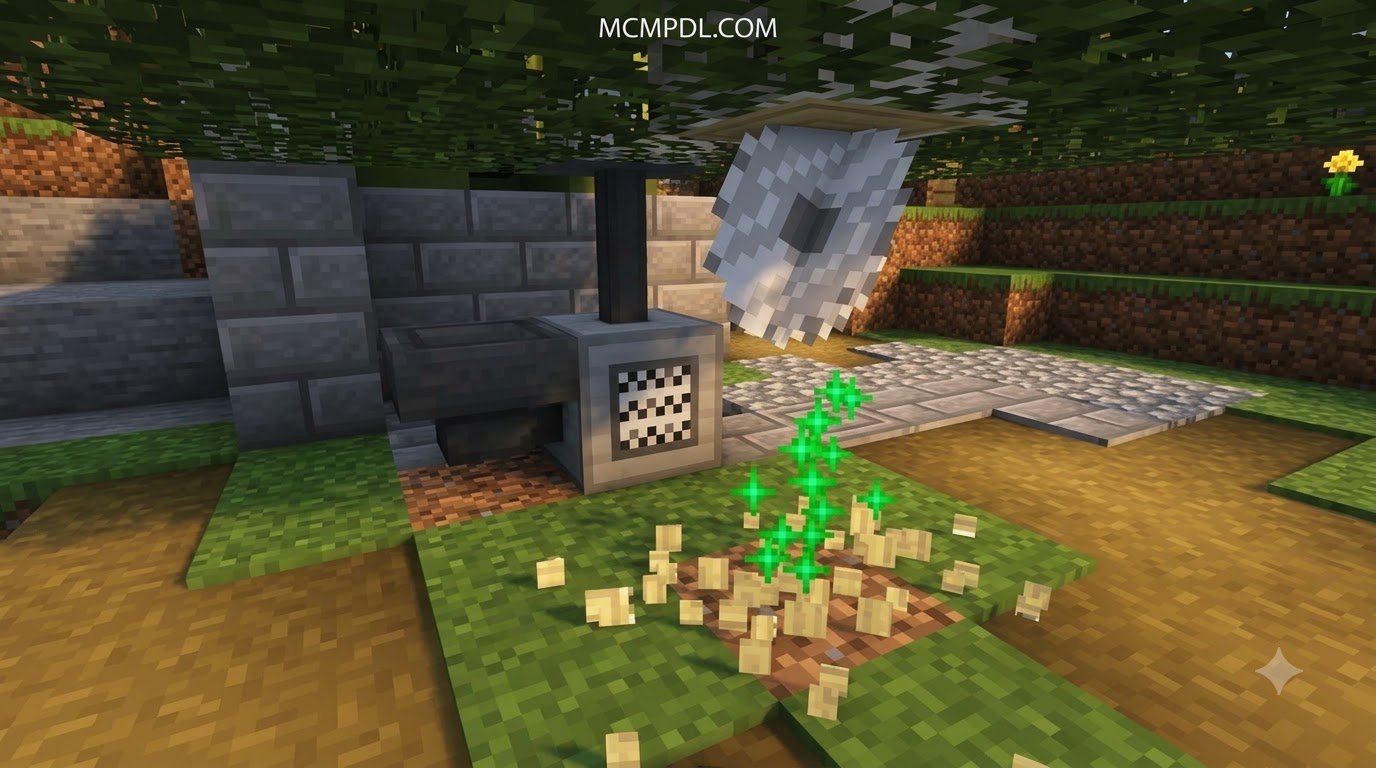
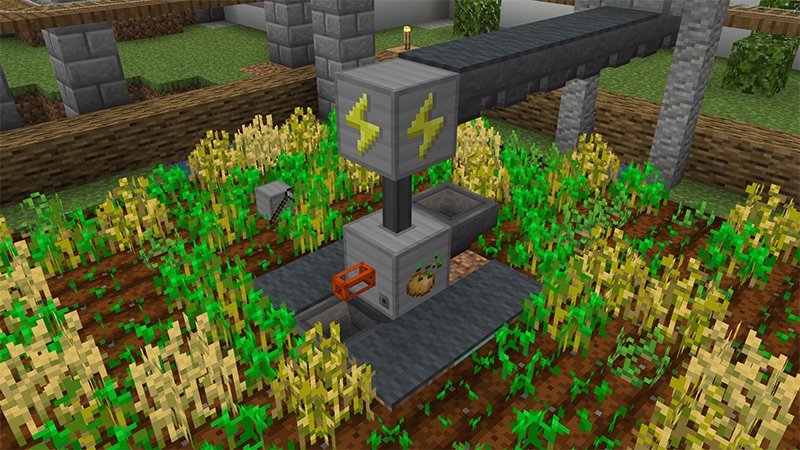
- Automated Agriculture: Water and electric pulses trigger automatic seed planting, hydration cycles, and rapid harvesting for both crops and timber forests. Collected items are automatically funneled into categorized central chests for immediate processing.
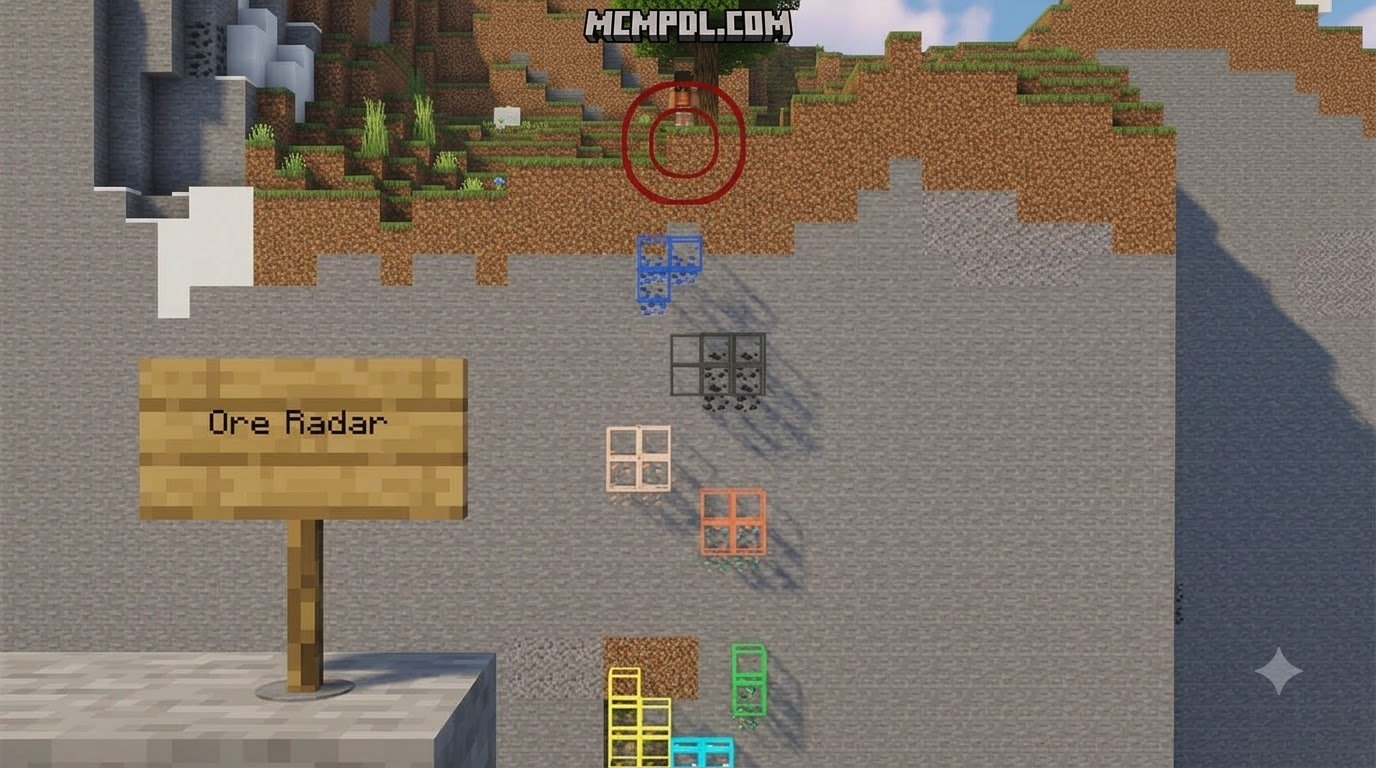
- Glowing Ore Detection: Specialized subterranean sensors illuminate buried minerals beneath your feet. Looking downward reveals illuminated veins of iron, gold, and diamonds through solid stone without requiring blind, exhausting strip mining expeditions.
- Electric Defense Grid: Perimeter conductors channel high-voltage currents into encroaching monsters, shocking creepers, skeletons, and zombies before they reach your doorstep. This active barrier keeps your automated facilities intact during nighttime raids.
- Central Storage Sorting: High-speed conduits transfer collected raw materials from your farms and quarry zones straight to automated sorting rooms, keeping your workshop completely clutter-free.
If you enjoy testing base defenses against formidable threats, pairing your engineering setup with extra challenges like the Bosses Addon or custom combat gear from the Weapons and Powers Addon for Minecraft PE/Bedrock creates an exhilarating tower-defense dynamic that pushes your grid management to its limits.
The Flying House and Aerial Mechanics
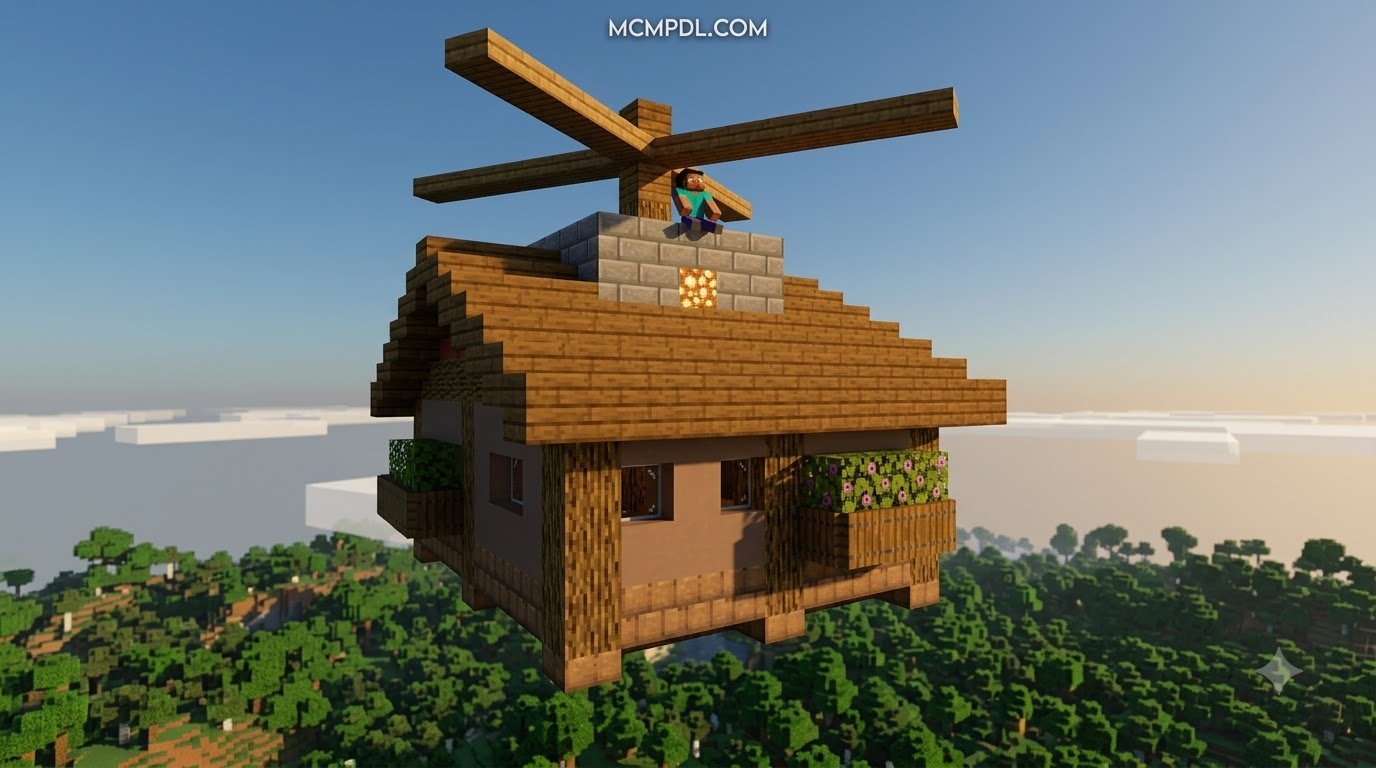
Perhaps the most delightful feature of the map is the airborne command center. Rather than leaving your headquarters behind when venturing into the wilderness, your main house functions as an airship.
Equipped with steering thrusters and a dedicated launch mechanism, the flying house takes to the skies with no runway needed. While cruising above the clouds, you can pilot the structure across biomes, scan the ground below, and deploy TNT charges from overhead dispensers to clear obstacles or blast open cavern entrances. It serves as your ultimate mobile base, workshop, and transport vehicle all in one. Players can store crafting benches, furnaces, and rare loot onboard while journeying across rugged mountain chains and expansive ocean biomes.
Installation and Technical Setup Guide
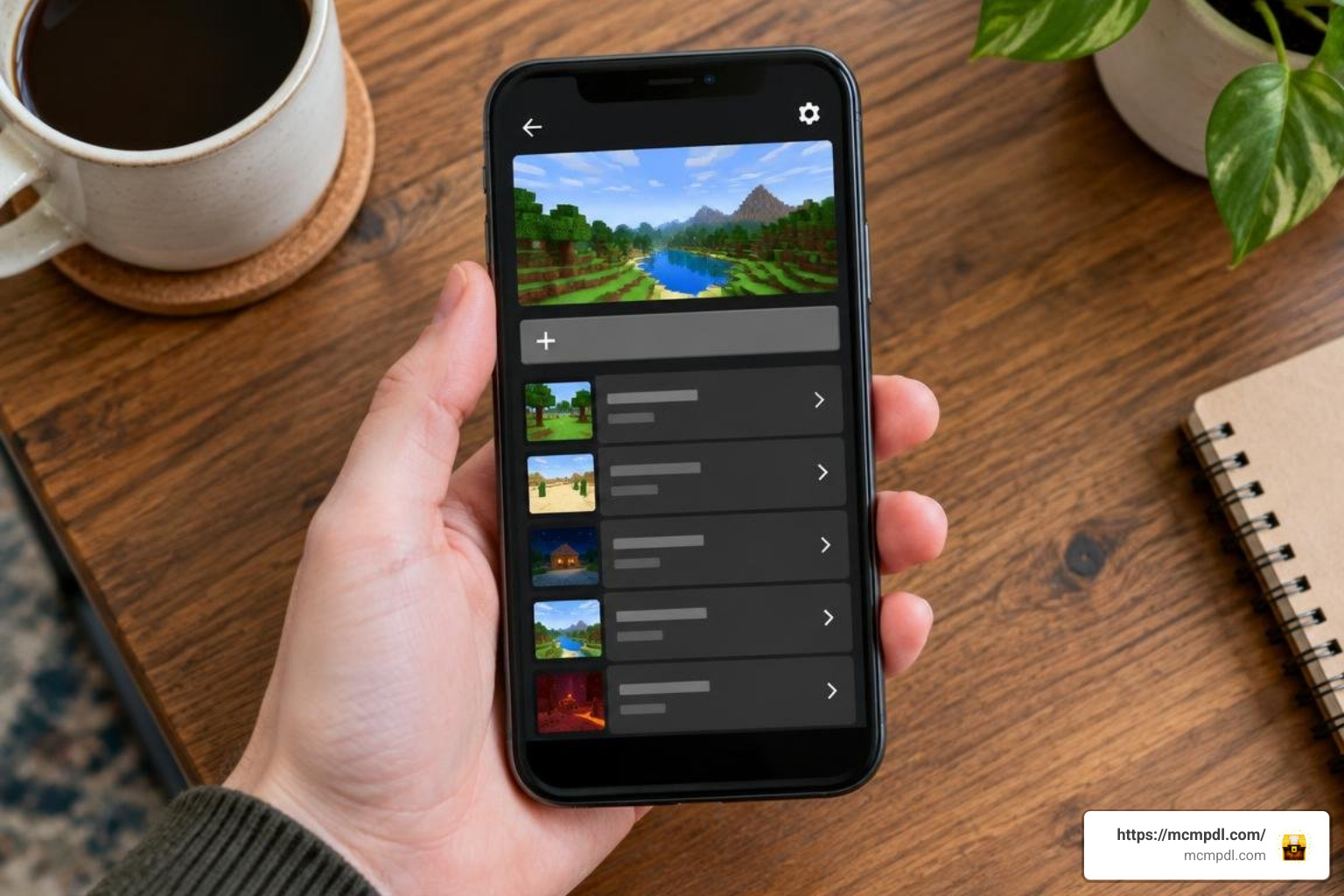
Setting up custom worlds on mobile devices, consoles, and Windows 10/11 is straightforward thanks to the unified Bedrock architecture.
How to Install the PowerCraft Map for Minecraft PE/Bedrock
- Obtain the World File: Download the verified
.mcworldfile to your target device. - Launch the Automatic Installer: On Windows PC, iOS, or Android, double-click or tap the downloaded
.mcworldfile. Minecraft will launch automatically and begin importing the world files directly into your world directory. - Manual Folder Extraction (Alternative Method): If your device does not associate
.mcworldfiles with the game, extract the.ziparchive into your device’sminecraftWorldsfolder located within your local storage data directory. - Verify World Settings: Navigate to your world selection list, locate the imported high-tech village save, and verify that experimental gameplay toggles and the included resource and behavior packs are active.
- Load and Play: Click play to enter the world, explore the generator tutorial area, and start powering your machines across the automated compound.
PowerCraft Map for Minecraft PE/Bedrock Compatibility and Performance
To ensure a smooth framerate when running multiple turbines and automated farms simultaneously, keep these optimization tips in mind:
- Render and Simulation Distance: Keep your simulation distance around 6 to 8 chunks on mobile devices to prevent command-block calculation slowdowns while keeping your turbines active.
- Resource Stacking: Avoid loading heavy third-party shaders that interfere with custom particle effects and glowing ore mechanics.
- Multiplayer Hosting: If hosting a local LAN session or Bedrock Realm, ensure the host device has sufficient processing power to handle simultaneous turbine animations and mob defense calculations. If you plan to expand the city footprint, tools like the Builders Tools Addon for Minecraft PE/Bedrock make large-scale structural additions effortless.
Frequently Asked Questions about PowerCraft Map
How do you generate electricity in PowerCraft?
Electricity is generated by placing water turbines near water currents, building wind turbines at high elevations, arranging solar panels under direct sunlight, or loading coal into dedicated thermal generators. Energy flows through the map’s internal logic grids to power nearby machinery, automated harvesters, and defense grids without manual redstone clock management.
Can you play the PowerCraft map in multiplayer?
Yes. The world fully supports cooperative multiplayer over local LAN, Xbox Live sessions, and Bedrock Realms. Friends can join your world to co-manage power stations, gather resources, expand the industrial settlement, or ride along in the flying house as co-pilots during cross-country exploration trips.
What special abilities does the flying house have?
The flying house can take off vertically, maneuver through the air under direct player control, carry your storage chests and crafting stations, and deploy TNT from airborne dispensers to clear terrain below. It functions as a complete portable headquarters that lets you explore far-off biomes without abandoning your main operations base.
Does the PowerCraft map work on mobile and console editions?
Yes. Because the world is packaged in the universal .mcworld format, it runs smoothly on Android, iOS, iPadOS, Windows 10/11, and modern consoles supporting Bedrock Edition. Mobile users should ensure their devices have adequate memory allocated to handle custom command loops.
Conclusion
The PowerCraft world demonstrates how creative map architecture and smart game mechanics can redefine survival in Minecraft Bedrock. By blending green energy production, clever farming automation, and the joy of piloting an airborne base, it offers hours of engaging gameplay for solo engineers and multiplayer teams alike.
When you are ready to expand your technical horizons and discover more curated worlds, check out our community hub at mcmpdl.com to find the latest creations, gameplay expansions, and custom experiences designed to elevate your Minecraft adventures.