Scroll down to D0vvnl0ad
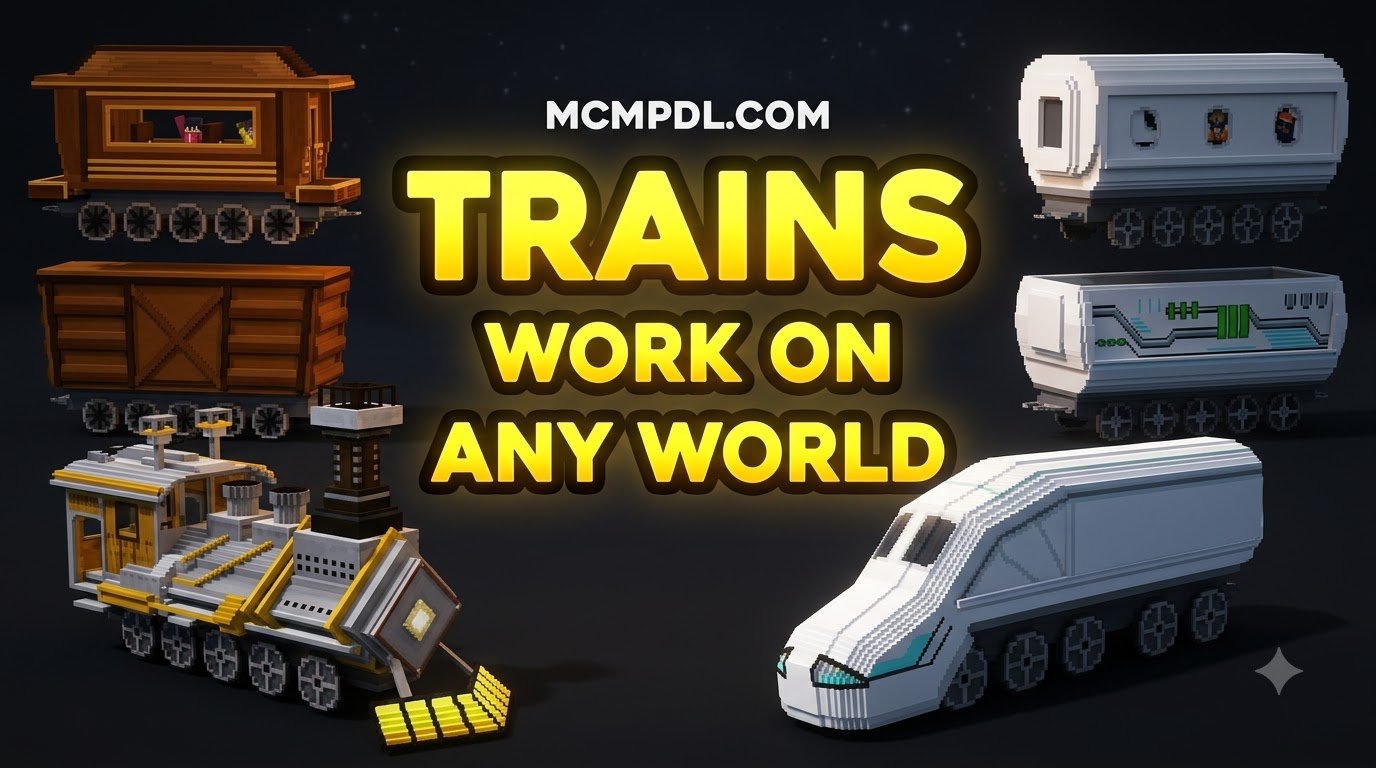
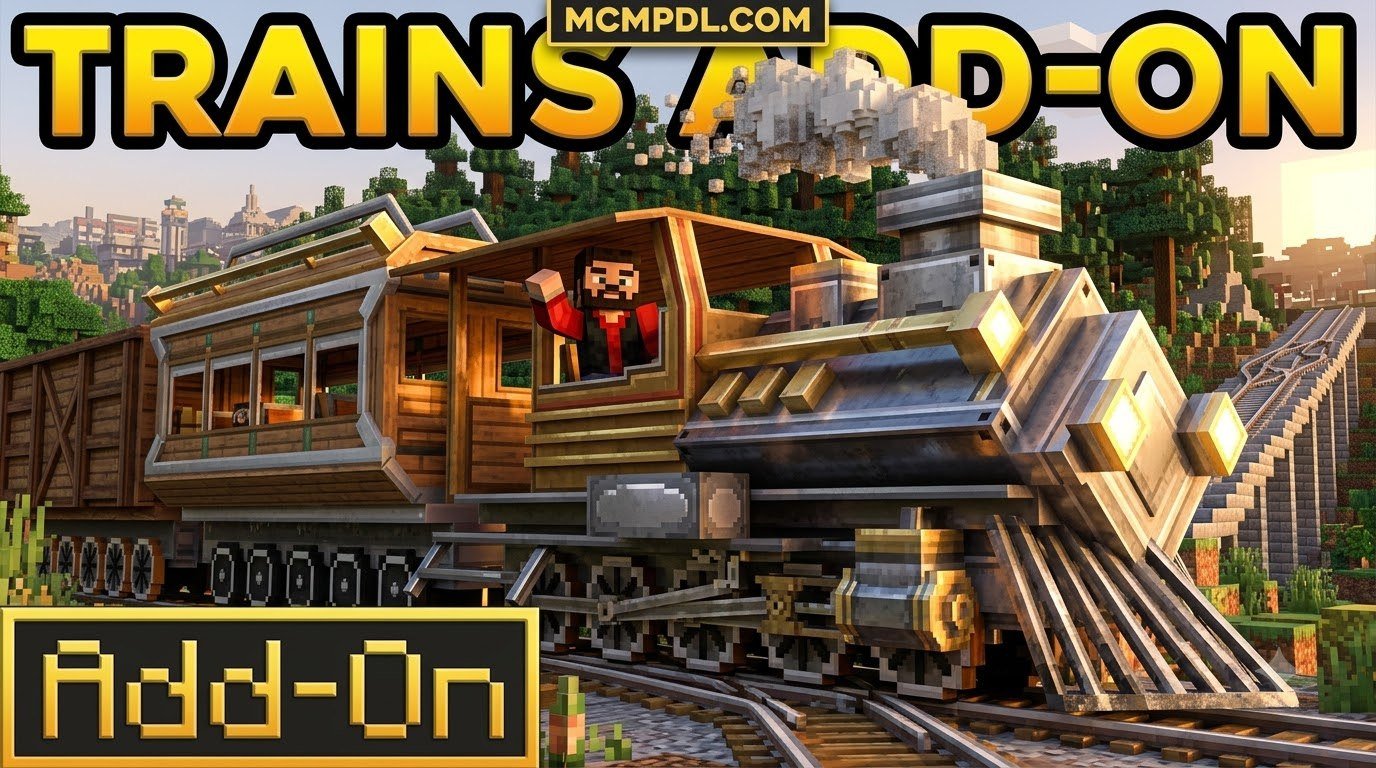
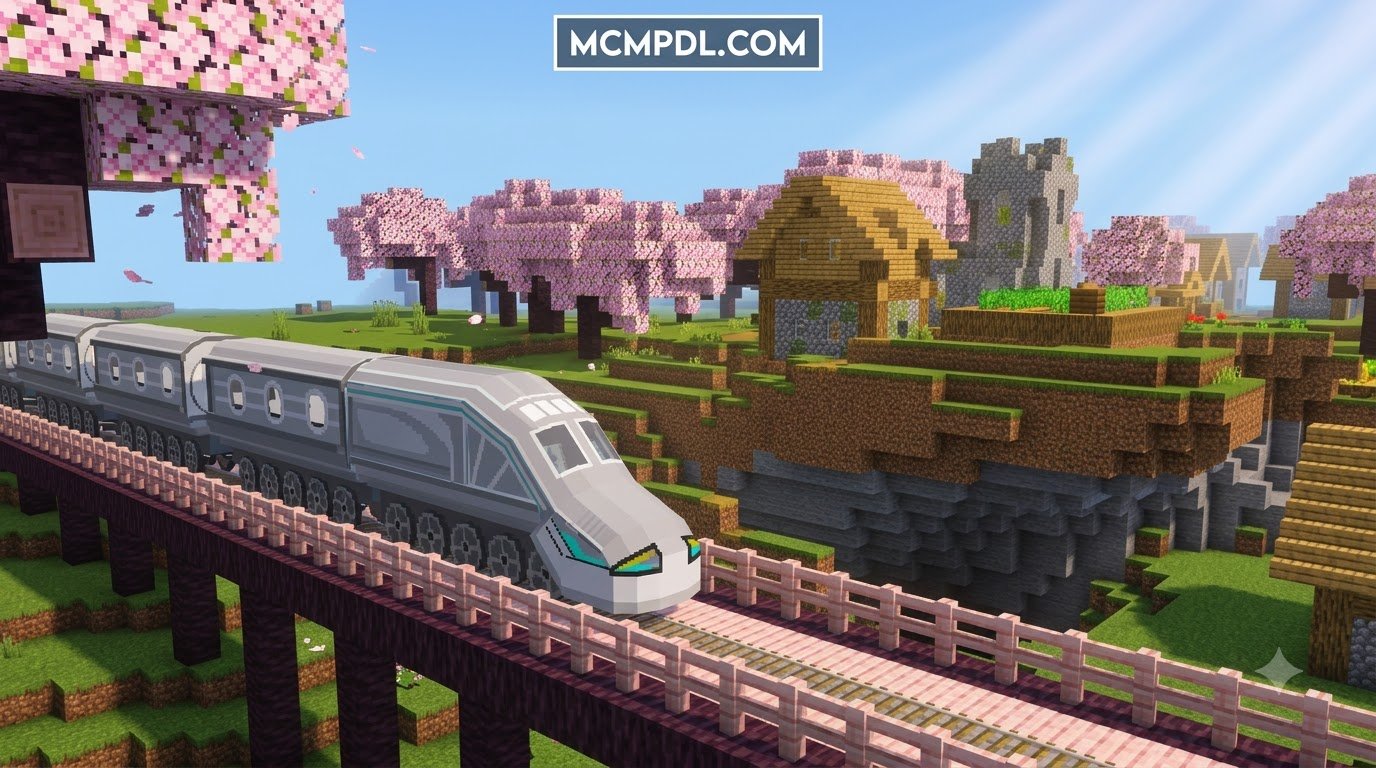
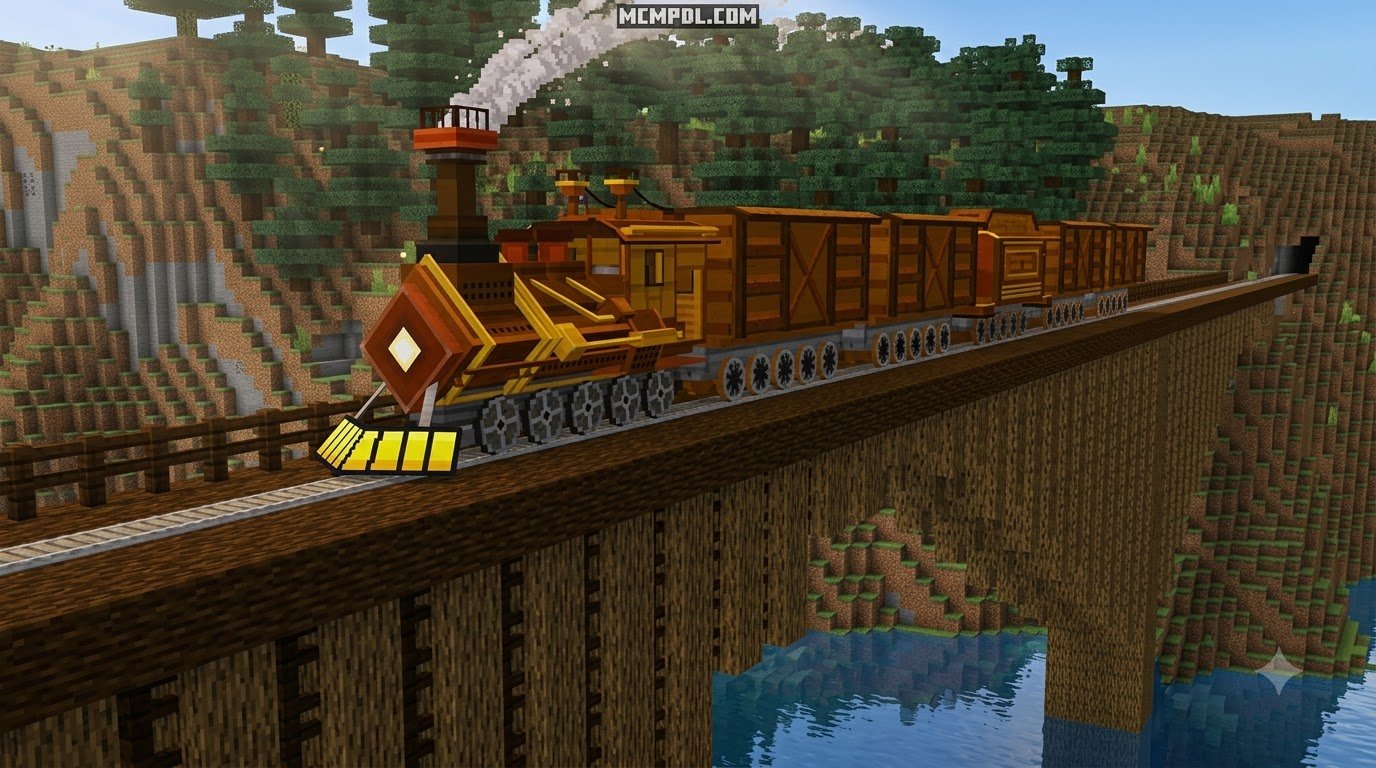
Find a Train Addon That Works in Your Bedrock World
To install a train addon for Minecraft PE or Bedrock, first check that it supports your game version. Download its .mcaddon file, open it with Minecraft, then activate its behavior and resource packs in your world settings. Turn on Experimental Gameplay only if the addon requires it, and back up your world before testing.
The right addon depends on what you want to build. Some add colorful engines and passenger cars; others focus on freight, train coupling, or custom rails. This guide compares the options and walks you through setup on mobile and Windows.
Top Options for a TRAINS Addon for Minecraft PE/Bedrock
Finding the best TRAINS Addon for Minecraft PE/Bedrock means balancing aesthetic detail, mechanical depth, and version support. Below is an overview of leading choices available across the Bedrock ecosystem.
| Addon Name | Locomotive Types | Supported Versions | Key Automation & Mechanics | Entity Handling |
|---|---|---|---|---|
| Trains 2.0 Addon | 10 Engine Models (Diesel/Electric styles) | 1.21+ | Intelligent signal routing, automatic train coupling | Standalone custom entities (preserves minecarts) |
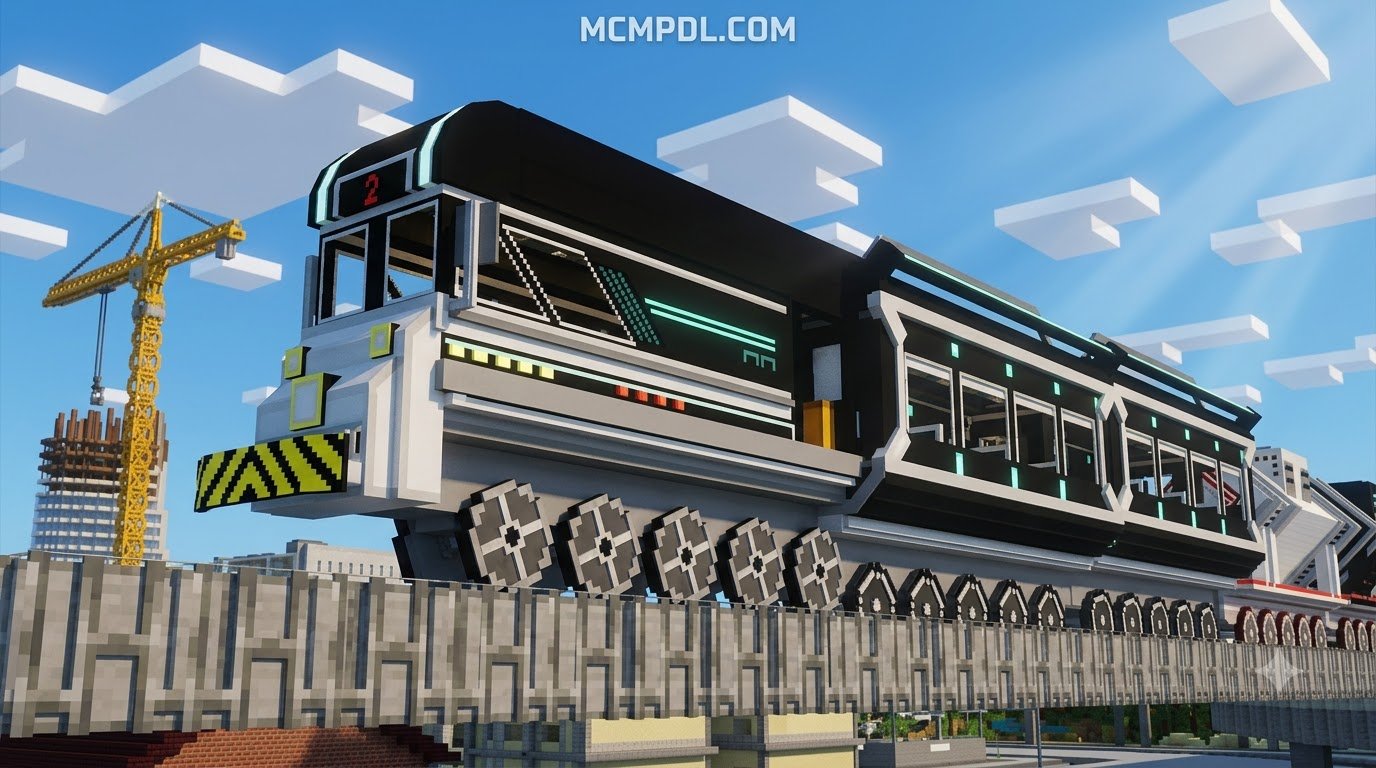
| Freight Train Addon | Futuristic High-Speed Maglev Engines | 1.21.130.28+ | Fusion-powered energy, automated hopper loading/unloading | Custom maglev entities on specialized tracks |
| C11 Locomotive Addon | Historic Japanese Class C11 (2-6-4T steam) | 1.21 / 26.x | Gibonz System 37 controls, vehicle spraying features | Custom detailed steam entity |
| Vanilla Train | Vanilla-Style Modular Locomotives | 26.0+ | Direct minecart control, supports 100+ vanilla block types | Overhauls minecart logic and block integration |
| Train Cargo Pack | Modular Utility & Freight Carriages | 1.21 – 26.30 | Carriage maintenance via utility wrench, dynamic damage model | Specialized rolling stock carriages (no engines) |
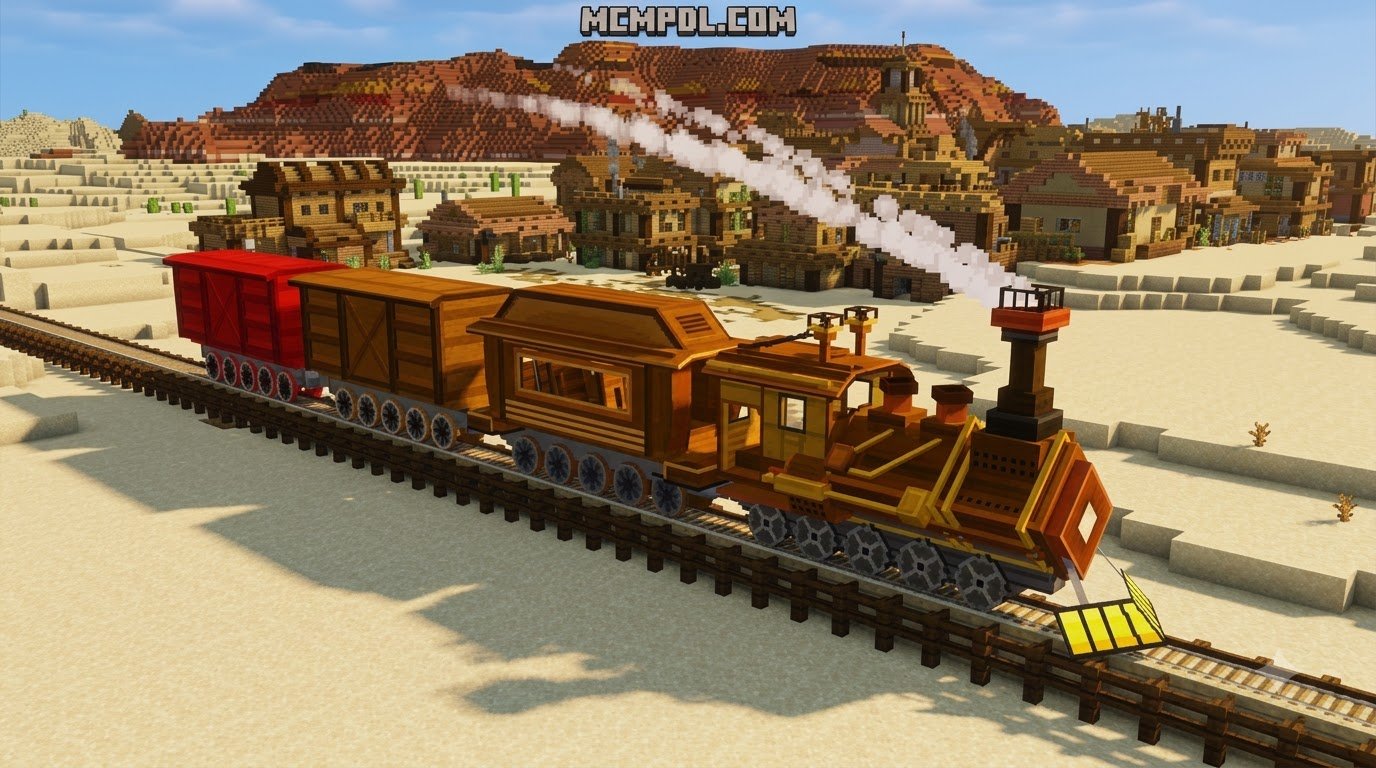
| Trains! Add-on 2 | Colorful Classic Passenger Engines | 1.16 | Multi-carriage links, 8 custom color options | Standalone entities (does not replace minecarts) |
Evaluating the Best TRAINS Addon for Minecraft PE/Bedrock Options
Choosing among these addons comes down to the scope of your railway project. If your priority is large-scale mechanical realism with expansive customization, Trains 2.0 Addon (1.21) stands out by offering 10 fully functional engines, 13 distinct railroad cars, and 16 color choices. These parts combine into 368 unique engine and wagon configurations, giving builders deep aesthetic flexibility for passenger routes and freight yards.
If you appreciate complex rotational engineering alongside your rail lines, pairing these transit mods with the Create Add-on for Minecraft PE/Bedrock Download creates an integrated industrial network.
For historic railway recreations, the Japanese Class C11 Locomotive Addon provides a faithful replica of the JNR Class C11 2-6-4T tank locomotives manufactured between 1932 and 1947. Powered by the Gibonz System 37 for handling, it features working driver controls, realistic steam visual effects, and a maintenance spraying feature.
Casual city planners who want straightforward, bright rolling stock often opt for Trains! Add-on 2, which introduces eight distinct colorways with smooth rotation animations while leaving your standard vanilla minecarts completely untouched.
Modular Cargo, Maglev Systems, and Vanilla Overhauls
Beyond traditional steam and diesel, several addons take modern or utility-focused approaches to Bedrock logistics:
- Futuristic Maglev Rail: The Freight Train Addon introduces frictionless, high-speed rail travel. Rather than using coal, its engines run on rechargeable fusion cells that power modular freight cars, tankers, and hopper cars across custom maglev tracks.
- Carriage Maintenance & Durability: Hyperest Studios’ Train Cargo Pack introduces functional wear-and-tear mechanics. Carriages incur physical damage over long hauls and require repairs using a custom utility wrench.
- Deep Vanilla Integration: The Vanilla Train pack takes a different technical route by extending minecart mechanics to work with more than 100 base block types. This lets players attach wood planks, copper variants, concrete, wool, terracotta, and shulker boxes directly onto modular train frames.
When building heavy freight depots, pairing your rail infrastructure with the Machinery Addon allows you to construct automated loading bays, fuel-refining depots, and processing stations.
Core Features: Customization, Automation, and Entity Mechanics
Modern Bedrock train addons use custom entity definitions, Molang animations, and script APIs to deliver features far beyond default minecarts.
First-Person Controls and Passenger Seating
Immersive driving mechanics are central to the latest addons. Many locomotive packs feature interactive first-person views that place your camera directly inside the cab. From this cockpit perspective, players can manage forward and reverse throttle, sound the horn, activate track switches, or trigger cleaning sprays.
Passenger transport is another major upgrade. While older addons restricted transport strictly to the player, modern versions incorporate multi-seat passenger carriages. You can transport friends across multiplayer servers or seat villagers and farm animals into compartments to populate remote towns. If you frequently move livestock alongside your rail network, incorporating the Mounts Addon gives you flexible options for moving animals over terrain where tracks haven’t been laid yet.
Survival Mode Compatibility, Physics, and Rail Infrastructure
A quality train addon should integrate cleanly into Survival mode without requiring Creative inventory spawns:
- Crafting Logistics: Addons like the Freight Train and Trains 2.0 provide custom crafting table recipes for tracks, engines, coupling chains, and fuel cells.
- Energy Management: Many packs incorporate operational costs, requiring coal, redstone batteries, or fusion cells to keep locomotives moving.
- Incline Limitations: Realistic physics engines often prevent heavy train models from climbing steep slopes. You will need to construct gradual grade inclines, tunnels, or switchbacks.
- Urban Integration: Integrating railway stations into city road networks using the Roads Addon ensures clean highway crossings, passenger drop-offs, and organized logistics centers.
Step-by-Step Installation Guide for MCPE and Windows 10
Installing custom train addons on Bedrock Edition is straightforward once you know how .mcaddon packages interact with your file system.
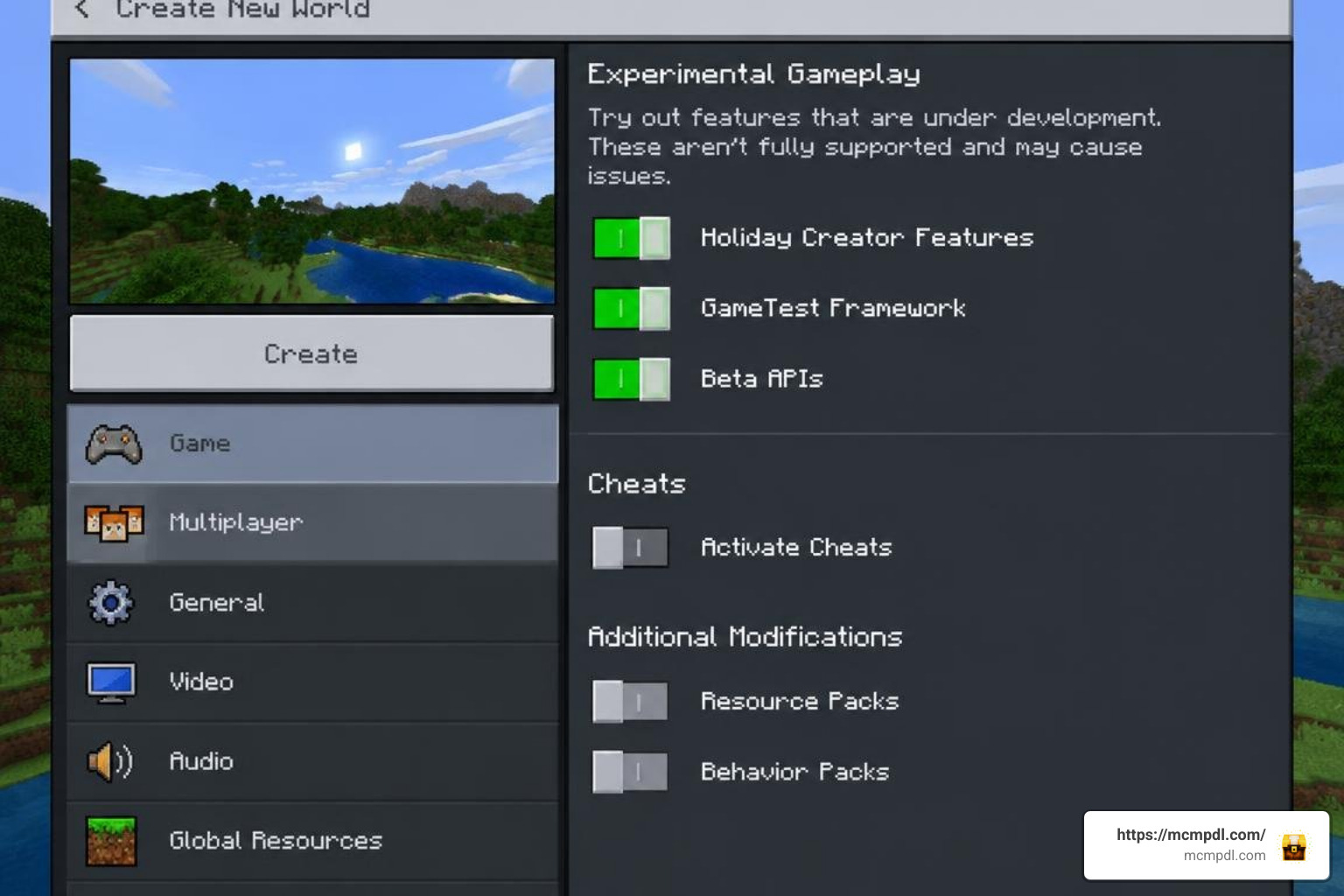
Enabling Experimental Gameplay Settings
Most locomotive mods rely on custom entity geometry and advanced scripting, making experimental toggles mandatory.
- Back Up Your World: Always duplicate your world before applying new addons to protect your builds.
- Download the Files: Download the desired
.mcaddonor.mcpackfile from reputable sources. On Android 5.0+, you can also install verified files via an APK/XAPK package manager. - Import to Minecraft: Tap or double-click the
.mcaddonfile to launch Minecraft and start the automated import process. - Toggle Experimental Settings: Open your world settings, navigate to Experiments, and activate:
- Holiday Creator Features
- Custom Biomes and Blocks (if applicable)
- Beta APIs / Molang Features
- Activate Resource & Behavior Packs: Go to Resource Packs and Behavior Packs in your world settings, activate the train pack in both sections, and ensure the resource pack sits at the top of the load order.
Troubleshooting Multiplayer Lag and Collision Glitches
Running multi-carriage train systems on mobile devices or shared servers can occasionally cause performance issues. Here are actionable best practices to keep your lines running smoothly:
- Limit Train Length: Restrict trains to 4–6 carriages per engine on mobile hardware to prevent physics engine desync and chunk stutter.
- Prevent Block Collision: Maintain a clear 1-block clearance on all sides of your rail lines. Placing decorative solid blocks directly against custom train tracks can trigger collision clipping and stop movement.
- Manage Chest Interactions: On certain sandbox addons like Vanilla Train, rapidly breaking chests placed directly onto train entities can trigger inventory duplication glitches. Place and open containers only when carriages come to a complete stop.
- Set Render Distance Appropriately: High-speed locomotives moving through unloaded chunks can hitch. Keep your simulation distance at 6–8 chunks to allow track routes to load ahead of the engine.
Expanding Your Transit Network with Complementary Vehicle Addons
A complete world transit network combines heavy rail lines with airports, highways, and specialized logistics.
Connecting your main railway terminals to international airports built with the Airplanes Addon for Minecraft PE/Bedrock establishes high-speed transit hubs across vast maps. For inner-city transit between central train stations and residential districts, you can implement the Luxury Cars Addon for Minecraft PE/Bedrock or standard Cars Add-on for surface parking and streets. If you prefer vehicle damage models and realistic physics, pairing your transit network with the Realism Cars Addon for Minecraft PE/Bedrock creates cohesive mechanical depth across your world.
To fully automate the sorting of freight arriving at your depots, adding the Tech Craft Addon for Minecraft PE/Bedrock gives you the pipes, conveyers, and sorting machines needed to process cargo as soon as trains pull into the station.
Frequently Asked Questions About Trains in Minecraft Bedrock
Do train addons replace default vanilla minecarts in Bedrock Edition?
Most modern train addons—such as Trains 2.0, Trains! Add-on 2, and the C11 Locomotive—introduce completely independent custom entities with their own spawn IDs, hitboxes, and sound sets. This ensures your standard vanilla minecarts, chest carts, and hopper systems continue to function normally alongside custom locomotives.
Can trains be automated using Redstone and hoppers?
Yes. Modern train packs like the Freight Train Addon and Trains 2.0 fully support redstone integration. You can build automated stations using hopper unloader docks beneath tracks, redstone-powered rail switches to direct trains to different lines, and signal lights to manage traffic flow automatically.
How do you couple multiple train carriages together on mobile?
Coupling mechanics depend on the specific addon you install. In packs like Trains 2.0, backing an engine up to a carriage automatically links them together. In utility-focused mods like the Train Cargo Pack, players hold a dedicated wrench item and interact with (or tap) the carriage connection points to chain multiple cars into a single train.
Conclusion
Expanding your Minecraft Bedrock logistics with a dedicated train addon makes long-distance travel and resource transport smooth and engaging. Whether you want to recreate historic lines with the Class C11 steam engine, manage complex multi-wagon networks with Trains 2.0, or construct high-speed maglev tracks across your survival world, these addons bring industrial transit directly to mobile and PC devices.
Explore the latest reviewed mods, vehicle packs, and technical tools on MCMPDL to build your ultimate railway network today.