
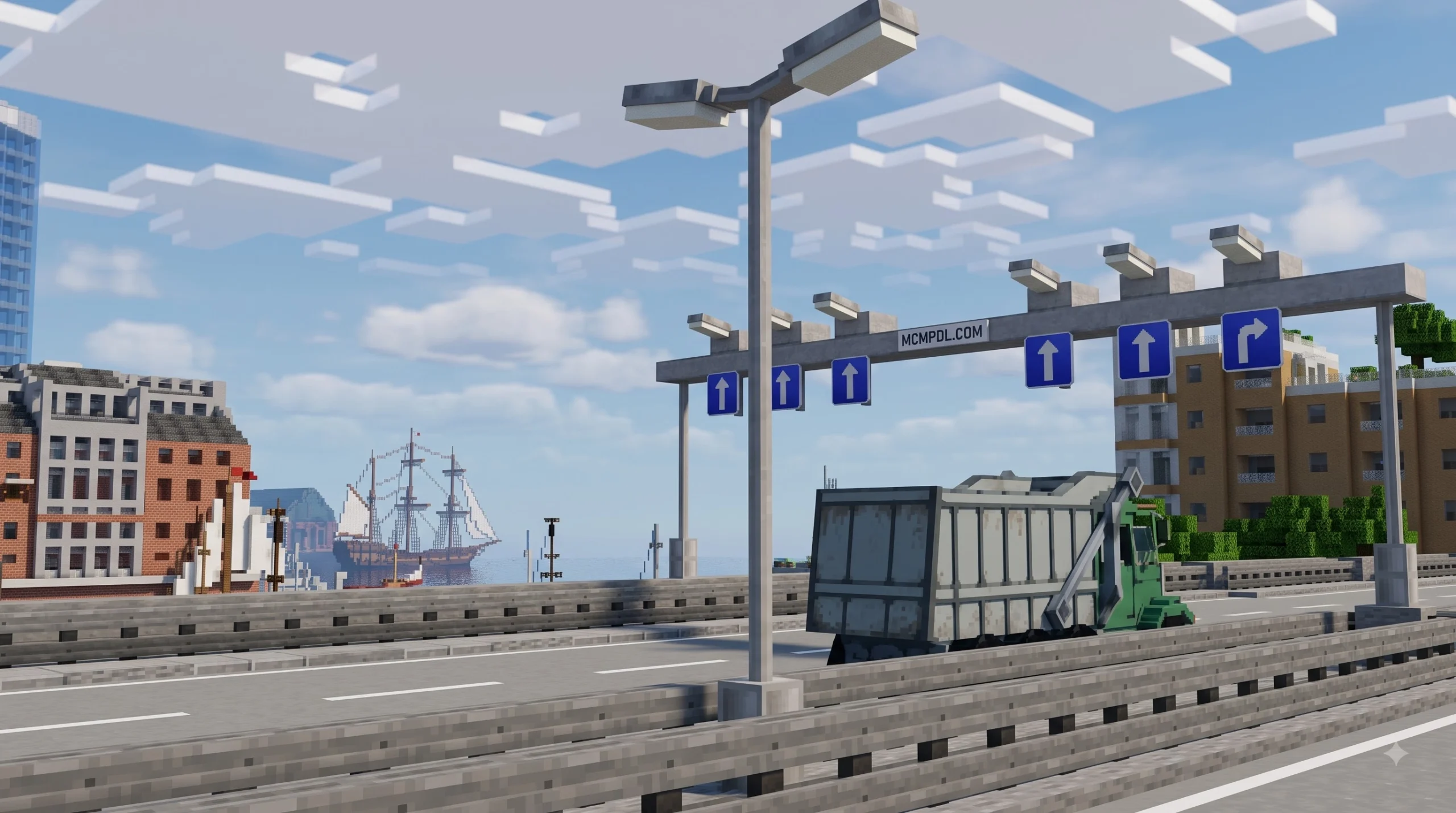
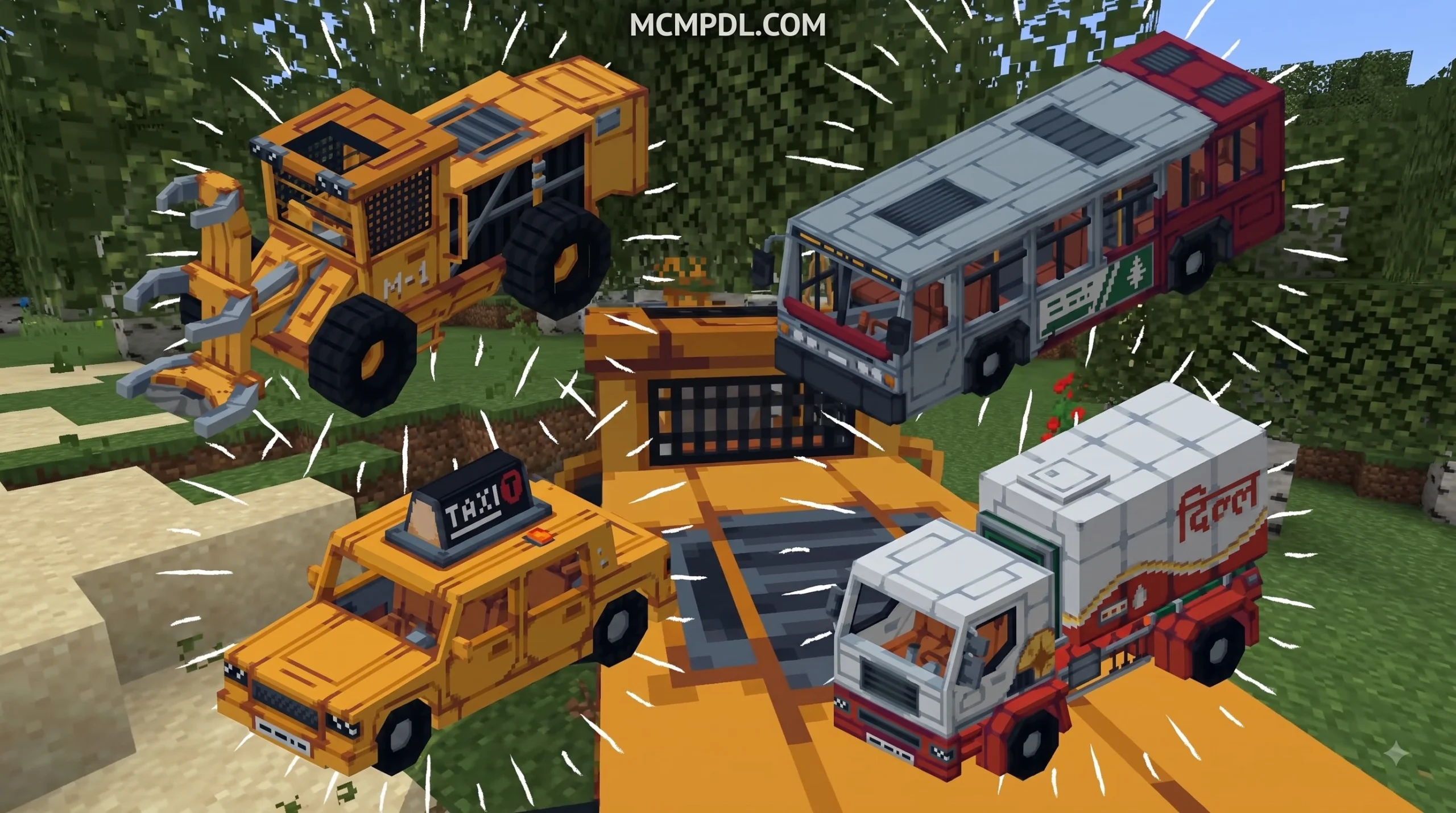
Scroll down to Download
Build Better Cities with Roads + Addon for Minecraft PE/Bedrock
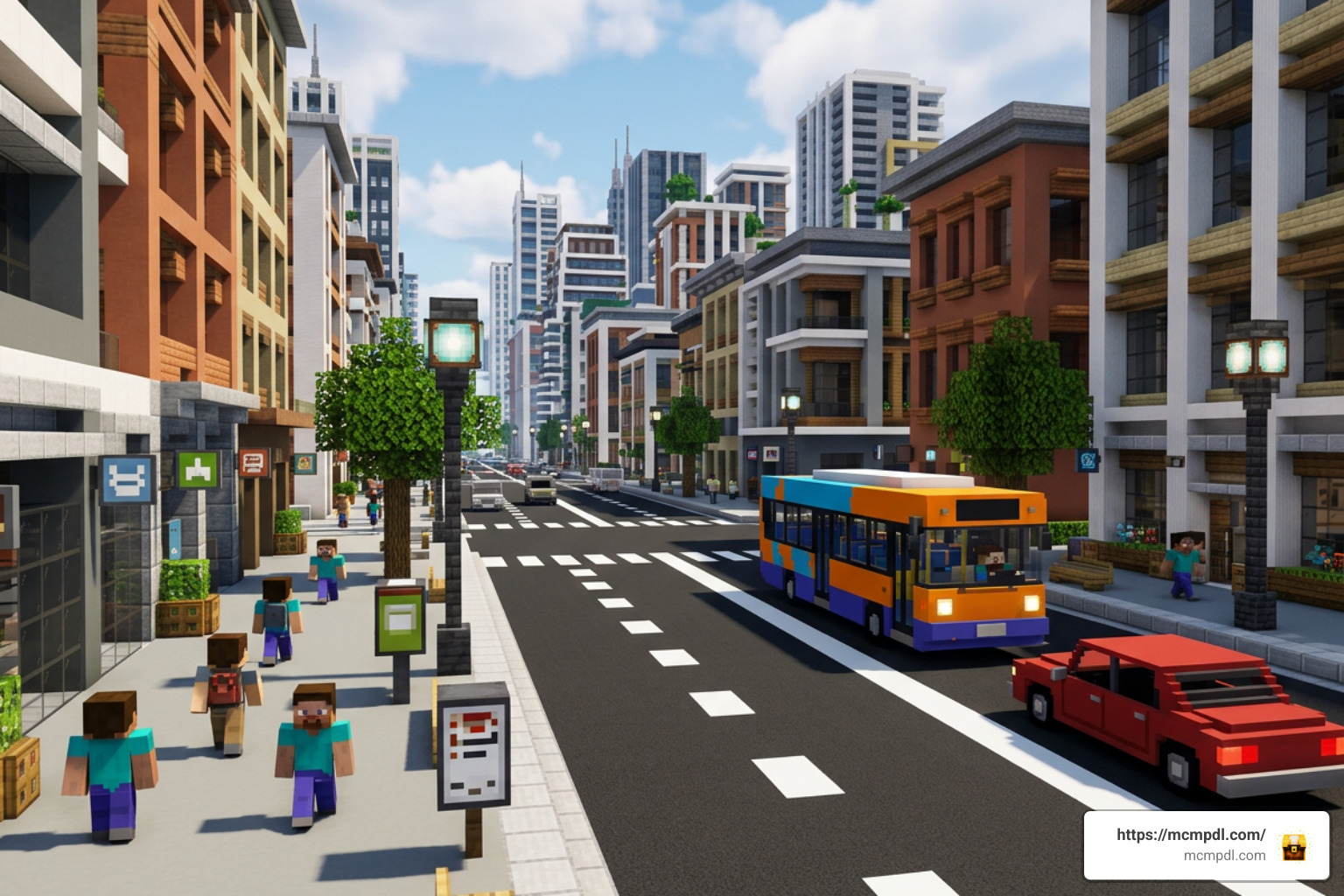
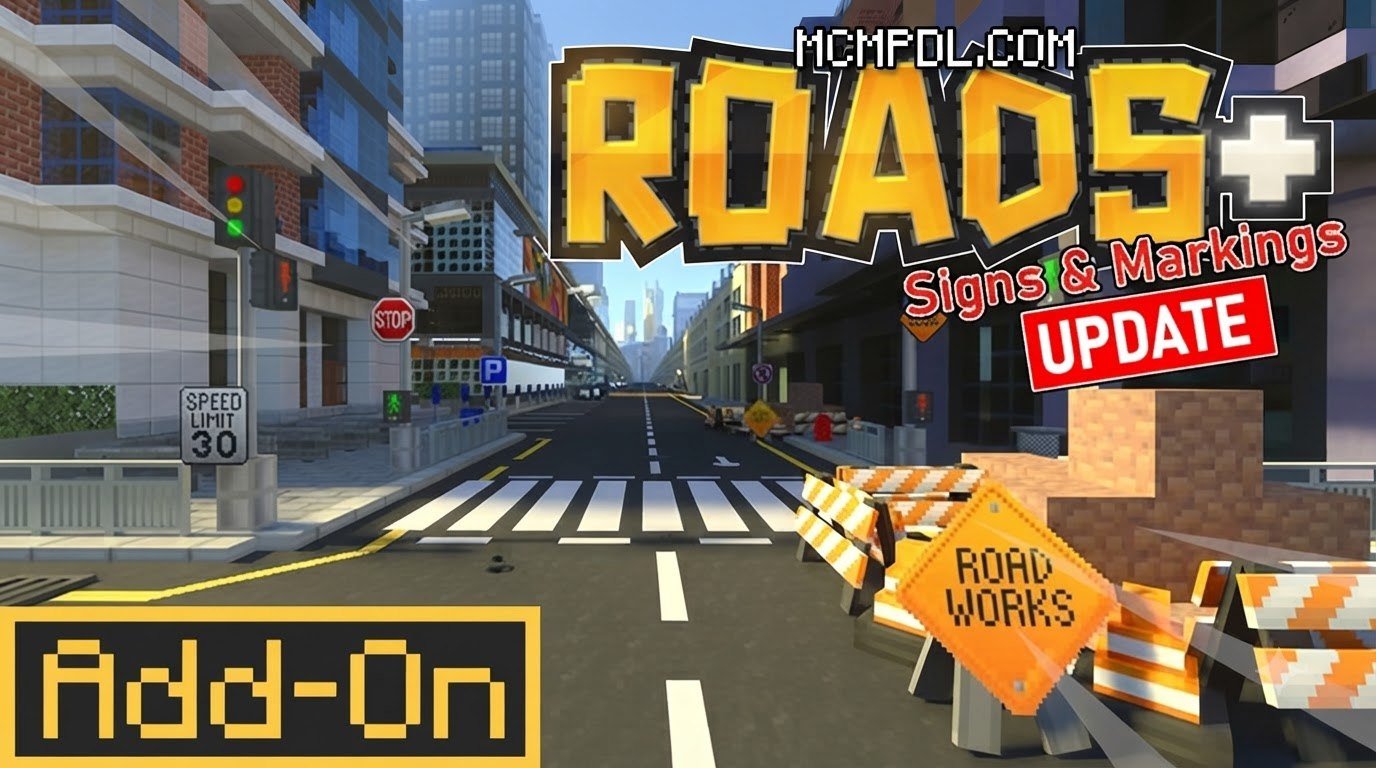
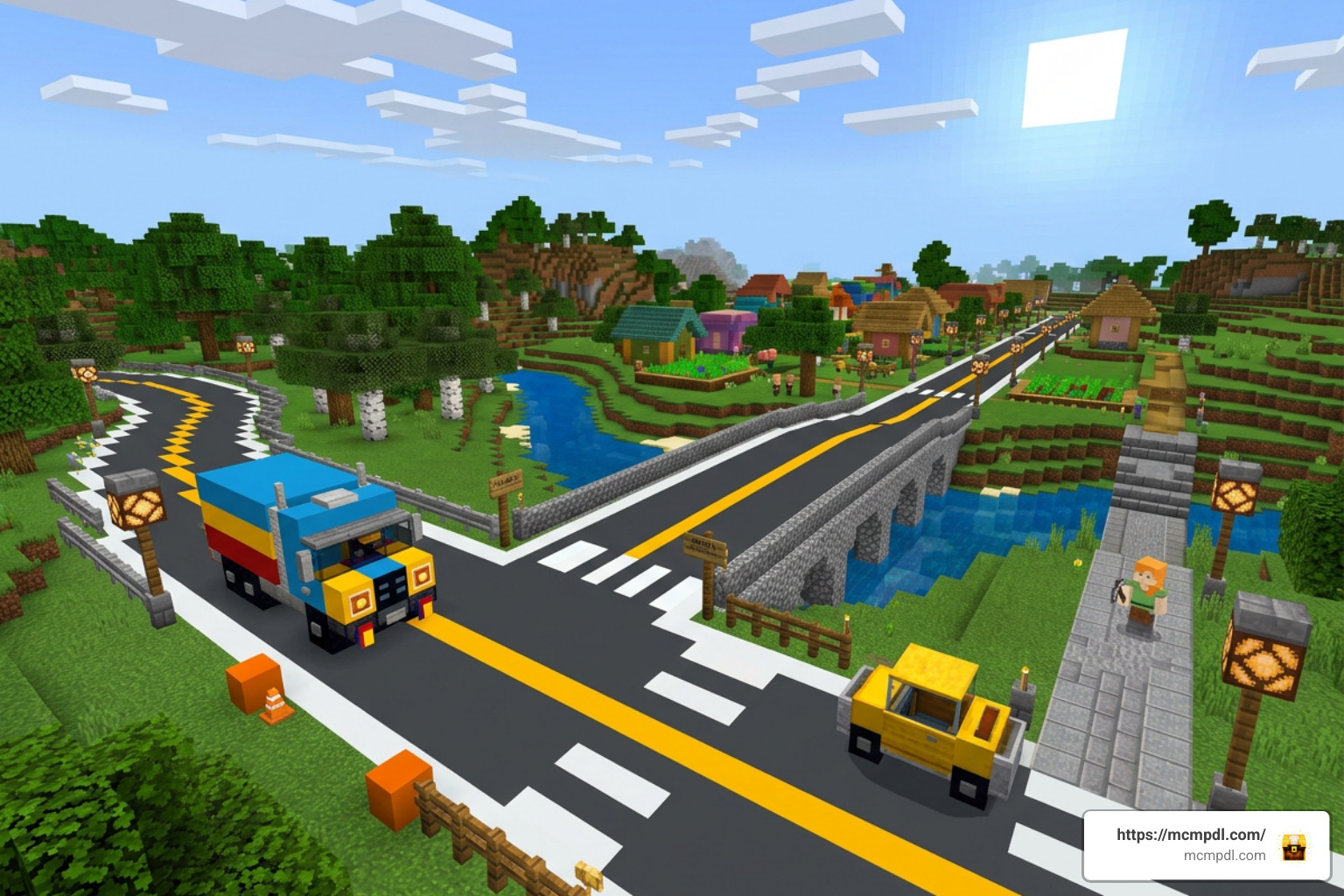
Roads + Addon for Minecraft PE/Bedrock is a city-building add-on that expands Bedrock worlds with more than 250 road blocks, 8 vehicles, and 120 decorative city items. It is designed for players who want to build highways, neighborhoods, sidewalks, intersections, and modern streets that look far more detailed than vanilla paths.
Available through the official Minecraft Marketplace for 990 Minecoins, the add-on includes practical urban details such as road markings, street lights, signs, sidewalks, and construction-themed cosmetics. It has also earned an average rating of 4.6 out of 5 from more than 2,000 ratings.
This guide explains what the add-on includes, which Bedrock versions to check before installing, and the simple steps needed to add it to a Minecraft PE or Bedrock world.
Complete Overview of Roads + Addon for Minecraft PE/Bedrock
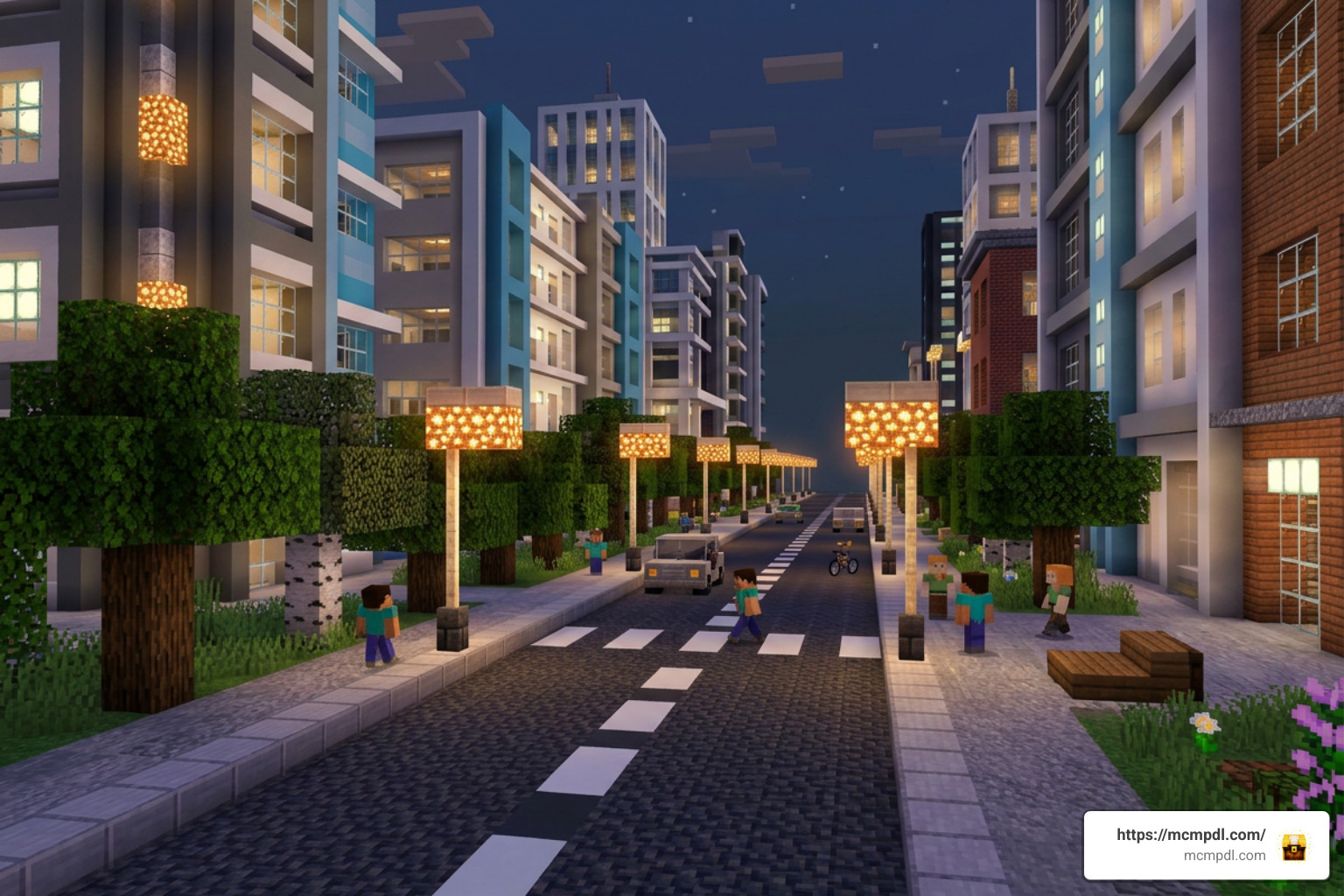
When we evaluate tools for urban planning in Minecraft, the official Roads + Addon for Minecraft PE/Bedrock (developed by MobBlocks) stands out as one of the most comprehensive packages available on the Minecraft Bedrock Marketplace. Launched on June 4, 2024, and maintained with modern version updates such as 1.0.8, this DLC provides builders with a complete kit to transition from basic black concrete highways to authentic asphalt networks.
Rather than relying on re-textured vanilla blocks, this add-on gives us specialized structural and aesthetic assets. From multi-lane markings to modular street lighting systems, it bridges the gap between raw creativity and realistic city management.
Key Features of Roads + Addon for Minecraft PE/Bedrock
The Roads + Addon for Minecraft PE/Bedrock packs a massive amount of content into a single download. Here is a breakdown of what we can expect to find in our creative inventory or crafting tables:
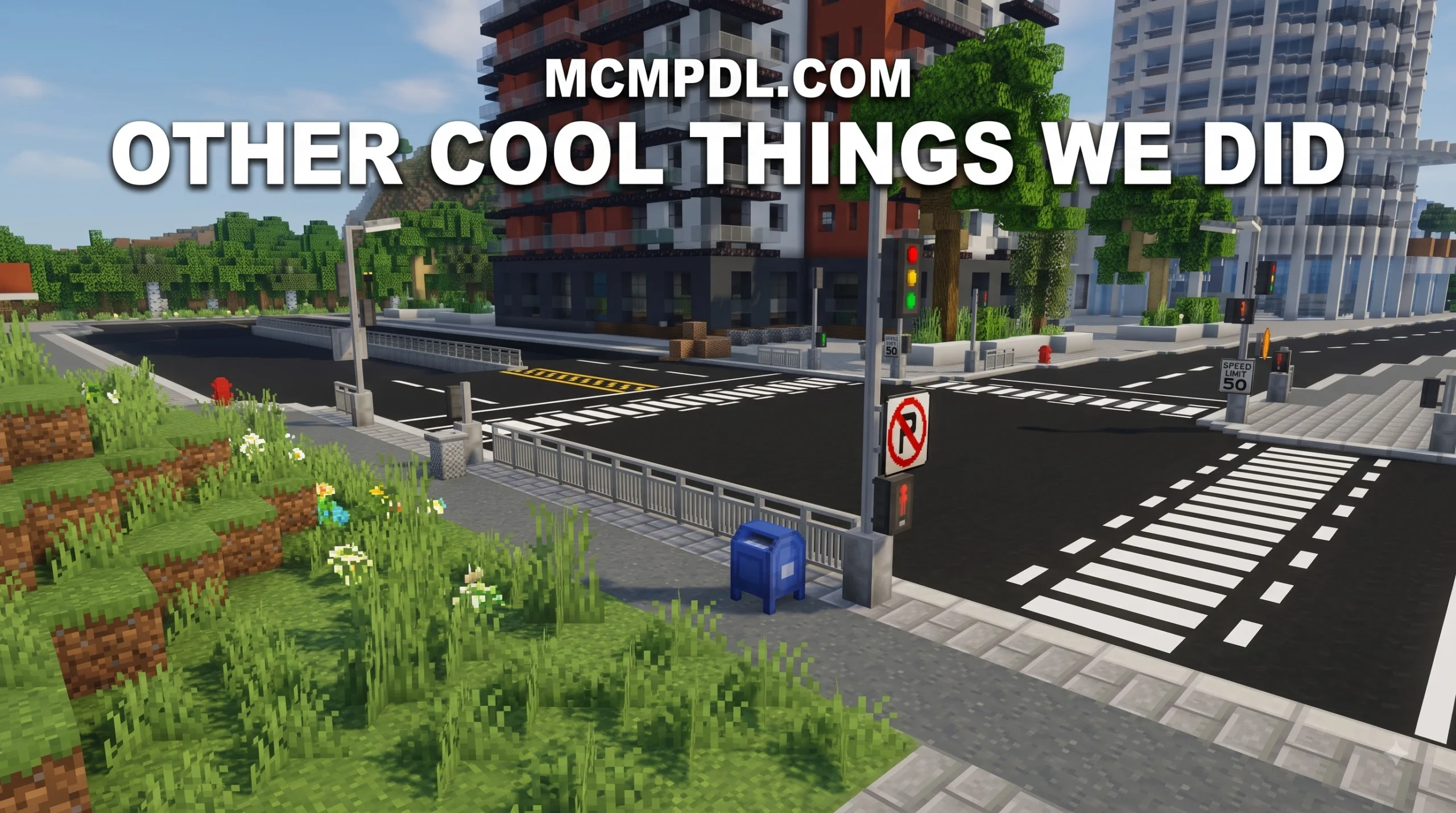
- 250+ Road Blocks: Includes dark asphalt, freshly paved asphalt, worn road textures, yellow and white lane dividers, diagonal intersection line blocks, crosswalks, and concrete curb curbs.
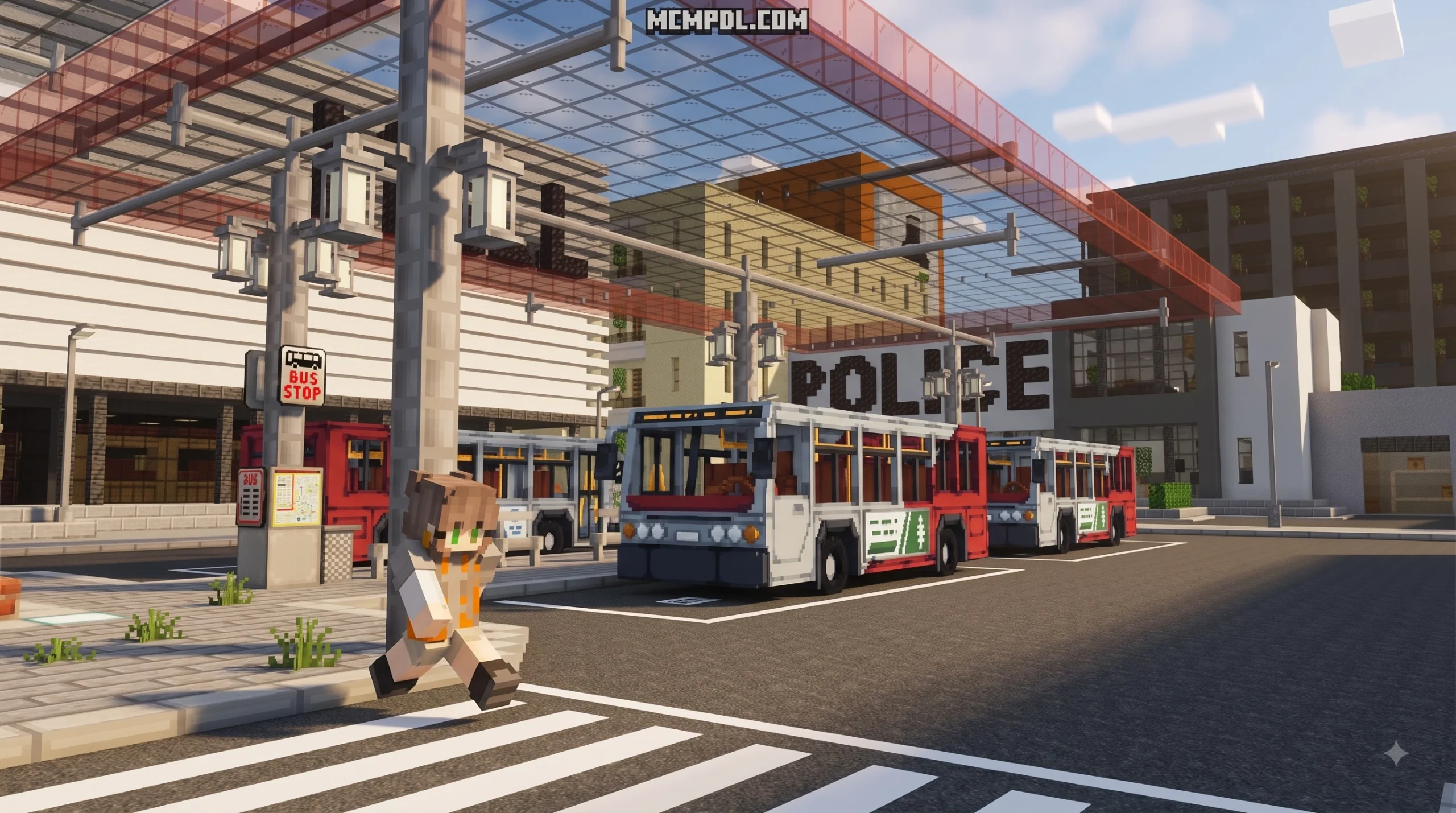
- 8 Drivable Vehicles: Adds functional transport options so we can drive along our new highways, including sports cars, utility trucks, and passenger vehicles.
- 120 City Cosmetics: Gives us roadside decorations like fire hydrants, yellow construction barriers, traffic cones, guardrails, bus stop shelters, and concrete sidewalks.
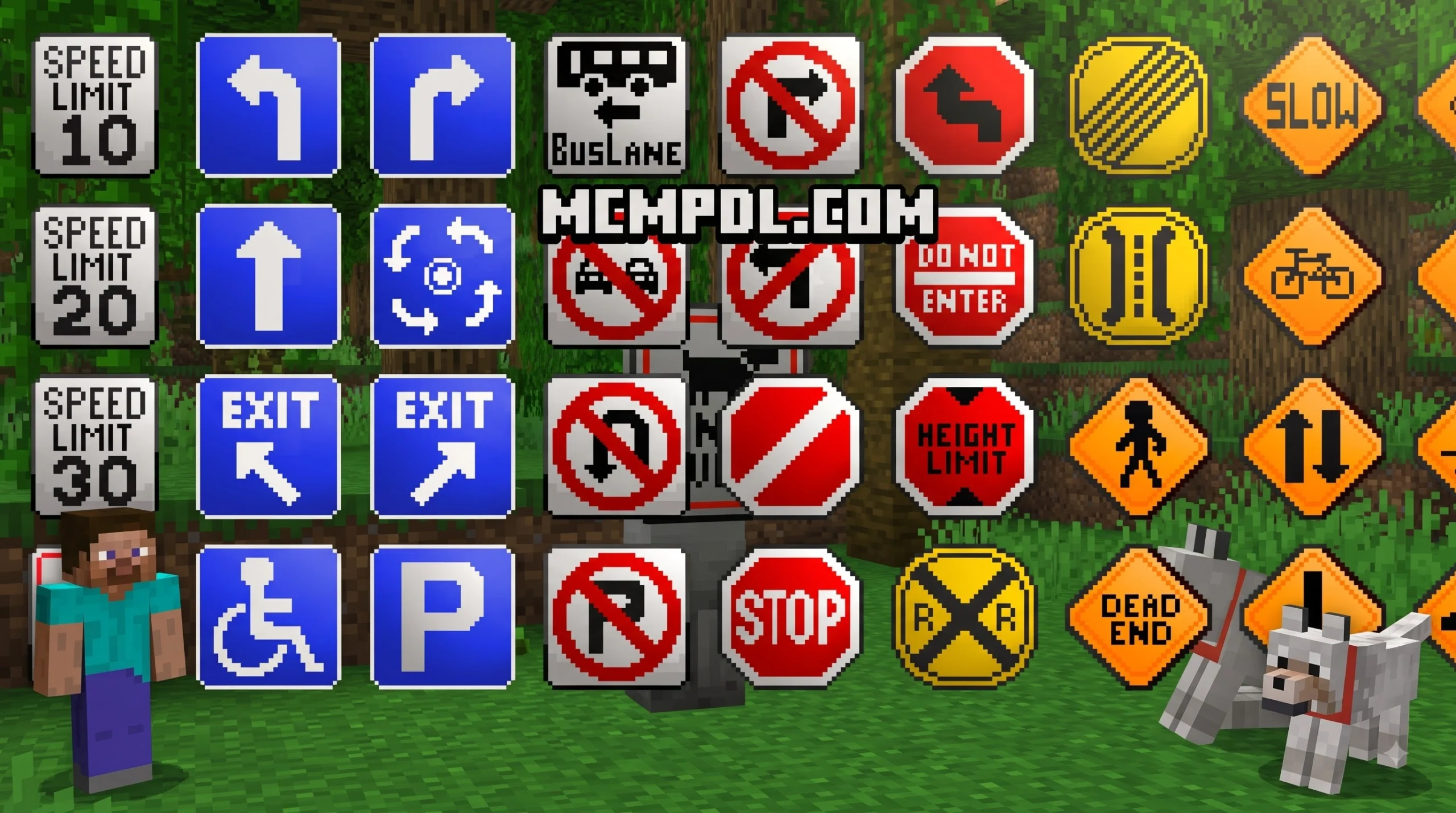
- Interactive Signs and Trash Cans: Speed limit signs that allow players to cycle between different values, as well as metal trash cans with opening and closing lids.
- Modular Street Lights: Multi-part street light bases and poles that connect seamlessly to illuminate highways automatically at night.
Version Compatibility and Technical Requirements
Before installing the add-on, we need to ensure our device meets the technical requirements. The Roads + Addon for Minecraft PE/Bedrock is designed primarily for Minecraft Bedrock Edition 1.21 and higher (with version targets like 1.21.10, 1.21.90, and 1.21.100).
Because it uses modern Bedrock scripts and custom block geometry (often utilizing Scripting API v2 mechanics), keeping our game client updated is essential. Mod file sizes generally range between a light 364 KB for smaller pack scripts to a few megabytes for high-definition Marketplace variants. To guarantee that every custom block rotation, vehicle animation, and sign script functions without errors, we must enable experimental gameplay features in our world settings prior to loading our world.
Step-by-Step Installation Guide for Minecraft PE/Bedrock
Installing new add-ons into Minecraft Pocket Edition (PE) on mobile devices or Bedrock on consoles and Windows is straightforward once we know the proper steps. Below, we break down how to get your road content running seamlessly.
How to Download and Import .mcaddon Files
If you purchase the official pack via the Minecraft Bedrock Marketplace, search for “Roads + Add-On” by MobBlocks, purchase it for 990 Minecoins, and tap “Download.” Once downloaded, click “Activate on World” or create a new world directly from the template.
If you are installing a custom community version via an external download—such as a .mcaddon file or a .mcpack download for Roads Plus—follow these steps on mobile (iOS/Android) or PC:
- Download the
.mcaddonor.mcpackfile to your device’s file manager. - Tap or double-click the downloaded file. Your device should automatically open Minecraft PE/Bedrock and display an import banner at the top of the screen reading “Import Started.”
- Wait for the notification that confirms both the Resource Pack and Behavior Pack have imported successfully.
- Navigate to your world settings, select Resource Packs, and click Activate under the installed road pack.
- Select Behavior Packs in the same menu and activate the corresponding behavior file.
Enabling Experimental Gameplay and World Options
Custom blocks and vehicle entities require Bedrock’s experimental toggles to run custom scripts and register unique collision boxes. Failing to toggle these options is the most common reason blocks turn into missing-texture blocks or items fail to show up in the creative inventory.
To activate experimental features:
- Go to your World Edit screen (or scroll down during world creation).
- Navigate to the Experiments tab on the left panel.
- Toggle on Holiday Creator Features, Custom Biomes, and Upcoming Creator Features (or Beta APIs / Scripting API if prompted).
- A prompt will ask you to confirm by creating a copy of your world. Select Continue.
- Launch your world and check the Creative Menu under the Construction or Nature tabs to locate your new road blocks and items!
Comparison with Alternative Road Addons
While MobBlocks’ official Marketplace add-on offers a complete premium experience, several free community mods exist across the Bedrock ecosystem. Let’s compare the prominent road-building additions available for MCPE.
| Addon Name | Average Rating | Block / Item Count | Includes Vehicles? | Key Standout Feature | Price / Access |
|---|---|---|---|---|---|
| Roads + Addon | 4.6 / 5 (2,000+ votes) | 250+ blocks, 120 cosmetics | Yes (8 Vehicles) | Complete marketplace package, high polish | 990 Minecoins |
| City Streets + | 3.8 / 5 | 50+ blocks & signs | No | Wrench tool rotation & queue-based lights | Free |
| Better Road Addon | 3.3 / 5 | 4 road types + markings | No | Slope steps for smooth highway inclines | Free |
| Road Craft Addon | 4.5 / 5 | 30+ blocks & lights | No | Functional barriers and traffic signals | Free |
| Road Builder Addon | 4.2 / 5 | Automated machines | Yes (Paver) | Automated asphalt paving & tunneling | Free |
Comparing Roads + Addon for Minecraft PE/Bedrock with Other Mods
Different road mods cater to different building styles. For example, if you want to build realistic highway mountain passes, the Better Road Addon on MCPE introduces specialized slope steps that eliminate the rigid, jagged block steps of vanilla Minecraft, allowing vehicles to climb smoothly.
If you enjoy automated construction, the Road Builder Add-on lets you craft a heavy paver machine fueled by resources like iron or lapis lazuli to lay down 40-block-high elevated highways or tunnel through mountains automatically.
On the other hand, if your focus is strict street aesthetics and traffic management, options like the Road Craft Addon for Bedrock or general MCPE road mods offer detailed traffic lights, speed limits, and street cones. However, Roads + Addon for Minecraft PE/Bedrock remains the all-in-one choice by bundling custom blocks, drivable cars, and decorative cosmetics into a single cohesive package.
Price and Value Comparison: Marketplace vs Free Mods
Is spending 990 Minecoins on the official Marketplace add-on worth it compared to free community downloads?
Free mods are fantastic budget options for casual builds. However, official Marketplace items like Roads + Addon offer guaranteed cross-platform compatibility across Xbox, PlayStation, Nintendo Switch, iOS, Android, and Windows 10/11 without requiring manual file management. They also receive automated version updates through the Marketplace store, reducing the risk of broken world files when Minecraft updates to newer base versions.
Frequently Asked Questions about Roads Addons in Minecraft PE
Why is the Roads + Addon not working in my world?
If your custom road blocks or vehicles are missing, invisible, or showing up as purple-and-black checkerboard patterns, check the following:
- Experimental Settings: Ensure that all toggles under the Experiments world settings tab are turned ON.
- Behavior Pack Priority: Verify that the Behavior Pack is enabled under Active Behavior Packs and placed at the top of your pack loading hierarchy.
- Game Version: Check if your game is updated to at least Minecraft Bedrock 1.21.10 or higher.
- Duplicate Packs: Remove older versions of the pack from your global resources menu to avoid script conflicts.
Can I use the Roads + Addon in multiplayer or on servers?
Yes! You can use the add-on in local LAN multiplayer, dedicated Bedrock servers, and Minecraft Realms. As long as the world host installs and activates both the Resource and Behavior packs in the world settings, visiting players will automatically download the required resource assets upon joining the game session.
How do I fix street lights or block orientation issues?
Some urban add-ons introduce custom tools, such as a Wrench item, which allows players to sneak and right-click misaligned blocks to rotate their cardinal direction without breaking them. If a street light middle component fails to connect automatically to an upper lamp, simply break the middle pole block and replace it to force the modern Scripting API to refresh connection states.
Conclusion
Upgrading your urban worlds with realistic infrastructure transformed from basic gray concrete to detailed multi-lane highways is one of the most satisfying projects in Minecraft Bedrock. Whether you select the expansive, feature-packed Roads + Addon for Minecraft PE/Bedrock from the official Marketplace or opt for specialized community tools like slope pavers and traffic signal mods, adding real roads breathes fresh life into every city build.
For more guides, mod reviews, and Bedrock add-on installation tutorials, explore our growing library at mcmpdl.com and take your Minecraft PE building skills to the next level!


4 thoughts on “Roads + Addon for Minecraft PE/Bedrock”