Scroll down to D0vvnl0ad
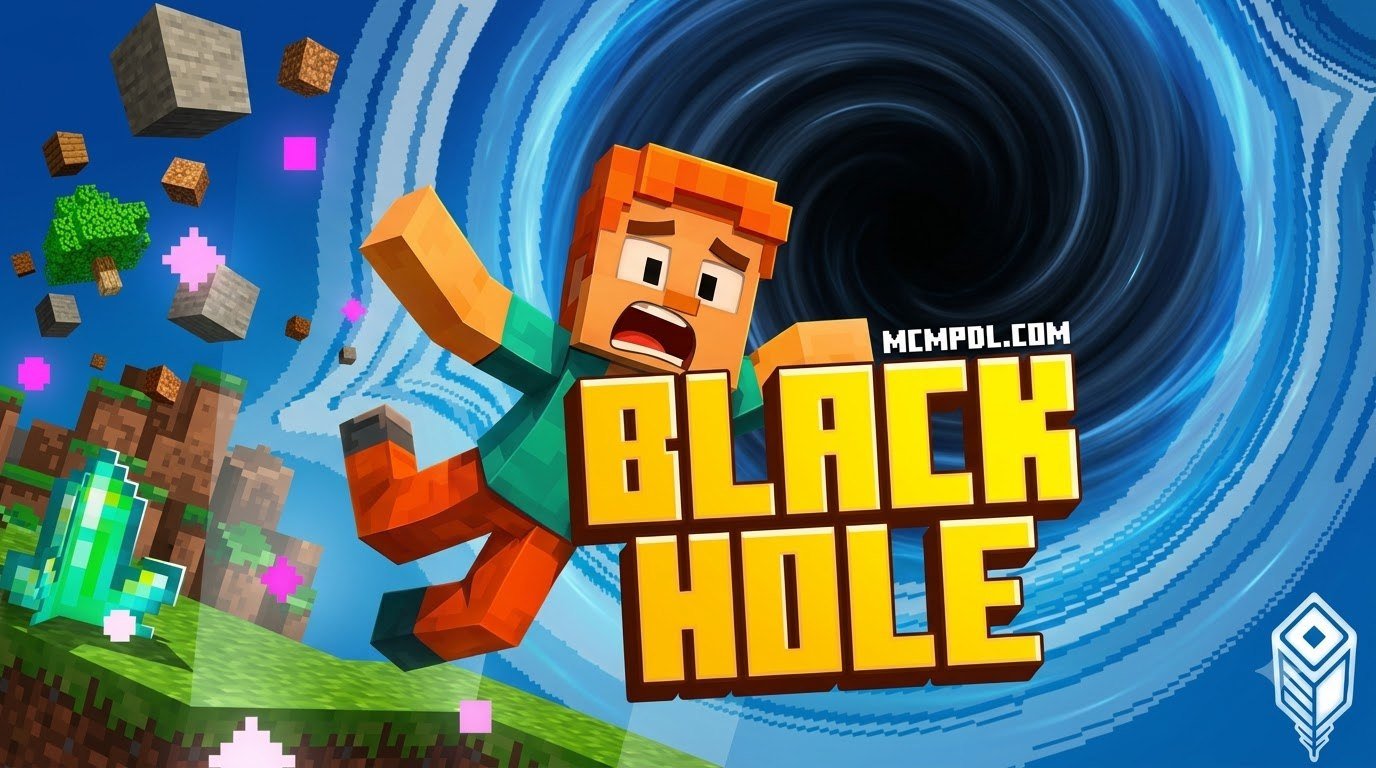
What Is the Black Hole Map for Minecraft PE/Bedrock?
To install a Black Hole Map, download the .mcworld or .mcaddon file from a trusted source, open it with Minecraft Bedrock to import it automatically, then enable Experimental Gameplay in your world settings before loading the map. This setup is required because the custom gravitational scripts and entity behaviors will not run correctly without those toggles.
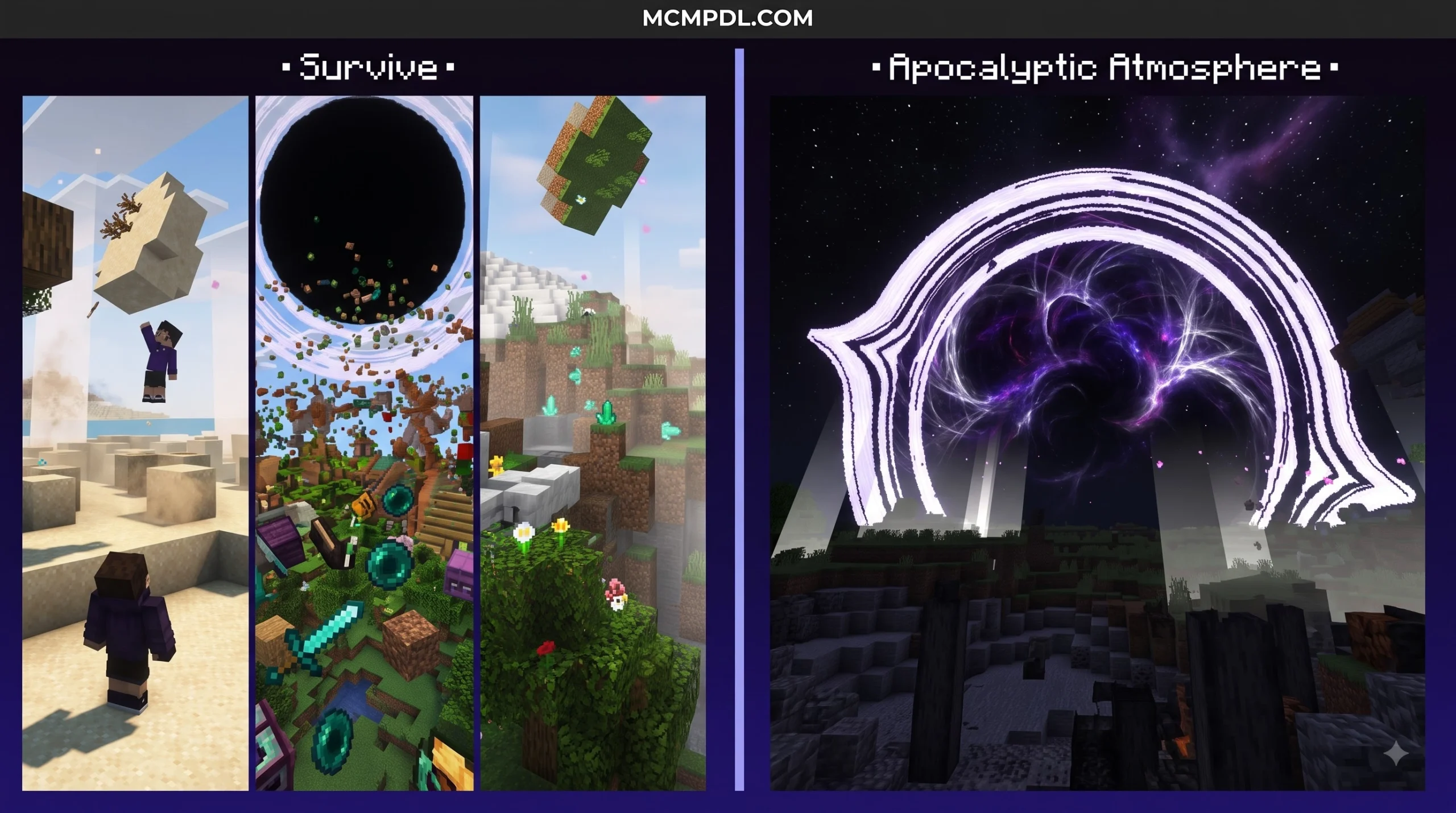
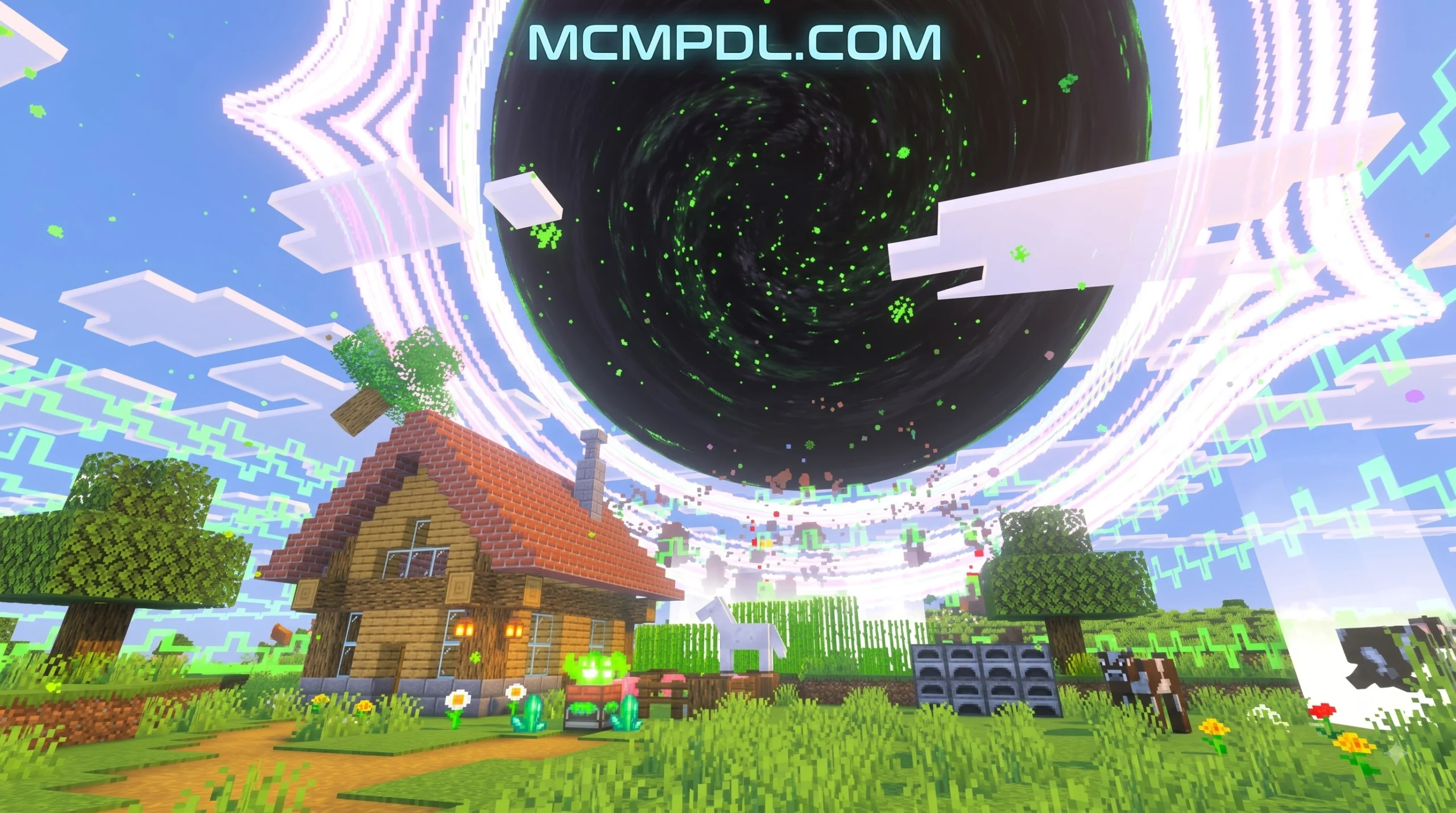
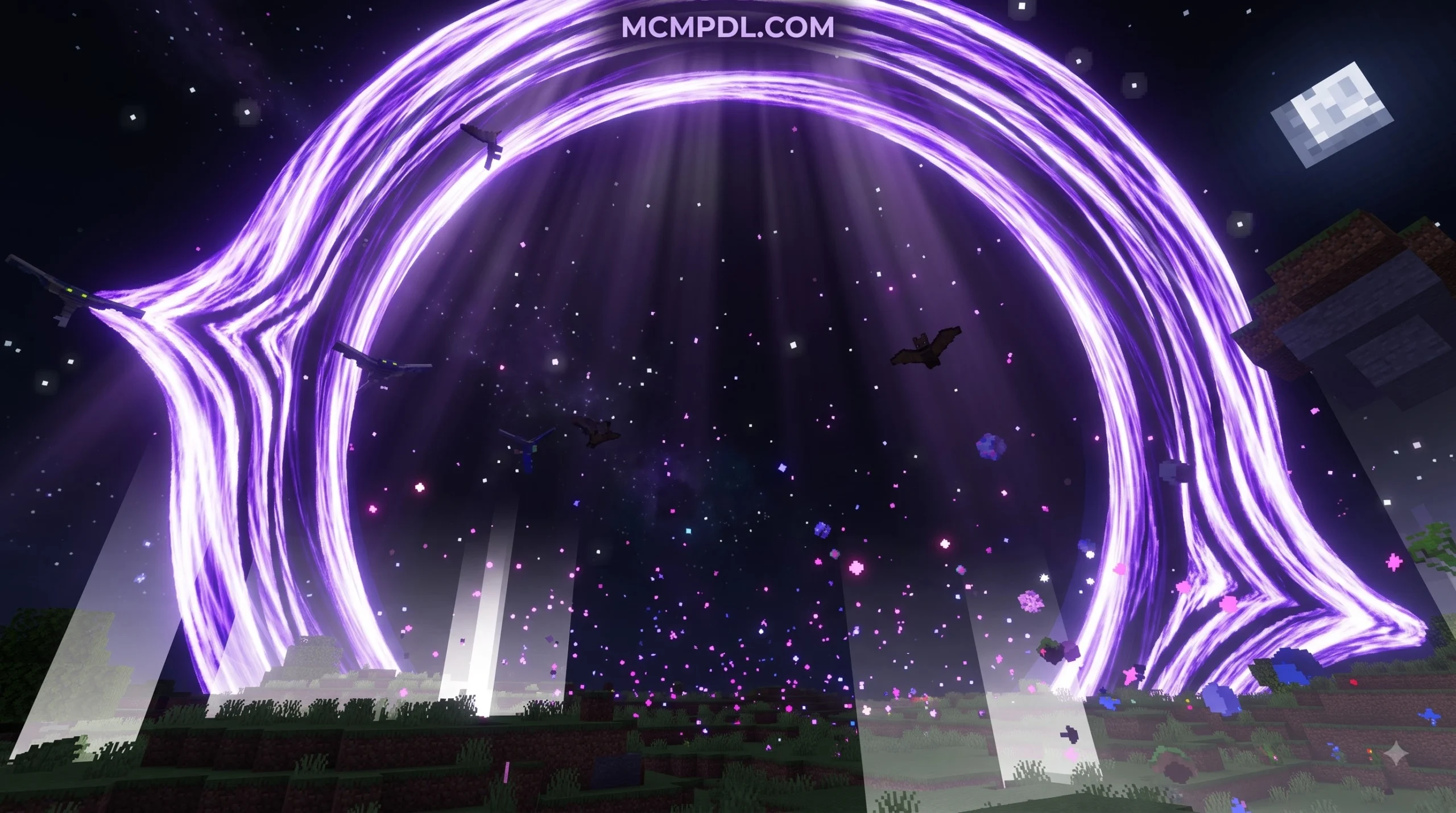
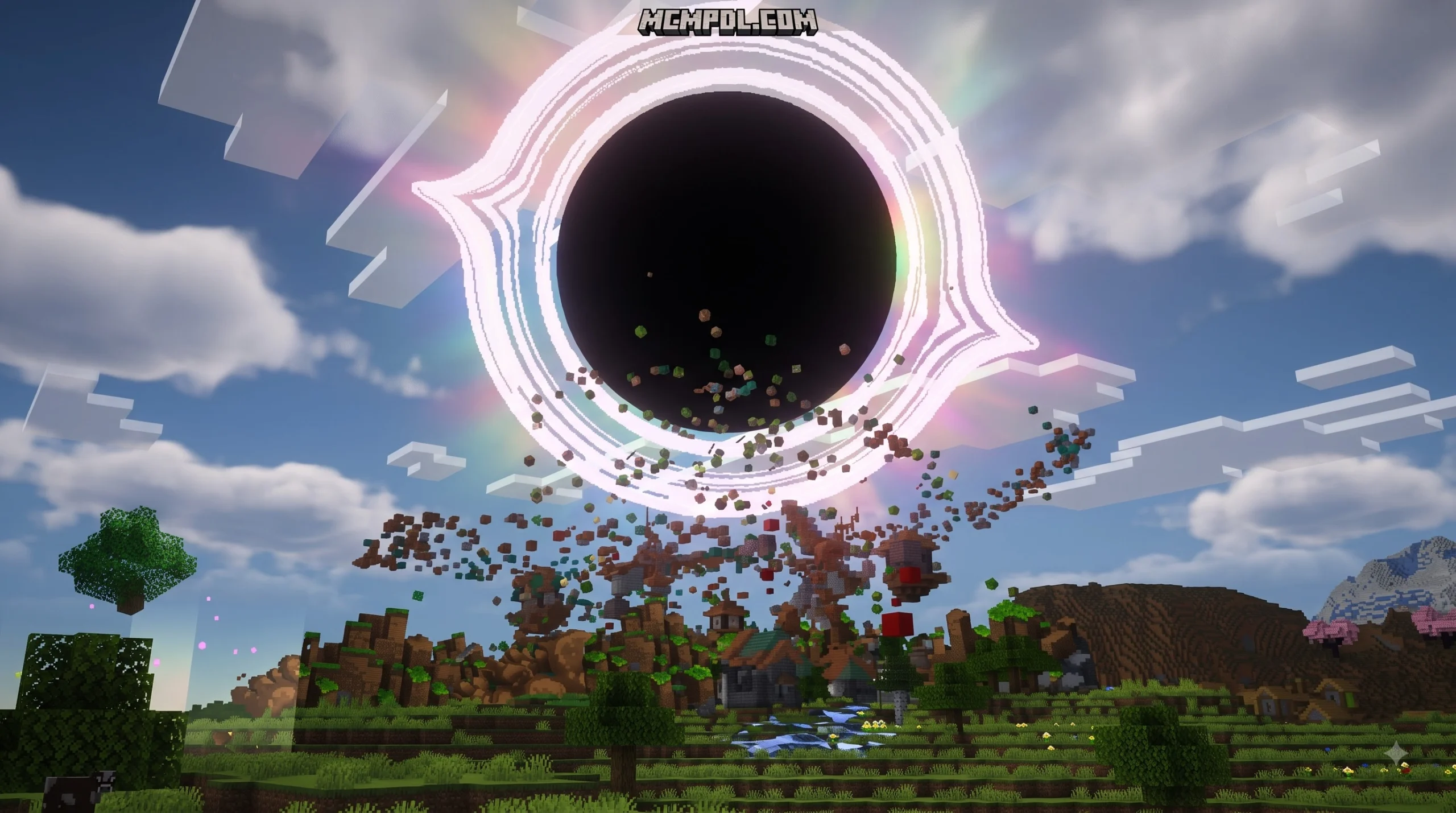
A Black Hole map introduces real astrophysics and cataclysmic hazards directly into your sandbox world. Instead of dealing with ordinary creepers or lava pits, you must survive alongside a relentless gravitational anomaly that devours matter, distorts space, and pulls anything nearby straight into its core. Similar to surviving custom catastrophic worlds, this environment forces you to rethink your base design, movement patterns, and long-term resource management. The sheer destructive power of the singularity means that traditional stone fortifications offer no protection once the event horizon begins expanding into your territory.
These maps usually drop you into a dedicated space station, a fractured celestial body, or an altered Overworld where an active event horizon sits at the center. The core objective varies: you might need to escape before the singularity expands across the entire biome, build specialized containment chambers, or harvest cosmic energy emitted by the rift to craft futuristic tools. Navigating these ruined environments requires constant vigilance, as a single misstep can pull your character into the crushing singularity beyond any hope of recovery.
Core Mechanics and Singularity Physics
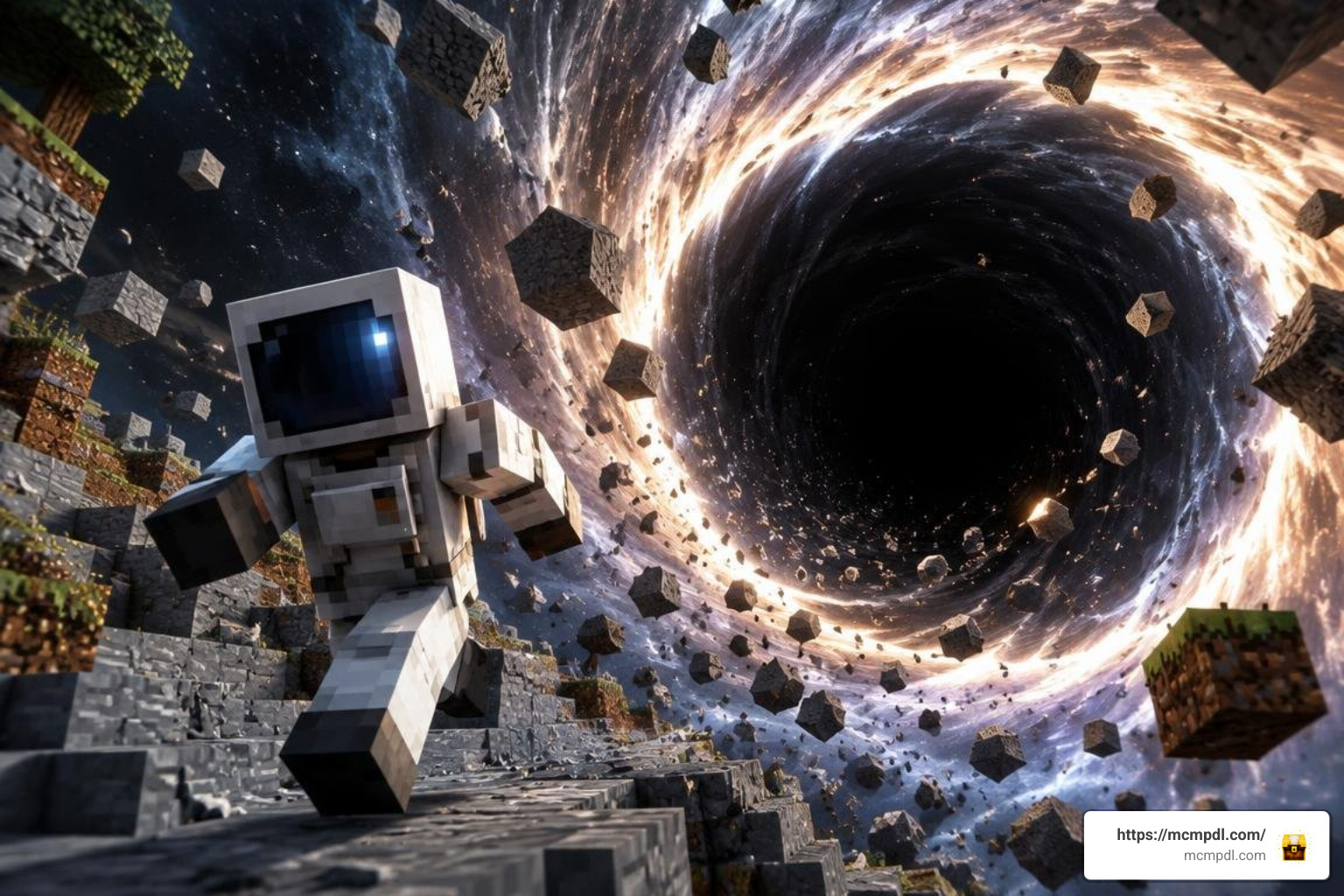
The mechanics powering these maps rely on custom entity behaviors and script-driven gravitational systems. When an active singularity spawns, it generates a custom pull radius that applies continuous directional velocity to nearby entities, including players, hostile mobs, floating item drops, and in advanced scripts, loose falling blocks.
Several popular creations incorporate true-to-life physics concepts:
- Matter Accretion and Growth: As items and mobs get sucked into the singularity, the black hole absorbs their mass and steadily increases in size, widening its effective gravity radius and consuming surrounding terrain at an accelerating pace.
- Particle Interactions: Detonating explosives like TNT near an active vortex can generate localized subatomic particles (often green particles) and antiparticles (pink antimatter).
- Hawking Radiation Simulation: Introducing antiparticles back into the singularity can slowly decay its mass, mirroring theoretical Hawking radiation and allowing you to shrink the hazard before it destroys your base.
- White Holes: Certain add-on packs spawn complementary white holes, which behave as polar opposites by repelling entities and ejecting valuable resources into the surrounding environment.
Key Gameplay Features and Cosmic Survival
Surviving in a world dominated by a black hole requires specialized strategies and advanced gear. For players who enjoy sci-fi cosmic encounters, these maps introduce entirely new progression loops:
- Automated Mob and Resource Traps: By utilizing the gravitational vortex as a central collection hub, you can funnel hundreds of hostile mobs toward a single point of impact, creating hands-free mob grinders and automated item sorting systems.
- Dark Galactic Armor and Weapons: Advanced versions allow you to collect collapsed cosmic debris or craft Infinity Ingots, unlocking protective suits that grant immunity to gravitational pull alongside high-tier combat gear.
- Teleportation Cores: Harvesting the core of a collapsed singularity provides items like the Black Hole Generator Core, which functions as an instant short-range or cross-dimensional portal.
- Challenging Bosses and Wizards: Some releases introduce unique cosmic bosses, such as the Black Hole Wizard, requiring careful positioning to avoid getting pushed into the abyss during combat.
Step-by-Step Installation Guide
Setting up a Black Hole map or add-on is straightforward across modern devices. Because these projects heavily utilize custom entity behaviors and high-impact physics scripts, following the correct setup process ensures that textures load properly and gravity scripts run without hitching. Always make sure to create a backup duplicate of your favorite survival saves before importing experimental packs that feature destructive entity mechanics.
Downloading the Black Hole Map for Minecraft PE/Bedrock
When searching for downloads, you will typically encounter three standard Bedrock file formats:
.mcworldFiles: These pre-built adventure worlds contain the map layout, custom terrain, and pre-configured behavior packs embedded directly into the save file. Simply launching the file imports the map into your world select screen without requiring manual pack management..mcaddonor.mcpackFiles: These include separate Behavior and Resource packs. If you want to spawn black holes inside your personal survival save, you will need to download and apply these packs manually through your world edit settings..zipArchives: If your browser downloads an uncompressed folder, rename the extension to.mcworldor extract the contents into your device’sminecraftWorldsdirectory.
Platform Installation on Android, iOS, and Windows
The installation process varies slightly depending on your operating system:
| Platform | File Handling & Import | Required Settings |
|---|---|---|
| Android | Tap the downloaded .mcworld or .mcpack file in your file manager; select Minecraft to open automatically. | Enable Experimental Gameplay toggles (Holiday Creator Features, Beta APIs). |
| iOS / iPadOS | Tap the downloaded file in the Safari Downloads manager, press Share, and choose Minecraft. | Turn on both Resource and Behavior packs under World Settings. |
| Windows 10 / 11 | Double-click the .mcworld or .mcaddon file to trigger automatic installation in Minecraft Bedrock. | Activate all Experimental Features inside world edit menus before launching. |
Performance Optimization and System Compatibility
Simulating continuous gravitational pull alongside hundreds of entity calculations places extra demands on your hardware. If a black hole consumes dozens of blocks or entities simultaneously, it can cause tick-rate drops and visual stutter on mobile processors.
Running the Black Hole Map for Minecraft PE/Bedrock on Different Devices
To maintain a smooth 60 FPS while navigating these chaotic worlds, adjust your in-game video and simulation settings. Just as you would configure your client when tackling apocalyptic boss encounters, apply the following performance tweaks:
- Lower Render Distance: Set render distance to 8–12 chunks on mid-range phones and tablets to reduce the background rendering load while gravity scripts run.
- Reduce Simulation Distance: Keep simulation distance at 4 chunks. This prevents black holes located in distant chunks from unnecessarily processing entity collisions when you are exploring elsewhere.
- Disable Heavy Graphics: Turn off Fancy Leaves, Beautiful Skies, and Smooth Lighting if your device begins to throttle during intense matter accretion phases.
- Clear Item Clutter: Avoid throwing large stacks of miscellaneous blocks near the horizon all at once, as rendering hundreds of loose floating items inside the vortex creates heavy physics tick lag.
Troubleshooting Common Glitches and Texture Bugs
Community feedback highlights a few common issues that can occur across different Bedrock updates:
- Invisible Black Holes: If the black hole spawns but is invisible or appears as a black-and-pink checkerboard cube, your game failed to load the accompanying texture pack. Ensure the resource pack is prioritized at the top of your active list in world settings.
- Entities Sticking to the Horizon: If mobs get pulled in but do not take damage or despawn, verify that experimental gameplay options are active. In some builds, script APIs require experimental flags to trigger damage over time.
- Unwanted World Destruction: If a black hole grows out of control near your base, you can quickly remove it using the chat command:
/kill @e[type=custom:black_hole](replacing the entity name with the specific add-on identifier). - Skybox Artifacts: If using custom space texture packs that replace the sun with an HD black hole, disable conflicting shaders or third-party skyboxes to prevent texture flickering.
Frequently Asked Questions
How do you craft or spawn a black hole in Bedrock Edition?
In survival-oriented black hole add-ons, crafting an active singularity requires high-end resources. The standard recipe involves placing a Nether Star in the center of a crafting table surrounded by 8 Iron Blocks. In creative mode, you can simply use the custom spawn eggs provided in your inventory under the nature tab.
Can you destroy or remove an active black hole?
Because black holes cannot be broken like normal blocks or damaged by standard weapon attacks, removal depends on your game mode. In survival, you can push them with pistons, feed them pink antiparticles to force Hawking decay, or use standard hand interactions depending on the mod build. In creative or administrative mode, the fastest method is using the /kill command targeting the specific custom entity.
Is the black hole map compatible with recent Bedrock updates?
Yes. Creators continually update their .mcworld and .mcpack files to maintain compatibility with modern Bedrock releases. As long as you activate the required experimental switches (such as custom biomes and upcoming creator features), the gravity scripts and custom items will function properly across phones, tablets, consoles, and PC.
Conclusion
The Black Hole Map brings a thrilling mix of theoretical physics, intense survival challenges, and high-tech utility straight into Bedrock Edition. Whether you are building automated mob collection farms powered by gravitational pull or navigating a shattered space station on the brink of collapse, it offers a refreshing departure from standard gameplay.
Before diving into your next cosmic journey, take a moment to back up your favorite saves, dial in your performance settings, and explore top Bedrock creations to find the latest survival maps, texture packs, and custom adventures.