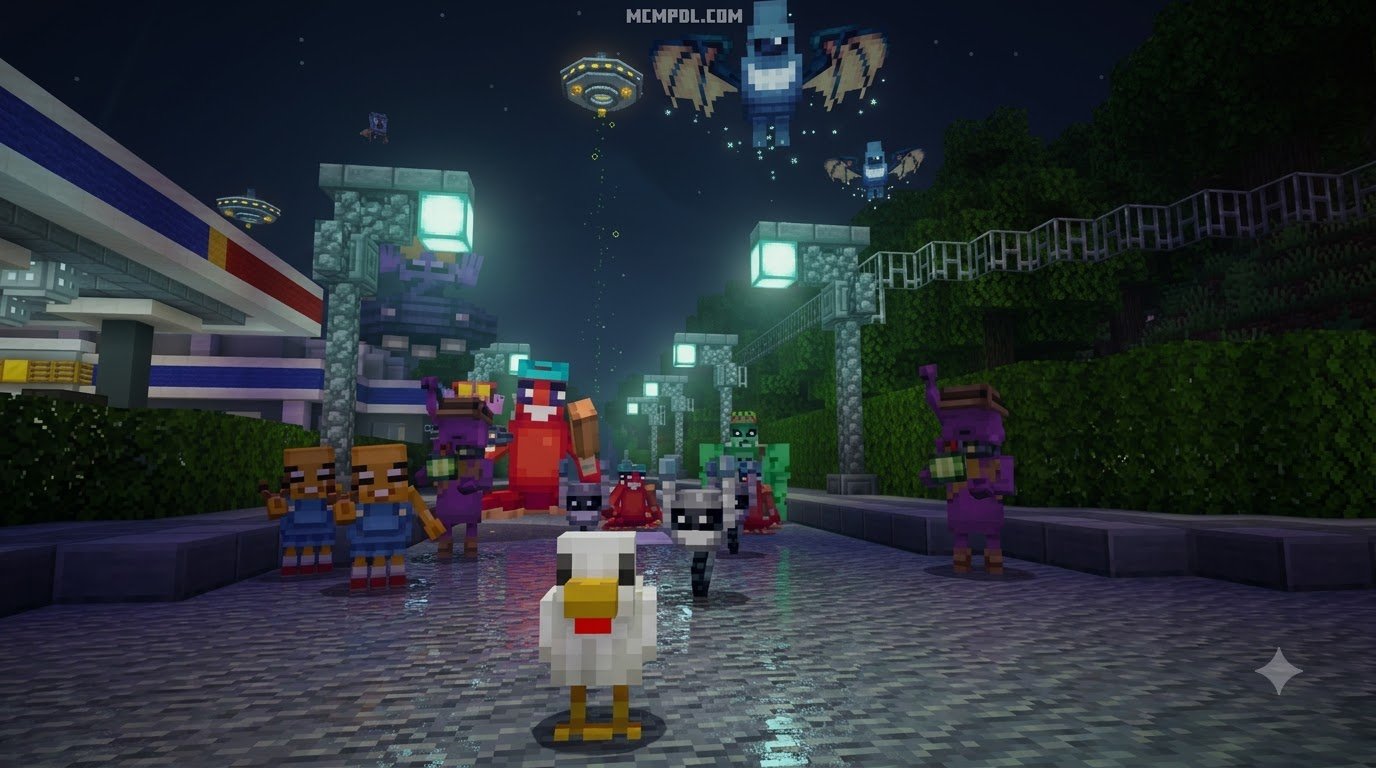
Scroll down to D0vvnl0ad
Download and Play an Alien Abduction Map for Minecraft Bedrock
To install an Alien Abduction Map for Minecraft PE/Bedrock, download a compatible .mcworld file, then open it with Minecraft to import the world automatically. Before playing, check the map’s listed Bedrock version and enable any included resource or behavior packs when the world settings request them.
These sci-fi adventure worlds can turn Bedrock into an extraterrestrial survival mission. Depending on the map, you may defend mobs from UFOs, sneak through alien simulations, solve puzzles, upgrade gear, or use custom weapons against invaders.
Some maps are built for solo play, while others support cooperative sessions. Back up existing worlds first, especially on mobile devices, and lower render distance if a large city, many custom entities, or active UFOs cause lag.
What Is the Alien Abduction Map in Bedrock Edition?
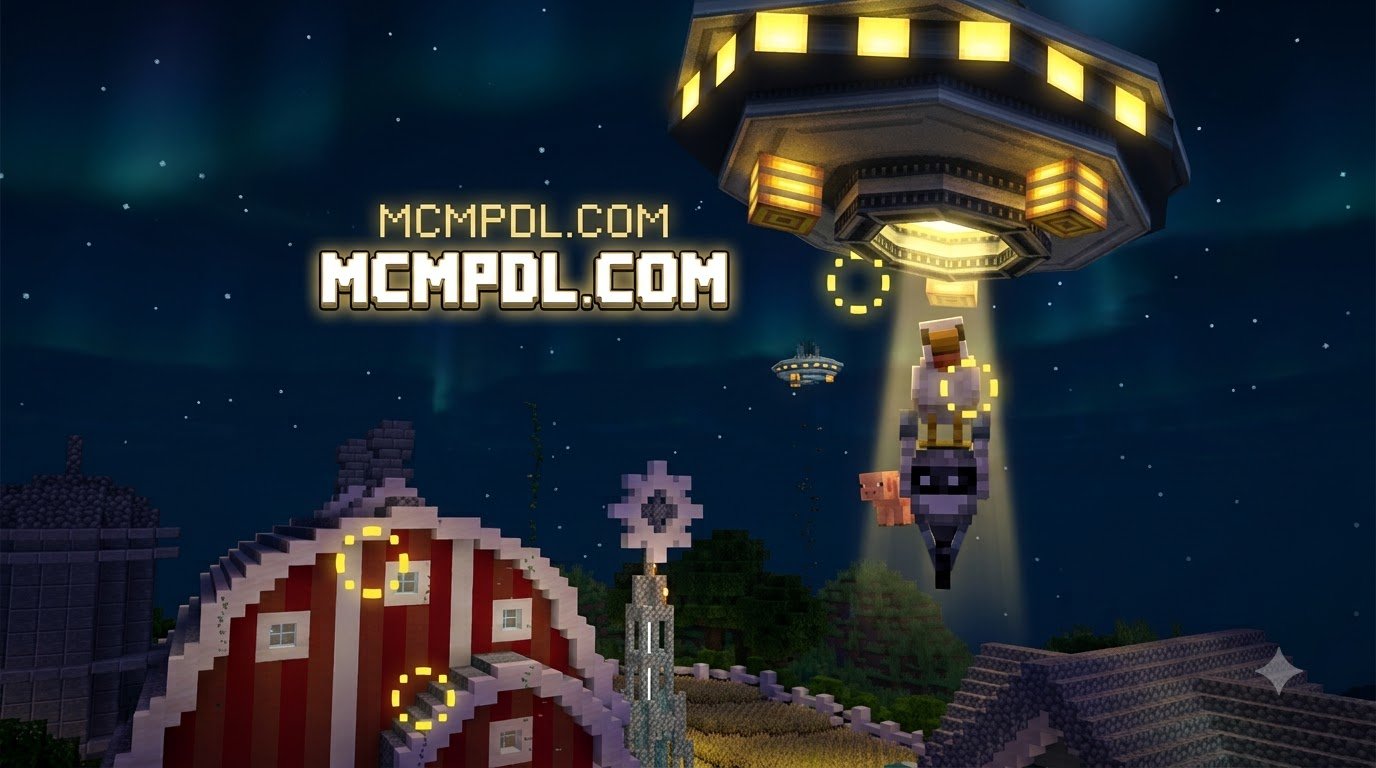
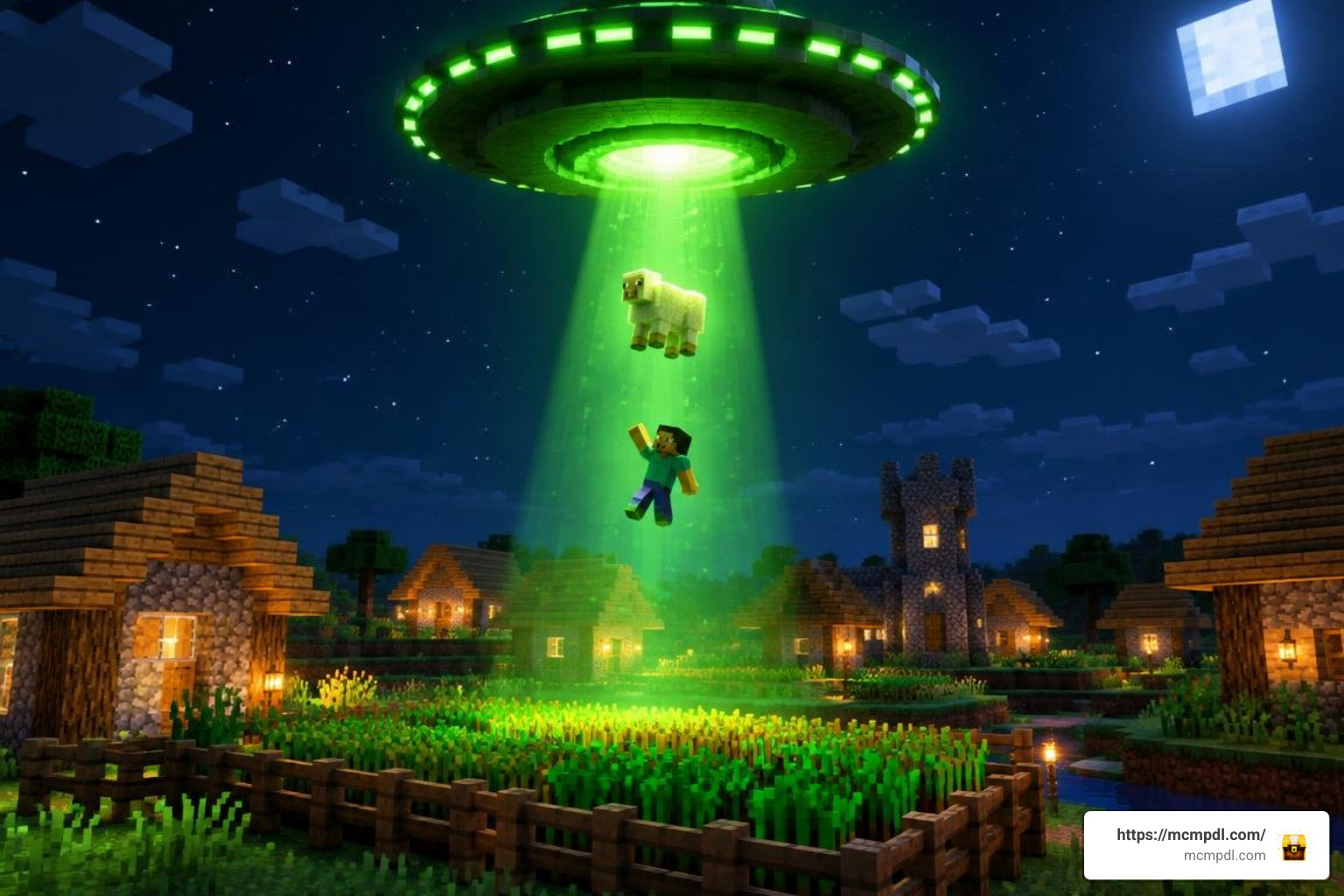
Alien abduction maps transport players away from traditional block-mining survival into futuristic sci-fi scenarios filled with high-tech dangers, towering motherships, and eerie encounters. In these custom worlds, the peaceful rhythm of Minecraft Bedrock transforms into a fight against extraterrestrial visitors. You might find yourself trapped aboard a city-sized mothership trying to break free, defending an unsuspecting town from hostile saucer raids, or piloting a spacecraft during specialized abduction tests.
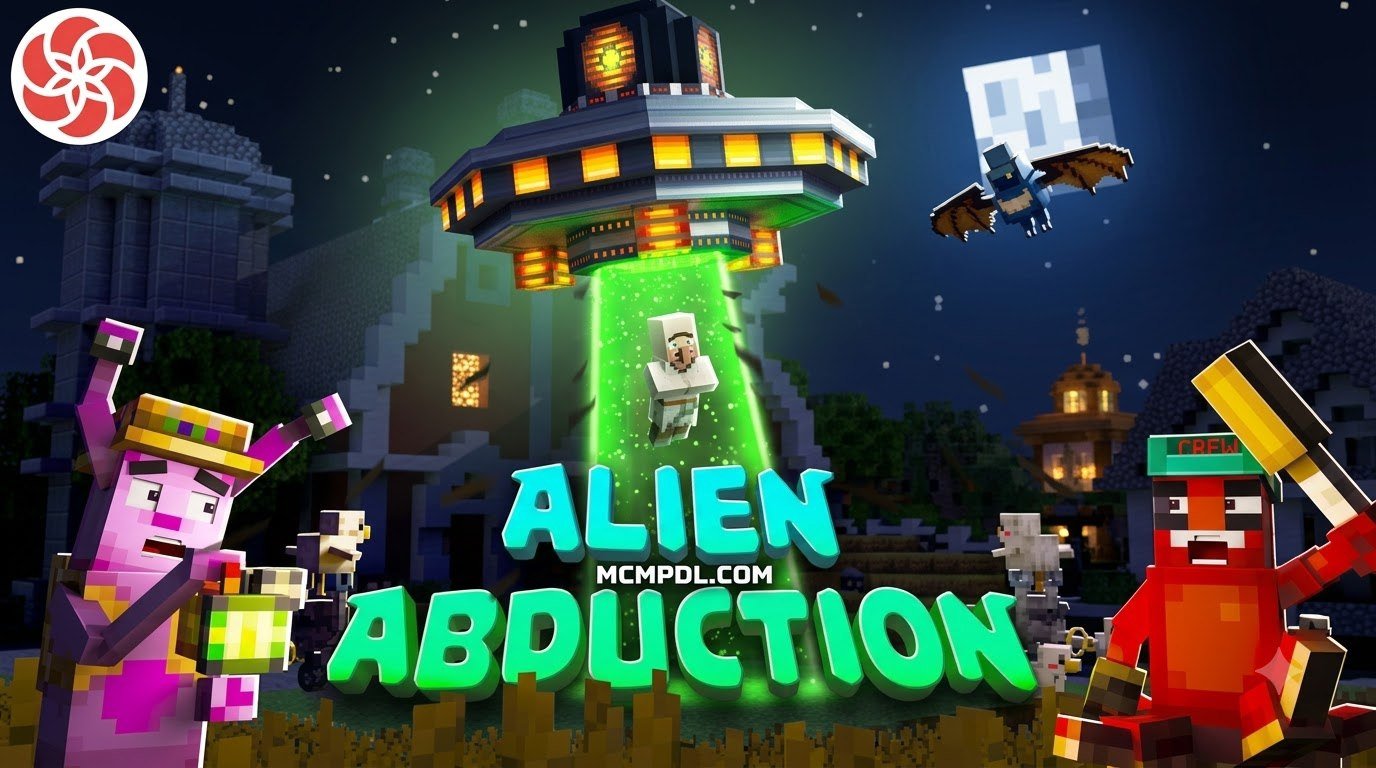
Creators achieve this level of immersion through custom behavior packs, retextured entities, custom sound design, and scripted command block sequences. The genre ranges from puzzle-centric escapes to action-heavy defense simulations. For example, popular community creations and catalog highlights like the Alien Abduction map place players directly in control of an extraterrestrial simulation, testing their ability to pilot UFOs and abduct dozens of different mob species without getting spotted by security defenses.
Other map designs lean heavily into survival horror and tense atmospheric puzzles. Classic projects like the community-loved Alien Abduction puzzle adventure challenge you to navigate locked facilities and mysterious settlements while searching for clues to restore power and escape. Whether you are avoiding glowing tractor beams or wielding advanced energy blasters, these maps showcase the incredible flexibility of Minecraft Bedrock’s add-on engine.
Objectives and Survival Challenges
The objectives inside alien-themed maps vary widely depending on the scenario you choose to load. Some adventure maps focus on frantic base-defense gameplay where you must protect innocent livestock—especially chickens—from hovering saucers looking for an easy meal. In these stages, you earn currency by keeping your animals safe, allowing you to visit an in-game shop to unlock laser rifles, speed boosts, and defensive turrets.
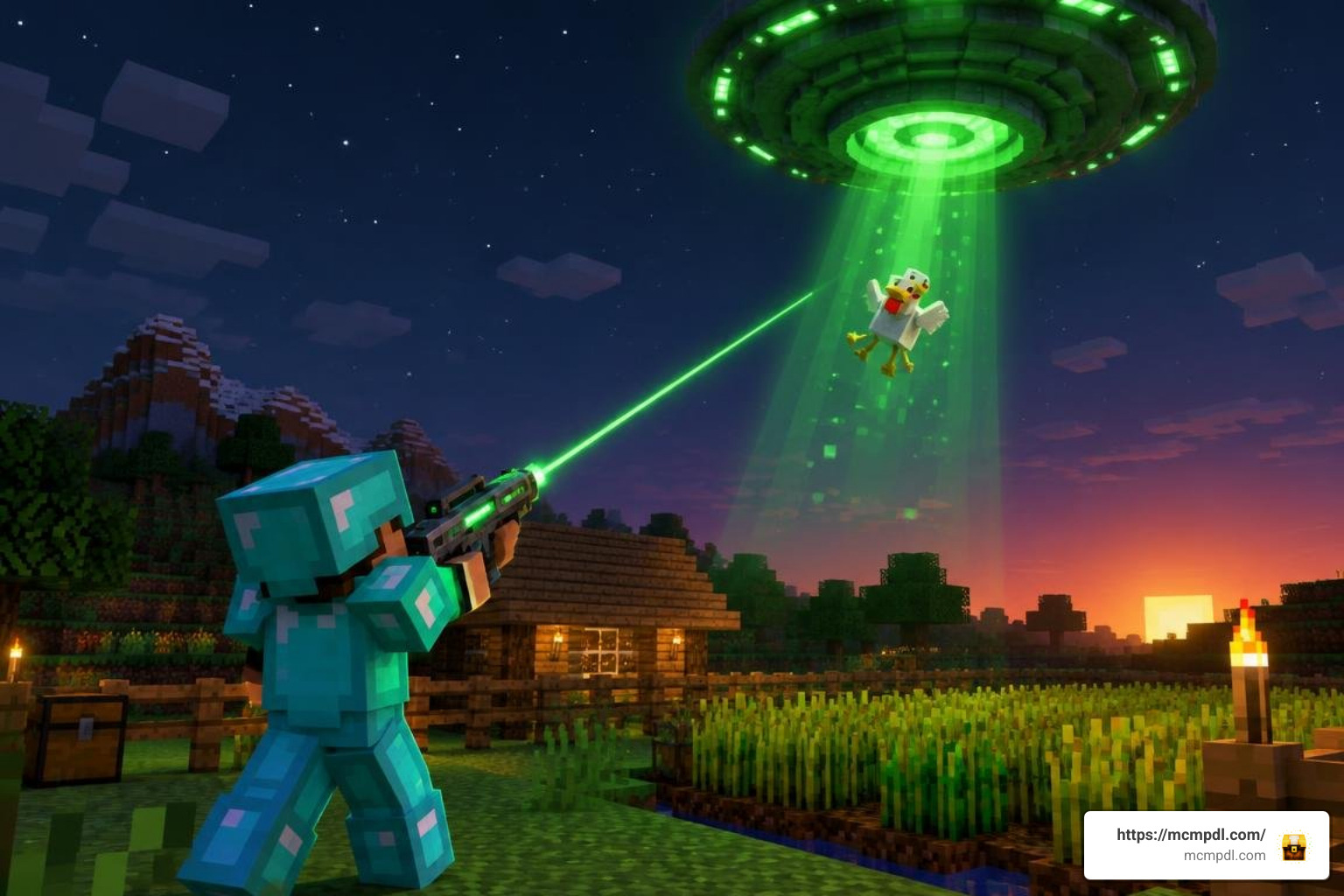
Other maps focus on high-stakes stealth and puzzle-solving. You may need to bypass robotic sentries, disable security shields, decipher access codes, or collect hidden items across intricate installations. In more combat-oriented worlds, players face multi-phase boss encounters, navigating projectile barrages from mechanical drones while managing limited ammunition. If you enjoy tense creature encounters, you can find a similar thrill inside a scary mobs world for Minecraft PE/Bedrock, where custom entity models create high-pressure survival scenarios.
Custom Entities, UFOs, and Bosses
What makes alien maps so captivating is their departure from standard vanilla monsters. Instead of standard skeletons or creepers, creators implement modified entity models and custom behaviors:
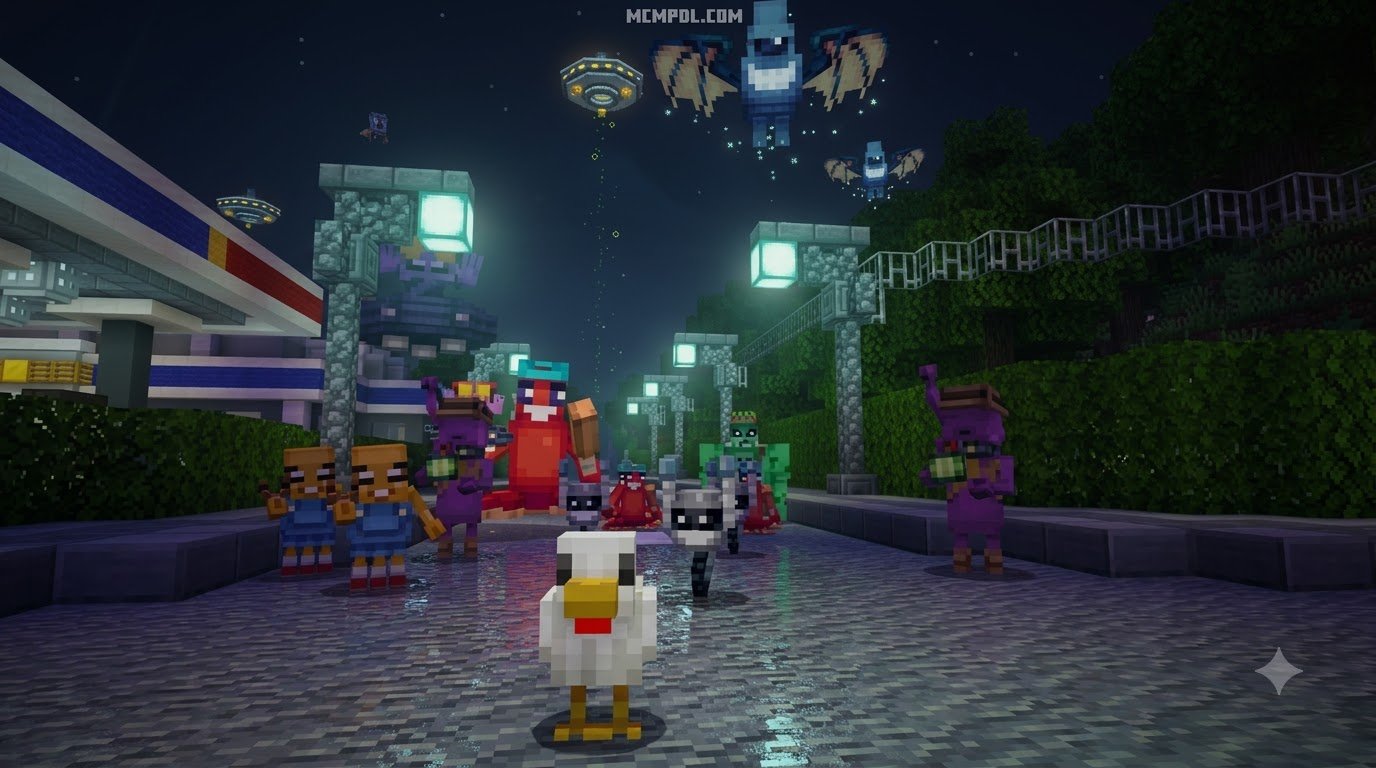
- Hovering UFOs: Creators frequently re-skin and adjust the AI of Nether Ghasts or create dedicated entity models to generate authentic flying saucers that cast glowing tractor beams and fire energy projectiles.
- Alien Invaders: Vanilla zombies, skeletons, and iron golems are modified with extraterrestrial textures, increased movement speeds, plasma blasters, and unique hit patterns.
- Custom Sci-Fi Devices: Advanced maps introduce utility items like Matter Manipulators to craft laser rifles, force fields, and energy shields from collected drone components.
- Extraterrestrial Bosses: Segmented mechanical bosses feature complex attack phases, summon helper drones, and deploy energy shields that require coordinated movement to defeat.
Some maps even mix extraterrestrial research with prehistoric hazards, letting you battle escaped alien experiments alongside unexpected bunker threats.
Core Gameplay Features of the Alien Abduction Map for Minecraft PE/Bedrock
The gameplay mechanics in modern Bedrock alien maps differ significantly from standard survival playthroughs. Instead of gathering raw wood and iron to craft standard swords, players interact with automated shops, quest menus, and specialized tech trees.
| Feature | Standard Minecraft Survival | Alien Abduction Adventure Map |
|---|---|---|
| Primary Goal | Freeform survival, building, defeating the Ender Dragon | Complete staged objectives, survive abduction waves, or escape ships |
| Enemy Types | Vanilla zombies, skeletons, spiders, creepers | Custom alien drones, retextured UFOs, sci-fi bosses |
| Equipment | Swords, bows, tridents, netherite armor | Energy blasters, laser beams, force fields, alien tech |
| Progression | Mining ores and enchanting gear | Wave-based currency shops, puzzle unlocks, story milestones |
| Environment | Naturally generated biomes and caves | Custom cityscapes, secret military installations, alien vessels |
Many maps integrate intricate quest markers and hidden collectables—like searching for dozens of hidden diamonds or power cores scattered across locked rooms—to encourage deep exploration. When paired with tense sound design and eerie lighting, these adventures offer an experience akin to running a dedicated horror addon for Minecraft PE/Bedrock, where ambient noises and unpredictable mob encounters keep you on edge.
Singleplayer vs. Multiplayer Experience
Most alien abduction adventure maps work smoothly in both singleplayer and multiplayer modes. Playing solo delivers a tense, isolated survival horror experience where every resource and defensive decision rests entirely on your shoulders. You can take your time inspecting puzzle clues, discovering hidden lore, and systematically taking down hostile ships.
Multiplayer turns these maps into chaotic, cooperative action games. In wave-defense or staged simulation maps, teams can divide responsibilities: one player repairs barriers and manages the resource shop, while others take up defensive perimeters with energy rifles to shoot down incoming UFOs. If your squad thrives on massive boss encounters and high-stakes teamwork, exploring the challenges in the Ender Storm map for Minecraft PE/Bedrock will feel right at home alongside your alien survival runs.
Step-by-Step Guide: How to Download and Install the Map
Installing custom .mcworld maps on Minecraft Bedrock has never been simpler. Because Bedrock uses a unified file architecture across mobile devices, consoles, and computers, you can get into the action with just a few taps.
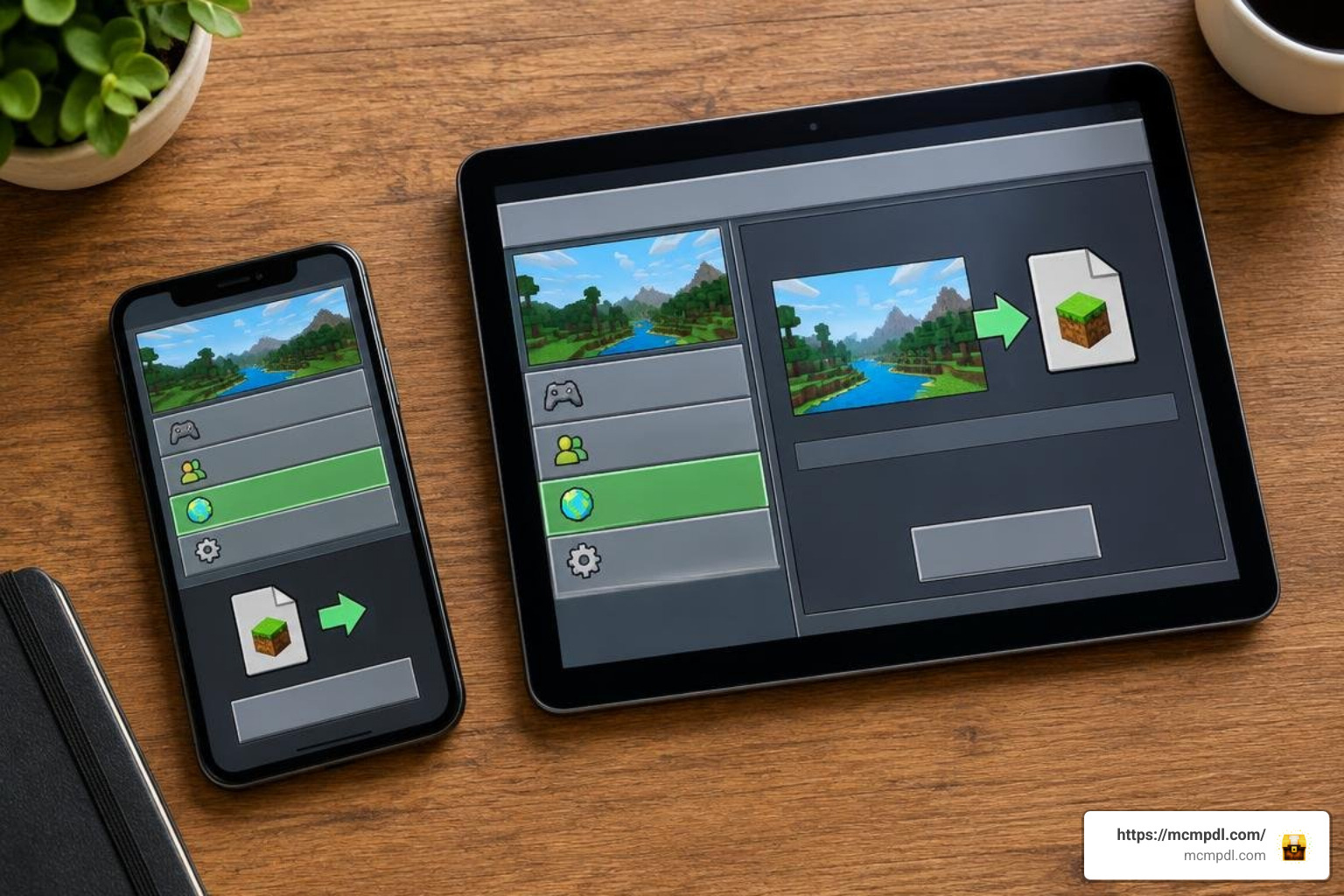
Before installing any large custom map, make sure your device has at least 3–4 GB of free RAM to prevent stuttering during intense scripted events.
Installing the Alien Abduction Map for Minecraft PE/Bedrock via .mcworld Files
Follow these platform-specific steps to import your map quickly:
- Download the Map File: Download the
.mcworldpackage for your desired alien adventure. If the file downloads as a.zip, simply rename the extension to.mcworld. - Execute the File:
- Android / iOS: Tap the downloaded
.mcworldfile in your browser’s download manager or file app. Choose “Open with Minecraft” when prompted. - Windows 10 / 11: Double-click the
.mcworldfile. Minecraft will launch automatically and begin importing.
- Android / iOS: Tap the downloaded
- Wait for the Import Message: Minecraft will display a banner reading “Level import started” followed shortly by “Level import finished successfully.”
- Configure World Settings: Select the newly imported world from your singleplayer list. Before pressing Play, click the Edit (pencil) icon to review settings:
- Ensure the included Resource Packs and Behavior Packs are active.
- If the map creator specified experimental features, scroll down to the Experiments tab and toggle them on.
- Launch and Enjoy: Enter the world, read any starting tutorial signs or dialogue books, and begin your extraterrestrial challenge!
Troubleshooting and Performance Optimization
Because alien abduction maps frequently spawn custom entities, dynamic lighting effects, and automated command block loops, performance can fluctuate on low-end devices. Here is how to keep your gameplay smooth:
- Lower Render Distance: Reduce your render distance to 8–12 chunks in the Video Settings menu. Large custom city builds and motherships load faster when your device is not rendering background terrain.
- Turn Off Fancy Graphics: Disabling “Fancy Leaves,” “Beautiful Skies,” and “Smooth Lighting” can provide an immediate boost to your frame rate during heavy mob waves.
- Restart the App Before Playing: Close background applications on your mobile phone or tablet before launching Minecraft to free up active memory.
- Clear Lingering Entities: If an old map suffers from severe entity lag, entering the command
/kill @e[type=item]can clear discarded drops that may be slowing down the world engine.
Frequently Asked Questions About Alien Abduction Maps
Is the Alien Abduction Map for Minecraft PE/Bedrock Free to Play?
Yes, many custom alien abduction maps created by community builders are available as completely free .mcworld downloads. While premium adventures can also be purchased with Minecoins directly through the built-in marketplace, the independent Bedrock modding scene offers an enormous variety of free sci-fi worlds, including classic downloads like Mojang’s showcase Alien Invasion adventure.
Which Bedrock versions support alien abduction adventure maps?
Most modern maps support Bedrock version 1.20 and the latest 1.21 builds. Older maps created during legacy versions (such as 0.16.0 or 1.16) usually import without issues, but you should verify that outdated command blocks or retired entity identifiers still execute properly in current game updates.
Do I need separate resource or behavior packs to run the map?
In most cases, no. When you download a map packaged as an .mcworld file, the creator’s custom resource packs and behavior packs are already bundled directly inside the archive. They will install and activate automatically as soon as the world imports into your game.
Conclusion
Alien abduction maps bring an electrifying sci-fi twist to Bedrock Edition, delivering intense wave defenses, complex puzzles, and cinematic boss battles that elevate standard Minecraft gameplay. Whether you want to sneak past robotic guards, fly high-tech saucers, or eliminate swarms of invaders threatening your world, these custom maps provide endless entertainment for solo adventurers and multiplayer squads alike.
Explore the latest community releases, resource packs, and world templates directly at MCMPDL to find your next great gaming experience!

1 thought on “Alien Abduction Map for Minecraft PE/Bedrock”