

Scroll down to D0vvnl0ad
Start Your Vampire Knight Adventure in Bedrock
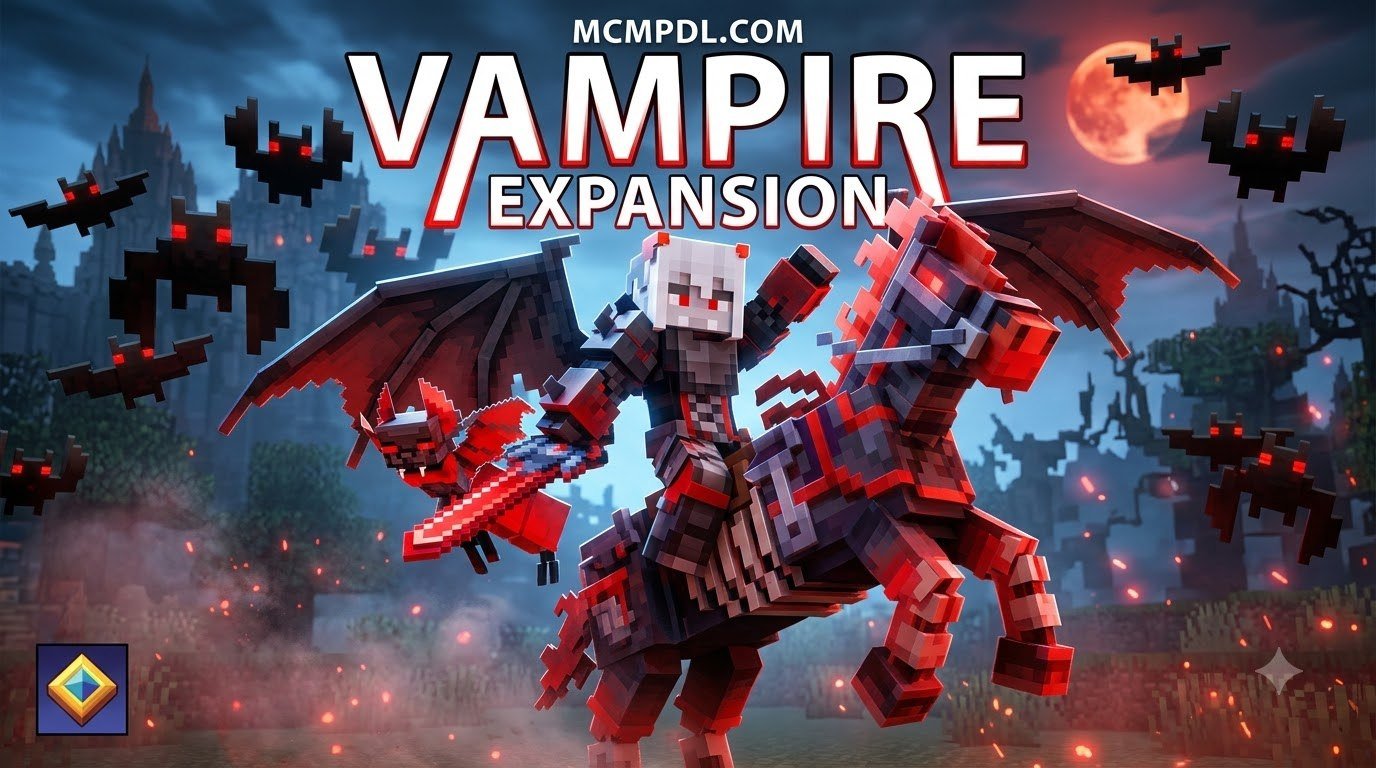
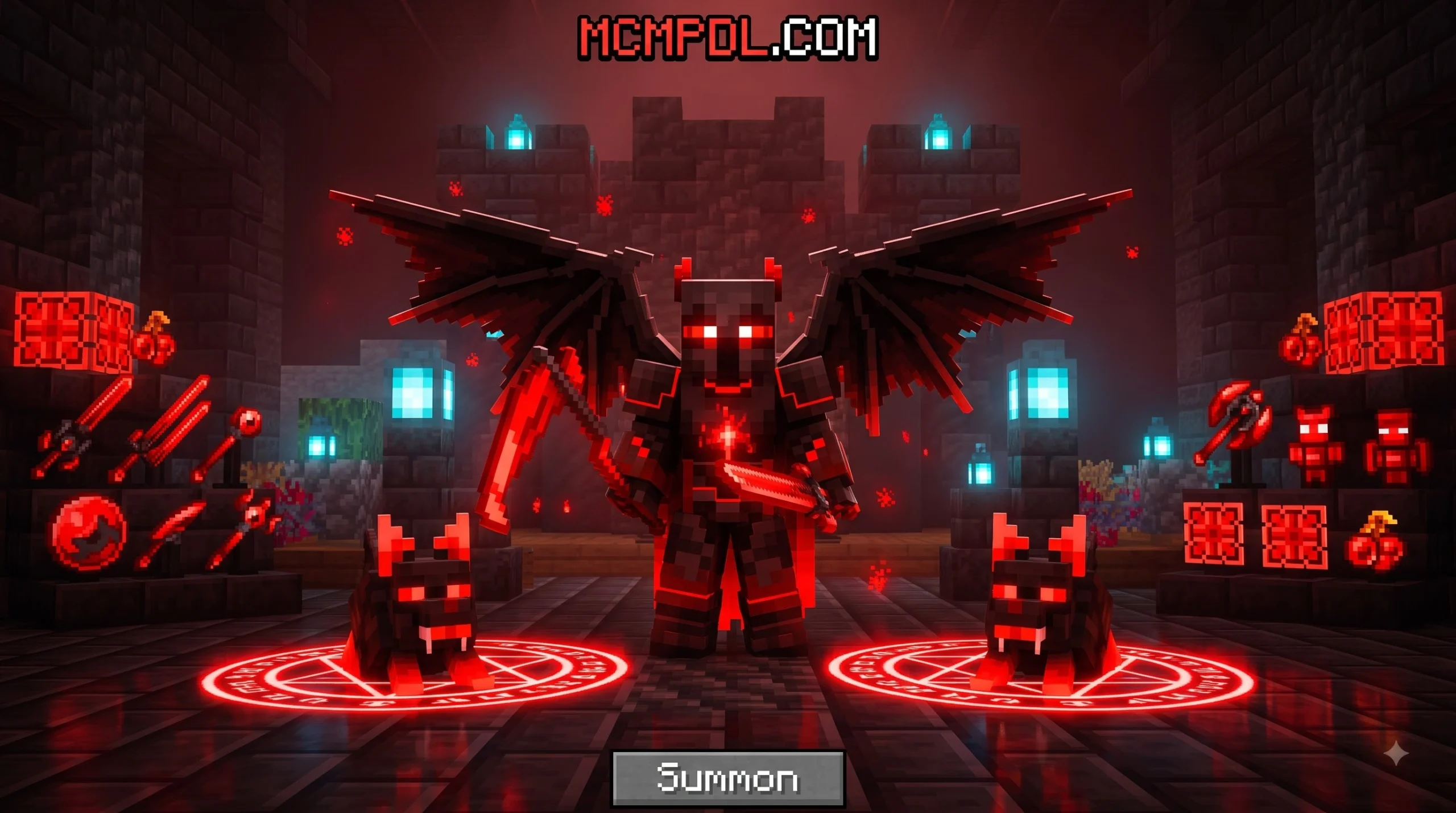
The Vampire Expansion Map for Minecraft PE/Bedrock is a paid Marketplace world where you play as a vampire knight in a spooky luxury mansion. It includes vampire wings for flight, powerful armor, custom combat gear, 15 weapons and artifacts, and 10 custom mobs. You can buy it for 660 Minecoins, use it with Bedrock 1.16.0 or newer, and invite up to 10 players.
Unlike a free vampire addon, this is a ready-to-play world with its own mansion setting and built-in vampire-themed gameplay. It is a strong choice if you want to jump straight into exploration, survival combat, and co-op action without building a vampire adventure from scratch.
Core Features of the Vampire Expansion Map for Minecraft PE/Bedrock
Created by Overtales Studio, this custom world brings dark fantasy to life inside Bedrock Edition. It launched on May 30, 2023, and has quickly established itself as a staple among gothic and horror-themed adventures. With a solid 4.7 out of 5 stars across more than 2,647 ratings—and roughly 85% of those ratings being a perfect 5 stars—the reception from the player base is overwhelmingly positive.
Rather than altering standard vanilla generation across your entire seed catalog, the map drops players directly into a lavishly detailed estate surrounded by supernatural hazards. If you are exploring custom maps, checking out our Maps Category gives you an idea of how specialized map worlds elevate vanilla survival.
Overview, Pricing, and Compatibility
Purchasing the map is straightforward via the official in-game store:
- Price: 660 Minecoins (approximately $3.46 USD / €3.26 EUR).
- Compatibility: Requires Minecraft Bedrock version 1.16.0 or newer across Windows, Android, iOS, Xbox, PlayStation, and Nintendo Switch.
- Multiplayer Support: Full multiplayer integration supporting up to 10 players in local co-op, dedicated servers, or realms.
- Creator: Vampire Expansion by Overtales Studio (Minecraft Marketplace Map) – Minecraft Bedrock Marketplace Explorer .
Because it runs within standard Bedrock architecture, cross-platform play works seamlessly. You and your friends can dive in together regardless of whether you are playing on mobile, console, or PC.
Weapons, Armor, and Mobs in the Vampire Expansion Map for Minecraft PE/Bedrock
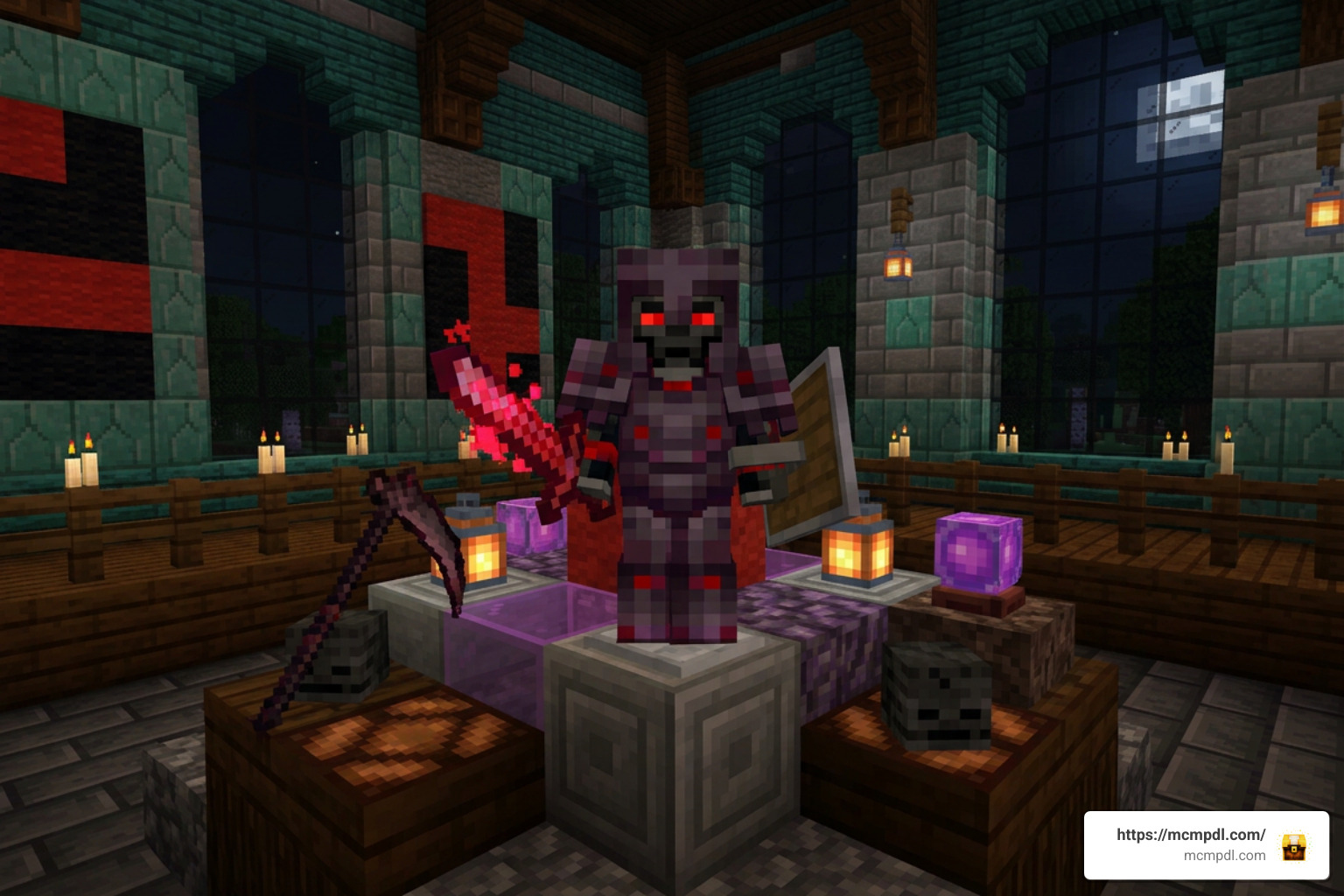
The map introduces a complete arsenal designed to give you a dominant, superhero-like combat feel. Facing tough enemies requires strong gear, much like equipping yourself against intense encounters in a Bosses Addon.
Key gear and entity features include:
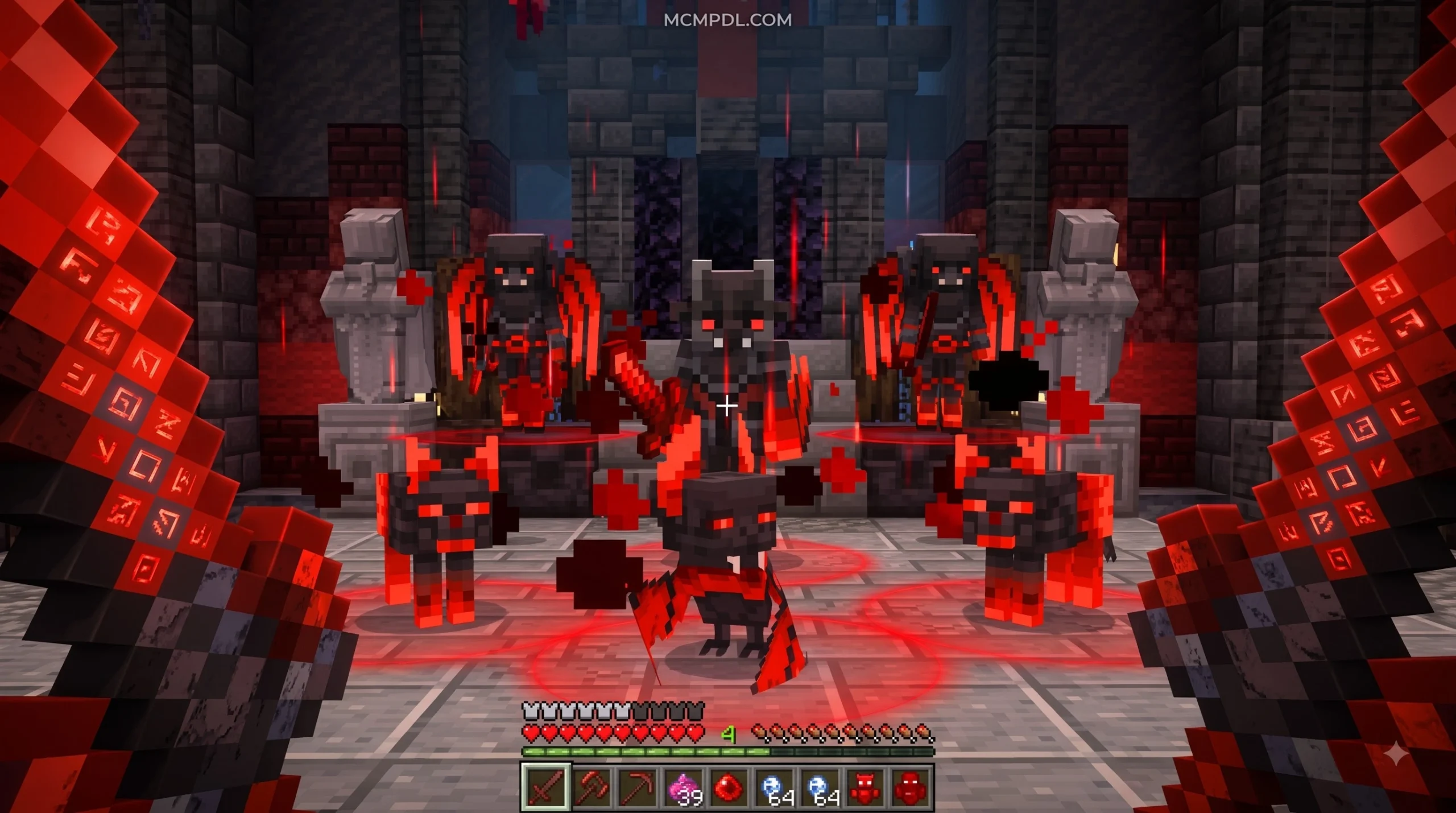
- 15 Weapons & Artifacts: Includes specialized equipment like the crimson Dual Sword, Scythe, powerful mystical orbs, and soul-harvesting relics.
- 10 Custom Mobs: Unique supernatural hostiles, monster souls, and undead minions designed specifically for the mansion grounds.
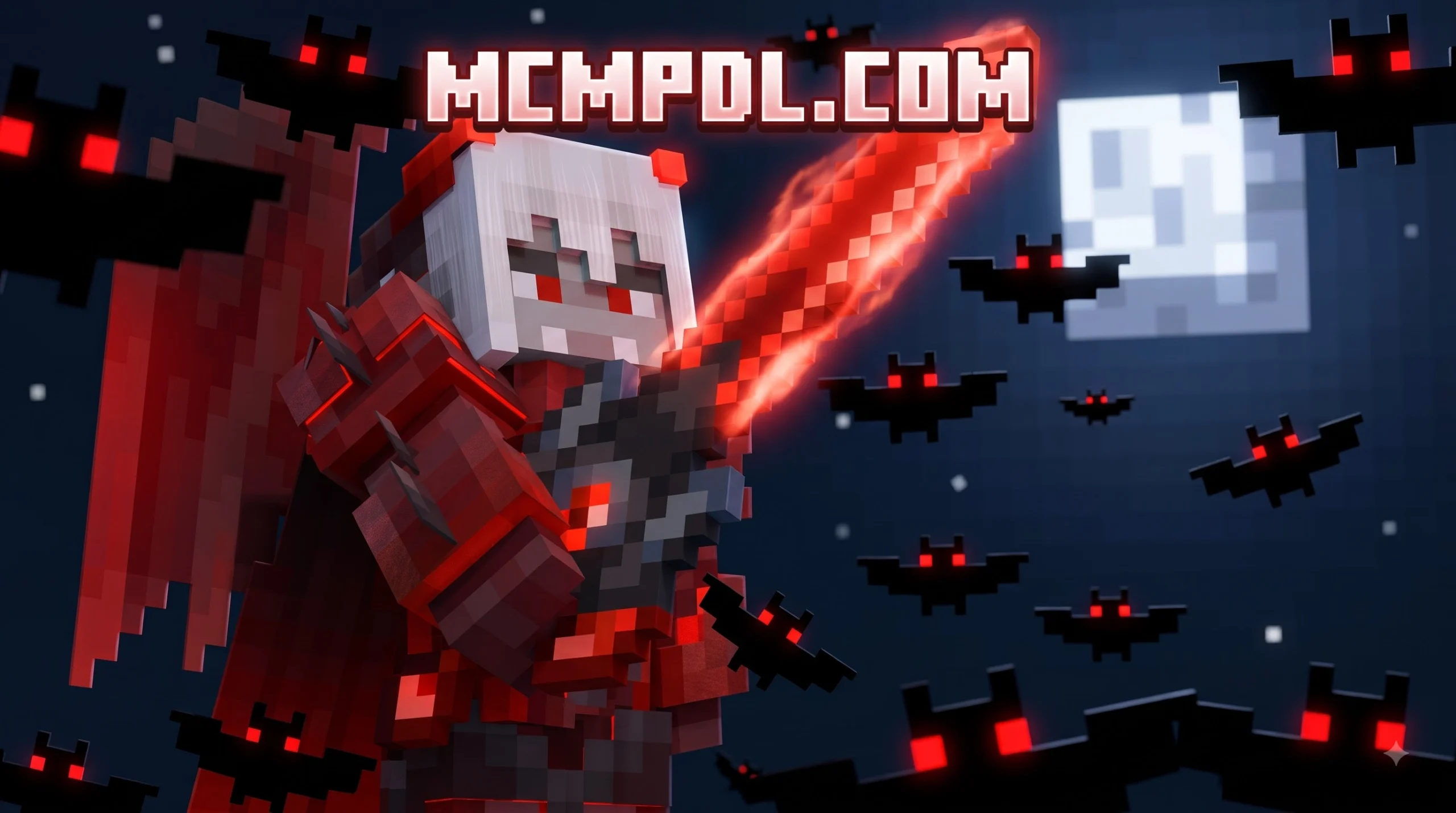
- Vampire Wings & Armor: Overpowered vampire knight armor granting aerial flight mechanics, elevated defense, and boosted movement speeds.
- Supernatural Mounts & Companions: Ride an overpowered vampire horse across long halls or summon a carrier bat to assist your survival needs.
Paid Marketplace Map vs. Free Community Vampire Addons
When choosing how to bring vampires into your game, you can opt for curated Marketplace adventure maps or free community-created behavior packs. Pairing gothic gameplay with a standalone Horror Addon for Minecraft PE/Bedrock allows you to craft your own terrifying environment, but curated worlds save you setup time.
How the Vampire Expansion Map for Minecraft PE/Bedrock Compares to Free Addons
Free community projects often focus on survival transformation, ritual altars, and blood management rather than built-in mansions. If you enjoy building your modpack piece by piece, our Add-ons Category is full of community packs to try.
Here is how the paid Vampire Expansion compares against prominent free vampire mods and maps available online:
| Feature / Detail | Vampire Expansion (Overtales Studio) | Download The Vampires — Mod For Minecraft 1.26, 1.25, 1.22, 1.21, 1.19, 1.18, 1.16 | [VAMPIRE (Achievements Friendly) | Minecraft PE Addons ](https://mcpedl.com/vampire-knightshadow/) | Vampire’s Manor – Minecraft Map | Download Vampire mod for Minecraft PE |
|---|---|---|---|---|---|---|
| Format | Marketplace World Template | Behavior & Resource Addon | Lightweight Addon | Free Adventure Map | Multi-stage Survival Mod | |
| Price | 660 Minecoins (~$3.46) | Free | Free | Free | Free | |
| Core Theme | Overpowered Vampire Knight | Hostile Vampire Mobs & Cures | Survival Life Steal System | Short Monster Hunter Quest | Multi-level Ritual Progression | |
| Setting | Spooky Luxury Mansion | Standard Vanilla Worlds | Standard Vanilla Worlds | Small Village & Manor (1.19) | Dark Biomes & Vanilla Worlds | |
| Key Mechanics | Flight, 15 Artifacts, 10 Mobs | Sunlight Weakness, Forbidden Boss | Hit-triggered Life Steal | Clue finding, Boss Hunt | Wooden stakes, Blood thirst, Dracula | |
| Achievements | Disabled (World Template) | Disabled | Achievements Friendly | N/A | Disabled |
Additional free community releases like the alternative listing for Download The Vampires Mod For Minecraft 1.20, 1.19, 1.18 For Free introduce deep lore surrounding ancient tribes and Nether Star cures.
Standalone Map Worlds vs. Survival Addons
Understanding the difference between an addon and a map helps you pick the right format:
- Marketplace Maps (World Templates): Everything is bundled inside a single world download. The custom textures, items, and building structures are confined to that specific mansion map. You get an immediate, bug-tested experience without needing to adjust experimental gameplay toggles.
- Global Addons: Behavior packs apply to any random seed you generate. While they let you play in infinite survival worlds, they sometimes require manual file placement or periodic updates when new game patches arrive.
If you enjoy exploring premade haunted environments instead of tweaking addon settings, pairing this expansion with adventures like the Scary Mobs World for Minecraft PE/Bedrock or the apocalyptic Ender Storm Map for Minecraft PE/Bedrock is a great way to build your world library.
Gameplay Tips for Exploring the Spooky Luxury Mansion

Surviving the dark corridors and mastering supernatural aerial mobility requires a balance of offense and defense. If you enjoy tense encounters with eerie creatures, you will feel right at home with the sudden subterranean threats found in the Cave Dweller Add On.
Combat and Mobility Tactics
- Take to the Skies Early: Equip your vampire knight armor and wings immediately. Flight allows you to bypass narrow corridors, avoid mob swarms, and launch aerial strikes from the mansion’s vaulted ceilings.
- Cycle Your Custom Weapons: Alternate between your dual swords for quick single-target damage and your scythe for wide sweeps when clearing out groups of custom mobs.
- Utilize Mounts Indoors and Outdoors: Summon the carrier bat to ferry gear between rooms and mount your overpowered vampire horse to traverse large courtyards quickly.
- Control the Darkness: Stay aware of mob spawn zones in unlit chambers. The custom entities hit hard, so use vertical knockback and ranged orb attacks to maintain spacing.
Multiplayer Survival and Progression
The map shines when played with up to 10 players. Splitting up tasks makes clearing the mansion efficient:
- Assign Combat Roles: Have one player engage front-line threats with high-defense armor and scythes while supporting players use ranged artifacts and aerial flight to control crowds.
- Harvest Monster Souls: Defeat custom entities across the estate grounds to gather resources for activating higher-tier weapons.
- Summon Undead Reinforcements: Use summoning artifacts during boss encounters to distract hostiles and protect low-health teammates.
For groups looking for even more creature diversity after clearing the mansion, exploring expansions like More Mobs World adds hundreds of additional threats to test your skills against.
Frequently Asked Questions about Vampire Content in Bedrock
How much does the Vampire Expansion map cost on the Marketplace?
The Vampire Expansion map costs 660 Minecoins in the official Minecraft Marketplace. This converts to roughly $3.46 USD or €3.26 EUR, depending on your regional platform store and Minecoin coin pack bundles.
Can the Vampire Expansion map be played with friends in multiplayer?
Yes. The map fully supports up to 10 players simultaneously. You can host a local multiplayer session, run it on a dedicated Bedrock server, or upload the world template directly to a Minecraft Realm for cross-platform play.
What makes the Vampire Expansion world different from a regular addon?
The Vampire Expansion is sold as a standalone world template rather than a loose behavior pack. This means the 15 custom weapons, 10 mobs, overpowered flight armor, and luxury mansion are integrated directly into a single pre-built map, ensuring balanced gameplay right out of the box.
Conclusion
The Vampire Expansion by Overtales Studio is a polished, action-heavy adventure for anyone looking to embrace the vampire knight fantasy in Bedrock Edition. With its high 4.7-star rating, thrilling flight mechanics, and seamless 10-player multiplayer, it delivers an entertaining survival experience. Explore more curated guides, mods, and worlds with us at MCMPDL to keep your next Minecraft adventure fresh and exciting!
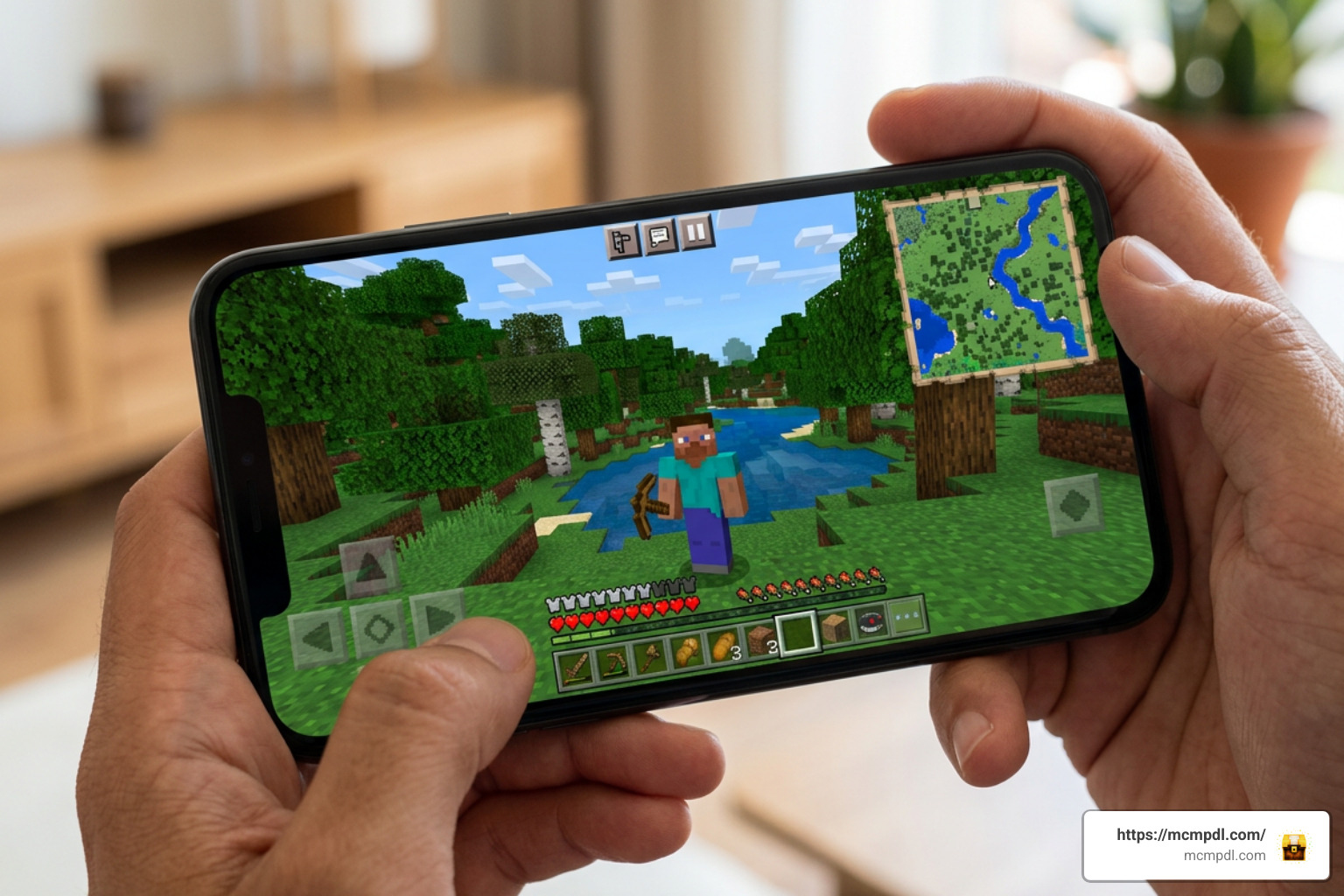 A **Minimap Addon for Minecraft PE/Bedrock** adds a small live map to your screen, helping you see nearby terrain, your direction, and sometimes nearby entities without stopping to open a full map. In simple terms, it can help players: - Find their way back to a base, village, portal, or cave entrance. - Follow terrain while exploring on mobile, PC, or Bedrock-supported devices. - Keep a compass-like view of direction during long trips. - See map support in places where vanilla map items are less useful, including the Nether and End in supported addons. These addons do not usually change world generation. Instead, they add navigation tools through resource packs, behavior packs, and, in many cases, Bedrock's script features. Options range from lightweight terrain displays to advanced HUD maps with rotation, entity indicators, waypoints, and full map views. There is an important trade-off: third-party behavior packs can disable achievements in a Bedrock world. That makes minimap addons especially useful for exploration worlds, multiplayer adventures, and survival saves where better navigation matters more than achievement progress. ## Essential Features of a Minimap Addon for Minecraft PE/Bedrock 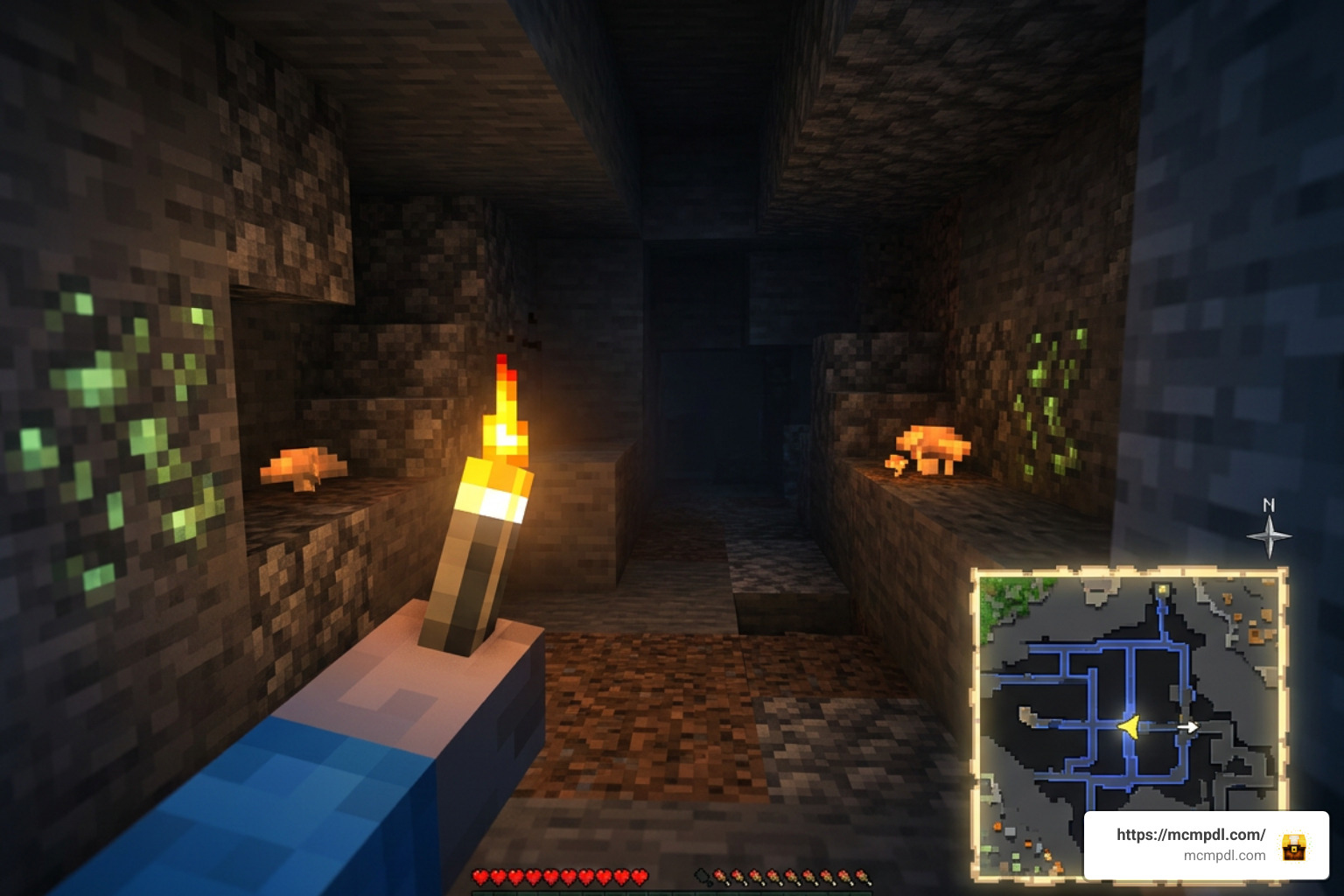 When you install a **Minimap Addon for Minecraft PE/Bedrock**, you gain immediate visibility over your surroundings without cluttering your main viewport. Modern minimap systems do far more than just draw a static image in the corner of your screen. They process block rendering, entity position data, and elevation levels in real time. ### How Minimap Addons Enhance Navigation Standard navigation in Minecraft Bedrock relies on held paper maps or crafted compasses, which occupy valuable inventory slots and slow down movement. A proper minimap addon solves this by offering active HUD elements that function automatically. * **Radius Mapping**: Most minimap addons, such as lightweight rendering mods, stream terrain data within a 31×31 block radius around the player. This gives you a crisp view of biomes, rivers, and cliffs without straining your device's memory. * **Compass Orientation and Dynamic Rotation**: Advanced addons rotate the map frame dynamically as your character turns, keeping your facing direction aligned with your physical movement. * **Entity Tracking Indicators**: Living radar systems mark mobs on the map. Friendly animals appear as neutral icons, while hostiles like Creepers, Zombies, or Skeletons show up as distinct radar blips, giving you time to prepare before an ambush. * **Subterranean Cave Mode**: When stepping beneath the surface, standard maps become useless grey grids. Dedicated minimap mods detect vertical block density and automatically switch to a high-contrast Cave Mode, mapping out dark tunnels, underground ravines, and lava pools. ### Achievements and Behavior Pack Restrictions A common concern among survival players is whether running a navigation mod will affect their game progression statistics. Mojang enforces strict rules regarding external modifications in Bedrock Edition. Because third-party behavior packs introduce custom scripts that modify game memory and player state tracking, Mojang automatically disables Xbox achievements on any world running custom external behavior packs. If keeping Xbox achievements active is your top priority, you must stick to official Marketplace content or vanilla map items. However, if your focus is uninhibited exploration, build planning, or custom server play, installing a dedicated behavior pack is well worth the trade-off. ## Comparing Popular Options: Magnificent Minimap vs. Explorer's World Map The Bedrock modding community offers several top-tier choices for real-time map interfaces. Two of the most widely used projects are *Magnificent Minimap* and *Explorer's World Map & Minimap V2*. | Feature / Metric | Magnificent Minimap | Explorer's World Map & Minimap V2 | | --- | --- | --- | | Total Downloads (CurseForge / Platforms) | Over 894,600 (CurseForge) / 788,000+ cross-platform | Over 1.3 Million (CurseForge) | | Community Rating | 4.2 / 5 (Community Rating) | Highly Popular / Community Tested | | Script Dependencies Required | UI Queue & Kamii's Script Configuration | Native Script / Beta API dependent | | Required Experimental Toggles | Beta API | Beta API | | Map Display Shapes | Circular & Rectangular Modes | Circular HUD & Full Screen Overlay | | Dimension Support | Overworld, Nether, End, Custom Dimensions | Overworld & Cave Mode | | Command Menu | `/configuration` | `/settings`, `/map`, `/minimap`, `/preset`, `/waypoint` | | Unique Features | 30%–90% Map Data Compression, 'Bad Apple' Easter Egg | Shared Multiplayer Map Area Unlocking | ### Selecting the Right Minimap Addon for Minecraft PE/Bedrock Choosing between options depends on your device specifications and preferred gameplay style: - **Magnificent Minimap**: Excellent for players who want deep HUD customization and multi-dimension travel. Updates like version 1.7 introduced custom data compression algorithms that reduce saved chunk map data sizes by 30% to 90%, preventing long-term world file bloat. It supports Minecraft versions up to 1.21.120, 1.21.130, and 26.0. It also supports custom dimensions and even includes a fun community easter egg—running `/function start_bad_apple` streams the famous 'Bad Apple' animation inside your map HUD! If you want to try it out, look for the official addon packages from trusted community mod creators. - **Explorer's World Map**: Perfect for collaborative survival servers. It features an automated waypoint system and a shared exploration mechanic where players uncover map sections together. ### Multiplayer Map Unlocking and Shared Exploration In multiplayer environments, coordination is key. Mods like *Explorer's World Map* allow players to sync their map data using commands like `/map`. When a team member explores a distant woodland mansion or ocean monument, their mapped territory unlocks for everyone connected to the realm or server. By typing `/waypoint` in chat, team members can set shareable beacon markers at base bases, end portals, or nether hubs, keeping the entire group synchronized without needing third-party coordinate trackers. ## Setup and Customisation Guide 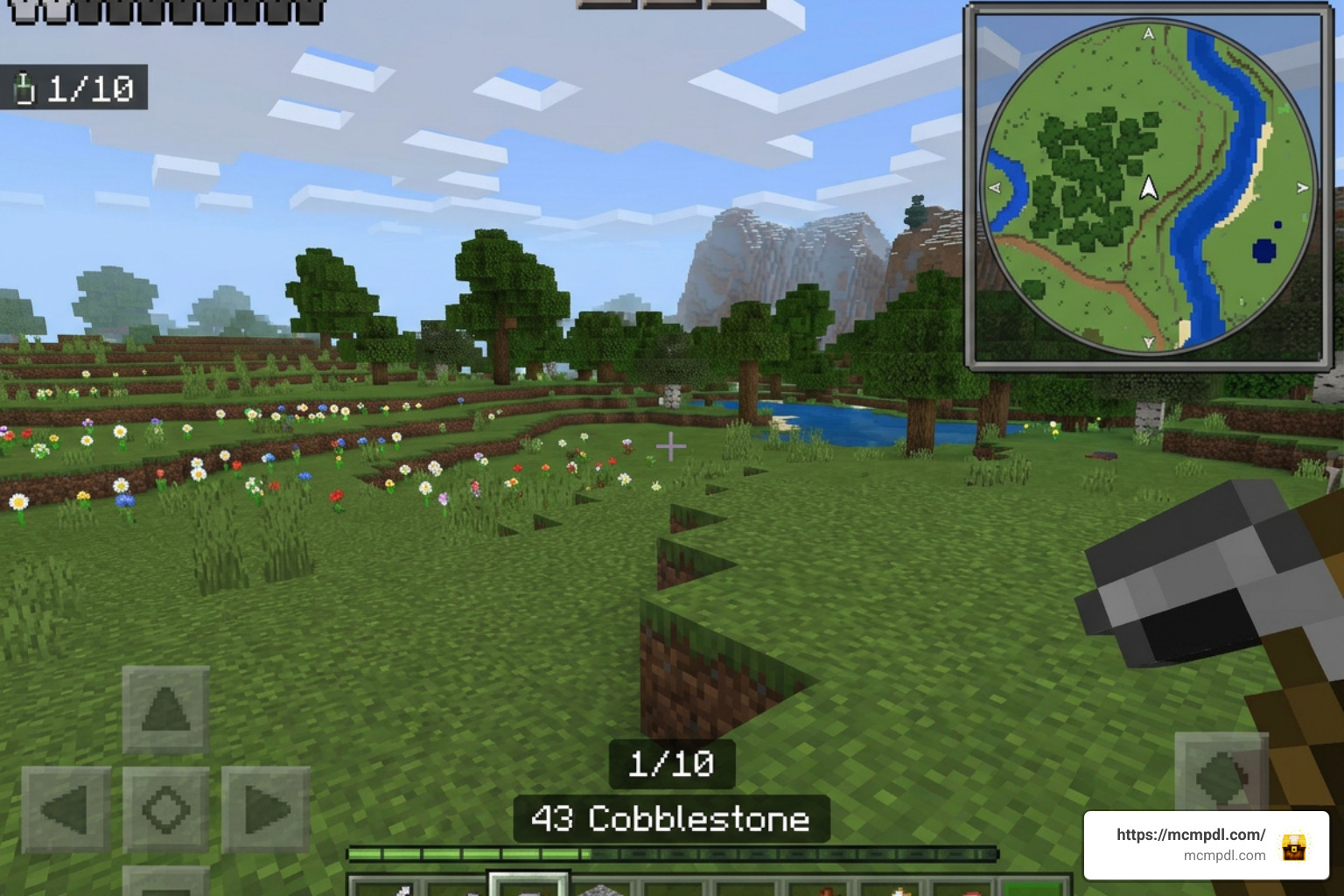 Getting a **Minimap Addon for Minecraft PE/Bedrock** running properly requires a few key configuration steps. Because these addons utilize Bedrock's advanced Script API, enabling experimental world settings is mandatory. ### Installing a Minimap Addon for Minecraft PE/Bedrock To install your preferred map addon correctly on Android, iOS, or Windows, follow this checklist: 1. Download both the **Resource Pack** (`.mcpack`) and **Behavior Pack** (`.mcpack`) or the bundled `.mcaddon` file from a trusted addon platform. 2. If installing *Magnificent Minimap*, download the two required dependency script packs: **UI Queue** and **Kamii's Script Configuration**. 3. Open the downloaded files to import them automatically into your Minecraft Bedrock client. 4. Create a new world or click the **Edit (Pencil Icon)** button next to an existing world. 5. Navigate to the **Experiments** tab in the world settings menu and toggle **Beta API** to the ON position. 6. Scroll down to **Resource Packs** and activate your minimap resource pack (along with UI Queue). 7. Scroll to **Behavior Packs** and activate the corresponding behavior packs (and Kamii's Script Configuration helper). 8. Ensure your Minecraft version is up to date (compatible with 1.21.100 through 1.21.130+). ### In-Game Customisation via Commands Once your world loads, you can tune the map interface to fit your screen size: * Type `/configuration` in the chat window to open the full visual setup menu (when using Kamii's script interface). * Adjust the map layout between **Circular** (great for smooth rotational views during horse or Elytra flight) and **Rectangular** (ideal for base building and grid alignment). * Change map scale presets to widen your view radius or zoom in for detailed building. * Enable or disable radar features like friendly mob markers, enemy alerts, terrain shadows, and biome names. For standalone mods using traditional scripting, you can also use simple toggles like `/minimap show` or `/minimap hide`. You can read more about file installation options in trusted community documentation. ## Platform Controls, System Requirements, and Troubleshooting Because Bedrock Edition spans touchscreens, desktop PCs, and game consoles, controlling your minimap HUD can vary by hardware platform. ### Toggling the Minimap Across PC, Mobile, and Console * **PC (Windows 10/11)**: Sneak (crouch) and press the **F8** key to instantly toggle the minimap display on or off. * **Mobile (Android / iOS)**: Sneak (crouch) and tap the small on-screen **'X'** button rendered near the map HUD to hide or show the interface. * **Console & Controllers**: Because controller bindings on consoles lack direct Script API keybind hooks, sneaking alone won't always toggle the HUD. Controller players should navigate to **Settings > Video** and disable **Hide Paper Doll**. Bedrock UI script extensions tie into the paper doll HUD element to display minimap overlays correctly on controller configurations. ### Performance Optimization and Graphical Bug Fixes Script-heavy addons process continuous calculations, which can affect lower-end mobile hardware if not optimized properly: * **RAM Management**: On budget mobile devices, running excessive behavior packs alongside high map zoom levels can cause memory degradation. If your game lags, open `/configuration` and reduce the active rendering scale or disable entity radar blips. * **GUI Scale -1 Artifact Fix**: If you see strange lines, graphical grids, or misaligned border artifacts across your map screen, open your Minecraft **Video Settings** and change the **GUI Scale Modifier** to **-1**. This forces Bedrock to scale script-rendered overlays evenly across display resolutions. * **Avoiding App Store Scams**: Always source your files from reputable community outlets. Some listings on general stores—like unverified utility apps claiming to be a [Minimap Mod for Minecraft PE](https://play.google.com/store/apps/details?id=com.juicymods.minimap&hl=en)—often install unrelated content like lucky blocks instead of real script addons. Stick to trusted addon index sites. ## Frequently Asked Questions About Bedrock Minimap Addons ### Does a minimap addon work in the Nether and the End? Yes! High-quality addons like Magnificent Minimap fully support all three core dimensions. When stepping through a Nether Portal, the map automatically adjusts its color palette and coordinate grid to render nether rack, lava oceans, and basalt deltas. In the End, it renders void drop-offs and chorus plant islands smoothly. ### Why are achievements disabled when using a minimap addon? Mojang automatically disables Xbox achievements on worlds utilizing custom third-party behavior packs to prevent unfair scripting advantages. If achievement hunting is your main focus, you must use vanilla maps or official Marketplace tools. ### How do you fix visual artifacts or lines on the minimap display? Visual artifacts on the map HUD are caused by GUI scaling mismatches. Go to **Settings > Video**, locate the **GUI Scale** setting, and adjust it to **-1**. This realigns custom HUD scripts with your device's native pixels. ## Conclusion Adding a **Minimap Addon for Minecraft PE/Bedrock** transforms how you navigate your survival worlds. Whether you are delving deep into subterranean cave systems, embarking on multi-thousand-block ocean voyages, or coordinating mega-builds with teammates on a server, real-time map HUDs eliminate the hassle of getting lost. Ready to upgrade your Bedrock exploration setup with top-rated utility packs, map tools, and custom mods? [Discover top Minecraft PE addons on mcmpdl.com](https://mcmpdl.com/) to find the best curated content for your next survival adventure!](https://mcmpdl.com/wp-content/uploads/2026/08/photo_6062170507097871089_w-1024x572.jpg)