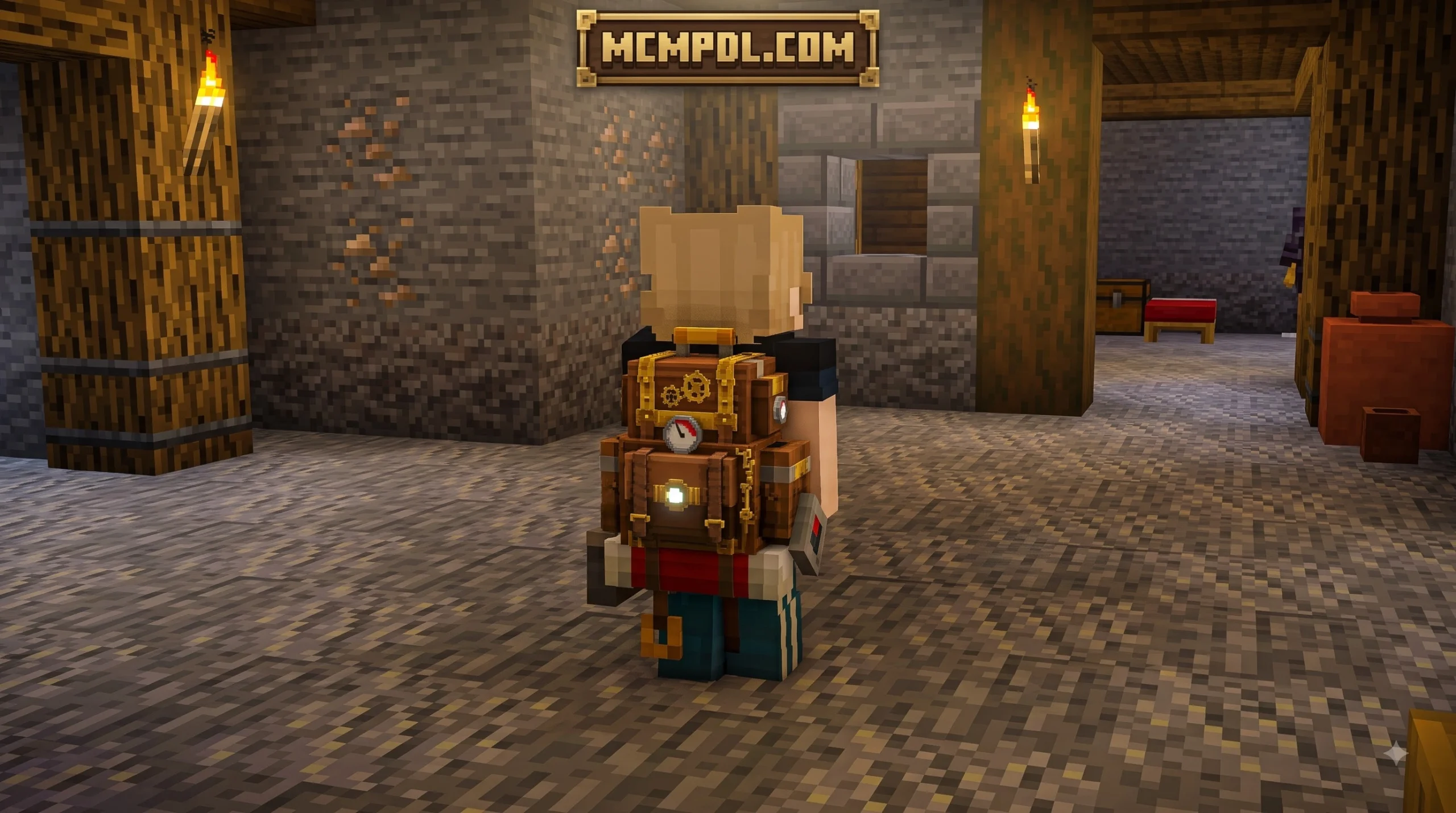
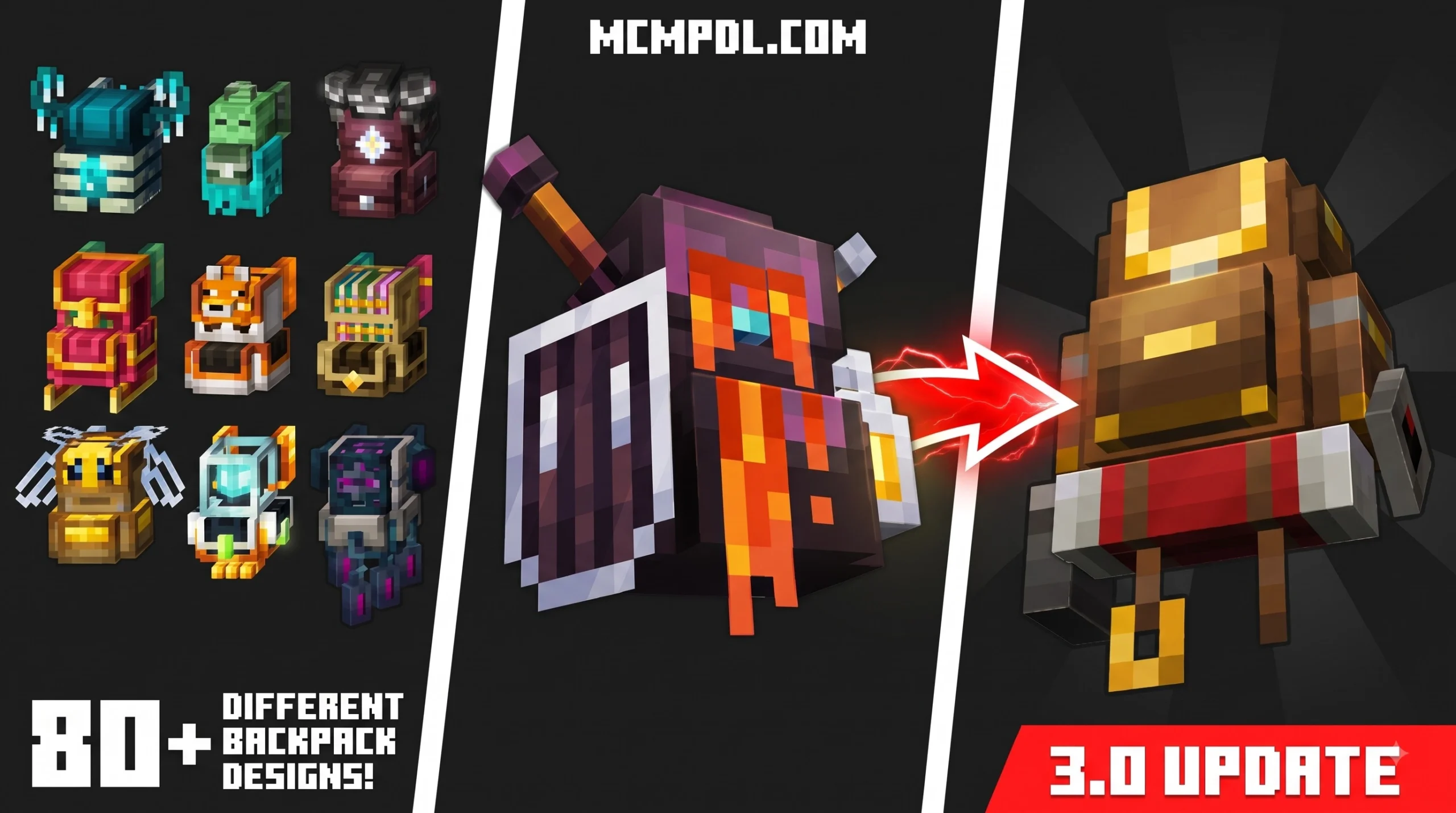
Scroll down to Download
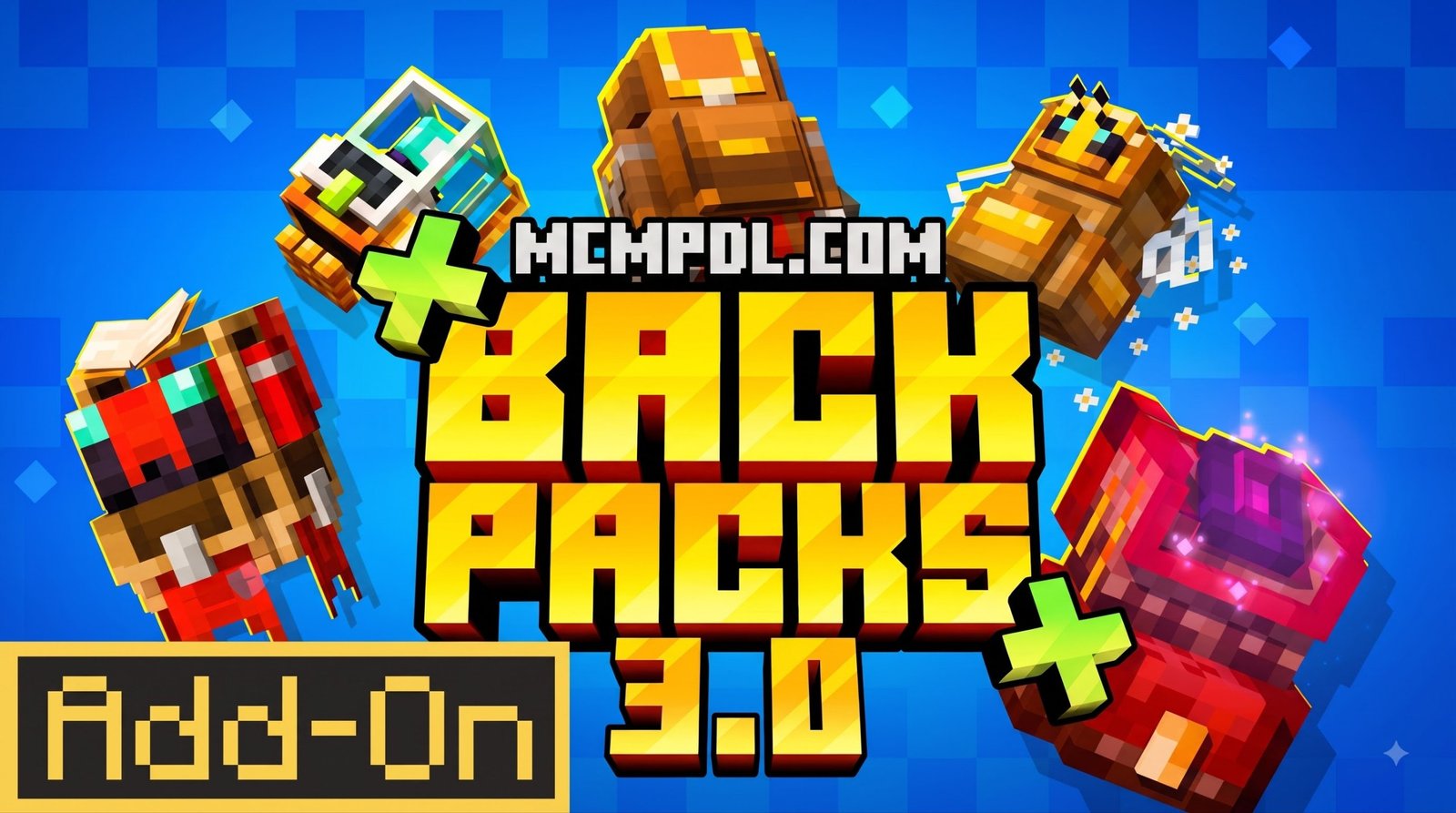
Backpacks++ Addon for Minecraft PE/Bedrock: More Storage for Survival
Backpacks++ Addon for Minecraft PE/Bedrock is a premium Marketplace add-on that gives players portable storage, liquid capacity, and backpack customization for Bedrock worlds. It works on Minecraft Bedrock 1.20.60 and newer and is designed for long mining trips, building projects, and cross-dimension exploration.
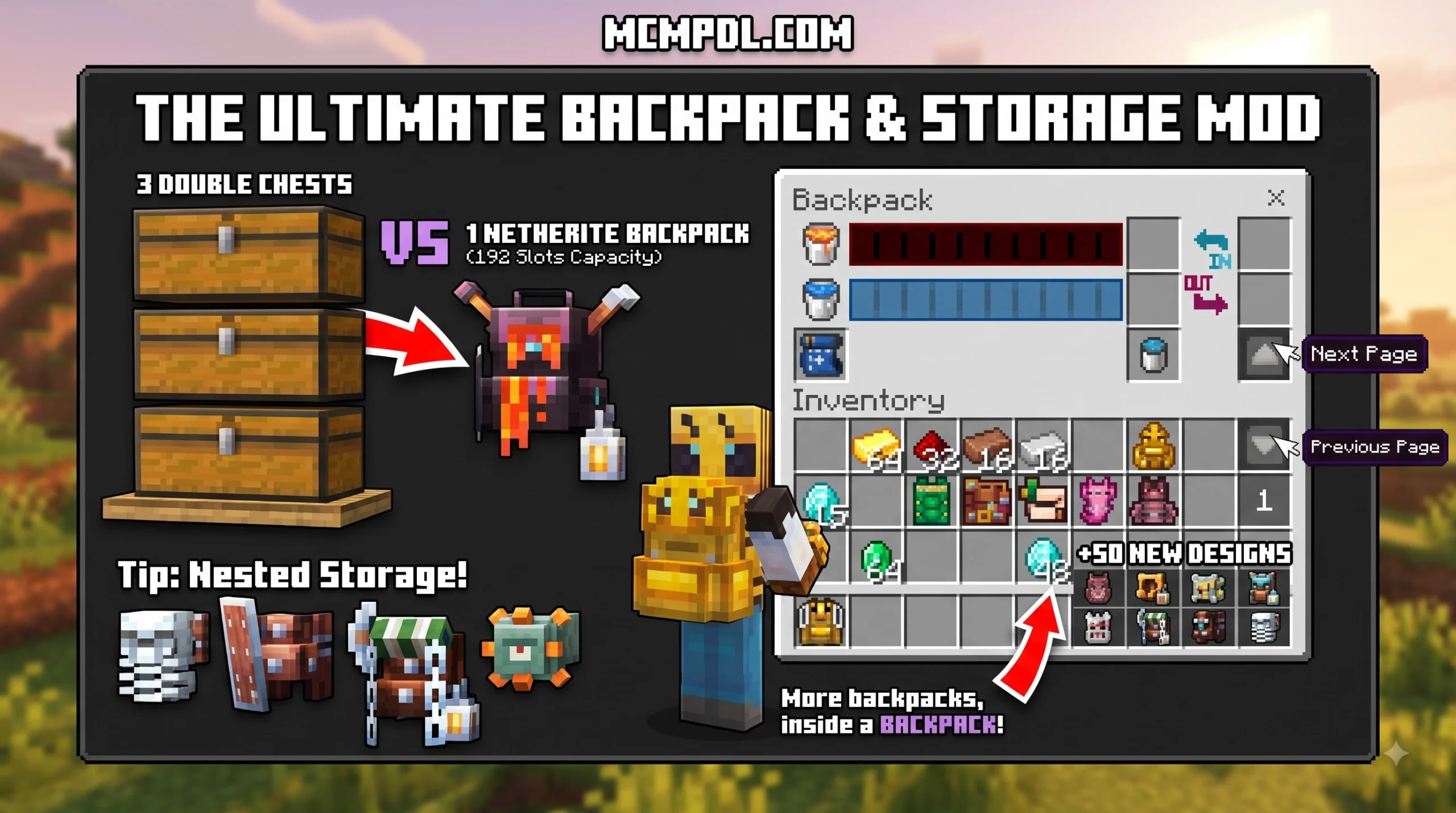
- Store more than 200 item slots in a backpack.
- Carry up to 300 buckets of fluid storage.
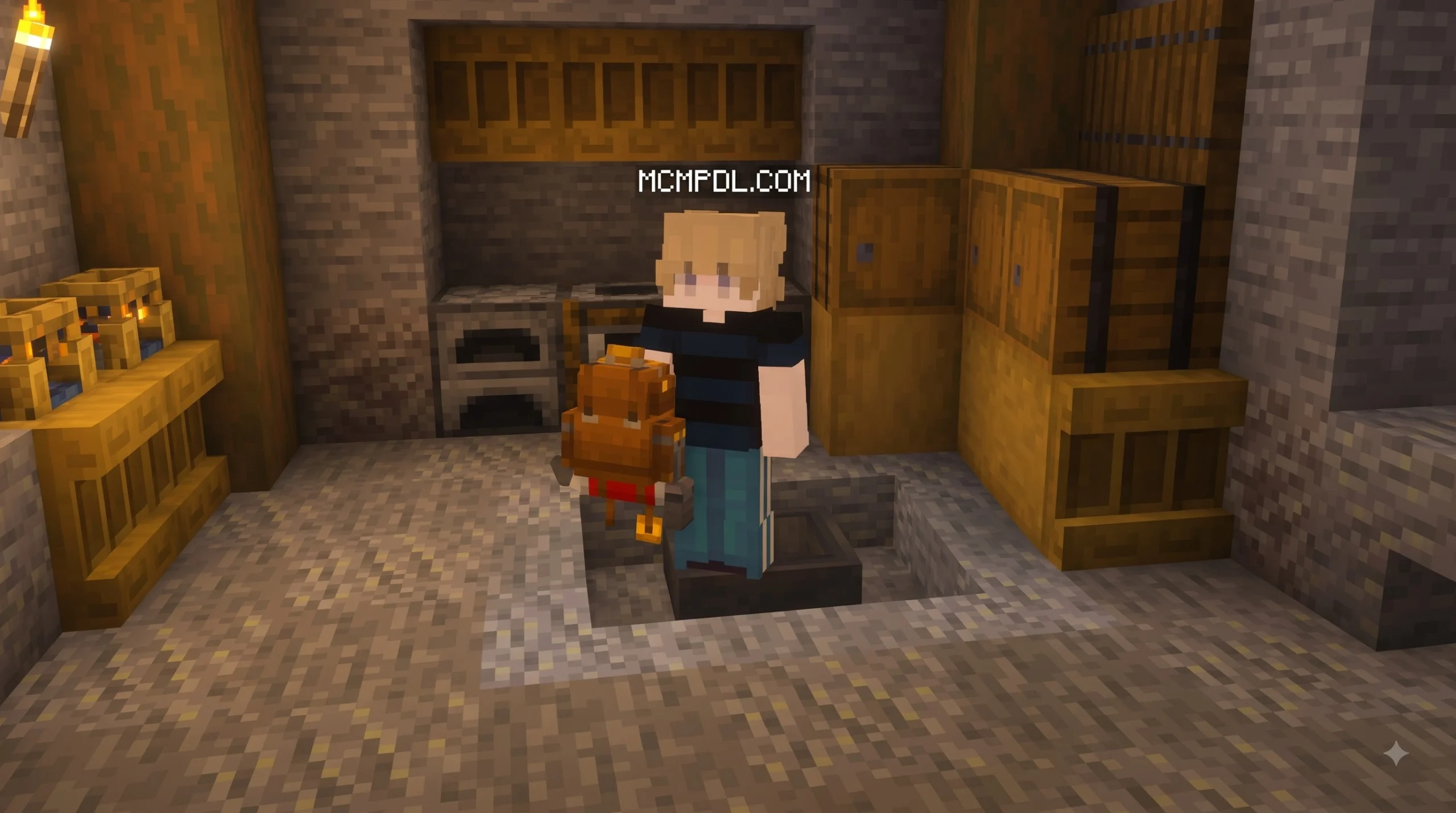
- Open your backpack without placing it on the ground.
- Keep using it when traveling through Nether and End portals.
- Find 45 cosmetic patterns in 22 naturally generated structures.
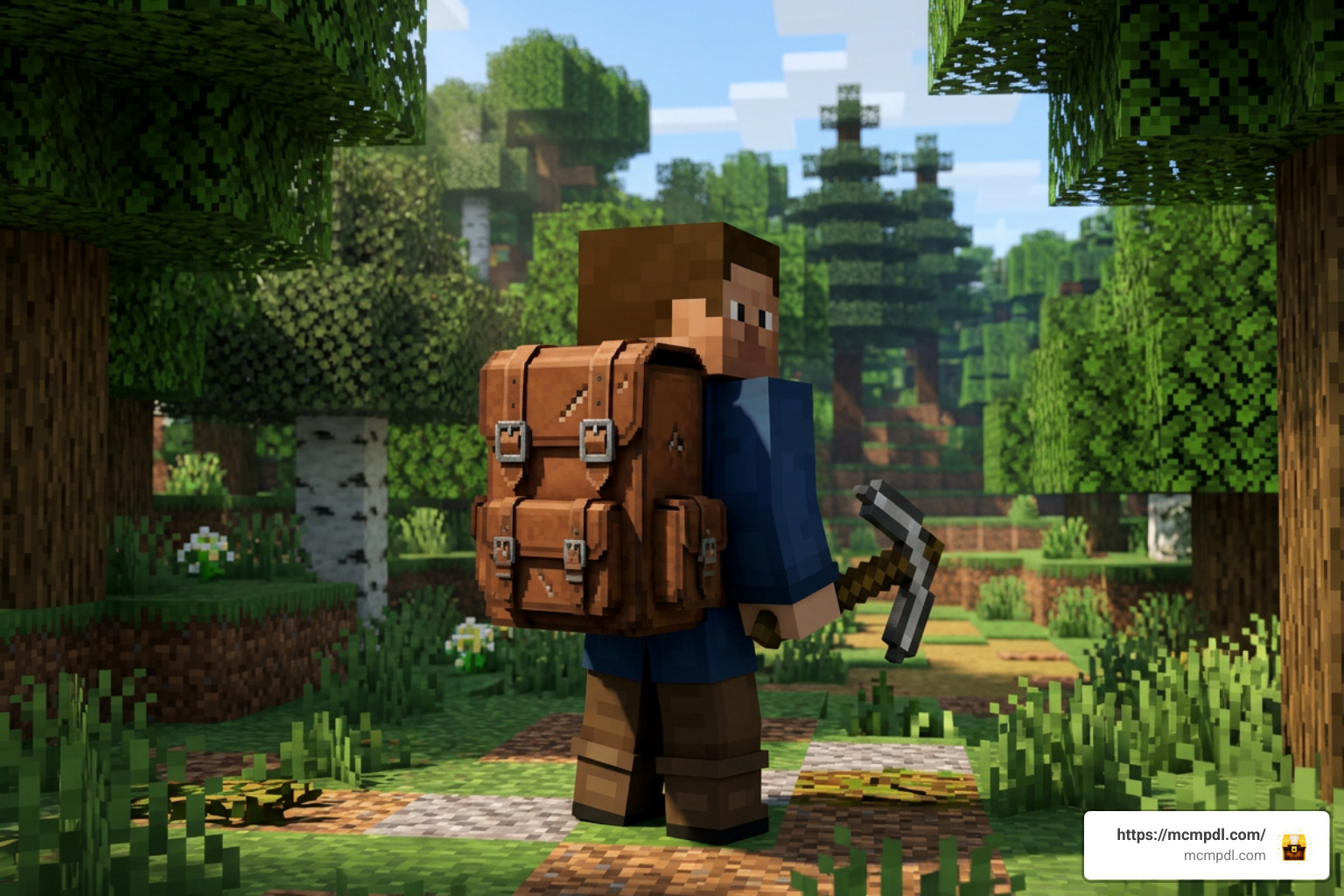
The add-on costs 1,170 Minecoins and has options that go beyond a basic chest-on-your-back system. In this guide, we will cover how to download it, what to check before installing it, and how it compares with free Bedrock backpack addons.
Overview of Backpacks++ Addon for Minecraft PE/Bedrock
Inventory space in Minecraft Bedrock Edition has long been a headache for active survival players. Between gathering building materials, hoarding rare ores, and managing food or potion supplies, 36 inventory slots fill up within minutes. The Backpacks++ Addon for Minecraft PE/Bedrock solves this hassle by transforming your portable storage setup.
Originally released on the official Minecraft Marketplace on June 10, 2025, and updated on January 30, 2026, this creation maintains an impressive 4 out of 5 stars average rating across 1,245 community reviews. Over 60% of players rate it a full 5 stars. For a price of 1,170 Minecoins (approximately $6.13 USD or €5.78 EUR), players gain access to a well-tested storage system capable of handling thousands of items and hundreds of fluid buckets simultaneously. You can explore full listing details through the official Minecraft Marketplace.
Features of Backpacks++ Addon for Minecraft PE/Bedrock
What sets this add-on apart from basic chest mods is its smooth integration into active Bedrock gameplay. Traditional storage entities often require you to place a block on the ground, open its container interface, retrieve your items, break the block, and pick it back up. In exploration, that process can get you killed by a surprise creeper.
With this system, you access your expanded inventory instantly directly from your main hand or off-hand slot. There is no block placement required. Furthermore, the add-on supports seamless cross-portal travel. Whether jumping through a Nether Portal to farm blaze rods or leaping into an End Portal to conquer an End City, your backpack inventory remains intact and synchronized across dimensions without crashing or dropping items.
Customization is another major highlight. Instead of offering plain solid colors, the system incorporates a hunting mechanic where players can find 45 unique Patterns hidden within 22 naturally generating structures throughout the Overworld, Nether, and End. Finding these patterns allows you to tailor your gear visually while exploring ancient ruins, ocean monuments, and woodland mansions.
Backpack Tiers and Special Utility Backpacks
Storage progression follows standard Minecraft material tiers. You begin with basic entry-level packs and work your way up toward end-game materials:
- Wooden & Leather Tiers: Entry-level storage designed for early survival, offering basic slot expansion.
- Copper & Iron Tiers: Mid-game upgrades that significantly expand item grid slots and enable liquid containment capabilities.
- Gold & Diamond Tiers: High-capacity options built for extensive subterranean strip-mining runs and massive building tasks.
- Netherite Tier: The ultimate inventory expansion, boasting maximum item slots and full protection against lava immersion.
Beyond simple storage grids, specialized utility backpacks provide active abilities:
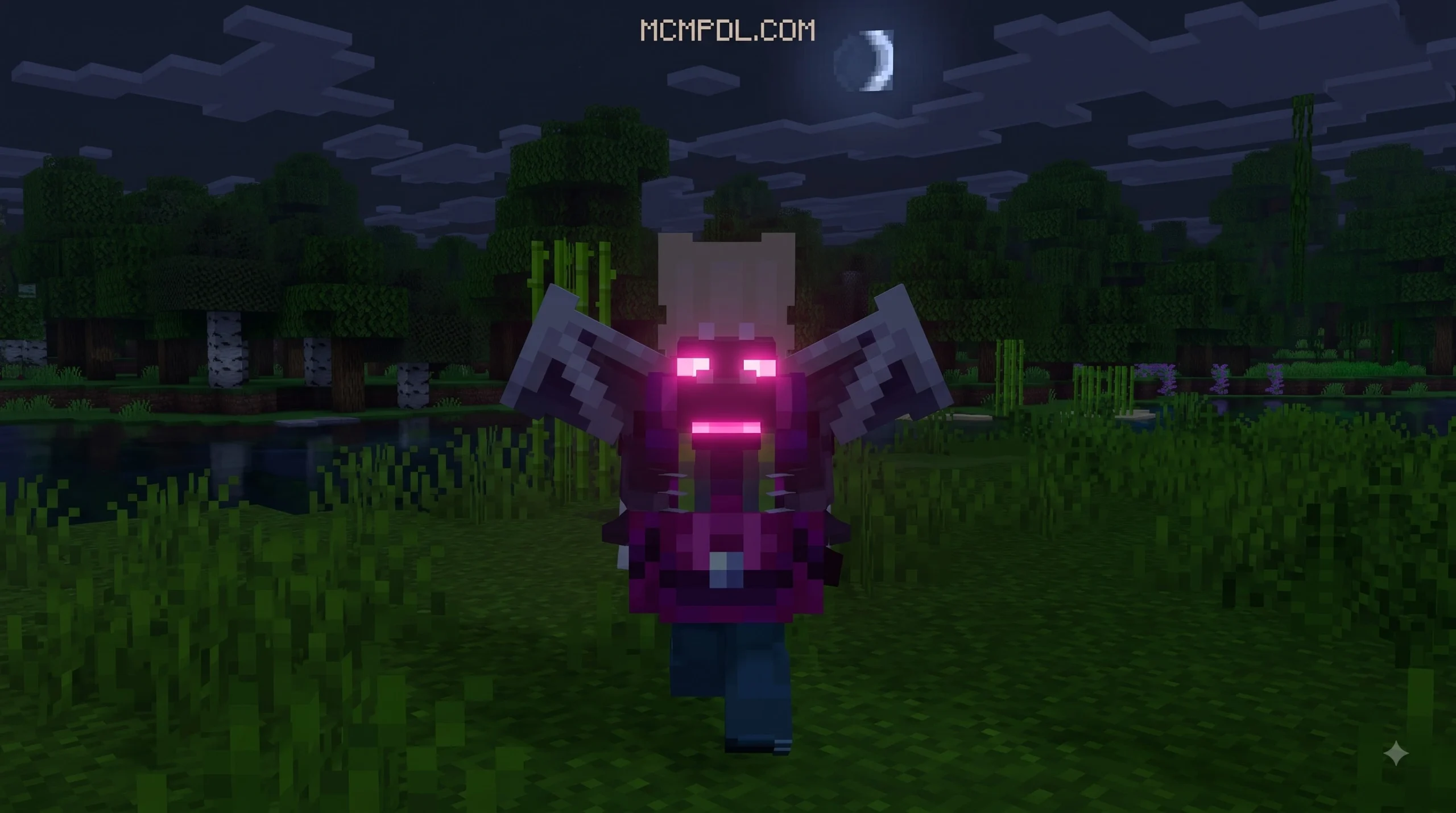
- Ender Backpack: Functions as a mobile bridge directly into your personal Ender Chest network, letting you access synchronized home base storage from anywhere in the world.
- Rocket Backpack: Transforms your storage unit into a personal propulsion device. By loading coal fuel into its dedicated engine compartment, players can achieve sustained flight across long distances without expending elytras or firework rockets.
- Grave Backpack: Acts as an automated death protection vault. When fatal damage occurs, your items are locked securely inside the pack rather than scattering across terrain or burning in lava.
How to Download and Install Backpacks++ Add-On
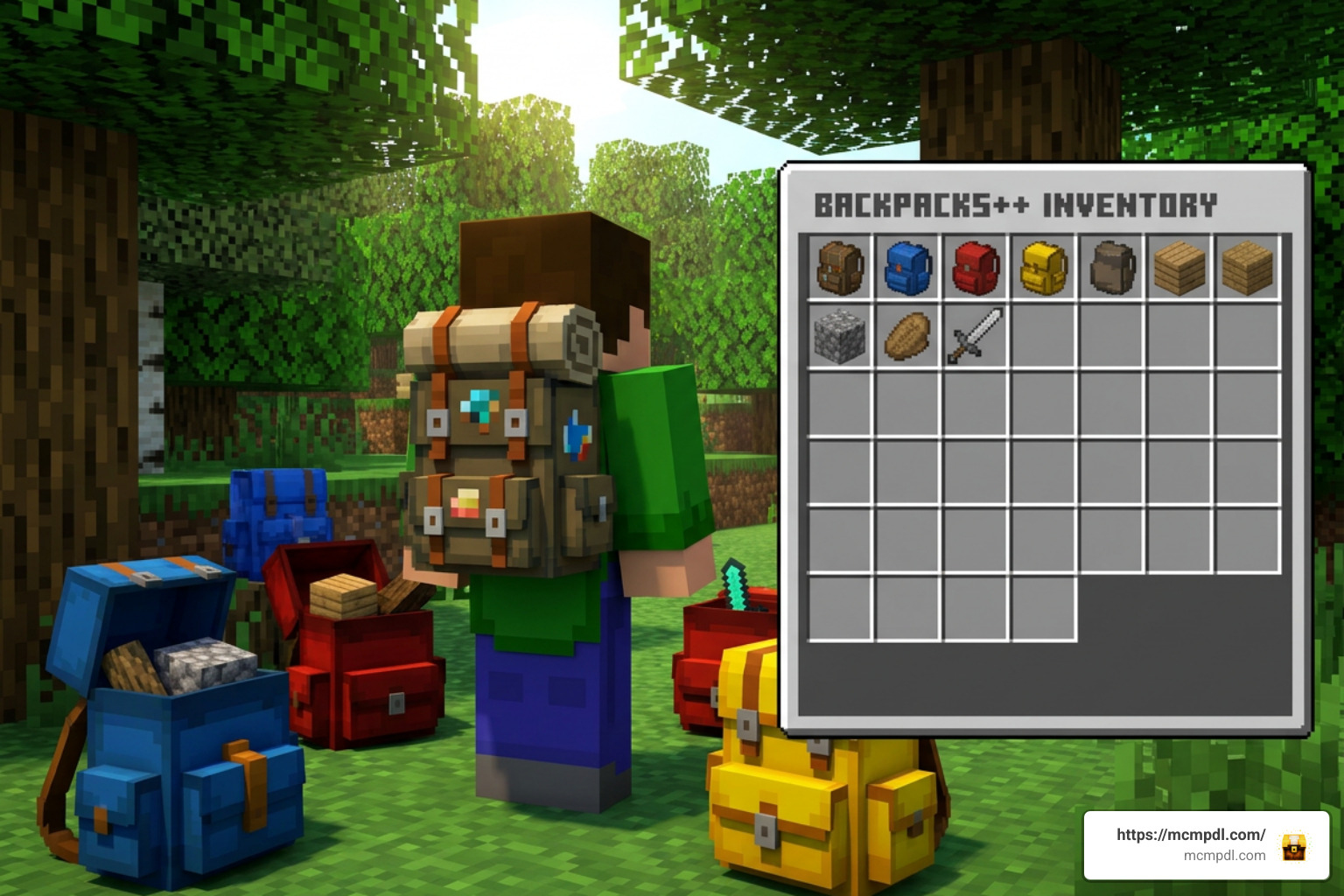
Installing addons on Minecraft PE (Android/iOS), Windows 10/11, Xbox, PlayStation, and Nintendo Switch depends on whether you are acquiring the official Marketplace content or utilizing standalone .mcaddon files from online community archives.
If you purchase the Marketplace version for 1,170 Minecoins, installation is straightforward:
- Launch Minecraft Bedrock and open the in-game Marketplace.
- Search for “Backpacks++” and purchase the add-on.
- Once downloaded, navigate to your desired world’s settings.
- Scroll down to the Resource Packs tab and activate the pack.
- Move to the Behavior Packs tab and ensure the matching behavior file is enabled.
- Click Play to load your world with full backpack support.
If you choose community-created alternative .mcaddon files, follow these manual installation steps:
- Download the
.mcaddonfile directly to your mobile device or PC. - Open your file manager and tap/click the downloaded file to auto-import it into Minecraft Bedrock.
- Edit your world settings and activate both the Resource Pack and Behavior Pack.
- Essential step: Navigate to the Experiments toggle menu in your world settings and turn on Beta APIs, Custom Biomes, and Upcoming Creator Features. Without enabling Experimental Gameplay, custom script mechanics will fail to render or function properly.
Free vs Premium Inventory Addons: Backpacks++ Addon for Minecraft PE/Bedrock Comparison
To help you decide which inventory management solution suits your needs, we have compiled a direct comparison between community-developed free addons and official premium Marketplace packages:
| Feature / Aspect | Free Community Addons (e.g., OTG / BackpacksPlus) | Premium Backpacks++ Add-On |
|---|---|---|
| Cost | Free (0 Minecoins) | 1,170 Minecoins (~$6.13 USD) |
| Total Storage Capacity | 16 to 63 slots (up to 15×8 grids in modular builds) | 200+ Slots + 300 Fluid Buckets |
| Customization | Basic Dyes / Color-coded UI variants | 45 Patterns hidden across 22 structures |
| Portal Persistence | Variable depending on script updates | 100% Cross-portal dimensional stability |
| Special Utilities | Virtual Furnace, Magnet, Void Filter, Soulbind | Rocket Flight, Ender Sync, Grave Protection |
| Installation Ease | Manual .mcaddon download & Experimental Toggles | One-click Marketplace install (No experimental flags needed) |
| Platform Compatibility | Mobile, PC, Sideloaded Consoles | All Bedrock platforms including Switch & PlayStation |
Free alternatives downloaded from community repositories offer solid functional utility for zero monetary investment. However, premium options provide guaranteed stability across major game updates alongside massive bucket capacities.
Backpack Crafting, Upgrades, and Admin Commands
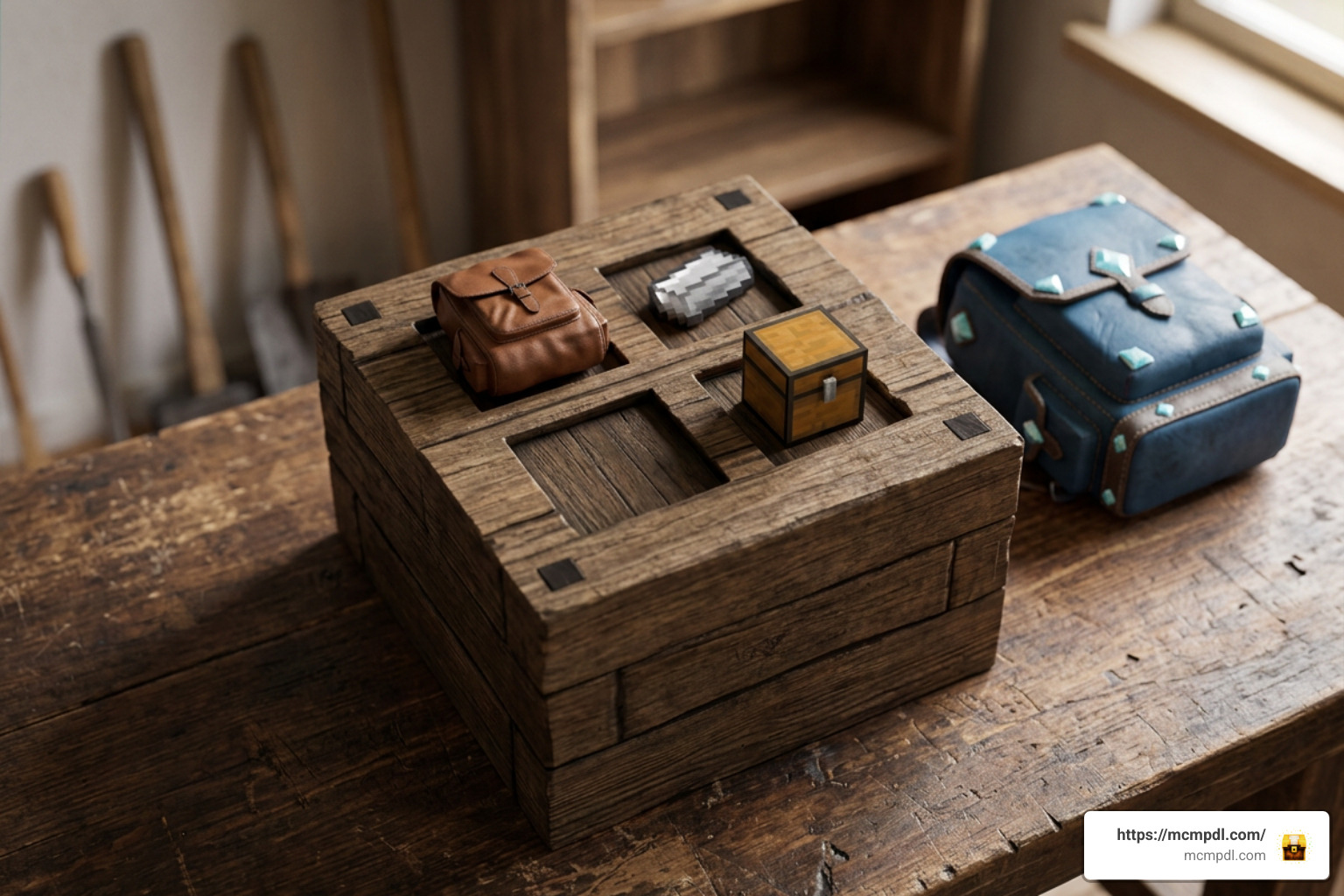
Crafting your initial backpack in survival requires combining standard materials like leather, string, iron ingots, and chest blocks at a standard Crafting Table.
Upgrading your existing backpack to higher tiers (such as converting an Iron Backpack into a Gold or Diamond variant) demands caution. CRITICAL WARNING: In many entity-based Bedrock addons, crafting an upgrade using a backpack that currently holds items will result in the total loss of all stored items! Always completely empty your backpack into a temporary chest before placing it into a crafting grid for a tier upgrade.
For server administrators and world creators, managing backpacks across active player bases relies on dedicated administrative script commands. In community addons like Backpack Plus, administrative functions are executed via script events:
/scriptevent bps:list– Displays a list of all active backpack IDs currently generated in the world./scriptevent bps:see <ID>– Opens an administrative viewer window to inspect the exact contents inside a specific backpack ID (e.g.,/scriptevent bps:see 9004)./scriptevent bps:retrieve <ID>– Teleports a lost or stuck backpack directly to the administrator’s current player position./scriptevent bps:clear bp– Clears the equipped backpack from a target player’s inventory./scriptevent bps:clean– Purges orphaned backpack entities from world memory to prevent server tick latency and reduce file sizes.
Avoid running global entity removal commands like /kill @e in worlds hosting custom backpack addons, as doing so can permanently delete active backpack entities floating in loaded chunks.
Advanced Utility Modules and Death Protection
Modern Bedrock storage addons incorporate modular utility systems that rival complex Java Edition mods. For instance, advanced modular addons like OTG Backpack feature integrated fluid tanks capable of storing up to 40 buckets of water, lava, or milk, alongside specialized survival modules:
- Auto-Siphon Module: Automatically pulls liquids directly into internal fluid tanks when holding empty buckets near water sources or nether lava oceans.
- Void Filter Module: Allows players to set proxy filter slots that instantly destroy unwanted junk items (like diorite, granite, or gravel) the moment they enter player pick-up range.
- Magnet Module: Attracts dropped items and experience orbs within an 8-to-16 block radius straight into your backpack slots.
- Virtual Furnace: Smelts raw ores and cooks food directly within the backpack interface without requiring furnace block setups.
- Totem Auto-Equip: Constantly monitors player health thresholds and automatically transfers Totems of Undying into your off-hand slot before fatal damage occurs.
When it comes to player death, lost items are a major concern. Standard Minecraft drop mechanics scatter hard-earned gear across terrain, where items can despawn after five minutes or incinerate instantly in lava.
To counteract this, modern addons utilize Soulbind Tokens or Grave Backpack systems. A Soulbind Token locks the backpack directly to your player profile, ensuring that upon death, the pack remains bound to your character and automatically reappears in your inventory upon respawning. Alternatively, Grave Backpacks construct a fireproof container precisely at the coordinates of your death point, holding your inventory safely until you return to recover it.
Frequently Asked Questions
What happens to backpack items upon player death?
Depending on the specific add-on installed, item protection varies. In standard configurations without protection modules, a backpack drops on the ground as an entity or item stack when a player dies.
However, when using the Backpacks++ Add-On or modular addons equipped with a Grave Backpack system or Soulbind Token, your items are completely safe. The Grave system locks your gear inside a blast-resistant, lava-proof vault right where you perished. If a Soulbind Token was applied prior to death, the backpack will not drop at all; it will stay linked to your character and automatically reappear in your inventory when you press Respawn.
How do you fix UI display errors on mobile or Realms?
UI rendering glitches—such as cut-off slot grids, misaligned icon textures, or invisible menus—are usually caused by resource pack priority conflicts or cached file errors. Here is how to fix them:
- Resource Pack Priority: Open your World or Global Resources settings. Drag the backpack resource pack to the very top of your active pack stack so its custom interface scripts take priority over other texture packs.
- Pocket UI vs Classic UI Toggle: On mobile devices and iPads, using Classic UI profile can cause screen scaling clipping. Click the dedicated toggle button located in the top-left corner of the backpack interface screen to switch the display mode into Pocket Mode, which scales properly for touchscreen displays.
- Clear Local Download Cache: If updating an existing world or playing on a Realm, clear your local Minecraft cache (Settings > Storage > Cached Data) to erase outdated interface textures.
Does Backpacks++ work in multiplayer and Minecraft Realms?
Yes, the Backpacks++ Addon for Minecraft PE/Bedrock is fully optimized for multiplayer worlds, dedicated servers, and Minecraft Realms. Because item contents are saved to unique individual item data strings, multiple players can carry, open, and exchange filled backpacks without cross-inventory contamination or desynchronization glitches.
If you encounter interface routing errors on a Realm after a game update, Realm owners can force a clean resync by deactivating both the Behavior Pack and Resource Pack in the Realm settings menu, exiting to the main menu, and then immediately reactivating both packs before rejoining.
Conclusion
Managing inventory space shouldn’t hold you back from enjoying long exploration trips or grand building projects in Minecraft Bedrock. Whether you select free community creations or invest in the official Marketplace Backpacks++ Addon for Minecraft PE/Bedrock, expanding your storage capacity completely changes how you play survival mode.
With features like 200+ inventory slots, 300-bucket liquid management, cross-portal support, and 45 collectible patterns across 22 structures, you will never have to leave valuable ores or building blocks behind again.
Ready to upgrade your survival gameplay with the best tools, textures, and world modifications available? Explore our extensive library and Download Minecraft Addons at MCMPDL to start building your ultimate Minecraft experience today!

13 thoughts on “Backpacks++ Addon for Minecraft PE/Bedrock”