Scroll down to Download
A Quick Look at the Realistic Biomes Addon for Minecraft PE/Bedrock
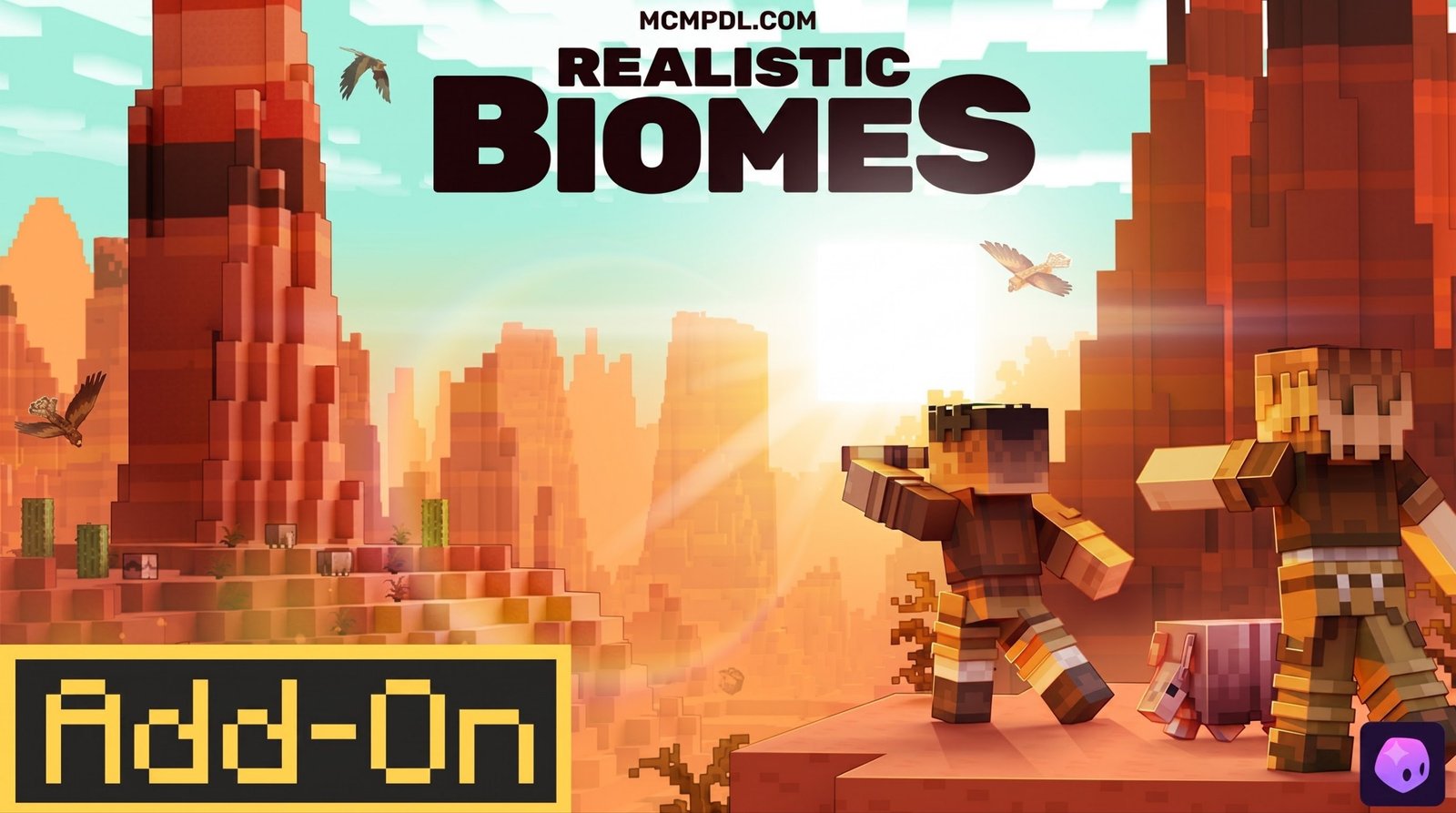
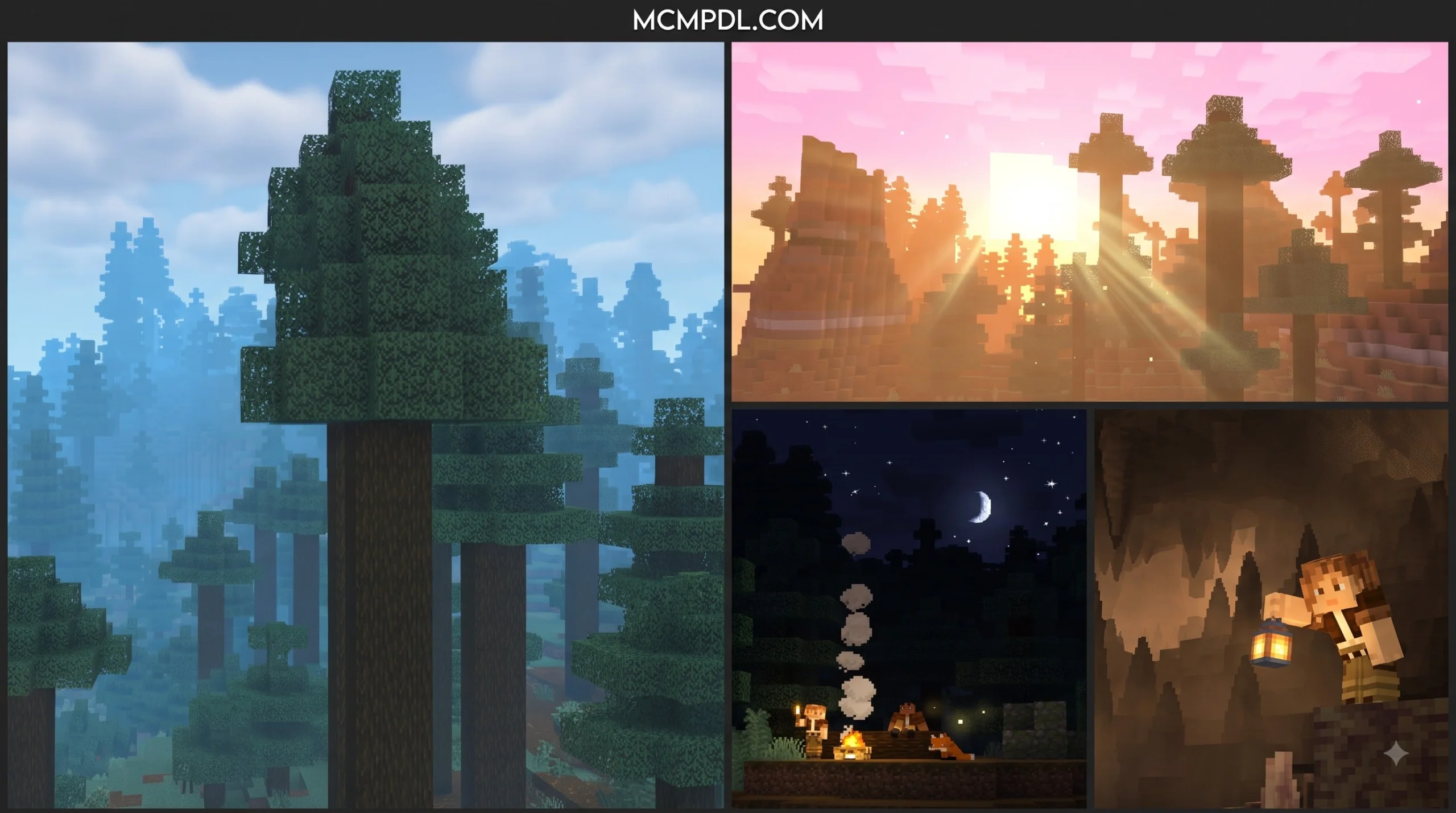
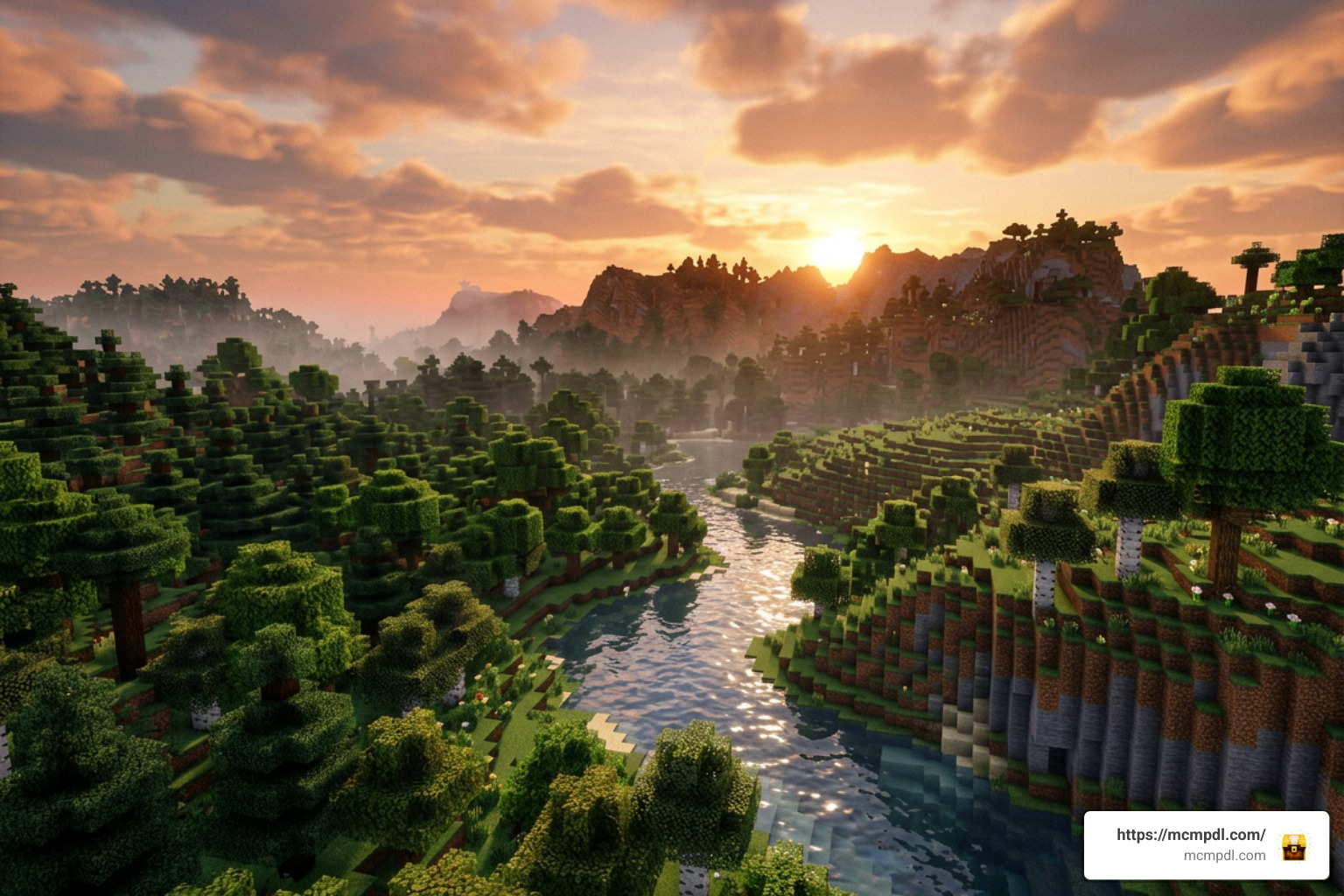
Realistic Biomes Addon for Minecraft PE/Bedrock is an environmental upgrade that makes Bedrock worlds feel more natural and atmospheric. It focuses on lifelike terrain, richer plants, blended biome borders, ambient sounds, custom skies, fog, weather events, and adjustable visual effects.
In short, it is designed for players who want exploration, building, and screenshots to feel less flat and more like a living landscape.
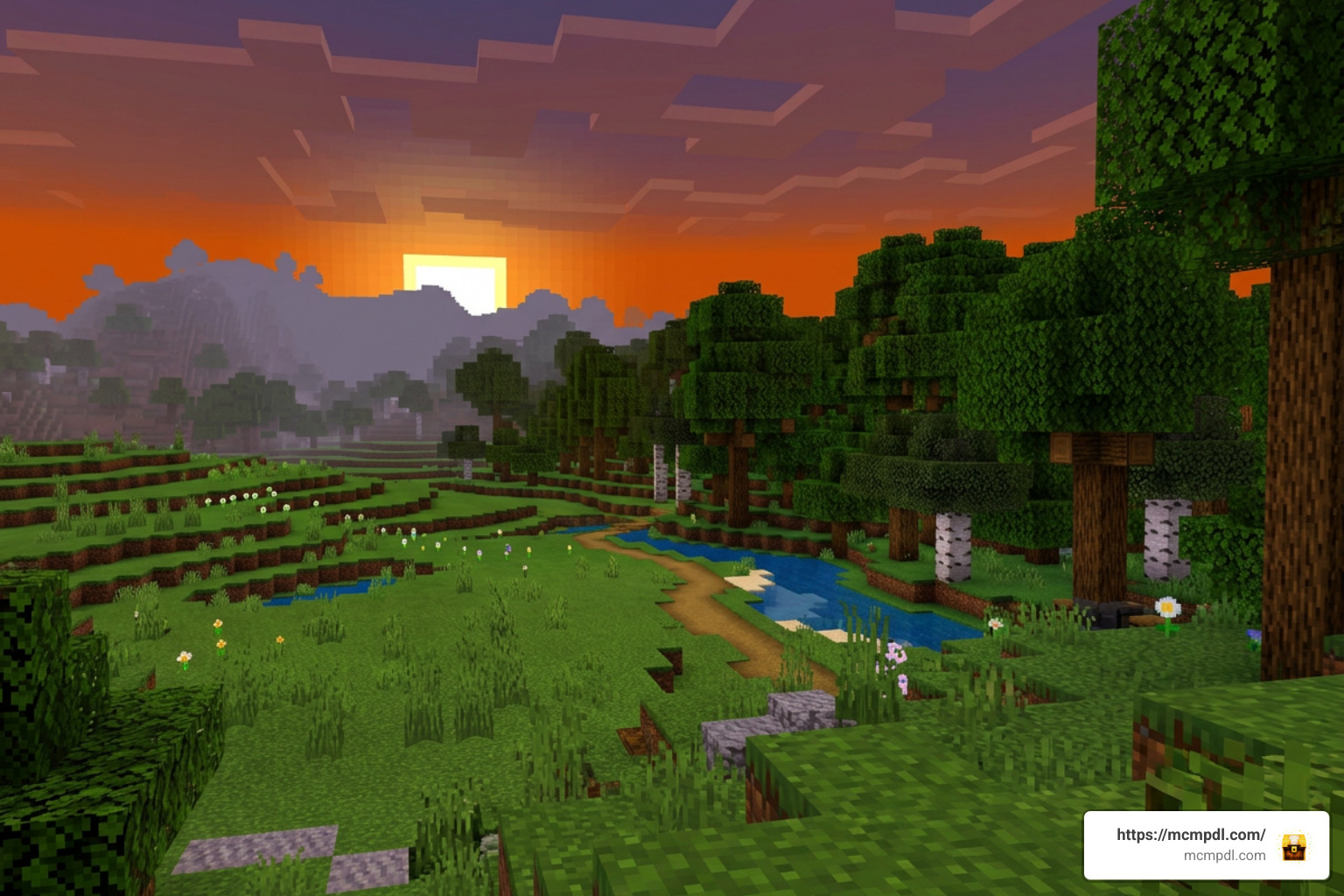
The addon is generally made for modern Bedrock releases, with support reported for Minecraft 1.20 and newer and optimization aimed at 1.21+. It can add a noticeable performance load on phones and lower-spec devices, especially when fog, particles, and long render distances are enabled. It also disables achievements in worlds where its behavior pack is active.
Whether you are planning a quiet mountain cabin, a detailed survival village, or a cinematic roleplay world, Realistic Biomes gives Minecraft PE/Bedrock a more immersive natural backdrop.
What is the Realistic Biomes Addon for Minecraft PE/Bedrock?
When playing vanilla Minecraft Bedrock Edition, terrain generation can sometimes feel repetitive. Sharp blocky transitions between sand dunes and grassy forests often break the sense of realism. The Realistic Biomes Addon for Minecraft PE/Bedrock bridges this gap by fundamentally altering how natural landscapes generate, render, and feel as you wander through your seed.
Rather than just adding decorative items, this addon acts as a comprehensive world environment overhaul. It smooths terrain elevations into rolling hills, establishes natural slopes, shapes deeper dynamic river channels, and softens transitions between bordering biomes. When you walk out of a desert into a savanna, or step from a wet swamp into an open plain, you no longer run into an abrupt block wall. Instead, vegetation and ground textures blend organically, offering a serene, living landscape that emphasizes peaceful exploration.
Core Features of the Realistic Biomes Addon for Minecraft PE/Bedrock
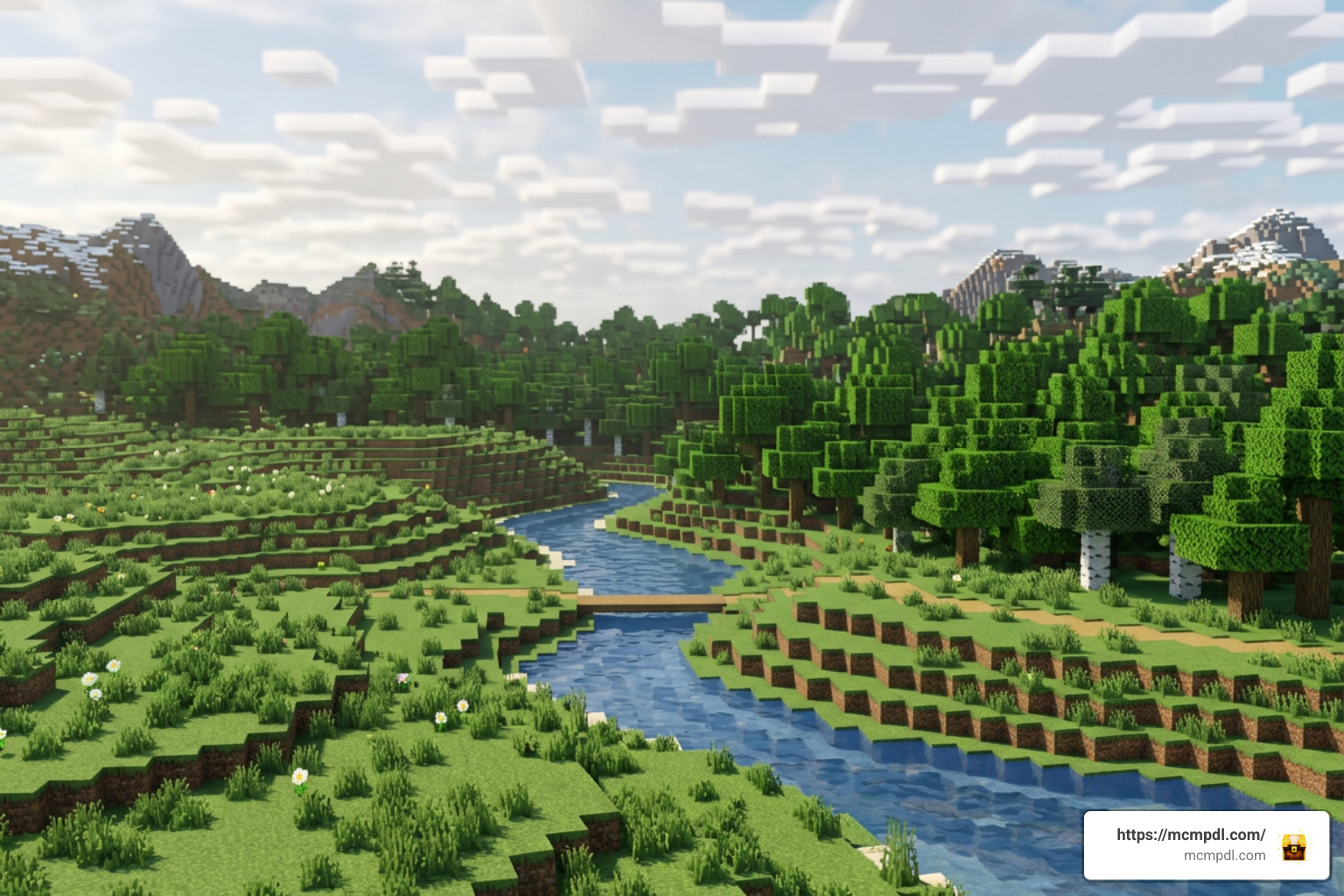
What elevates this expansion above basic texture changes is its deep attention to environmental details. It transforms every biome into an intentionally crafted ecosystem.
- Realistic Terrain Elevation: Mountain ranges feature gradual slopes and organic valleys, while open plains flow naturally into dynamic waterways and lakes without abrupt vertical cliffs.
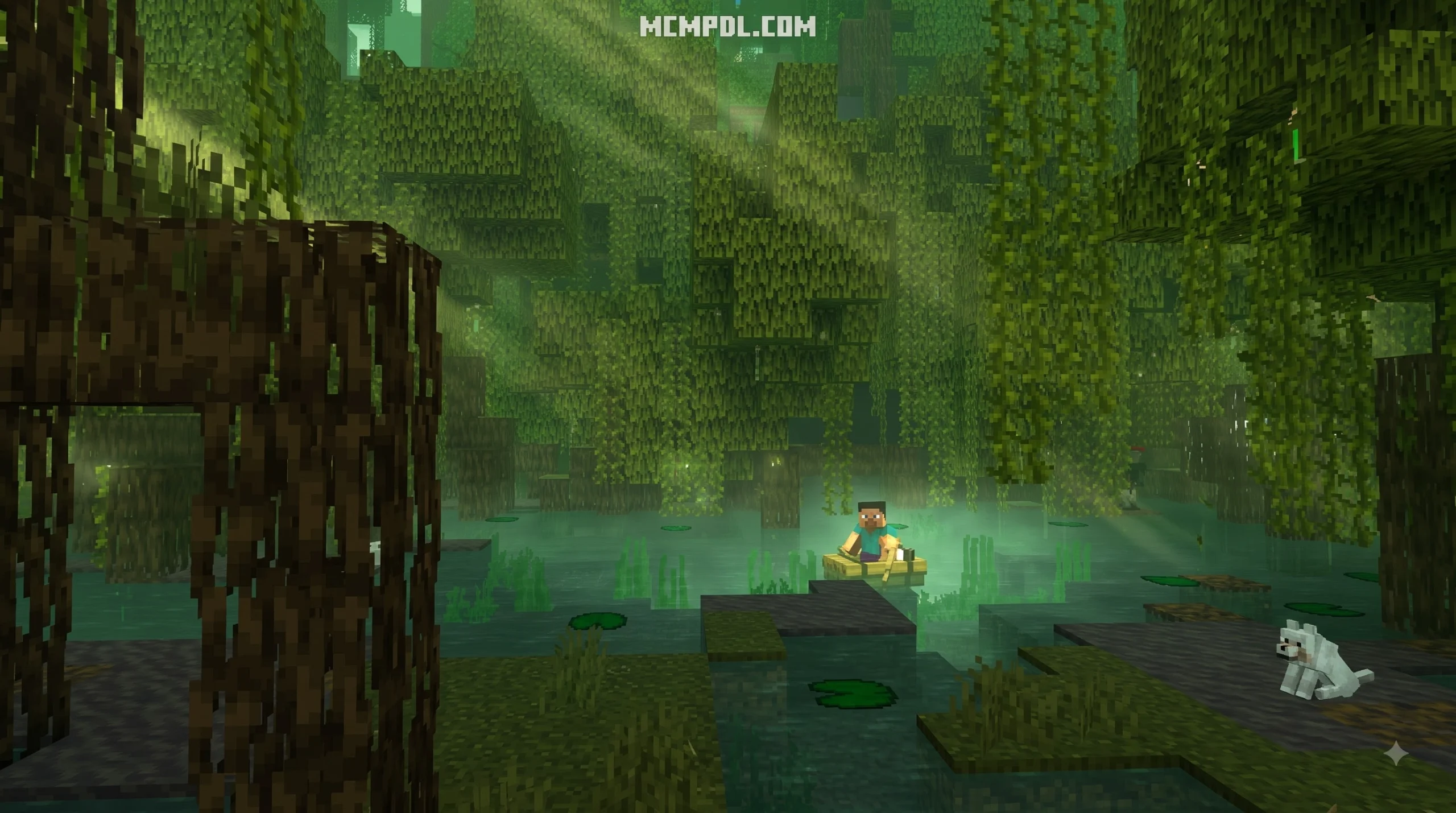
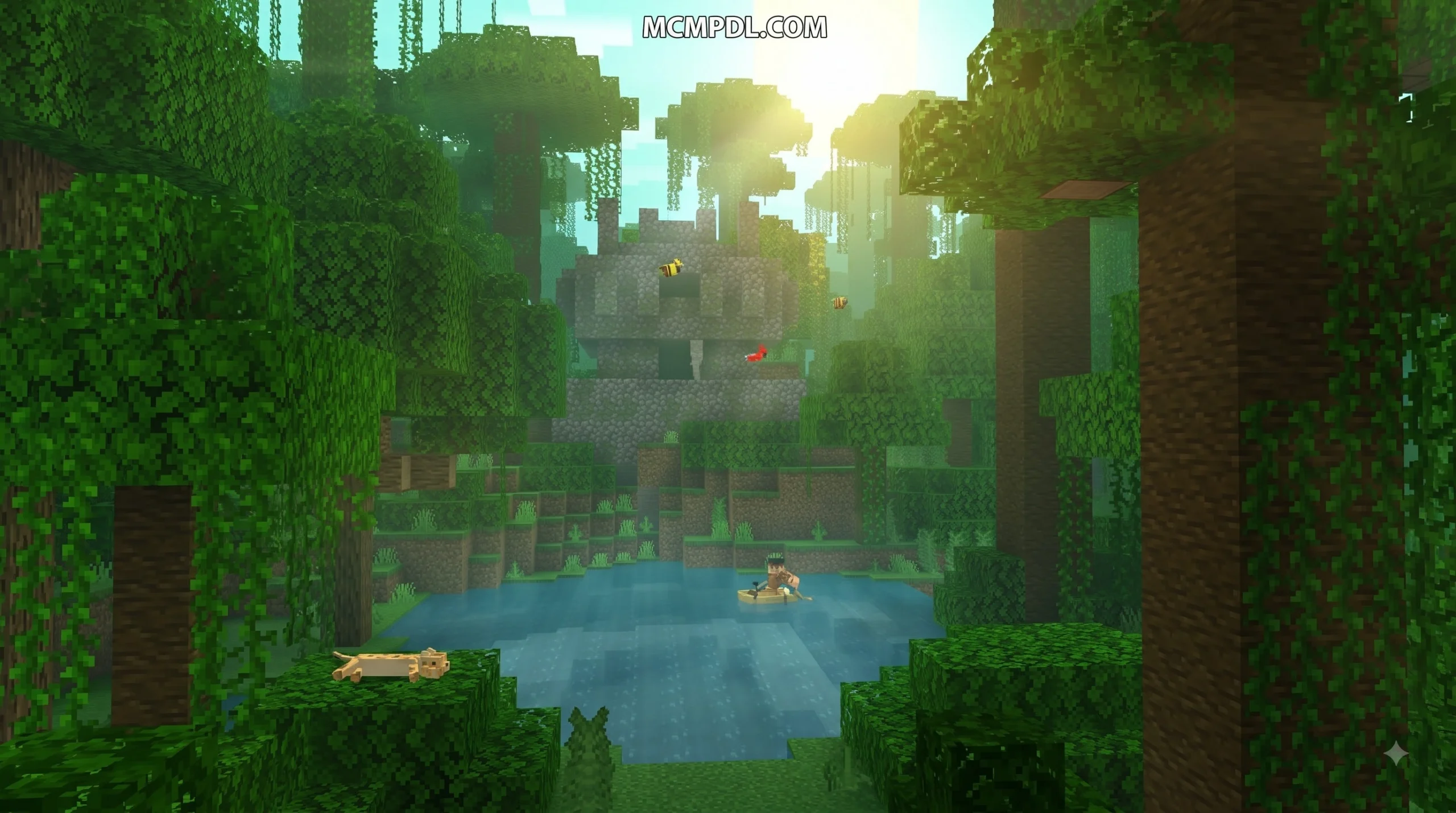
- Authentic Flora and Foliage: Trees, leaves, shrubs, and floor cover look denser and more vibrant. Plants are placed logically according to moisture and elevation.
- Seamless Biome Transitions: Adjacent environments fade gradually into one another, replacing harsh biome boundaries with realistic ecological gradients.
- Seasonal Foliage Variations: Biomes experience subtle color shifts across seasons, ranging from spring blossoms and saturated summer greens to warm autumn ambers and winter frosts.
- Interactive Dynamic Waterways: Rivers and lakes feature clearer depths and realistic banks that wrap naturally around physical landscape features.
Whether you are looking to explore download options for version 1.21+ or review technical updates on Realistic Biomes, these visual upgrades dramatically alter how you interact with the environment.
Atmospheric Weather, Lighting, and Soundscapes
Visual realism is only half of the experience. The addon heavily enhances atmosphere through dynamic audio, custom skyboxes, and specialized weather mechanics:
- Custom Skies and Cloud Styles: Choose from up to 5 distinct cloud styles, customizable sun and moon shapes, realistic lens flares, and atmospheric sun rays.
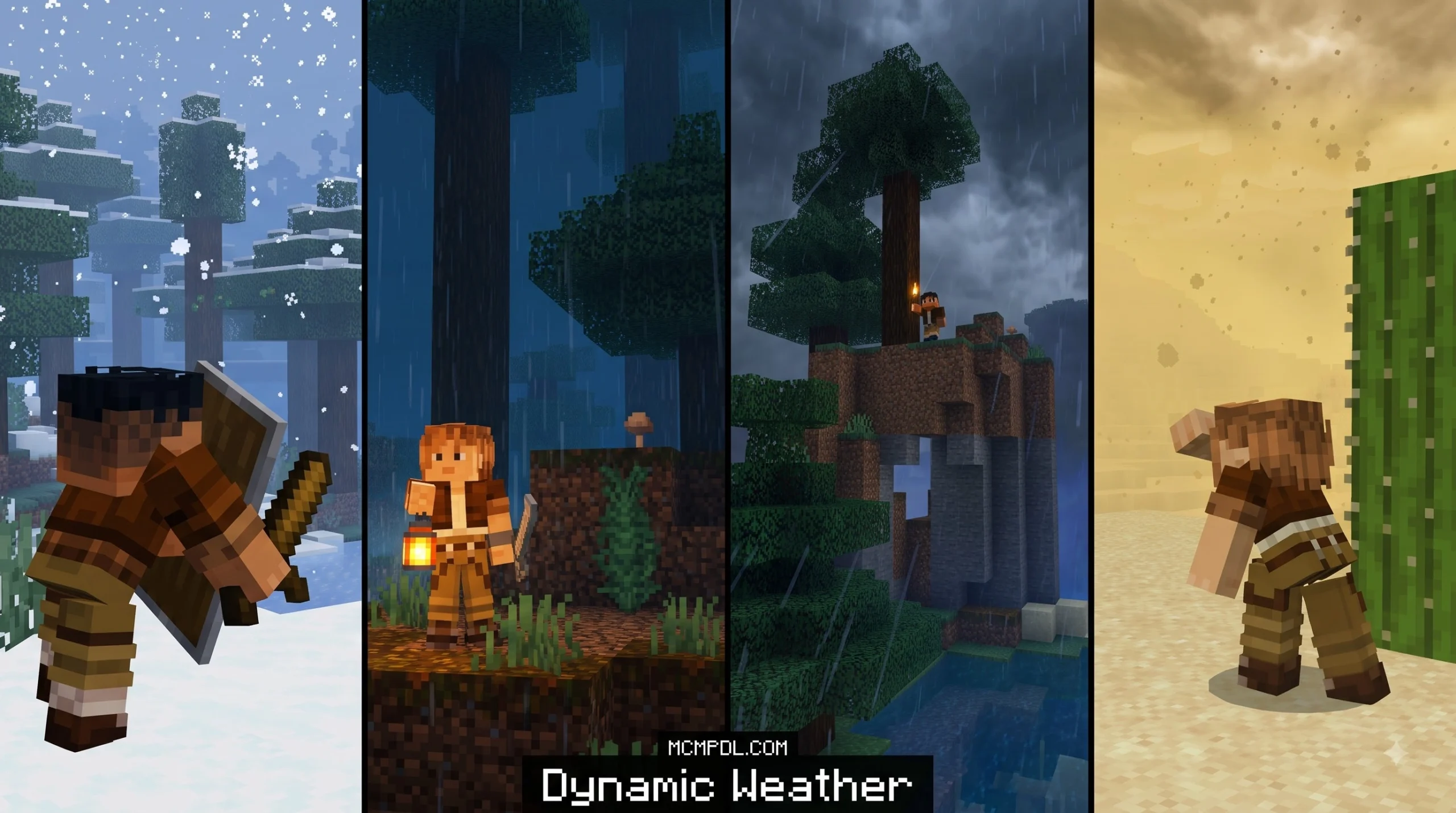
- Extreme Dynamic Weather: Experience sudden blizzards in frozen peaks, heavy sandstorms sweeping through desert lowlands, dynamic thunderbolts, and heavy rainstorms that darken the sky.
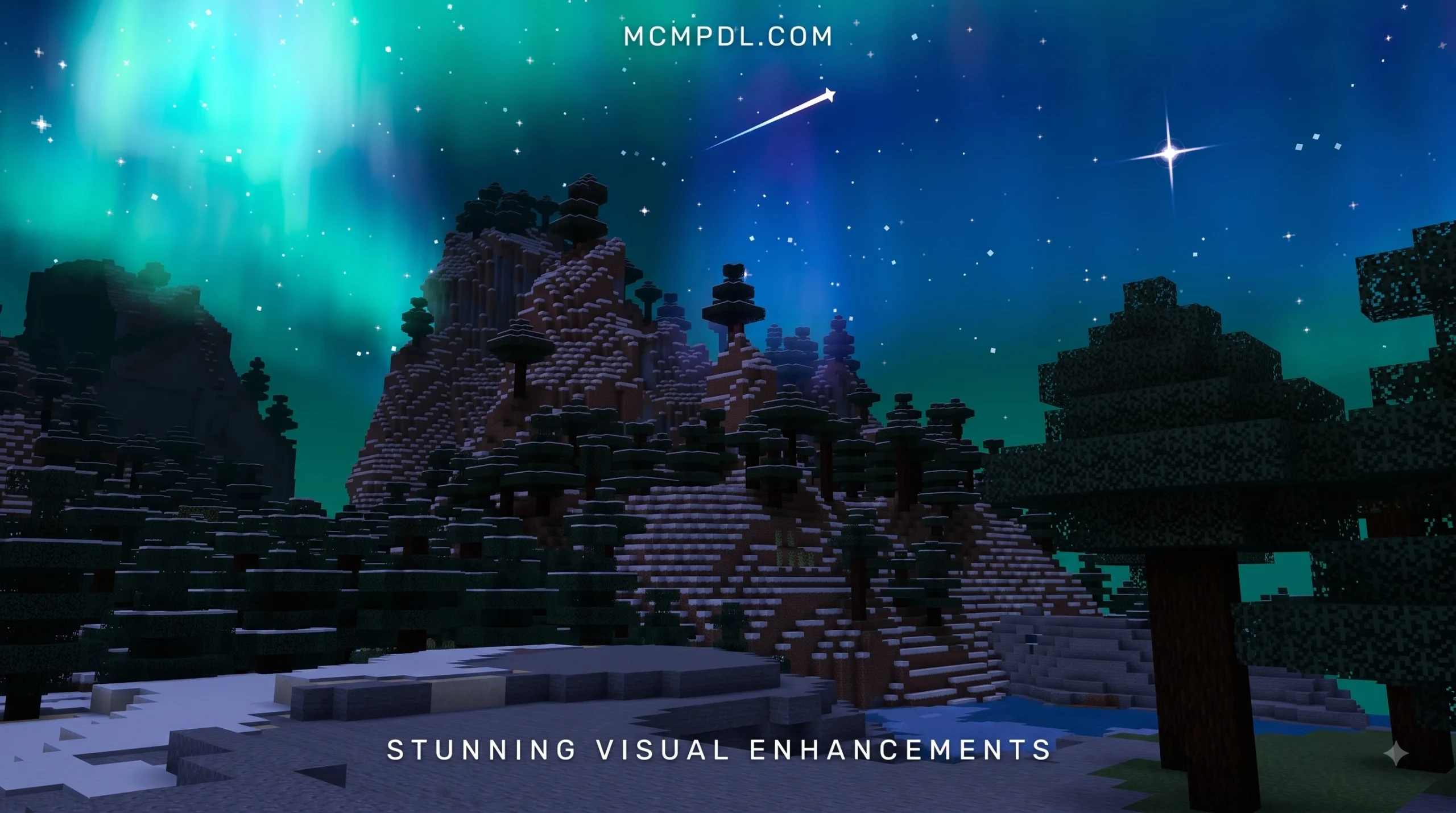
- Environmental Sky Events: Dynamic events like shimmering aurora borealis displays, meteor showers, falling shooting stars, and atmospheric fireworks happen naturally during nighttime cycles.
- Immersive Ambient Soundscapes: Custom dynamic audio fills the world with wind rustling through canopy leaves, howling mountain gales, cave reverberations, chirping wildlife, and quiet indoor audio dampening when stepping inside shelters.
- Dynamic Item Lighting: Held torches, lanterns, and glowing items illuminate surroundings dynamically without requiring complex external ray-tracing hardware.
- Color Grading & RGB Editor: Players can switch between built-in color grading presets or fine-tune biome hues using an integrated RGB editor to achieve a specific cinematic mood.
System Compatibility and Experimental Gameplay Requirements
Because the Realistic Biomes Addon for Minecraft PE/Bedrock integrates custom weather algorithms, lighting adjustments, and terrain features, maintaining system compatibility is critical. The pack supports Minecraft Bedrock versions 1.19 and 1.20+, and is specifically optimized for 1.21 and future releases.
It runs on iOS, Android, Windows 10/11, and console platforms running Bedrock Edition. However, because it relies on active behavior and resource packs, hardware capabilities will dictate how smoothly the game runs.
Installing the Realistic Biomes Addon for Minecraft PE/Bedrock
The installation process is simple, but following proper file management steps ensures your saved worlds remain safe and stable.
Mobile Devices (Android / iOS / iPadOS)
- Obtain the official
.mcaddonor.mcpackfile (file size is approximately 20.23 MB). - Open your device file manager and tap the downloaded file.
- Select Minecraft PE to automatically launch the game and import both Resource and Behavior packs.
- Go to your world settings, scroll down to Resource Packs and Behavior Packs, and activate the addon in both sections.
Windows 10 / 11 PC
- Download the
.mcaddonfile or extract the zip archive containing separate resource and behavior packs. - Double-click the
.mcaddonfile for direct engine installation, or manually move extracted folders into yourcom.mojang\behavior_packsandcom.mojang\resource_packsdirectories. - Launch Minecraft Bedrock Edition and open your desired world configuration menu.
- Enable both packs under world options.
Experimental Gameplay and World Backups
Before loading into your world, you must open World Settings and enable all Experimental Gameplay Toggles (such as Custom Biomes, Upcoming Creator Features, and Molang Features).
Important Best Practice: Always create a full world backup before applying new behavior or resource packs to prevent world corruption during major game updates.
Performance Tuning and Hardware Requirements
Because nature overhaul addons push more particles and lighting instructions to the GPU, performance tuning can help keep frame rates stable:
- Recommended Render Distance: On low-to-mid-range mobile devices, set your render distance between 8–12 chunks. On high-end PCs, higher distances can be maintained effortlessly.
- Fancy Graphics: Keep Fancy Graphics enabled for leaf transparency and cloud depth, but turn down particle rates in the addon menu if you encounter frame stutter during storms.
- Fog Density Modes: Choose between Immersive, Extended, Render-Distance, or Off. Disabling dense fog inside deep caverns improves visibility and frees up memory overhead.
- Shaders and Optimization: Avoid stacking multiple heavy shaders alongside this addon. If frame drops occur, run light optimization packs to maintain steady frame rates.
Gameplay Impact, Achievements, and Evaluation
Integrating an environment pack changes more than just visual aesthetics—it fundamentally modifies how you experience daily survival mechanics, building projects, and game progression.
Survival Progression, Pricing, and Achievement Mechanics
If you acquire the pack through official channels, it is available on the Minecraft Marketplace for 990 Minecoins. Community distributions also host standalone packages, such as the Realistic Biomes Addon v1.2 update for Minecraft Bedrock 1.21.
Achievement Disabling Mechanics
It is critical to note that activating the Realistic Biomes Addon for Minecraft PE/Bedrock in a survival world disables Xbox Live achievements and trophies. Because the addon includes a custom Behavior Pack (.bp) to manage dynamic weather, sound scripts, and random world events, Bedrock rules classify the world as modified.
If keeping achievements active is a top priority for your survival playthrough, you may want to look into lightweight resource-only alternatives that use vanilla block arrangements to preserve trophy progress.
Comparing Environmental Addons for Bedrock Edition
To see how Realistic Biomes compares against other popular biome expansions across community hubs, review the functional comparison below:
| Feature / Metric | Realistic Biomes Addon | Expansive Biomes | Biomes & Beyond | Realism VFX Addon |
|---|---|---|---|---|
| Primary Focus | Visuals, Weather, Audio & Terrain | Custom Blocks, Mobs & Ores | Semi-Vanilla Entities & Tools | VFX, Foliage & Northern Lights |
| File Size | ~20.23 MB | ~4.13 MB | ~10–15 MB | ~15–25 MB |
| Disables Achievements? | Yes (Uses Behavior Pack) | Yes (Uses Behavior Pack) | Yes (Uses Behavior Pack) | Yes (Uses Behavior Pack) |
| Custom Mobs Included? | Minimal / Ambient | Yes (Grizzly Bears, Dwellers) | Yes (Raccoons, Pufflings) | Biome Variant Mobs |
| Dynamic Weather/Events | Sandstorms, Auroras, Meteors | Standard Vanilla Weather | Standard Vanilla Weather | Northern Lights, Fireflies |
| Experimental Settings | Required | Required | Required | Required |
| Bedrock Compatibility | 1.19, 1.20, Optimized 1.21+ | 1.20, 1.21+ | 1.20, 1.21+ | 1.20, 1.21+ |
If you are looking for mechanics heavy on new entities and gear progression, options like Expansive Biomes or Realism VFX Addon offer distinct gameplay focus areas, ranging from Vibranium mining tiers to custom mob encounters.
Creative Tips for Building and Exploration
The Realistic Biomes Addon turns Minecraft into a meditative, relaxing digital space. The sweeping landscapes, atmospheric audio, and realistic fog patterns encourage creative building techniques that align with natural terrain features.
Seasonal Architecture and Landscape Photography
- Build with Natural Elevations: Avoid flattening wide swaths of land with dirt blocks. Build mountain cabins that conform to natural rock slopes, cantilevered decks over river bends, and stilt houses along marshy lake edges.
- Capitalize on Seasonal Foliage: Design seasonal retreats that showcase shifting tree leaves. A timber estate tucked into a deciduous forest will look vibrant green in summer and turn deep amber during autumn cycles.
- Master Preview Mode for Photography: Utilize the addon’s built-in Preview Mode to change weather conditions and sky settings instantly. This allows you to set up cinematic landscape screenshots with shooting stars, lens flares, or soft twilight fog without waiting for natural world ticks.
- Integrate Natural Lighting: Place lanterns, campfires, and standing torches around your settlements to take full advantage of dynamic item lighting and ambient fog casting during dark nights.
Frequently Asked Questions
Does the Realistic Biomes Addon disable achievements?
Yes. Because the addon utilizes a custom Behavior Pack (.bp) to execute dynamic weather scripts, custom lighting effects, ambient sounds, and atmospheric events, Bedrock Edition automatically disables Xbox Live achievements and trophies for that world.
Which Minecraft Bedrock versions are supported?
The addon supports Minecraft Bedrock versions 1.19, 1.20, and is fully optimized for version 1.21+. It works across mobile devices (Android/iOS), Windows 10/11 PCs, and modern gaming consoles running Bedrock software.
How do I fix lag or low frame rates with this addon?
To resolve frame drops or lag on lower-spec mobile devices:
- Lower your world render distance to 8–12 chunks.
- Set the custom fog density mode to Extended or Off.
- Reduce particle generation rates within the addon settings menu.
- Disable heavy external shaders or high-resolution global resource packs running simultaneously.
Conclusion
The Realistic Biomes Addon for Minecraft PE/Bedrock transforms standard procedural world generation into a rich, living environment. By merging lifelike terrain elevations with authentic foliage, dynamic weather, custom skyboxes, dynamic lighting, and immersive ambient audio, it provides nature lovers and builders with an inspiring canvas.
Whether you are capturing cinematic screenshots, setting up cozy seasonal homesteads, or simply enjoying a peaceful survival journey through rolling landscapes, this addon breathes new life into every block you place.
Looking to discover more world expansions, custom texture packs, and exciting behavioral modifications for your game? Explore More Minecraft Bedrock Addons at MCMPDL to elevate your Bedrock Edition gameplay today!



13 thoughts on “Realistic Biomes Addon for Minecraft PE/Bedrock”