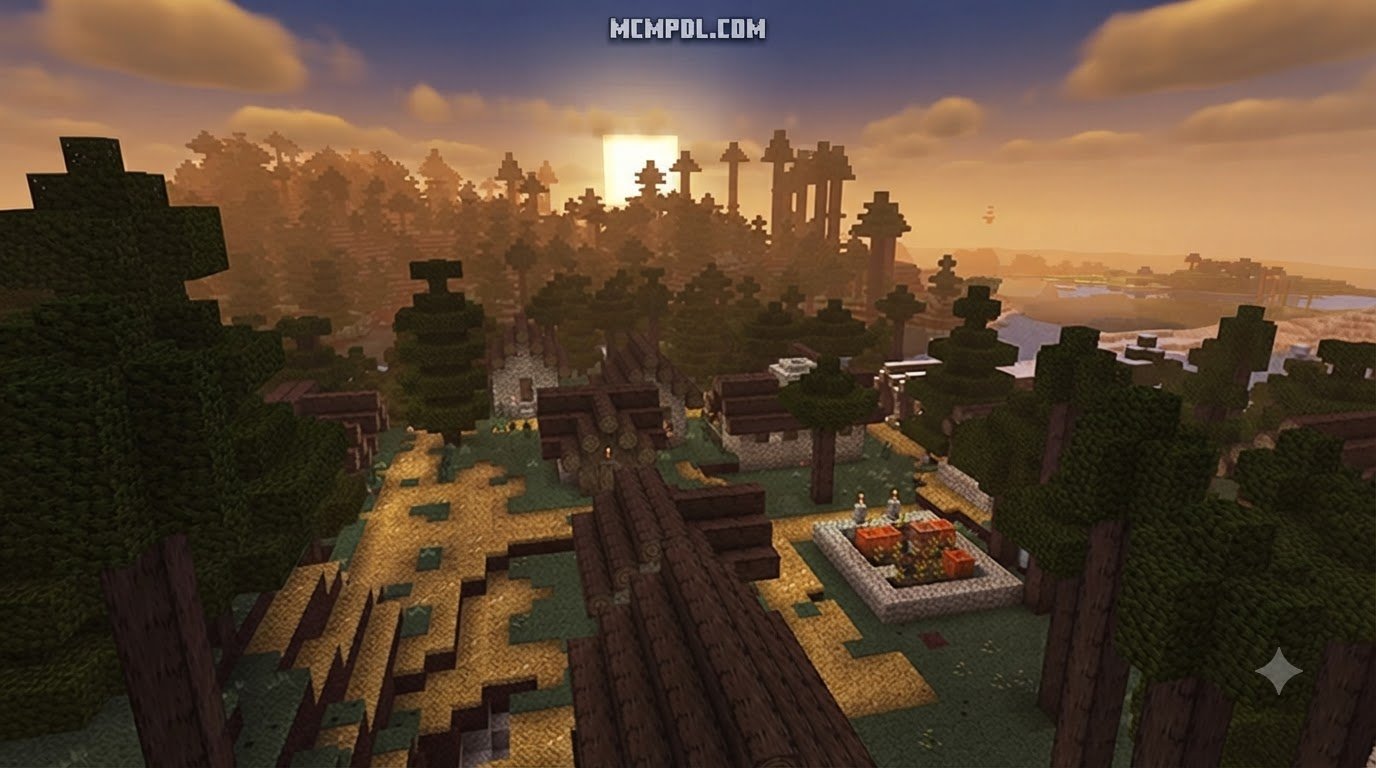
Scroll down to D0vvnl0ad
Understanding Realism Shades for Minecraft PE/Bedrock
To install Realism Shades for Minecraft PE/Bedrock, download the .mcpack file from a trusted source, open it with Minecraft to trigger the import, then activate the pack under Settings > Global Resources > My Packs. This applies the visual upgrade globally, or you can enable it per world through Edit World > Resource Packs. Once active, the pack enhances lighting, fog, and water without requiring third-party launchers.
When we talk about visual upgrades in Minecraft Bedrock, the term “shader” often brings up mixed feelings. Since Mojang migrated the Bedrock codebase to the RenderDragon graphics engine, traditional shader pipelines built on custom GLSL code stopped functioning. Realism Shades solve this visual limitation by acting as a modern hybrid between advanced resource packs and deferred lighting configurations. They give players rich atmospheric depth without breaking game stability.
In art history, the Realism movement—championed in the mid-19th century by French novelist Champfleury and painters like Gustave Courbet—emerged as a direct reaction against idealized, dramatic history paintings. It sought to capture nature and everyday life through honest, unembellished observation.
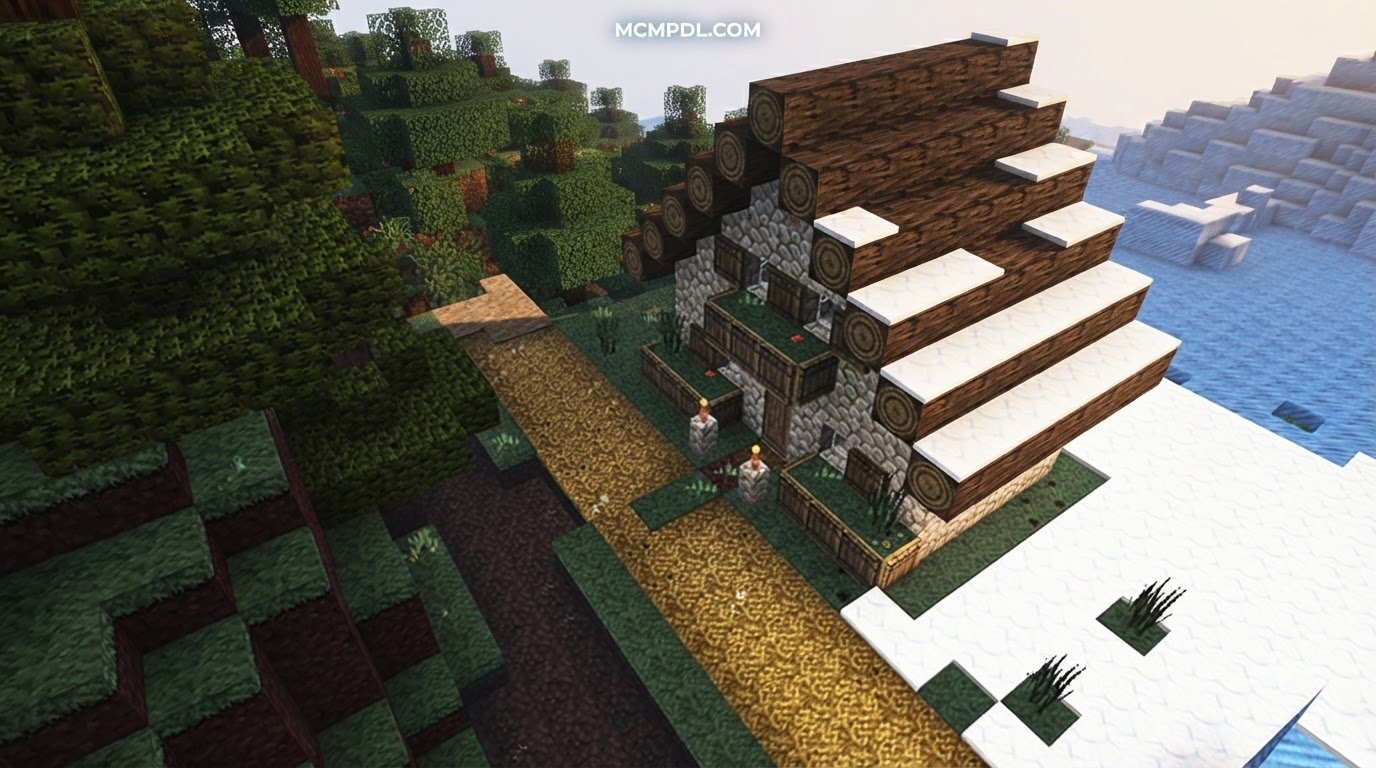
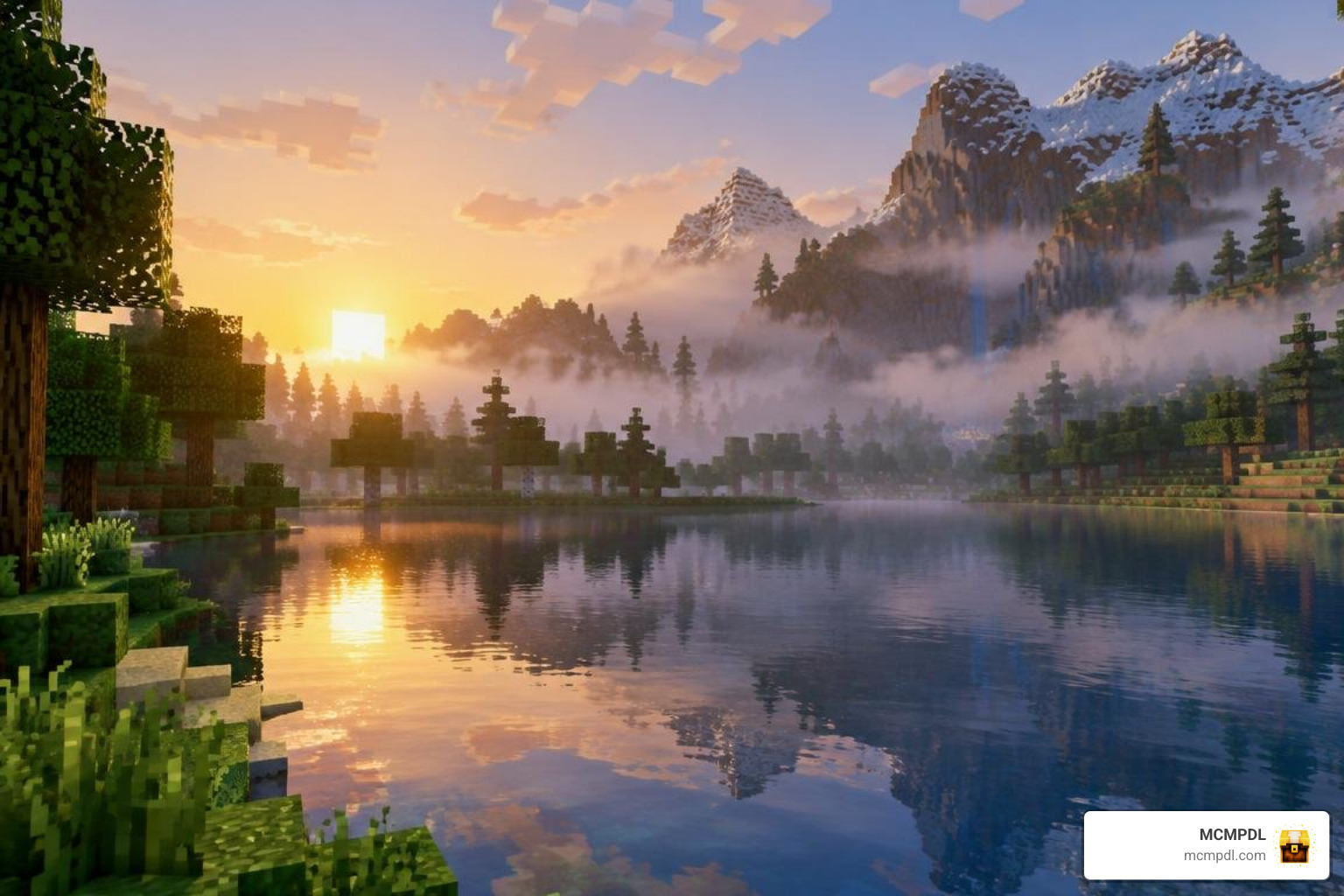
In Minecraft, visual realism follows a similar philosophy. Rather than replacing the iconic voxel charm with photorealistic 3D models, Realism Shades enhance the game’s natural world through authentic environmental physics: light scattering through early morning mist, dynamic water surfaces, and soft ambient shadows. If you want even more cinematic particle interaction, combining shaders with our enhanced visual effects creates an astonishingly grounded environment.
Key Visual Features and Aesthetic Upgrades
Realism Shades deliver a comprehensive visual overhaul by modifying how light interacts with every block and biome:
- Colored & Directional Lighting: Torches cast warm, flickering amber glows, while lanterns emit crisp white light and soul fire bathes ancient ruins in eerie cyan.
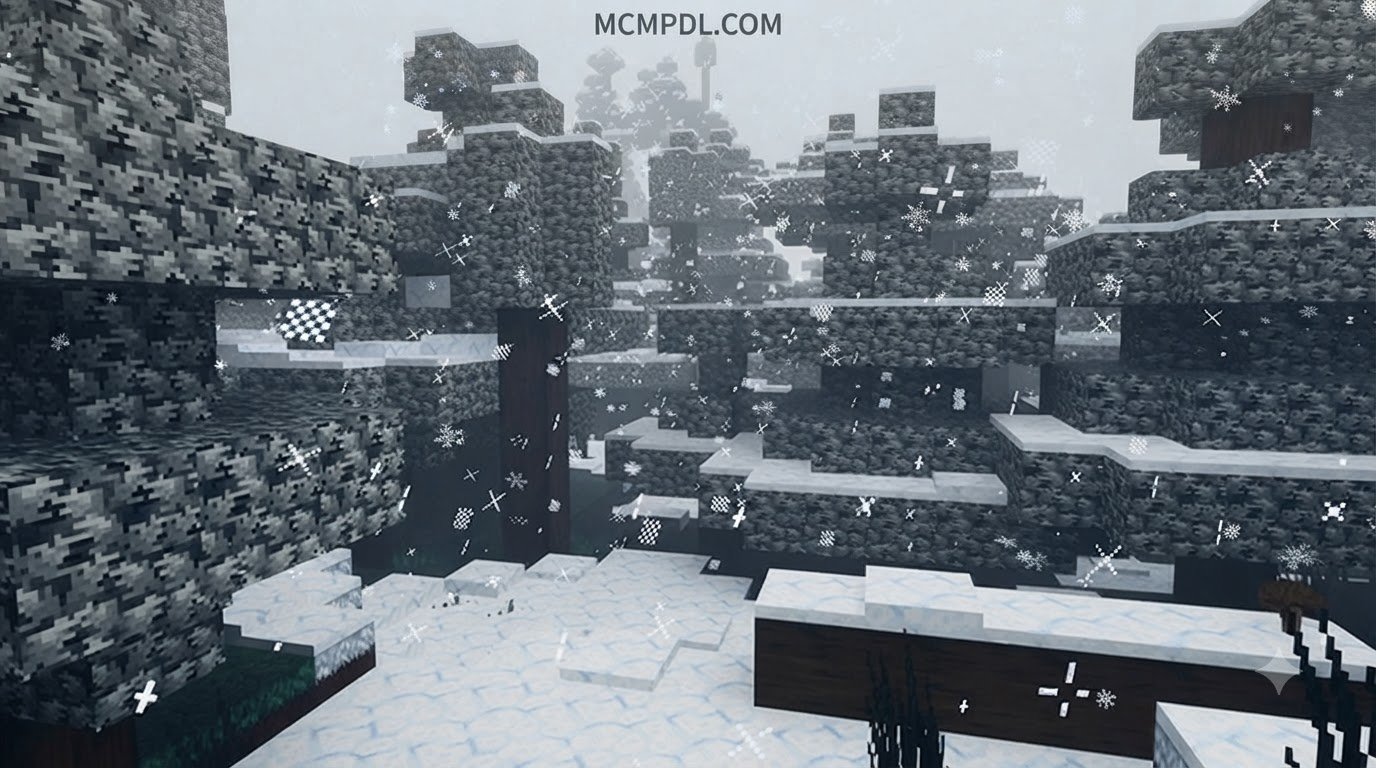
- Atmospheric Biome Fog: Swamps hang heavy with dense green haze, deserts shimmer with sun-baked heat fog, and snowy peaks feature crisp, distant horizons.
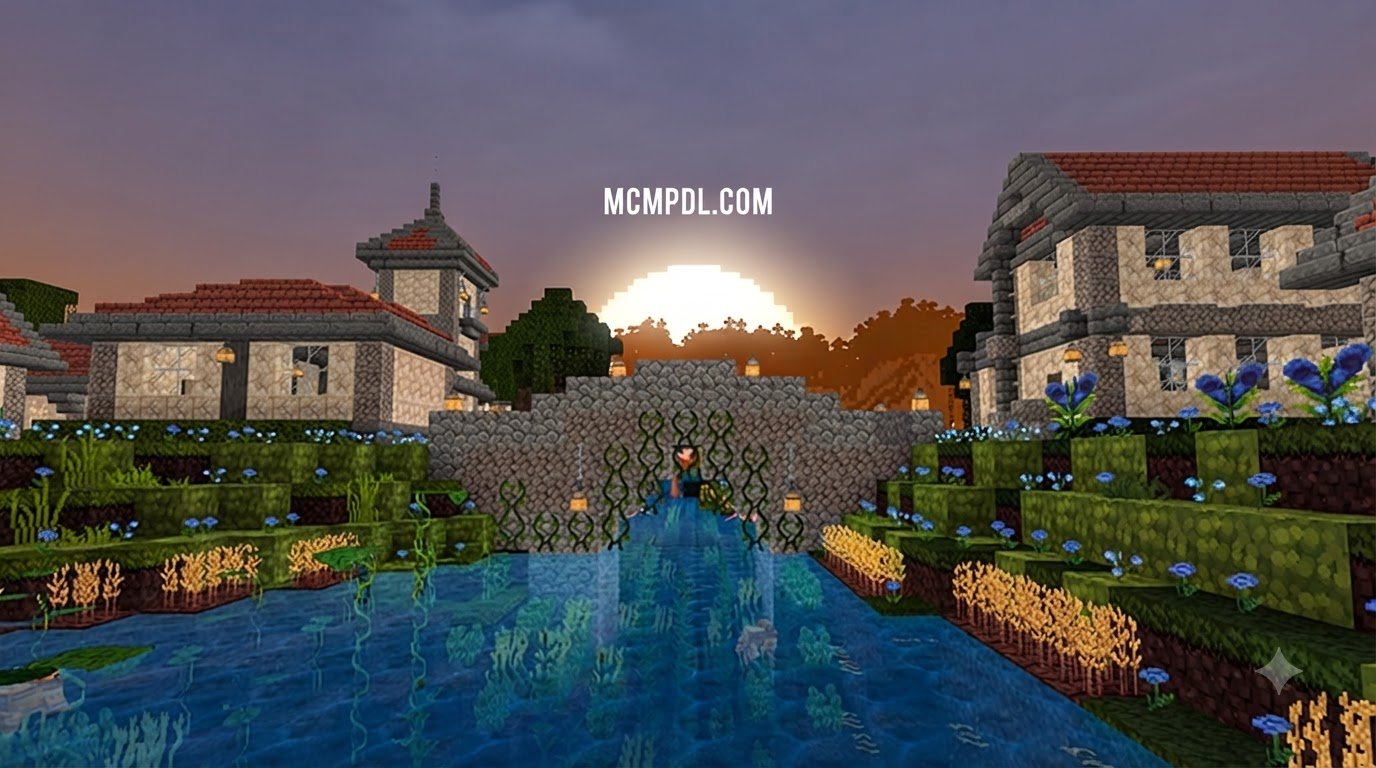
- Dynamic Water & Planar Reflections: Water ceases to be a static blue sheet; it ripples, catches sunlight, and mirrors passing clouds and lakeside tree lines.
- Subtle Ambient Occlusion & Bloom: Soft contact shadows gather in block crevices and under leafy canopies, while bright light sources cast a gentle, natural glow across your screen.
- Enhanced Dimensional Atmosphere: Deep cave systems feature genuine, pitch-black darkness that rewards strategic torch placement. The Nether feels sweltering and thick with ash, while the End dimension takes on a deep, celestial void aesthetic.
Pairing these atmospheric lighting adjustments with dedicated visual enhancement packs will help unify block clarity with your new ambient lighting setup.
True Shades Realism Breakdown and Specifications
A standout example in this visual category is True Shades Realism. Built specifically for Bedrock’s evolving rendering pipeline, it enhances lighting, colored block emission, surface reflections, and biome-specific fog while preserving Minecraft’s core look.
- Package Format:
.mcpack(direct one-tap import) - File Size: Compact 7.82 MB footprint (fast download and minimal memory overhead)
- Design Profile: Vanilla-preserving atmospheric realism
- Release Lifecycle: Originally published in June 2026 and updated in August 2026 for compatibility with current Bedrock builds.
You can grab the official release directly via this True Shades Realism download to test these features on your own worlds.
Realism Shades vs. Realistic Texture Packs
It is easy to confuse realistic shaders with realistic texture packs, but they handle fundamentally different rendering tasks:
- Shaders (Shades): Manipulate light engines, post-processing filters, shadow angles, water shaders, and atmospheric fog parameters. They change how blocks are lit.
- Texture Packs: Alter the individual surface maps, pixel art, or photographic textures pasted onto blocks. They change what blocks look like.
Using high-resolution textures without realistic lighting can leave a world looking flat. Conversely, running shaders over default textures keeps the classic voxel look while modernizing its lighting.
For players who enjoy high surface detail alongside custom lighting, running reimagined realistic textures or clean high-definition vanilla textures underneath your shader pack delivers a balanced, cohesive visual experience.
How to Download and Install Realism Shades on Bedrock
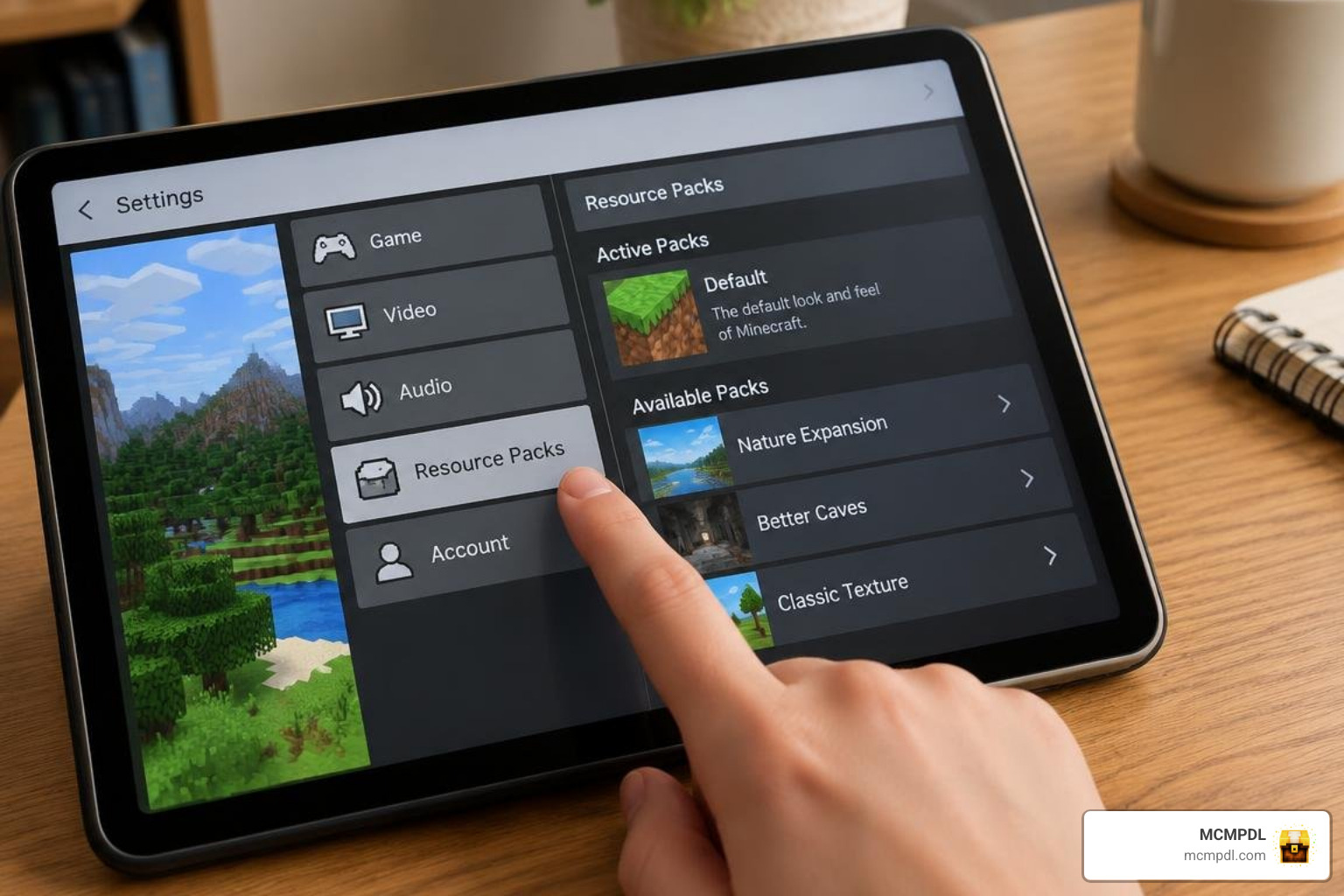
Installing Realism Shades on modern Bedrock devices is straightforward thanks to standardized package formats. Here is how to complete the process safely and efficiently.
Preparing to Download Realism Shades for Minecraft PE/Bedrock Safely
Always download .mcpack or .zip files from curated community hubs to ensure file integrity and protect your device from bundled adware. Genuine shader packs for Bedrock are lightweight community projects (typically under 25 MB) and are distributed freely.
Before loading an overhaul pack, we suggest testing it on clean maps or custom terrain like high-definition landscapes to see how your hardware handles open-world terrain generation alongside updated lighting profiles.
Step-by-Step Installation on Android, iOS, Windows, and Consoles
Follow the platform-specific instructions below to import and activate your pack:
Android (MCPE)
- Download the
TrueShadesRealism.V1.mcpackfile through your mobile browser. - Open your device’s File Manager and tap the downloaded file.
- Select Open with Minecraft. The game will launch automatically and display an “Import Started” banner at the top of the screen.
- Go to Settings > Global Resources > My Packs, select the pack, and tap Activate.
iOS / iPadOS
- Download the
.mcpackfile in Safari. - Open the Files app and navigate to your Downloads folder.
- Long-press or tap the pack file and choose Share > Minecraft (or tap it directly).
- Wait for Minecraft to display “Import Successful”, then activate it in your Global Resources or individual World Settings.
Windows 10 & 11 (Bedrock Edition)
- Download the
.mcpackfile to your PC. - Double-click the file. Windows will launch Bedrock Edition and import the resource files automatically.
- Navigate to Settings > Global Resources to enable it globally, or apply it to a specific world via Edit World > Resource Packs.
Consoles & Multiplayer Compatibility
Dedicated console versions (Xbox, PlayStation, Nintendo Switch) restrict direct file-system downloads. However, console players can still experience Realism Shades by joining a friend’s Realms or dedicated multiplayer server where the host has applied the pack with “Require players to accept resource packs” checked.
If you host a world featuring dynamic environment add-ons such as seasonal climate mashups, client-side shaders will render those changing biomes smoothly for all connected players.
Troubleshooting Common Installation and Rendering Issues
- Pack Appears Active but Visuals Look Vanilla: Verify whether your pack requires the Deferred Technical Preview or experimental lighting toggles in World Settings. If RenderDragon overrides the pack, reorder it to the very top of your active Resource Packs list.
- Pink / Missing Textures: This indicates a file path or version mismatch error. Delete the pack from Settings > Storage > Resource Packs, restart Minecraft, and import a fresh copy of the
.mcpack. - Game Crashes on World Load: Clear your temporary Minecraft cache or lower your in-game render distance by 4–6 chunks before loading into dense builds.
Performance Optimization and Visual Comparisons
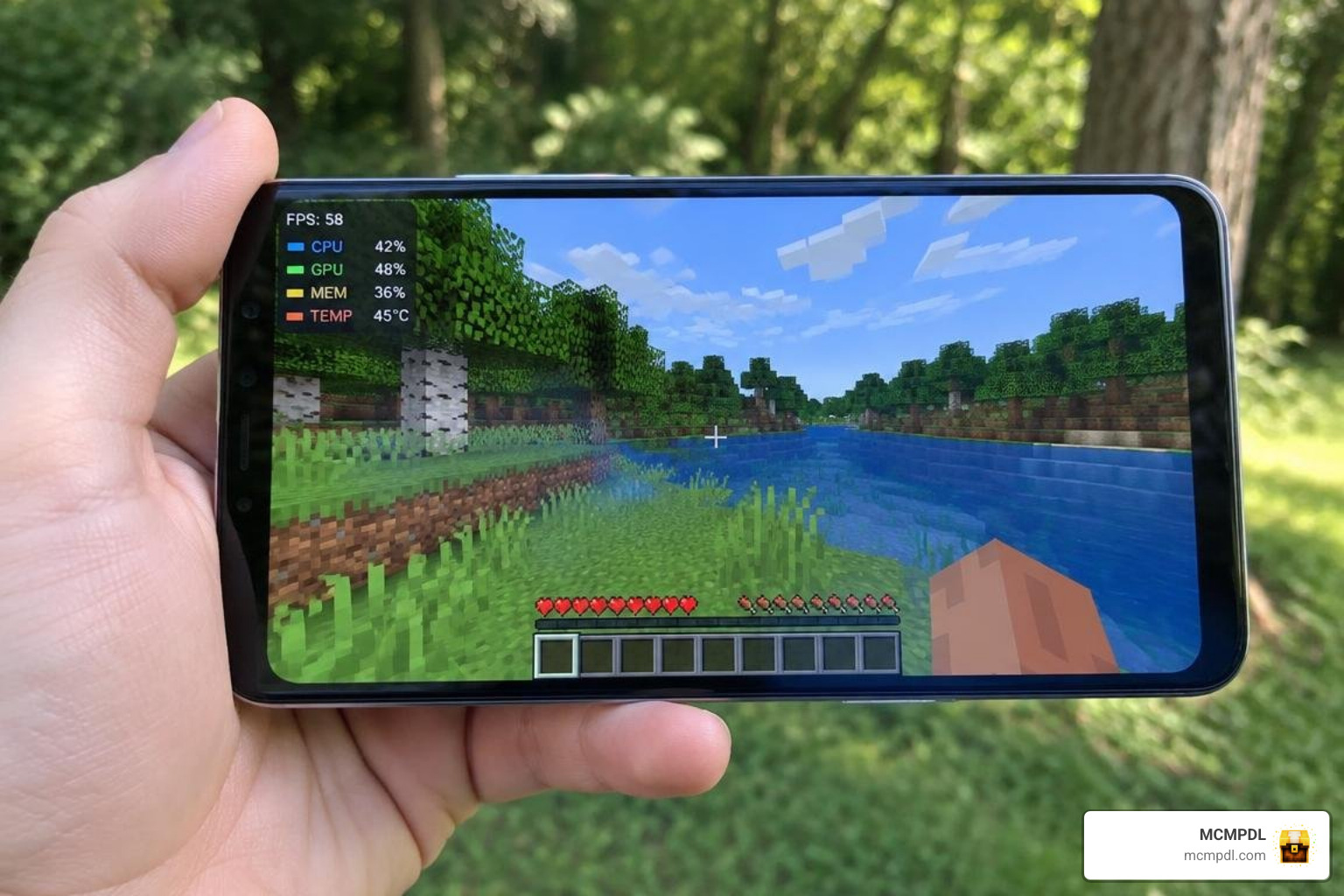
Visual upgrades inevitably place higher demands on your device’s processor and graphics chip. Finding the sweet spot between fluid frame rates and rich atmospheric lighting ensures your device stays responsive during long play sessions.
Performance Impact of Realism Shades for Minecraft PE/Bedrock on Mobile Devices
Mobile GPUs face two key challenges when running enhanced lighting: memory bandwidth and heat buildup. Because Realism Shades use native Bedrock fog, colormap, and shader hooks rather than heavy path-tracing calculations, they remain remarkably efficient.
- Minimum Mobile Specs: Android with Snapdragon 680 / Helio G88 (or equivalent), 3 GB RAM; iPhone 8 / iPad 6th Gen or newer.
- Recommended Mobile Specs: Snapdragon 7+ Gen 2 / Apple A14 Bionic or newer, 4 GB+ RAM.
- Thermal & Battery Footprint: Expect a modest 10–15% increase in battery drain compared to vanilla gameplay. If your device gets warm, dropping your screen brightness slightly and locking your frame rate to 60 FPS prevents aggressive thermal throttling.
When combining lighting packs with world-generation mods like overhauled realistic biomes, drop your simulation distance from 6 chunks to 4 chunks to keep tick rates stable.
| Visual Feature / Engine Target | Vanilla Bedrock | Realism Shades (Hybrid) | Bedrock RTX (Hardware Ray Tracing) |
|---|---|---|---|
| Supported Hardware | All platforms & phones | Android, iOS, PC, Realms | DXR-capable Windows PCs only |
| Lighting Method | Flat, block-level raster | Dynamic colormaps & fog | Full real-time Path Tracing |
| Water Reflections | None (static opacity) | Planar / Skybox reflections | Real-time ray-traced reflections |
| Average Mobile FPS Impact | Baseline (0%) | 5% – 12% drop | Not supported on mobile |
| PBR Material Support | None | Selective bump/height | Full Metallic/Roughness maps |
Target Audiences and Recommended In-Game Settings
- Survival Players: Benefit from improved directional fog and distinct lighting cues that highlight dark caves and mob spawn zones.
- Builders & Architects: Perfect for staging screenshots, showcasing detailed interior lighting, and capturing reflective garden ponds.
- PvP / Competitive Players: Competitive players should lower decorative fog and particle densities to maximize frame consistency during combat.
For low-spec mobile devices needing maximum performance, pairing your shader with lightweight smooth textures helps reclaim lost frames. If you prefer deep historic aesthetics, running classic medieval textures with warm torchlight delivers an atmospheric, castle-ready look.
Frequently Asked Questions About Realism Shaders
Do Realism Shades work on Minecraft Bedrock without third-party launchers?
Yes. Modern Realism Shades designed for .mcpack distribution work directly inside the official vanilla Minecraft Bedrock app on Android, iOS, and Windows. You do not need third-party patched APKs or custom client loaders.
How do Realism Shades affect performance on budget Android and iOS devices?
Because these packs rely on native game engine adjustments, biome colormaps, and fog density tweaks rather than intensive ray tracing, the performance impact on budget devices is modest (typically a minor drop of 3–8 FPS). You can offset this easily by reducing your render distance by 2 chunks.
Can you use Realism Shades on multiplayer servers and Realms?
Yes. When activated under Global Resources, Realism Shades operate as a client-side visual enhancement, allowing you to enjoy custom lighting on any public multiplayer server. Realm owners can also attach the pack directly to their Realm so all visitors see the upgraded visuals automatically.
Conclusion
Realism Shades strike an ideal balance for Minecraft PE and Bedrock players: they deliver atmospheric lighting, reflective water surfaces, and deep biome fog without sacrificing the game’s classic aesthetic or overloading mobile hardware. With simple .mcpack installation, broad multiplayer support, and friendly resource footprints, transforming your worlds takes just a few taps.
Explore our curated Bedrock shader catalog to discover the latest tested packs, lighting overhauls, and visual enhancements for your favorite version of Minecraft Bedrock.