Scroll down to D0vvnl0ad
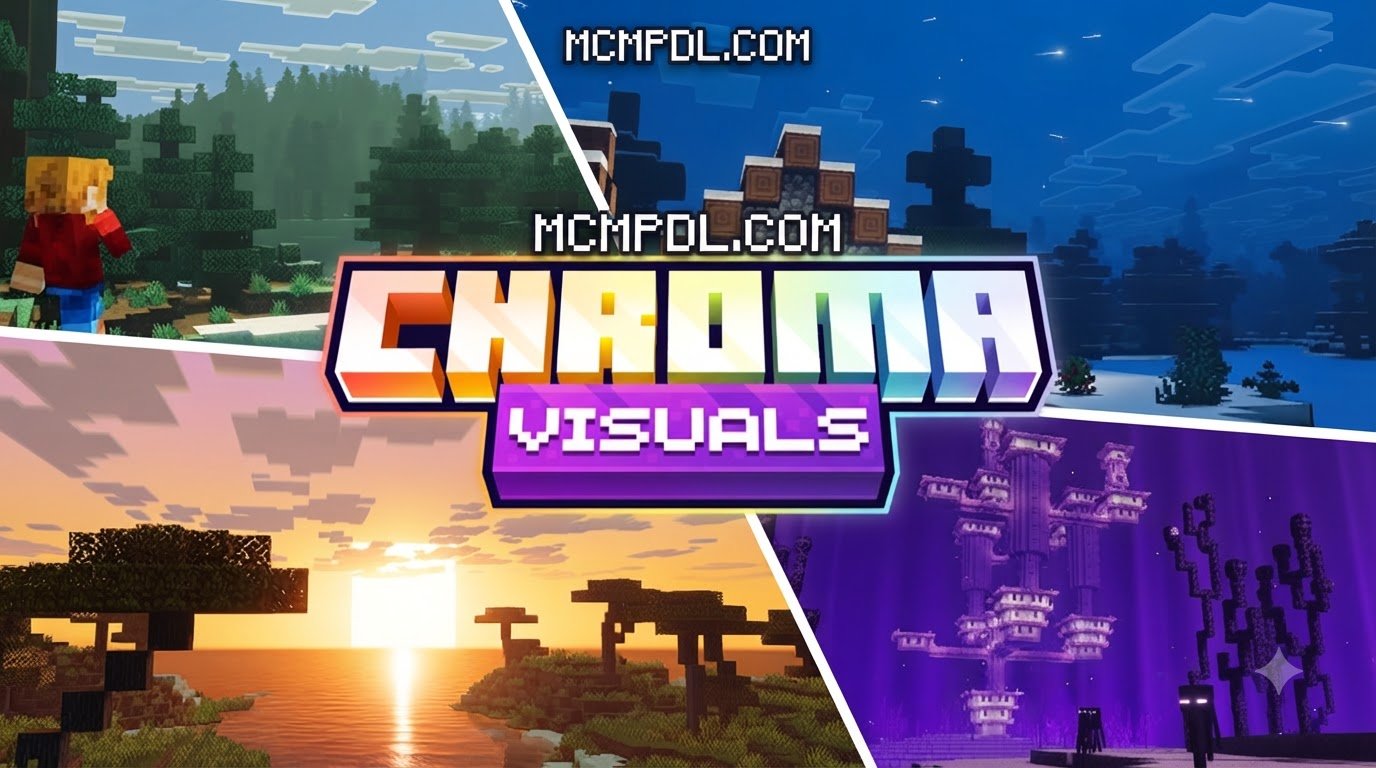
Overview and Features of Chroma Visuals 1.1 Texture Pack for Minecraft PE/Bedrock
To download and install Chroma Visuals 1.1, get the .mcpack file from a verified source or the Minecraft Marketplace, tap it to import it into Minecraft, then open Settings > Global Resources > My Packs, activate Chroma Visuals 1.1, and move it to the top of your active pack list. Once installed, the pack turns ordinary landscapes into vibrant, atmospheric environments without the heavy performance penalties of traditional ray tracing.
At its core, the pack modernizes the visual presentation of Minecraft Bedrock Edition across several key areas:
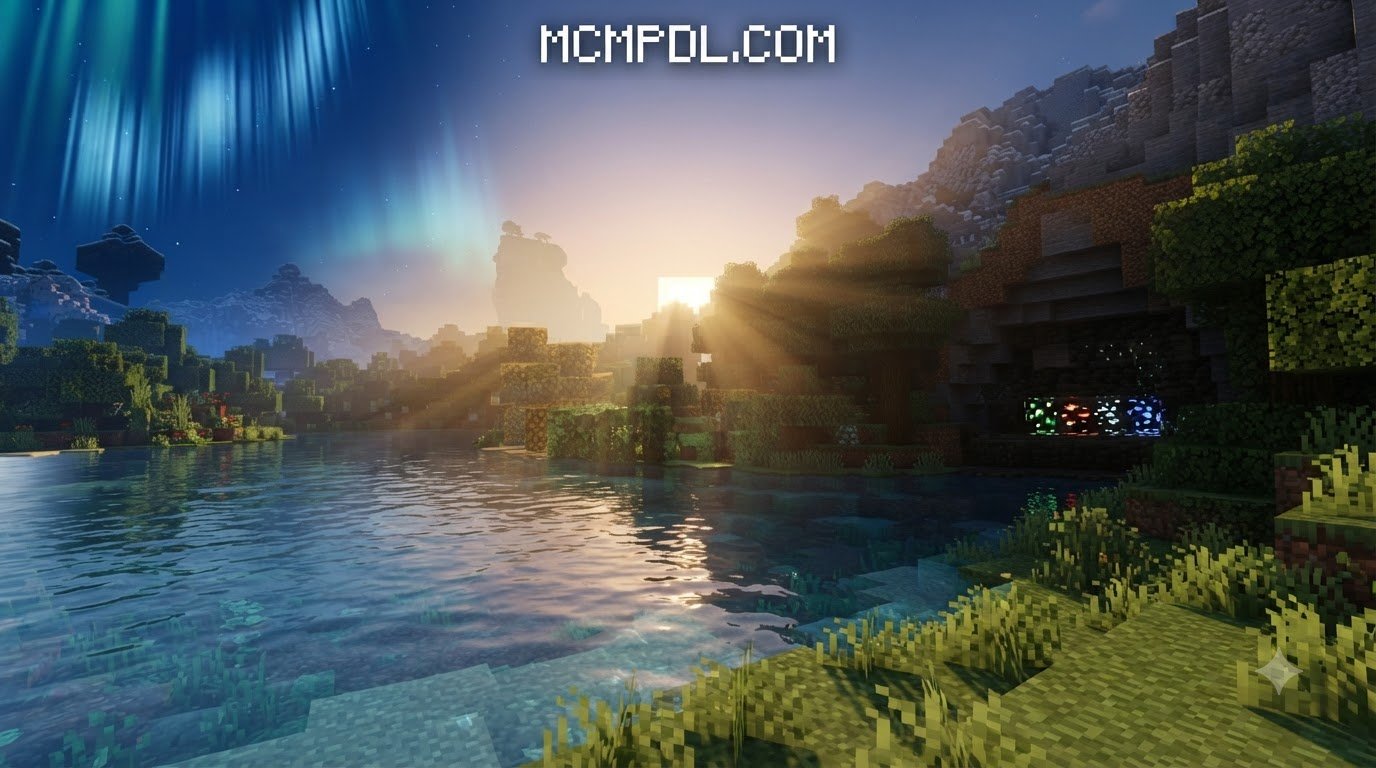
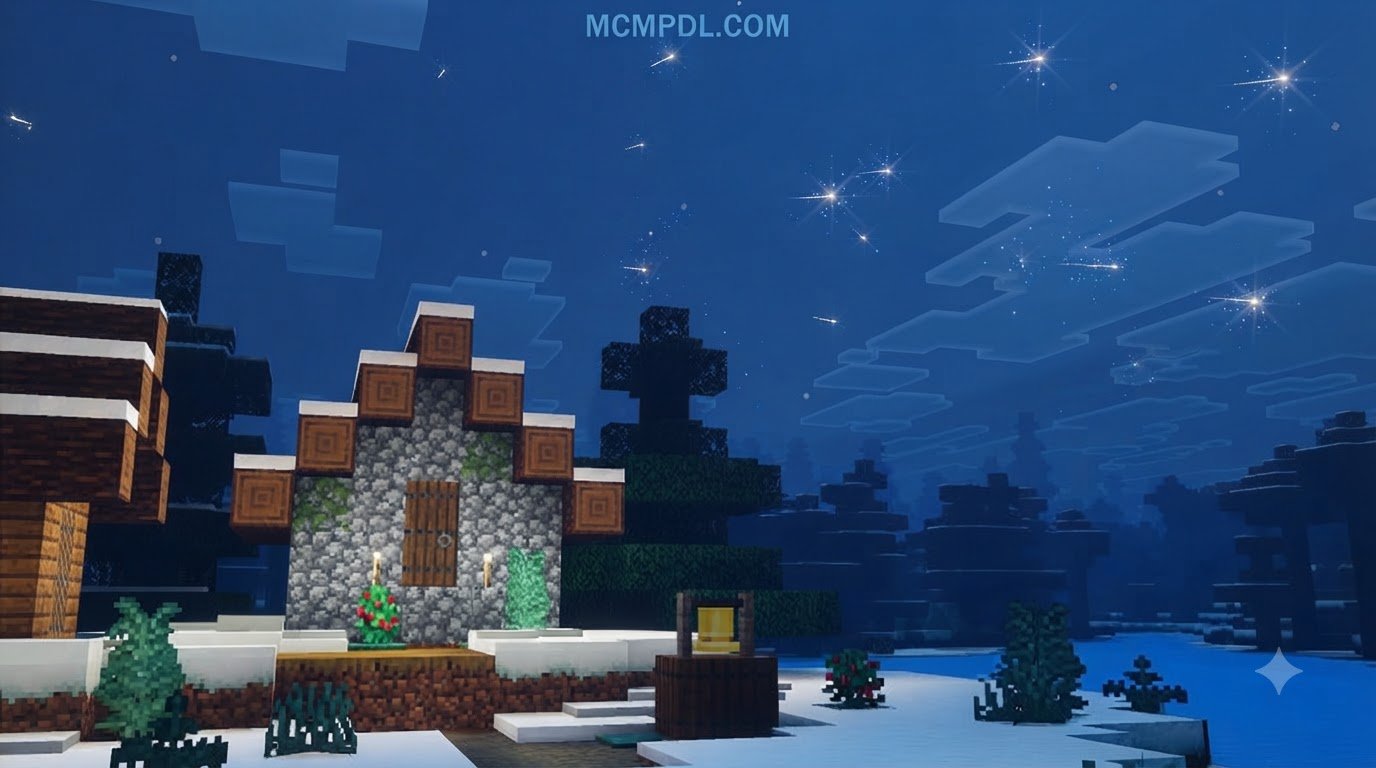
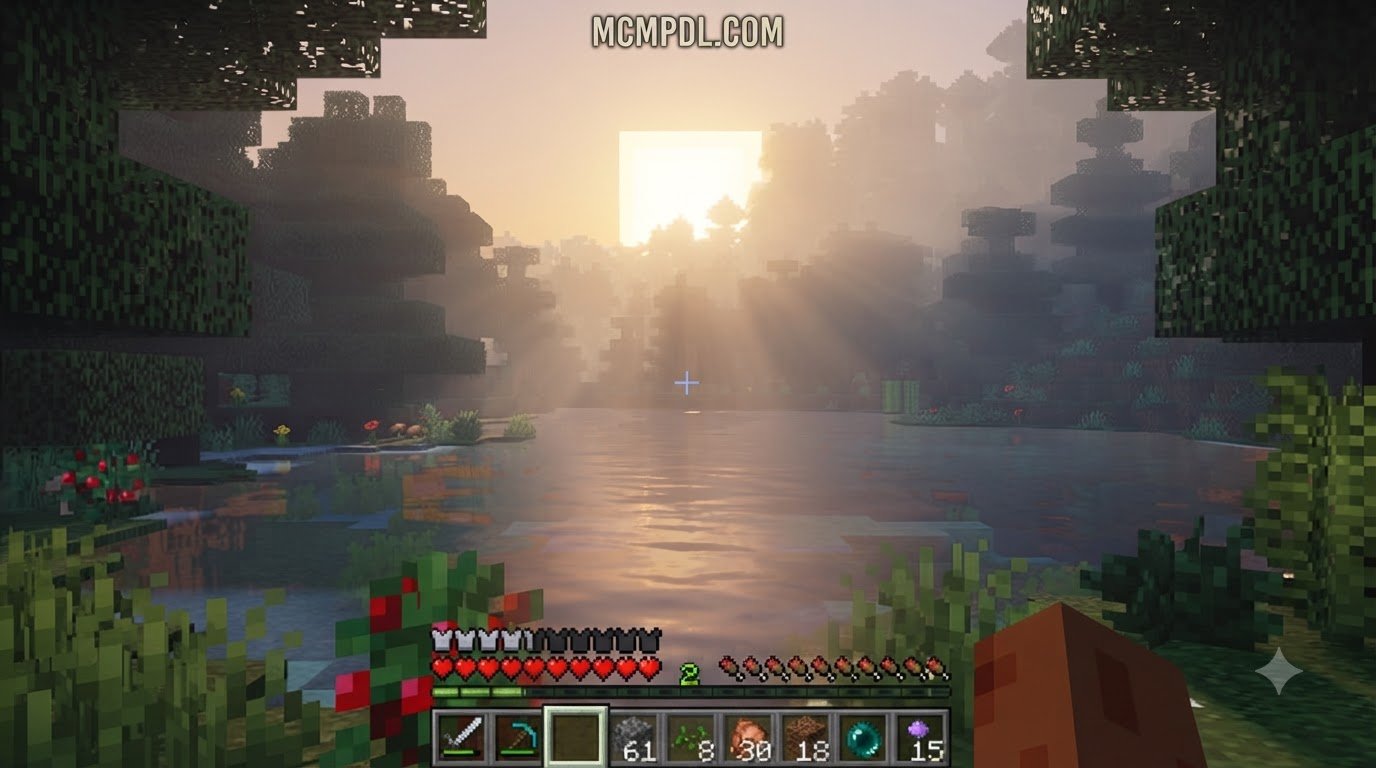
- Dynamic and Colored Lighting: Every light source casts distinct, ambient illumination. Lanterns emit a warm, golden glow, soul campfires cast mystical blue tones, glow berries cast subtle natural radiance, and standard torches bathe caverns in rich, saturated light.
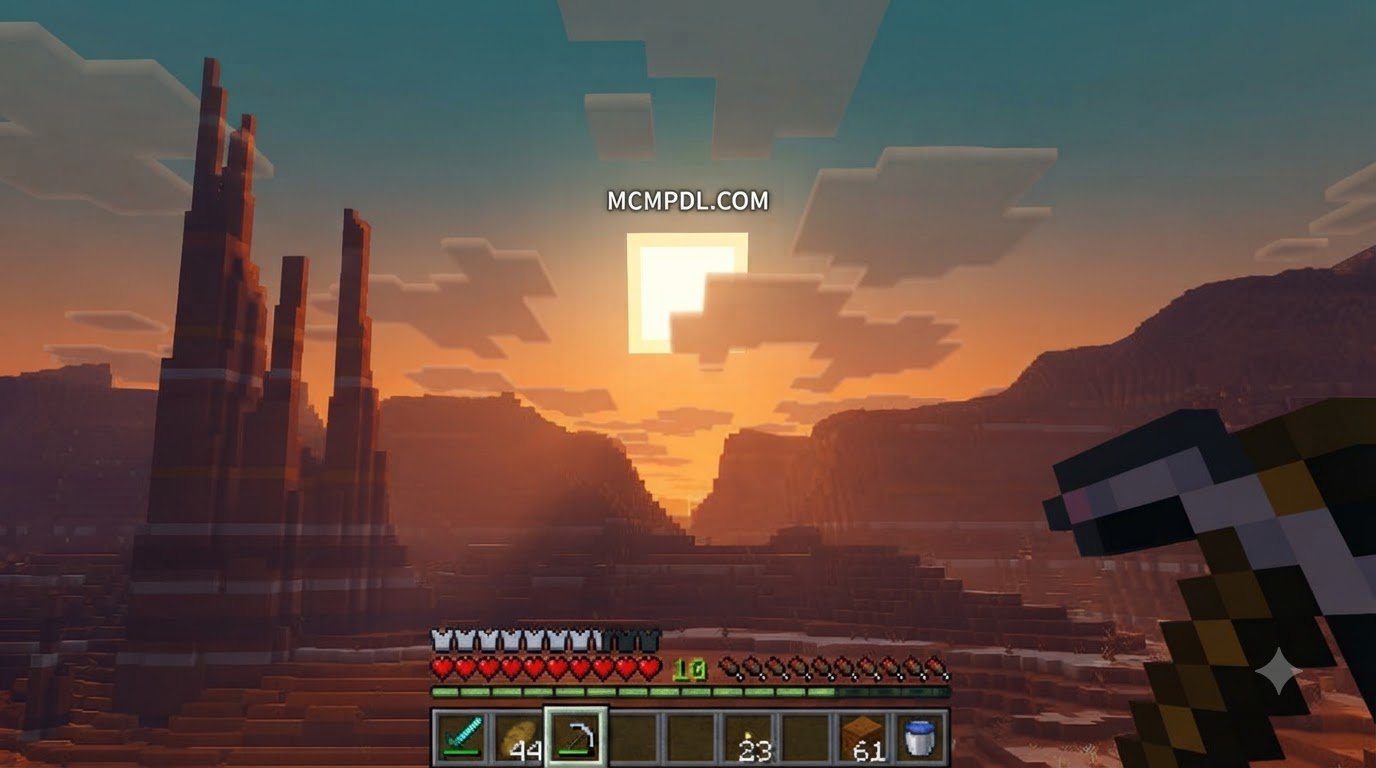
- Colorful Atmospheric Skies: Sunrise and sunset gradients are deeply saturated with orange, magenta, and deep indigo tones, while nighttime skies feature majestic atmospheric events like drifting Northern Lights.
- Crystal-Clear, Reflective Water: Ocean surfaces, rivers, and ponds feature improved surface transparency, realistic specular highlights, and fluid biome-specific color transitions across rivers, swamps, and open oceans.
- VFX Events and Particle Polish: Subtle visual effect overlays enhance weather cycles, biome transitions, fog density, and ambient particle behavior across diverse environments.
Unlike older packs that simply cranked up saturation uniformly across the screen, Chroma Visuals uses biome-aware coloration. When stepping out of a lush cherry grove into an emerald swamp, the atmosphere naturally adapts, delivering an artistic style that feels balanced, natural, and modern.
Visual Enhancements and Subpack Customization
One of the standout additions in version 1.1 is user customization. Rather than forcing a single aesthetic profile onto every player, the pack includes 12 configurable subpacks that let you tailor your graphical experience to match your exact visual taste and hardware capabilities.
Through the subpack slider in your resource pack settings, you can mix and match key visual components:
- Height Maps: Adds tactile depth to stone, brick, and natural blocks, creating a simulated 3D relief effect under shifting light angles.
- Custom Texture Variations: Introduces subtle variations to repeating surfaces like dirt, grass, and cobblestone to break up visual tiling across vast landscapes.
- Yellow Birch Leaves: Gives birch forests a warm, golden autumn makeover that adds immediate charm to woodland exploration.
- Particle Optimizations: Specifically engineered for mobile performance, version 1.1 reduced Northern Lights particle overhead so you can enjoy atmospheric night skies without experiencing frame drops.
If you enjoy stylized and expressive overhauls, you might also appreciate testing out other creative looks like the Comicverse Textures Pack or the fantasy-driven Prizma Visuals Texture Pack.
Chroma Visuals vs. Default Bedrock Graphics
Default Minecraft graphics offer a charming, classic look, but standard vanilla lighting can sometimes appear flat and washed out. Chroma Visuals updates this presentation by introducing deep contrast, rich specular reflections, and soft atmospheric bloom.
| Feature | Default Bedrock Graphics | Chroma Visuals 1.1 |
|---|---|---|
| Lighting Style | Flat, uniform yellow-white lighting | Distinct per-light-source coloring with soft bloom |
| Sky Dynamics | Basic sun/moon rotation with static stars | Saturated atmospheric gradients and Northern Lights |
| Water Quality | Uniform opacity and flat surface color | High transparency with realistic light reflections |
| Performance Overhead | Baseline game standard | Extremely low (optimized for mobile/budget devices) |
| Customization | None | 12 configurable subpacks with height maps |
| Block Depth | Flat 2D block textures | Simulated depth via height maps and texture variants |
Because it achieves these visual improvements by utilizing stylized saturation and color mapping rather than full path-traced lighting pipelines, players maintain high, stable FPS on everyday mobile hardware.
System Requirements and Vibrant Visuals Configuration
To ensure everything renders smoothly, let us look at the technical requirements and necessary visual toggles for the Chroma Visuals 1.1 Texture Pack for Minecraft PE/Bedrock.
System Requirements for Chroma Visuals 1.1 Texture Pack for Minecraft PE/Bedrock
Chroma Visuals was designed from the ground up to remain lightweight. The complete package sits at a compact file size of roughly 6.78 MB, making it fast to download and easy on internal storage.
- Supported Minecraft Version: Bedrock Edition 1.21.120 or newer (including current 2026 builds).
- Compatible Platforms: Android, iOS, Windows 10/11, Xbox One/Series X|S, PlayStation 4/5, and Nintendo Switch.
- Memory Footprint: Requires minimal additional RAM (suitable for budget smartphones with 2GB-3GB RAM).
- Storage Requirement: Under 10 MB of available storage space for extraction and caching.
If you love pairing lightweight packs with other aesthetic tweaks, check out options like the Vanilla HD Texture Pack or the ultra-clean Smoothic Texture Pack.
Enabling the Vibrant Visuals Graphic Setting
The single most common reason players fail to see custom lighting or glowing colored torches is forgetting to enable the core graphics engine prerequisite: Vibrant Visuals.
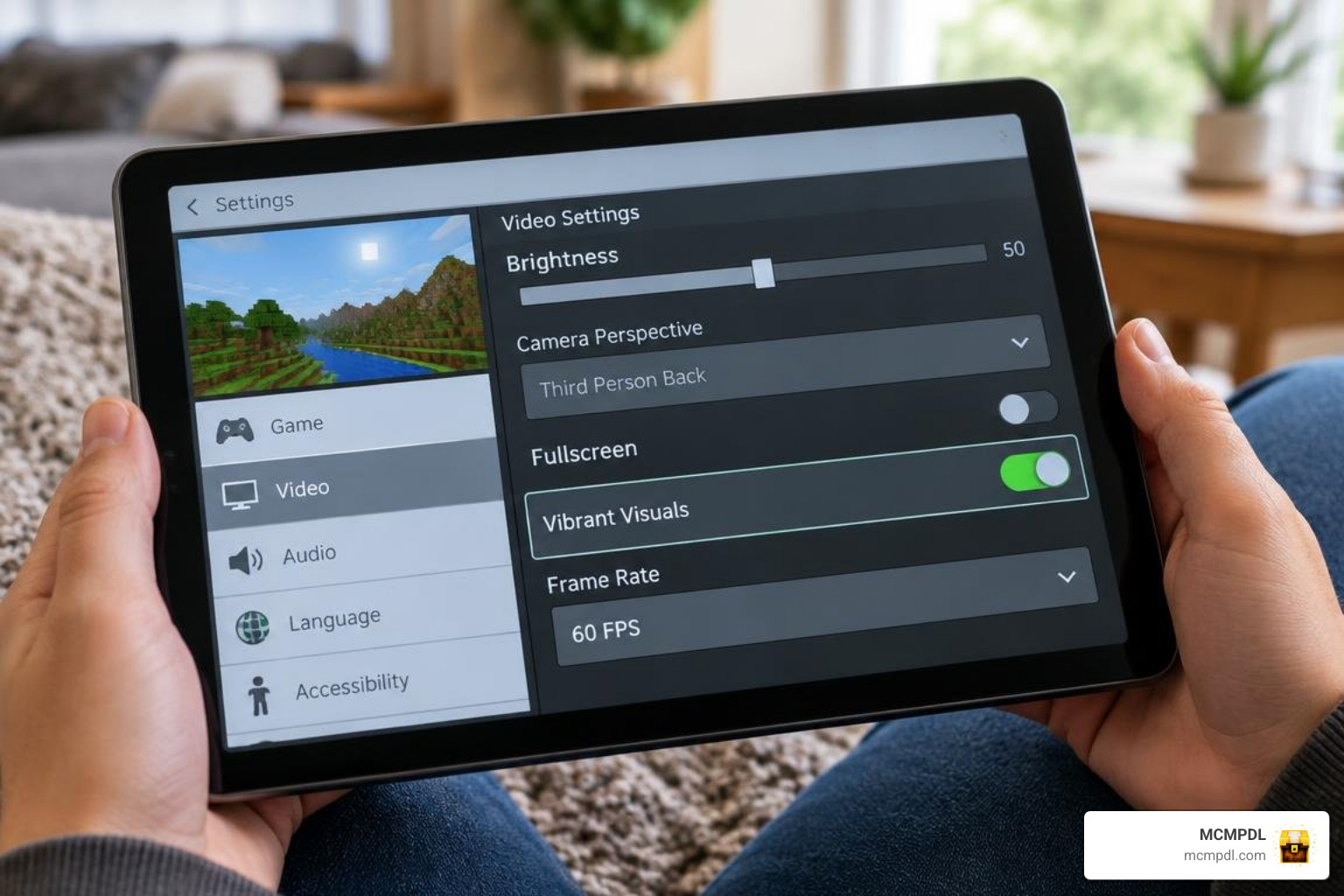
Chroma Visuals relies on Bedrock’s modern rendering pipeline to display per-source light coloring and sky gradients. Follow this process to ensure your settings are configured correctly:

- Launch Minecraft and select Settings from the main menu (or pause menu in-game).
- Scroll down on the left sidebar and select Video.
- Locate the Graphics category and toggle Vibrant Visuals to ON.
- Set your Brightness between 50% and 70% for the best contrast between light and dark environments.
If you enjoy atmospheric packs that play with light and tone, you can also explore options like the Luminora Textures Pack or the moody Eldritch Horror Texture Pack.
How to Download and Install Chroma Visuals 1.1
Installing community and marketplace content on Minecraft PE and Bedrock is simple once you know how the Global Resources system operates.
Step-by-Step Installation on Mobile
Whether you are playing on Android or iOS, follow these straightforward steps to activate your pack:
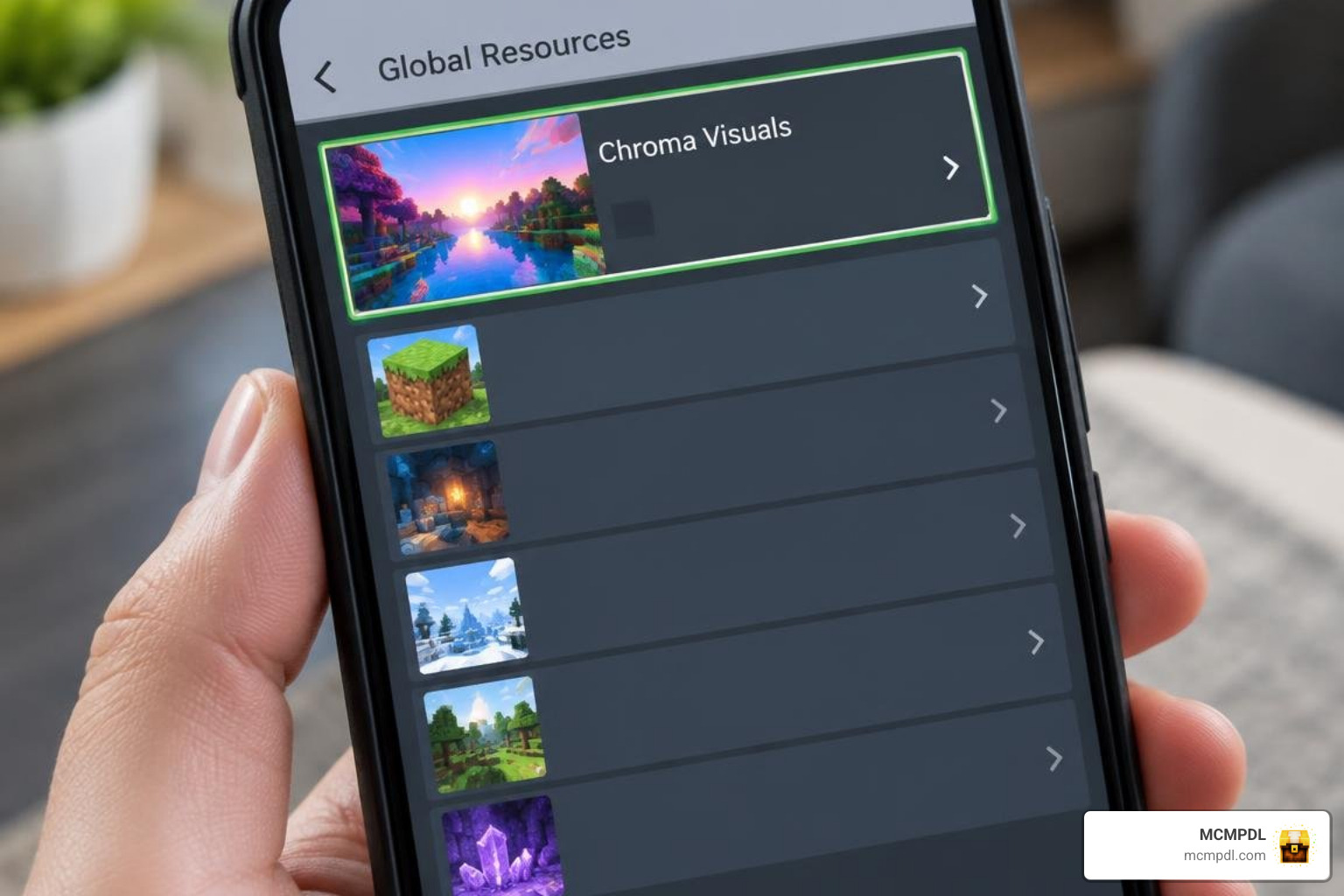
- Obtain the Resource: Access the pack via the Minecraft Marketplace or download the
.mcpackfile from a verified source. - Import into Minecraft: Tap the downloaded
.mcpackfile on your device. Your operating system will automatically open Minecraft and display an “Import Started” banner, followed by “Successfully Imported”. - Activate in Global Resources:
- Open Minecraft and tap Settings.
- Scroll down to Global Resources and open My Packs.
- Tap Chroma Visuals 1.1 and hit Activate.
- Set Pack Priority: Ensure Chroma Visuals sits at the very top of your Active resource list. This guarantees that its custom torch lighting and sky textures override any other packs you have running.
- Adjust Subpacks (Optional): Tap the gear icon next to the active pack to select your preferred configuration among the 12 available subpacks.
If you like building unique resource pack combinations, consider pairing lighting overhauls with specialized themes such as the Realism Visuals Texture Pack, the historic Conquest Texture Pack, or competitive enhancements like the Ultimate PvP Pack Texture Pack.
Troubleshooting Common Activation Issues
If your world does not look as expected after installation, check these common fixes:
- Torch colors look standard yellow: Make sure Vibrant Visuals is toggled ON under Settings > Video, and verify that Chroma Visuals is at the very top of your Active pack list.
- Device experiences thermal throttling or heating: Lower your render distance by 2 to 4 chunks in Video settings and disable high-intensity height map subpacks.
- Only leaves or skies are moving: Incomplete rendering usually means another pack is conflicting with Chroma Visuals. Deactivate other active resource packs to isolate the issue.
Frequently Asked Questions About Chroma Visuals 1.1
Does Chroma Visuals 1.1 require the Vibrant Visuals setting to work?
Yes. Chroma Visuals requires the Vibrant Visuals graphics setting to render its signature per-source colored lighting, dynamic water highlights, and atmospheric skies. Without this toggle enabled in your video settings, the pack will only apply standard texture overrides without lighting effects.
How much does Chroma Visuals 1.1 cost?
On the official Minecraft Marketplace, Chroma Visuals is priced at 660 Minecoins (which is approximately $3.46 USD or €3.26 EUR). The pack has earned an impressive average rating of 4.2 out of 5 stars across 1,614 community ratings.
What updates were added in version 1.1?
The 1.1 update (released on September 28, 2026) brought several key enhancements to the pack:
- Added 12 configurable subpacks combining height maps, texture variations, and autumn yellow birch leaves.
- Optimized performance by reducing dense Northern Lights particle clusters for smoother mobile gameplay.
- Updated engine compatibility for Minecraft Bedrock 1.21.120 and newer builds.
Conclusion
Chroma Visuals 1.1 provides an impressive balance between high-contrast beauty and mobile-friendly performance. By combining custom colored lighting, crystal-clear water, and versatile subpack choices, it transforms everyday Bedrock worlds into vivid, cinematic landscapes.
Ready to explore more incredible overhauls, aesthetic themes, and performance tools for your game? Browse our full collection of curated Minecraft Bedrock texture packs right here on MCMPDL!