Scroll down to D0vvnl0ad
Download Prizma Visuals for Better Minecraft Bedrock Graphics
To use the Prizma Visuals Texture Pack for Minecraft PE/Bedrock, download the version that matches your game, import the .mcpack file, then activate it in Global Resources or your world’s Resource Packs settings. For Prizma Visuals 2.0 and 2.1, turn on Vibrant Visuals in Video settings first. These newer versions need a compatible Minecraft Preview/Beta build and will not work in the standard Minecraft app.
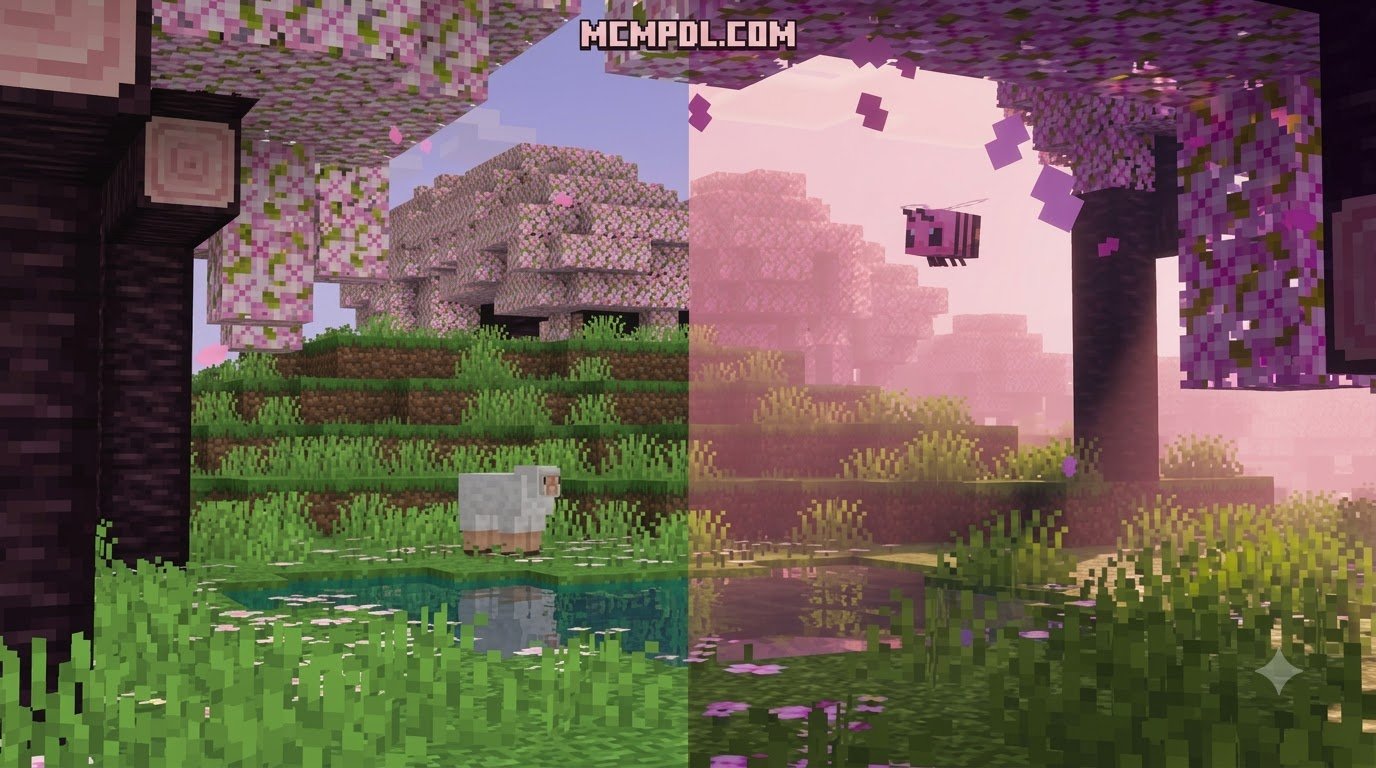
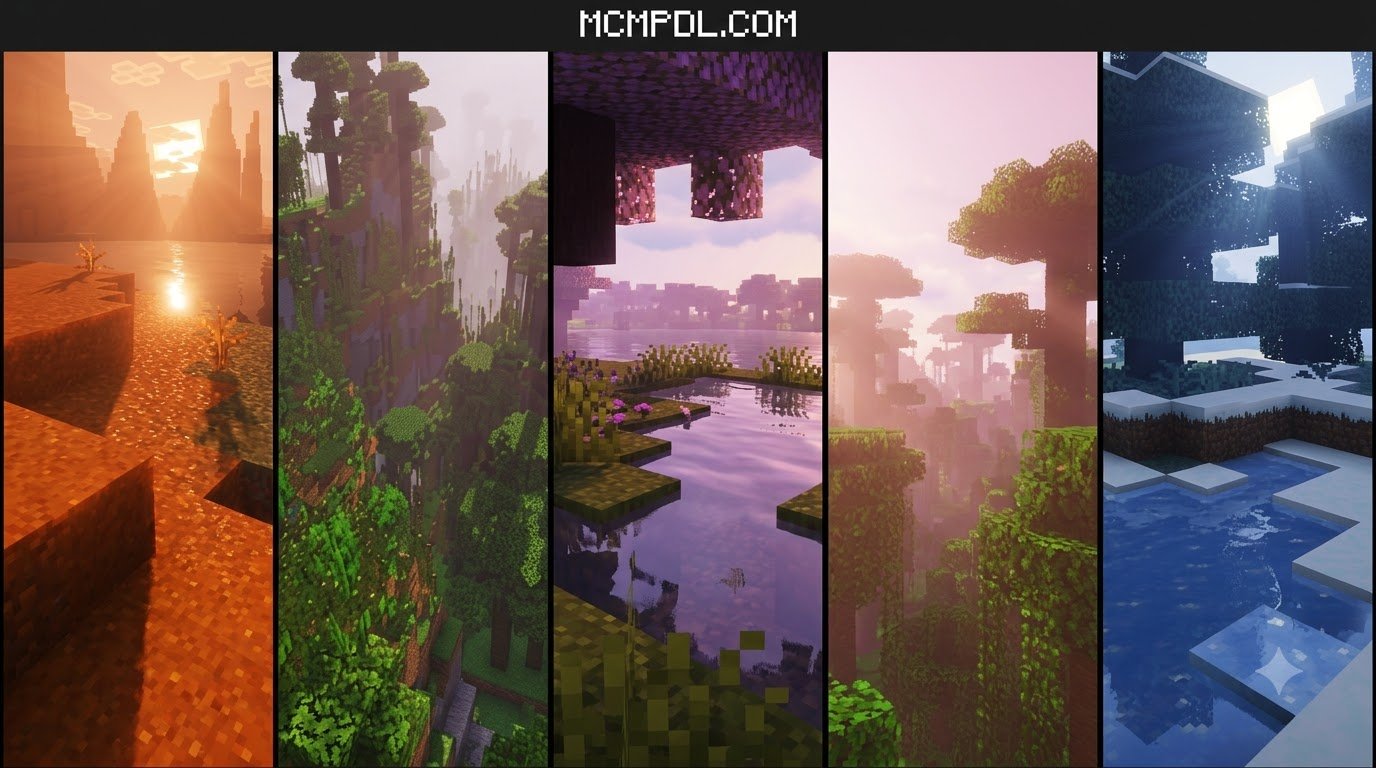
Prizma Visuals is a resource pack, not a traditional shader. It uses Bedrock’s newer deferred rendering tools and PBR-style materials to add richer lighting, shimmering water, 3D block detail, glowing ores, and custom animations. The underlying approach is similar to the physically based rendering techniques used in modern game engines.
It can make a familiar world feel far more cinematic, but it also needs stronger hardware than a simple 16x texture pack. This guide explains how to install it safely, choose the right mode for your device, and fix the most common setup problems.
What Is the Prizma Visuals Texture Pack for Minecraft PE/Bedrock?
Minecraft Bedrock has undergone massive visual shifts over the years, moving from simple texture tweaks to high-end lighting overhauls. Prizma Visuals represents one of the most comprehensive graphical overhauls created for Bedrock Edition. Instead of simply repainting blocks with flat textures, it incorporates Physically Based Rendering (PBR) technology. This technique defines how rough, smooth, metallic, or reflective every single surface is in the game world, transforming flat stone bricks into rugged, tactile masonry and polished deepslate into mirror-like slabs.
If you browse our extensive texture packs catalog, you will find packs that change art styles entirely. Prizma Visuals stands apart by working directly with the game engine’s modern rendering capabilities, offering cinematic sunlight, dynamic entity animations, volumetric atmospheric fog, and true 3D block modeling.
Prizma Visuals vs Traditional Bedrock Shaders
For years, the Bedrock community relied on third-party shader packs that injected custom code into the classic rendering pipeline. Following major engine overhauls like Render Dragon, traditional shaders became incompatible across most Bedrock platforms. Many players believed that Java-style shaders were gone forever on mobile and console.
Prizma Visuals solves this problem by working within Bedrock’s modern framework. It is strictly a resource pack rather than an external mod or injector. By taking advantage of Bedrock’s built-in deferred lighting pipeline, Prizma Visuals calculates realistic lighting, soft shadows, and light bouncing natively. Unlike hardware-restricted ray tracing (RTX), which requires high-end dedicated PC graphics cards, Prizma Visuals delivers comparable depth across various supported devices without requiring an RTX card.
The Role of the Vibrant Visuals Rendering System
The breakthrough that allows Prizma Visuals versions 2.0 and 2.1 to exist is Microsoft’s Vibrant Visuals (the deferred technical preview pipeline). Vibrant Visuals acts as the graphical foundation, handling advanced light scattering, atmospheric fog, and material reflections. Prizma Visuals supplies the detailed PBR textures, normal maps, heightmaps, and emission data that tell the Vibrant Visuals engine how light should react with every block.
Because versions 2.0 and 2.1 are built specifically around this deferred pipeline, they require a Minecraft Preview or Beta environment where the Vibrant Visuals feature toggle is accessible. Players on the standard retail release of Minecraft can still enjoy the classic experience via Prizma Visuals Legacy, which remains available for standard game versions.
Key Visual Features and Modes in Version 2.1
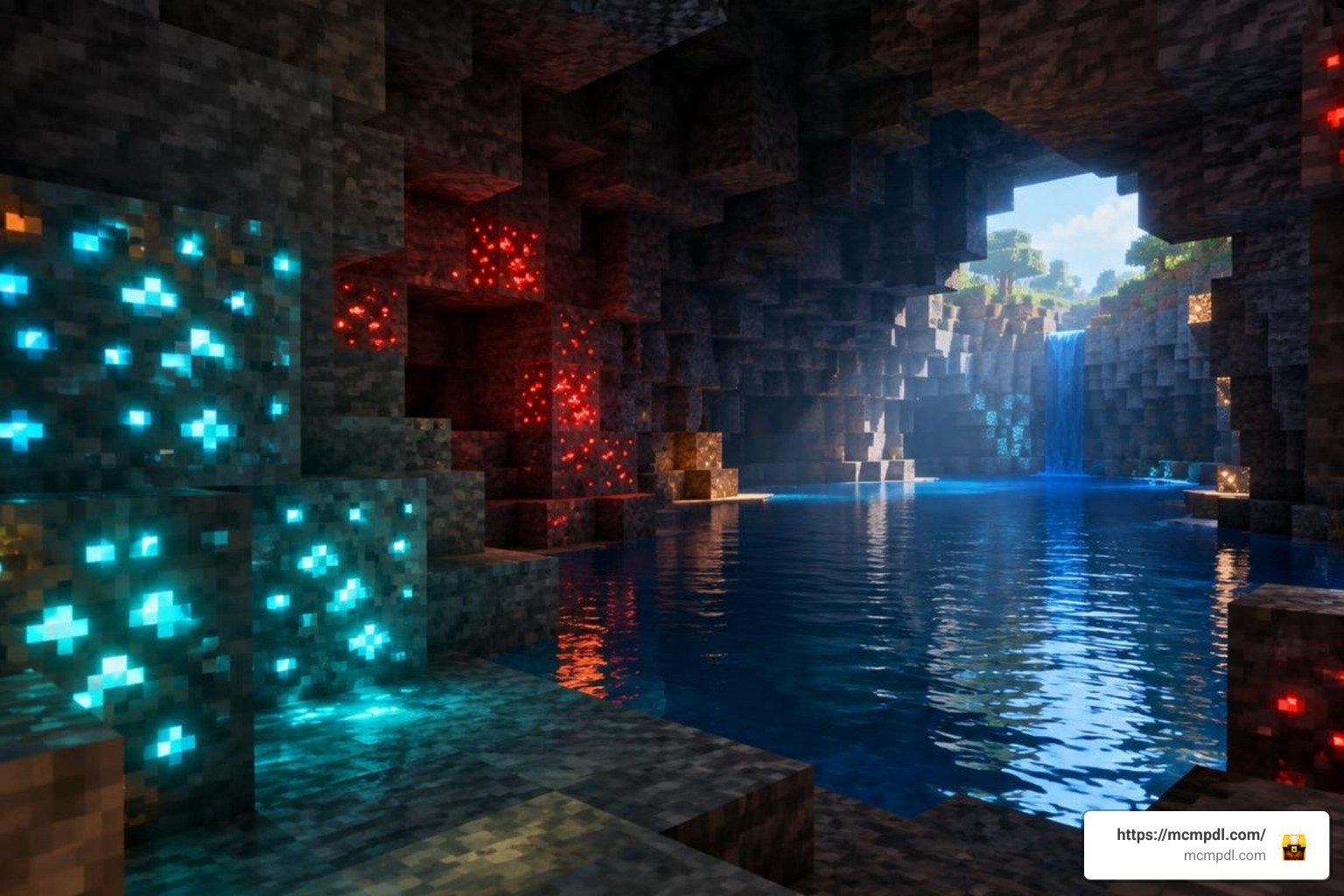
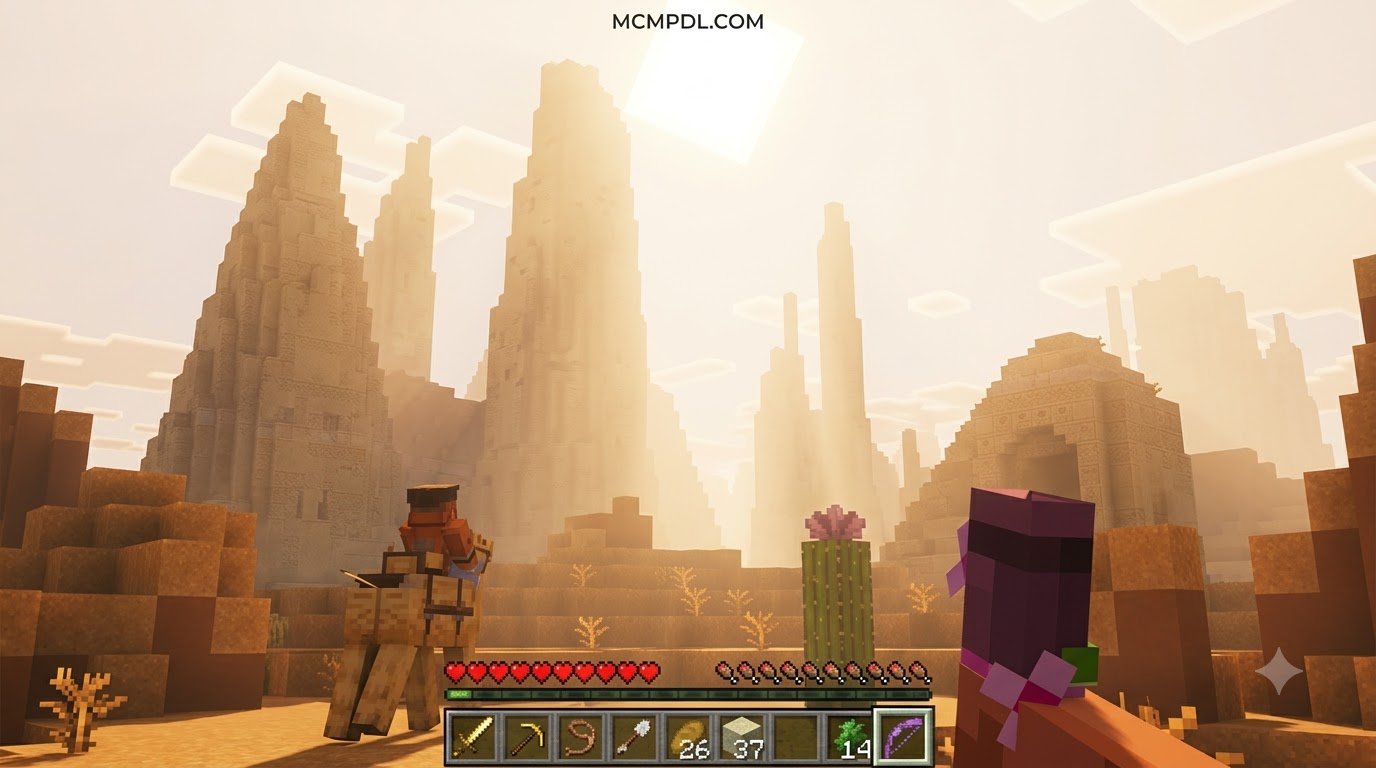
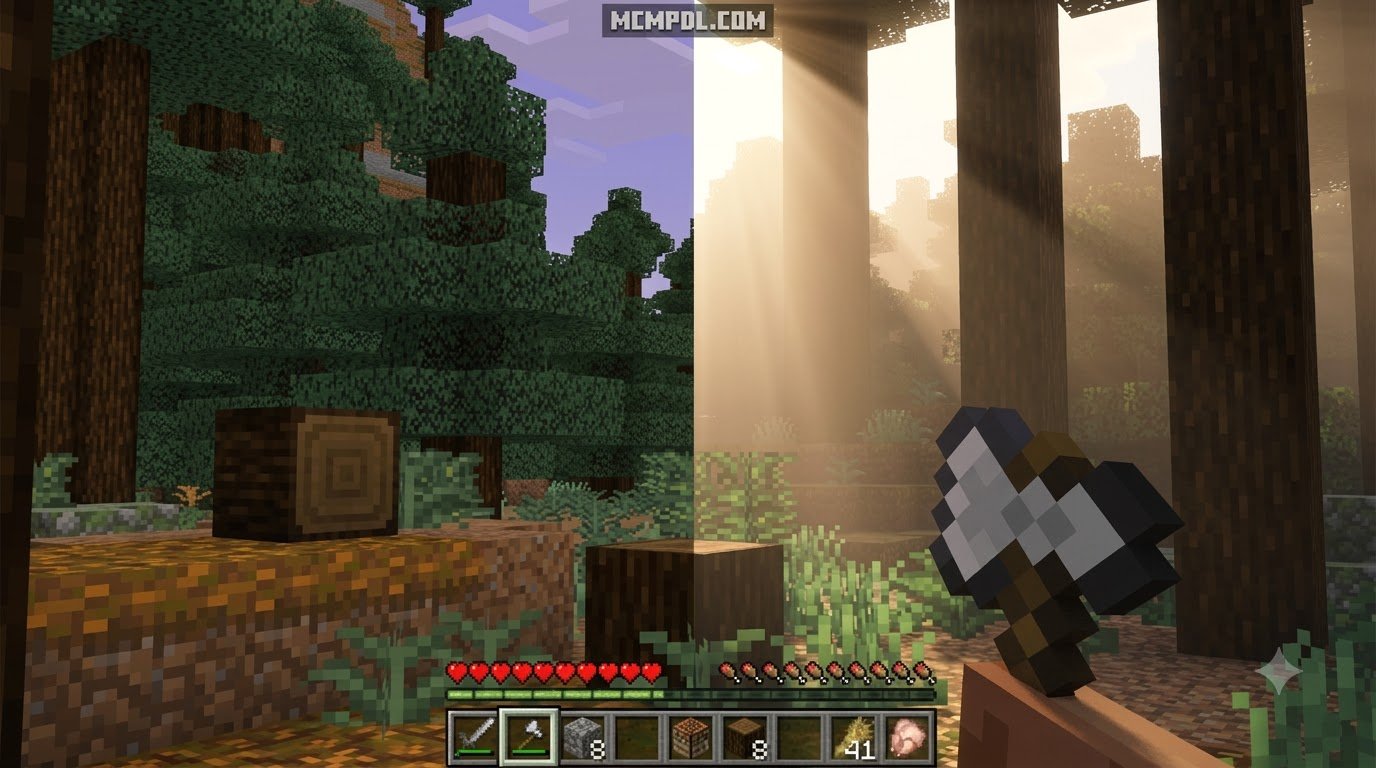
Prizma Visuals 2.1 introduces a massive graphical upgrade across multiple visual layers. The sun delivers realistic lens flare and blinding early-morning sunbeams that slice through dense tree canopies. Water transitions from a flat, translucent texture into a fluid body featuring surface ripples, real-time light refraction, and subtle underwater caustic effects.
Blocks are no longer completely flat squares. Stone, wood bark, bricks, and cobblestone gain depth via 3D bump effects and heightmaps. Underground exploration is overhauled with vibrant, emission-mapped glowing ores that cast light into dark caverns, allowing you to spot valuable diamonds, redstone, and gold deposits nestled inside dark caves without spamming torches.
Three Customizable Modes: Vanilla, Classic, and Default
Every player has different tastes when it comes to visual fidelity and nostalgia. Prizma Visuals accommodates these preferences through three built-in modes:
- Default Mode (Full Prizma): Delivers the complete package. This includes custom high-definition PBR textures, custom mob and item animations, 3D block models, heightmaps, glowing emissive ores, and full atmospheric effects.
- CLASSIC Mode: Retains the custom PBR textures and lighting depth while disabling custom entity and mob animations for players who prefer standard Bedrock movement behaviors.
- VANILLA Mode: Strips away custom block textures entirely, keeping Minecraft’s original pixel art while applying deferred lighting, glowing ores, and PBR depth maps. This allows you to retain the nostalgic vanilla aesthetic while enjoying realistic sunbeams and dynamic light reflections.
Texture Editions and Community Releases
Prizma Visuals is developed by Starfish Studios with multiple release tiers and updates, allowing players to test core PBR lighting, heightmaps, and basic 3D effects across their hardware. Community versions make it straightforward to install and test on supported devices.
If you enjoy clean, high-resolution visual enhancements, you might also like exploring the Vanilla HD texture pack for an alternative way to sharpen your world’s default look.
How to Download and Configure the Pack on Mobile, PC, and Console
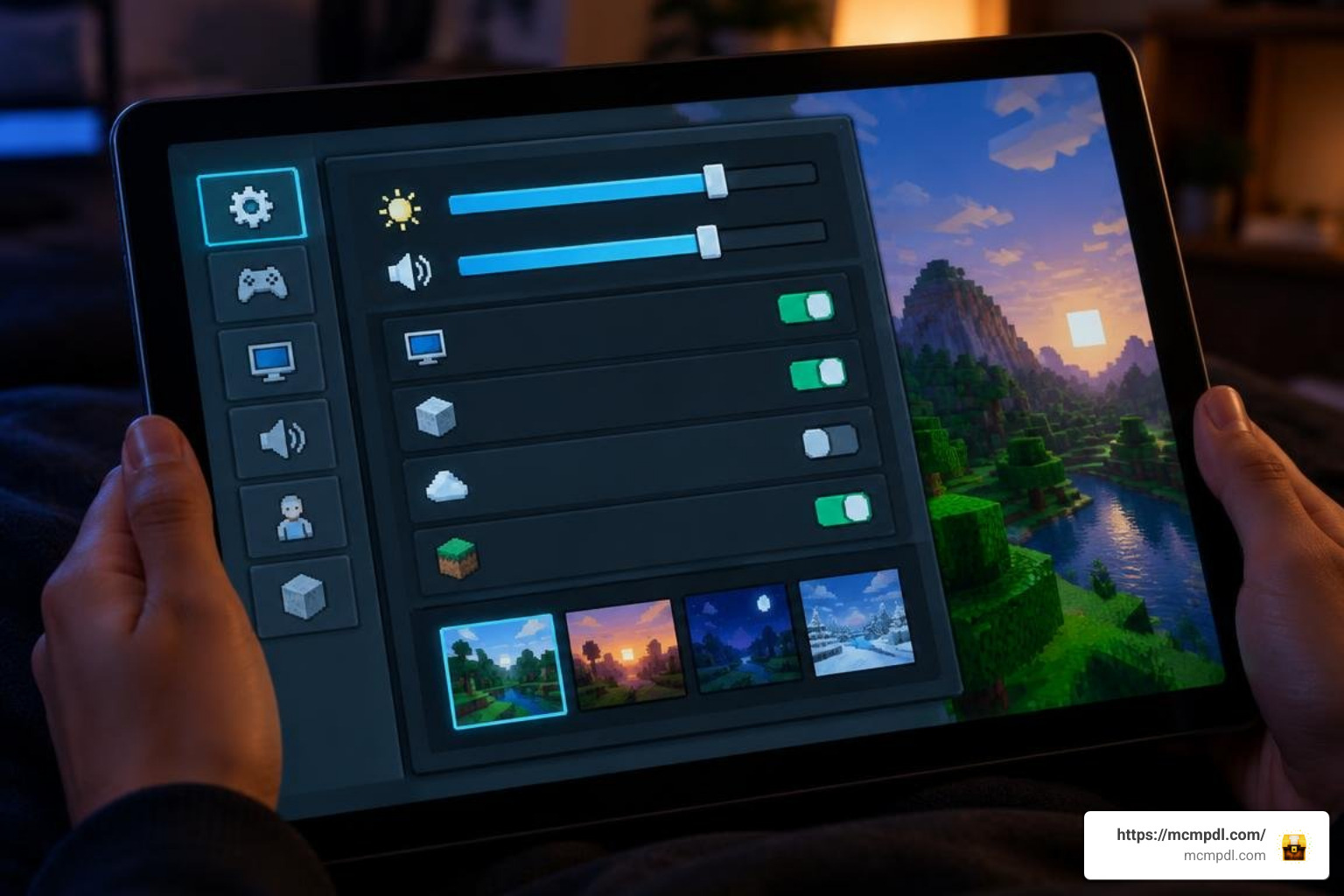
Setting up deferred rendering packs requires specific configurations inside your game menu. Below is the full process for setting up Prizma Visuals across mobile, desktop, and console environments.
Step-by-Step Installation of the Prizma Visuals Texture Pack for Minecraft PE/Bedrock
- Check Game Version: Ensure you have installed the latest Minecraft Preview / Beta app if you plan to run version 2.0 or 2.1.
- Download the Pack: Download the
.mcpackfile to your mobile device or PC. - Import the Pack:
- Android/iOS: Tap the downloaded
.mcpackfile in your file manager and select Minecraft to open and import it automatically. - Windows PC: Double-click the
.mcpackfile to trigger automatic installation into Bedrock.
- Android/iOS: Tap the downloaded
- Activate Deferred Video Settings:
- Launch Minecraft and go to Settings > Video.
- Scroll down to the graphics mode section and enable Vibrant Visuals (Deferred Graphics Preview).
- Adjust the in-game brightness/gamma setting slightly down (around 30–50%) to maximize lighting contrast and prevent washed-out daylight scenes.
- Enable the Resource Pack:
- Navigate to Settings > Global Resources > My Packs.
- Locate Prizma Visuals, click Activate, and use the gear/wrench icon on the pack to select your preferred subpack resolution (16x, 32x, or 64x) or mode (Vanilla, Classic, Default).
- Load Your World: Launch a single-player world or join a realm to see the transformed environment.
Device Compatibility and Performance for the Prizma Visuals Texture Pack for Minecraft PE/Bedrock
Because Prizma Visuals computes dynamic lighting, bump mapping, and water refractions, hardware performance varies significantly:
- Windows 10/11 PCs: Mid-range dedicated graphics cards run the 64x default resolution smoothly at 60+ FPS.
- Modern Mobile Devices (iOS & Android): Flagship phones and tablets handle the 32x or 16x subpack settings reliably. If you experience thermal throttling or frame drops on mid-range phones, switch the pack to Vanilla Mode or lower the resolution to 16x.
- PlayStation 5 & Xbox Series X/S: Consoles running the preview build handle the pack with consistent frame rates and impressive draw distances.
- Nintendo Switch: Prizma Visuals 2.0/2.1 is currently not supported on Nintendo Switch due to platform-level hardware constraints and the absence of the Vibrant Visuals deferred pipeline on that console.
Pack Comparisons and Add-On Compatibility
To help you decide whether Prizma Visuals fits your playstyle, here is how it stacks up feature-by-feature against its own visual pillars:
| Feature / Aspect | Prizma Visuals 2.1 |
|---|---|
| Primary Visual Focus | Deferred PBR Lighting & 3D Depth |
| Lighting Pipeline | Deferred / Vibrant Visuals |
| 3D Blocks & Bump Maps | Yes (Heightmaps & 3D models) |
| Glowing Ores | Yes (Dynamic Emissive Maps) |
| Platform Compatibility | PC, Mobile, Xbox, PS (Preview) |
| Custom Modes | Vanilla, Classic, Full Default |
If you enjoy stylized and themed overhauls, you can also explore creative variations like the geometric Quadral texture pack, the cel-shaded Comicverse textures pack, or the whimsical Sparkle texture pack. For more specialized world themes, check out the playful Candy texture pack, the frosty Ice Age texture pack, the chilling Eldritch Horror pack, the mythic Norse Mythology pack, the industrial Steampunk pack, or the historical Conquest texture pack.
Competitive players focused strictly on maximum frame rates during multiplayer combat can review the Brilliant PvP texture pack or the Ultimate PvP Pack. Alternatively, fans of distinct creative builds can check out the charming Dairycraft texture pack or the ruins-focused Archeologist texture pack.
Combining Prizma Visuals with Other Add-Ons
Prizma Visuals is strictly a visual resource pack, meaning it does not alter core game mechanics, mob behavior scripts, damage values, or crafting recipes. As a result, it works alongside standard gameplay behavior add-ons (such as furniture packs, custom entity mods, and vehicle packs).
To ensure smooth compatibility when stacking resource packs:
- Place Prizma Visuals at the top of your Resource Packs load order if you want its lighting, skyboxes, and block materials to override other packs.
- When using animation overhauls like Actions & Stuff, ensure your companion packs have updated their manifests to support the Vibrant Visuals toggle to avoid visual artifacts or broken mob rigs.
Troubleshooting Common Errors and Future Updates
When running deferred graphic packs on experimental builds, minor visual bugs can occasionally appear. Here is how to fix the most common issues:
- Prizma Visuals Isn’t Showing Any Effects: Make sure Vibrant Visuals is turned on in
Settings > Video. If the option is greyed out or missing, you are running the standard retail build instead of Minecraft Preview/Beta. - Water Appears Completely Invisible or Fully Transparent: This is a known rendering quirk within the experimental deferred pipeline. Simply pause the game, save, exit to the main menu, and reload your world. The water shaders will recompile correctly.
- Dark or Non-Reflective Metallic Surfaces: Older beta iterations occasionally encountered material assignment bugs on iron and copper blocks. Ensure you are running the latest version of Prizma Visuals (such as version 2.1, updated in April 2026), which resolves metallic reflectance properties.
- Low Frame Rates on Mobile Devices: Open Global Resources, tap the gear icon on the Prizma Visuals pack, and adjust the resolution slider down to 16x, or switch the mode toggle to Vanilla.
Starfish Studios continues to refine Prizma Visuals, with planned future updates focusing on expanded PBR material support for upcoming Minecraft blocks, refined water wave kinematics, and optimized shader compiles for smoother performance on mobile GPUs.
Frequently Asked Questions
Why does Prizma Visuals require the Vibrant Visuals toggle?
Prizma Visuals contains custom PBR material maps, emission data, and heightmaps. These features cannot render on Bedrock’s legacy graphics pipeline. The Vibrant Visuals engine handles deferred rendering, allowing Minecraft to calculate lighting, shadows, and reflections based on the data inside Prizma’s files.
Does Prizma Visuals work on the Nintendo Switch or Realms?
- Nintendo Switch: No. The Nintendo Switch hardware does not currently support the Vibrant Visuals deferred pipeline.
- Minecraft Realms: Yes. Prizma Visuals can be used on Realms provided that resource packs are enabled in Realm settings and all joining players are running compatible devices on the preview pipeline.
How do you fix transparent water in Prizma Visuals 2.1?
If water bodies render as invisible voids, it is caused by a shader compilation hiccup in the deferred engine. Save and exit the world back to the Minecraft title screen, then reload the world to restore proper water opacity, wave ripples, and reflections.
Conclusion
Prizma Visuals 2.1 provides an impressive graphical transformation for Minecraft Bedrock, combining deferred lighting, 3D block relief, glowing ores, and custom animations. With customizable Vanilla, Classic, and Default modes, it allows you to balance visual fidelity with your device’s hardware capabilities.
Whether you prefer hyper-realistic lighting or simple pixel-art tweaks, you can browse all Minecraft Bedrock creations on mcmpdl to discover the latest texture packs, shaders, add-ons, and worlds to customize your game.
1 thought on “Prizma Visuals Texture Pack for Minecraft PE/Bedrock”