Scroll down to D0vvnl0ad
What Is the Sparkle Texture Pack for Minecraft PE/Bedrock?
To find and download the Sparkle Texture Pack, open the Minecraft Marketplace from the main menu, search for “Sparkle” or “Sparkle Textures,” and select the listing created by Panascais. Purchase it with Minecoins, download it, then activate it under Settings > Global Resources or in a specific world’s Resource Packs menu.
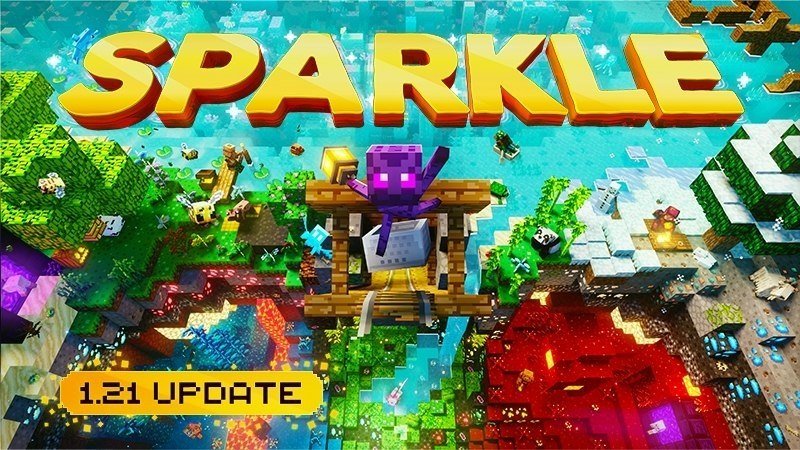
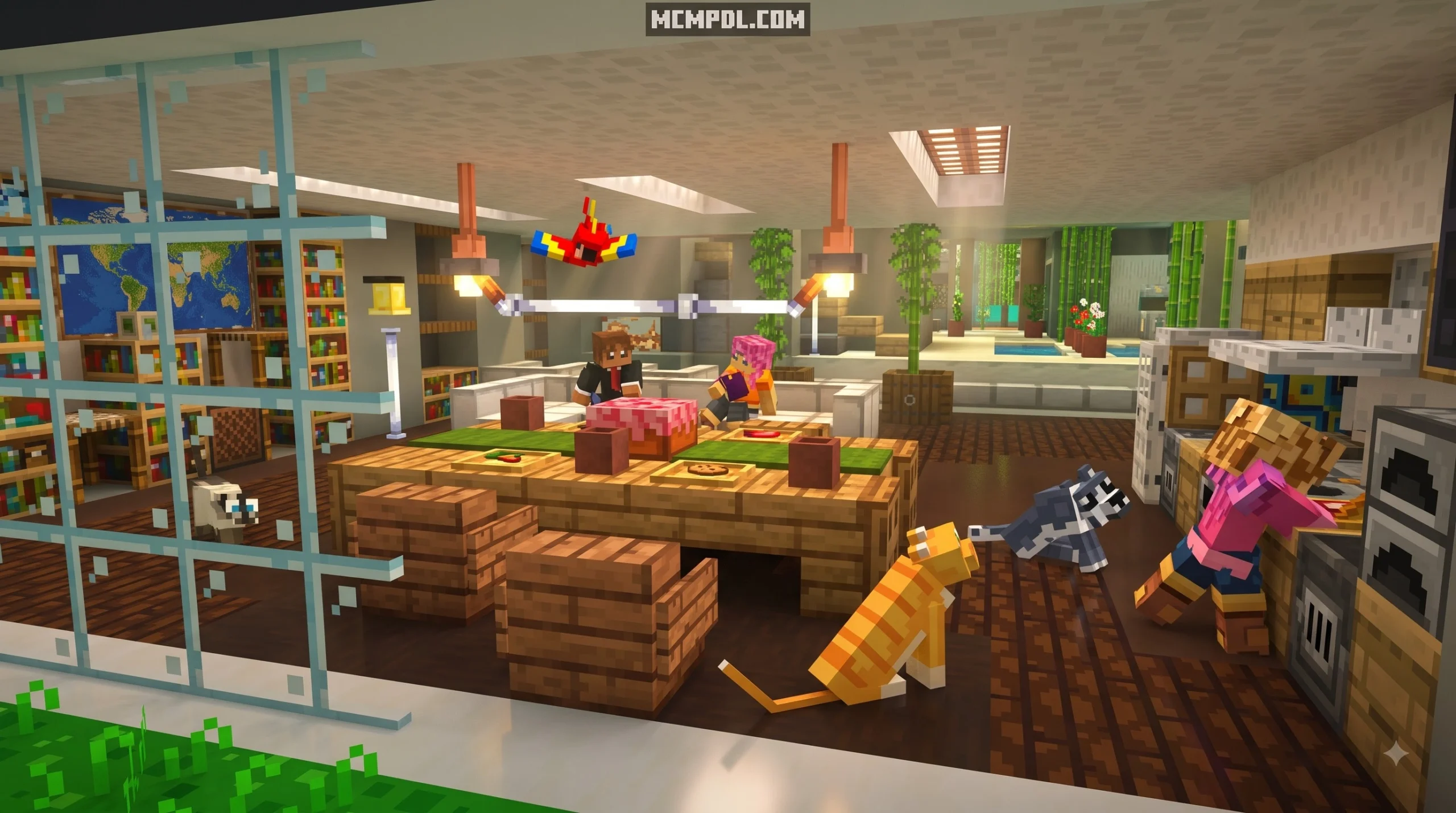
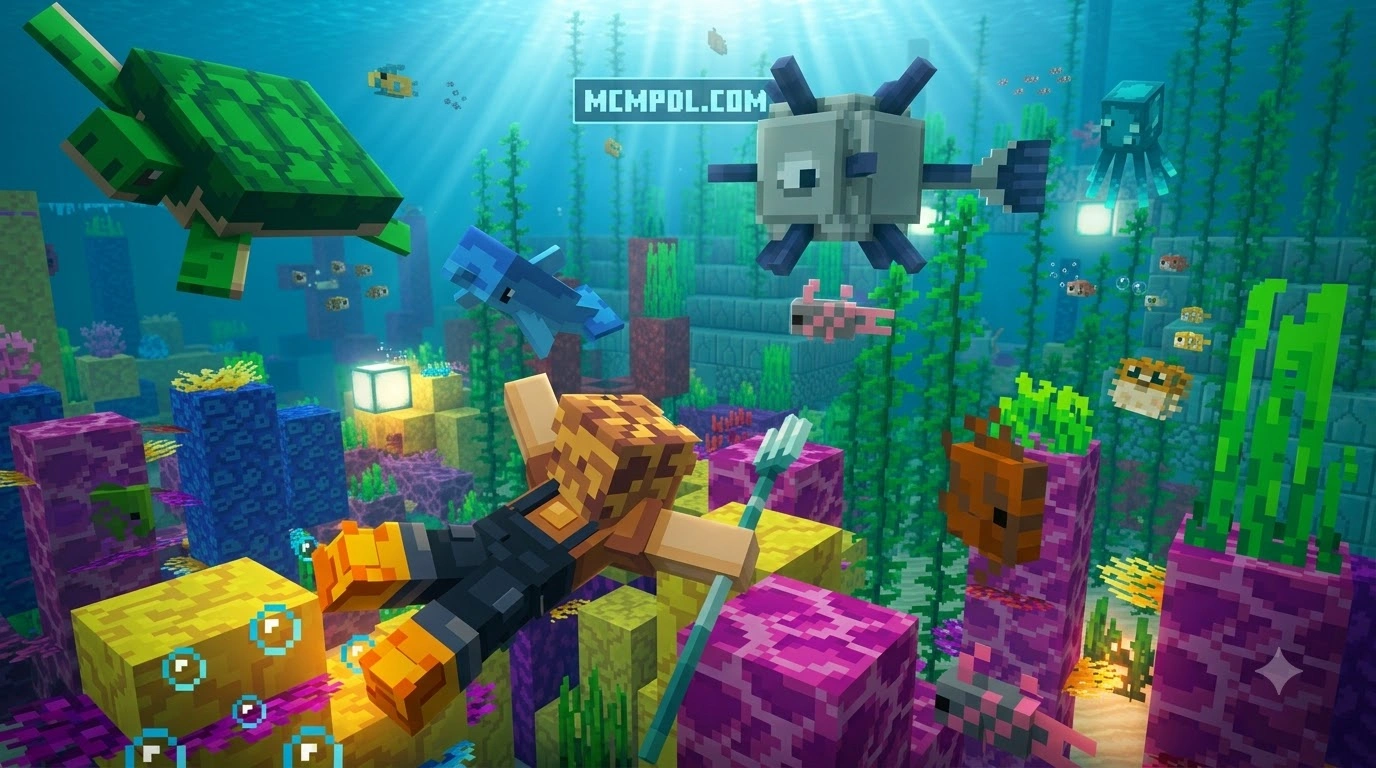
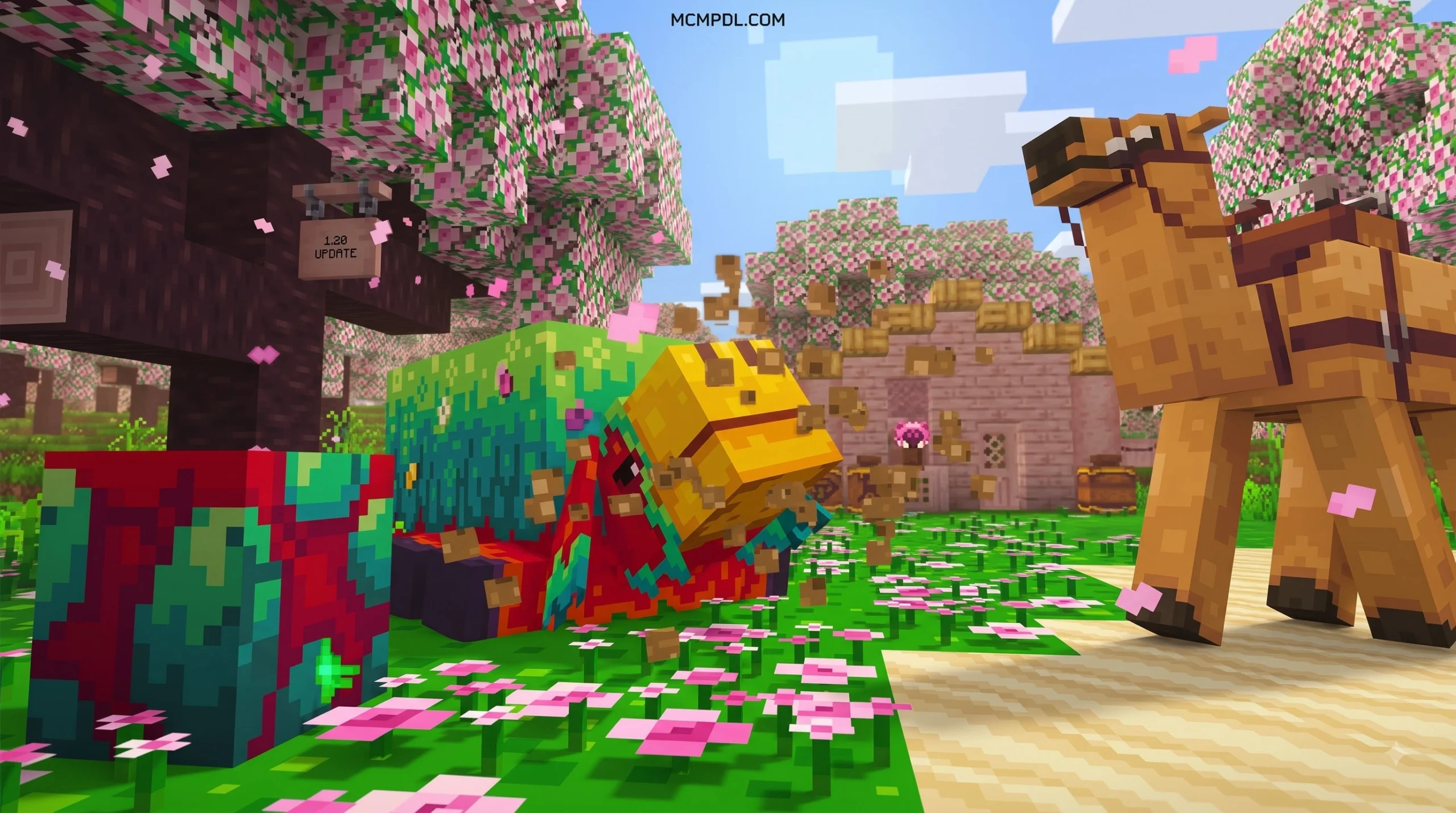
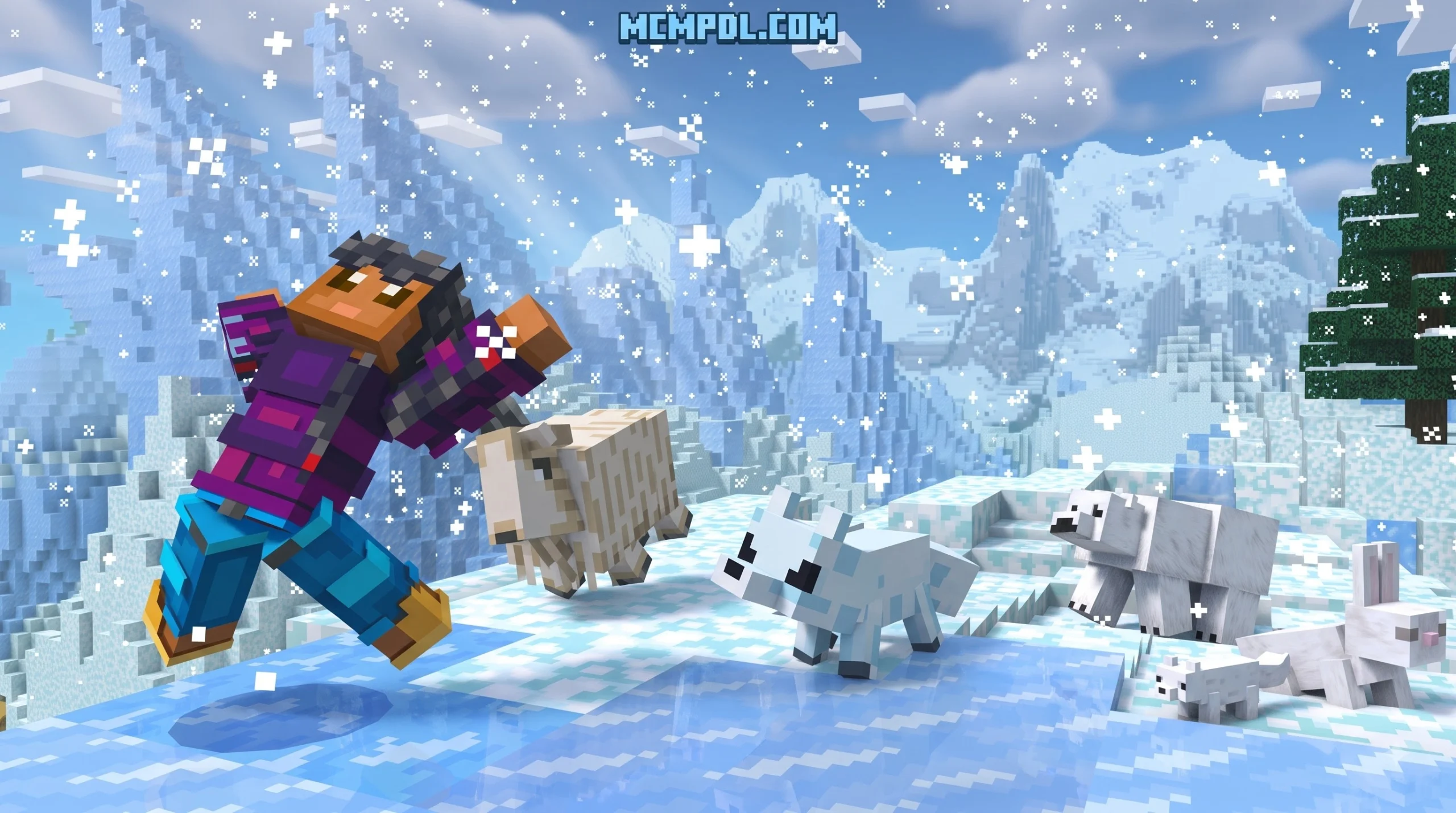
The Sparkle Texture Pack transforms the blocky landscapes of Minecraft Pocket Edition and Bedrock into an expressive, vibrant wonderland. Instead of the muted tones found in default vanilla worlds, this pack introduces rich color palettes, luminous block shading, and dynamic environmental details that simulate high-end visual mods directly on handheld devices.
Many players look for ways to upgrade their game without dealing with heavy rendering engines that crash mobile devices or drain battery life rapidly. Sparkle delivers a shader-like ambience natively within the standard Bedrock engine. Originally released on the Minecraft Marketplace on July 11, 2023, the pack has continued to receive regular maintenance and improvements, keeping it fully compatible with recent game milestones such as the Tricky Trials 1.21 update and beyond.
Key Features of Sparkle Texture Pack for Minecraft PE/Bedrock
What sets Sparkle apart from traditional resource packs is its multi-layered approach to visual motion and world ambience:
- Animated Foliage and Leaves: Tree canopies, tall grass, and decorative plants feature soft waving animations that make forests and plains feel alive rather than static.
- Dynamic Mob and Player Animations: Living creatures have expressive movements, giving vanilla mobs extra character during combat, idle roaming, and pathfinding.
- Lush Color Profiles: Biomes receive distinct environmental tones. Water surfaces look cleaner and more reflective, skies show softer gradients, and sunset hues are amplified.
- Texture Variations: Natural blocks like dirt, stone, and ores feature subtle randomized variations to break up repetitive grid patterns across large terrain surfaces.
- Shader-Style Atmosphere Without Performance Loss: You get the feeling of an active lighting mod without running heavy external scripts or risking unplayable frame drops.
If you enjoy clean, enhanced visuals that elevate default aesthetics without straying into hyper-realism, pairing your visual collection alongside options like the Vanilla HD Texture Pack or the luminous glow of the Luminora Textures Pack for Minecraft PE/Bedrock will give you a versatile visual toolkit for every build style.
Creator Details and Included Content
The pack was designed and published by Panascais, a well-known creator studio in the Bedrock ecosystem with over 155,000 followers. Known for building imaginative worlds and clean artistic packs, Panascais designed Sparkle to serve as a complete cosmetic bundle.
The marketplace package includes:
- 1 Complete Full-World Texture Pack: Overhauls terrain, items, environment, foliage, and creature models.
- 10 Thematic Character Skins: High-detail skins that match the colorful aesthetic of the world textures.
On the official Minecraft Marketplace, the pack holds an average rating of 3.8 out of 5 stars across more than 1,000 community reviews. Players consistently praise its cheerful aesthetic, bright daylight visibility, and the fact that it includes lifetime updates directly from the creator studio.
How to Download and Install Sparkle Textures
Getting the pack onto your mobile device, tablet, console, or Windows PC is straightforward because it is integrated directly into the official Bedrock ecosystem.
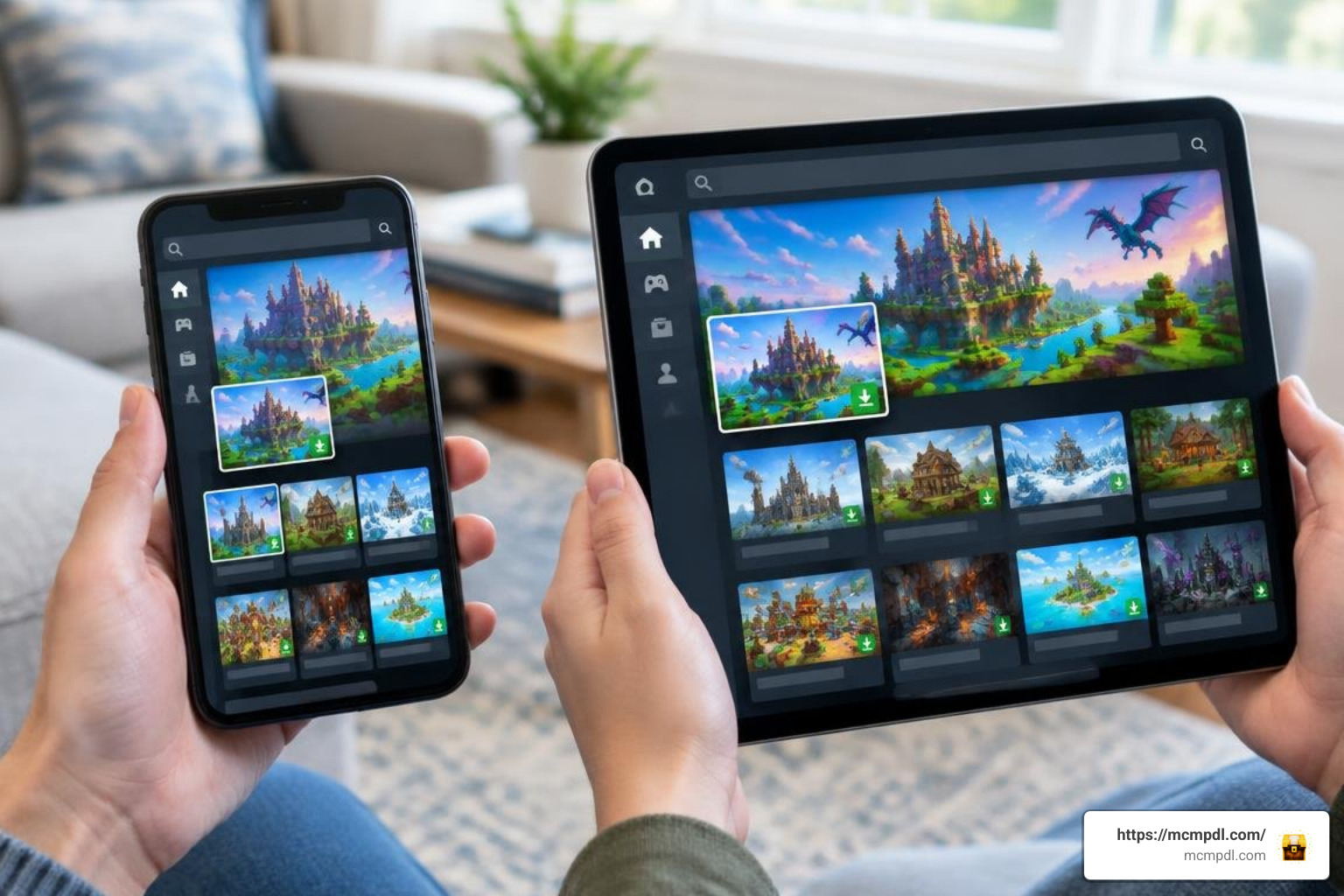
Step-by-Step Installation on Mobile and Bedrock
Follow these simple steps to find, download, and activate Sparkle on your device:
- Launch Minecraft Bedrock/PE: Ensure your game is connected to your Microsoft account so your purchase syncs across devices.
- Open the Marketplace: Click the Marketplace button on the main menu screen.
- Search for the Pack: Select the search magnifying glass icon in the top right corner and type
"Sparkle"or"Sparkle Textures". Look for the listing created by Panascais. - Purchase and Download: Unlock the pack using Minecoins. Once purchased, click the Download button to save the assets directly to your device storage.
- Activate Globally (for all worlds):
- Go to Settings > Global Resources.
- Expand the My Packs drawer.
- Click Sparkle Textures and tap Activate.
- Activate per World (optional):
- If you only want the pack on a specific world or Realm, click the Edit (pencil) button next to the world name.
- Scroll down to Resource Packs, open My Packs, and activate Sparkle there.
If you like experimenting with stylized world looks, you can easily switch between Sparkle and geometric packs like the Quadral Texture Pack for Minecraft PE/Bedrock right from the Global Resources menu whenever you want a fresh artistic direction.
System Compatibility and Settings Optimization
To ensure you get the absolute best performance and visual clarity when running Sparkle on mobile phones or lower-spec tablets, consider tweaking a few in-game video settings:
- Brightness (70% – 100%): Sparkle is designed to look luminous. Keeping brightness relatively high ensures night skies and cave tunnels reveal their rich, saturated tones without turning murky.
- Smooth Lighting (ON): Keeping Smooth Lighting toggled on allows the pack’s soft block gradients and animated foliage to blend naturally with sunlight and torchlight.
- Fancy Graphics (ON): This setting enables leaf transparency and waving animations. If you experience minor stuttering on older devices, reducing your render distance by 2 to 4 chunks will maintain high frame rates while keeping Fancy Graphics active.
- Anti-Aliasing (2x to 4x on capable devices): Softens block edges, making sparkling textures and water surfaces look crisp.
For players who love ultra-sweet, vibrant aesthetics, testing Sparkle alongside the playful palette of the Candy Texture Pack for Minecraft Bedrock Edition will show you just how flexible Bedrock’s rendering engine can be when artistic resource packs take the lead.
Comparing Sparkle Textures to Other Aesthetic Packs
Choosing the right visual style depends on what type of gameplay you enjoy most—whether you are building grand fantasy kingdoms, diving into survival caves, or competing in multiplayer arenas.
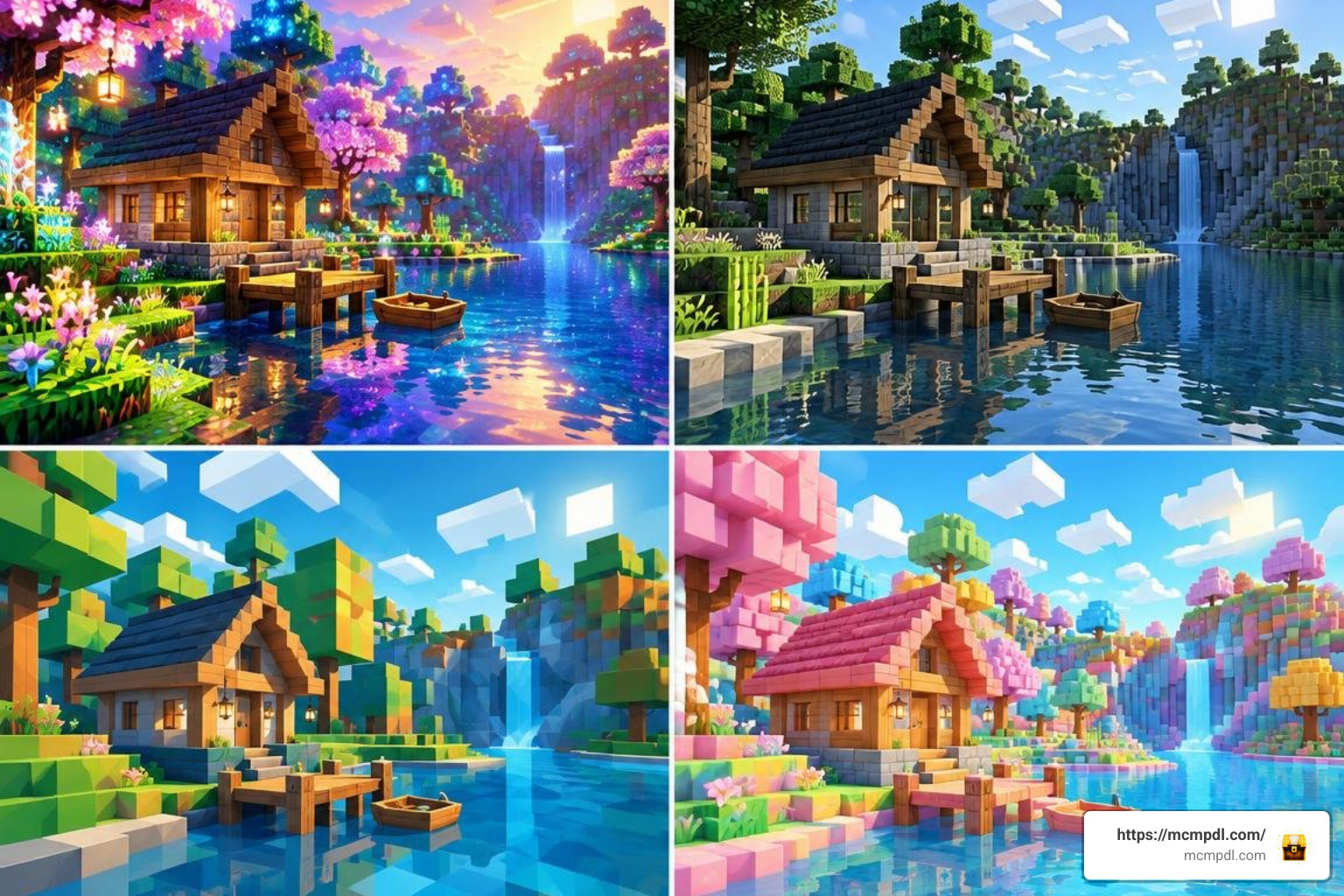
If modern urban designs appeal to you, modern alternatives like the Vibrant Modern Textures Pack for Minecraft PE/Bedrock focus on architectural clean lines, while Sparkle leans heavily into magical, animated nature and saturated landscapes.
Sparkle Texture Pack for Minecraft PE/Bedrock vs Other Visual Upgrades
Here is how Sparkle compares across key categories against other popular Bedrock texture pack styles:
| Feature / Pack Style | Sparkle Textures (Panascais) | Comic / Pop-Art Packs | Simple RTX / PBR Packs | Traditional HD Packs |
|---|---|---|---|---|
| Primary Visual Theme | Shader-like, vibrant, sparkling foliage | Cel-shaded, bold outlines, illustrated | Metallic reflections, realistic emissive ores | Crisp, photorealistic block detailing |
| Animated Foliage | Yes (waving plants & leaves) | Rare | Rare (focuses on lighting) | Occasional |
| Custom Mob Animations | Yes | Yes (stylized) | No (uses default models) | Rare |
| Mobile Performance Impact | Very Low / Highly Optimized | Very Low | High (requires DXR/RTX hardware) | Moderate to High |
| Included Skin Bundle | 10 Thematic Skins | Varies (0 – 5 skins) | Usually 0 skins | Varies |
| Installation Channel | Official Marketplace | Marketplace / Community | Community .mcpack | Marketplace / Community |
| Ideal Playstyle | Creative building, relaxed survival | Story maps, casual roleplay | High-end PC showcases | Technical builds, realistic terrain |
If you appreciate stylized art styles with punchy line work, exploring the Comicverse Textures Pack for Minecraft PE/Bedrock will give you a fun graphic-novel alternative to Sparkle’s glowing fantasy aesthetic.
Frequently Asked Questions About Sparkle Textures
Is the Sparkle Texture Pack Free or Paid?
The official Sparkle Texture Pack by Panascais is a premium content pack available on the official Minecraft Bedrock Marketplace, purchased using Minecoins. Once purchased on your Microsoft account, the pack remains tied to your profile across all supported Bedrock platforms (Android, iOS, Windows, Nintendo Switch, PlayStation, and Xbox). It also includes free perpetual updates whenever the creator publishes patches for new Minecraft game updates.
Does Sparkle Require Any Special Shaders or Experimental Mods?
No. One of the main benefits of Sparkle is that it works entirely within the vanilla Minecraft Bedrock engine. You do not need to install third-party patchers, experimental scripts, or heavy render engines. Simply activate it in your resource pack settings, and the custom animations, vibrant skies, and stylized lighting effects will load automatically.
Which Bedrock Versions Support the Sparkle Resource Pack?
Sparkle supports modern Minecraft Bedrock and Pocket Edition releases from version 1.20 and 1.21 (Tricky Trials) through the latest 2026 Bedrock builds. Because it is distributed through the official Marketplace, it automatically updates to match the current stable version of your game client.
Conclusion
The Sparkle Texture Pack provides a colorful, shader-like atmosphere for Minecraft PE and Bedrock without compromising device performance. With waving foliage, dynamic mob animations, rich color palettes, and 10 bonus skins, it turns everyday survival sessions and creative projects into vibrant, sparkling adventures.
Whether you are decorating an intricate base on your smartphone or exploring massive survival realms on a console, adding expressive resource packs gives your worlds new life. Be sure to explore all Minecraft Bedrock texture packs in our library to find the perfect visual match for your next building journey!